Mortal Kombat 1: Khaos Reigns Bundle PC Game Download
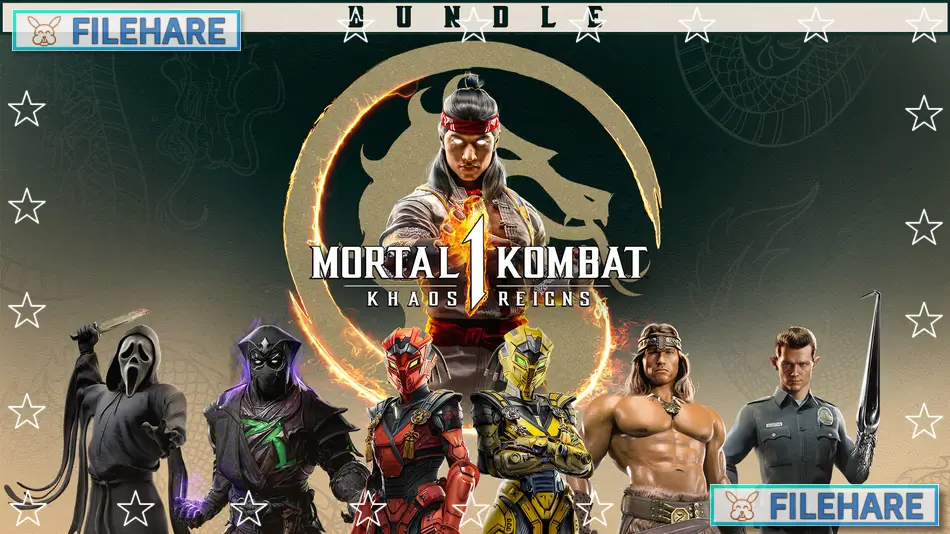
Mortal Kombat 1: Khaos Reigns Bundle is a fighting game package that comes with the main game and the Khaos Reigns expansion. NetherRealm Studios, QLOC developed this game, and Warner Bros. Games published it. The Khaos Reigns expansion came out on 29 Jul, 2024. This bundle gives players access to the full game plus extra content that was added later. The game is part of the long-running Mortal Kombat series and continues the franchise on modern gaming platforms.
Table of Contents
Mortal Kombat 1: Khaos Reigns Bundle Story
Fire God Liu Kang created a new timeline where he wants peace to remain. A villain named Titan Havik comes from another timeline and tries to cause destruction in all realms. Liu Kang gathers his fighters and even teams up with some rivals to stop Havik from spreading chaos. The expansion story shows this battle between order and disorder. New story chapters focus on this fight. You will see familiar characters who have been changed to fit this new timeline that Liu Kang created.
Mortal Kombat 1: Khaos Reigns Bundle Gameplay
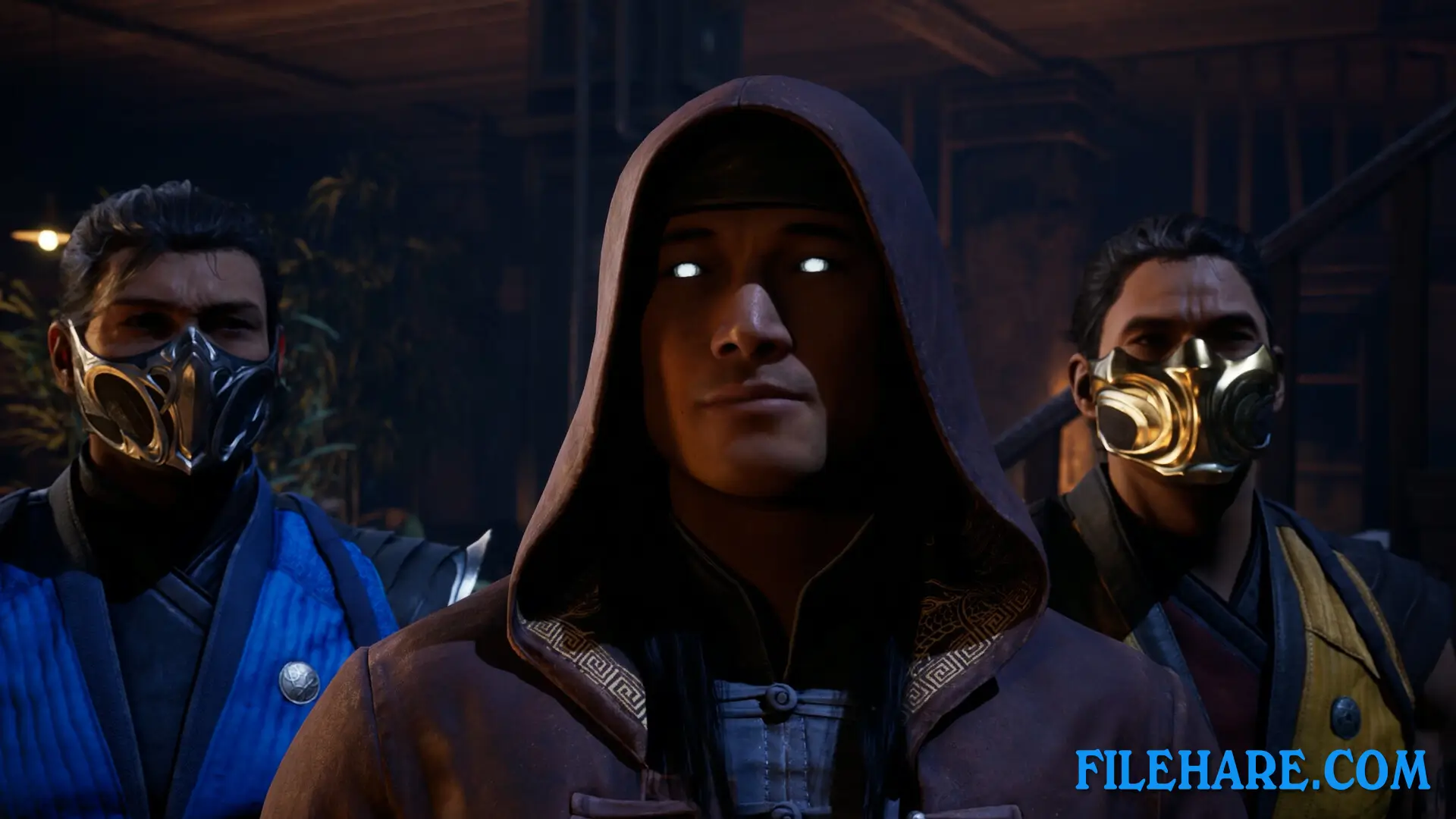
Players fight in one-on-one battles where they use punches, kicks, and special abilities. You can chain attacks together to create combos. The game has a Kameo Fighter option that allows you to call another character during fights to assist you. Players can finish their opponents with Fatalities and Brutalities, which are finishing moves. The expansion brought back Animalities where fighters turn into animals. There are story mode, tournament mode, and online battles. Training modes are available to practice your fighting techniques.
Mortal Kombat 1: Khaos Reigns Bundle Features
The bundle has 22 starting fighters in the main game. The Khaos Reigns expansion includes Kombat Pack 2 with six additional fighters. Three are Noob Saibot, Cyrax, and Sektor. Three are guest fighters: Ghostface from Scream, T-1000 from Terminator 2, and Conan the Barbarian. Kombat Pack 1 is also in the bundle with six fighters including Omni-Man, Quan Chi, Peacemaker, Ermac, Homelander, and Takeda Takahashi. Kameo Fighters like Tremor, Khameleon, Janet Cage, Mavado, and Ferra can be used as assists. A Jean-Claude Van Damme skin for Johnny Cage is available. The game offers multiple modes for solo and online play.
Recommended System Requirements
Requires a 64-bit processor and operating system
- OS: Windows 10/11 64-bit
- Processor: Intel Core i5-8400 | AMD Ryzen 5 3600X
- Memory: 8 GB RAM
- Graphics: Nvidia GeForce GTX 2080 Ti or AMD Radeon RX 5700 XT or Intel Arc A770
- DirectX: Version 12
- Storage: 140 GB available space
- Additional Notes: SSD, 1440p/High
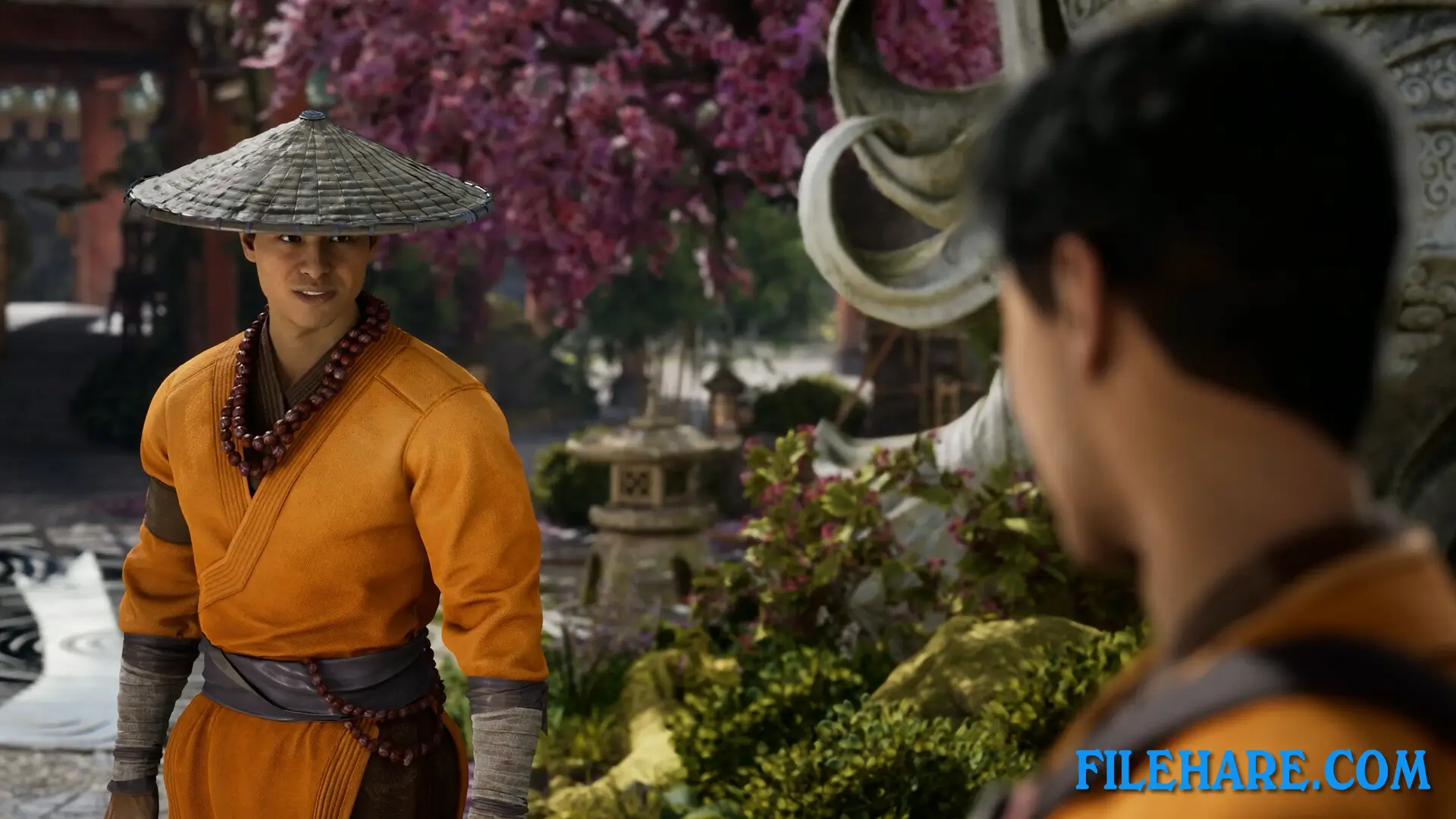
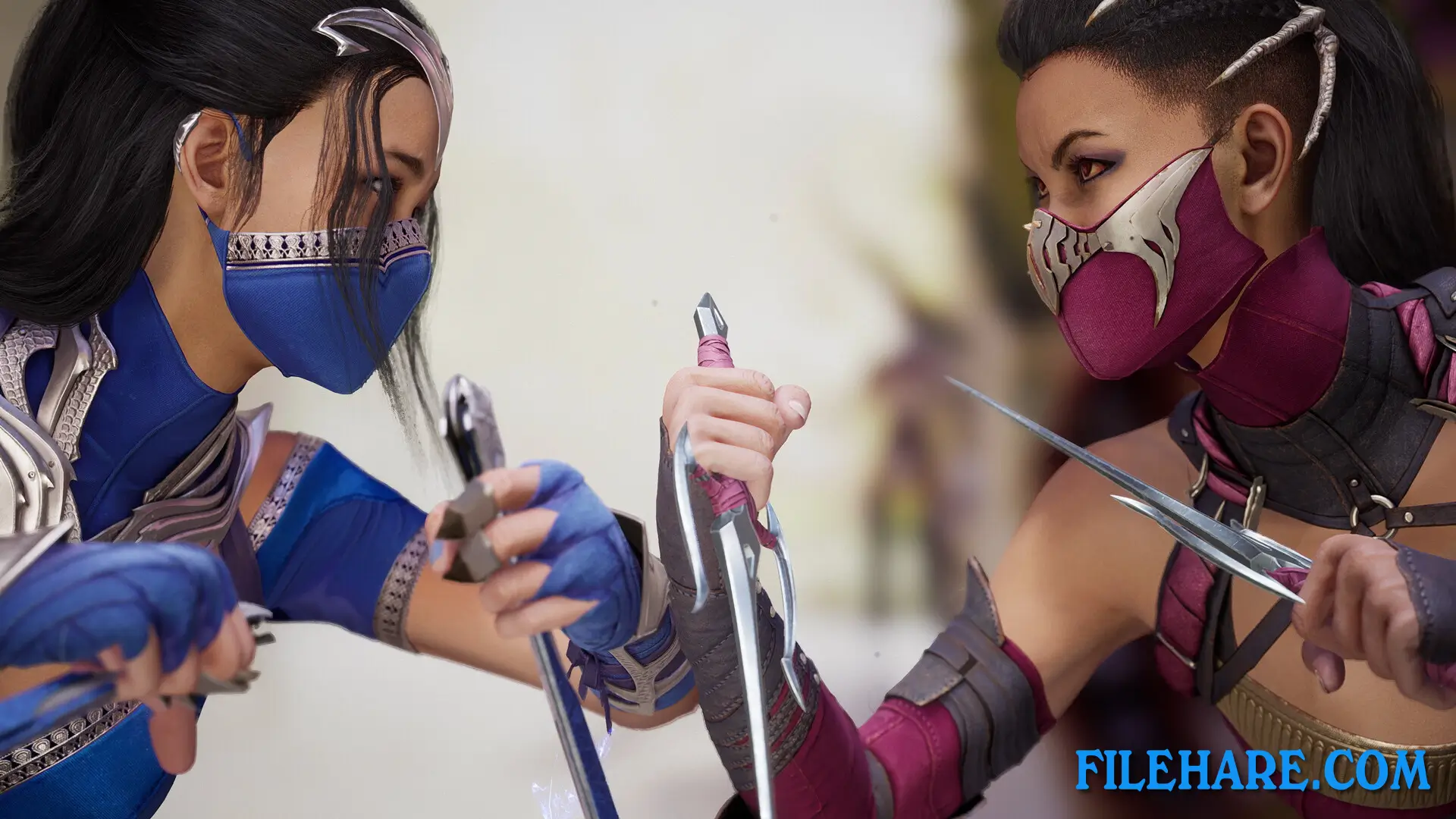
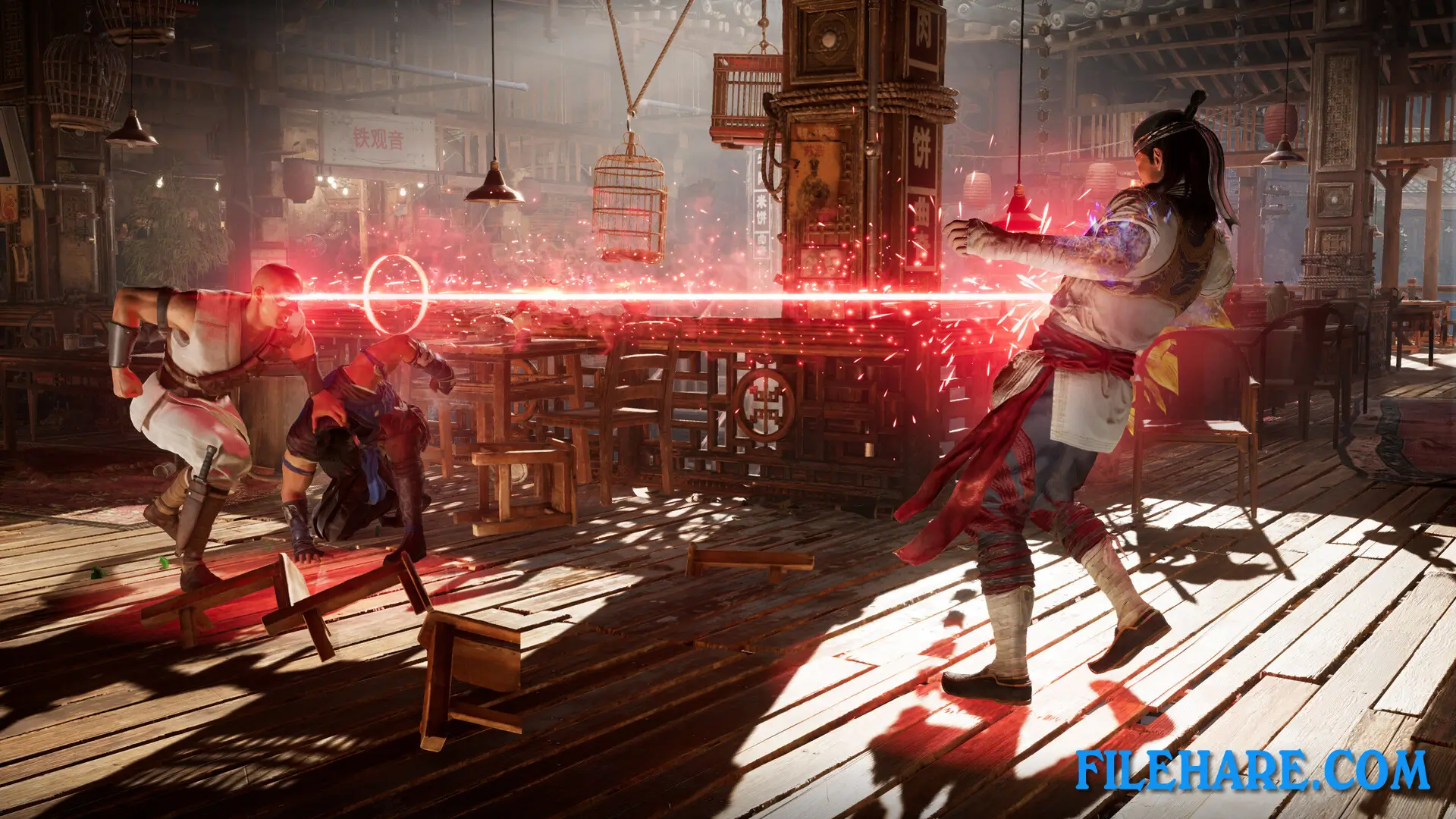
Gameplay Screenshots
| Name | Mortal Kombat 1: Khaos Reigns Bundle |
|---|---|
| Developer | NetherRealm Studios, QLOC |
| File Size | 33 GB |
| Category | Action |
| Minimum System Requirements | |
| CPU | Intel Core i5-6600 | AMD Ryzen 3 3100 or Ryzen 5 2600 |
| RAM | 8 GB |
| Graphics | Nvidia GeForce GTX 1660 or AMD Radeon RX 590 or Intel Arc A750 |
| Free Disk Space | 140 GB |
| Operating System | Windows 10 / 11 (64-bit) |
| User Rating | |
Buy this game to support the developer. Store Page
How to Download and Install Mortal Kombat 1: Khaos Reigns Bundle PC Game?
We have simple instructions for you to download and install the PC game. Before following the steps, Ensure your PC meets the minimum system requirements for Playing the game on your PC.
- First, click on the DOWNLOAD button and you will be redirected to the final Download page. Then, Download the Game on your PC.
- Once you have downloaded the Mortal Kombat 1: Khaos Reigns Bundle PC Game, Open the folder where you saved the Game.
- Then Right-click on the Zip file and click on the "Extract files" option from the dropdown menu. If your computer does not have a Zip file extract software installed, you must first install it. (such as WinRAR, 7Zip software)
- After Extracting the Zip file, Open the Mortal Kombat 1: Khaos Reigns Bundle PC Game folder.
- Then, double-click on the Setup.exe file to Install the Game.
- If asked to allow the program to make changes to your device, click Yes to continue.
- After the installation, if you get any missing ".dll" errors or the Game is not launching, open the Readme.txt file located in the game folder and follow the instructions shown in the document file to play the game.
Done!. Now, you can launch the game from your desktop.