Myst PC Game Download for Windows 10/11
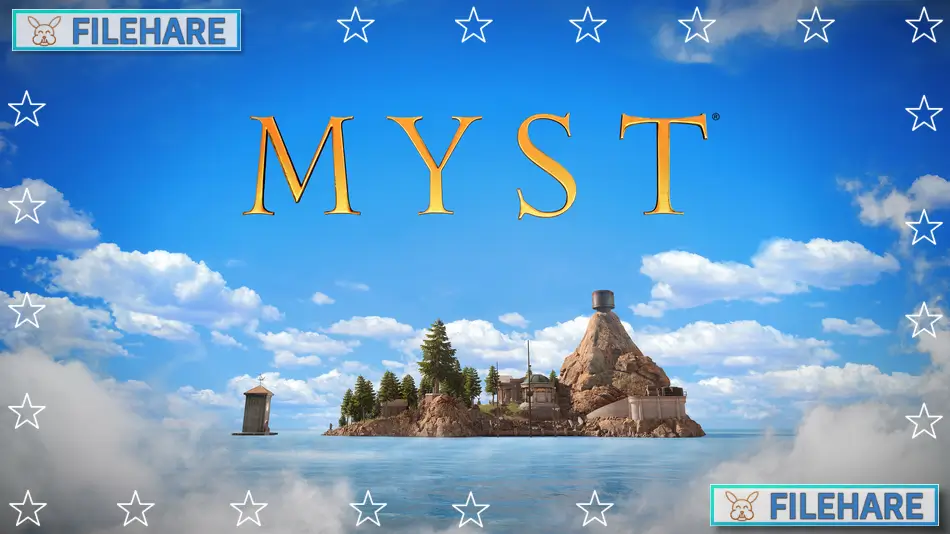
Myst is an adventure puzzle game developed and published by Cyan Worlds Inc. The game was released on August 26, 2021, for PC. This is a complete remake of the original Myst game that first came out in 1993. The new version was built from the ground up using Unreal Engine and supports both regular 2D play and virtual reality. The game is a first-person exploration and puzzle adventure.
Table of Contents
Myst Story
You arrive on a mysterious island called Myst that is beautiful but also strange and full of secrets. As you explore the island, you discover linking books that transport you to other locations called Ages. You must uncover what happened on the island and learn about a story involving family betrayal. The father Atrus had two sons named Sirrus and Achenar, who fought over their father’s power and secrets. You must find out the truth about the family by exploring the different Ages and examining clues left behind. The game has multiple endings based on what you discover and the final decision you make about who to trust.
Myst Gameplay
This is a first-person exploration and puzzle game where you walk around and interact with objects by clicking on them. You explore Myst Island and travel to four different Ages using special linking books. In these locations, you must examine your environment carefully and find clues to solve complex mechanical puzzles. The puzzles involve understanding machines, reading journals, listening to sounds, and figuring out how different devices work together. You can take photos in the game to remember important information.
Myst Features
The game supports both traditional flatscreen play and VR mode with motion controller support. It includes multiple graphics options like ray tracing and supersampling for better visuals. There are accessibility options and comfort features for VR players, such as smooth or snap turning and quick travel options. The game has 30 achievements to unlock. It supports 11 languages with subtitles and a localized interface. Players can adjust graphics settings to match their computer performance.
Recommended System Requirements
Requires a 64-bit processor and operating system
- OS: Windows 10 or 11
- Processor: Intel i5-4590 / AMD Ryzen 5 1500X or greater
- Memory: 16 GB RAM
- Graphics: NVIDIA GTX 1070 / AMD Radeon Vega 56 or greater
- DirectX: Version 12
- Storage: 20 GB available space
- Sound Card: NA
- VR Support: Quest 2 over Airlink or Link cable, HTC Vive Pro, Valve Index
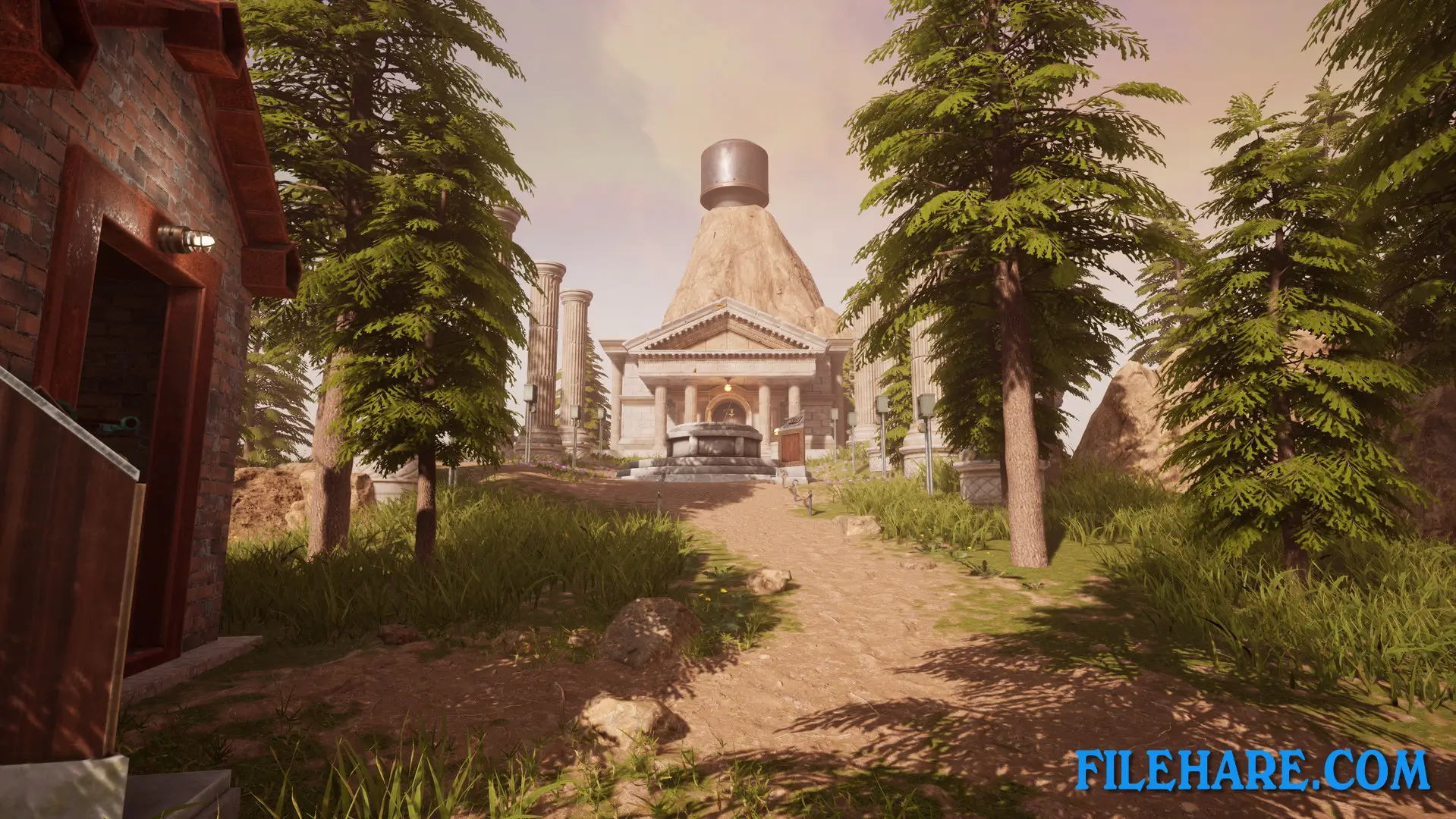
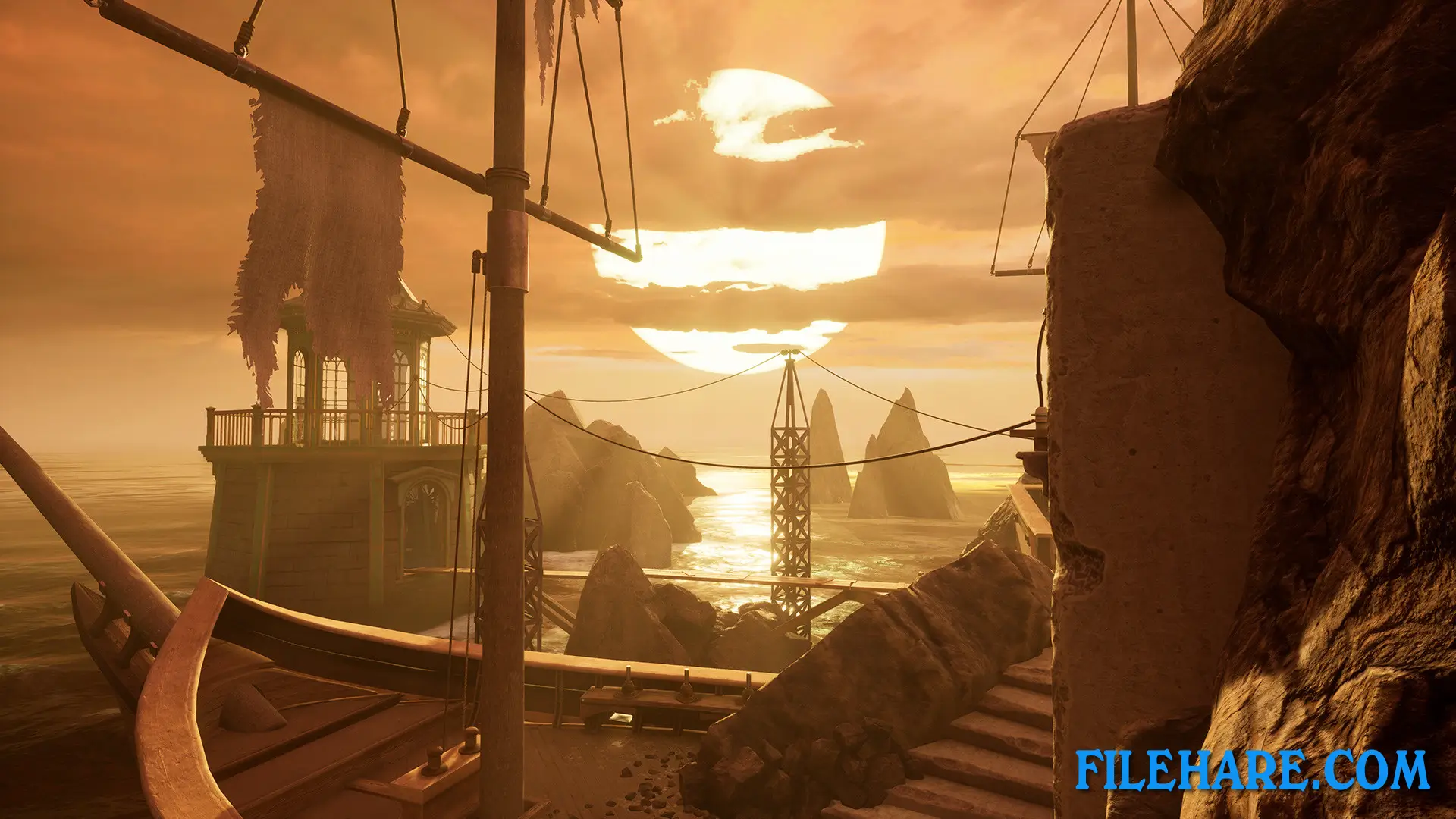
Gameplay Screenshots
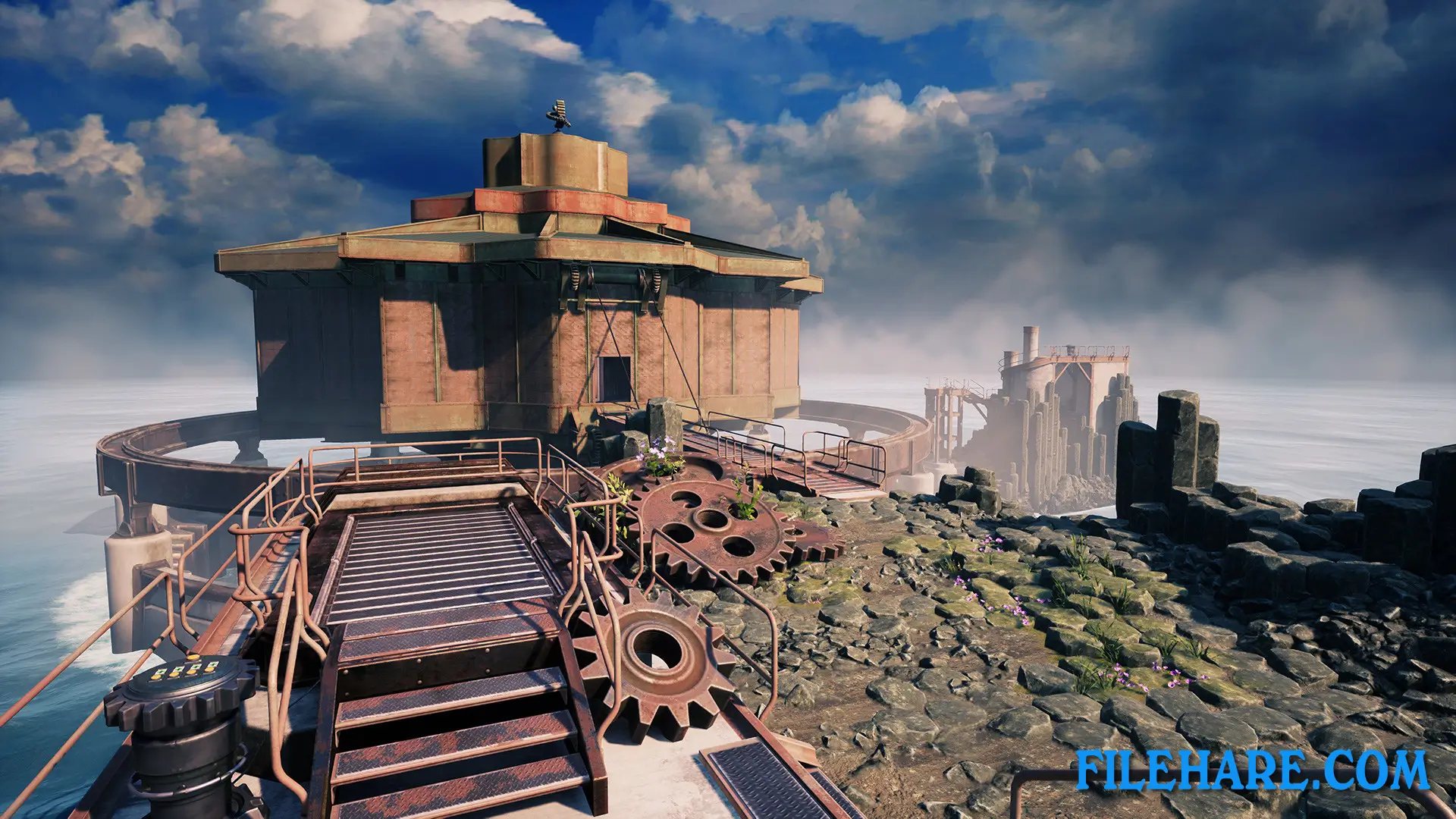
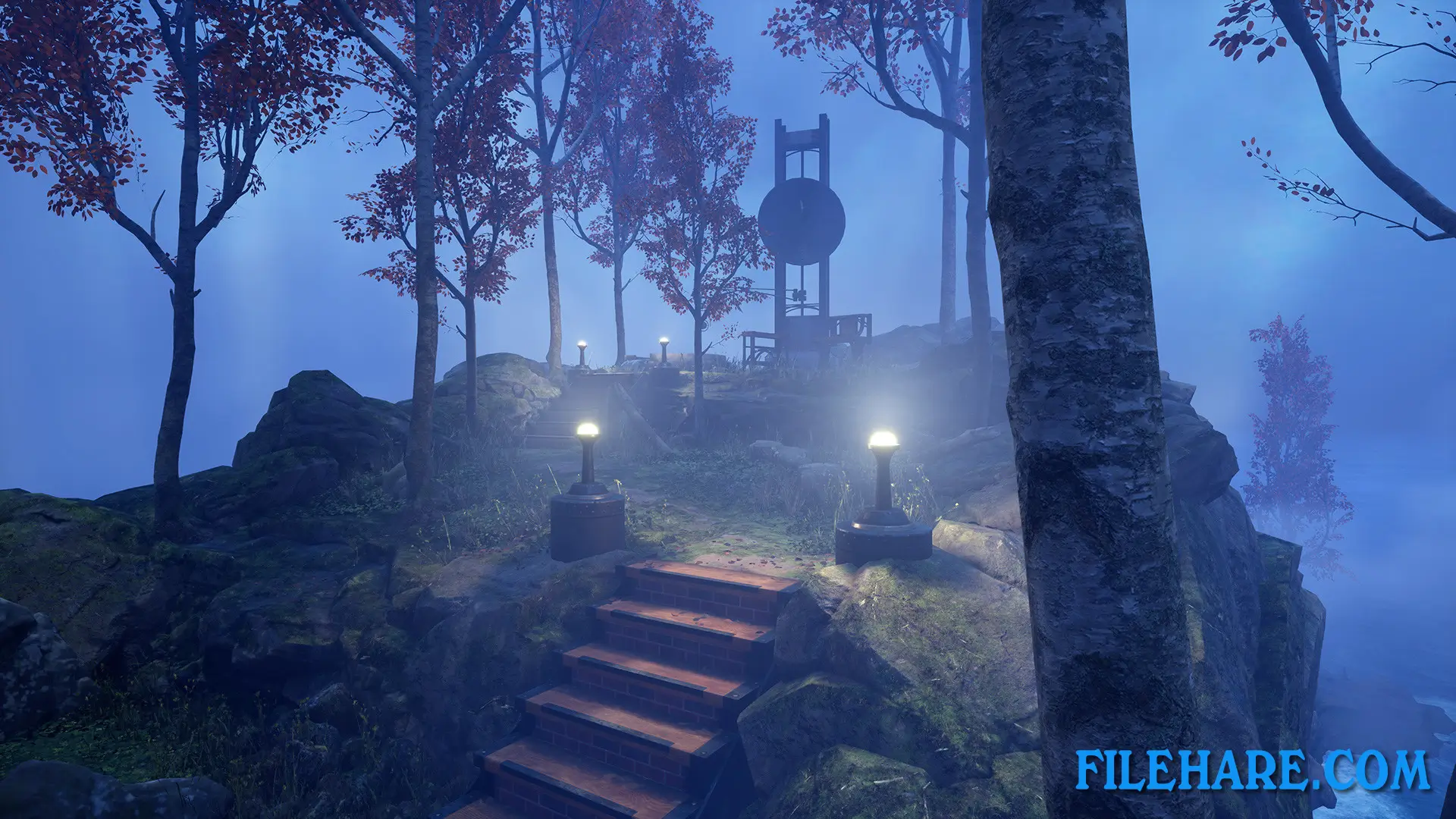
| Name | Myst |
|---|---|
| Developer | Cyan Worlds Inc |
| File Size | 6.36 GB |
| Category | Adventure, Indie |
| Minimum System Requirements | |
| CPU | Intel i3-6100 / AMD Ryzen 3 1200, FX4350 or greater |
| RAM | 8 GB |
| Graphics | NVIDIA GTX 1050 Ti / AMD Radeon RX 570 or greater |
| Free Disk Space | 20 GB |
| Operating System | Windows 10 / 11 (64-bit) |
| User Rating | |
Buy this game to support the developer. Store Page
How to Download and Install Myst PC Game?
We have simple instructions for you to download and install the PC game. Before following the steps, Ensure your PC meets the minimum system requirements for Playing the game on your PC.
- First, click on the DOWNLOAD button and you will be redirected to the final Download page. Then, Download the Game on your PC.
- Once you have downloaded the Myst PC Game, Open the folder where you saved the Game.
- Then Right-click on the Zip file and click on the "Extract files" option from the dropdown menu. If your computer does not have a Zip file extract software installed, you must first install it. (such as WinRAR, 7Zip software)
- After Extracting the Zip file, Open the Myst PC Game folder.
- Then, double-click on the Setup.exe file to Install the Game.
- If asked to allow the program to make changes to your device, click Yes to continue.
- After the installation, if you get any missing ".dll" errors or the Game is not launching, open the Readme.txt file located in the game folder and follow the instructions shown in the document file to play the game.
Done!. Now, you can launch the game from your desktop.