Rogue Waters PC Game Download for Windows 10/11
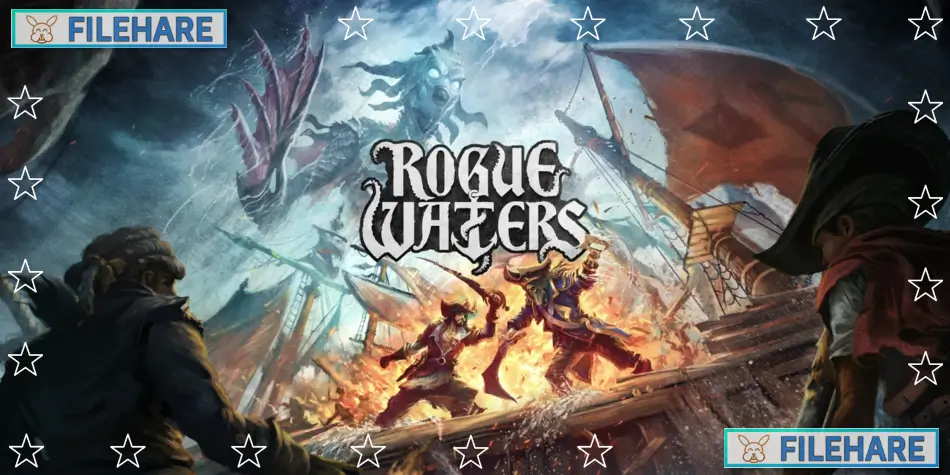
Rogue Waters is a tactical pirate game that uses strategy and combat in every battle. The game was developed by Ice Code Games, the same studio that created Hard West 2. It was published by Tripwire Presents and released on September 30, 2024, for PC via Steam and Epic Games Store. The game costs $29.99 and later came to PlayStation 5, Xbox Series, and Nintendo Switch on February 4, 2025.
Table of Contents
Rogue Waters Story
You play as Captain Cutter, an immortal pirate captain who wants revenge. The story is about loyalty, betrayal, and revenge as you sail dangerous waters to find legendary treasure. You must uncover the secrets of the Sea Shepherd prophecy and face your enemy, the immortal Captain Blackbone. The story is told in three acts and has many events and encounters that happen as you sail. You will meet other pirate crews and must choose whether to fight them or trade with them. The story has a main goal, but many smaller events happen on the way.
Rogue Waters Gameplay
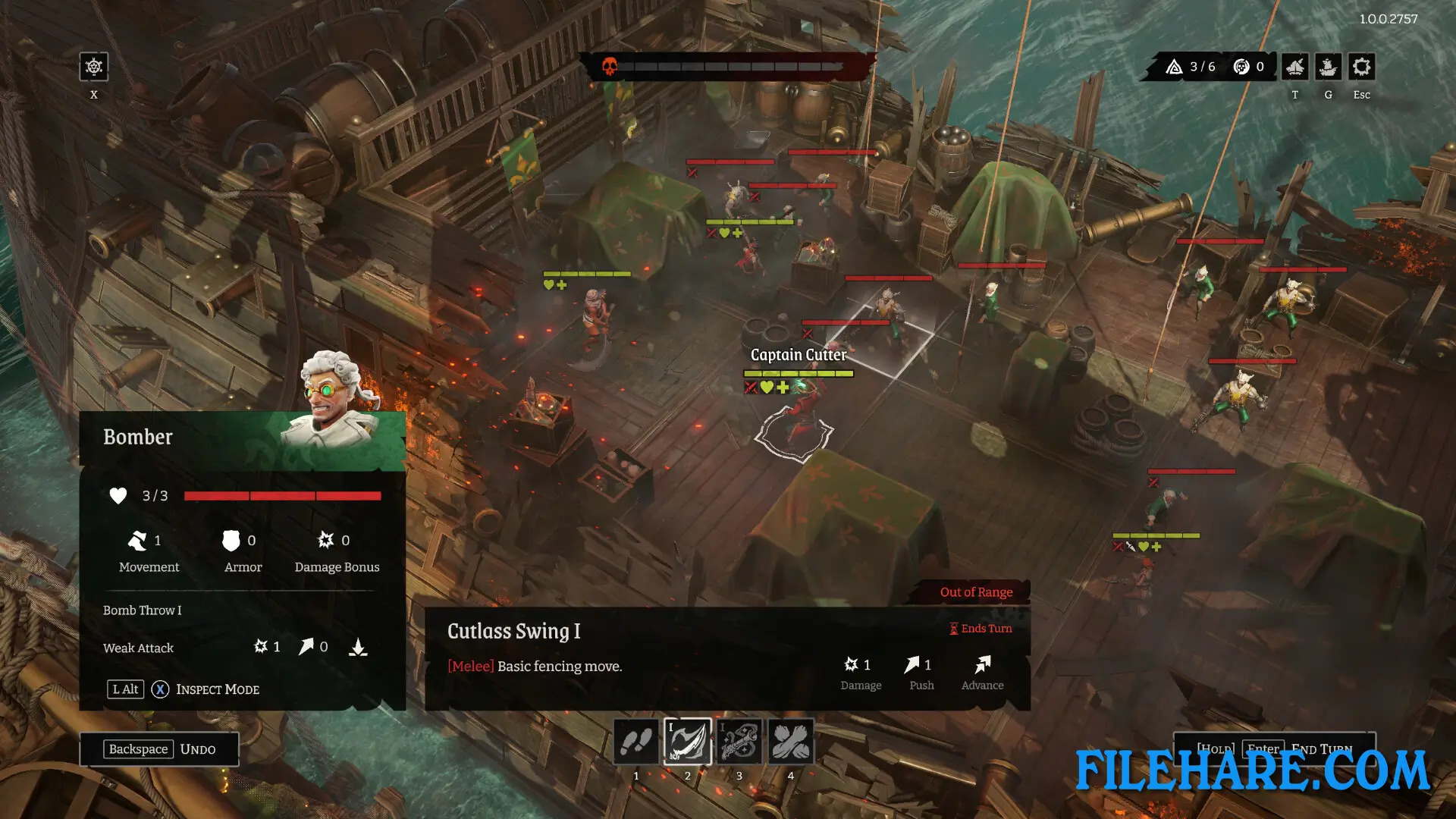
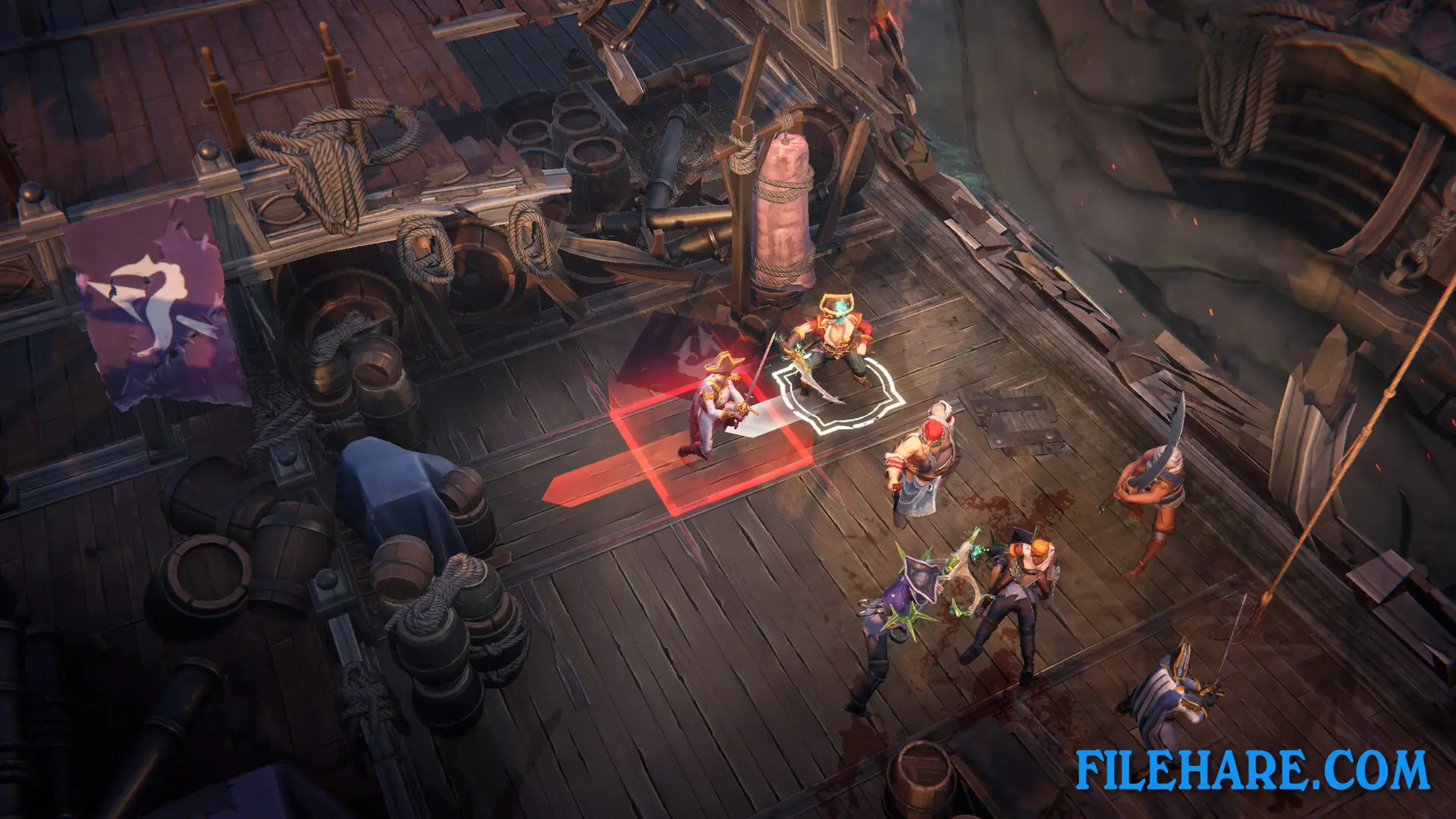
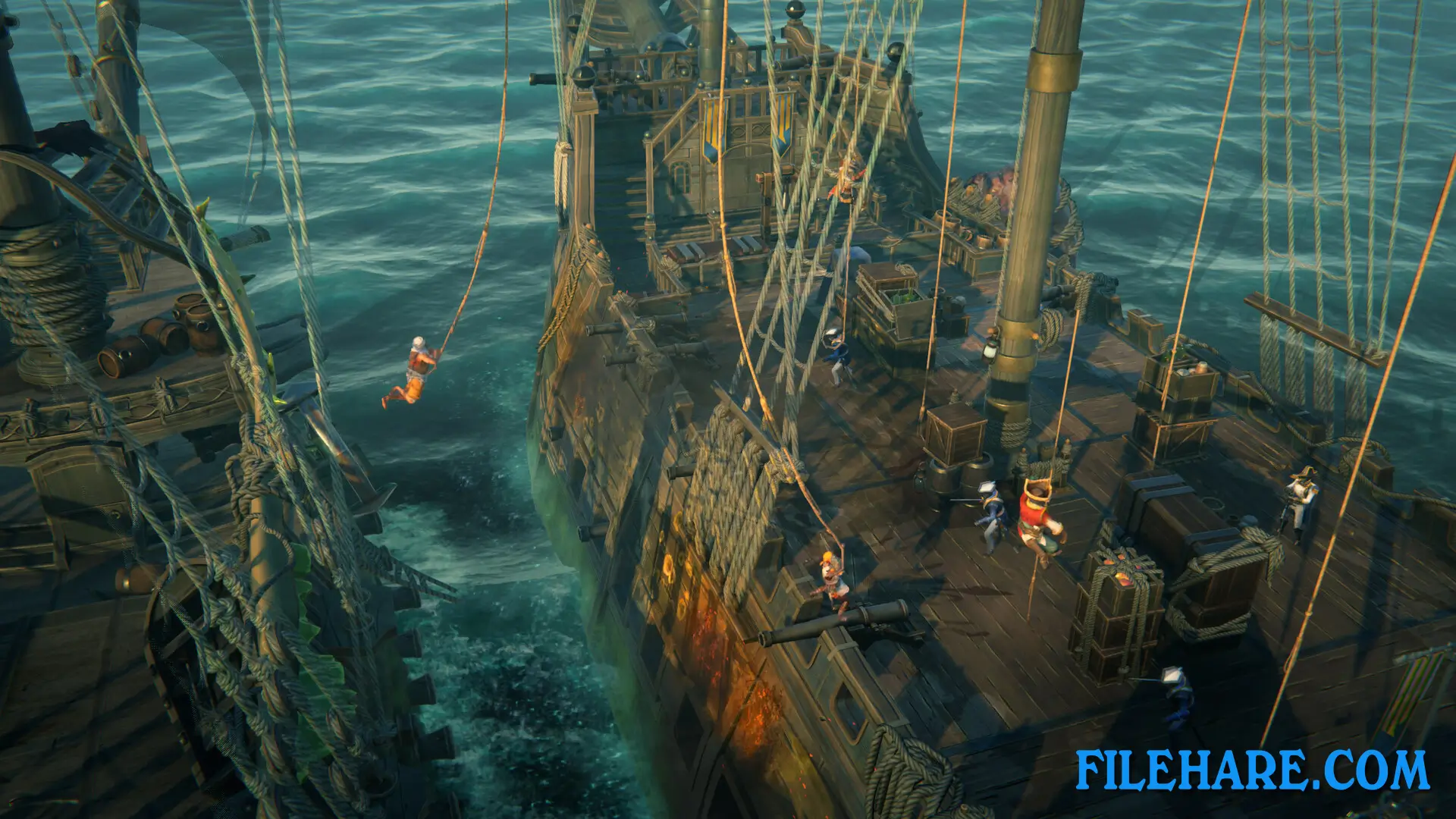
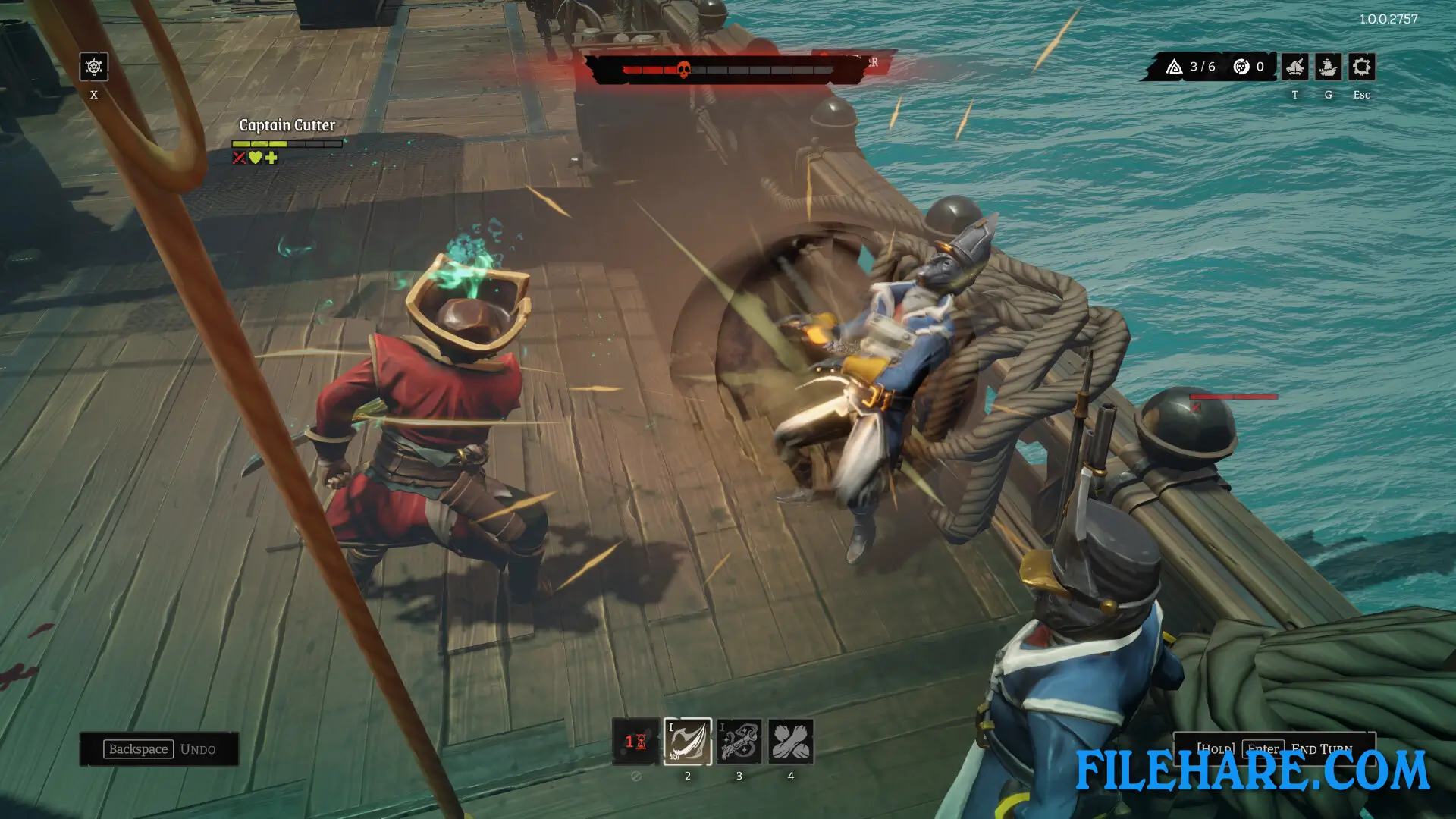
The game combines naval battles and land combat. When you meet enemies, the battle starts with a ship fight where you use cannons to attack their ship. You can destroy parts of their ship or hurt their crew before boarding. After the ship battle, you board their ship for close combat. During the boarding phase, your crew fights hand-to-hand against enemies. You move your crew on the ship deck, and you can push enemies into obstacles like spikes or barrels to cause extra damage. You can also grab ropes to swing to better positions or pick up weapons from the deck.
The game uses tactical moves where you plan every action carefully. If a crew member dies in battle, they get wounded and must rest for the next run. Between runs, you return to your Pirate Cave, which is your main base. Here you can recruit new crew members, buy ship upgrades, and prepare for the next run. You can also visit shops during runs to heal, buy cannons, or repair your ship, but you can also rob these shops if you want to fight for the loot. The game has permanent upgrades that stay even after you die, so you get stronger with every run.
Recommended System Requirements
Requires a 64-bit processor and operating system
- OS: Windows 10 64-bit
- Processor: 4-Core Processor (4 CPUs) 3.0 Ghz 64bit Intel Core i5-2320 3.0 GHz || AMD Ryzen 3 3200 3,0 GHz
- Memory: 8 GB RAM
- Graphics: NVIDIA GeForce GTX 1050Ti || Radeon RX 570
- DirectX: Version 11
- Storage: 6 GB available space
- Additional Notes: SSD Recommended
Gameplay Screenshots
| Name | Rogue Waters |
|---|---|
| Developer | Ice Code Games |
| File Size | 2.84 GB |
| Category | Strategy |
| Minimum System Requirements | |
| CPU | 4-Core Processor (4 CPUs) 2.5 Ghz 64bit Intel Core i5-4690T 2.5 GHz || AMD Phenom X4 9850 2,5 GHz |
| RAM | 8 GB |
| Graphics | NVIDIA GeForce GTX 950 || Radeon RX 560 |
| Free Disk Space | 6 GB |
| Operating System | Windows 10 / 11 (64-bit) |
| User Rating | |
Buy this game to support the developer. Store Page
How to Download and Install Rogue Waters PC Game?
We have simple instructions for you to download and install the PC game. Before following the steps, Ensure your PC meets the minimum system requirements for Playing the game on your PC.
- First, click on the DOWNLOAD button and you will be redirected to the final Download page. Then, Download the Game on your PC.
- Once you have downloaded the Rogue Waters PC Game, Open the folder where you saved the Game.
- Then Right-click on the Zip file and click on the "Extract files" option from the dropdown menu. If your computer does not have a Zip file extract software installed, you must first install it. (such as WinRAR, 7Zip software)
- After Extracting the Zip file, Open the Rogue Waters PC Game folder.
- Then, double-click on the Setup.exe file to Install the Game.
- If asked to allow the program to make changes to your device, click Yes to continue.
- After the installation, if you get any missing ".dll" errors or the Game is not launching, open the Readme.txt file located in the game folder and follow the instructions shown in the document file to play the game.
Done!. Now, you can launch the game from your desktop.