Satellite Odyssey: Prologue PC Game Download for Windows 10/11
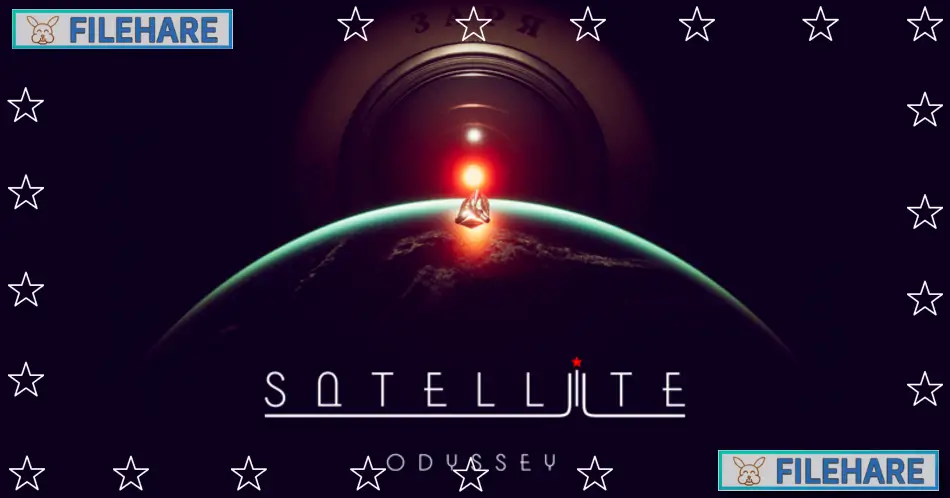
Satellite Odyssey: Prologue is a first-person story adventure game with horror themes. The game was developed and published by Antifreeze Games, an indie studio. It was released on August 30, 2024, for PC via Steam. The game costs $1.99 and takes about one hour to complete. It is the first installment in the Satellite Odyssey series and serves as an introduction to the upcoming full game.
Table of Contents
Satellite Odyssey: Prologue Story
You play as Laska, a Soviet robopsychologist who is part of the scientific space expedition called Icarus. The story takes place in a future as imagined by the Soviet mind, where robotics has advanced quickly and humans travel to distant stars and planets to search for signs of life. Laska wakes up from extended hibernation to begin her routine shift aboard the space station. However, she discovers something terrible has happened. All crew members have vanished, and the life support systems are not working properly. Your partner during this crisis is Zarya, an artificial intelligence that runs the station and watches your every move.
The story is inspired by classic Soviet science fiction films and retro-futurism. You must investigate what happened at the station and why everyone disappeared. The game has multiple endings based on the decisions you make during gameplay. Laska faces an extremely difficult choice that will determine how the story concludes. The game has scenes of violence and cruelty, along with strong language and the consumption of alcohol or tobacco.
Satellite Odyssey: Prologue Gameplay
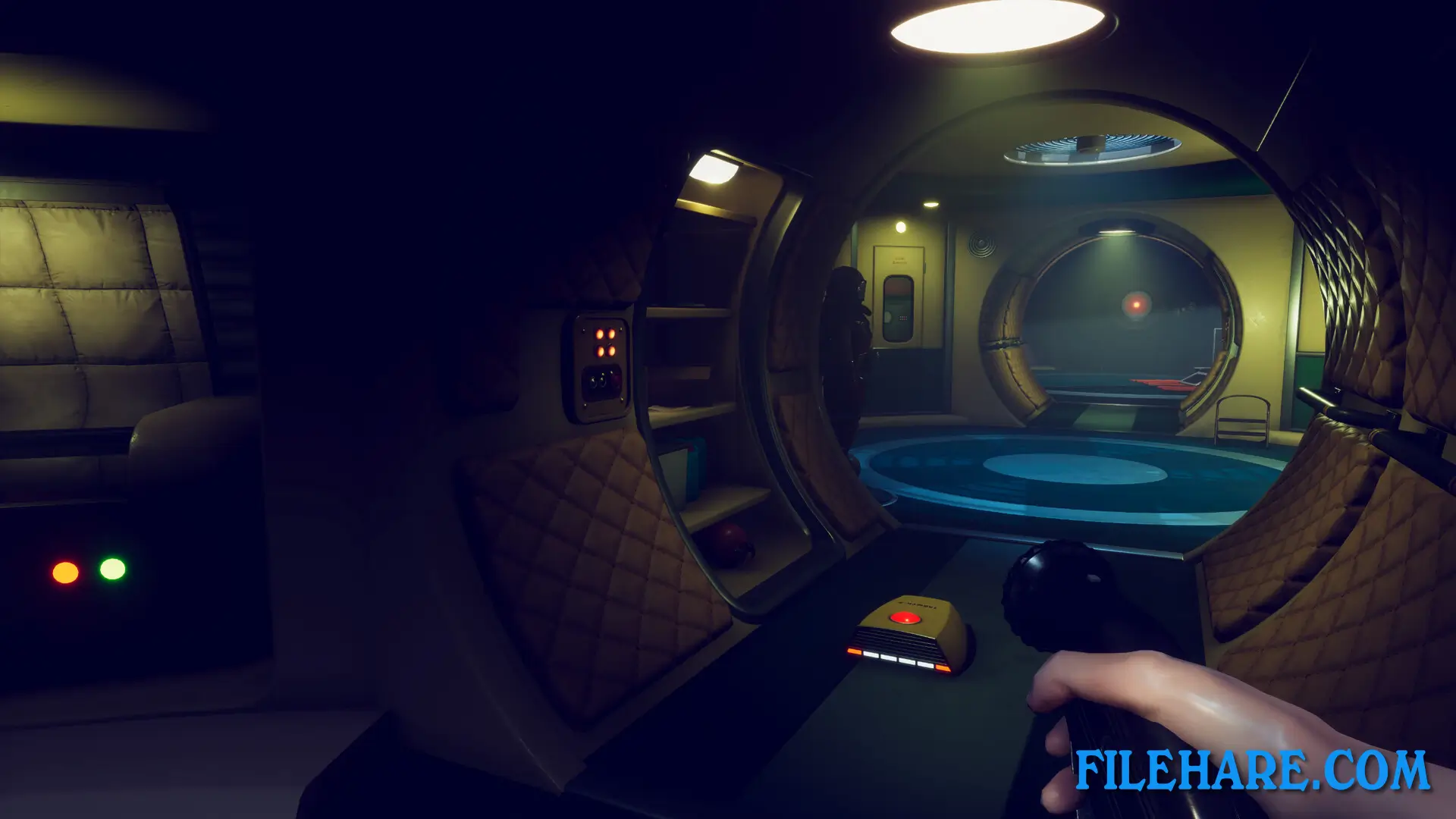
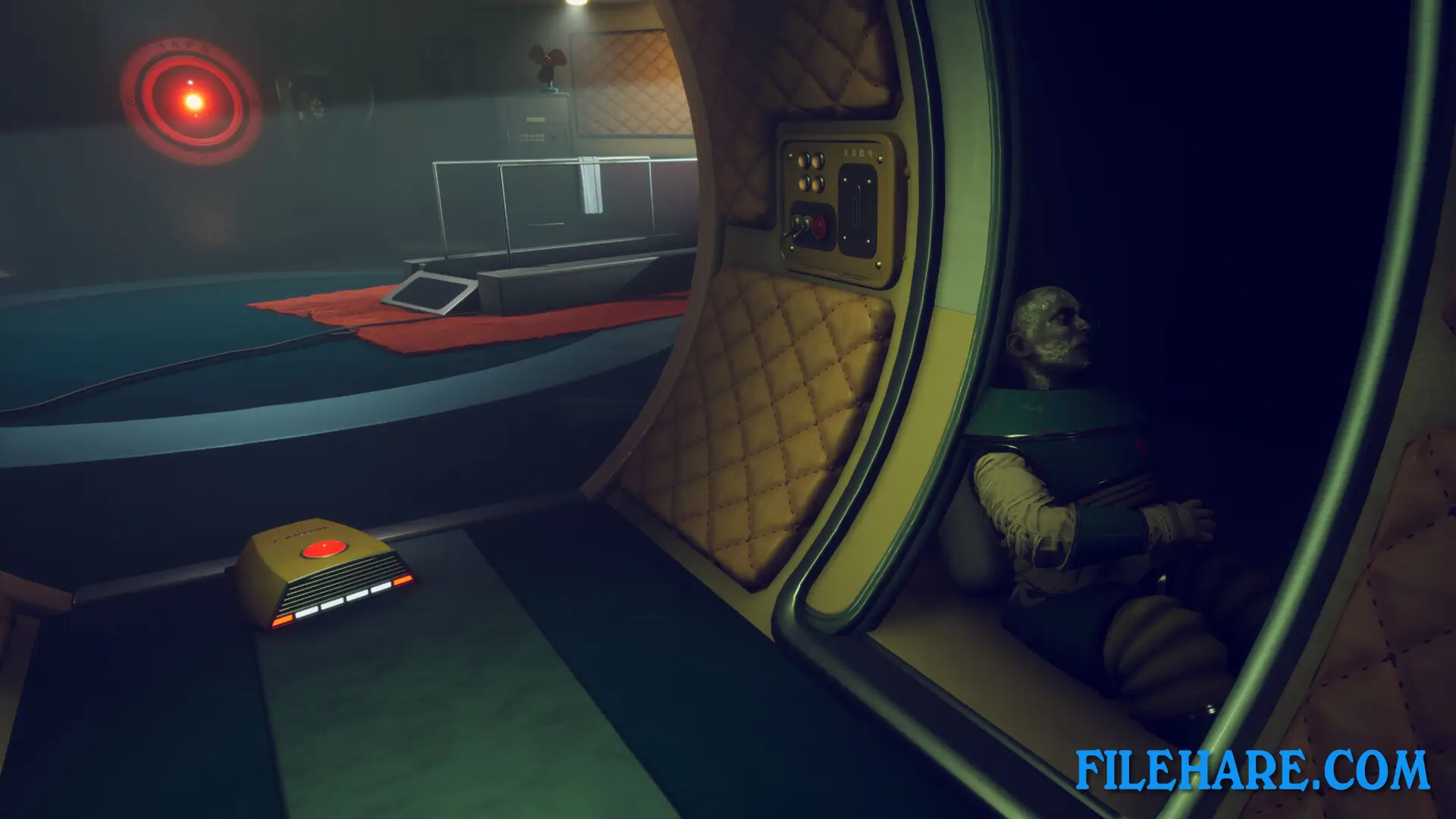
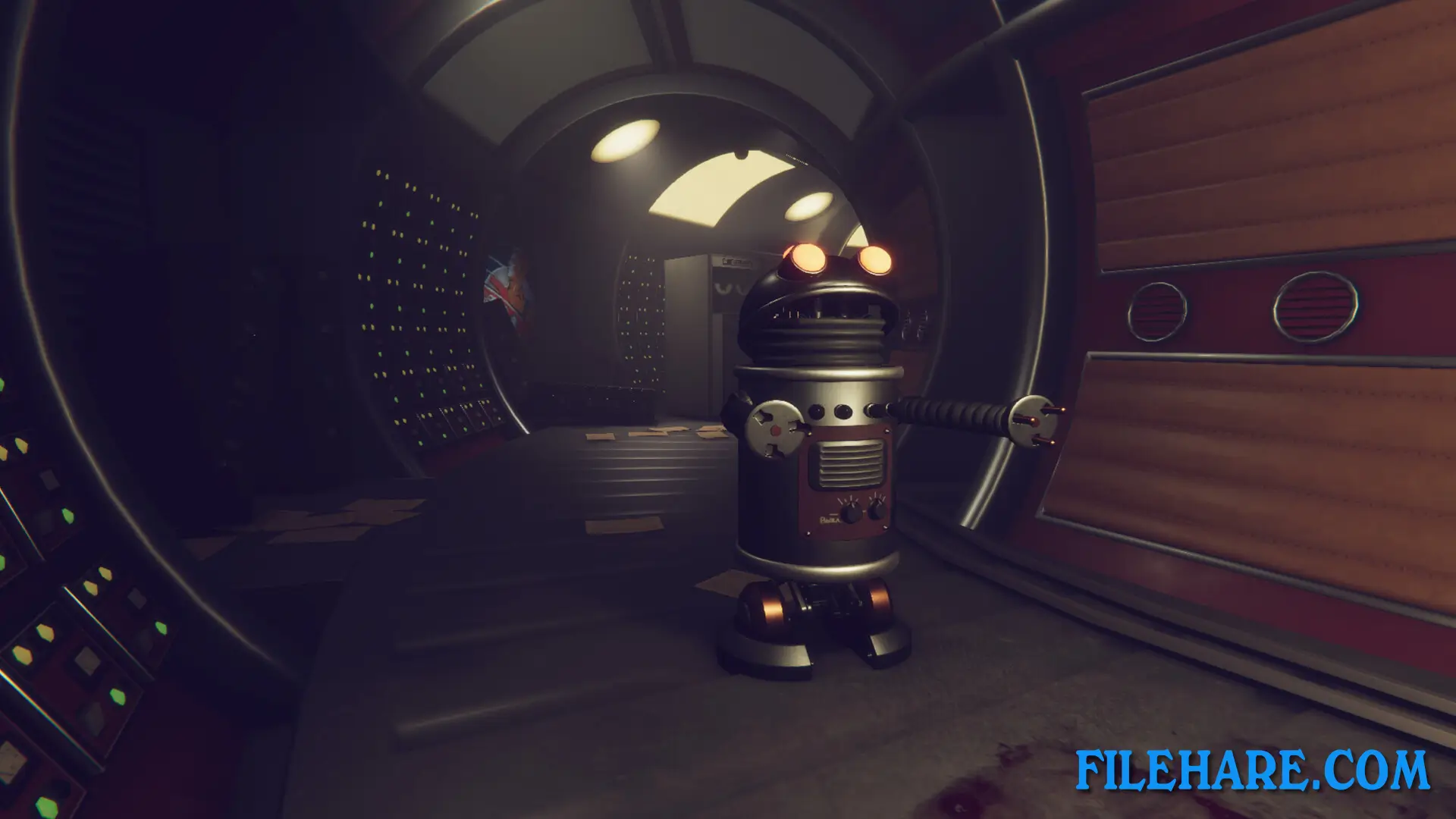
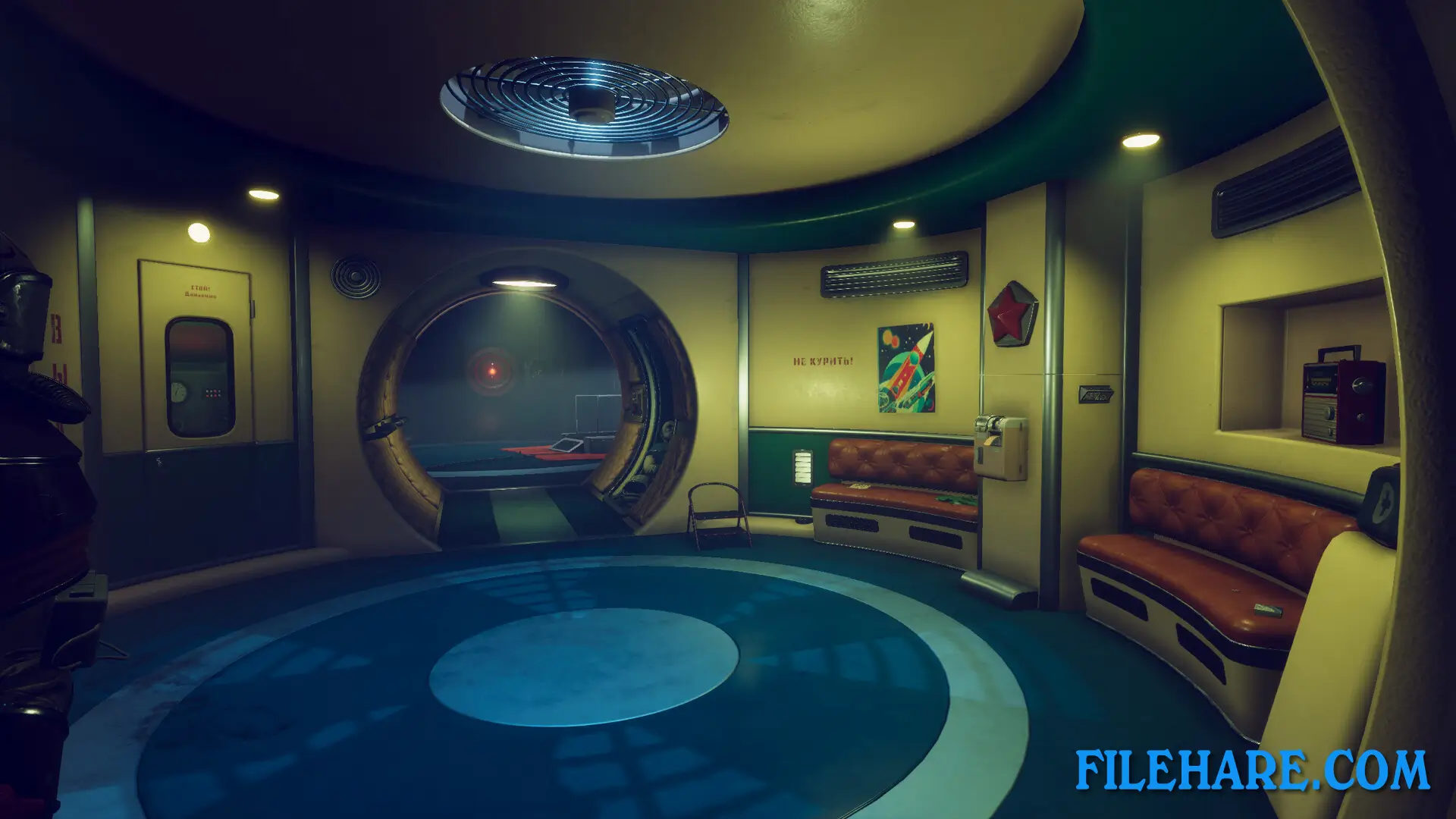
The game is a walking simulator where you explore the space station from a first-person perspective. You move through corridors, rooms, and station modules to find clues about what happened to the crew. You interact with computer terminals, doors, and station equipment. Zarya, the AI, talks to you throughout the game and provides information. You can find audio logs, notes, and other documents that explain the station’s history. You feel isolated because you are alone on a large space station with only an AI for company.
The game takes approximately one hour to finish, so it is a short experience. The game fully supports controllers so that you can play with either keyboard and mouse or a gamepad. Steam Achievements are available for completing certain tasks. The game runs on PC and is part of Steam’s Family Sharing program. It has received very positive reviews, with 93% of over 850 Steam users recommending the game. The game is available in English, Russian, and Simplified Chinese languages. The lowest price ever recorded for this game was $1.39 during a sale on January 2, 2025.
The game is playable as a standalone experience, but it sets up the story for future games in the Satellite Odyssey franchise. Antifreeze Games is also working on Satellite Odyssey: Jupiter, which will be the next game in the series.
Recommended System Requirements
Requires a 64-bit processor and operating system
- OS: Windows 10/11
- Processor: Intel i7-6800K, AMD Ryzen 5 PRO 1600 or similar
- Memory: 16 GB RAM
- Graphics: GeForce RTX 3080, Radeon RX 6800 or similar
- DirectX: Version 12
- Storage: 15 GB available space
Gameplay Screenshots
| Name | Satellite Odyssey: Prologue |
|---|---|
| Developer | Antifreeze Games |
| File Size | 1.73 GB |
| Category | Adventure |
| Minimum System Requirements | |
| CPU | Intel i5-4670, AMD Ryzen 3 2300U or similar |
| RAM | 8 GB |
| Graphics | Geforce GTX 1060, Radeon RX 5600 or similar |
| Free Disk Space | 8 GB |
| Operating System | Windows 10 / 11 (64-bit) |
| User Rating | |
Buy this game to support the developer. Store Page
How to Download and Install Satellite Odyssey: Prologue PC Game?
We have simple instructions for you to download and install the PC game. Before following the steps, Ensure your PC meets the minimum system requirements for Playing the game on your PC.
- First, click on the DOWNLOAD button and you will be redirected to the final Download page. Then, Download the Game on your PC.
- Once you have downloaded the Satellite Odyssey: Prologue PC Game, Open the folder where you saved the Game.
- Then Right-click on the Zip file and click on the "Extract files" option from the dropdown menu. If your computer does not have a Zip file extract software installed, you must first install it. (such as WinRAR, 7Zip software)
- After Extracting the Zip file, Open the Satellite Odyssey: Prologue PC Game folder.
- Then, double-click on the Setup.exe file to Install the Game.
- If asked to allow the program to make changes to your device, click Yes to continue.
- After the installation, if you get any missing ".dll" errors or the Game is not launching, open the Readme.txt file located in the game folder and follow the instructions shown in the document file to play the game.
Done!. Now, you can launch the game from your desktop.