STAR WARS Jedi: Survivor – Deluxe Edition PC Game Download

STAR WARS Jedi: Survivor – Deluxe Edition is a third-person action-adventure game that was developed by Respawn Entertainment and published by Electronic Arts. The game was released on April 28, 2023, for PlayStation 5, Xbox Series X/S, and PC. The Deluxe Edition includes the base game along with two exclusive cosmetic packs inspired by Han Solo and Luke Skywalker from the original Star Wars trilogy, giving fans special skins for Cal Kestis, his droid companion BD-1, and his weapons.
Table of Contents
STAR WARS Jedi: Survivor – Deluxe Edition Story
The game continues the story of Cal Kestis, who is now a fully trained Jedi Knight. The story takes place five years after the events of Star Wars Jedi: Fallen Order, approximately nine years before the events of A New Hope. Cal and his crew have separated to follow their own paths, but Cal continues his fight against the Galactic Empire. During his mission, he searches for a hidden planet that could serve as a safe place for people who are trying to escape from the Empire. Cal must face both new enemies and familiar threats while trying to protect those he cares about and deciding how much he is willing to risk.
STAR WARS Jedi: Survivor – Deluxe Edition Gameplay
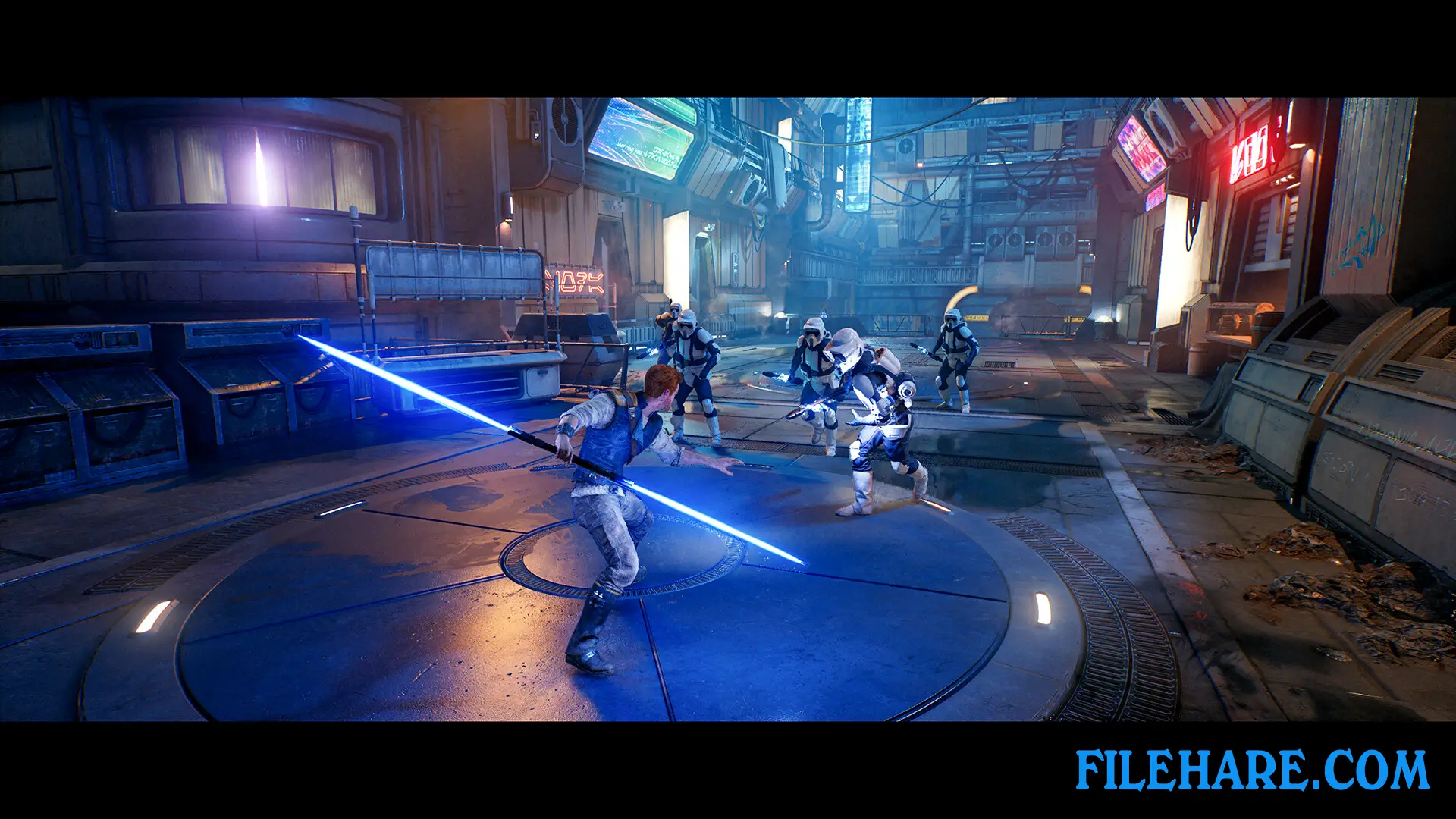
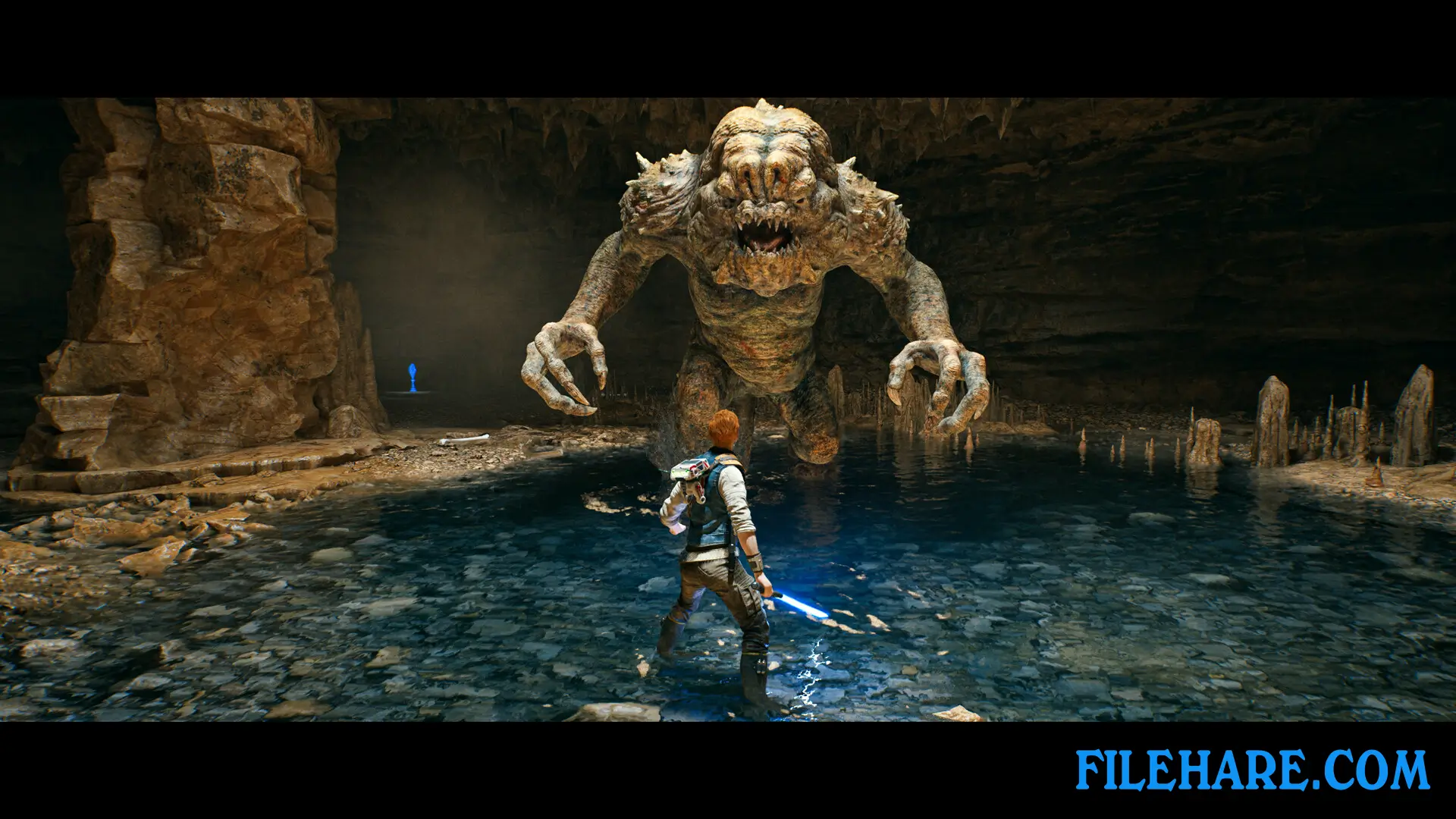
The game uses a third-person perspective and combines combat, exploration, and platforming. Players control Cal Kestis as he travels across multiple planets with unique environments and challenges. The combat system has been expanded with a new stance feature that allows players to switch between five lightsaber fighting styles. These include a single-bladed stance for balanced combat, a double-bladed stance for fighting groups, a dual-wielding stance for aggressive attacks, a blaster-lightsaber stance for long-range combat, and a crossguard stance for heavy, powerful strikes. Players can use Force abilities to defeat enemies and navigate the environment. The game offers five difficulty settings from Story Mode to Jedi Grand Master, allowing players to adjust combat challenge, parry timing, damage received, and enemy behavior to match their skill level.
STAR WARS Jedi: Survivor – Deluxe Edition Features
The Deluxe Edition costs $89.99 and comes with two exclusive cosmetic packs. The Galactic Hero Pack includes the Scoundrel outfit inspired by Han Solo, the Rugged BD-1 appearance, and the DL-44 Blaster Set, which is Han Solo’s famous weapon. The New Hero Pack features the Rebel Hero outfit inspired by Luke Skywalker’s yellow jacket from A New Hope, the BD-Astro appearance for BD-1 that resembles R2-D2, and the Rebel Hero Lightsaber Set based on Luke’s lightsabers from the original trilogy. These cosmetics do not affect gameplay but give players iconic looks from classic Star Wars characters.
Recommended System Requirements
Requires a 64-bit processor and operating system
- OS: Windows 10 64-bit
- Processor: 4 core / 8 threads | Intel Core i5 11600K | Ryzen 5 5600X
- Memory: 16 GB RAM
- Graphics: 8GB VRAM | RTX2070 | RX 6700 XT
- DirectX: Version 12
- Storage: 155 GB available space
- Additional Notes: Internet required for non-optional patching, no online play.
Gameplay Screenshots


| Name | STAR WARS Jedi: Survivor – Deluxe Edition |
|---|---|
| Developer | Respawn |
| File Size | 117.53 GB |
| Category | Action, Adventure |
| Minimum System Requirements | |
| CPU | 4 core / 8 threads | Intel Core i7-7700 | Ryzen 5 1400 |
| RAM | 8 GB |
| Graphics | 8GB VRAM | GTX 1070 | Radeon RX 580 |
| Free Disk Space | 155 GB |
| Operating System | Windows 10 / 11 (64-bit) |
| User Rating | |
Buy this game to support the developer. Store Page
How to Download and Install STAR WARS Jedi: Survivor – Deluxe Edition PC Game?
We have simple instructions for you to download and install the PC game. Before following the steps, Ensure your PC meets the minimum system requirements for Playing the game on your PC.
- First, click on the DOWNLOAD button and you will be redirected to the final Download page. Then, Download the Game on your PC.
- Once you have downloaded the STAR WARS Jedi: Survivor – Deluxe Edition PC Game, Open the folder where you saved the Game.
- Then Right-click on the Zip file and click on the "Extract files" option from the dropdown menu. If your computer does not have a Zip file extract software installed, you must first install it. (such as WinRAR, 7Zip software)
- After Extracting the Zip file, Open the STAR WARS Jedi: Survivor – Deluxe Edition PC Game folder.
- Then, double-click on the Setup.exe file to Install the Game.
- If asked to allow the program to make changes to your device, click Yes to continue.
- After the installation, if you get any missing ".dll" errors or the Game is not launching, open the Readme.txt file located in the game folder and follow the instructions shown in the document file to play the game.
Done!. Now, you can launch the game from your desktop.