Survivalist: Invisible Strain PC Game Download for Windows 10/11
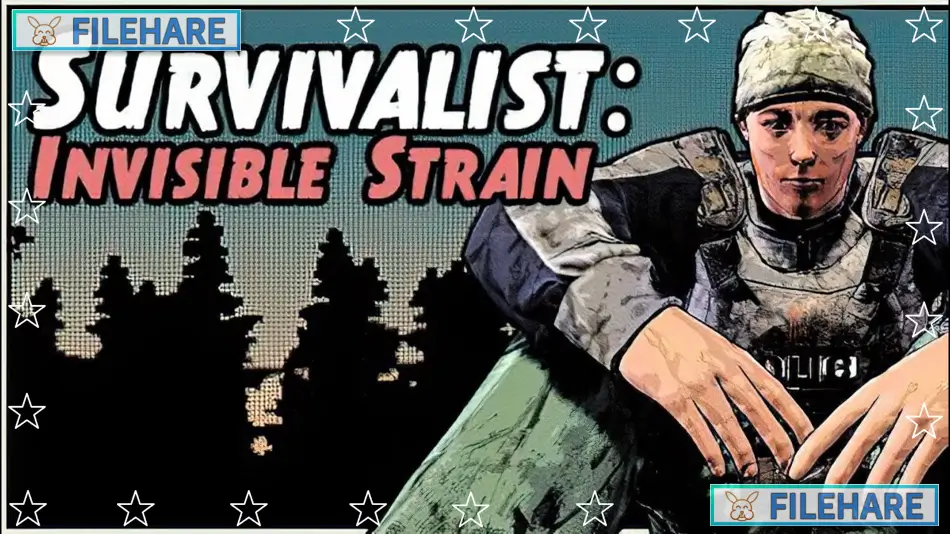
Survivalist: Invisible Strain is an open-world survival and colony-building game developed by Bob and published by Ginormocorp Incorporated. It first entered Early Access on June 1, 2020, and was fully released on April 25, 2025. The game is set in a zombie apocalypse and focuses heavily on characters, relationships, and survival. It is often compared to games like State of Decay, Project Zomboid, RimWorld, and Kenshi.
Table of Contents
Survivalist: Invisible Strain Story
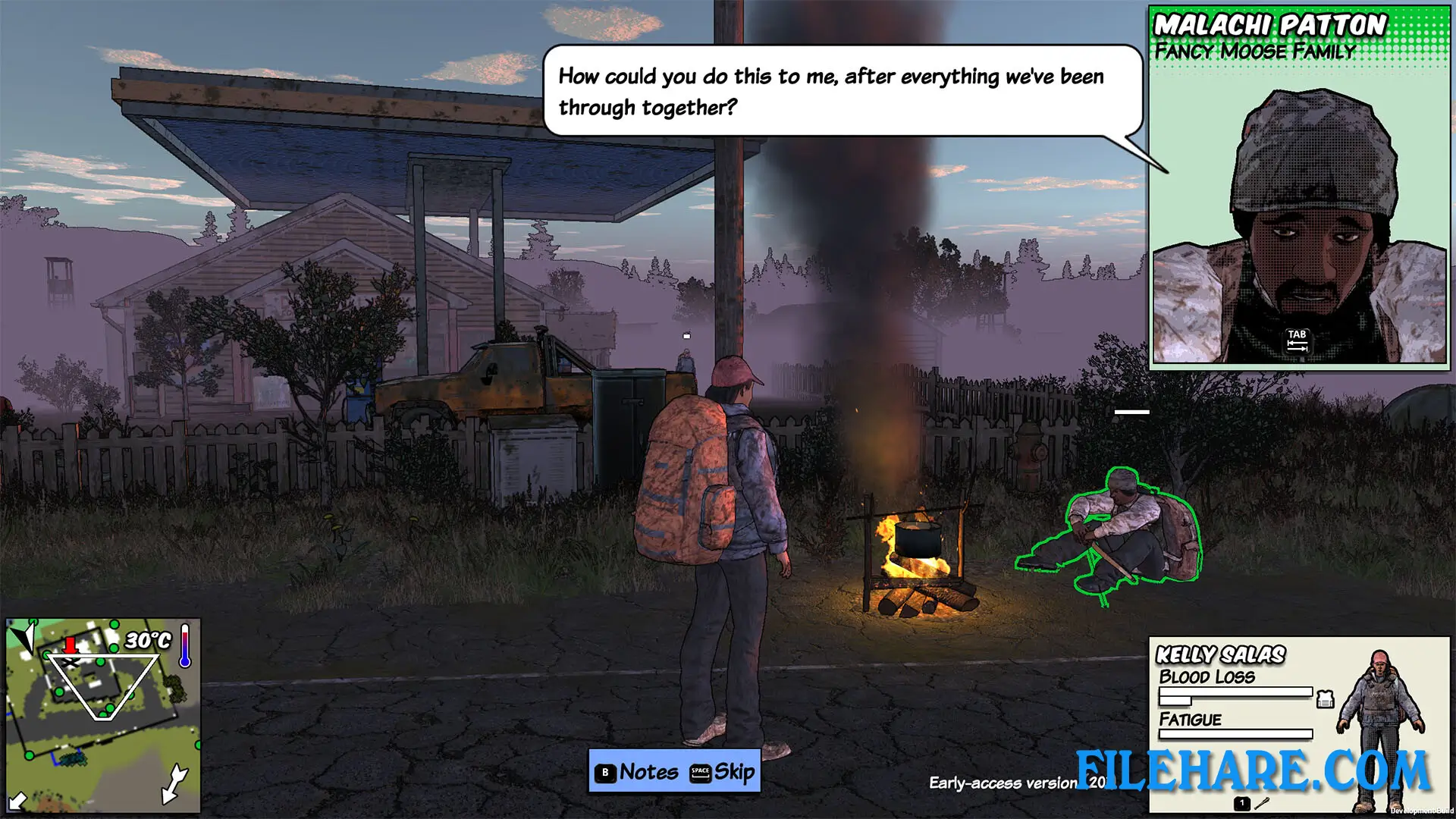
The game takes place ten years after a zombie infection began. Long-established communities across the land are falling apart one by one for unknown reasons, and survivors are fleeing to remote areas looking for safety. You arrive as a refugee with nothing, trying to build a new life in a dangerous and uncertain place called Moose Valley. The Story Mode follows a hand-crafted story where you try to hold a community together as everything around you collapses. There is also a hidden danger called the Invisible Strain — a mysterious new version of the zombie virus where infected people look completely normal, blend into your group, spread the virus quietly, and only reveal themselves when it is too late.
Survivalist: Invisible Strain Gameplay
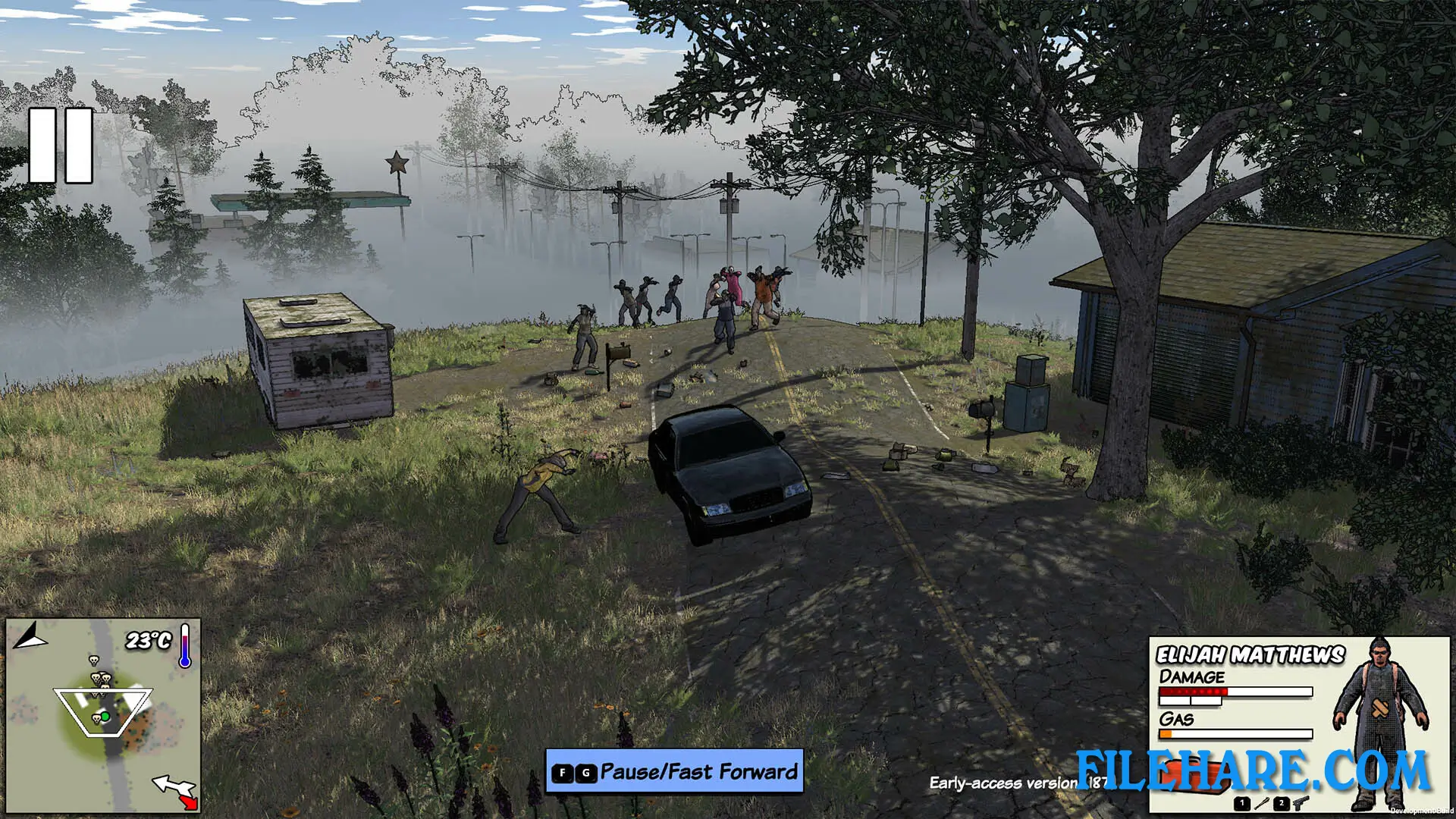
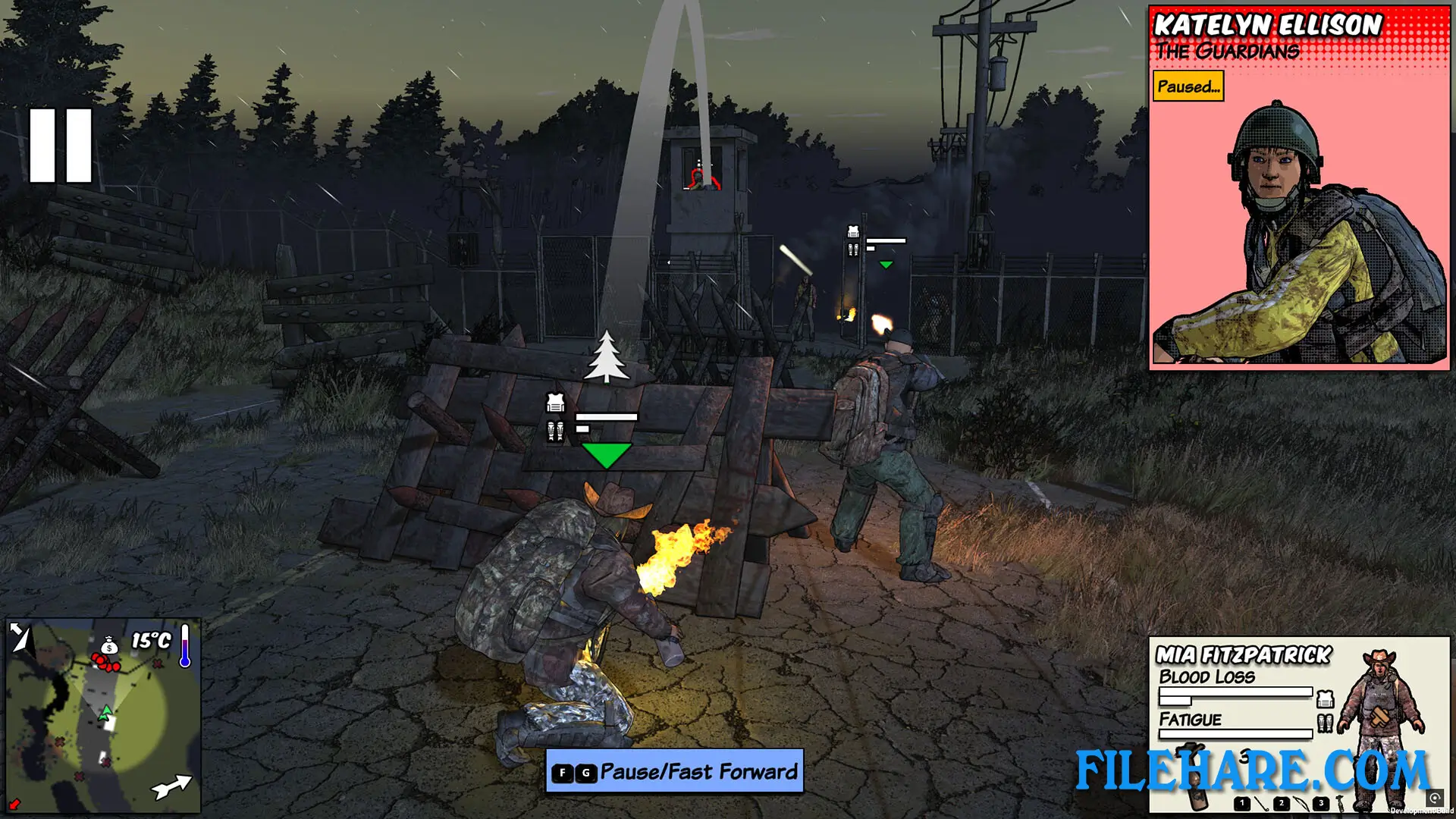
The gameplay is a mix of third-person action and real-time strategy. You can directly control your character in a third-person view or switch to an overhead view to give orders to your group members. In combat, you can target enemies’ legs to slow them down or aim for the head for more damage. You can dodge and block in close-range combat. Stealth is also a big part of the game — you can sneak up on enemies, wear camouflaged clothing, check wind direction, and throw bottles or meat to distract zombies and animals.
Outside of combat, you can chop trees, mine rocks, hunt deer, keep chickens, grow crops, set traps, and build up your base with walls, fires, and sleeping areas. Community members can be given roles such as Farmer, Chef, or Arrow Crafter. Over time, your settlement can become self-sufficient and even produce its own bullets.
Survivalist: Invisible Strain Features
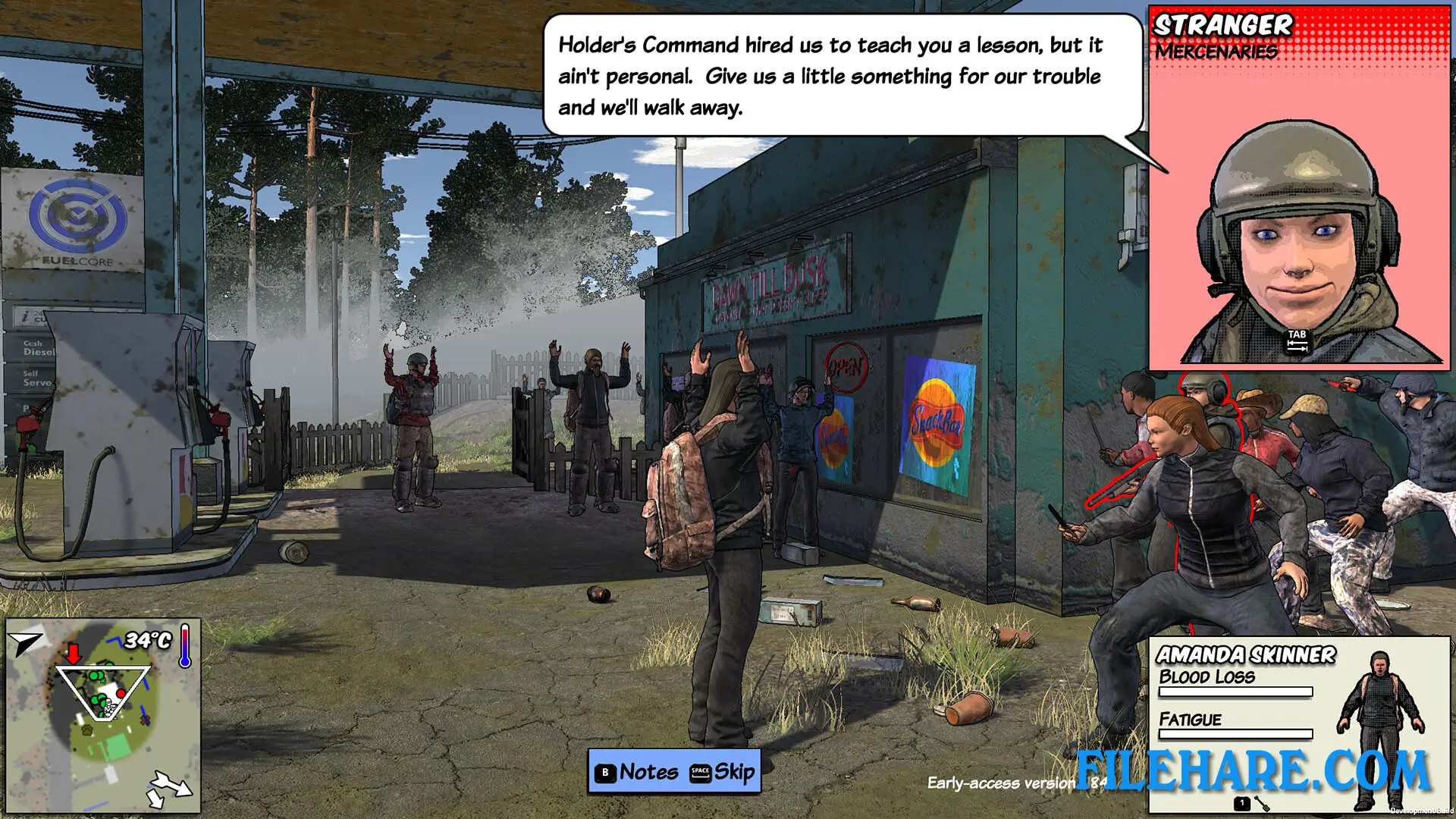
All living characters in the game have names and personalities. They remember your past actions, and those memories change how they feel about you. They sleep, eat, gossip, and work on their own. You can talk to characters using negotiation, friendship, or trickery, and recruit them by making them like, respect, or fear you. The game includes a Story Mode, a randomly generated Sandbox Mode with varying quests, and Steam Workshop support for community mods. Up to four players can play together in online co-op. It supports 16 languages and includes 33 Steam Achievements.
Gameplay Screenshots
| Name | Survivalist: Invisible Strain |
|---|---|
| Developer | Bob |
| File Size | 960.27 MB |
| Category | RPG Game |
| Minimum System Requirements | |
| CPU | Intel/AMD 2.0 GHz dual-core |
| RAM | 4 GB |
| Graphics | NVIDIA GTX 660m or equivalent |
| Free Disk Space | 3 GB |
| Operating System | Windows 10 / 11 (64-bit) |
| User Rating | |
Buy this game to support the developer. Store Page
How to Download and Install Survivalist: Invisible Strain PC Game?
We have simple instructions for you to download and install the PC game. Before following the steps, Ensure your PC meets the minimum system requirements for Playing the game on your PC.
- First, click on the DOWNLOAD button and you will be redirected to the final Download page. Then, Download the Game on your PC.
- Once you have downloaded the Survivalist: Invisible Strain PC Game, Open the folder where you saved the Game.
- Then Right-click on the Zip file and click on the "Extract files" option from the dropdown menu. If your computer does not have a Zip file extract software installed, you must first install it. (such as WinRAR, 7Zip software)
- After Extracting the Zip file, Open the Survivalist: Invisible Strain PC Game folder.
- Then, double-click on the Setup.exe file to Install the Game.
- If asked to allow the program to make changes to your device, click Yes to continue.
- After the installation, if you get any missing ".dll" errors or the Game is not launching, open the Readme.txt file located in the game folder and follow the instructions shown in the document file to play the game.
Done!. Now, you can launch the game from your desktop.