Sweet Succubus Home PC Game Download for Windows 10/11

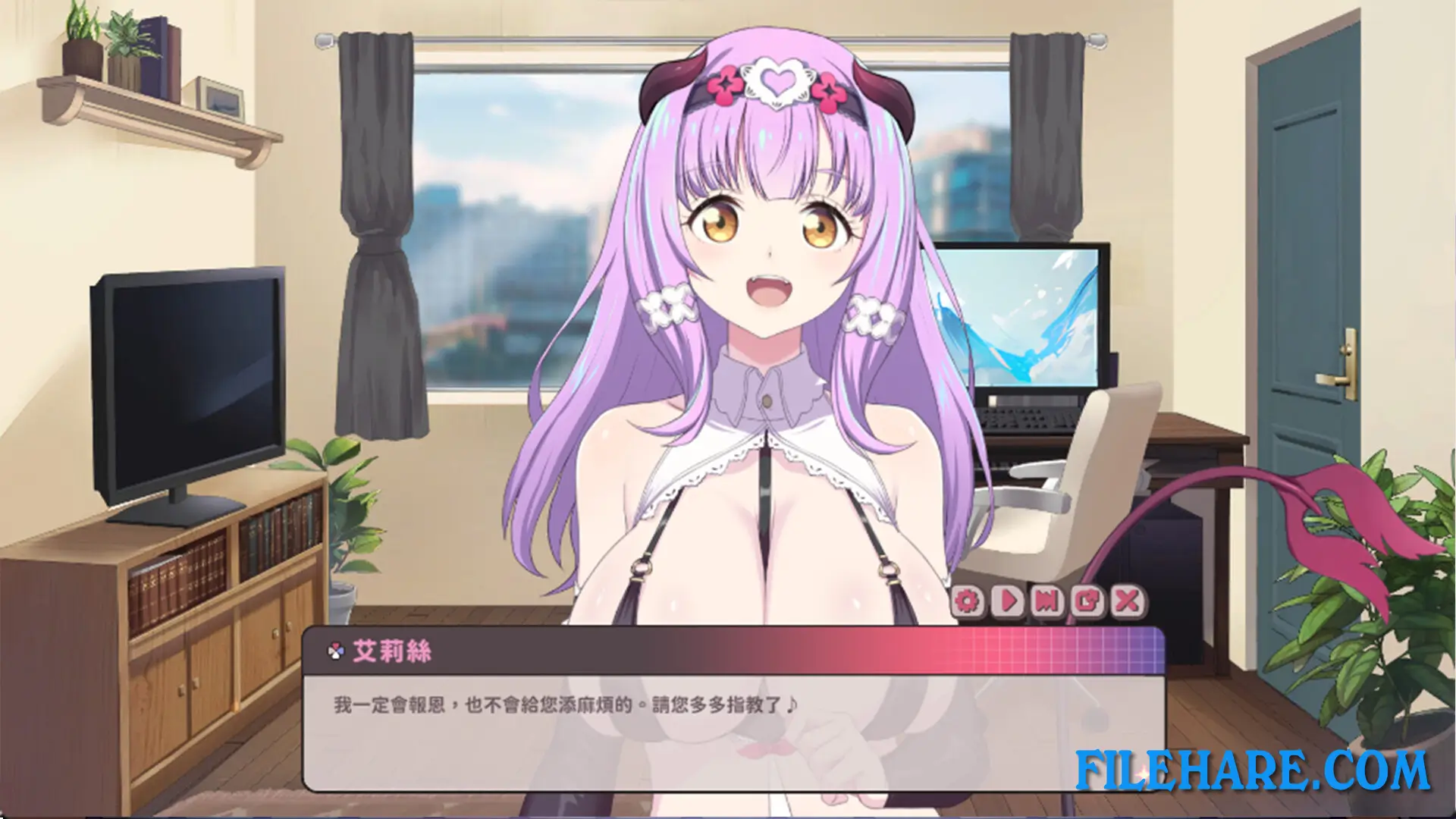
Sweet Succubus Home is an adult rhythm game and visual novel developed by Black Cat Entertainment and published by Mango Party and Mango Party News. It was released on October 30, 2025, for PC on Windows. The game is intended for adult players only and contains mature content. It is a single-player title that combines classic rhythm-based gameplay with a visual novel story about a struggling musician who ends up living with a succubus from another world.
Table of Contents
Sweet Succubus Home Story
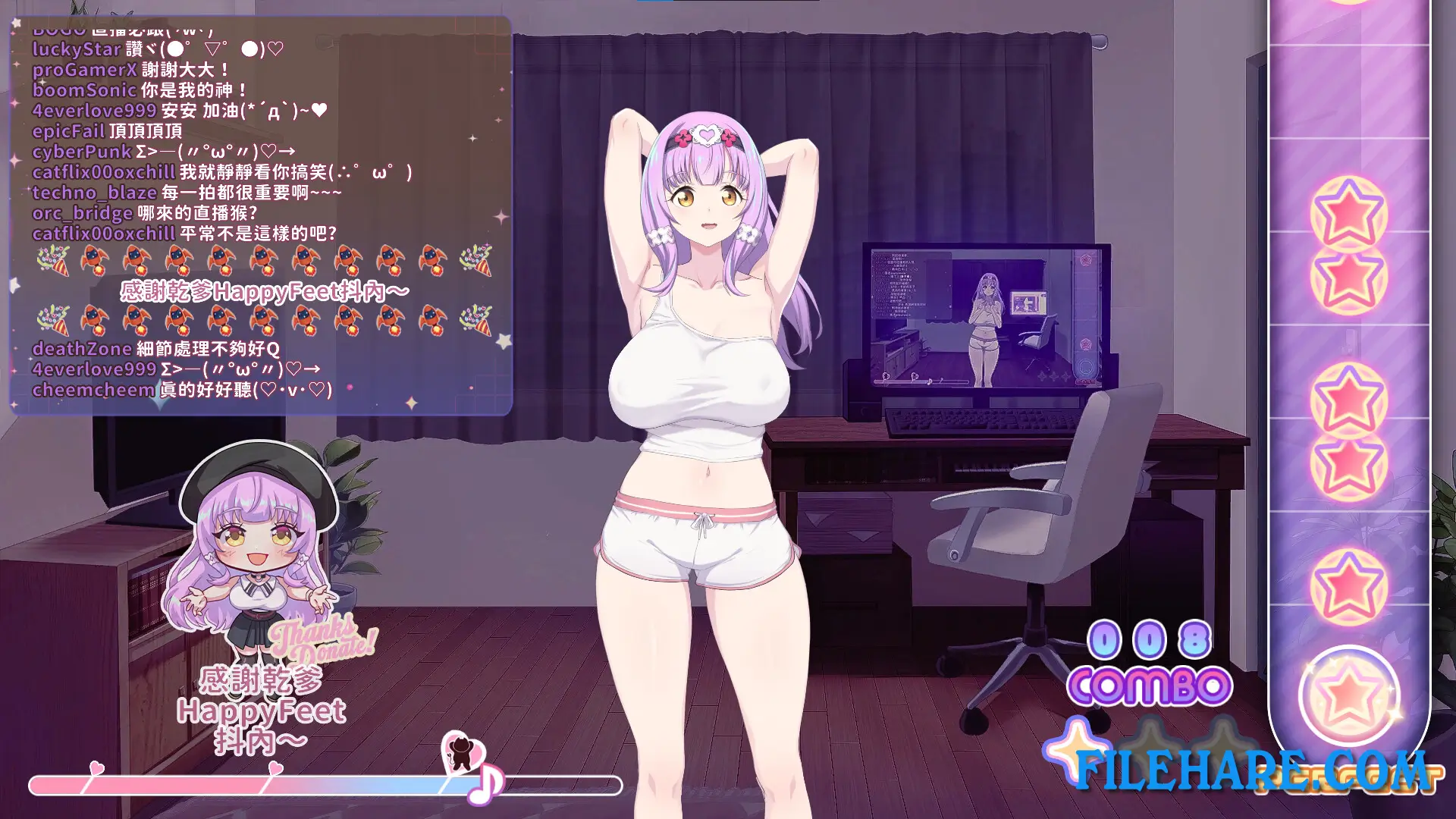
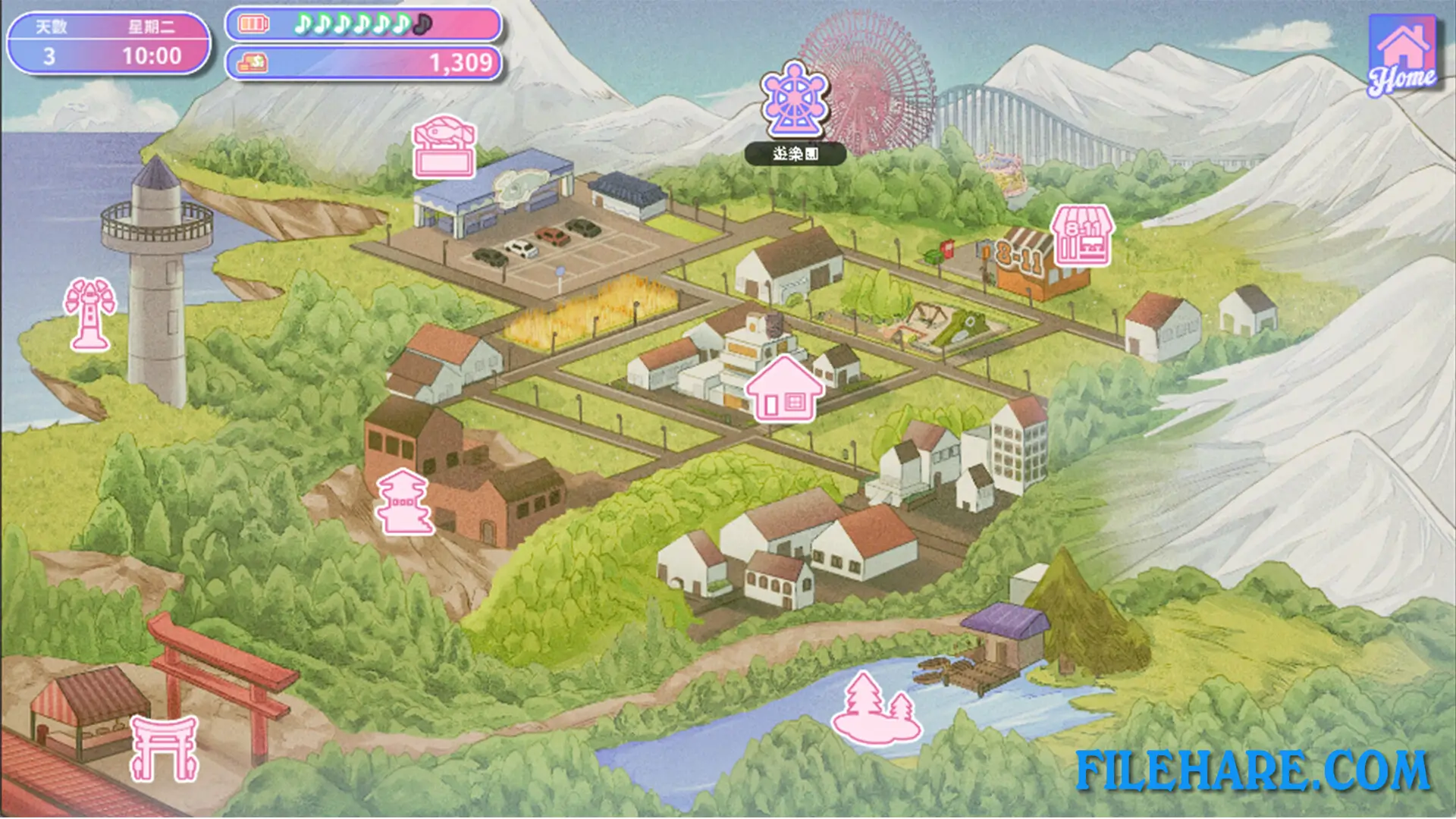
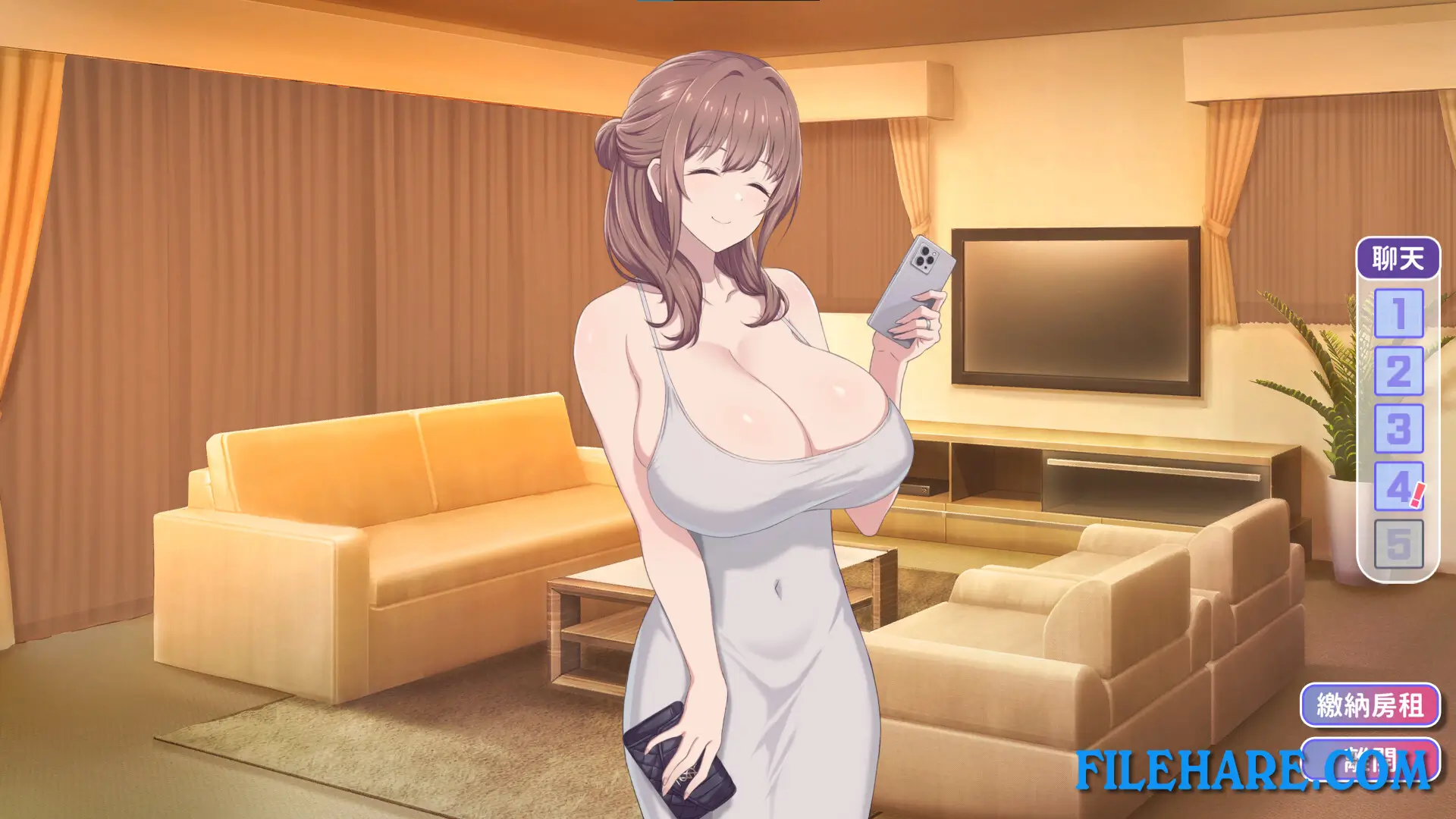
After losing his job and hitting a low point in his life, a struggling musician meets a quiet and fragile girl named Iris on the street and takes her in. After some time together, Iris reveals the truth — she is a succubus from another world. To earn money and get by in the city, the two begin hosting music livestreams together. As their fanbase grows, the relationship between them becomes closer and more personal. However, their daily life is far from simple. Their landlady keeps giving unsolicited advice, an overly energetic neighbor drops in without warning, and a sharp-tongued convenience store clerk regularly stirs up trouble. The story has multiple endings based on how the player progresses.
Sweet Succubus Home Gameplay
The game is played as a classic rhythm action game combined with a visual novel. During music livestream sessions, the player follows on-screen beat prompts and taps in time with the music to complete performances. Successful rhythm sections advance the story and improve the relationship between the player and Iris. Between rhythm sessions, the story is told in a visual novel format where the player reads dialogue and makes responses that influence how events develop.
Sweet Succubus Home Features
The game features Iris as the main heroine alongside three supporting female characters — the landlady, the neighbor, and the convenience store clerk. A Digital Artbook DLC is available as a separate add-on. The game supports Steam Achievements, Steam Cloud saving, and Family Sharing. Languages supported include English, Japanese, Simplified Chinese, Traditional Chinese, Korean, and Russian. The game is also playable on the Steam Deck with partial support.
Recommended System Requirements
Requires a 64-bit processor and operating system
- OS: Windows 10+
- Processor: Intel i5 10th gen or above
- Memory: 12 GB RAM
- Graphics: Nvidia GeForce GTX 1060 or above
- DirectX: Version 12
- Storage: 4 MB available space
- Sound Card: Windows Compatible Audio Device
- Additional Notes: dGPU recommended
Gameplay Screenshots
| Name | Sweet Succubus Home |
|---|---|
| Developer | Black Cat Entertainment |
| File Size | 1.21 GB |
| Category | Adult |
| Minimum System Requirements | |
| CPU | Intel i3 8th gen or above |
| RAM | 8 GB |
| Graphics | Nvidia GeForce GTX 760 |
| Free Disk Space | 3 GB |
| Operating System | Windows 10 / 11 (64-bit) |
| User Rating | |
Buy this game to support the developer. Store Page
How to Download and Install Sweet Succubus Home PC Game?
We have simple instructions for you to download and install the PC game. Before following the steps, Ensure your PC meets the minimum system requirements for Playing the game on your PC.
- First, click on the DOWNLOAD button and you will be redirected to the final Download page. Then, Download the Game on your PC.
- Once you have downloaded the Sweet Succubus Home PC Game, Open the folder where you saved the Game.
- Then Right-click on the Zip file and click on the "Extract files" option from the dropdown menu. If your computer does not have a Zip file extract software installed, you must first install it. (such as WinRAR, 7Zip software)
- After Extracting the Zip file, Open the Sweet Succubus Home PC Game folder.
- Then, double-click on the Setup.exe file to Install the Game.
- If asked to allow the program to make changes to your device, click Yes to continue.
- After the installation, if you get any missing ".dll" errors or the Game is not launching, open the Readme.txt file located in the game folder and follow the instructions shown in the document file to play the game.
Done!. Now, you can launch the game from your desktop.