Sweet Transit: Deluxe Edition PC Game Download for Windows 10/11

Sweet Transit: Deluxe Edition is a city-building simulation game developed by Ernestas Norvaišas and published by Team17. The game was first released in early access on July 28, 2022, and later fully released on April 22, 2024, for PC on Steam and Epic Games Store. The Deluxe Edition was released on September 10, 2024, and includes the base game along with the original game music album. Ernestas Norvaišas is a solo developer who previously worked as a 3D artist on Factorio. This game is about building cities where trains are the only way to move people and goods around.
Table of Contents
Sweet Transit: Deluxe Edition Gameplay
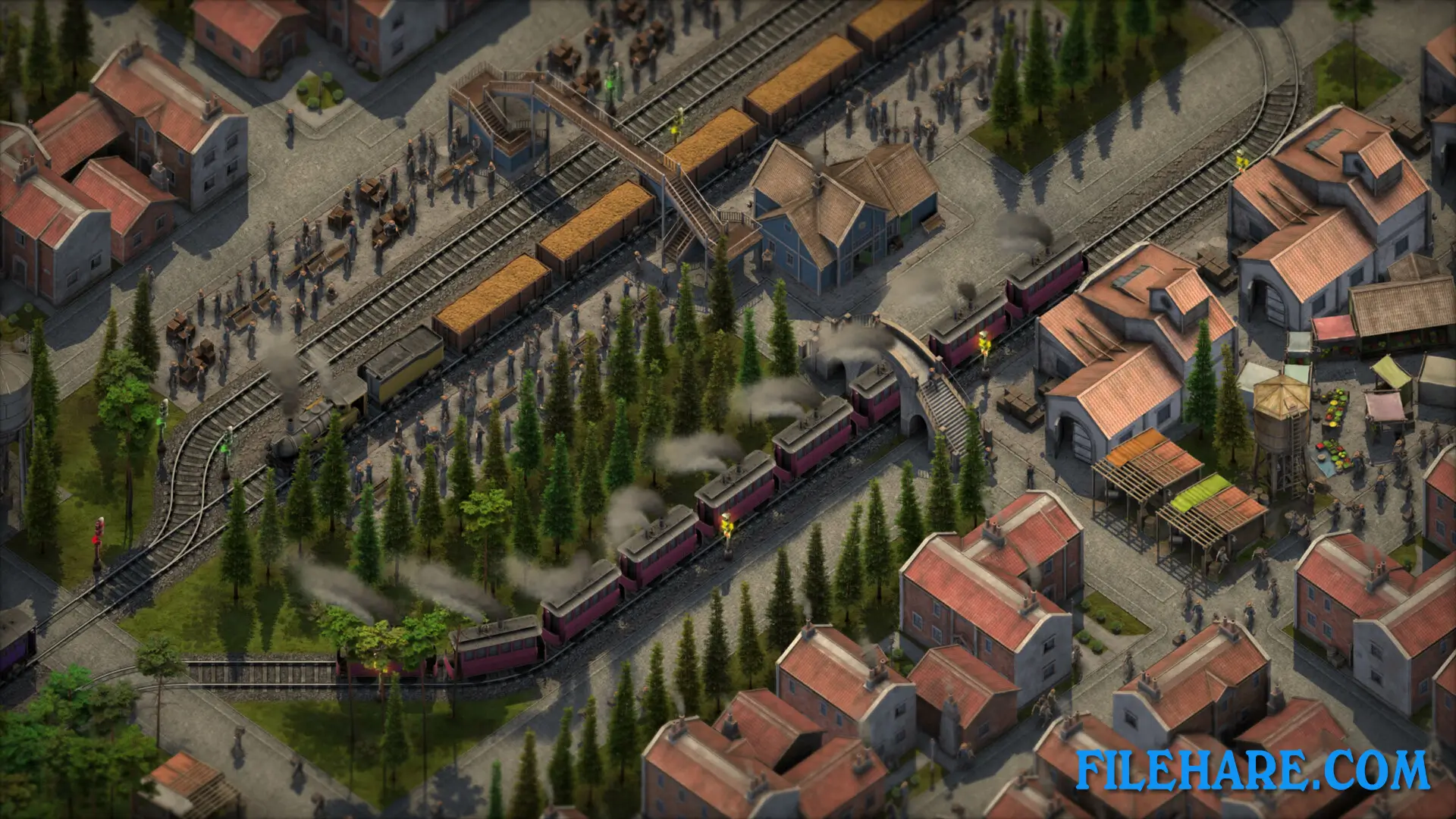
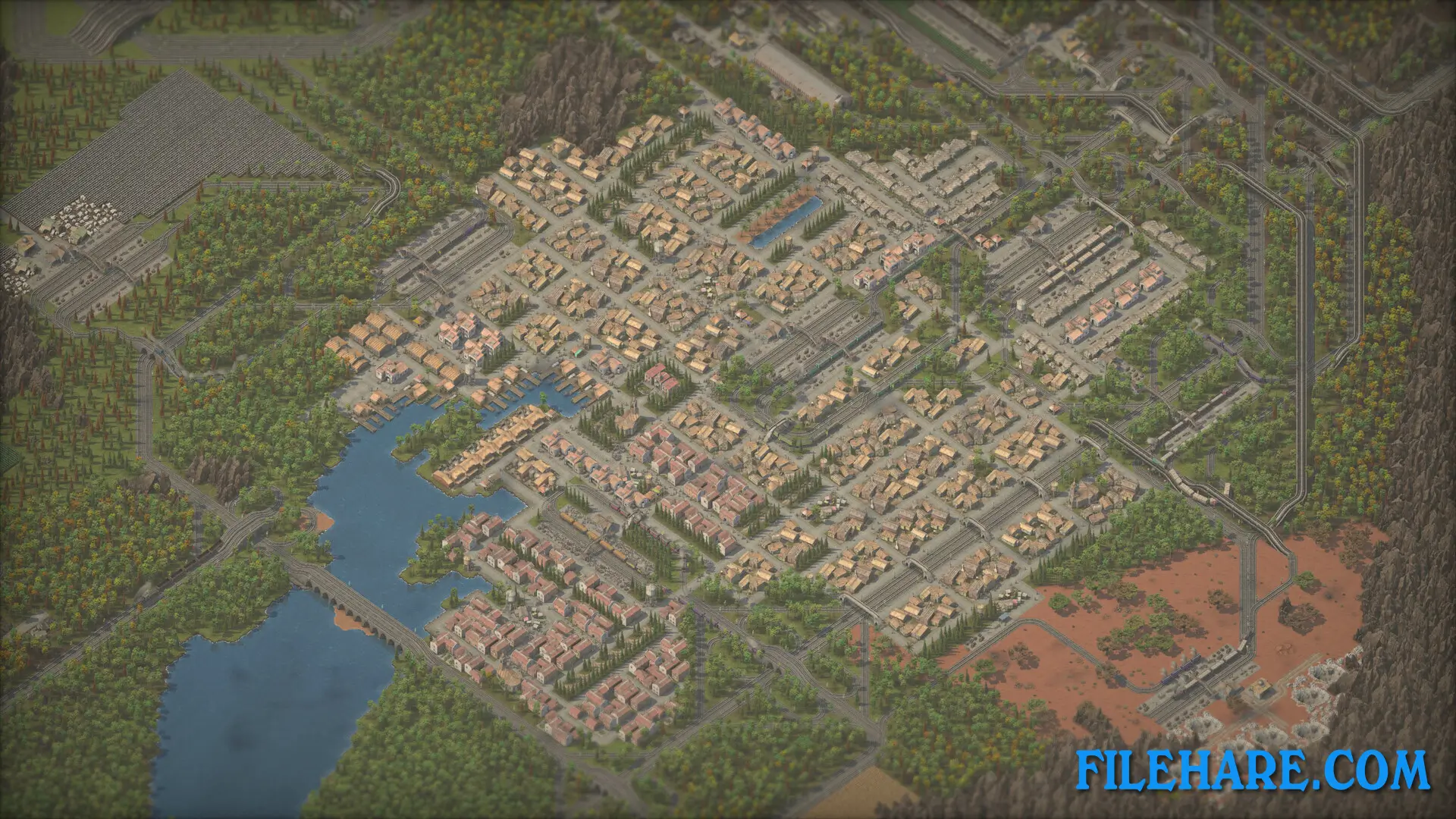
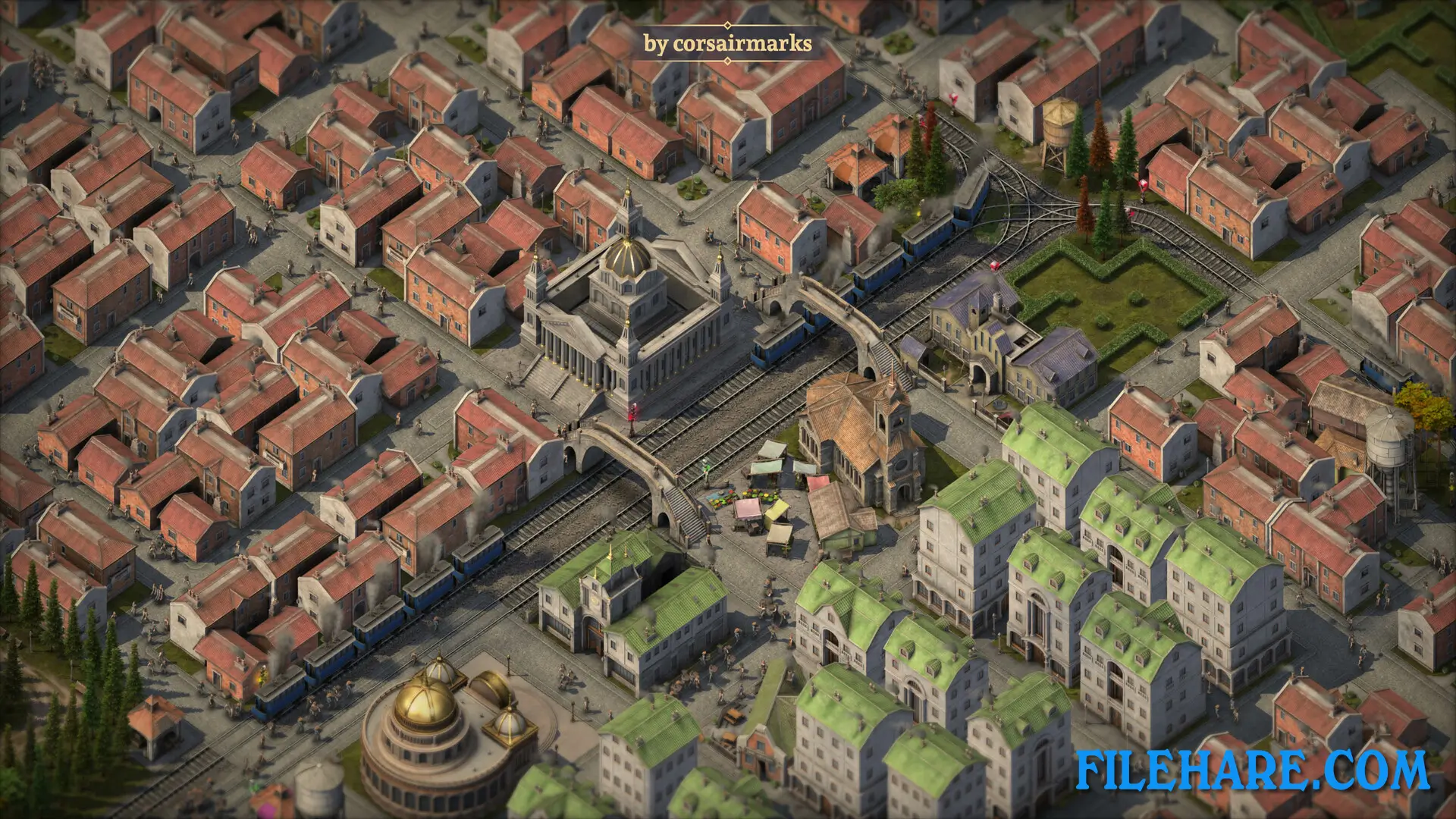
Sweet Transit is a city builder where railways are the main method of transportation and expansion. Players start with just one warehouse and must build villages and cities by creating rail networks. The game requires players to connect buildings using train tracks, platforms, and stations with signals to manage traffic. Players need to plan where to place buildings carefully because some structures cannot be built close to others. The game has resource management, where players must collect materials like wood, coal, and food to keep their cities running. Workers travel on trains between their homes and workplaces, so players must create efficient routes. The game moves through historical eras from steam power to diesel engines. Players can customize their railway networks with complex routing options to transport both goods and passengers efficiently.
Sweet Transit: Deluxe Edition Features
The game offers full mod support from the first day of release through Steam Workshop integration. Players can create custom content and download community mods to improve their experience. The game includes various production buildings like factories and farms that need to be connected by rail to function properly. Citizens in the game have needs such as housing, water, and food. Unhappy or tired workers become less productive and can damage the economy. Players can watch their small villages grow into large cities as the railway network expands. The game has a tutorial mode to help new players understand the complex mechanics. The Deluxe Edition comes with the complete game music album featuring piano and guitar-driven jazz and blues tracks composed by Ely Robins.
Recommended System Requirements
Requires a 64-bit processor and operating system
- OS: Windows 10 64-Bit
- Processor: Intel Core i5-3470, 3.2 GHz or AMD Ryzen 3 1200, 3.1 GHz
- Memory: 8 GB RAM
- Graphics: NVIDIA GeForce GTX 660, 2 GB or AMD Radeon HD 7850, 2 GB
- DirectX: Version 11
- Storage: 3 GB available space
- Additional Notes: High 1080p @ 60 FPS+
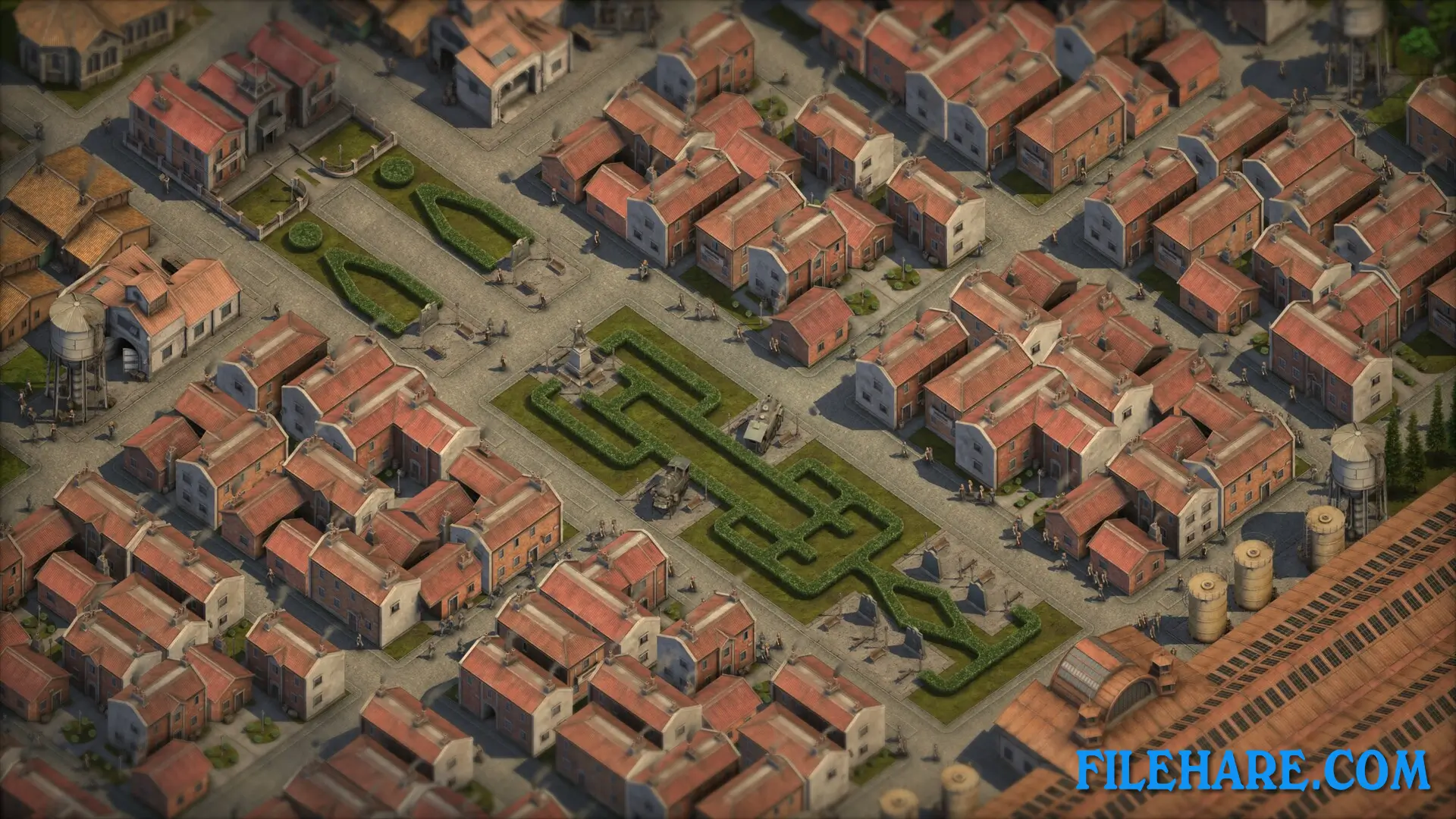
Gameplay Screenshots
| Name | Sweet Transit: Deluxe Edition |
|---|---|
| Developer | Ernestas Norvaišas |
| File Size | 1.76 GB |
| Category | Indie |
| Minimum System Requirements | |
| CPU | Intel Core i3-540, 3.07 GHz or AMD FX-4350, 4.2 GHz |
| RAM | 6 GB |
| Graphics | NVIDIA GeForce 8800 GT, 512 MB or AMD Radeon HD 6670, 1 GB |
| Free Disk Space | 3 GB |
| Operating System | Windows 10 / 11 (64-bit) |
| User Rating | |
Buy this game to support the developer. Store Page
How to Download and Install Sweet Transit: Deluxe Edition PC Game?
We have simple instructions for you to download and install the PC game. Before following the steps, Ensure your PC meets the minimum system requirements for Playing the game on your PC.
- First, click on the DOWNLOAD button and you will be redirected to the final Download page. Then, Download the Game on your PC.
- Once you have downloaded the Sweet Transit: Deluxe Edition PC Game, Open the folder where you saved the Game.
- Then Right-click on the Zip file and click on the "Extract files" option from the dropdown menu. If your computer does not have a Zip file extract software installed, you must first install it. (such as WinRAR, 7Zip software)
- After Extracting the Zip file, Open the Sweet Transit: Deluxe Edition PC Game folder.
- Then, double-click on the Setup.exe file to Install the Game.
- If asked to allow the program to make changes to your device, click Yes to continue.
- After the installation, if you get any missing ".dll" errors or the Game is not launching, open the Readme.txt file located in the game folder and follow the instructions shown in the document file to play the game.
Done!. Now, you can launch the game from your desktop.