The Lord of the Rings: Return to Moria PC Game Download
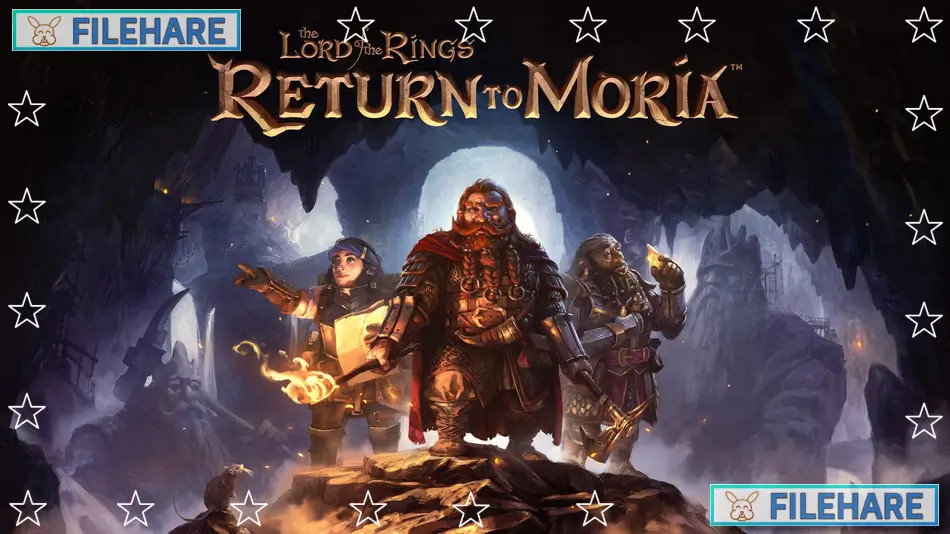
The Lord of the Rings: Return to Moria is a survival video game developed by Free Range Games and published by North Beach Games. The game was released on October 24, 2023, for Windows PC via the Epic Games Store and later on Steam on August 27, 2024. Console versions arrived on PlayStation 5 in December 2023 and on Xbox Series X/S in August 2024. The game is based on the famous Middle-earth novels by J.R.R. Tolkien.
Table of Contents
The Lord of the Rings: Return to Moria Story
The game takes place during the Fourth Age of Middle-earth, which happens after the events shown in The Lord of the Rings books. After Sauron was defeated, the Dwarves can finally return home. Lord Gimli Lockbearer, voiced by actor John Rhys-Davies, who played him in the movies, calls a company of Dwarves to the Misty Mountains. Their goal is to reclaim Moria, the ancient Dwarven kingdom also known as Khazad-dûm. When the famous Doors of Durin will not open, the Dwarves use explosives to break in. However, the floor collapses and traps the player character inside. The protagonist must travel through Moria to reach the east gate and escape while discovering why shadow runes have sealed the doors from inside.
The Lord of the Rings: Return to Moria Gameplay
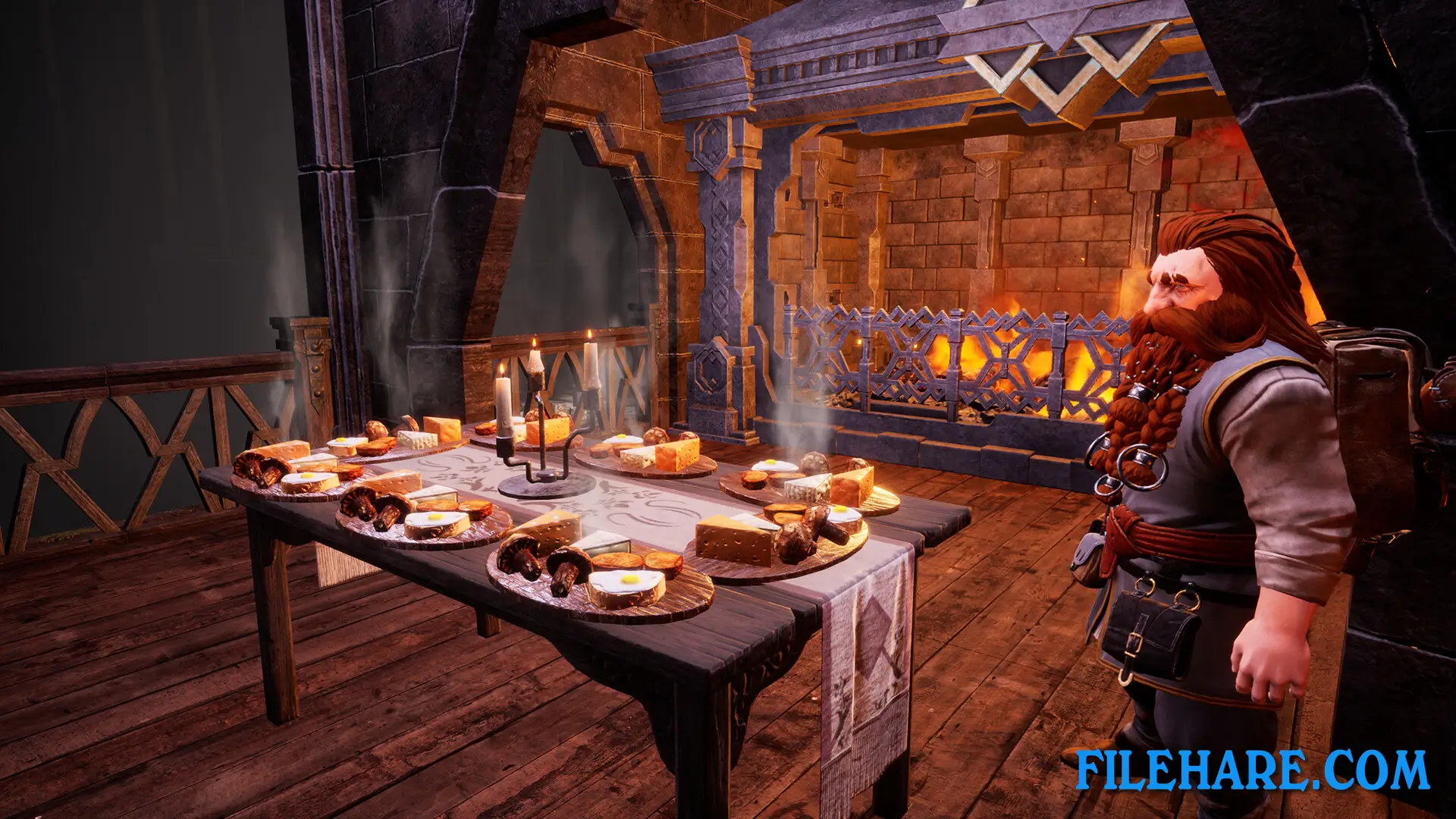
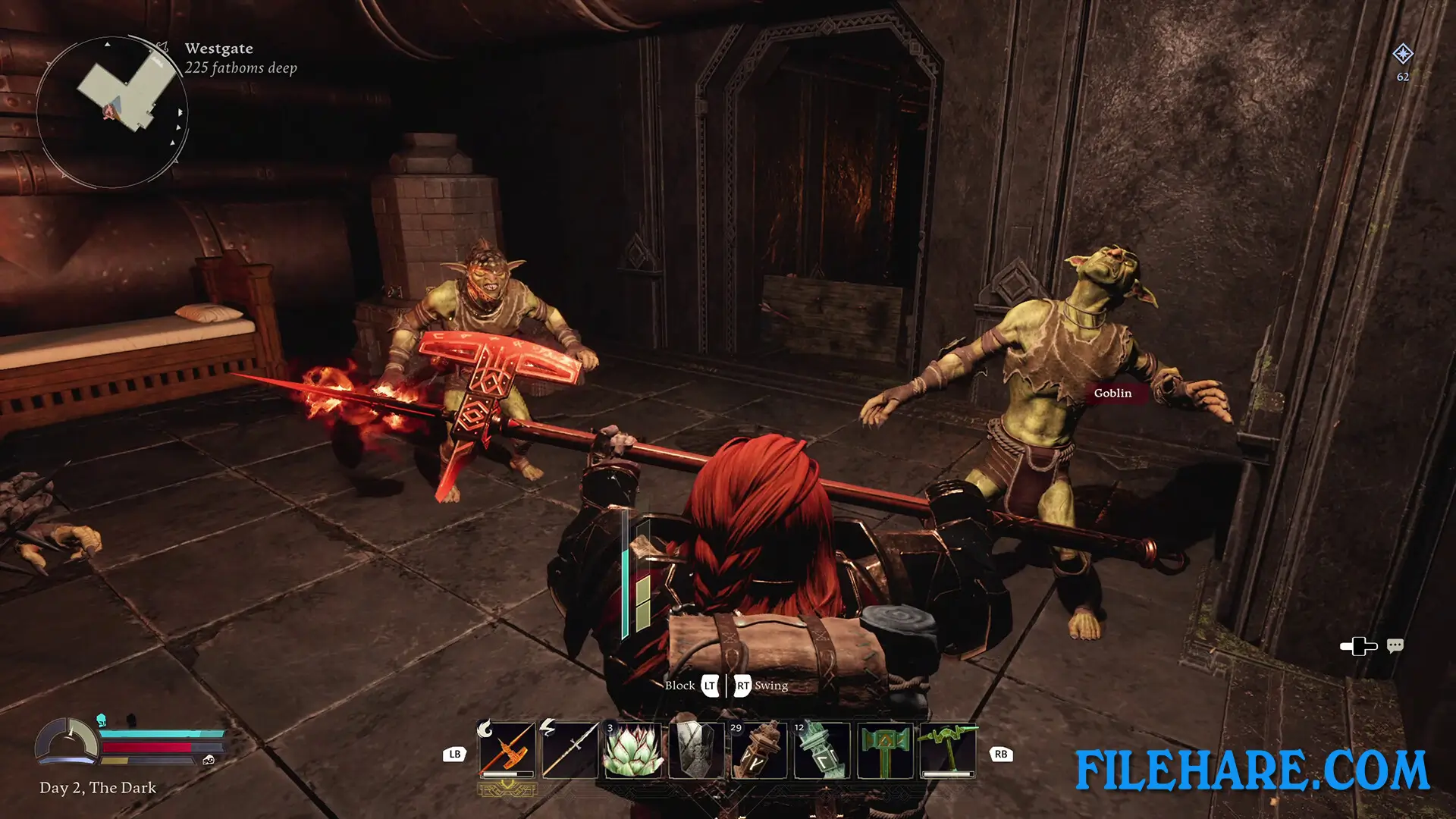
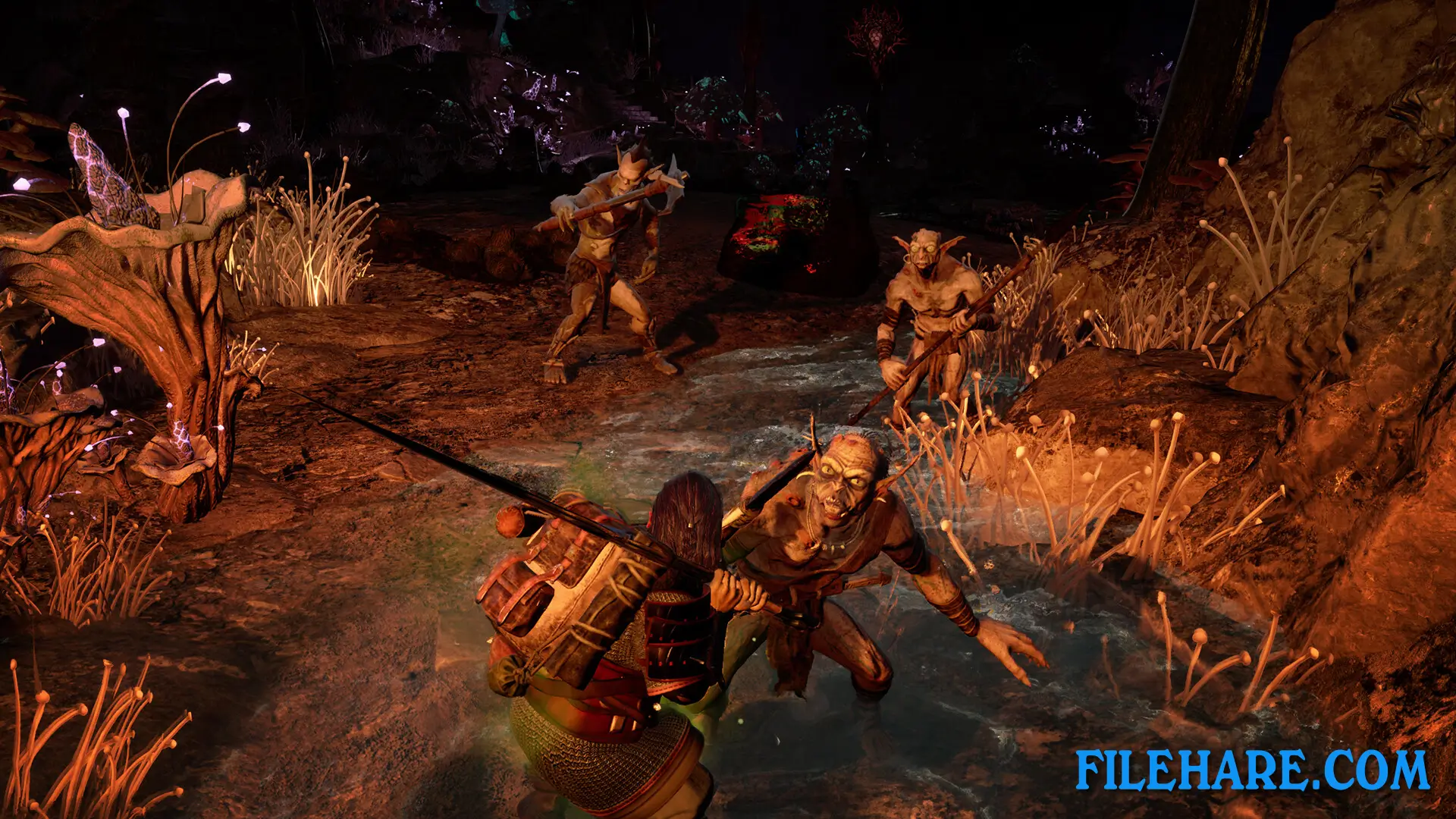
Return to Moria is a survival game where players create their own custom Dwarf character before entering the mines. The game can be played alone or with up to eight friends online. Players must mine for resources, build structures, and fight enemies to survive. The caves of Moria are procedurally generated, so every playthrough is unique. Players need to manage their health and stamina while exploring dark tunnels and vast underground halls. Mining provides materials like iron, coal, and precious gems that are used for building tools, weapons, and armour. The game includes base building, where players can construct furniture, storage, and workstations. Combat involves using swords, shields, and other equipment to fight orcs and creatures hiding in the depths. Players will encounter orc camps that can be attacked for loot. The game also has raid events where enemies attack the player’s base. Fast travel points can be established to move around the large map more easily.
The Lord of the Rings: Return to Moria Features
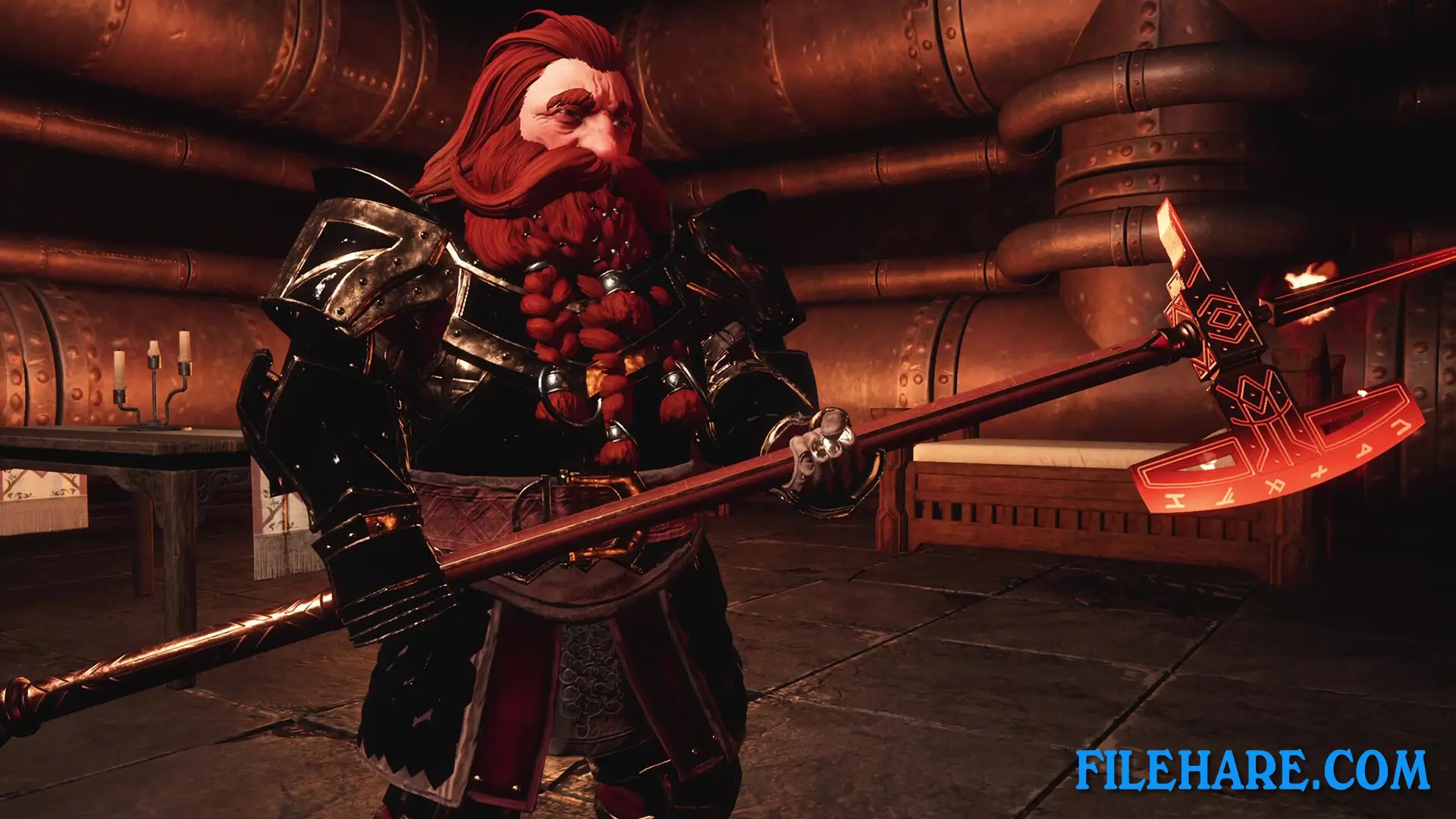
The game includes a detailed Dwarf Creator that allows customization of beards, hair, facial features, tattoos, scars, body type, and accessories. Players can recruit NPCs found in the mines who will join the base and work as blacksmiths, miners, brewmasters, and guards. The game has received several updates since launch, including The Golden Update that added crossplay between all platforms. A Sandbox Mode provides complete freedom with procedurally generated worlds using random seeds for maximum variety. Players can build monuments with help from recruits they rescue. The difficulty can be adjusted for various aspects, including enemy behaviour, combat intensity, and resource availability.
Recommended System Requirements
Requires a 64-bit processor and operating system
- OS: Windows 10/11 64-bit
- Processor: Intel Core i7 (6 Core or better)
- Memory: 16 GB RAM
- Graphics: NVIDIA GeForce RTX 2060
- DirectX: Version 12
- Storage: 20 GB available space
- Additional Notes: SSD Recommended
Gameplay Screenshots
| Name | The Lord of the Rings: Return to Moria |
|---|---|
| Developer | Free Range Games |
| File Size | 10.81 GB |
| Category | Adventure |
| Minimum System Requirements | |
| CPU | Intel Core i5 (Quad Core or better) |
| RAM | 8 GB |
| Graphics | NVIDIA GeForce GTX 1060 |
| Free Disk Space | 20 GB |
| Operating System | Windows 10 / 11 (64-bit) |
| User Rating | |
Buy this game to support the developer. Store Page
How to Download and Install The Lord of the Rings: Return to Moria PC Game?
We have simple instructions for you to download and install the PC game. Before following the steps, Ensure your PC meets the minimum system requirements for Playing the game on your PC.
- First, click on the DOWNLOAD button and you will be redirected to the final Download page. Then, Download the Game on your PC.
- Once you have downloaded the The Lord of the Rings: Return to Moria PC Game, Open the folder where you saved the Game.
- Then Right-click on the Zip file and click on the "Extract files" option from the dropdown menu. If your computer does not have a Zip file extract software installed, you must first install it. (such as WinRAR, 7Zip software)
- After Extracting the Zip file, Open the The Lord of the Rings: Return to Moria PC Game folder.
- Then, double-click on the Setup.exe file to Install the Game.
- If asked to allow the program to make changes to your device, click Yes to continue.
- After the installation, if you get any missing ".dll" errors or the Game is not launching, open the Readme.txt file located in the game folder and follow the instructions shown in the document file to play the game.
Done!. Now, you can launch the game from your desktop.