Through the Wall PC Game Download for Windows 10/11/7/8

Through the Wall is a casual adult idle clicker game developed and published by PinkySoul. The game was released on April 8, 2025, for PC on Windows. It is a single-player game aimed at players who enjoy simple, low-effort idle gameplay with adult content. You can Download this PC game from our website for free.
Table of Contents
Through the Wall Gameplay
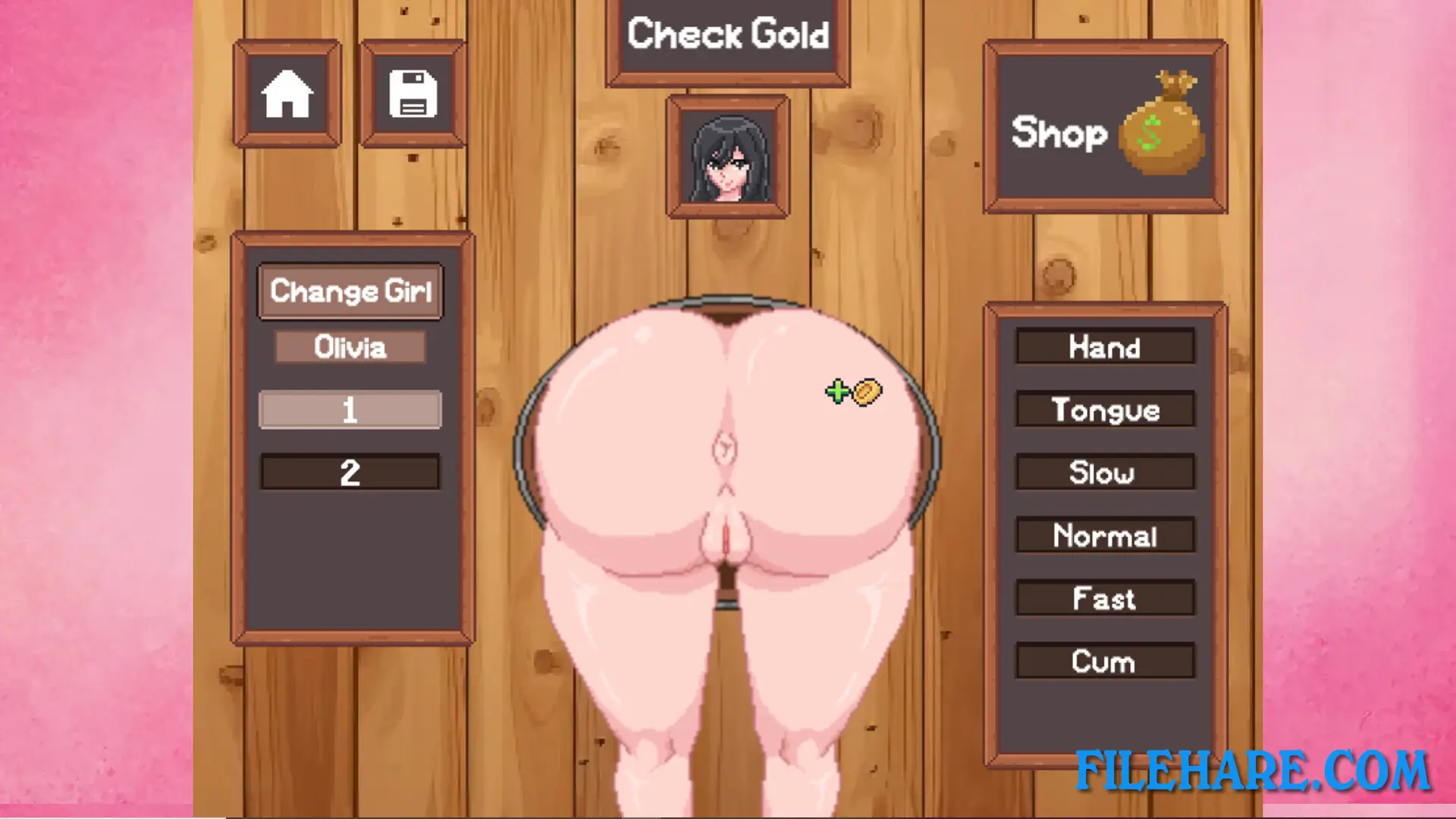
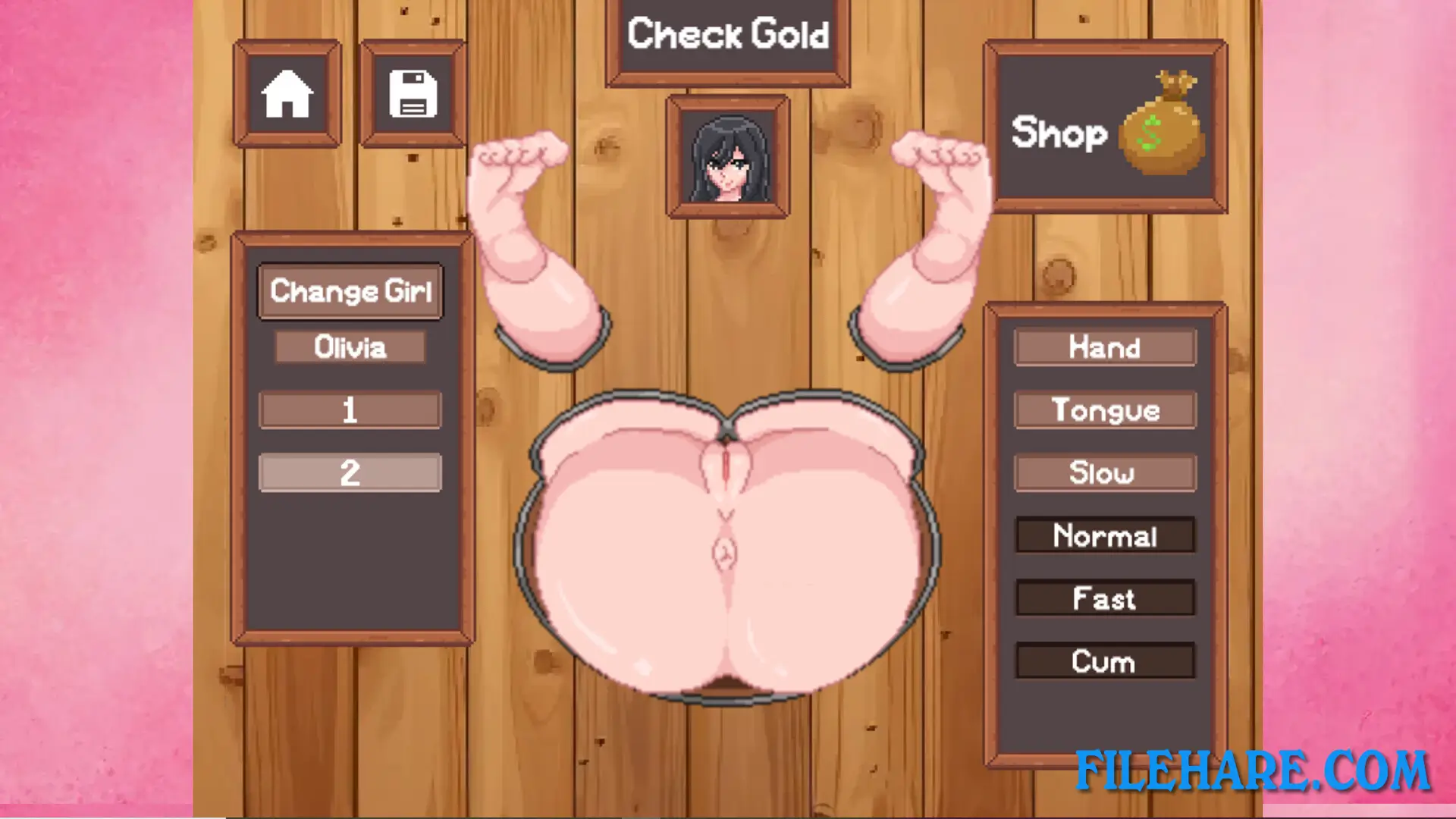
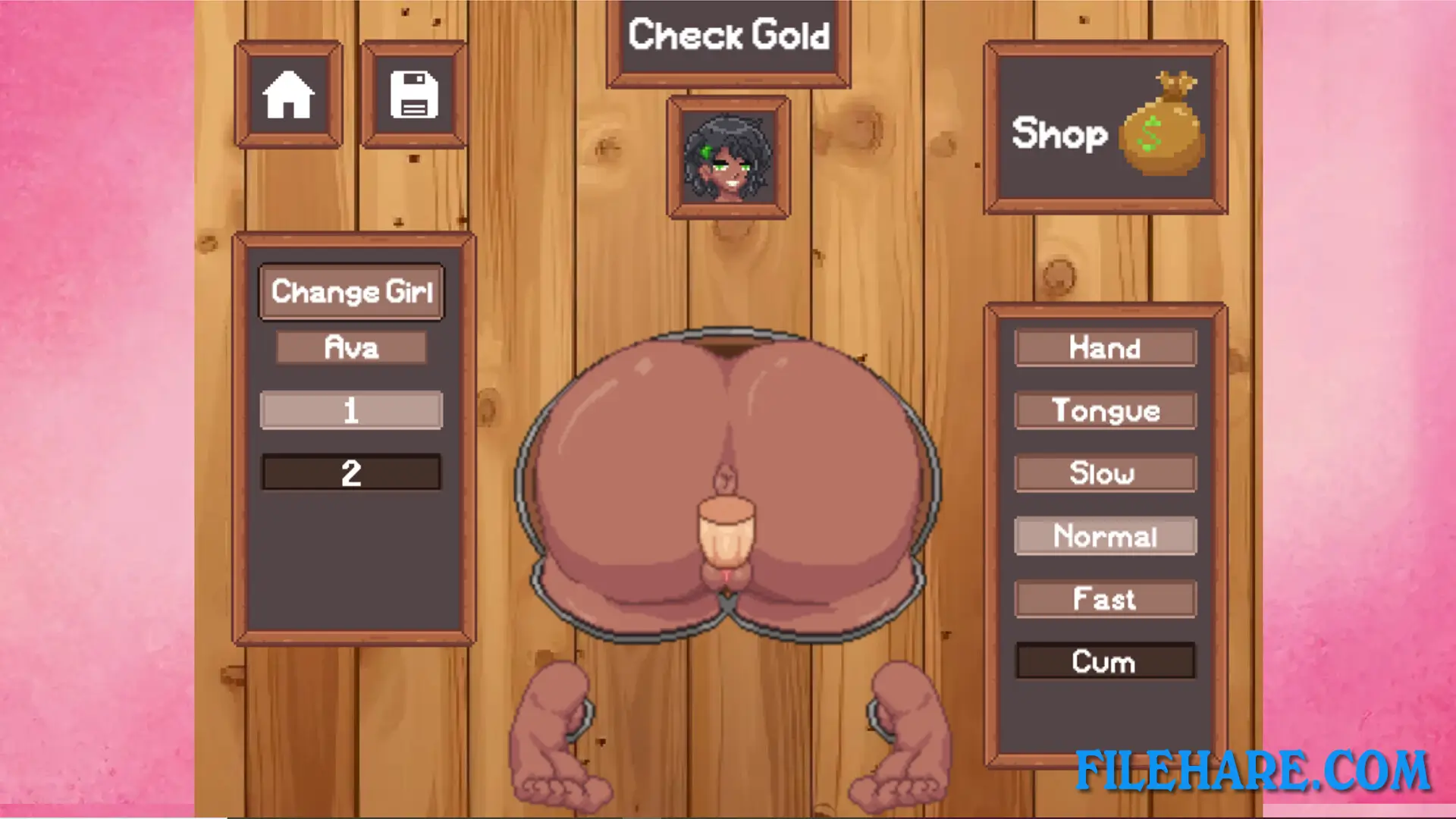
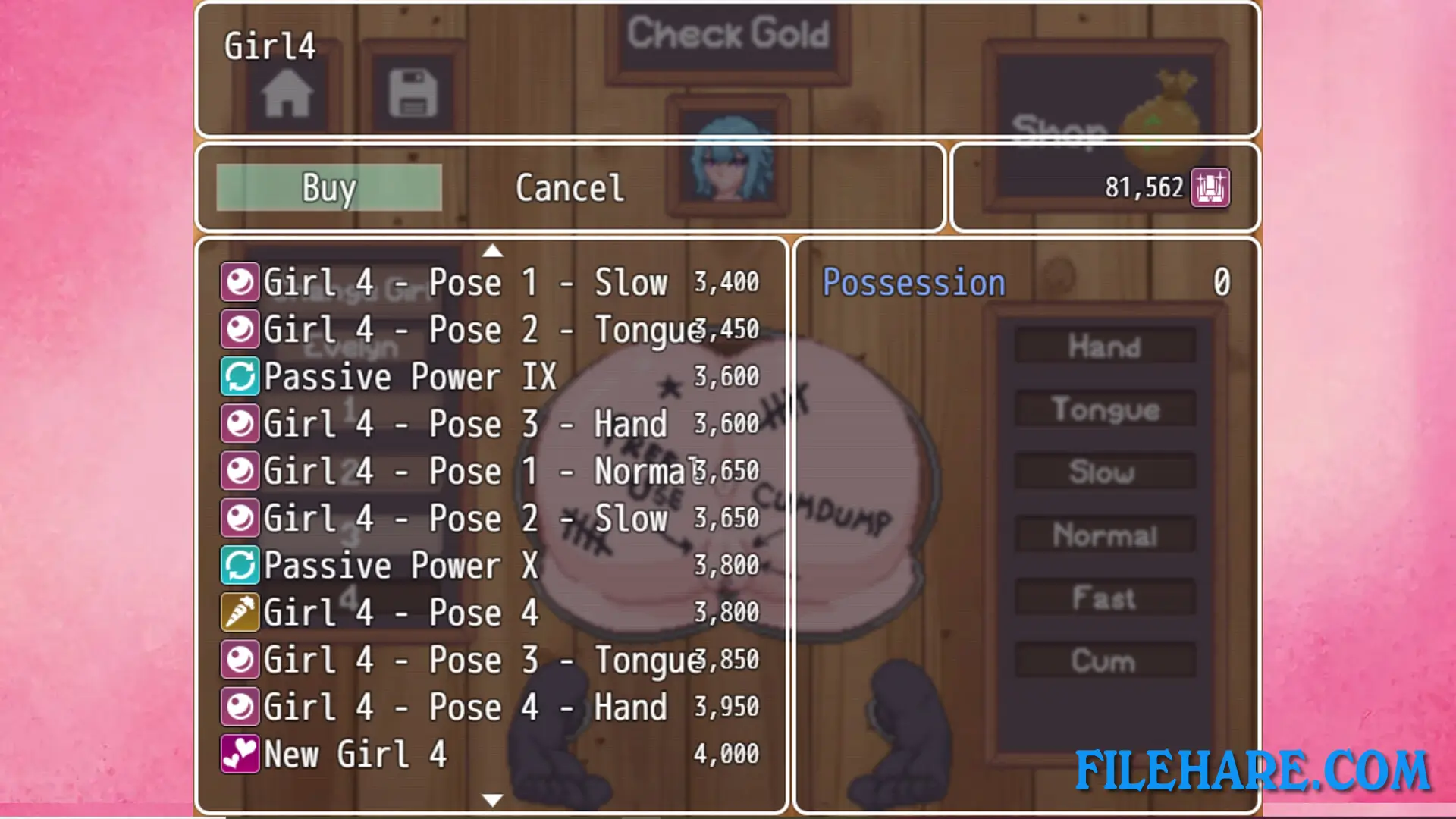
Through the Wall is an idle clicker game where the player collects coins by clicking and then uses those coins to buy upgrades. These upgrades increase how fast coins are collected both when the player is actively clicking and when the game is left running in the background. As the player progresses and earns more coins, new content becomes available to unlock. The game is built around the idea of constant, steady growth — even when the player steps away, the game continues to collect resources on its own. This makes it easy to pick up for short sessions or leave running for longer periods.
Through the Wall Features
The game includes a range of upgrade options that increase click power and passive coin income over time. New poses and visual content are unlocked as the player advances further. The game is designed to be simple to start, with no complex rules or prior knowledge needed. It supports English, Korean, and Brazilian Portuguese, making it accessible to a wider group of players. Through the Wall has received mixed reviews on Steam, with around 66% of user reviews being positive at the time of release.
Gameplay Screenshots
| Name | Through the Wall |
|---|---|
| Developer | PinkySoul |
| File Size | 492.88 MB |
| Category | Adult |
| Minimum System Requirements | |
| CPU | Intel Core i3 or equivalent |
| RAM | 4 GB |
| Graphics | DirectX 11 compatible GPU |
| Free Disk Space | 1 GB |
| Operating System | Windows 10 / 11 / 7 / 8 |
| User Rating | |
Buy this game to support the developer. Store Page
How to Download and Install Through the Wall PC Game?
We have simple instructions for you to download and install the PC game. Before following the steps, Ensure your PC meets the minimum system requirements for Playing the game on your PC.
- First, click on the DOWNLOAD button and you will be redirected to the final Download page. Then, Download the Game on your PC.
- Once you have downloaded the Through the Wall PC Game, Open the folder where you saved the Game.
- Then Right-click on the Zip file and click on the "Extract files" option from the dropdown menu. If your computer does not have a Zip file extract software installed, you must first install it. (such as WinRAR, 7Zip software)
- After Extracting the Zip file, Open the Through the Wall PC Game folder.
- Then, double-click on the Setup.exe file to Install the Game.
- If asked to allow the program to make changes to your device, click Yes to continue.
- After the installation, if you get any missing ".dll" errors or the Game is not launching, open the Readme.txt file located in the game folder and follow the instructions shown in the document file to play the game.
Done!. Now, you can launch the game from your desktop.