The Mortuary Assistant PC Game Download for Windows 10/11/7/8
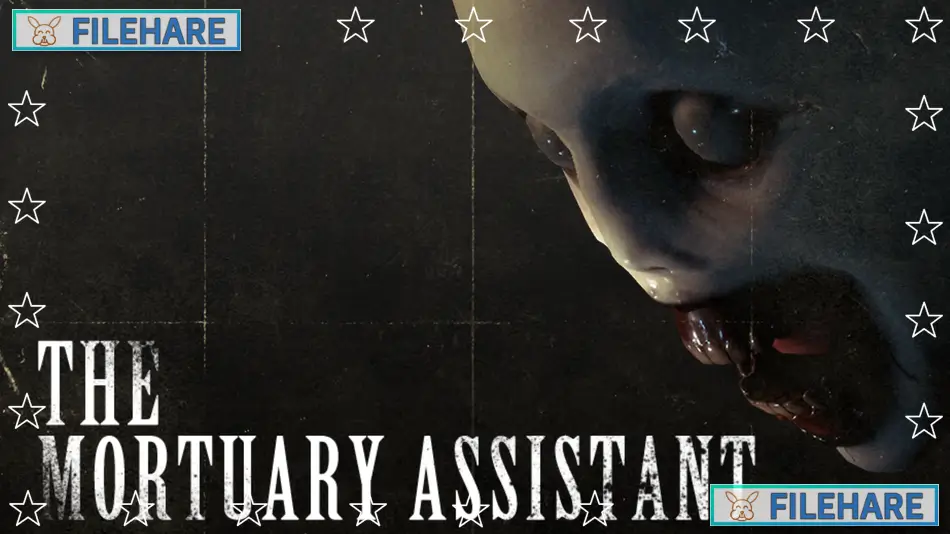
The Mortuary Assistant is a horror simulation game developed by DarkStone Digital and published by DreadXP. The game was released on August 2, 2022, for PC through Steam and later came to Nintendo Switch on April 20, 2023. The Definitive Edition was released for PlayStation 4, PlayStation 5, Xbox One, and Xbox Series X/S on August 2, 2024, getting updated features and improvements to console players. The game is set in 1998 in a small town in Connecticut and has received very positive reviews from players.
Table of Contents
The Mortuary Assistant Story
You play as Rebecca Owens, who has just finished her degree in mortuary sciences and started working at River Fields Mortuary under her former teacher Raymond Delver. After a few weeks of training, Rebecca is called in for a late night shift to handle some embalmings. When she arrives, Raymond locks her inside the building and reveals a terrifying truth. A demon is trying to possess her body, and to stop this from happening, she must find which corpse the demon has attached itself to. Rebecca needs to perform a special ritual to bind the demon to that body and then burn it in the incinerator before dawn.
Throughout the night, the demon tries to stop her by creating hallucinations and disturbing her work. As Rebecca continues working at the mortuary to keep the demon away, she discovers dark secrets about what Raymond has been doing in the basement and must confront painful memories from her past involving her mother and father.
The Mortuary Assistant Gameplay
This is a first-person horror simulation game where you perform actual embalming procedures on dead bodies while trying to identify which one is possessed. You follow a checklist of tasks for preparing bodies. First, you inspect the body for identifying marks like tattoos, scars, or birthmarks and write them down. Then you make incisions and connect tubes to drain the blood from the body. After that, you inject embalming fluid into the arteries and remove internal organs. Finally, you apply makeup, dress the body, and return it to cold storage. While doing these tasks, you must also look for four symbols hidden around the mortuary. These symbols help you figure out the demon’s name by checking it against a reference book.
You also collect clues about which body is possessed by observing paranormal activity and strange markings that appear. The demon constantly interferes with your work through jump scares, hallucinations, and manipulating objects around you. When you think you know which body is possessed and what the demon’s name is, you perform a binding ritual that requires drawing symbols and saying the demon’s name correctly. If you get it right, you can burn the body and survive the night. If you get it wrong, the demon takes over your body and you lose.
The Mortuary Assistant Features
The game offers over ten hours of content with multiple endings to discover. There are six different endings based on what you do during your shifts. Some endings are triggered by specific actions or discoveries you make while exploring the mortuary. The final ending is the longest and provides the most answers about what has been happening at River Fields Mortuary. You can also complete side activities like answering phone calls, organizing supplies, and playing minigames on an old computer terminal. The Definitive Edition added quality improvements, better performance, and additional features for console players.
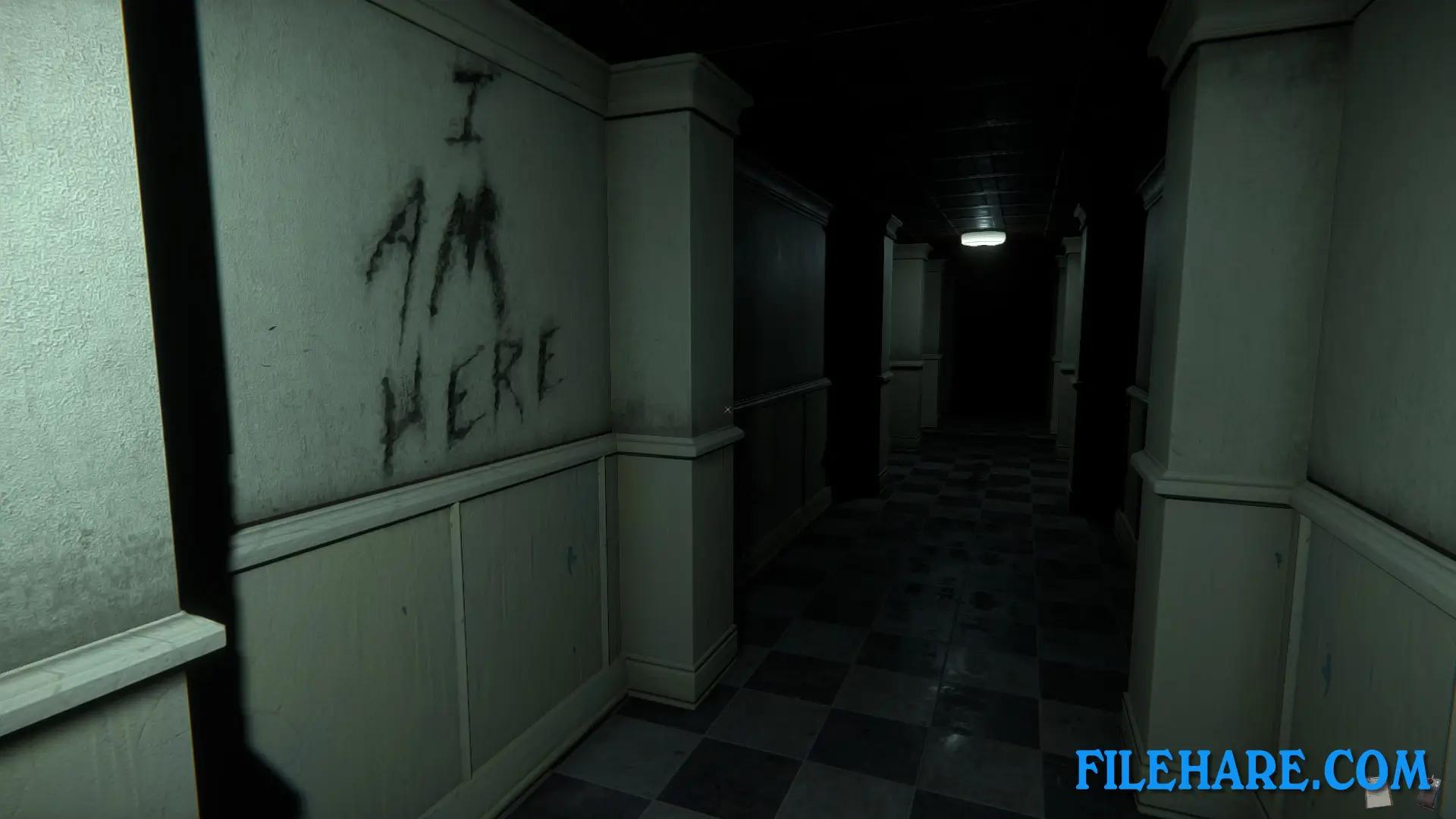
Gameplay Screenshots
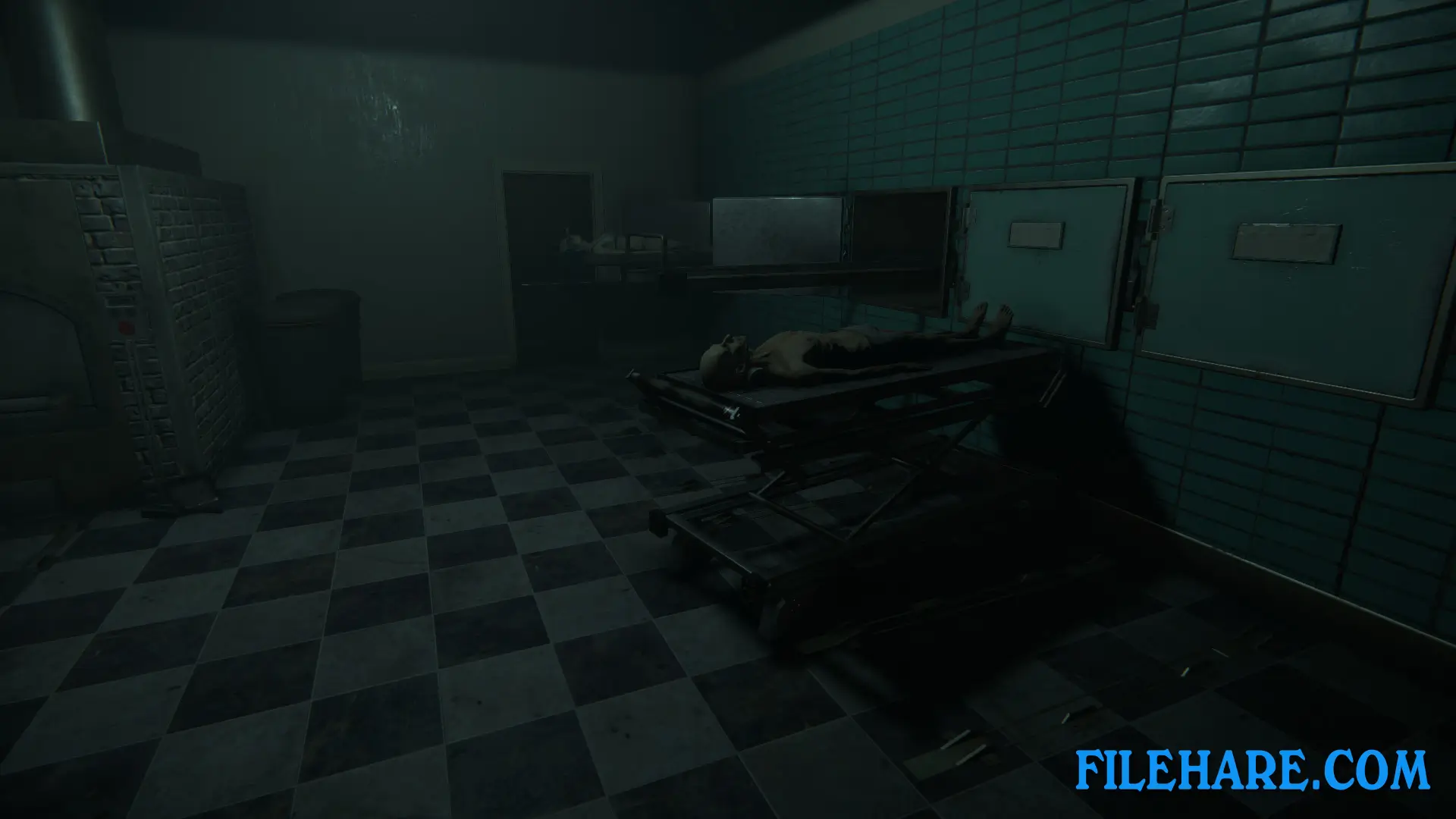
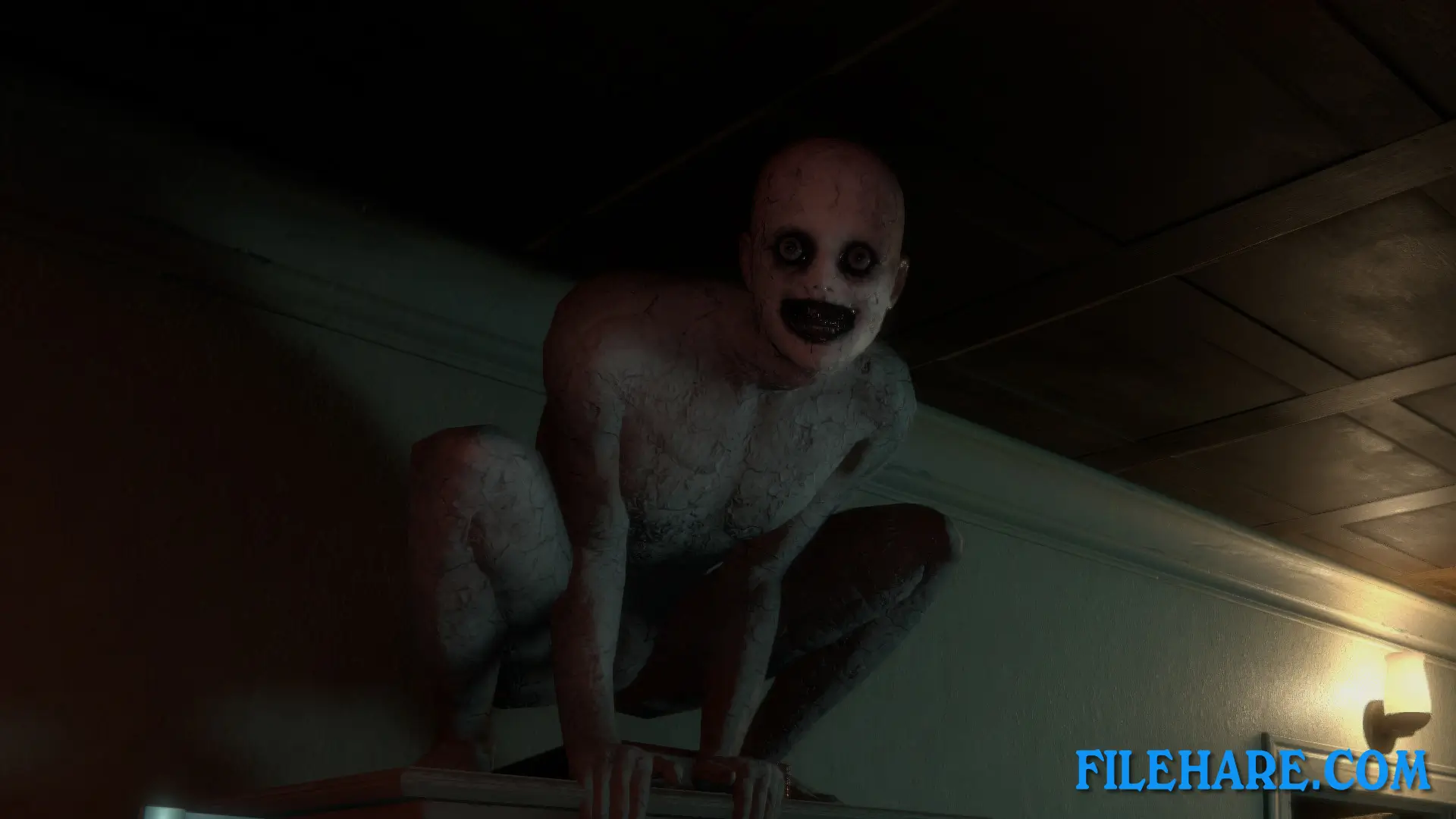
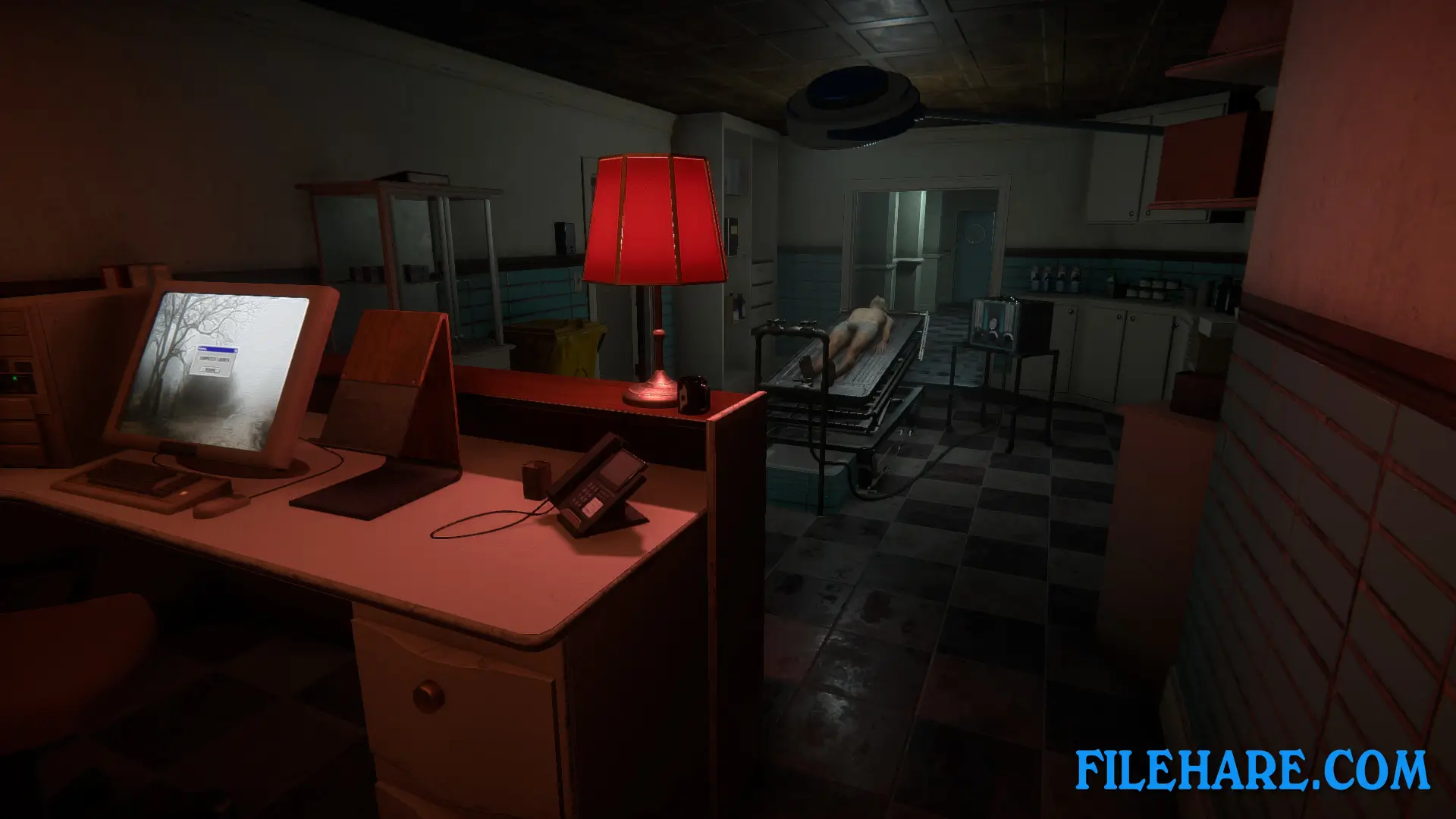
| Name | The Mortuary Assistant |
|---|---|
| Developer | DarkStone Digital |
| File Size | 1 GB |
| Category | Horror |
| Minimum System Requirements | |
| CPU | Intel/AMD 2 GHz or higher |
| RAM | 4 GB |
| Graphics | geforce 960 or higher |
| Free Disk Space | 4 GB |
| Operating System | Windows 10 / 11 / 7 / 8 |
| User Rating | |
To buy this game, visit the Store Page
How to Download and Install The Mortuary Assistant PC Game?
We have simple instructions for you to download and install the PC game. Before following the steps, Ensure your PC meets the minimum system requirements for Playing the game on your PC.
- First, click on the DOWNLOAD button and you will be redirected to the final Download page. Then, Download the Game on your PC.
- Once you have downloaded the The Mortuary Assistant PC Game, Open the folder where you saved the Game.
- Then Right-click on the Zip file and click on the "Extract files" option from the dropdown menu. If your computer does not have a Zip file extract software installed, you must first install it. (such as WinRAR, 7Zip software)
- After Extracting the Zip file, Open the The Mortuary Assistant PC Game folder.
- Then, double-click on the Setup.exe file to Install the Game.
- If asked, provide administrator permissions for the installation to proceed. Click Yes to continue.
- Follow the on-screen installation wizard to install the game on your PC.
- After the installation, if you get any missing ".dll" errors or the Game is not launching, open the Readme.txt file located in the game folder and follow the instructions shown in the document file to play the game.
Done!. Now, you can launch the game from your desktop.