The Operator PC Game Download for Windows 10/11/7/8
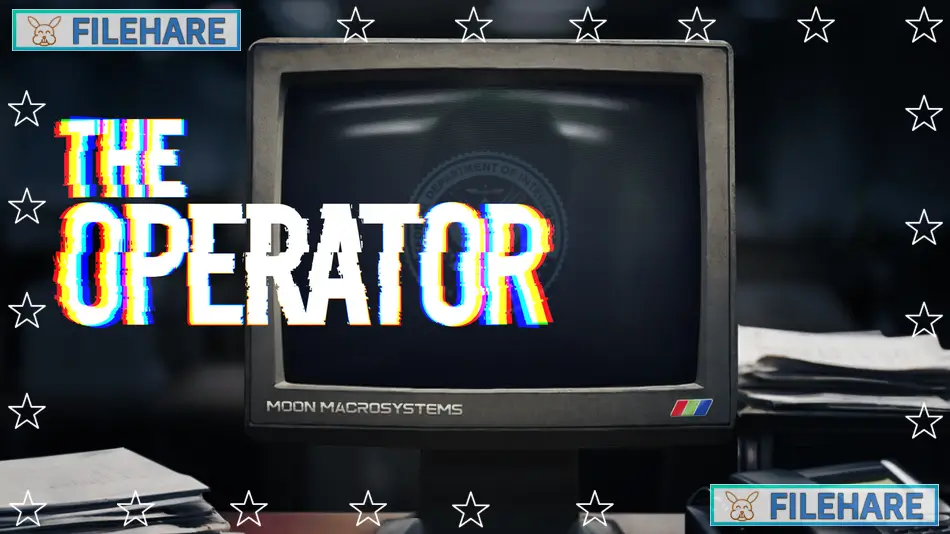
The Operator is a detective investigation game developed and published by Bureau 81 and indienova. The game was released on July 22, 2024, for PC through Steam and GOG. This is the debut game from Bureau 81, a studio founded in 2023. You play as Evan Tanner, who has just been hired as an Operator for the Federal Department of Investigation, known as FDI. Your job is to sit at your computer workstation and help field agents by analyzing evidence and finding clues that can solve crimes.
Table of Contents
The Operator Story
On your first day at the FDI, you start with simple cases but quickly discover there is a bigger conspiracy happening behind the scenes. A mysterious list appears during your first case that contains over a hundred names. Most names are crossed out, some are circled, and one name is strangely hidden. As you help agents solve murders, cyber attacks, and missing person cases, you slowly uncover a larger conspiracy that involves powerful people. The game uses full voice acting and live-action video clips to tell its story through conversations with your supervisor and field agents who contact you for help.
The Operator Gameplay
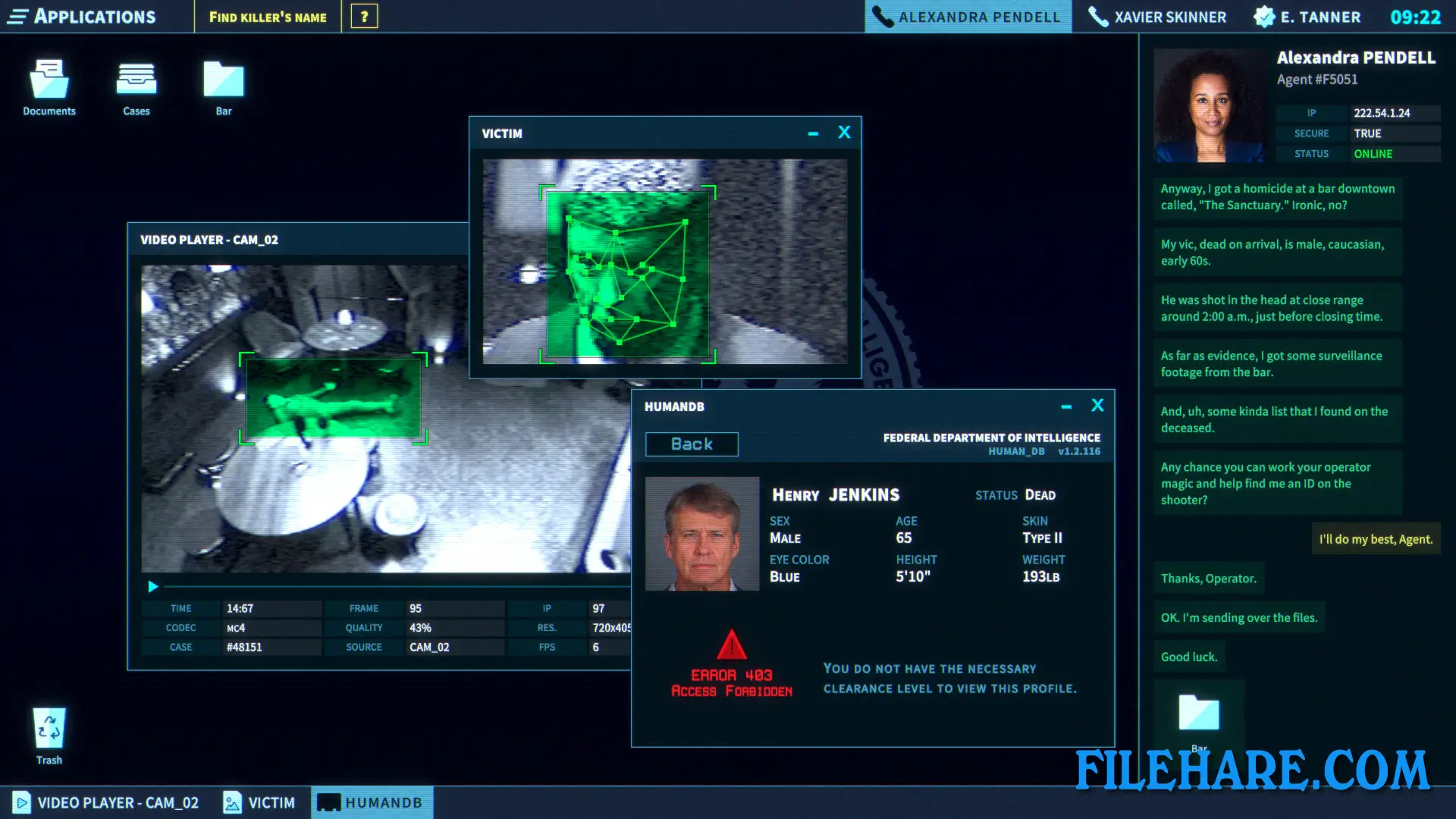
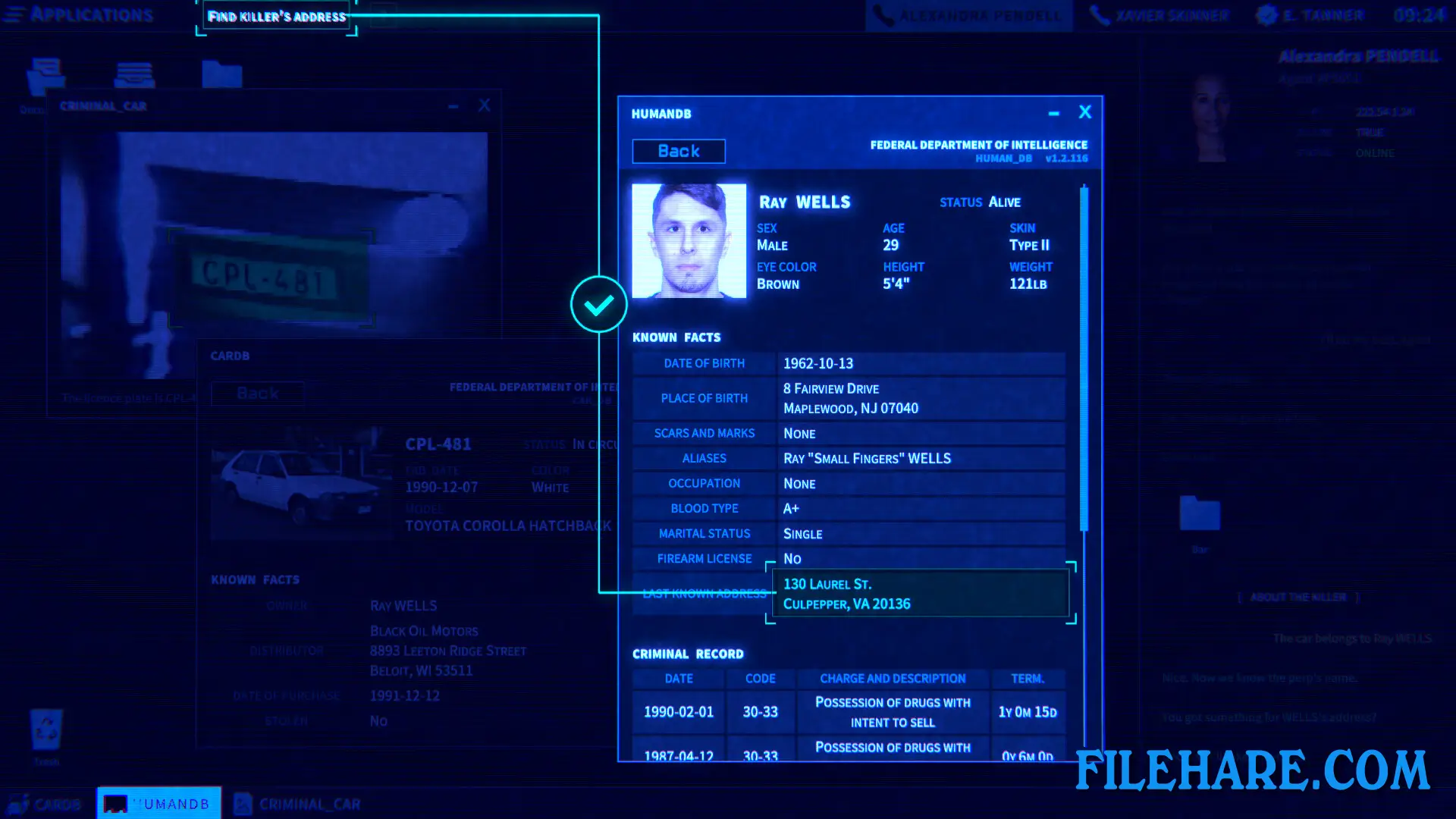
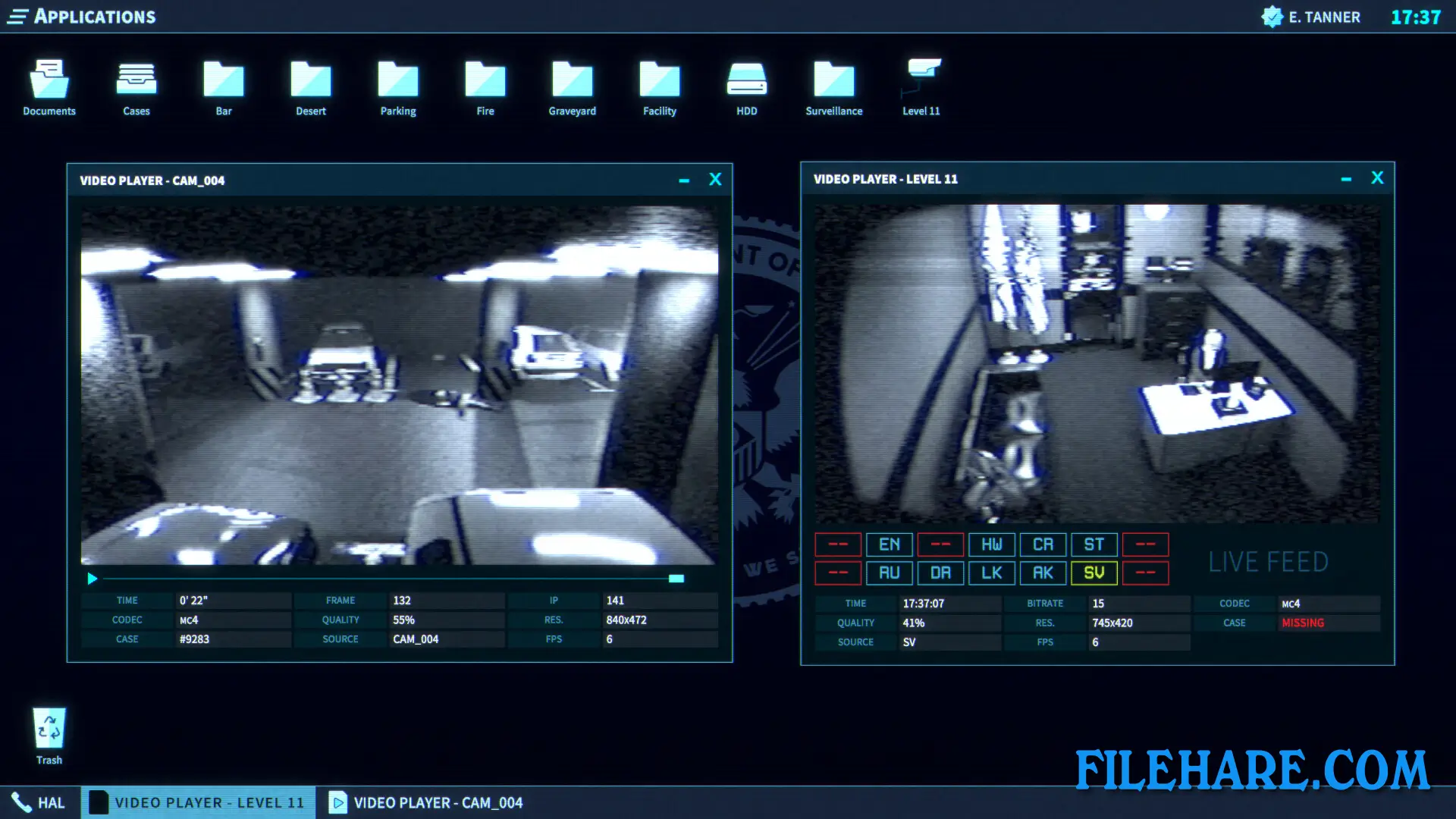
This is a point-and-click detective game where you work entirely from your computer desk. You never leave your office or go out into the field. Instead, you use various software programs installed on your FDI computer to examine evidence sent by field agents. The game gives you access to several tools. The Video and Photo Analyzer lets you examine recordings and images to spot important details. The Citizen and Vehicle Database allows you to search for information about people and cars using details like license plates or names.
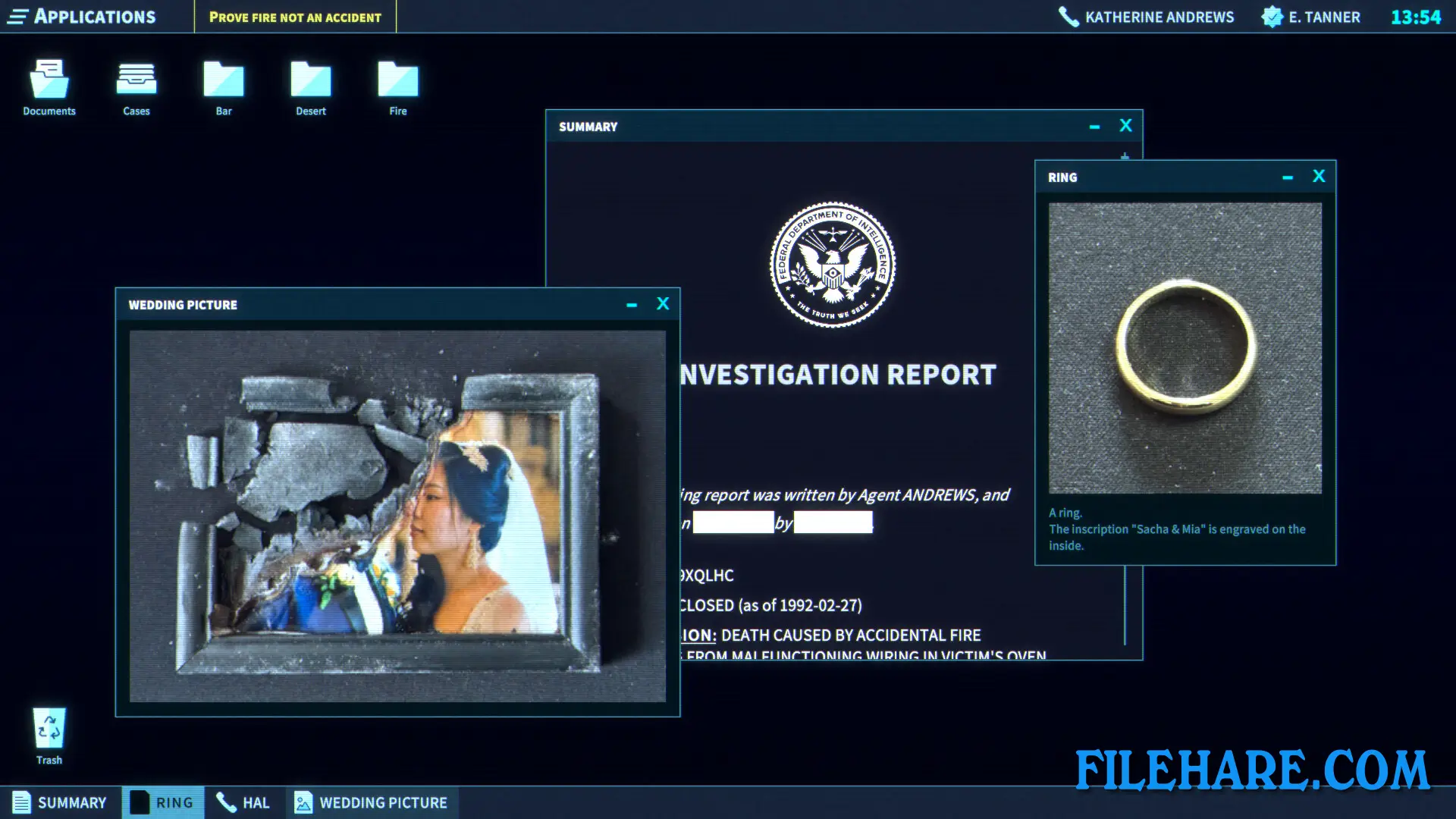
The ChemScan program helps you identify chemical substances found at crime scenes. You also have a Notepad where you can write down important information to remember later. Your supervisor assigns you case files, and you must read through documents, watch videos, and cross-reference information between your database and the evidence provided. When you find important clues, you report them to help agents move forward with their investigations. You follow instructions and use logic to figure out what information agents need to know next.
The Operator Features
The game includes multiple cases to solve, with the main story taking approximately four hours to complete. You investigate various types of crimes, including murders, disappearances, and cyber attacks. The interface looks like a computer operating system from the late 1990s or early 2000s. The game uses a mix of text documents, database searches, and FMV videos to present evidence. All characters are portrayed by real actors in video clips. The game received very positive reviews from players, with over 90 percent approval on Steam. A soundtrack is available separately for those who want to listen to the music outside the game.
Gameplay Screenshots
| Name | The Operator |
|---|---|
| Developer | Bureau 81 |
| File Size | 841.16 MB |
| Category | Simulation |
| Minimum System Requirements | |
| CPU | Intel i5 or equivalent |
| RAM | 4 GB |
| Graphics | GTX 970 |
| Free Disk Space | 3 GB |
| Operating System | Windows 10 / 11 / 7 / 8 |
| User Rating | |
To buy this game, visit the Store Page
How to Download and Install The Operator PC Game?
We have simple instructions for you to download and install the PC game. Before following the steps, Ensure your PC meets the minimum system requirements for Playing the game on your PC.
- First, click on the DOWNLOAD button and you will be redirected to the final Download page. Then, Download the Game on your PC.
- Once you have downloaded the The Operator PC Game, Open the folder where you saved the Game.
- Then Right-click on the Zip file and click on the "Extract files" option from the dropdown menu. If your computer does not have a Zip file extract software installed, you must first install it. (such as WinRAR, 7Zip software)
- After Extracting the Zip file, Open the The Operator PC Game folder.
- Then, double-click on the Setup.exe file to Install the Game.
- If asked, provide administrator permissions for the installation to proceed. Click Yes to continue.
- Follow the on-screen installation wizard to install the game on your PC.
- After the installation, if you get any missing ".dll" errors or the Game is not launching, open the Readme.txt file located in the game folder and follow the instructions shown in the document file to play the game.
Done!. Now, you can launch the game from your desktop.