Bō: Path of the Teal Lotus PC Game Download for Windows 10/11
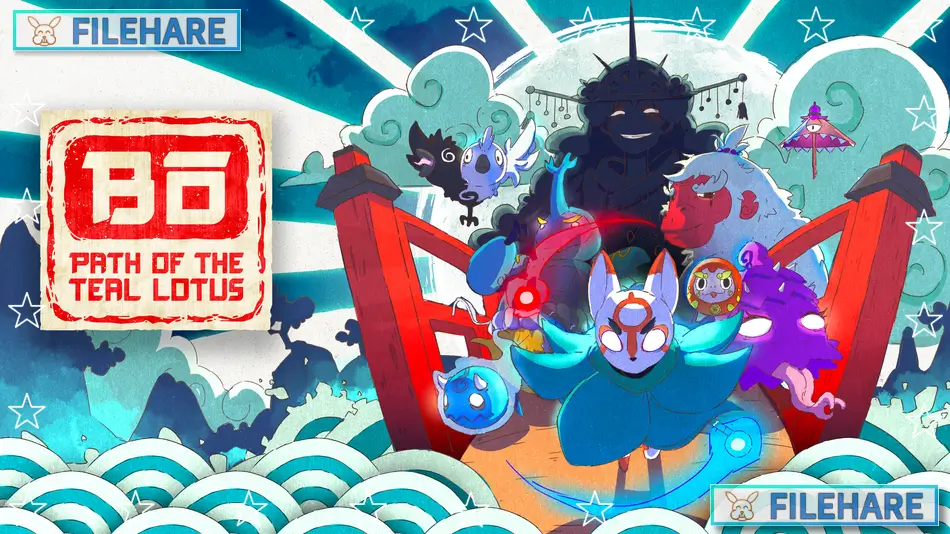
Bō: Path of the Teal Lotus is a 2.5D action platformer game developed by Squid Shock Studios and published by Humble Games. The game was released on July 17, 2024, for PC through Steam, PlayStation 5, Xbox Series X/S, and Nintendo Switch. The game takes inspiration from Japanese folklore and mythology, presenting players with a visually stunning adventure through a fantasy version of feudal Japan. This was the last game published by Humble Games before the company closed its operations shortly after release.
Table of Contents
Bō: Path of the Teal Lotus Story
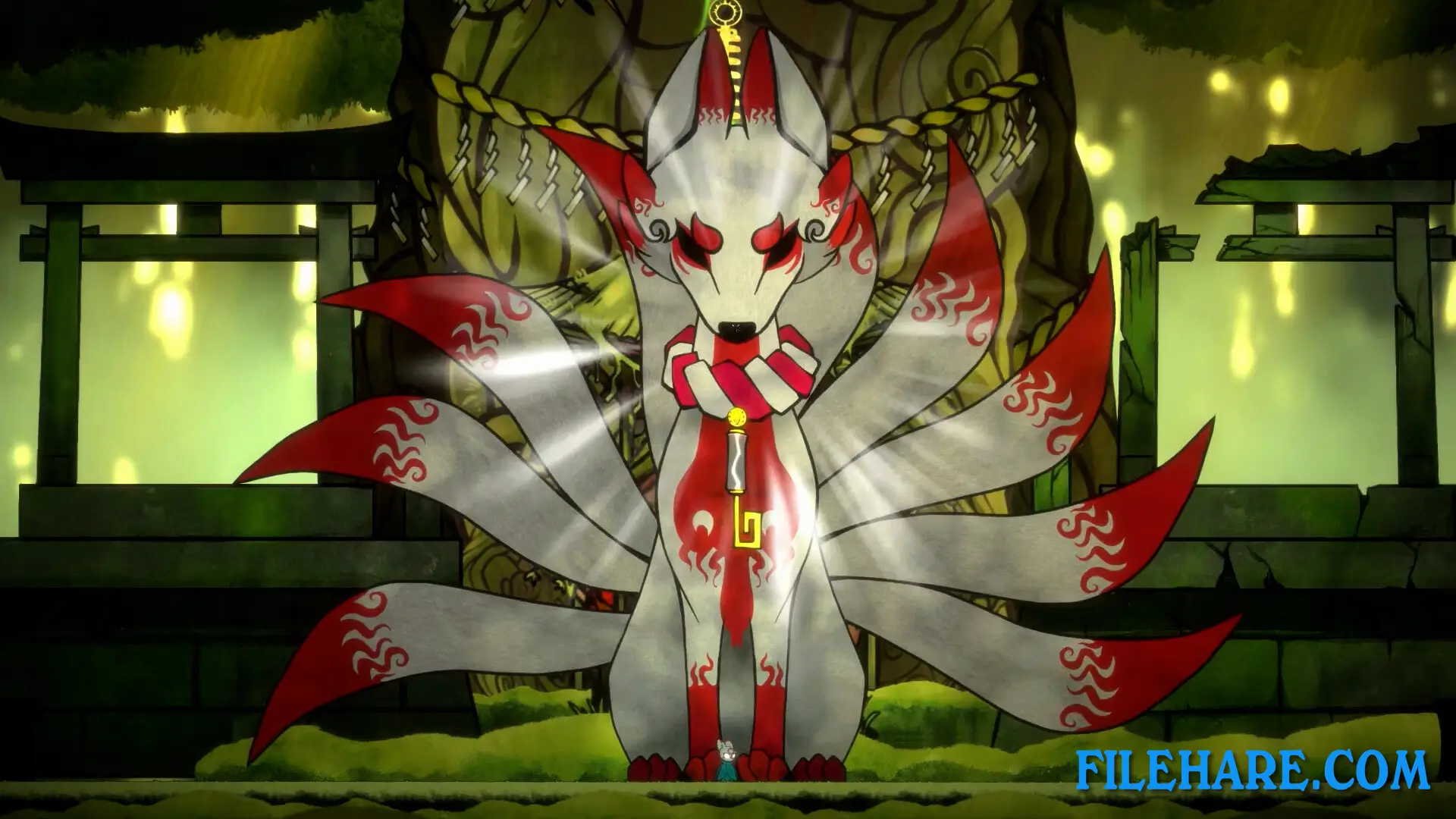
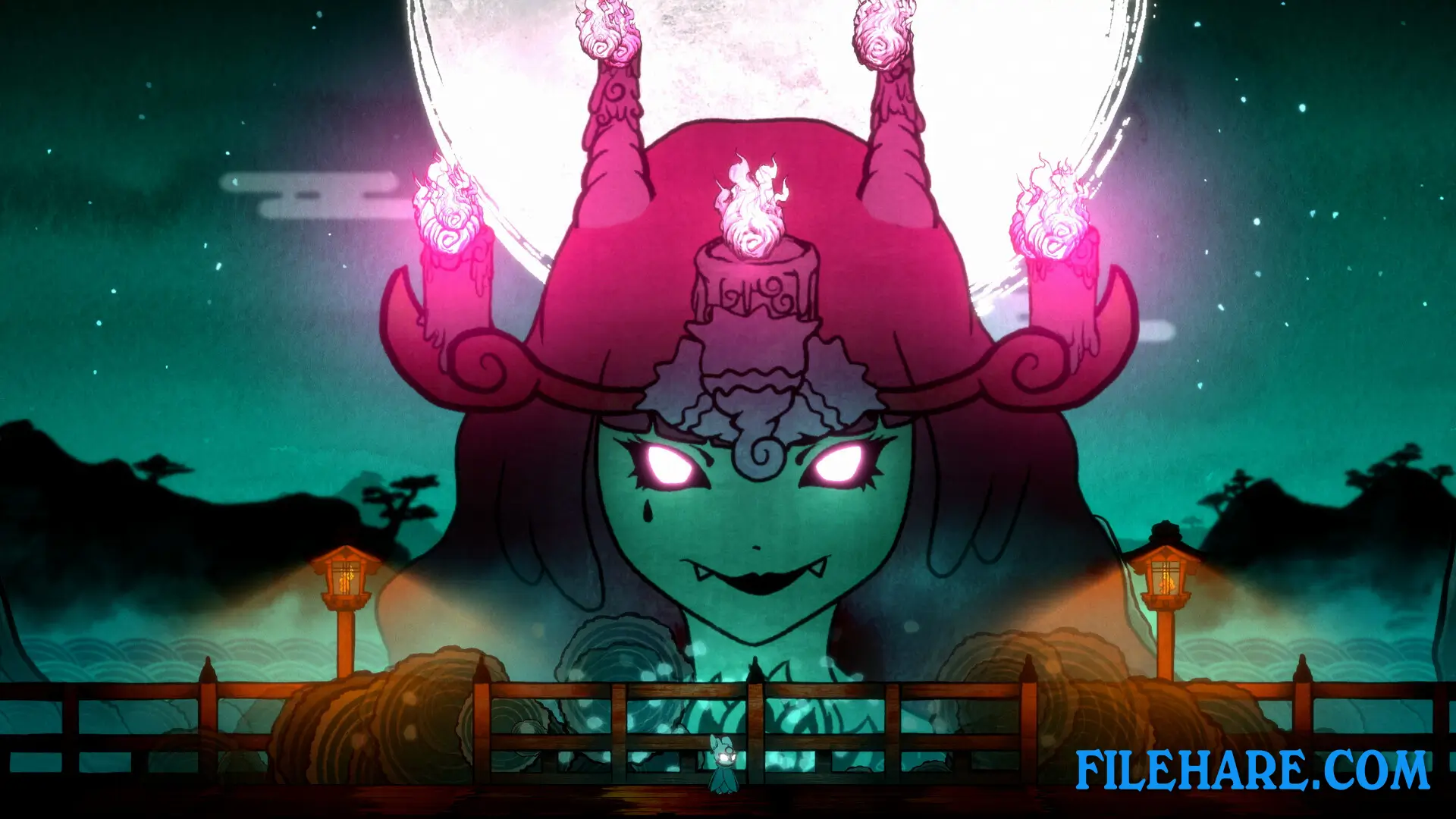
You play as Bō, a celestial fox spirit called a tentaihana who was born from a heavenly blossom in the Celestial Realm above. Bō descends to the mortal plane below to complete an ancient prophecy that has been foretold for generations. Throughout your adventure, you must travel through various locations inspired by Japanese mythology and meet many yokai, which are supernatural spirits from Japanese folklore. The game takes you through haunted castles, busy Japanese-inspired cities, and many other strange places where you interact with colorful characters who may ask for your help with their problems or simply invite you for tea and conversation.
Bō: Path of the Teal Lotus Gameplay
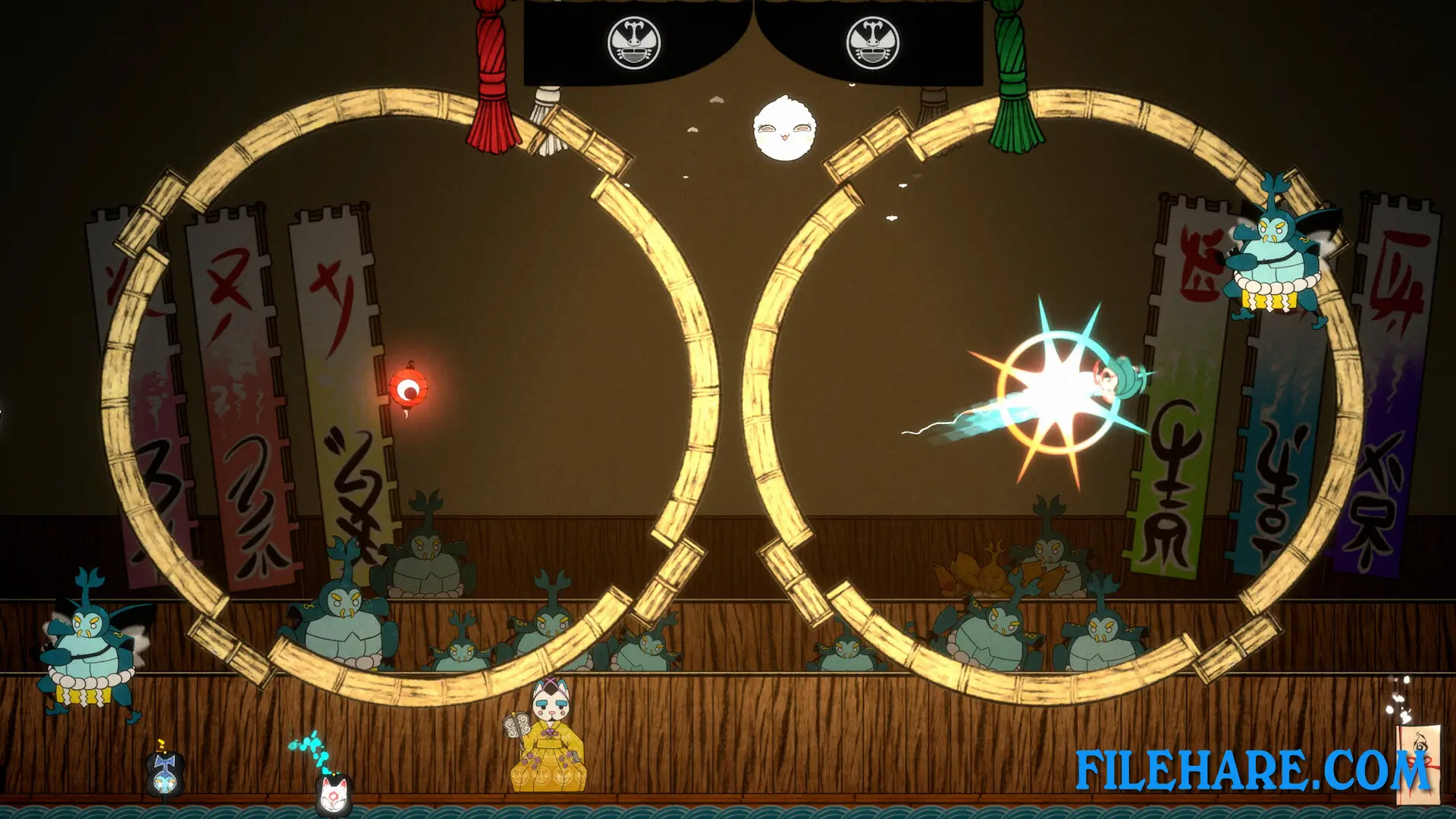
This is a side-scrolling action platformer with Metroidvania mechanics, which means you explore an interconnected map where some areas cannot be accessed until you gain new abilities. You control Bō using a legendary bō staff as your main weapon and method of movement. The staff allows you to bounce off surfaces, glide through the air, and perform acrobatic combat moves against enemies. The transformations include the Mochi Mallet for heavy attacks, the Lotus Dash for quick movement, and the Grappling Gun for reaching high places. When you defeat enemies or complete challenges, you find Daruma dolls scattered throughout the game. These colorful dolls can be upgraded and summoned during battles to help you. When summoned, the Daruma dolls cast spells and use special abilities to support you in combat.
Recommended System Requirements
- OS: 10
- Processor: Intel Core i5-650 or AMD FX-4300
- Memory: 8 GB RAM
- Graphics: NVIDIA GeForce GTX 650 Ti, 2 GB or AMD Radeon R7 360, 2 GB or Intel Iris Xe Graphics
- Additional Notes: High 1080p @ 60 FPS
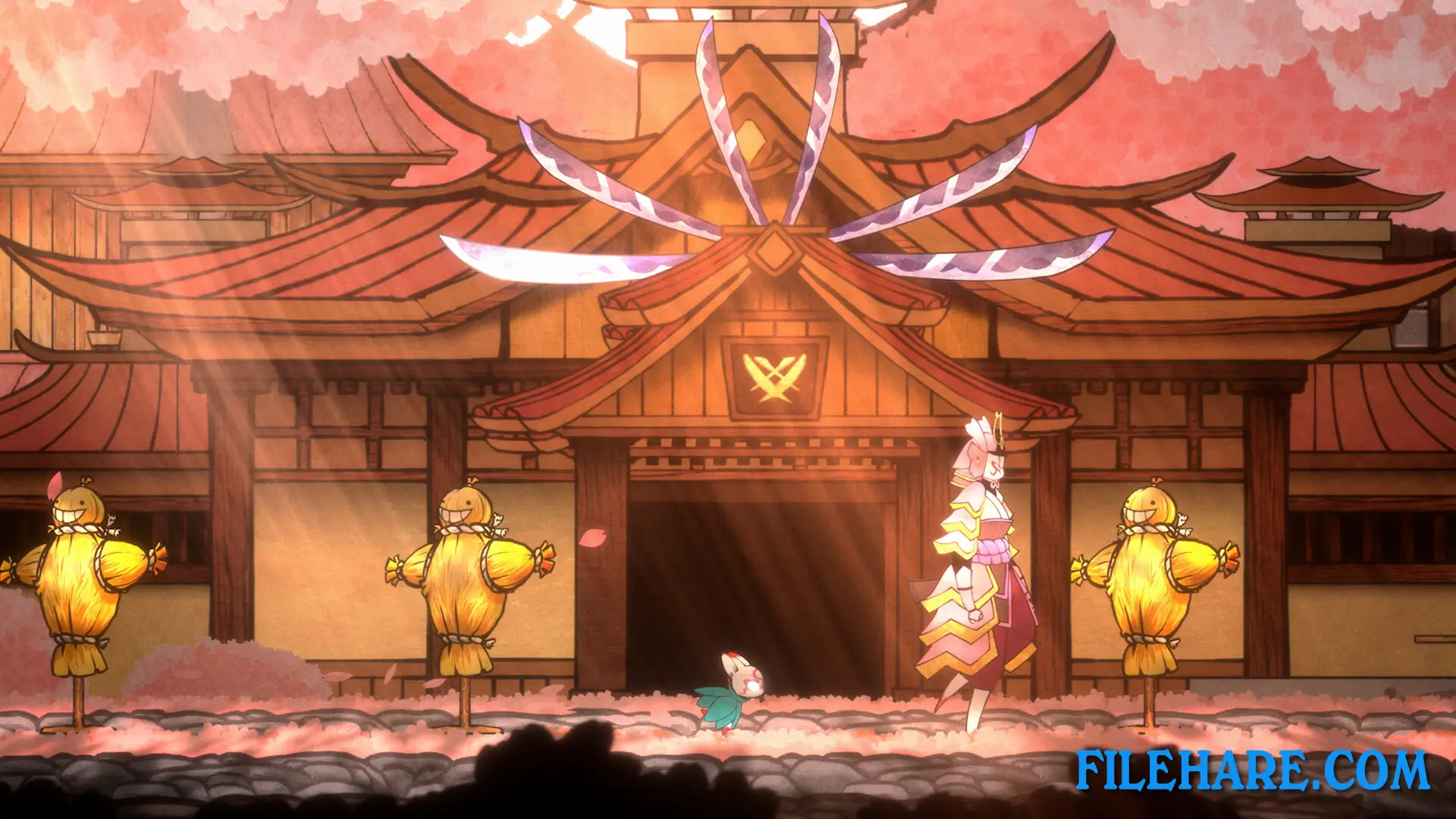
Gameplay Screenshots
| Name | Bō: Path of the Teal Lotus |
|---|---|
| Developer | Squid Shock Studios, Christopher Stair, Trevor Youngquist |
| File Size | 1 GB |
| Category | Action |
| Minimum System Requirements | |
| CPU | Intel Core 2 Quad Q9400 or AMD Phenom II X4 940 |
| RAM | 8 GB |
| Graphics | NVIDIA GeForce GT 730, 2 GB or AMD Radeon R7 240, 2 GB or Intel UHD Graphics |
| Free Disk Space | 2 GB |
| Operating System | Windows 10 / 11 |
| User Rating | |
To buy this game, visit the Store Page
How to Download and Install Bō: Path of the Teal Lotus PC Game?
We have simple instructions for you to download and install the PC game. Before following the steps, Ensure your PC meets the minimum system requirements for Playing the game on your PC.
- First, click on the DOWNLOAD button and you will be redirected to the final Download page. Then, Download the Game on your PC.
- Once you have downloaded the Bō: Path of the Teal Lotus PC Game, Open the folder where you saved the Game.
- Then Right-click on the Zip file and click on the "Extract files" option from the dropdown menu. If your computer does not have a Zip file extract software installed, you must first install it. (such as WinRAR, 7Zip software)
- After Extracting the Zip file, Open the Bō: Path of the Teal Lotus PC Game folder.
- Then, double-click on the Setup.exe file to Install the Game.
- If asked, provide administrator permissions for the installation to proceed. Click Yes to continue.
- Follow the on-screen installation wizard to install the game on your PC.
- After the installation, if you get any missing ".dll" errors or the Game is not launching, open the Readme.txt file located in the game folder and follow the instructions shown in the document file to play the game.
Done!. Now, you can launch the game from your desktop.