Dungeons of Hinterberg PC Game Download for Windows 10/11
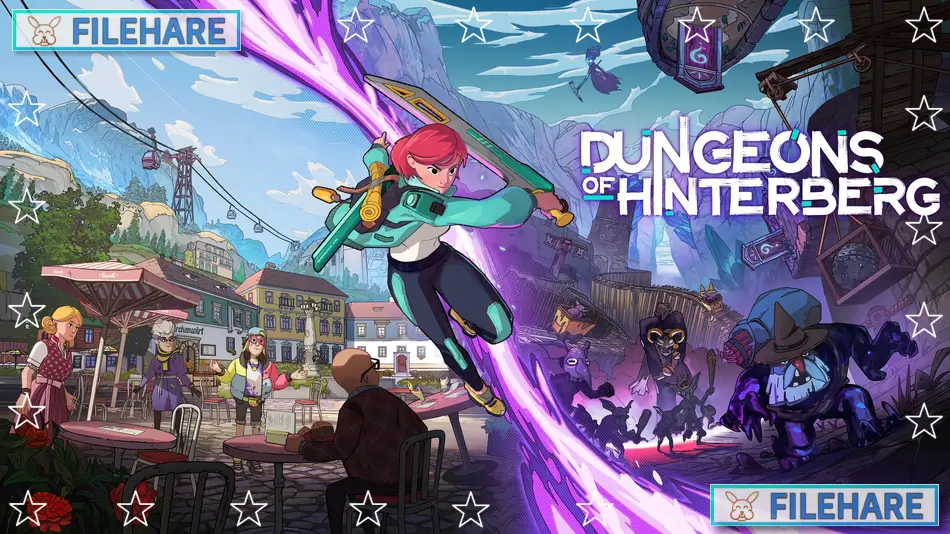
Dungeons of Hinterberg is an action role-playing game that takes players to the Austrian Alps. The game was developed by Microbird Games, an Austrian indie studio based in Vienna. Curve Games published the game. It was released on July 18, 2024, for PC through Steam and Xbox Series X/S. The game also came to PlayStation 4 and PlayStation 5 on March 13, 2025. This was the first game from Microbird Games.
Table of Contents
Dungeons of Hinterberg Story
You play as Luisa, a law trainee who is tired from her busy job. She decides to take a vacation in Hinterberg, a small mountain town in Austria. When she arrives, she finds that the town has changed. Magic has appeared, and dungeons full of monsters now exist around the town. Tourists and adventurers come from all over to explore these dungeons and become monster slayers. Luisa must explore the dungeons and learn more about why magic appeared in this quiet alpine village.
Dungeons of Hinterberg Gameplay
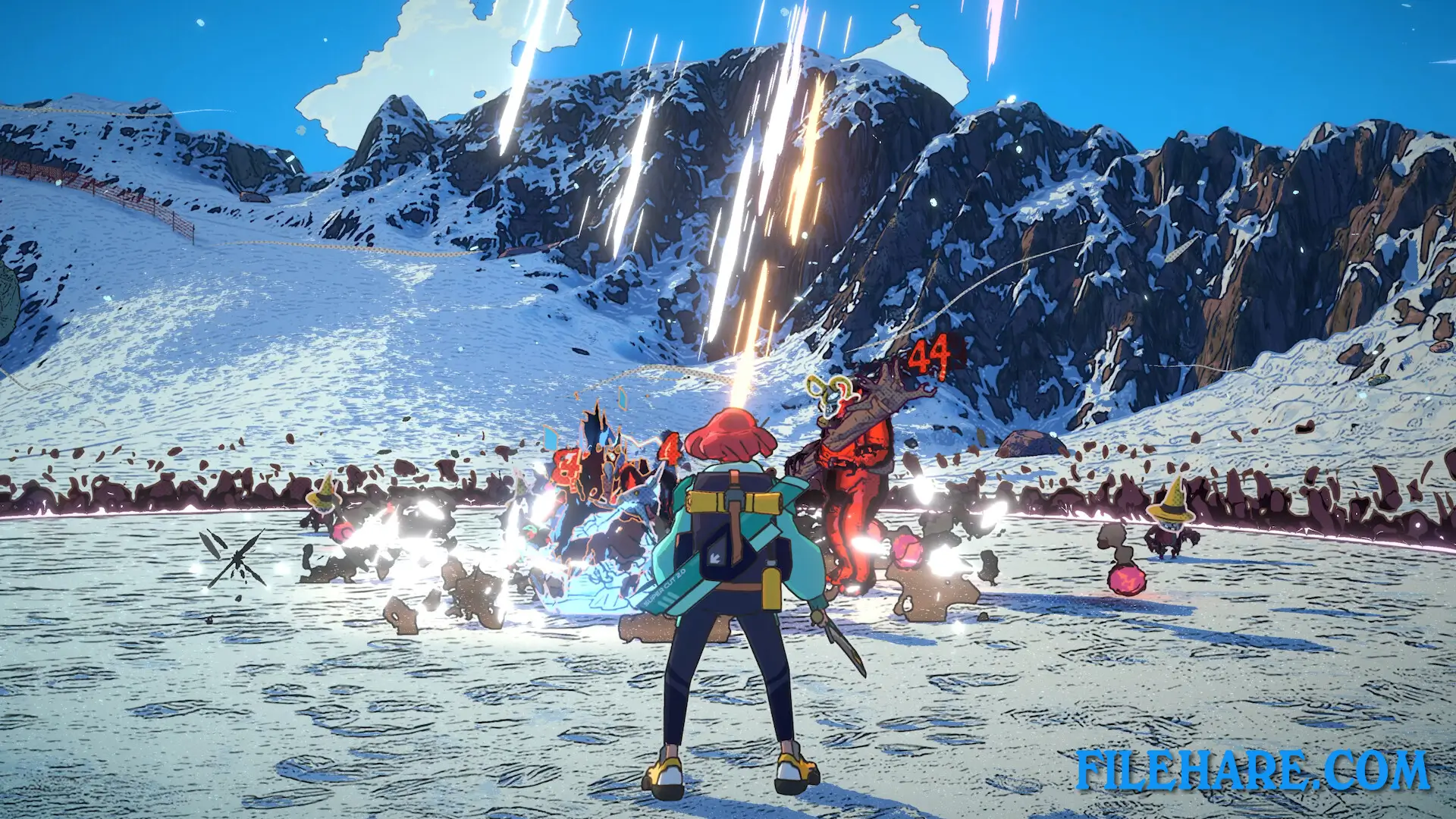
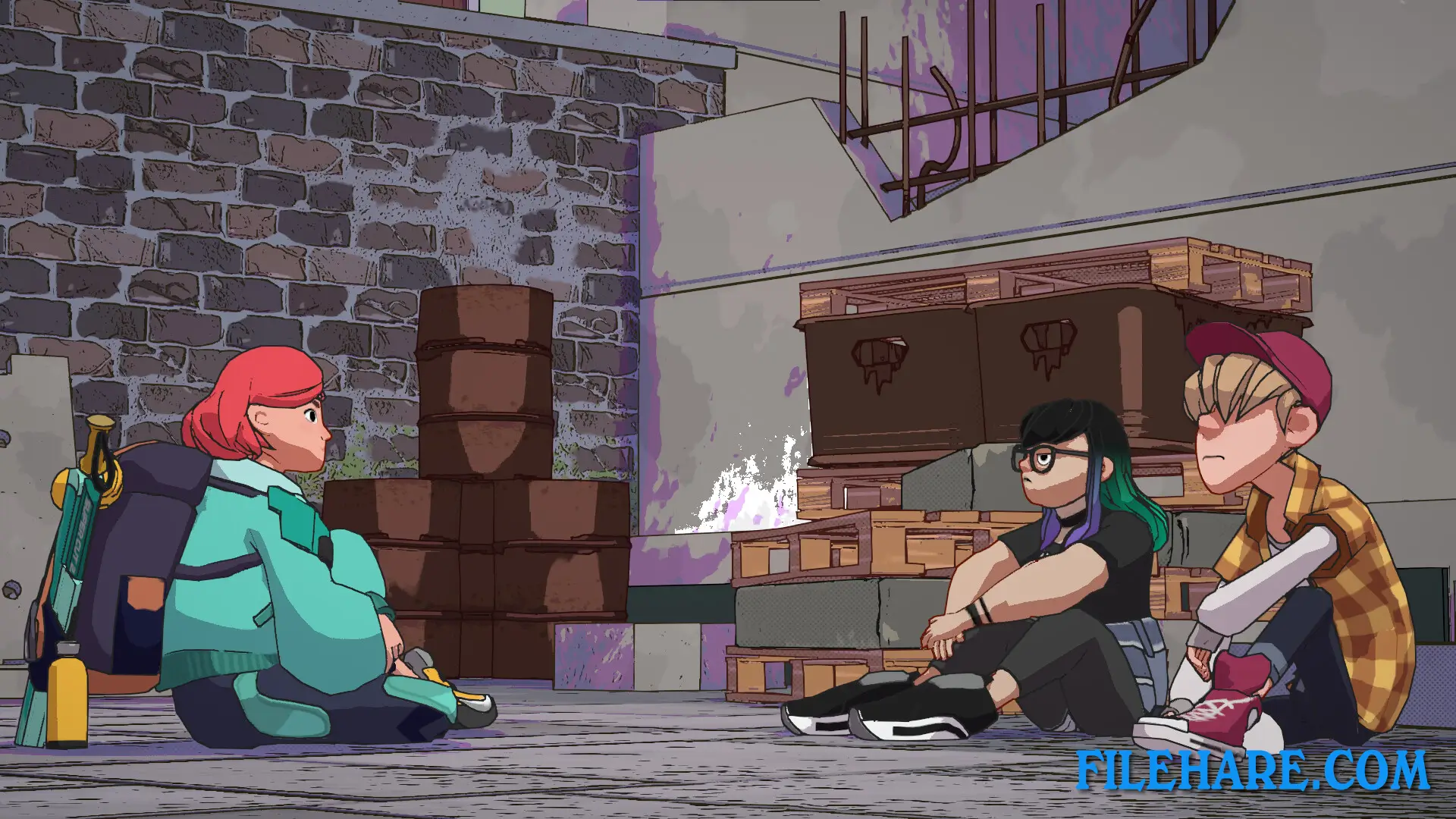
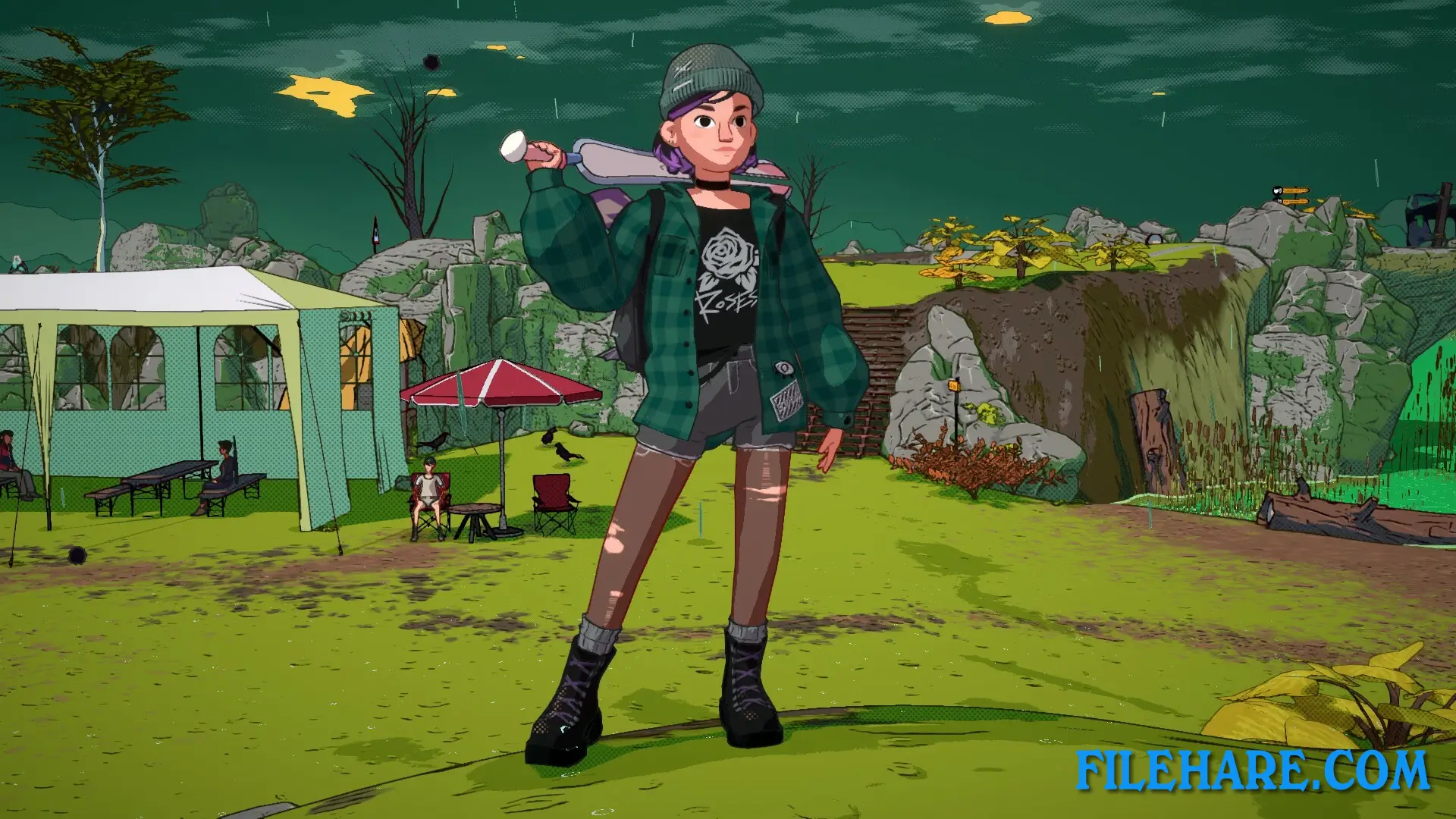
The game is played from a third-person view. You control Luisa as she explores the Austrian Alps and enters dungeons. There are 25 dungeons in the game, and every dungeon has its own special mechanics. You use a sword and magic spells to fight monsters. The magic abilities help you travel through different areas and complete challenges. You can snowboard down glaciers, zipline through forests, and climb mountains while looking for dungeons. The game also includes social simulation. During the day, you explore dungeons. In the evening, you return to town and talk with the people who live there. You can become friends with over 20 local residents and other slayers. When you become friends with people, they give you helpful perks and abilities that help in combat and dungeon exploring.
Dungeons of Hinterberg Features
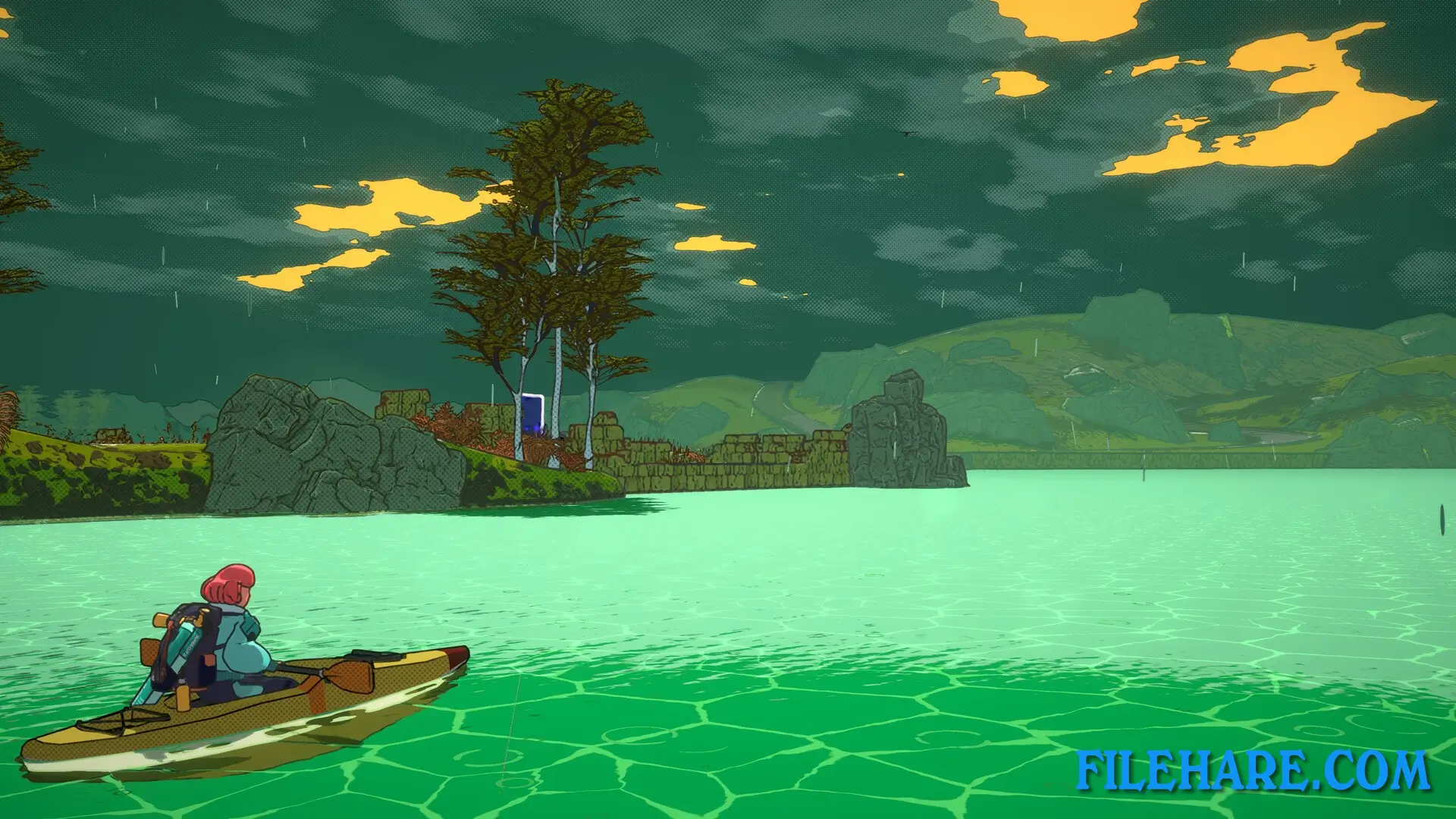
The game has four different biome types to explore. You will visit glacial mountains, forests, swamps, and lakeside areas. There are more than 20 different enemy types and big bosses to fight. The combat combines sword attacks with magic powers. The social system lets you build relationships with townspeople. These relationships unlock special abilities and can give you important items. Some people you meet will help you find hidden areas or understand how to complete difficult dungeons. The game has a time management system where you decide which dungeon to visit and which person to talk to during a limited time.
Recommended System Requirements
Requires a 64-bit processor and operating system
- OS: Windows 10 x64
- Processor: Intel Core i5-7600k (4 * 3800) / AMD FX-9590 (8*4700) or equivalent
- Memory: 12 GB RAM
- Graphics: GeForce GTX 970 (4096 MB) / Radeon R9 Fury (4096 MB) or equivalent
- Storage: 8 GB available space
- Additional Notes: Allows gameplay experience at 60 FPS on average while utilizing Best Quality graphics preset at 1080p resolution. SSD Recommended.
Gameplay Screenshots
| Name | Dungeons of Hinterberg |
|---|---|
| Developer | Microbird Games |
| File Size | 2.37 GB |
| Category | Adventure |
| Minimum System Requirements | |
| CPU | Intel Core i5-4670K (4 * 3400) / AMD FX-4350 (4 * 4200) or equivalent |
| RAM | 8 GB |
| Graphics | GeForce GTX 960 (4096 MB) / Radeon RX 550 (4096 MB) or equivalent |
| Free Disk Space | 8 GB |
| Operating System | Windows 10 / 11 (64-bit) |
| User Rating | |
To buy this game, visit the Store Page
How to Download and Install Dungeons of Hinterberg PC Game?
We have simple instructions for you to download and install the PC game. Before following the steps, Ensure your PC meets the minimum system requirements for Playing the game on your PC.
- First, click on the DOWNLOAD button and you will be redirected to the final Download page. Then, Download the Game on your PC.
- Once you have downloaded the Dungeons of Hinterberg PC Game, Open the folder where you saved the Game.
- Then Right-click on the Zip file and click on the "Extract files" option from the dropdown menu. If your computer does not have a Zip file extract software installed, you must first install it. (such as WinRAR, 7Zip software)
- After Extracting the Zip file, Open the Dungeons of Hinterberg PC Game folder.
- Then, double-click on the Setup.exe file to Install the Game.
- If asked, provide administrator permissions for the installation to proceed. Click Yes to continue.
- Follow the on-screen installation wizard to install the game on your PC.
- After the installation, if you get any missing ".dll" errors or the Game is not launching, open the Readme.txt file located in the game folder and follow the instructions shown in the document file to play the game.
Done!. Now, you can launch the game from your desktop.