Monster Jam Showdown PC Game Download for Windows 10/11
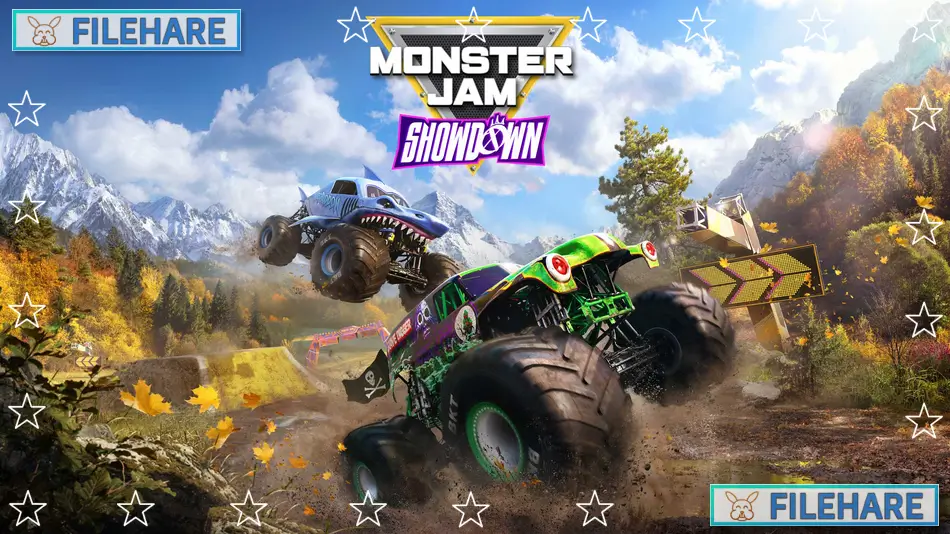
Monster Jam Showdown is an arcade racing game featuring monster trucks. The game was developed and published by Milestone S.r.l., an Italian racing game developer founded in Milan in 1996. It was released on August 29, 2024, for PC through Steam and Epic Games Store. Early access started on August 26, 2024. The game is also available on PlayStation 5, PlayStation 4, Xbox Series X and S, Xbox One, and Nintendo Switch. This is the eleventh game in the Monster Jam series and runs on Unreal Engine 5.
Table of Contents
Monster Jam Showdown Gameplay
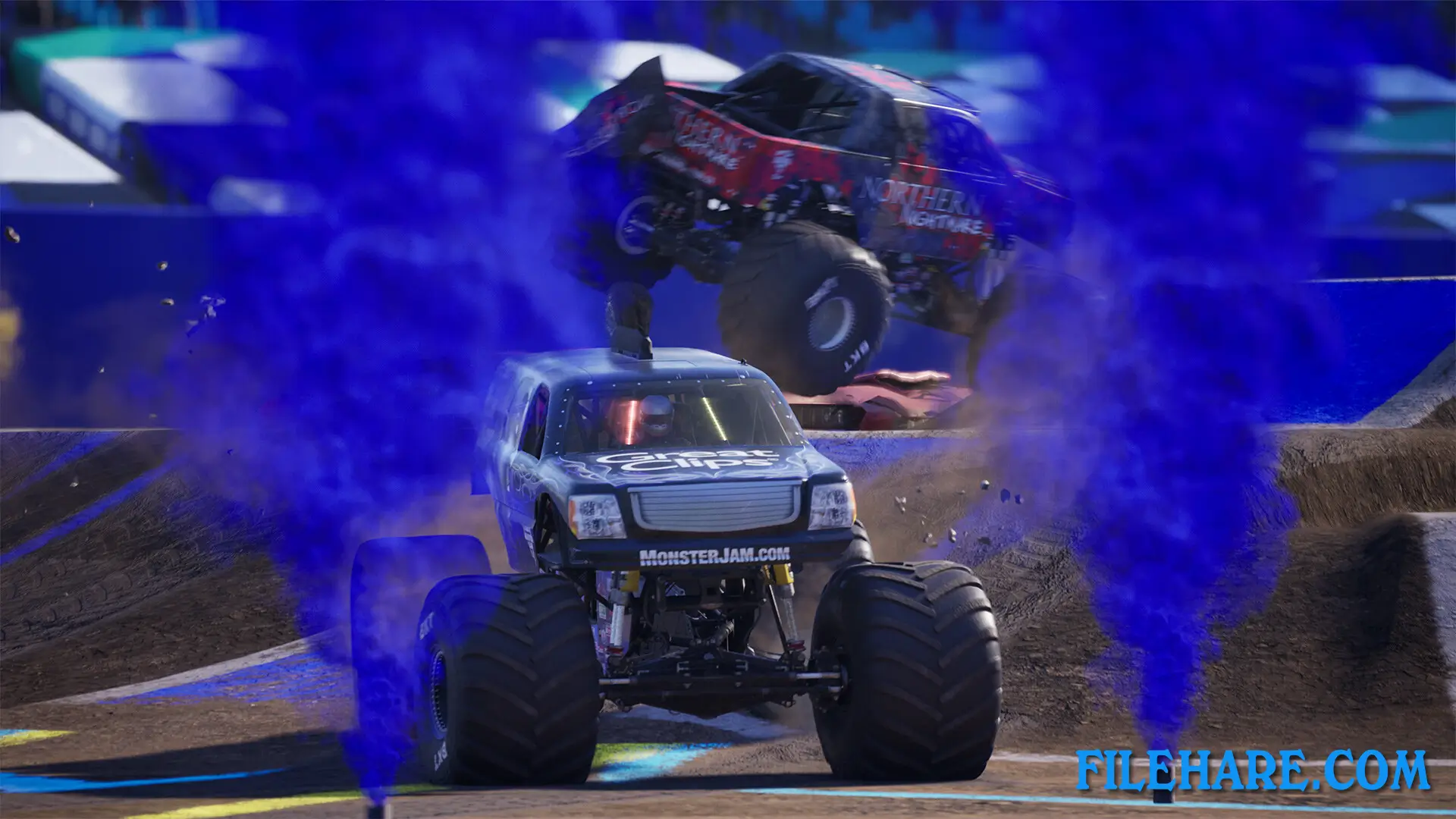
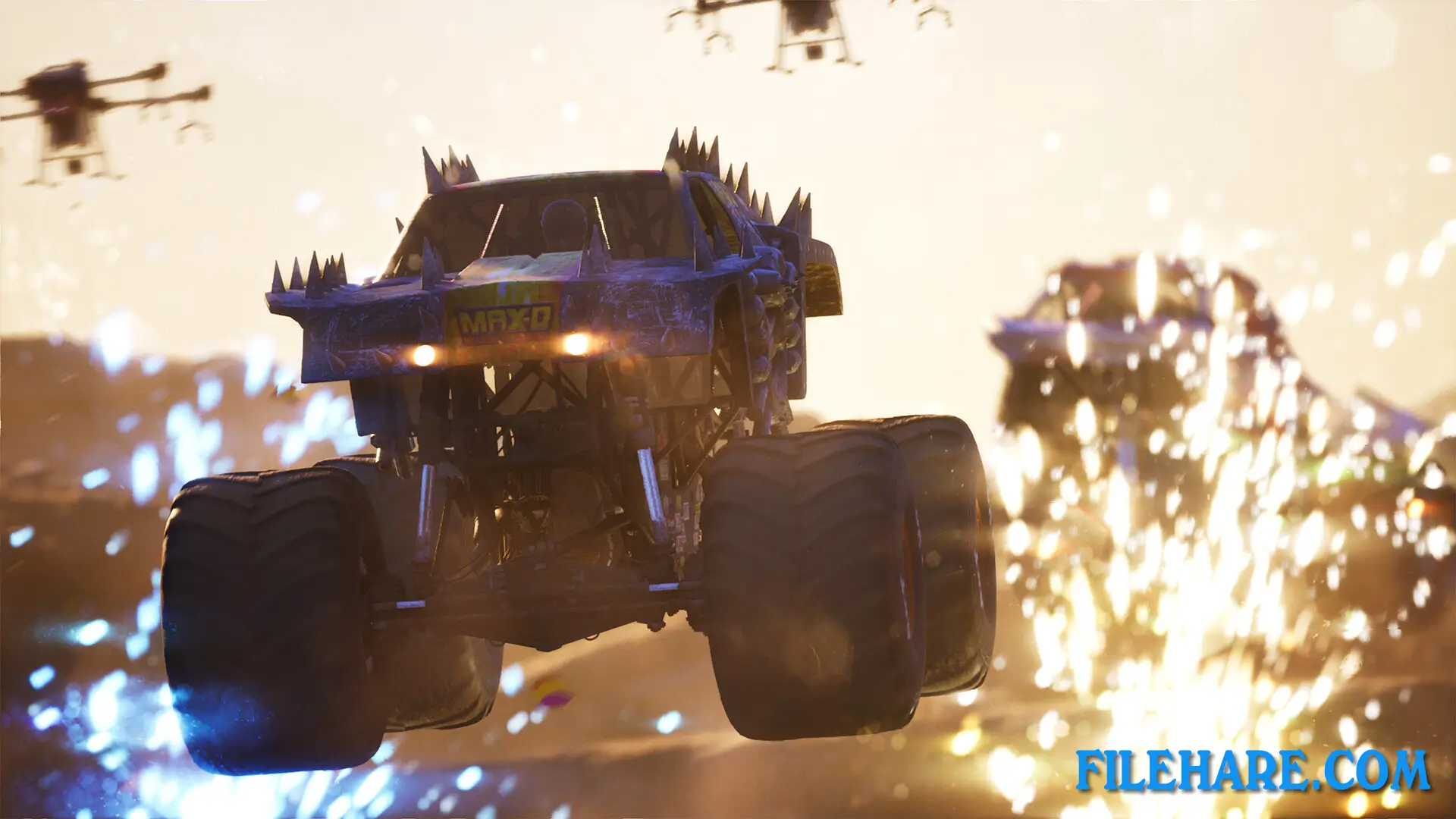
Monster Jam Showdown is an arcade racing game where you drive powerful monster trucks. The game offers adjustable difficulty and reality levels, so you can choose how you want to play. You start your career in the Showdown Tour, a non-linear mode where you compete in various events to unlock new trucks, liveries, and perks. The game includes 10 different game modes. You can race on circuits, compete on Figure 8 tracks where avoiding crashes is important, or survive Horde races with multiple opponents. The game also has performance modes like Best Trick and Extreme Freestyle, where you show off stunts and tricks. Multiplayer modes include Treasure Hunt and Survival challenges, where you compete against other players online. Split screen mode is available for local multiplayer. You can perform crazy maneuvers and stunts while the trucks and environment get destroyed at every impact. The game includes a boost feature that gives you extra speed and helps you demolish opponents. Power-ups can be unlocked for your vehicle to help you perform tricks better. The game has stadium events inspired by real Monster Jam venues across all three categories of official locations.
Monster Jam Showdown Features
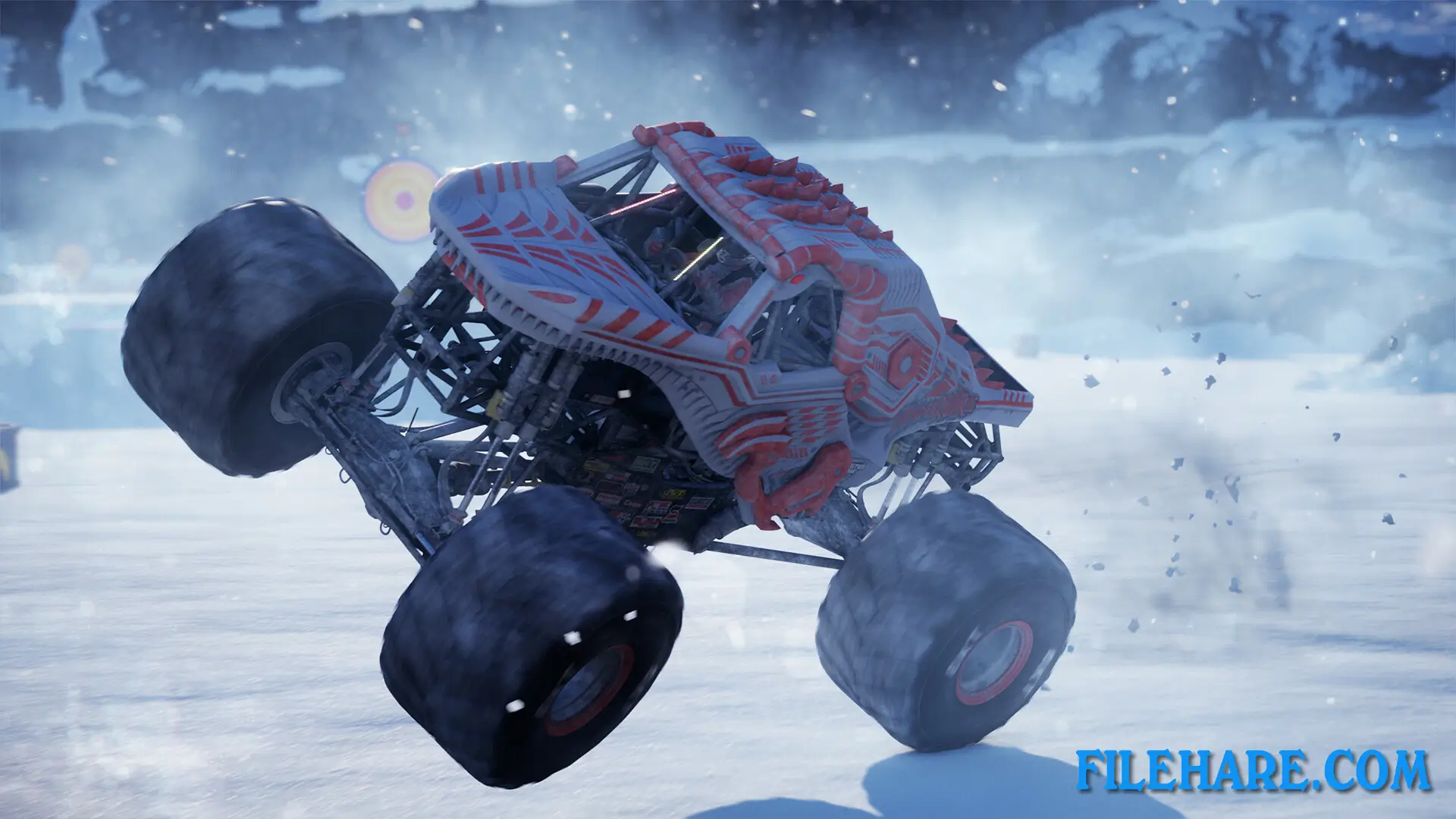
The base game includes 40 official Monster Jam trucks, with 26 additional trucks available through free or premium downloadable content, bringing the total to 66 trucks. Famous trucks in the game include Grave Digger, Megalodon, El Toro Loco, Monster Mutt Retro, Monster Mutt Dalmatian Retro, and Monster Mutt Rottweiler. The game offers over 140 liveries to customize your trucks. You race in three outdoor environments inspired by American nature: Death Valley desert, Colorado forests, and Alaskan ice. These environments include weather hazards like sandstorms, thunderstorms, and blizzards that make races more challenging. Stadium locations are inspired by real Monster Jam venues where actual events take place. The game includes an Aloha Expansion released on December 19, 2024, which adds a Hawaiian environment with 6 new tracks and a new arena. The trucks are powerful machines with 1,500 horsepower.
Recommended System Requirements
Requires a 64-bit processor and operating system
- OS: Windows 10 x64
- Processor: Intel Core i7-12700K (8 * 3600 / 4 * 2700) or equivalent / AMD Ryzen 7 5800X3D (8 * 3400) or equivalent
- Memory: 16 GB RAM
- Graphics: GeForce RTX 3080 Ti (12288 MB) / Radeon RX 6950 XT (16384 MB)
- DirectX: Version 12
- Storage: 16 GB available space
Gameplay Screenshots

| Name | Monster Jam Showdown |
|---|---|
| Developer | Milestone S.r.l. |
| File Size | 7.15 GB |
| Category | Racing |
| Minimum System Requirements | |
| CPU | Intel Core i5-4590 (4 * 3300) or equivalent / AMD FX-9590 (8 * 4700) or equivalent |
| RAM | 8 GB |
| Graphics | GeForce GTX 1050 Ti (4096 MB) / Radeon RX 570 (8192 MB) |
| Free Disk Space | 16 GB |
| Operating System | Windows 10 / 11 (64-bit) |
| User Rating | |
To buy this game, visit the Store Page
How to Download and Install Monster Jam Showdown PC Game?
We have simple instructions for you to download and install the PC game. Before following the steps, Ensure your PC meets the minimum system requirements for Playing the game on your PC.
- First, click on the DOWNLOAD button and you will be redirected to the final Download page. Then, Download the Game on your PC.
- Once you have downloaded the Monster Jam Showdown PC Game, Open the folder where you saved the Game.
- Then Right-click on the Zip file and click on the "Extract files" option from the dropdown menu. If your computer does not have a Zip file extract software installed, you must first install it. (such as WinRAR, 7Zip software)
- After Extracting the Zip file, Open the Monster Jam Showdown PC Game folder.
- Then, double-click on the Setup.exe file to Install the Game.
- If asked, provide administrator permissions for the installation to proceed. Click Yes to continue.
- Follow the on-screen installation wizard to install the game on your PC.
- After the installation, if you get any missing ".dll" errors or the Game is not launching, open the Readme.txt file located in the game folder and follow the instructions shown in the document file to play the game.
Done!. Now, you can launch the game from your desktop.