Sunset Hills PC Game Download for Windows 10/11/7/8
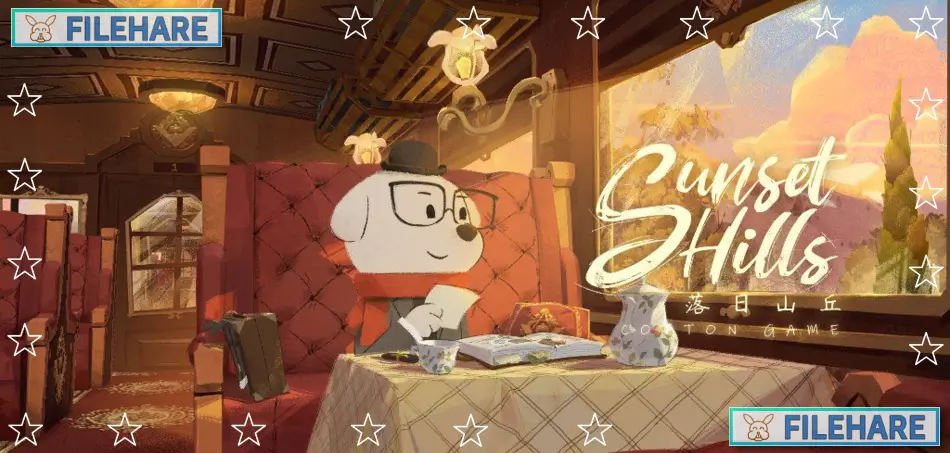
Sunset Hills is a point-and-click adventure game that was developed and published by Cotton Game, with co-publishing by Asmik Ace Inc. The game was released on August 20, 2024, for Windows PC via Steam. This indie title uses a visual novel style combined with puzzle gameplay. The game was developed over five years and gained over 800,000 pre-registrations before its release. It takes around 8 hours to complete the current chapters.
Table of Contents
Sunset Hills Story
The game takes place seven years after the war has ended. Players follow Nico, a novelist and former soldier who decides to travel by train to visit his old comrades from the war. He travels through several countries and cities to meet his friends, who now live very separate lives. Throughout the game, Nico meets Doug, a baker in Tobik Village, and Ferruccio, a performer in another location. While reconnecting with these friends, Nico begins to remember his experiences during the war. The conversations and memories slowly reveal what happened during those times and why Nico has chosen to take this particular trip now. The story contains themes about loss and recovery after war.
Sunset Hills Gameplay
Sunset Hills is a point-and-click puzzle game where players control Nico as he explores various cities and locations. Players click on objects and areas to interact with them and find clues. The game requires collecting items and information from conversations with other characters. These collected items can be used, combined, or taken apart to create solutions for the puzzles that block progress. Players need to pay attention to what people say and examine their environment carefully. The game includes a gear icon that appears when objects can be investigated. There are hidden objects to find throughout the locations. The puzzles vary in difficulty and require observation and logical thinking to complete. The game is divided into chapters, with two chapters currently available and more planned as free updates in the future.
Sunset Hills Graphics and Sound
The game features a unique visual style with hand-drawn animation and illustrations inspired by Victorian era design. The graphics combine 3D environments with 2D characters to create a storybook appearance. The color palette uses warm tones to create a peaceful and relaxing visual experience. The game includes hundreds of dog characters with various designs throughout the locations. Players can see the attention given to small details in buildings, furniture, and background decorations.
Recommended System Requirements
Requires a 64-bit processor and operating system
- OS: Windows 7 (64-bit)
- Processor: Intel Core i5
- Memory: 16 GB RAM
- Graphics: GeForce GTX 560
- DirectX: Version 11
- Storage: 8 GB available space
- Additional Notes: 1080p, 16:9 recommended
Gameplay Screenshots

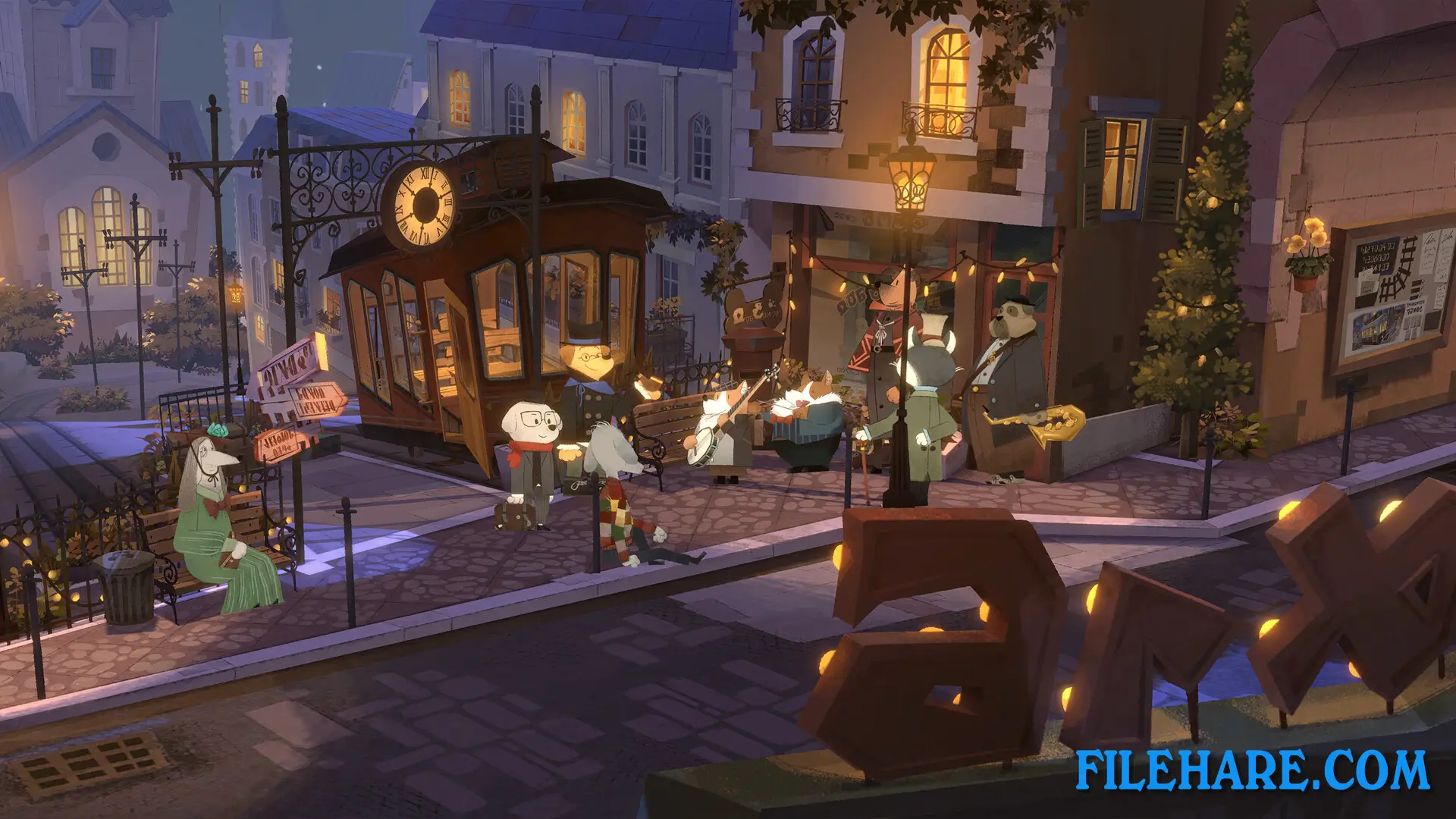
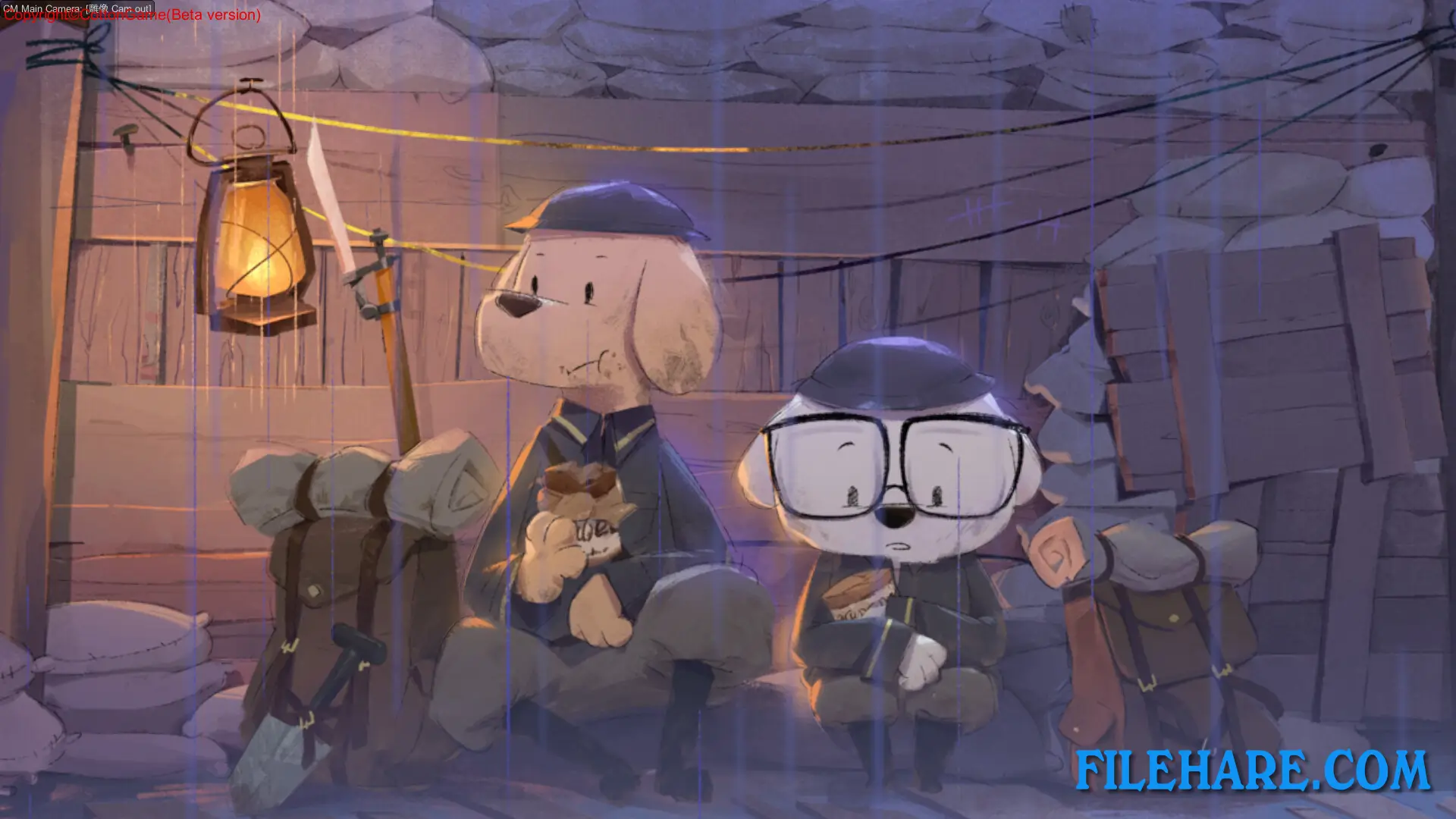
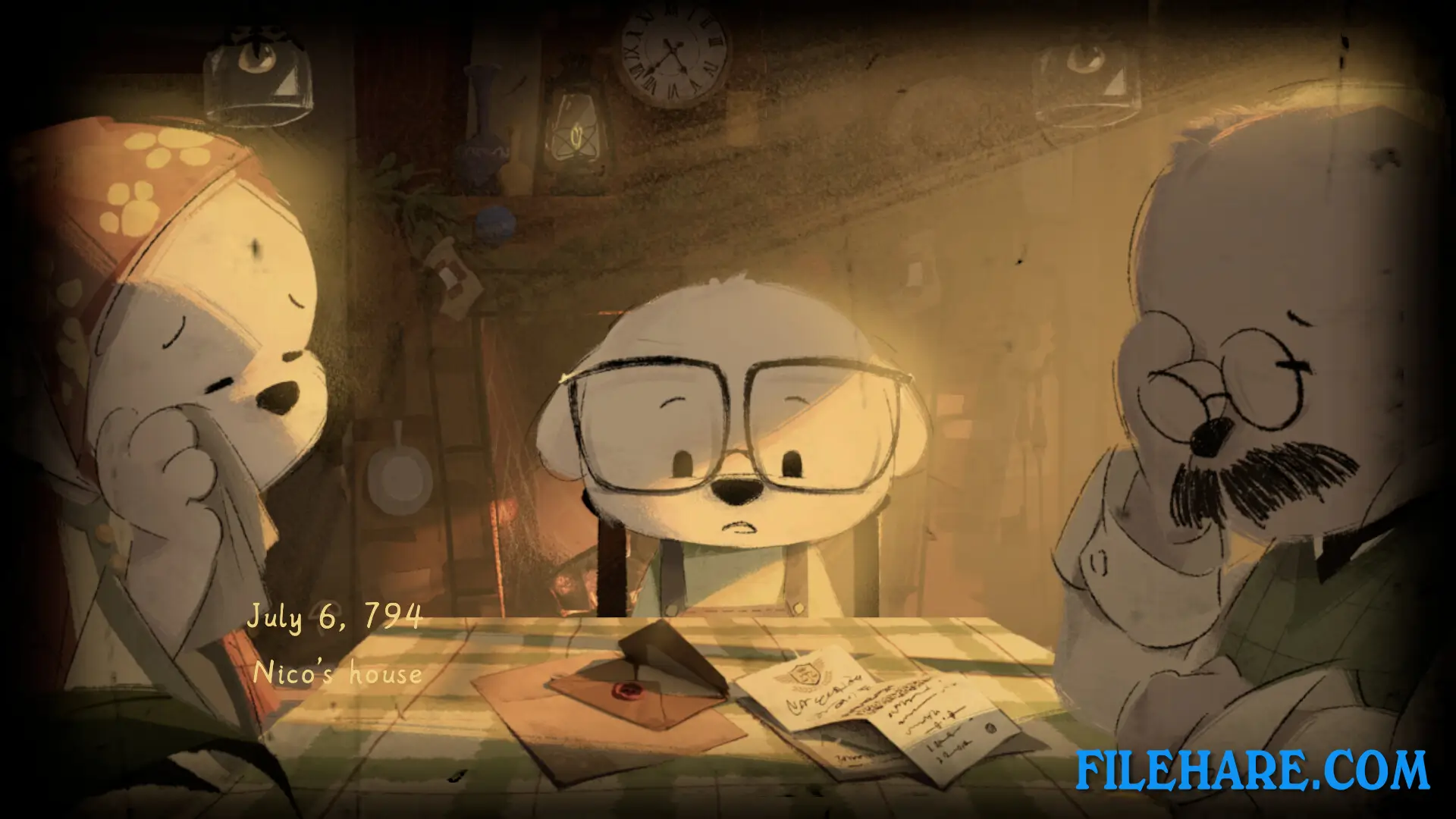
| Name | Sunset Hills |
|---|---|
| Developer | Cotton Game |
| File Size | 1019.59 MB |
| Category | Indie |
| Minimum System Requirements | |
| CPU | Intel Core 2 Duo E5200 |
| RAM | 8 GB |
| Graphics | GeForce 9800GTX+ (1GB) |
| Free Disk Space | 8 GB |
| Operating System | Windows 10 / 11 / 7 / 8 (64-bit) |
| User Rating | |
To buy this game, visit the Store Page
How to Download and Install Sunset Hills PC Game?
We have simple instructions for you to download and install the PC game. Before following the steps, Ensure your PC meets the minimum system requirements for Playing the game on your PC.
- First, click on the DOWNLOAD button and you will be redirected to the final Download page. Then, Download the Game on your PC.
- Once you have downloaded the Sunset Hills PC Game, Open the folder where you saved the Game.
- Then Right-click on the Zip file and click on the "Extract files" option from the dropdown menu. If your computer does not have a Zip file extract software installed, you must first install it. (such as WinRAR, 7Zip software)
- After Extracting the Zip file, Open the Sunset Hills PC Game folder.
- Then, double-click on the Setup.exe file to Install the Game.
- If asked, provide administrator permissions for the installation to proceed. Click Yes to continue.
- Follow the on-screen installation wizard to install the game on your PC.
- After the installation, if you get any missing ".dll" errors or the Game is not launching, open the Readme.txt file located in the game folder and follow the instructions shown in the document file to play the game.
Done!. Now, you can launch the game from your desktop.