Sumerian Six PC Game Download for Windows 10/11

Sumerian Six is a stealth-based real-time tactics game where you lead a team of scientist commandos during World War II. Artificer developed this game, and Devolver Digital published it. The game was released on September 2, 2024, for PC on Steam. You control a special squad called the Enigma Squad that uses science and supernatural powers to fight against Nazi forces in an alternate version of history.
Table of Contents
Sumerian Six Story
The story takes place during World War II in an alternate timeline where the Nazis have access to supernatural weapons and ancient magic. The Enigma Squad is a team of scientists who work as secret commandos. They must stop a former team member named Hans Kammler, who now works with the Nazis. Kammler has found a powerful mystical substance called Geiststoff that he plans to use to help the Nazis win the war. The squad travels across many countries to stop his plans.
The team includes Rosa Reznick, a chemist who was forced to leave her home country, Wojtek, who can turn into a werebear, and Siegfried von Adelsberg, a psychoanalyst with strange mental powers. As the team goes deeper into enemy territory, they find occult-scientific weapons and discover ancient Sumerian artifacts that connect to Kammler’s dangerous plans.
Sumerian Six Gameplay
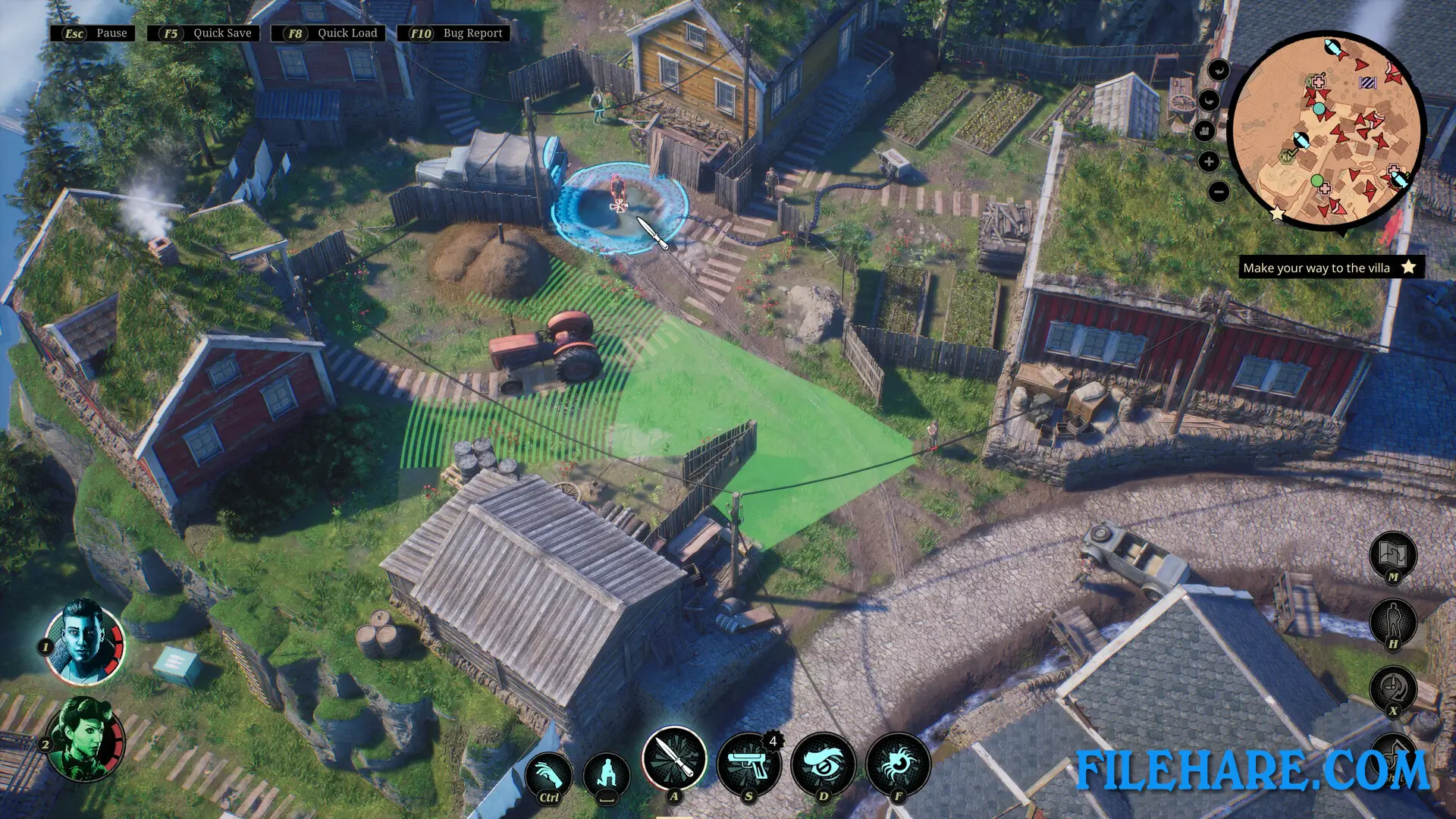
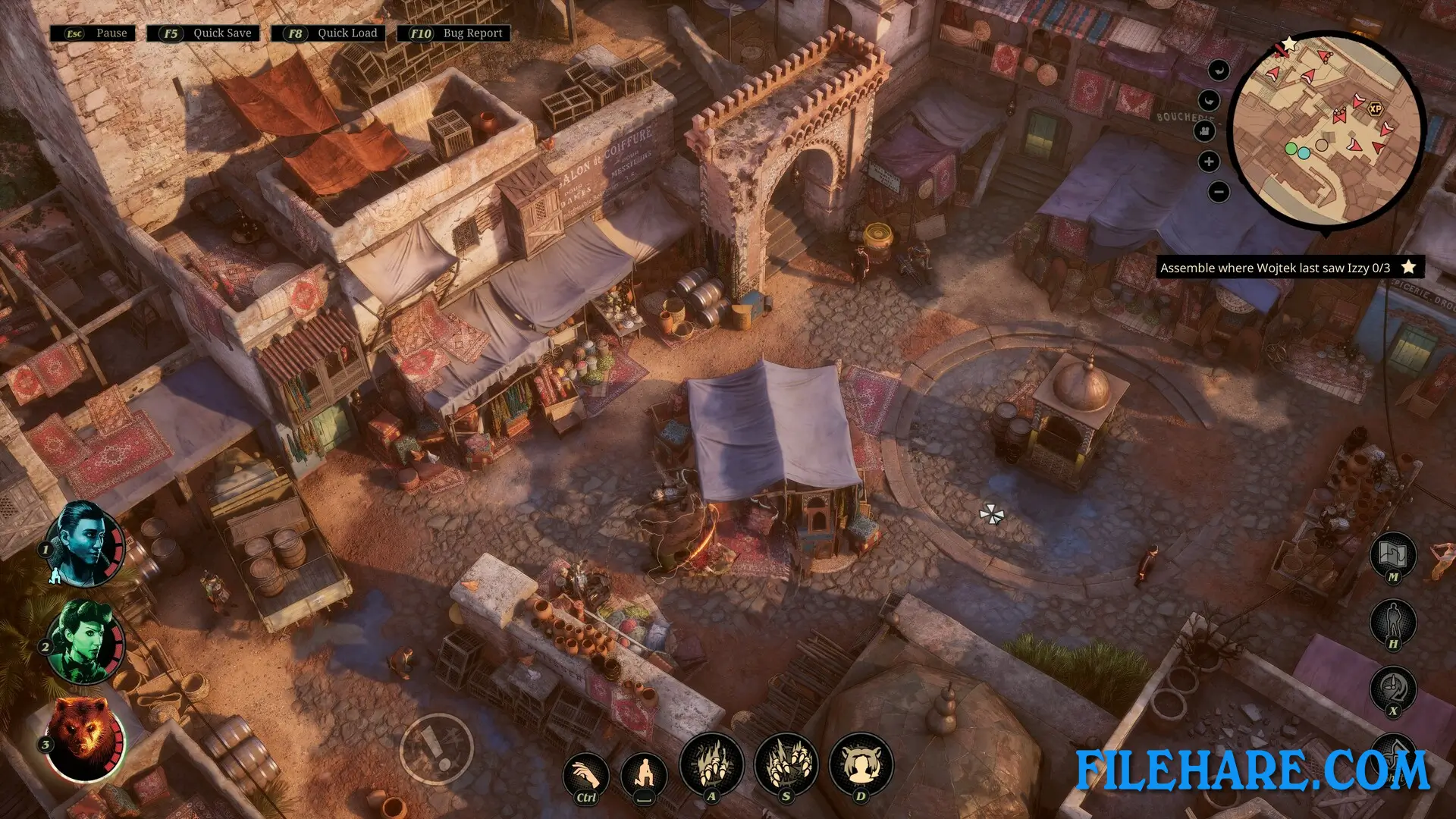
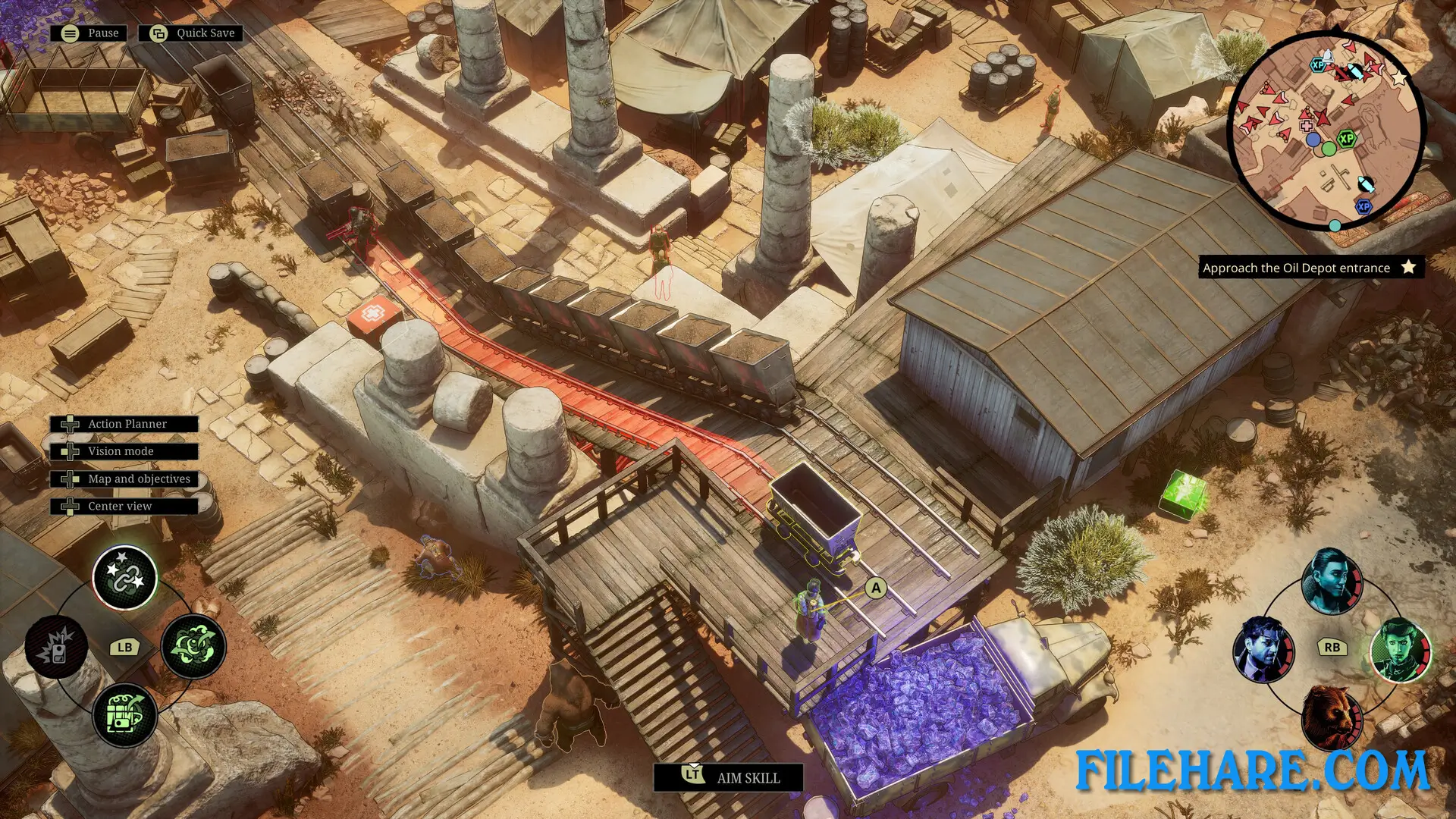
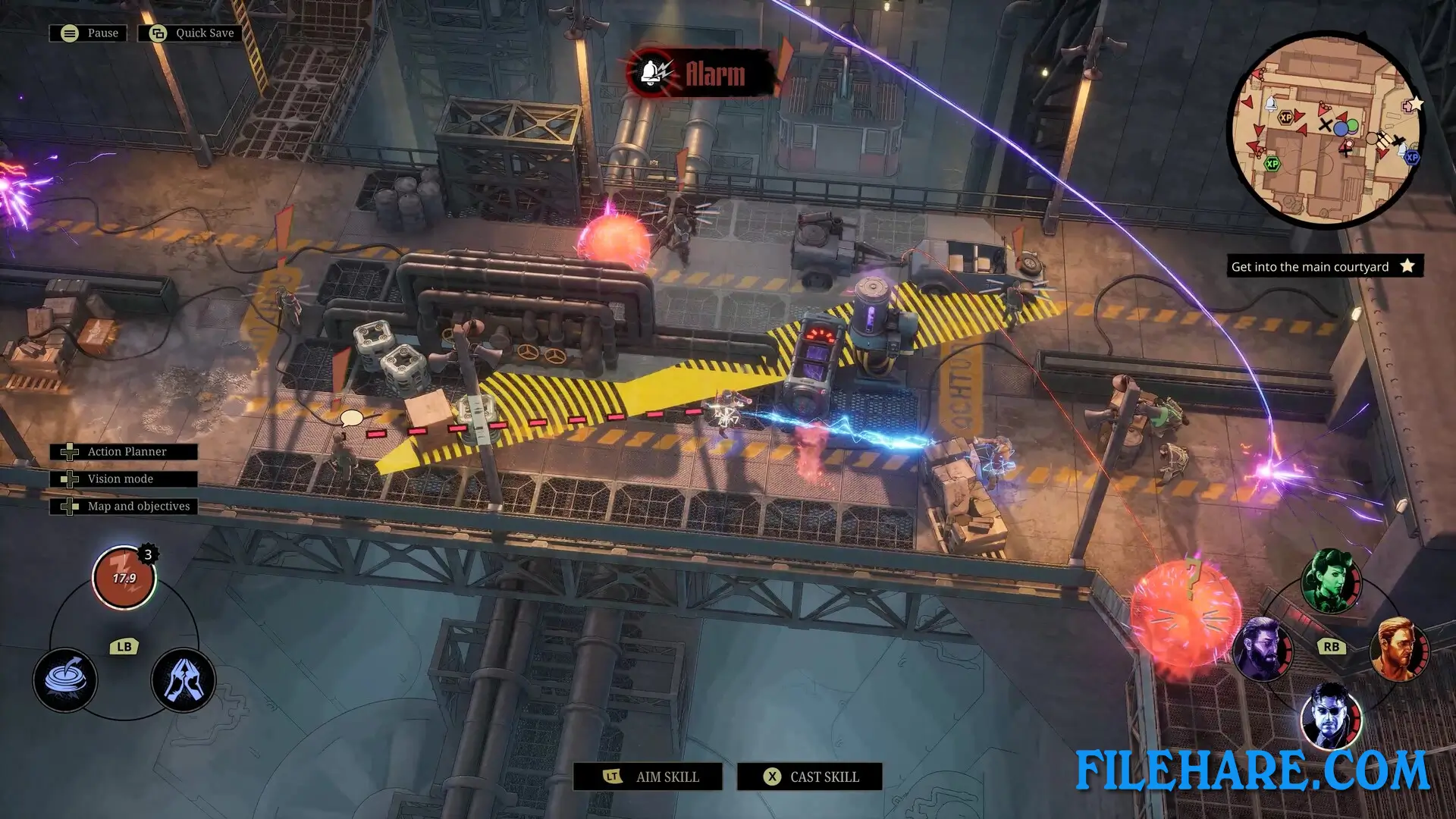
You control up to six characters at once in real-time stealth missions. The game is played from an isometric view where you can see the entire battlefield. You must sneak past enemies, plan your attacks carefully, and use your team members together to complete missions. Every character has special abilities based on their scientific skills. You can control Sid Sterling, who can take over enemy bodies and use flash bombs. Isabella Sterling can make enemies sleep with hypnosis, become invisible, and swap places with enemies. Rosa uses chemicals to dissolve enemies. Another team member becomes a bear for powerful attacks. One character can use lightning to attack multiple enemies at once. You must combine these abilities in smart ways to succeed.
The game allows you to pause and plan your next moves before executing them. Guards have vision cones that show where they can see, so you must avoid being spotted or fight when necessary.
Recommended System Requirements
Requires a 64-bit processor and operating system
- OS: Windows 11 x64 Bit
- Processor: Intel Core i7-6950X / AMD Ryzen 5 1500X
- Memory: 8 GB RAM
- Graphics: GeForce GTX 1080 / Radeon RX 5700 XT
- DirectX: Version 12
- Storage: 20 GB available space
- Additional Notes: High Quality setting, in 1080p, producing 40 FPS
Gameplay Screenshots
| Name | Sumerian Six |
|---|---|
| Developer | Artificer |
| File Size | 10.43 GB |
| Category | Strategy |
| Minimum System Requirements | |
| CPU | Intel Core i5-4670K / AMD FX-8350 |
| RAM | 8 GB |
| Graphics | GeForce GTX 780 / Radeon RX 560X |
| Free Disk Space | 20 GB |
| Operating System | Windows 10 / 11 (64-bit) |
| User Rating | |
To buy this game, visit the Store Page
How to Download and Install Sumerian Six PC Game?
We have simple instructions for you to download and install the PC game. Before following the steps, Ensure your PC meets the minimum system requirements for Playing the game on your PC.
- First, click on the DOWNLOAD button and you will be redirected to the final Download page. Then, Download the Game on your PC.
- Once you have downloaded the Sumerian Six PC Game, Open the folder where you saved the Game.
- Then Right-click on the Zip file and click on the "Extract files" option from the dropdown menu. If your computer does not have a Zip file extract software installed, you must first install it. (such as WinRAR, 7Zip software)
- After Extracting the Zip file, Open the Sumerian Six PC Game folder.
- Then, double-click on the Setup.exe file to Install the Game.
- If asked, provide administrator permissions for the installation to proceed. Click Yes to continue.
- Follow the on-screen installation wizard to install the game on your PC.
- After the installation, if you get any missing ".dll" errors or the Game is not launching, open the Readme.txt file located in the game folder and follow the instructions shown in the document file to play the game.
Done!. Now, you can launch the game from your desktop.