Risk of Rain 2 PC Game Download for Windows 10/11/7/8
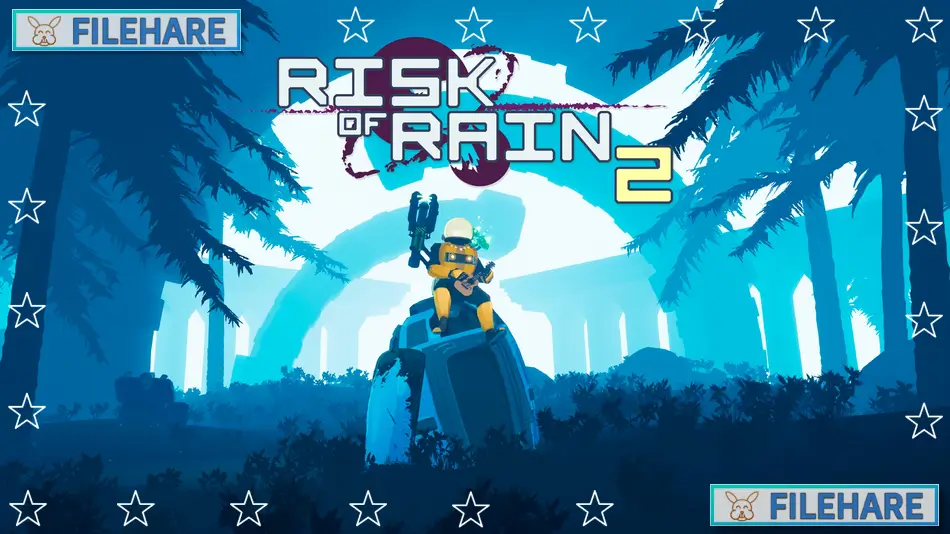
Risk of Rain 2 is a third-person shooter game where you fight monsters on an alien planet. Hopoo Games developed this game, and Gearbox Publishing published it. The game entered early access on March 28, 2019, and was fully released on August 11, 2020, for PC on Steam. It is a sequel to the 2013 game Risk of Rain, but changes from 2D to 3D graphics and gameplay.
Table of Contents
Risk of Rain 2 Gameplay
You control a survivor who crashes on a dangerous alien planet. Your goal is to escape by going through teleporters that take you to new areas. As you play, the game becomes harder over time, with stronger monsters appearing. You kill creatures and open chests to collect items that make you more powerful. These items can boost your attack damage, defence, speed, or give you special abilities. Items stack together, so collecting many of the same items makes its effect much stronger.
You must activate a teleporter in an area to move forward, but this summons a large monster that you must defeat first. The game supports up to four players in online cooperative mode. You can also play alone. When your character dies, you must restart from the beginning with no items. The game has over 110 items you can find during runs.
Risk of Rain 2 Features
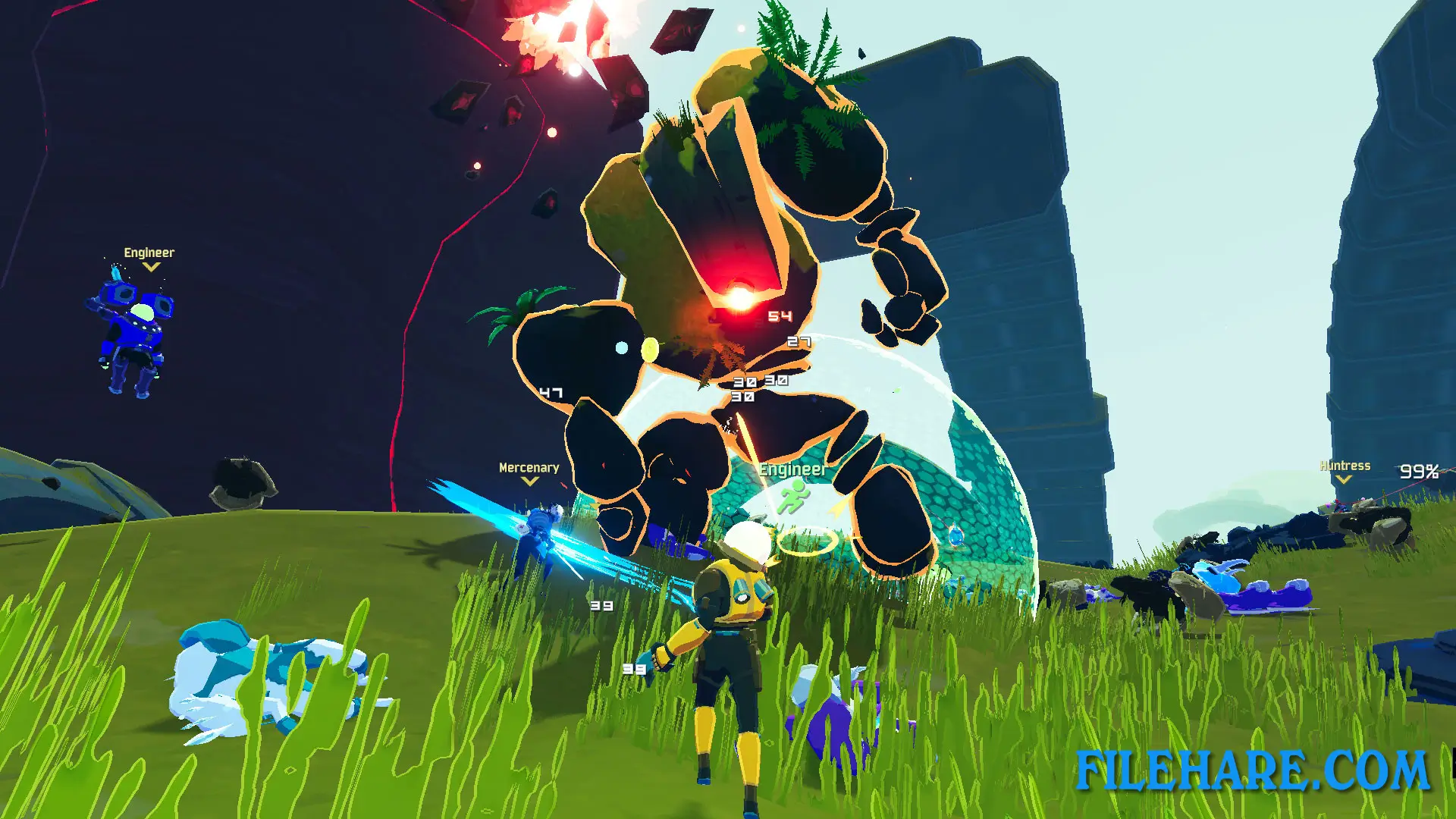
The game has multiple playable survivors to choose from. At the start, you can play as Commando, but you unlock more characters by completing challenges. Some survivors include Huntress, who uses a bow, Engineer, who builds turrets, MUL-T, who is a robot with two weapons, Artificer, who casts spells, and Mercenary, who fights with swords up close. The Captain character was added at full release. Paid expansions added more survivors like Railgunner and Void Fiend. Every survivor plays differently with their own abilities and weapons.
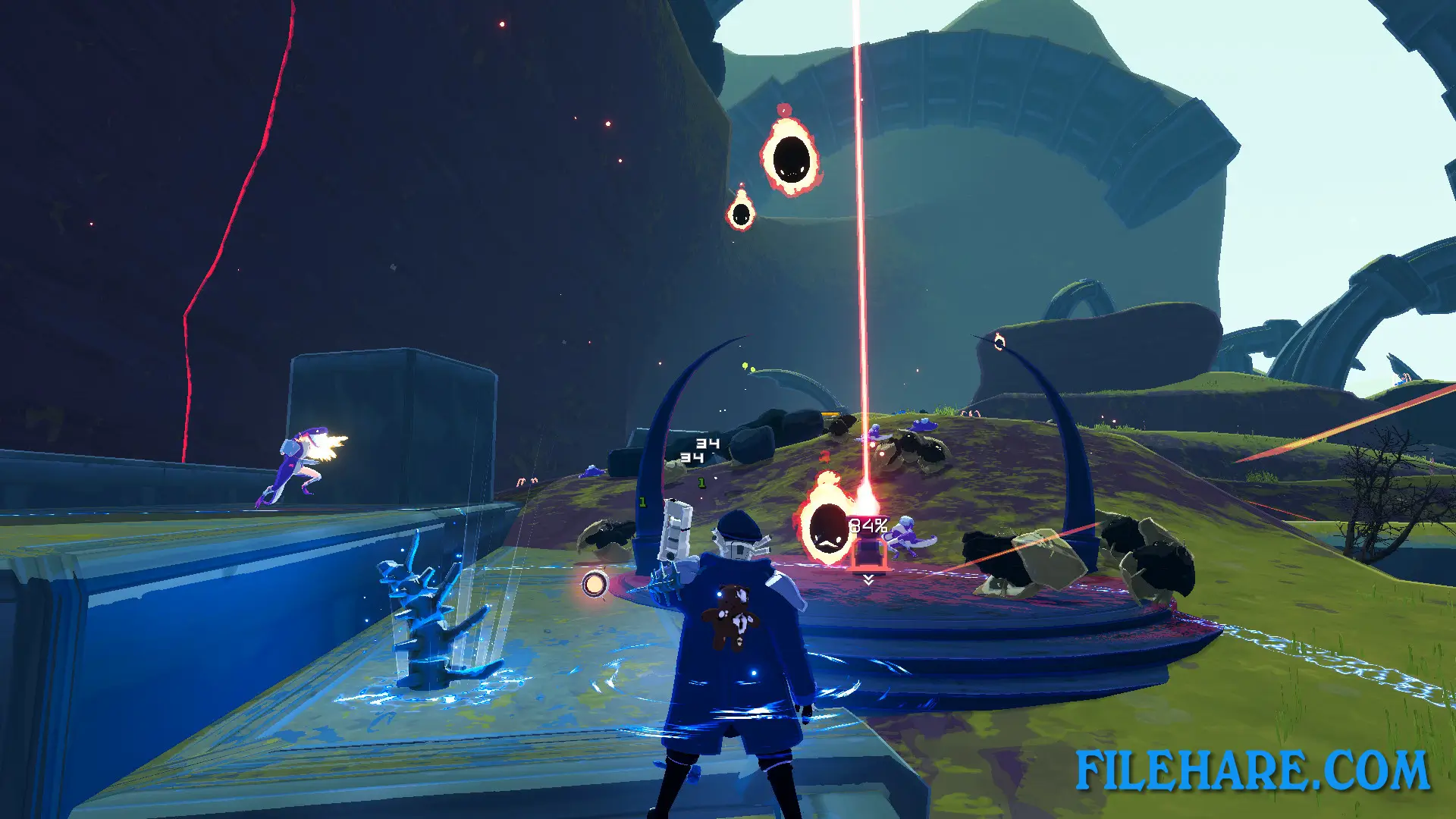
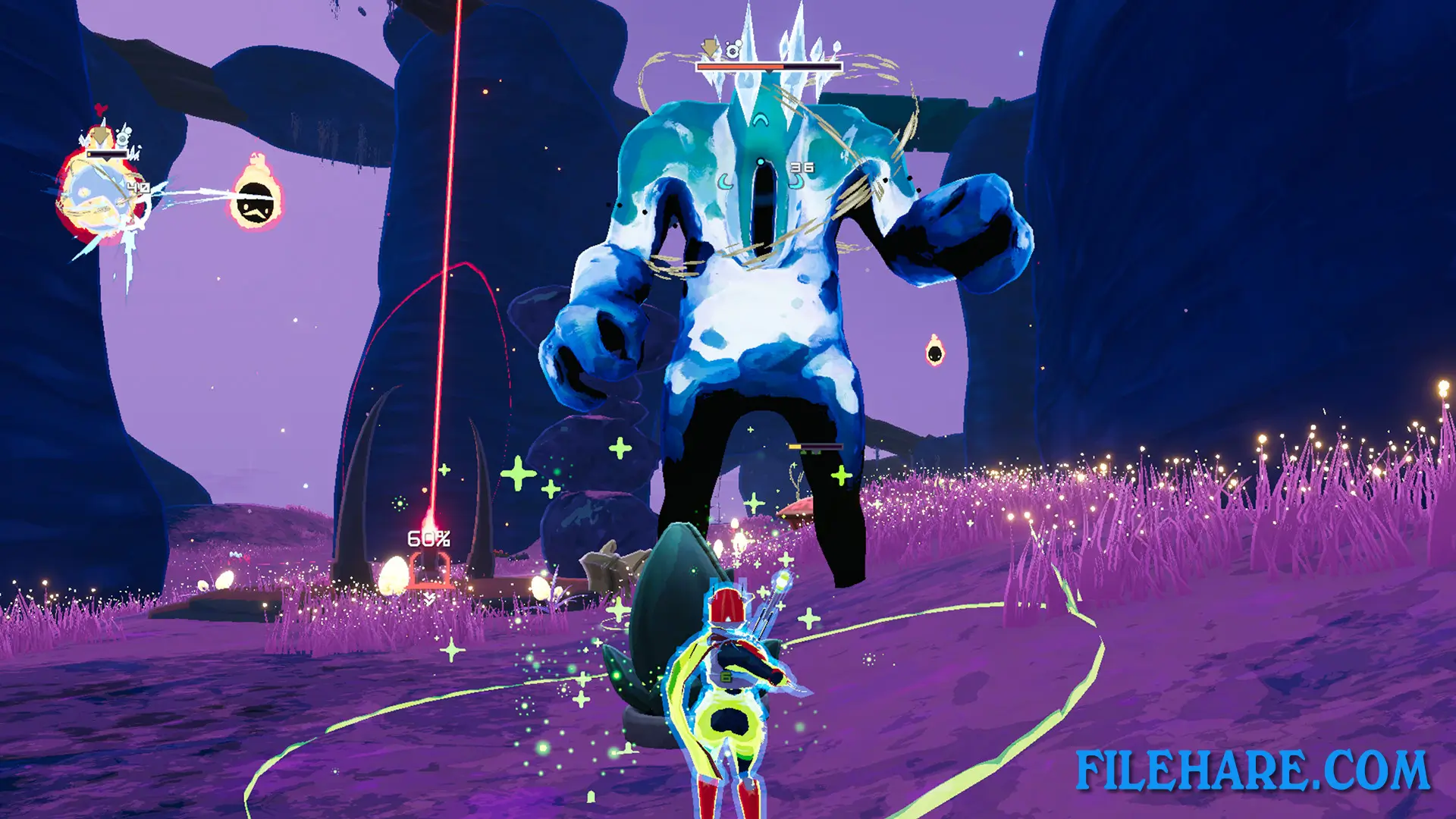
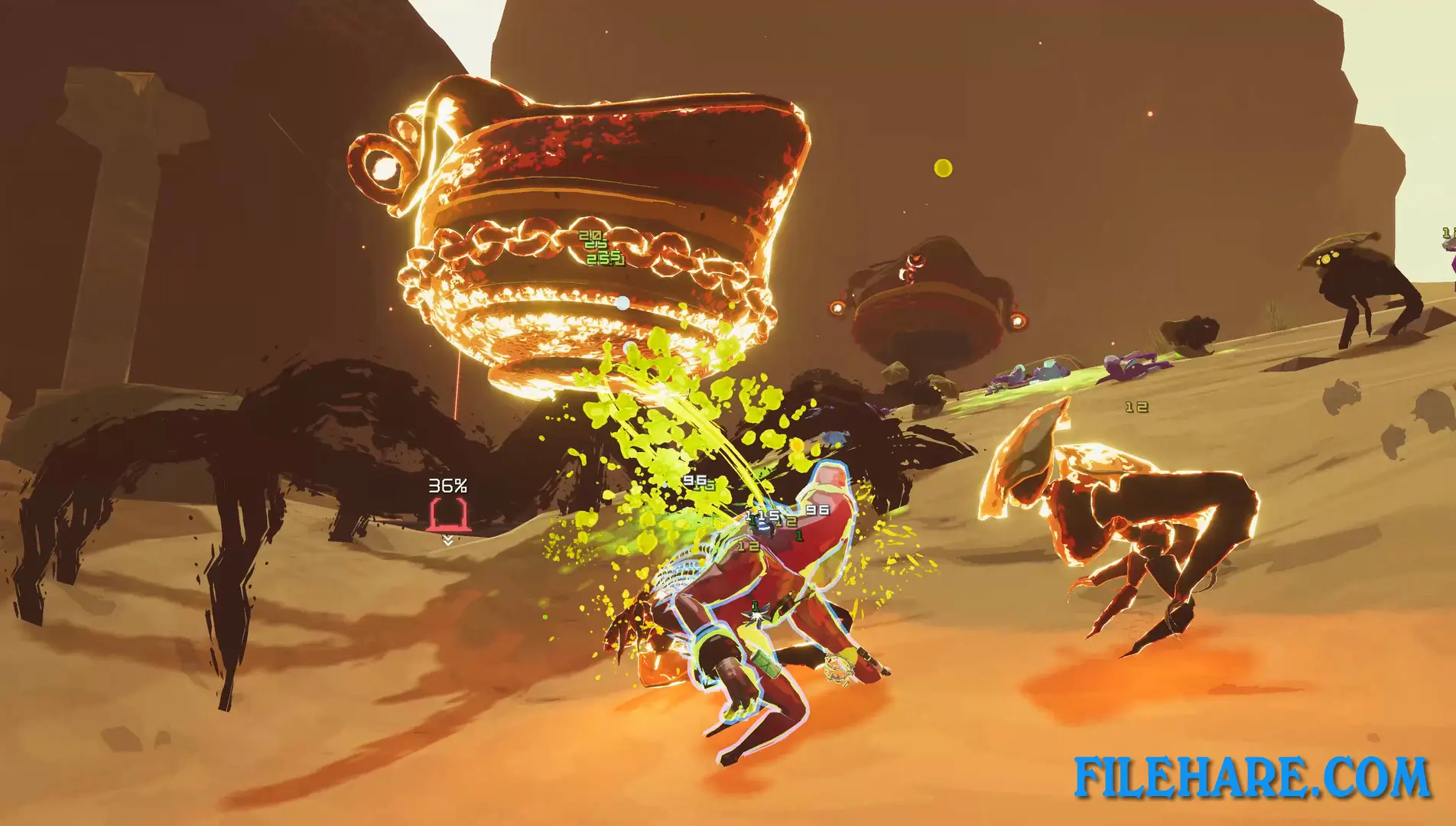
The game takes place across many areas, including forests, deserts, snow regions, swamps, and underground caves. Monsters include Lemurians who throw fireballs, flying Wisps that shoot from above, Golems that fire lasers, and many others. The final area is The Moon, where you fight the last boss to escape. You can continue playing after beating the game to see how long you can survive as the difficulty keeps increasing. Music was composed by Chris Christodoulou.
Recommended System Requirements
Requires a 64-bit processor and operating system
- OS: Windows 7 or newer, 64-bit
- Processor: Intel Core i5-4670K / AMD Ryzen 5 1500X
- Memory: 4 GB RAM
- Graphics: GTX 680 / AMD HD 7970
- DirectX: Version 11
- Storage: 4 GB available space
Gameplay Screenshots
| Name | Risk of Rain 2 |
|---|---|
| Developer | Hopoo Games |
| File Size | 847.61 MB |
| Category | Action |
| Minimum System Requirements | |
| CPU | Intel Core i3-6100 / AMD FX-8350 |
| RAM | 4 GB |
| Graphics | GTX 580 / AMD HD 7870 |
| Free Disk Space | 4 GB |
| Operating System | Windows 10 / 11 / 7 / 8 (64-bit) |
| User Rating | |
To buy this game, visit the Store Page
How to Download and Install Risk of Rain 2 PC Game?
We have simple instructions for you to download and install the PC game. Before following the steps, Ensure your PC meets the minimum system requirements for Playing the game on your PC.
- First, click on the DOWNLOAD button and you will be redirected to the final Download page. Then, Download the Game on your PC.
- Once you have downloaded the Risk of Rain 2 PC Game, Open the folder where you saved the Game.
- Then Right-click on the Zip file and click on the "Extract files" option from the dropdown menu. If your computer does not have a Zip file extract software installed, you must first install it. (such as WinRAR, 7Zip software)
- After Extracting the Zip file, Open the Risk of Rain 2 PC Game folder.
- Then, double-click on the Setup.exe file to Install the Game.
- If asked, provide administrator permissions for the installation to proceed. Click Yes to continue.
- Follow the on-screen installation wizard to install the game on your PC.
- After the installation, if you get any missing ".dll" errors or the Game is not launching, open the Readme.txt file located in the game folder and follow the instructions shown in the document file to play the game.
Done!. Now, you can launch the game from your desktop.