Minds Beneath Us PC Game Download for Windows 10/11
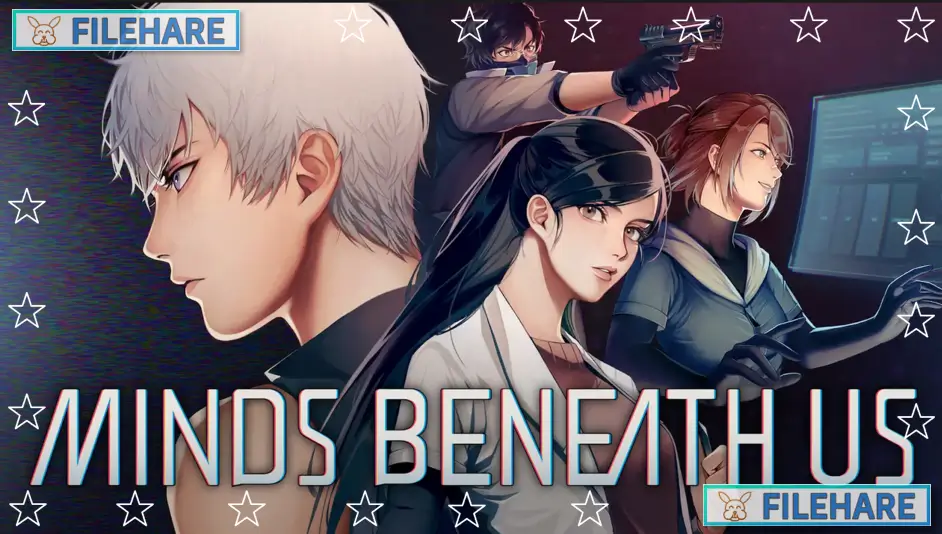
Minds Beneath Us is a sci-fi story game where you control a character in a futuristic Asian city. This game was developed and published by BearBoneStudio, a small seven-person team from Taiwan. The game was released on July 31, 2024, on PC via Steam. It is also available on Nintendo Switch. The game has received very positive reviews from players who enjoyed its emotional story and interesting concepts about AI and human minds.
Table of Contents
Minds Beneath Us Story
The game takes place in a future where society runs completely on advanced AI technology. In this future, a new industry has started that uses human brains instead of computer hardware to run AI operations. Poor people have no option but to sign up for this program to survive. You play as a data ghost, which is a mind without a body. You find yourself trapped inside the body of Jason Dai, who is a new employee at Vision, a big company. The original owner’s consciousness is still there, too. Both of you must work together to understand what happened and try to fix the situation. As you go through the story, you discover a bigger conspiracy happening in this society.
Minds Beneath Us Gameplay
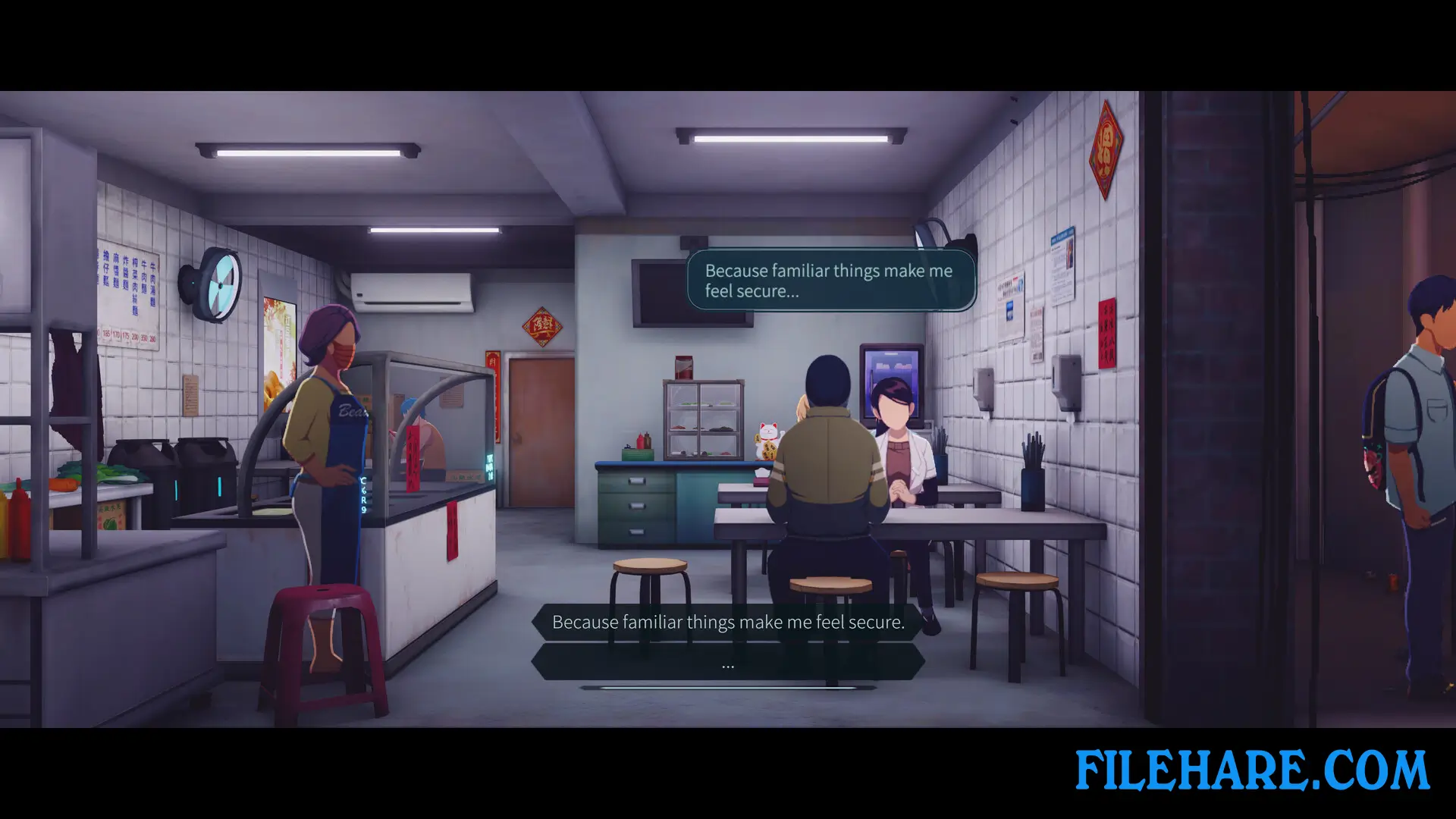
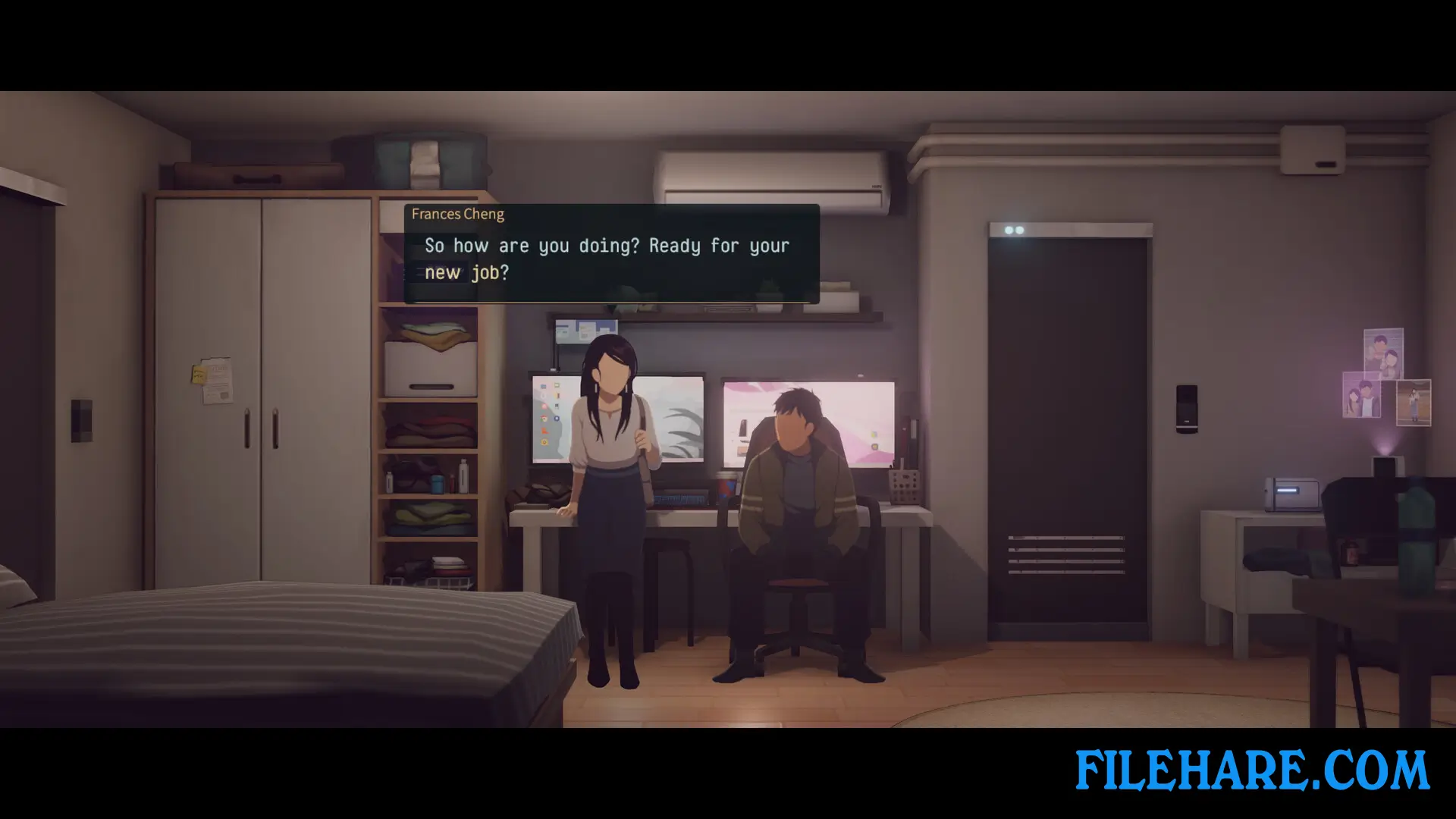
The game is a point-and-click adventure with side-scrolling movement. You control Jason as he moves through the city and handles his daily work tasks. The game focuses on dialogue and making important choices when you talk to other characters. You must observe your environment and pay attention to what people say. By finding hidden clues in different scenes, you can unlock new dialogue options. The game has cinematic animation that makes it feel like you are watching a movie. You can select different responses during conversations, and these selections help build relationships with other characters.
Minds Beneath Us Features
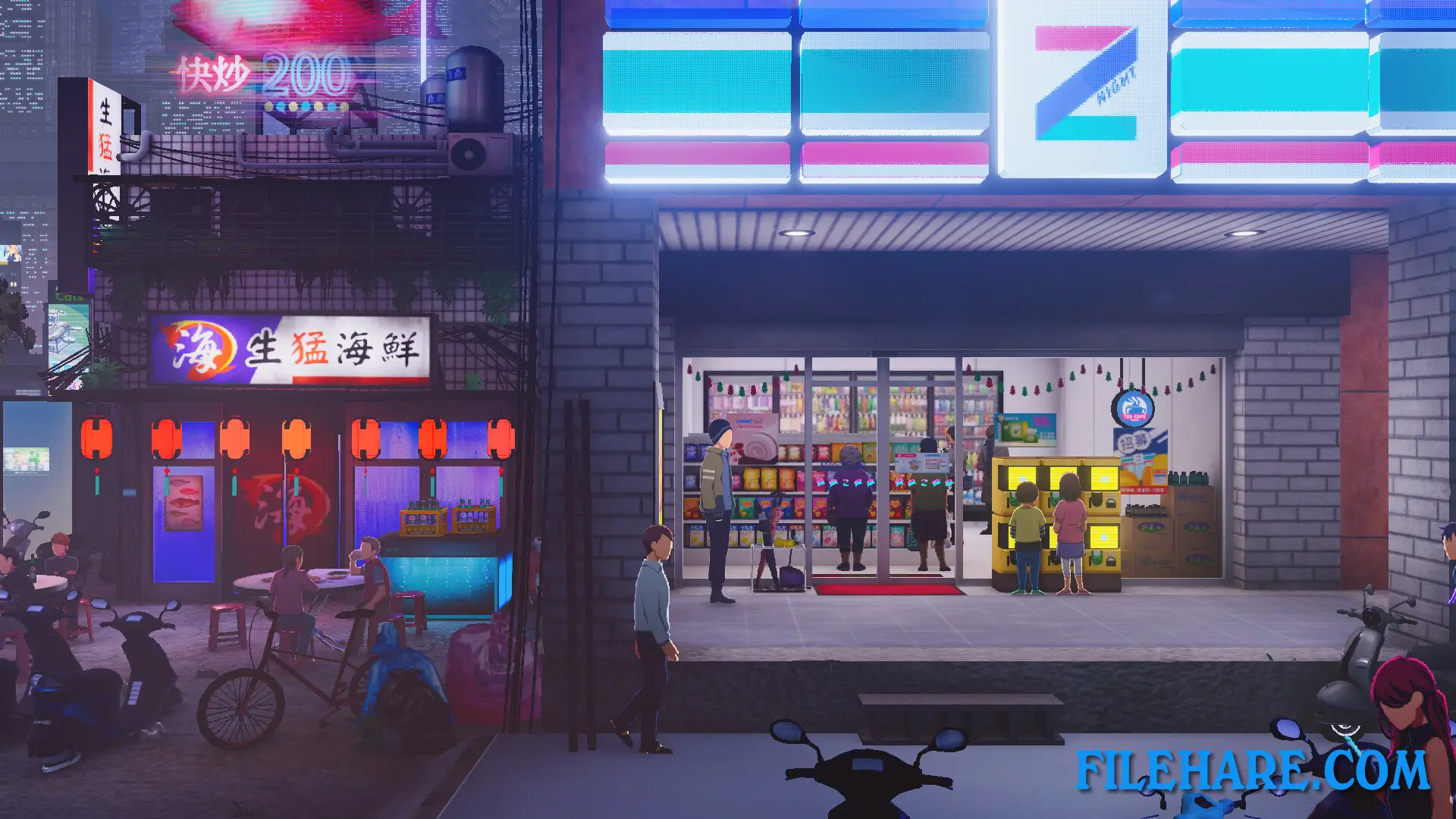
The game uses a 2D visual style with detailed character designs and backgrounds. All the characters in the game have no facial features, which gives the game a unique look. Despite this, the animations and body language help you understand what the characters are feeling. The game has atmospheric music that matches the cyberpunk theme. You can see the busy city life with neon lights and many background animations. The game includes full voice acting in multiple languages, including English, Japanese, and Chinese. There is also a soundtrack available for purchase separately. The game takes about 8 to 10 hours to complete one playthrough, but you can replay it to see different story outcomes.
Recommended System Requirements
- OS: Windows 10
- Processor: Intel i7 7700/Ryzen R7 1700
- Memory: 16 GB RAM
- Graphics: Nvidia RTX 3060
- Additional Notes: For any GPU requirement, at least 6GB VRAM
Gameplay Screenshots

| Name | Minds Beneath Us |
|---|---|
| Developer | BearBoneStudio |
| File Size | 2.57 GB |
| Category | Adventure, RPG Game |
| Minimum System Requirements | |
| CPU | Intel i5 8400/Ryzen R5 1600 |
| RAM | 8 GB |
| Graphics | Nvidia GTX 1060 6GB / AMD RX580 8GB |
| Free Disk Space | 4 GB |
| Operating System | Windows 10 / 11 |
| User Rating | |
To buy this game, visit the Store Page
How to Download and Install Minds Beneath Us PC Game?
We have simple instructions for you to download and install the PC game. Before following the steps, Ensure your PC meets the minimum system requirements for Playing the game on your PC.
- First, click on the DOWNLOAD button and you will be redirected to the final Download page. Then, Download the Game on your PC.
- Once you have downloaded the Minds Beneath Us PC Game, Open the folder where you saved the Game.
- Then Right-click on the Zip file and click on the "Extract files" option from the dropdown menu. If your computer does not have a Zip file extract software installed, you must first install it. (such as WinRAR, 7Zip software)
- After Extracting the Zip file, Open the Minds Beneath Us PC Game folder.
- Then, double-click on the Setup.exe file to Install the Game.
- If asked, provide administrator permissions for the installation to proceed. Click Yes to continue.
- Follow the on-screen installation wizard to install the game on your PC.
- After the installation, if you get any missing ".dll" errors or the Game is not launching, open the Readme.txt file located in the game folder and follow the instructions shown in the document file to play the game.
Done!. Now, you can launch the game from your desktop.