Three Kingdoms: The Last Warlord PC Game Download

Three Kingdoms: The Last Warlord is a strategy game where you become a ruler during ancient China. This game was developed by LongYou Game Studio and published by LongYou Tech Ltd. The game was released on February 4, 2021, on Steam for PC. It is also available on mobile platforms. The game takes players back to the famous Three Kingdoms period in Chinese history between 190 and 280 AD.
Table of Contents
Three Kingdoms: The Last Warlord Story
The game is based on the famous Chinese historical novel about the Three Kingdoms period. During this time, China was split into three states: Wei, Shu, and Wu. Many warlords fought to control the land and become the supreme ruler. You take the role of a warlord who wants to unite all of China under your rule. The game includes both real historical figures and fictional characters from the classic novel. You must build your forces, form alliances, and fight battles to expand your territory.
Three Kingdoms: The Last Warlord Gameplay
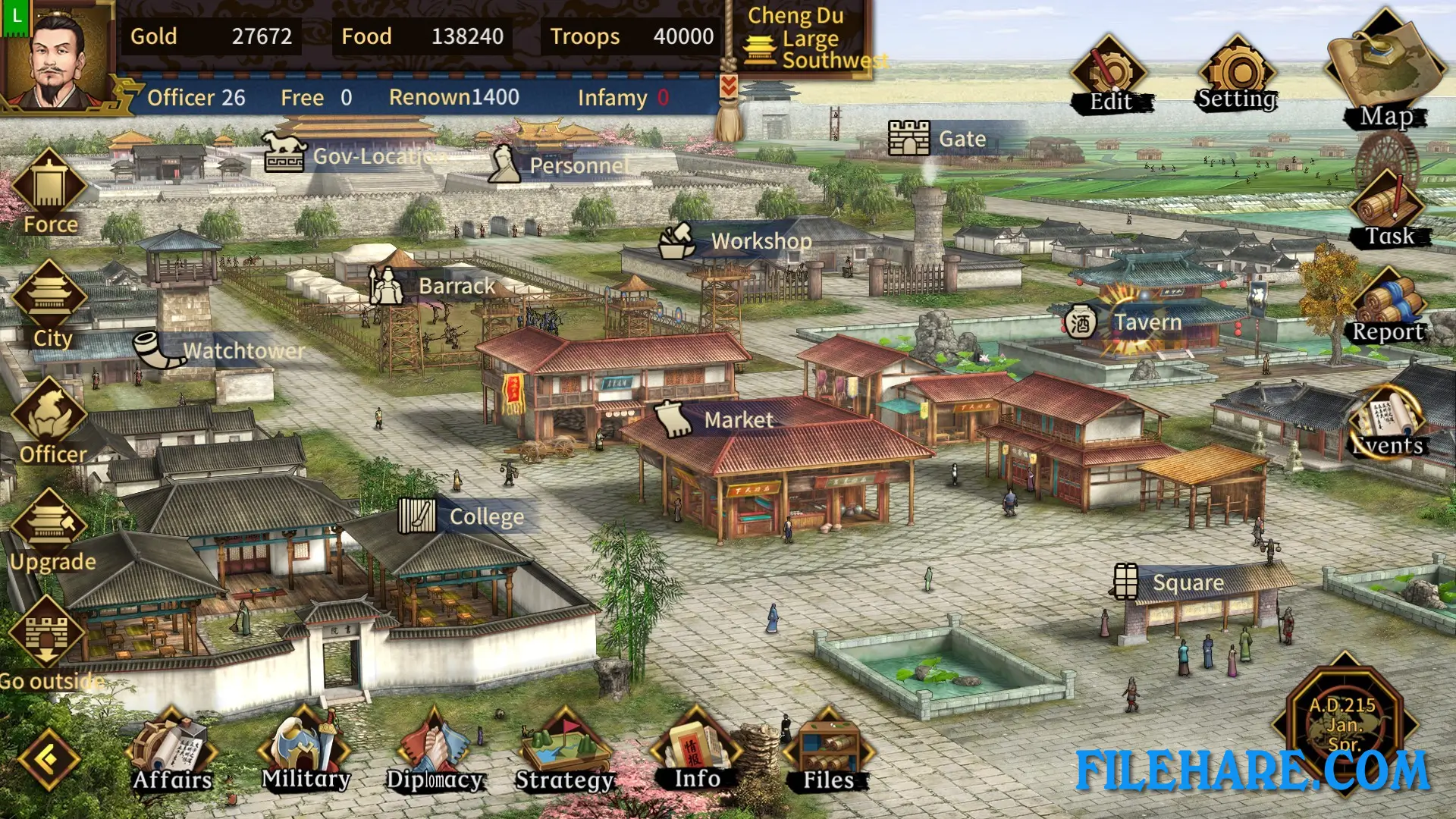
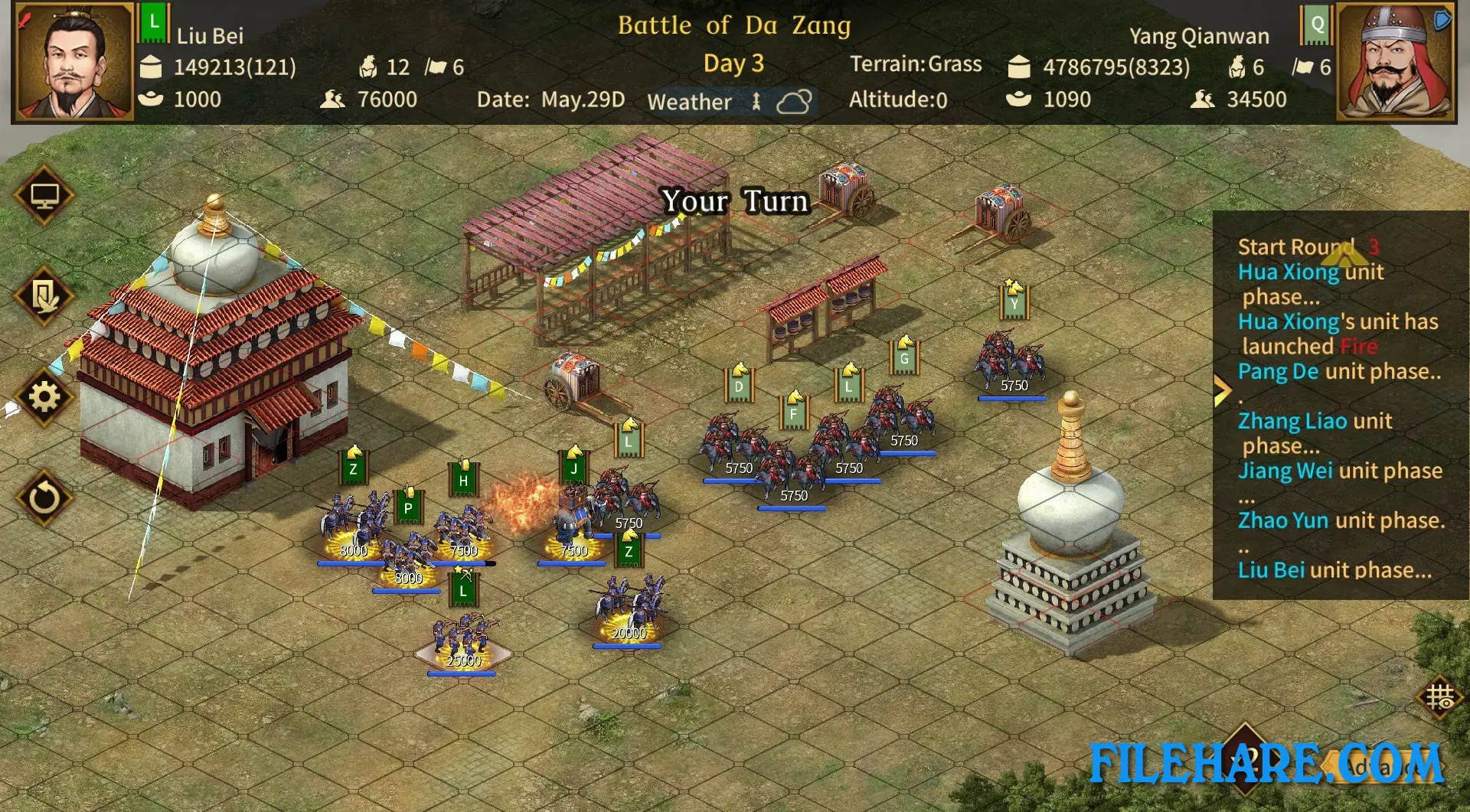
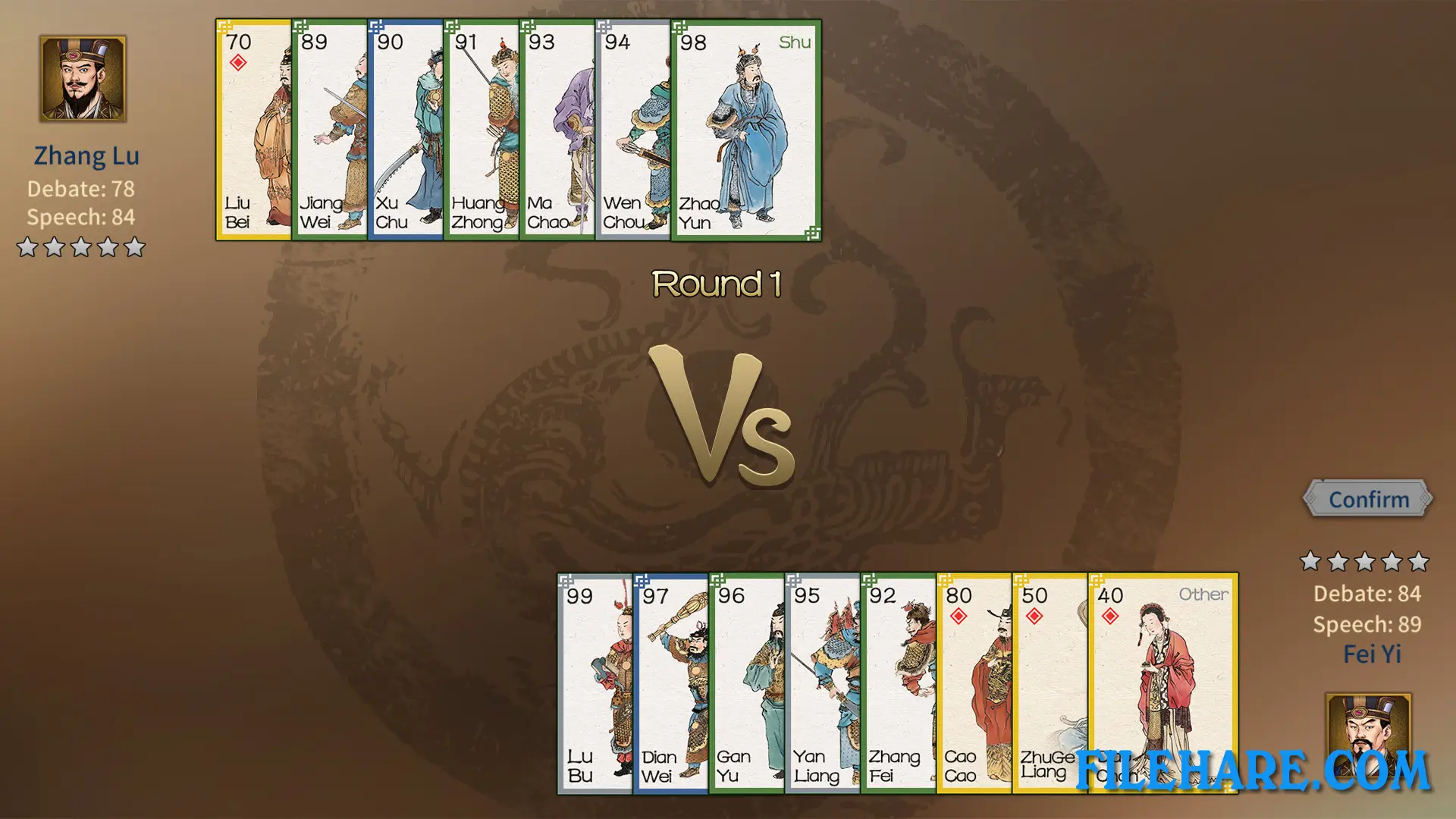
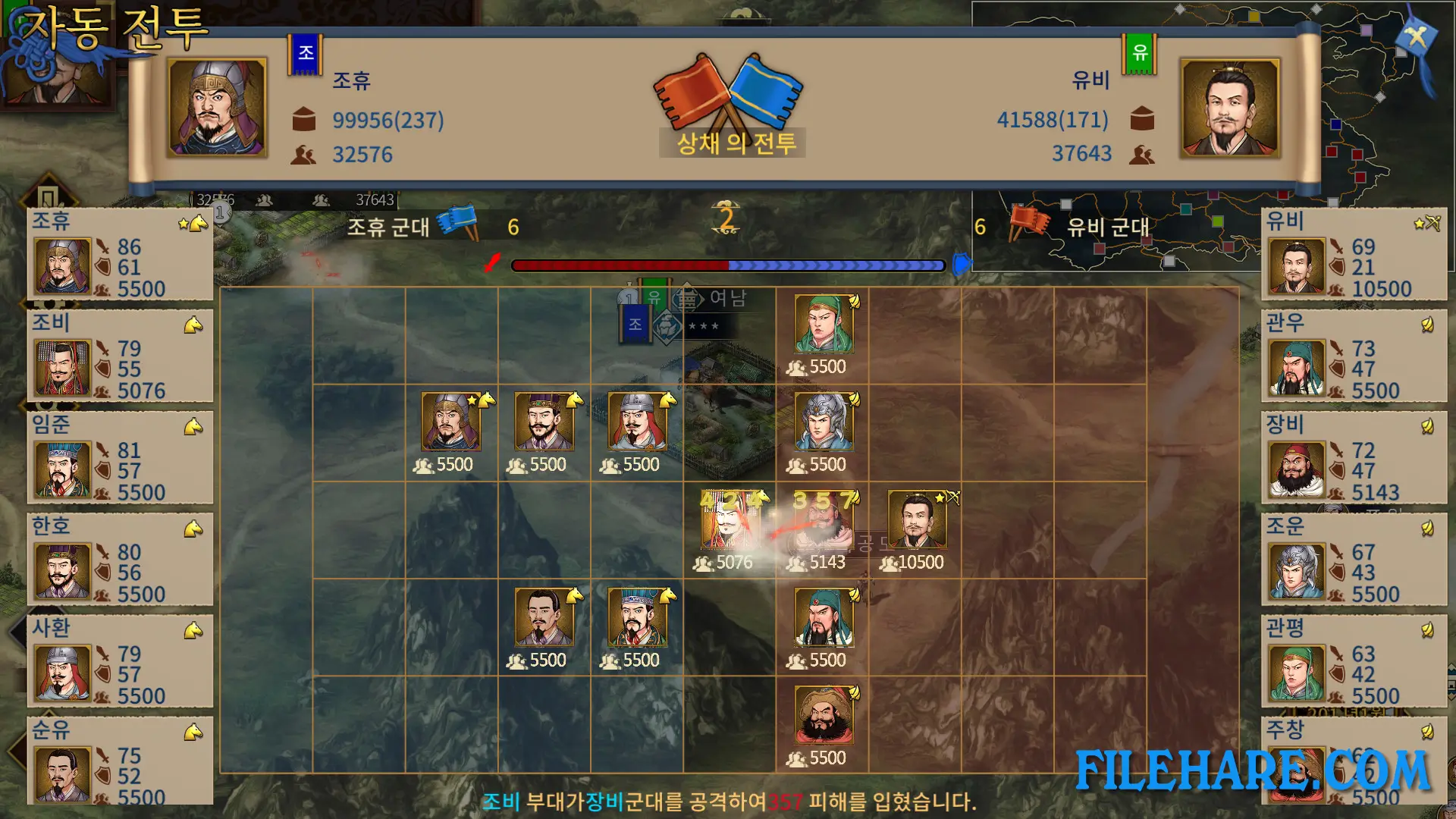
The game uses a classic strategy style where you take turns to make your moves. You control cities, manage resources, and command armies in battles. The game shows cities on a map, and you can see their terrain and special abilities. You need to handle basic affairs like personnel, search for officers, and research new technology. When you control many cities, you can set up prefects to manage them for you while you focus on important decisions. Battles happen on separate maps where terrain, climate, and height matter. You can fight in open fields or siege cities using special equipment like battering rams and trebuchets. The game has three basic unit types and about twenty special units for your army.
Three Kingdoms: The Last Warlord Features
The game has over 1,300 officers that you can recruit, including historical figures and novel characters. There are more than 300 special features that officers can have. The game includes over 500 historical treasures and items that you can collect. Nearly sixty cities are available, and each has special features and can produce about 200 types of goods. You can research many technologies to improve your cities and armies. The game has a workshop where you can create items from materials you find.
Recommended System Requirements
- OS: Windows 7sp1 or Windows 10
- Processor: Intel i3 or AMD equivalent or above
- Memory: 8 GB RAM
- Graphics: NVIDIA Geforce GTX560se or AMD Radeon equivalent or above
- DirectX: Version 9.0
- Storage: 3 GB available space
Gameplay Screenshots
| Name | Three Kingdoms: The Last Warlord |
|---|---|
| Developer | LongYou Game Studio |
| File Size | 939.30 MB |
| Category | Strategy |
| Minimum System Requirements | |
| CPU | Intel Core2 Duo E6550 or AMD equivalent or above |
| RAM | 2 GB |
| Graphics | NVIDIA Geforce GT440(512M)or AMD Radeon equivalent or above |
| Free Disk Space | 3 GB |
| Operating System | Windows 10 / 11 / 7 / 8 |
| User Rating | |
To buy this game, visit the Store Page
How to Download and Install Three Kingdoms: The Last Warlord PC Game?
We have simple instructions for you to download and install the PC game. Before following the steps, Ensure your PC meets the minimum system requirements for Playing the game on your PC.
- First, click on the DOWNLOAD button and you will be redirected to the final Download page. Then, Download the Game on your PC.
- Once you have downloaded the Three Kingdoms: The Last Warlord PC Game, Open the folder where you saved the Game.
- Then Right-click on the Zip file and click on the "Extract files" option from the dropdown menu. If your computer does not have a Zip file extract software installed, you must first install it. (such as WinRAR, 7Zip software)
- After Extracting the Zip file, Open the Three Kingdoms: The Last Warlord PC Game folder.
- Then, double-click on the Setup.exe file to Install the Game.
- If asked, provide administrator permissions for the installation to proceed. Click Yes to continue.
- Follow the on-screen installation wizard to install the game on your PC.
- After the installation, if you get any missing ".dll" errors or the Game is not launching, open the Readme.txt file located in the game folder and follow the instructions shown in the document file to play the game.
Done!. Now, you can launch the game from your desktop.