Star Trucker: Deluxe Bundle PC Game Download for Windows 10/11
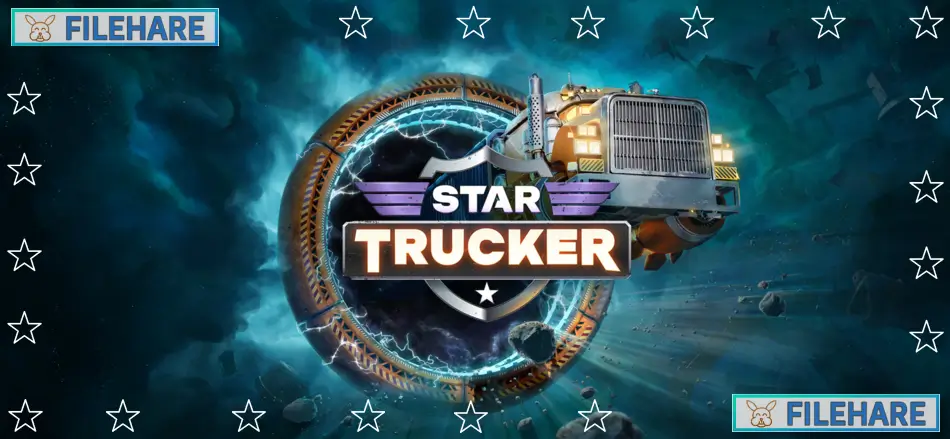
Star Trucker: Deluxe Bundle is a space trucking simulation game where players drive a rocket-powered truck across the galaxy. The game was developed by Monster and Monster and published by Raw Fury. It was released on September 3, 2024, for PC on Windows. The Deluxe Bundle includes the main game along with the official soundtrack and several DLC packs like the Heavy Duty Pack, Amped Customization Pack, and special themed content packs. Players take on the role of a space trucker who hauls cargo between stations and planets.
Table of Contents
Star Trucker: Deluxe Bundle Gameplay
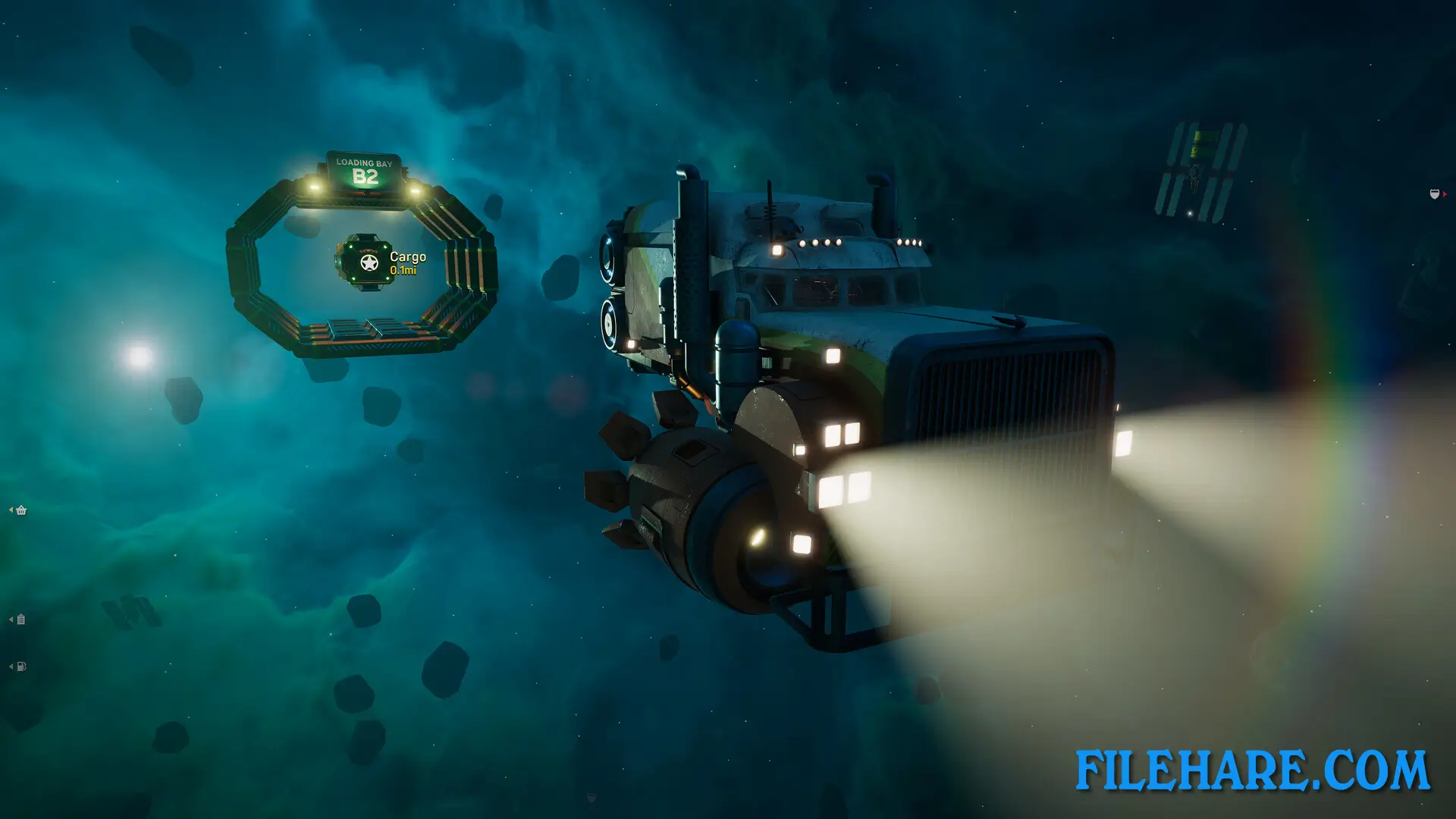
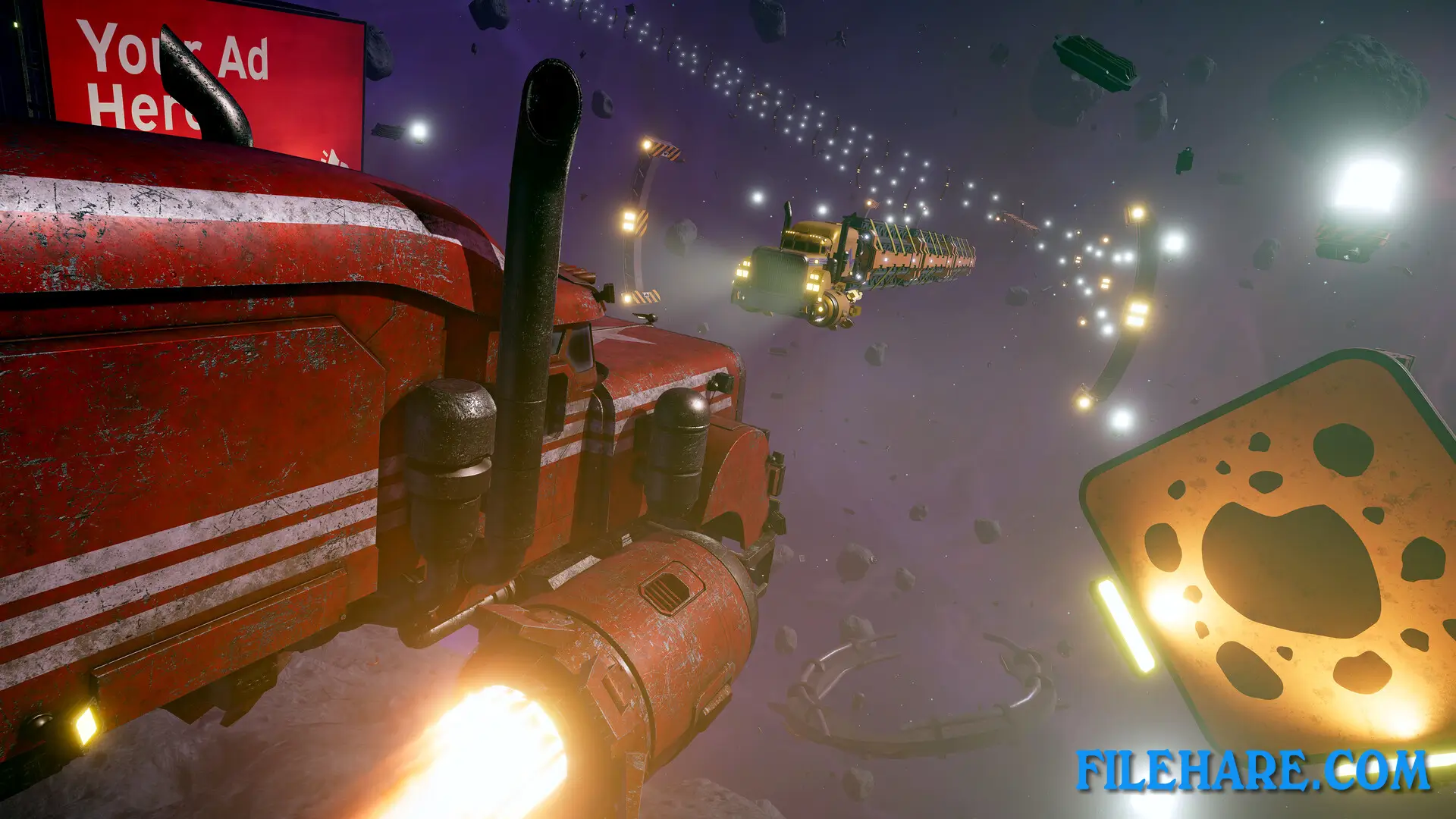
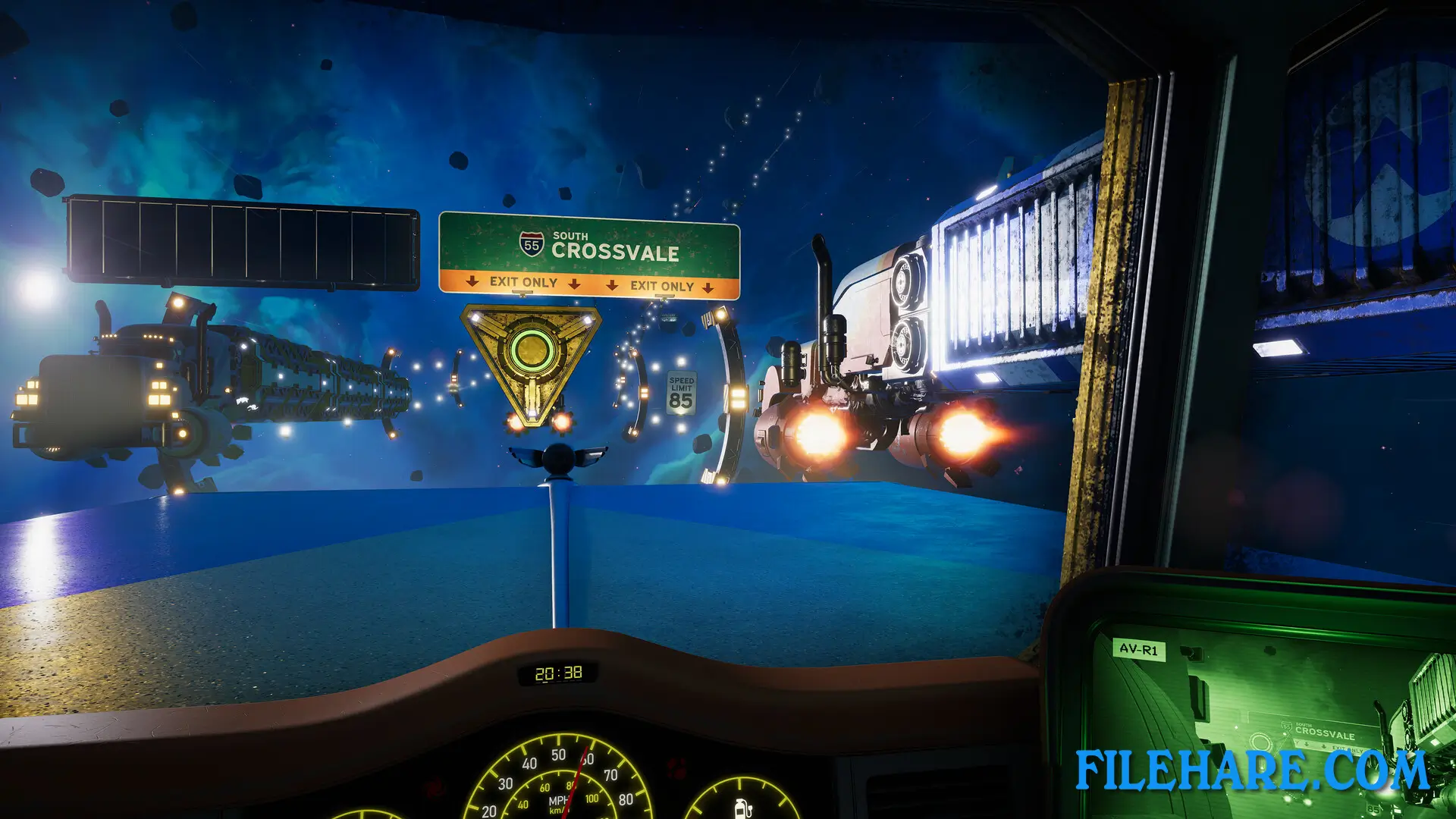
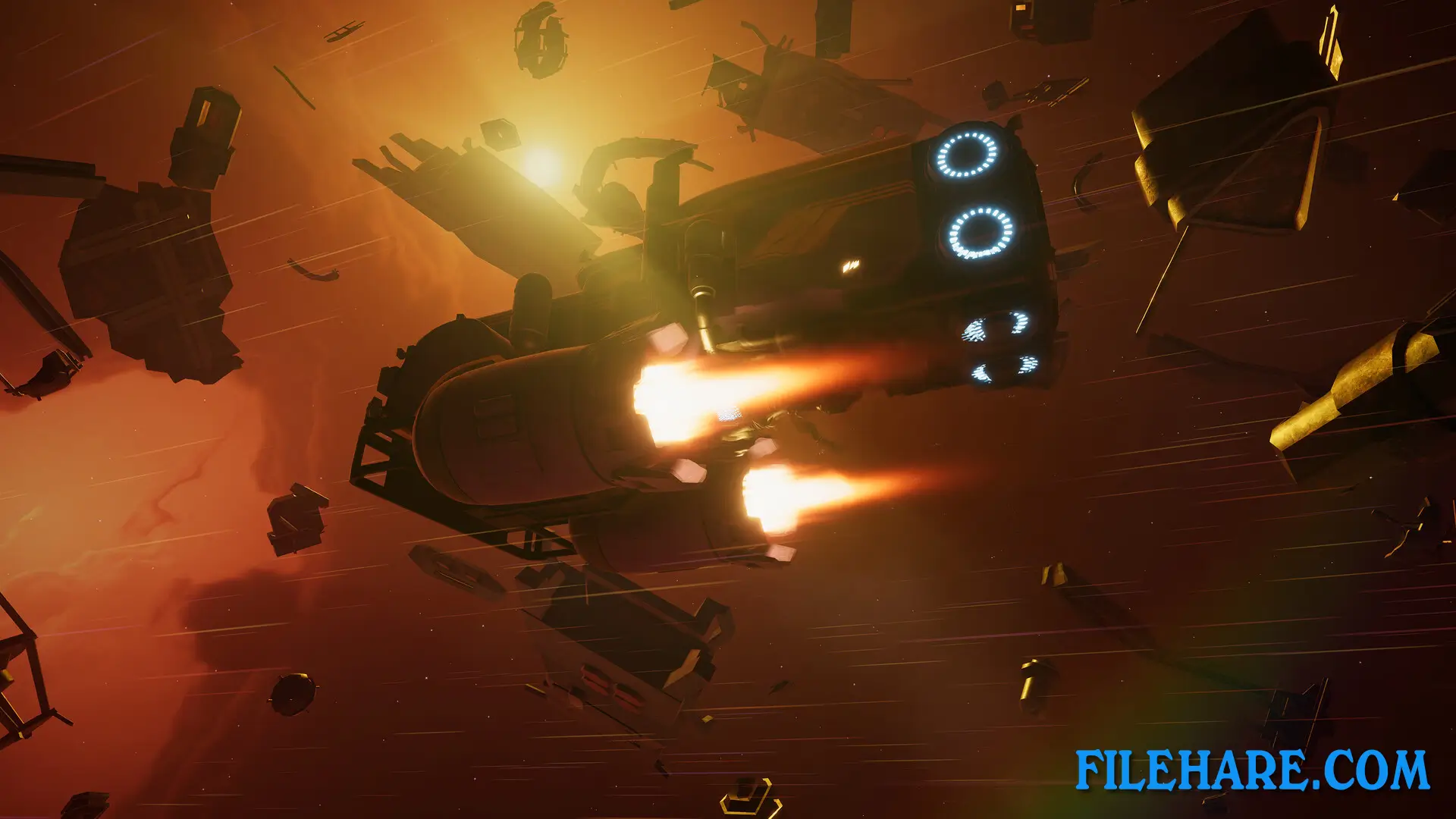
Players control a truck that travels through space rather than a traditional spaceship. The game uses regular truck driving controls but combines them with zero-gravity physics, which creates a unique driving experience. You need to manage momentum carefully when steering and stopping in space. The main activity is accepting hauling jobs that pay money. These jobs include long-distance fuel deliveries, hazardous material transport, and regular cargo runs between locations.
The CB radio plays an important role in the game. You can listen to other truckers talking and discover side jobs or learn about galactic events. Players must maintain their truck by monitoring fuel, checking core systems, and repairing the hull when damaged. The gravity compensator needs to stay functional to keep you safe inside the truck. Between jobs, you can visit shops to buy replacement parts and garages to upgrade your truck with better equipment.
Star Trucker: Deluxe Bundle Features
The game has a large open space environment where you can freely travel between locations. You interact with various characters, including fellow truckers who share stories over the radio and mechanics who sell upgrades. The bundle includes extra content that enhances the game experience. The official soundtrack features music with blues and rock influences that fit the space trucking theme.
The Heavy Duty Pack DLC provides stronger components for hauling heavier and more valuable cargo over long distances. The Amped Customization Pack includes new paint jobs and decorative items to personalize your truck cabin. Additional themed packs allow you to customize your truck with special decorations. You can also scavenge for salvage during your travels, which can be sold for extra income.
Recommended System Requirements
- OS: Windows 10
- Processor: i7 / Ryzen 7
- Memory: 16 GB RAM
- Graphics: Nvidia RTX 3060 / RX 6600 XT
- DirectX: Version 12
- Storage: 5 GB available space
Gameplay Screenshots
| Name | Star Trucker: Deluxe Bundle |
|---|---|
| Developer | Monster and Monster |
| File Size | 3.55 GB |
| Category | Simulation |
| Minimum System Requirements | |
| CPU | Intel Core i5 / AMD Ryzen 5 |
| RAM | 8 GB |
| Graphics | Nvidia 1650 / AMD Radeon RX 580 or equivalent |
| Free Disk Space | 5 GB |
| Operating System | Windows 10 / 11 |
| User Rating | |
To buy this game, visit the Store Page
How to Download and Install Star Trucker: Deluxe Bundle PC Game?
We have simple instructions for you to download and install the PC game. Before following the steps, Ensure your PC meets the minimum system requirements for Playing the game on your PC.
- First, click on the DOWNLOAD button and you will be redirected to the final Download page. Then, Download the Game on your PC.
- Once you have downloaded the Star Trucker: Deluxe Bundle PC Game, Open the folder where you saved the Game.
- Then Right-click on the Zip file and click on the "Extract files" option from the dropdown menu. If your computer does not have a Zip file extract software installed, you must first install it. (such as WinRAR, 7Zip software)
- After Extracting the Zip file, Open the Star Trucker: Deluxe Bundle PC Game folder.
- Then, double-click on the Setup.exe file to Install the Game.
- If asked, provide administrator permissions for the installation to proceed. Click Yes to continue.
- Follow the on-screen installation wizard to install the game on your PC.
- After the installation, if you get any missing ".dll" errors or the Game is not launching, open the Readme.txt file located in the game folder and follow the instructions shown in the document file to play the game.
Done!. Now, you can launch the game from your desktop.