Golf With Your Friends: Deluxe Edition PC Game Download

Golf With Your Friends: Deluxe Edition is a mini golf video game developed by Blacklight Interactive and published by Team17. The game started in early access on Steam on January 30, 2016, and was fully released on May 19, 2020, for Microsoft Windows, Nintendo Switch, PlayStation 4, and Xbox One. The Deluxe Edition contains the main game along with several additional content packs, including Pizza Party Cosmetics Pack, Caddy Pack, Summery Party Cosmetics Pack, Racing Cosmetics Pack, Bouncy Castle Course Pack, Sports Cosmetics Pack, the game’s soundtrack, Horrifying Headgear Pack, and Corrupted Forest Course. This game is perfect for people who want to have fun with friends.
Table of Contents
Golf With Your Friends: Deluxe Edition Gameplay
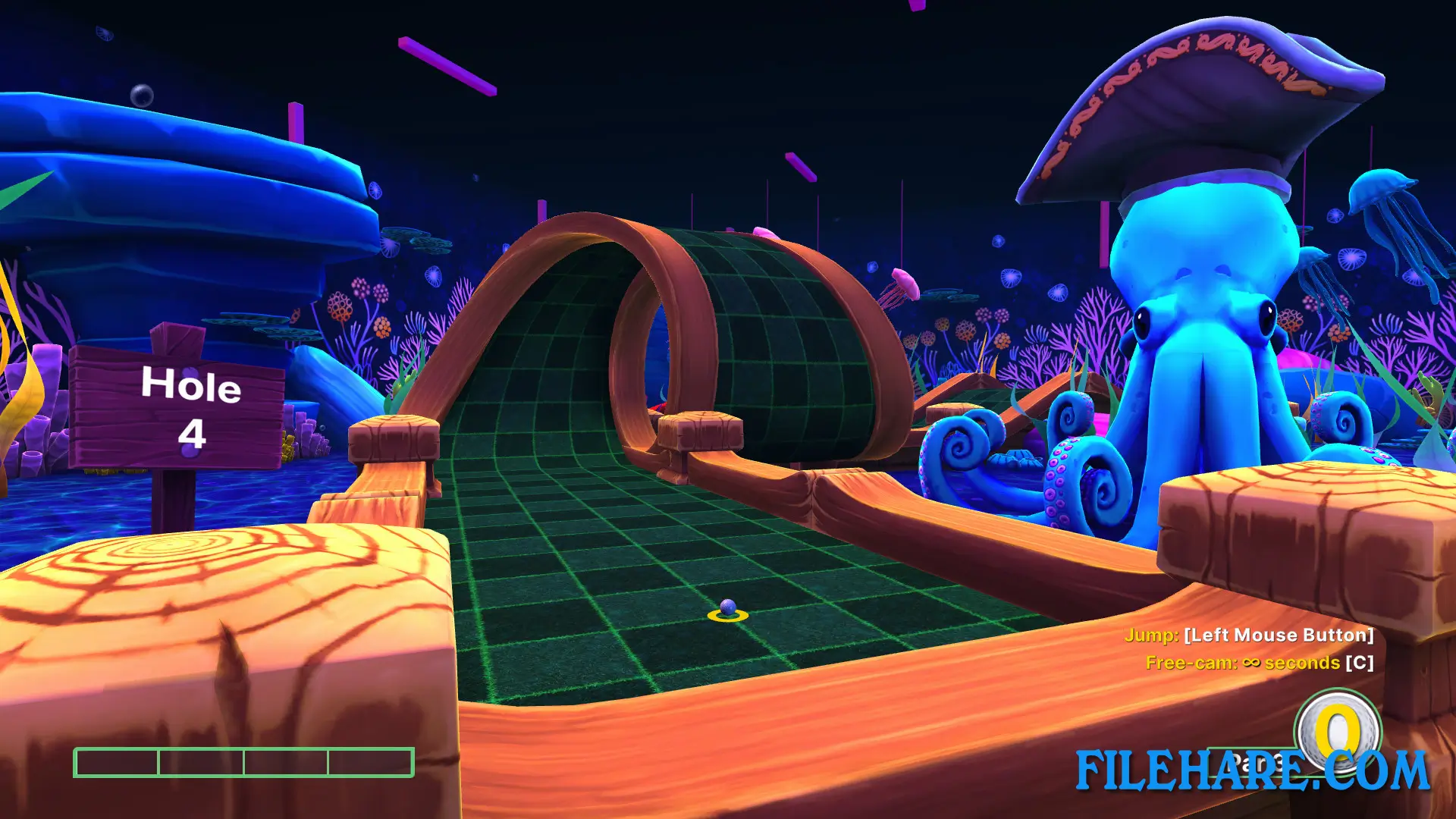
Golf With Your Friends allows up to 12 players to play together in online or local matches. Players can take on courses in simultaneous mini golf action, meaning everyone plays at the same time instead of waiting for turns. The game has 13 levels with 18 holes each, totaling 234 holes. There are three game modes available: classic mini golf, hoops mode to test accuracy, and hockey mode, where players aim for a goal instead of a hole. Players can create, share, and play their own courses using the level editor.
Golf With Your Friends: Deluxe Edition Features
The game offers unique mechanics and challenges, including pirate coves, ancient temples, and Worms warfare courses. Players can unlock and use various customization options like hats, skins, and trails for their golf balls to show off their personality. The Deluxe Edition comes with extra courses and cosmetic packs. The game supports online multiplayer, where up to 12 people can compete together. Players can access the level editor to create custom courses and share them with others in the community. There are thousands of community-created maps available to try. The game runs on dedicated servers, so hosting or joining matches is quick and easy. Players can set passwords for private games or keep them open for anyone to join.
Recommended System Requirements
Requires a 64-bit processor and operating system
- OS: Windows 10 (64-bit)
- Processor: Intel i5-6600 3.3GHz / AMD FX 8350 4.0GHz
- Memory: 4 GB RAM
- Graphics: GTX 960 4GB VRAM / AMD R9 280 3GB VRAM
- Storage: 4 GB available space
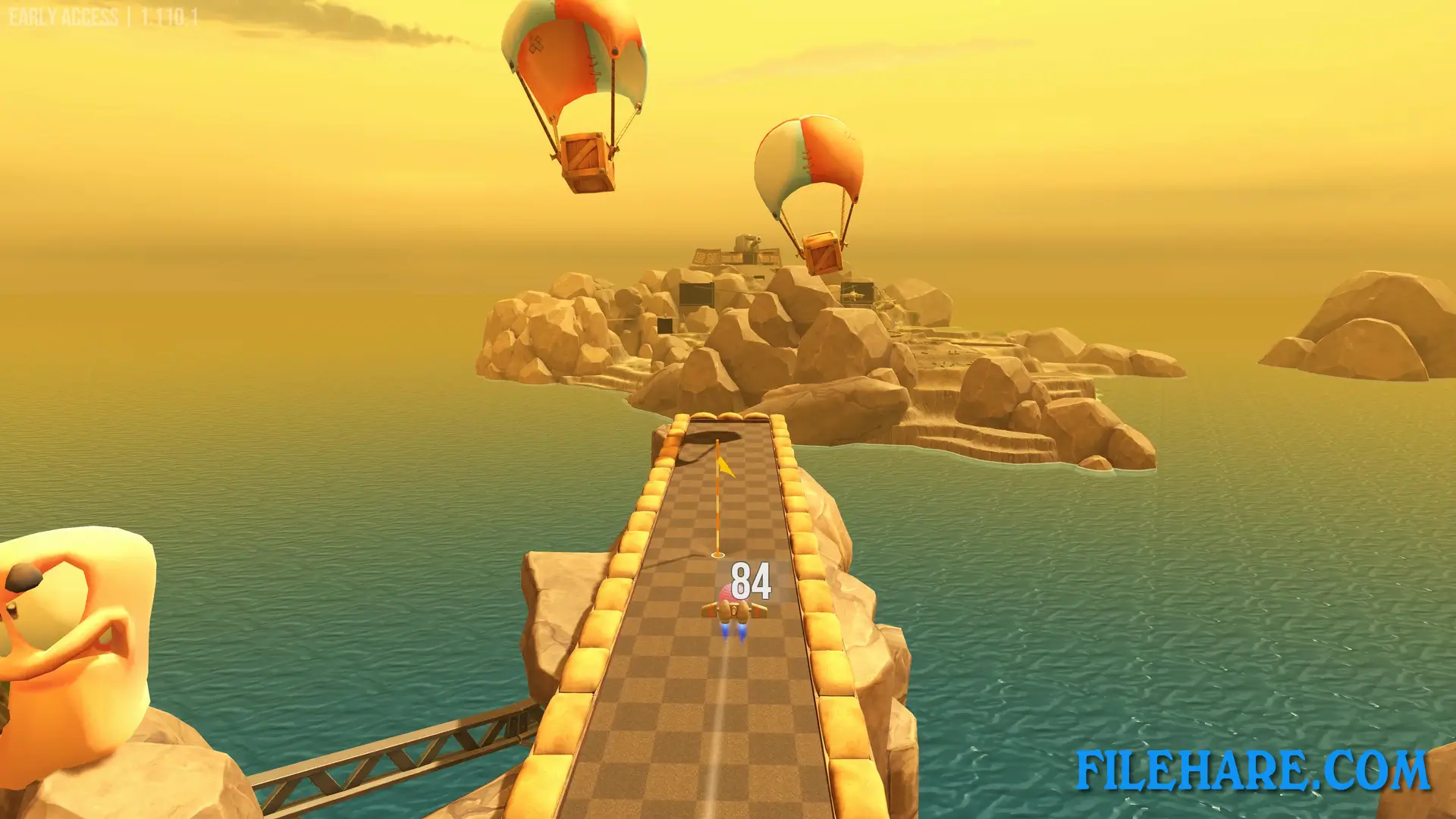
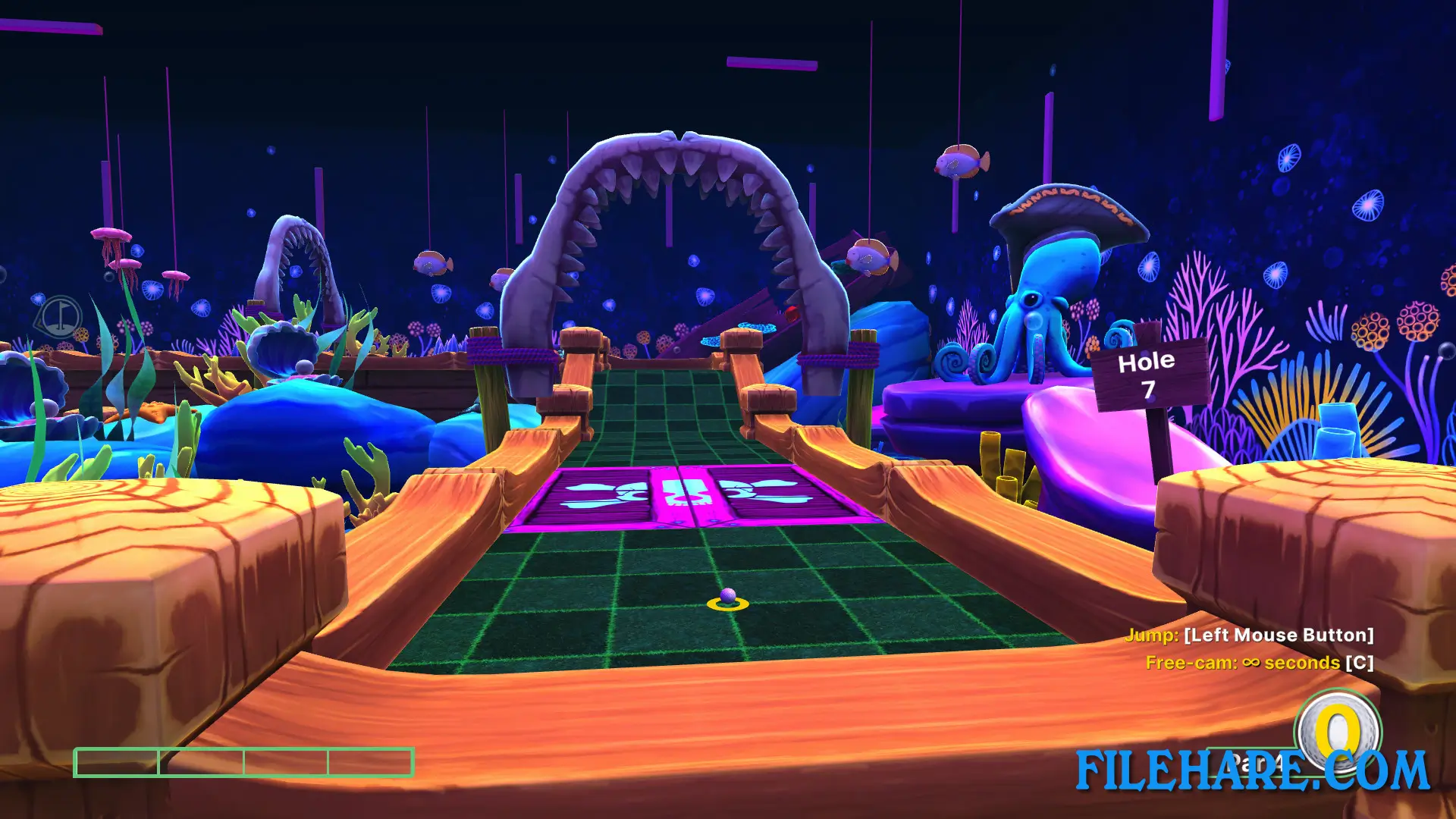
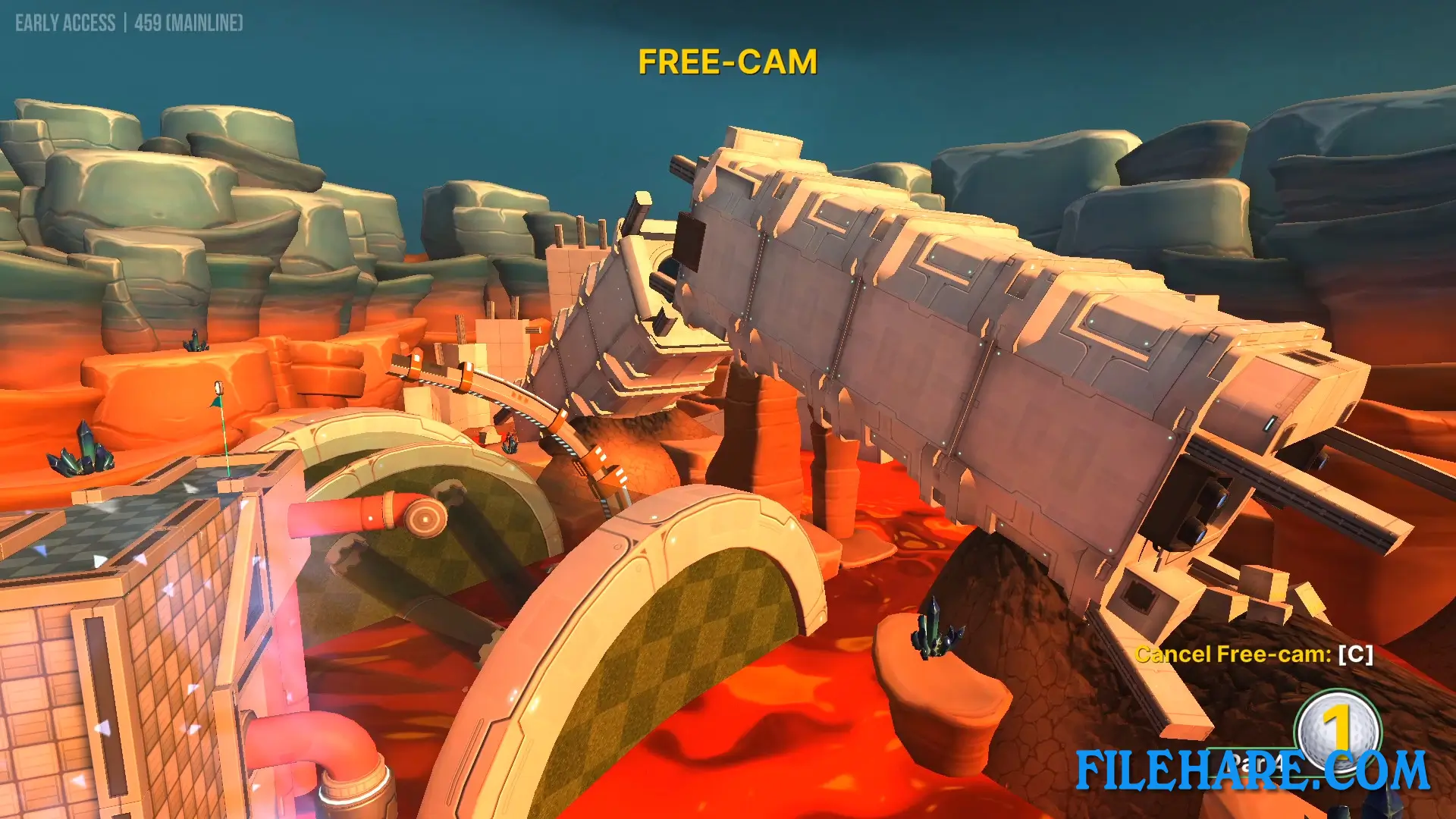
Gameplay Screenshots
| Name | Golf With Your Friends: Deluxe Edition |
|---|---|
| Developer | Blacklight Interactive, Team17 |
| File Size | 2.56 GB |
| Category | Casual |
| Minimum System Requirements | |
| CPU | Intel i3-2100 / AMD FX-6300 @3.1GHz or higher |
| RAM | 2 GB |
| Graphics | GTX 460 / Radeon 6870 / Intel HD Graphics 630 |
| Free Disk Space | 4 GB |
| Operating System | Windows 10 / 11 / 7 / 8 (64-bit) |
| User Rating | |
To buy this game, visit the Store Page
How to Download and Install Golf With Your Friends: Deluxe Edition PC Game?
We have simple instructions for you to download and install the PC game. Before following the steps, Ensure your PC meets the minimum system requirements for Playing the game on your PC.
- First, click on the DOWNLOAD button and you will be redirected to the final Download page. Then, Download the Game on your PC.
- Once you have downloaded the Golf With Your Friends: Deluxe Edition PC Game, Open the folder where you saved the Game.
- Then Right-click on the Zip file and click on the "Extract files" option from the dropdown menu. If your computer does not have a Zip file extract software installed, you must first install it. (such as WinRAR, 7Zip software)
- After Extracting the Zip file, Open the Golf With Your Friends: Deluxe Edition PC Game folder.
- Then, double-click on the Setup.exe file to Install the Game.
- If asked, provide administrator permissions for the installation to proceed. Click Yes to continue.
- Follow the on-screen installation wizard to install the game on your PC.
- After the installation, if you get any missing ".dll" errors or the Game is not launching, open the Readme.txt file located in the game folder and follow the instructions shown in the document file to play the game.
Done!. Now, you can launch the game from your desktop.