The Plucky Squire PC Game Download for Windows 10/11
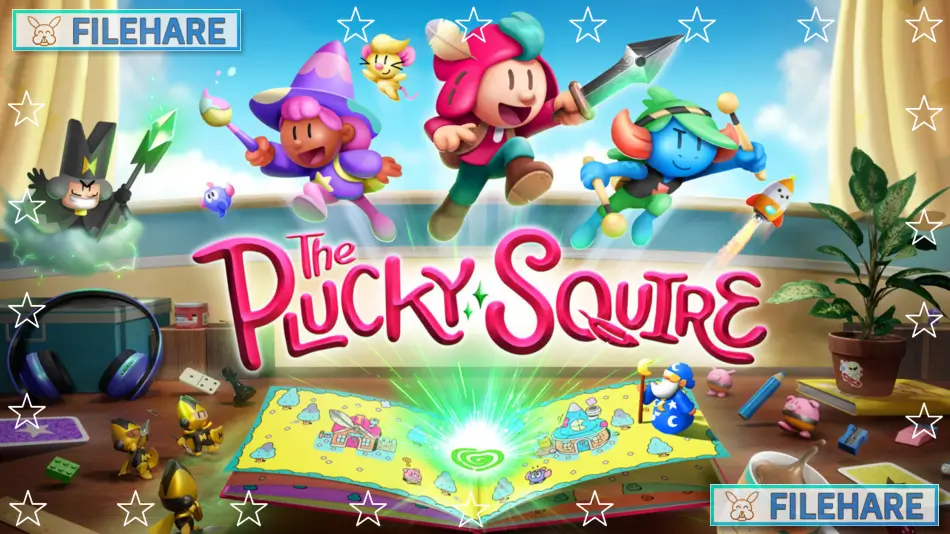
The Plucky Squire is an action-adventure game developed by All Possible Futures and published by Devolver Digital. The game was released on September 17, 2024, for multiple platforms, including PC, PlayStation 5, Xbox Series X and S, and Nintendo Switch. The studio All Possible Futures was founded by James Turner and Jonathan Biddle. Turner previously worked at Game Freak and directed HarmoKnight. The game was originally scheduled for 2023 but was delayed to 2024. It is also available on PlayStation Plus Extra and Premium.
Table of Contents
The Plucky Squire Story
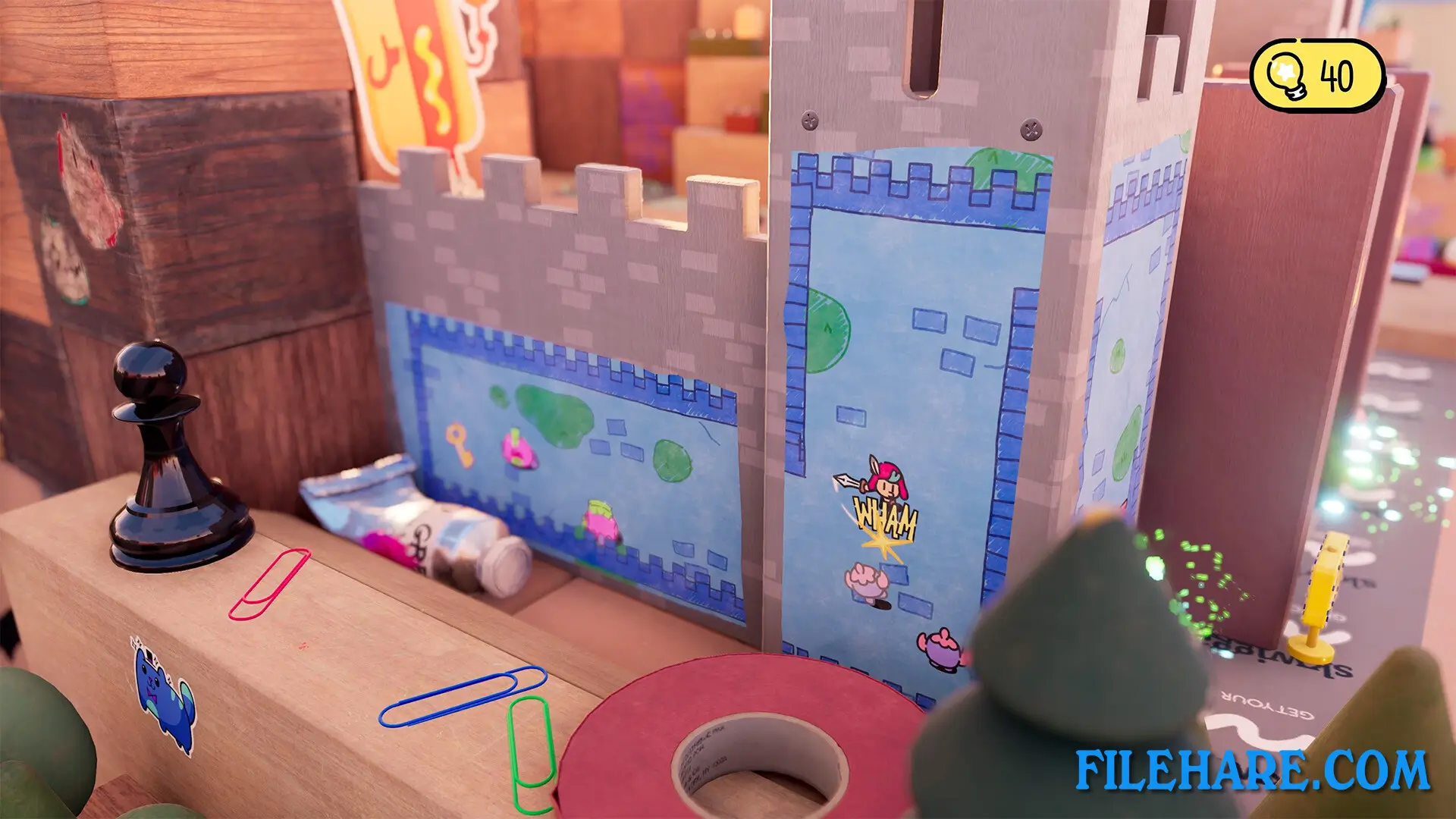
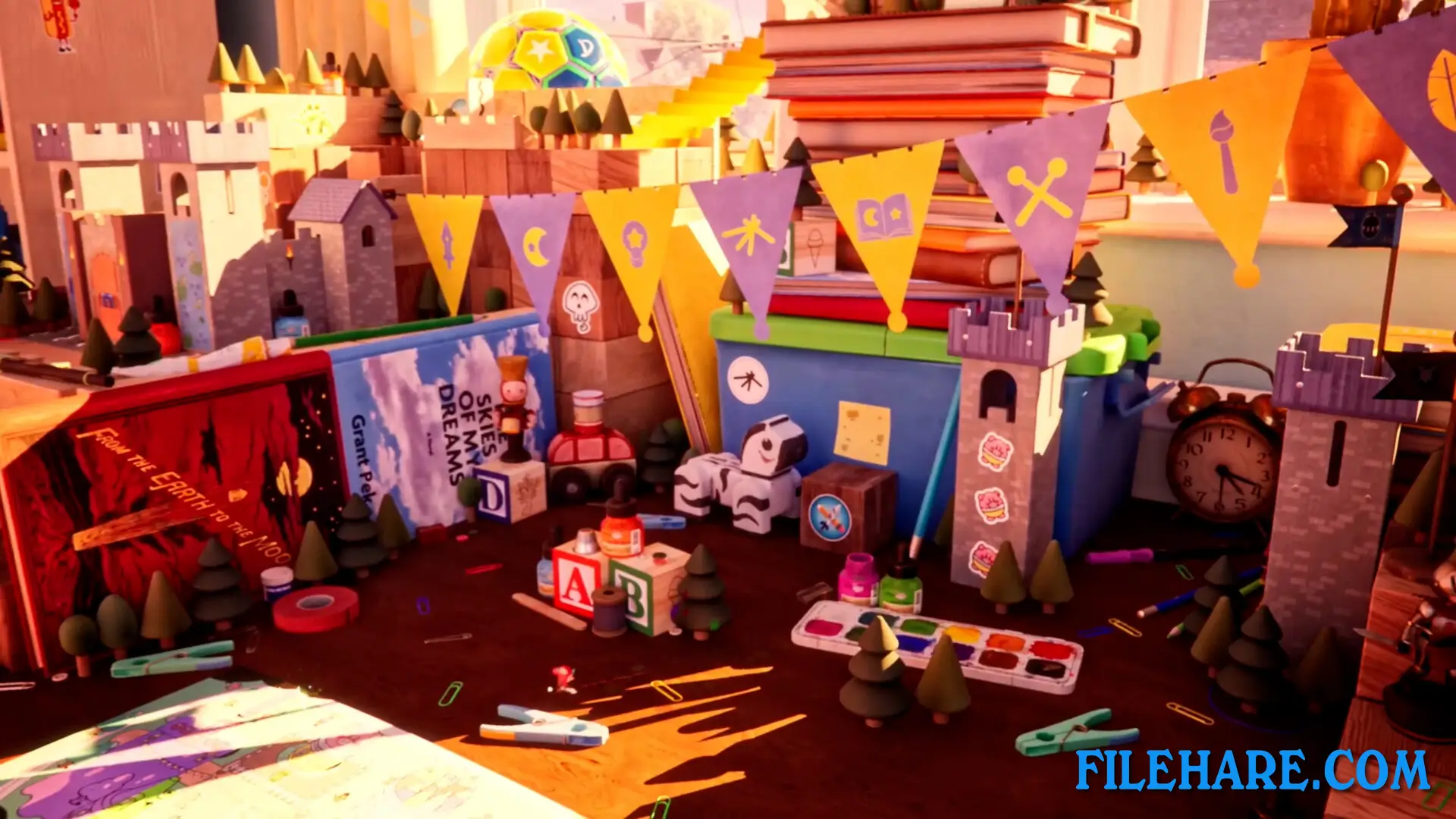
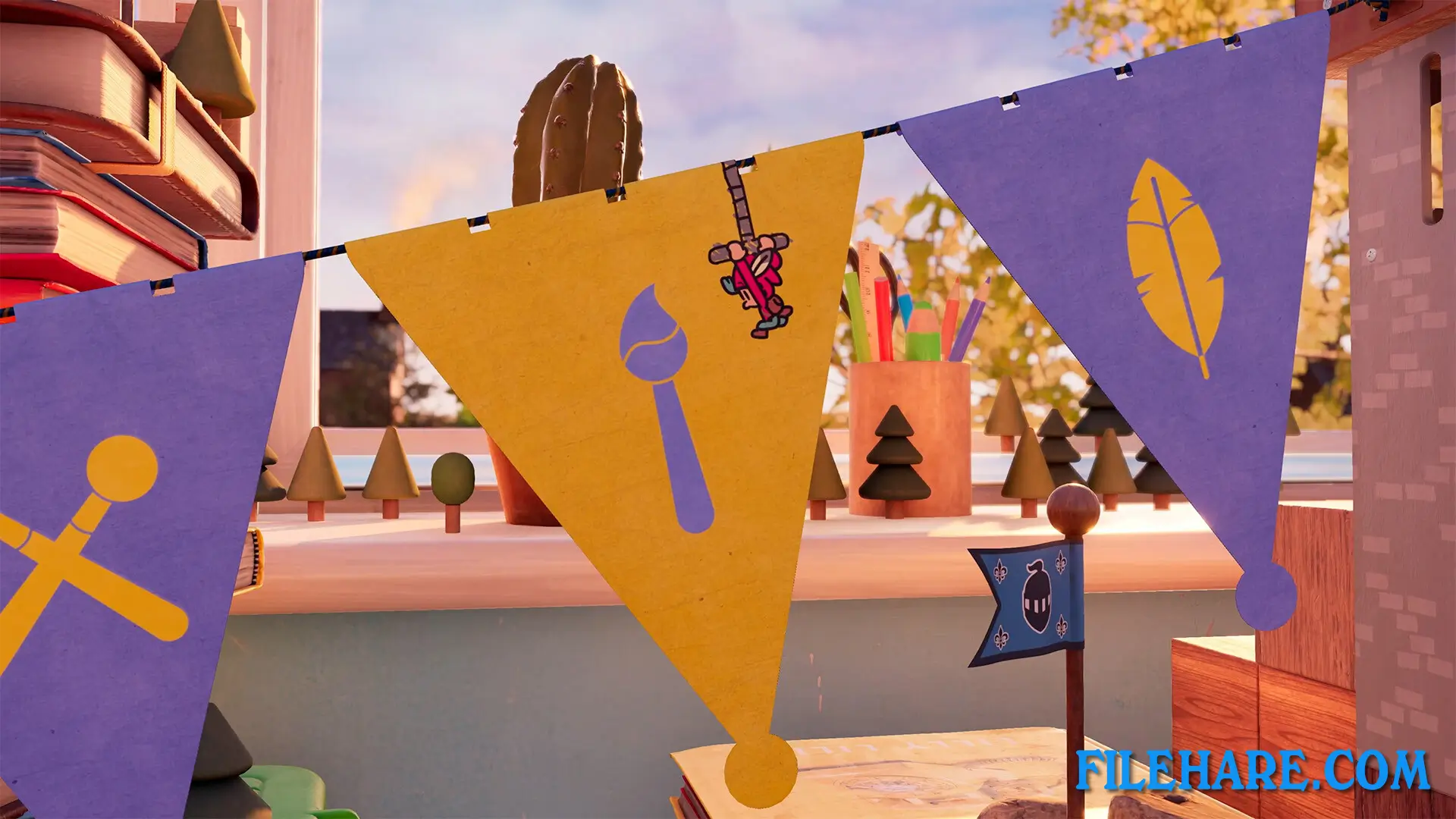
The game follows the adventures of Jot, a hero who lives inside a children’s storybook. Jot is a champion whose tales of bravery are loved by readers in his fictional universe called Mojo. Everything is peaceful until the villain Humgrump realizes something important. He understands that he is the villain of the story and is destined to lose against the good heroes forever. Not wanting to accept this fate, Humgrump does something unexpected. He kicks Jot out of the storybook pages and into the real three-dimensional space. Now Jot must travel between the 2D storybook pages and the 3D real world to save his friends. He needs to stop Humgrump’s dark plans and restore the happy ending to his storybook. The game takes place in a child’s bedroom where Jot explores various objects on a desk and interacts with other books and items.
The Plucky Squire Gameplay
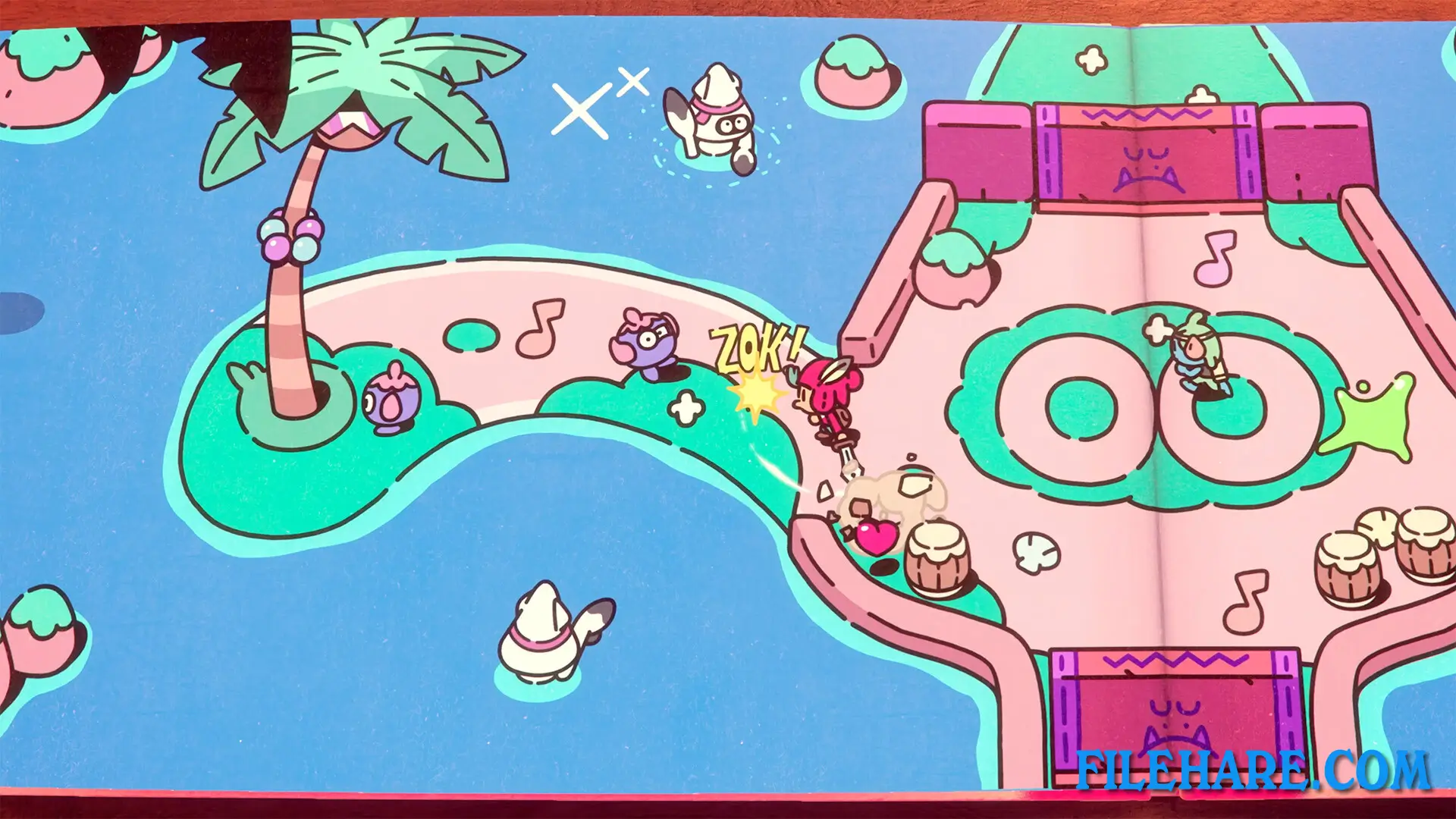
The Plucky Squire switches between 2D and 3D gameplay styles. When Jot is inside the storybook, the game plays like a top-down adventure similar to classic action games. Players control Jot from above as he fights enemies and explores the storybook pages. When Jot jumps out of the book into the real world, the perspective changes to 3D platforming. Players can run around the desk, climb objects, and interact with various items in the bedroom. The game includes many types of gameplay throughout the adventure. There are traditional combat sections, boxing matches against enemies, and even flying sections where Jot uses a jetpack. Players will also need to complete puzzles to progress.
Recommended System Requirements
Requires a 64-bit processor and operating system
- OS: Windows 10 x64 Bit
- Processor: Intel Core i5-8600K / AMD Ryzen 5 1500X
- Memory: 16 GB RAM
- Graphics: GeForce GTX 1080 (8192MB) / Radeon RX Vega 64 (8192 MB) / Intel Arc A750
- DirectX: Version 12
- Storage: 27 GB available space
- Additional Notes: High Quality setting, 1080p, producing 60 FPS
Gameplay Screenshots
| Name | The Plucky Squire |
|---|---|
| Developer | All Possible Futures |
| File Size | 12.42 GB |
| Category | Adventure |
| Minimum System Requirements | |
| CPU | Intel Core i3-4160 / AMD FX-4350 |
| RAM | 8 GB |
| Graphics | GeForce GTX 960 (4096Mb) / Radeon RX 460 (4096Mb) |
| Free Disk Space | 27 GB |
| Operating System | Windows 10 / 11 (64-bit) |
| User Rating | |
To buy this game, visit the Store Page
How to Download and Install The Plucky Squire PC Game?
We have simple instructions for you to download and install the PC game. Before following the steps, Ensure your PC meets the minimum system requirements for Playing the game on your PC.
- First, click on the DOWNLOAD button and you will be redirected to the final Download page. Then, Download the Game on your PC.
- Once you have downloaded the The Plucky Squire PC Game, Open the folder where you saved the Game.
- Then Right-click on the Zip file and click on the "Extract files" option from the dropdown menu. If your computer does not have a Zip file extract software installed, you must first install it. (such as WinRAR, 7Zip software)
- After Extracting the Zip file, Open the The Plucky Squire PC Game folder.
- Then, double-click on the Setup.exe file to Install the Game.
- If asked, provide administrator permissions for the installation to proceed. Click Yes to continue.
- Follow the on-screen installation wizard to install the game on your PC.
- After the installation, if you get any missing ".dll" errors or the Game is not launching, open the Readme.txt file located in the game folder and follow the instructions shown in the document file to play the game.
Done!. Now, you can launch the game from your desktop.