Train Sim World 2 PC Game Download for Windows 10/11/7/8
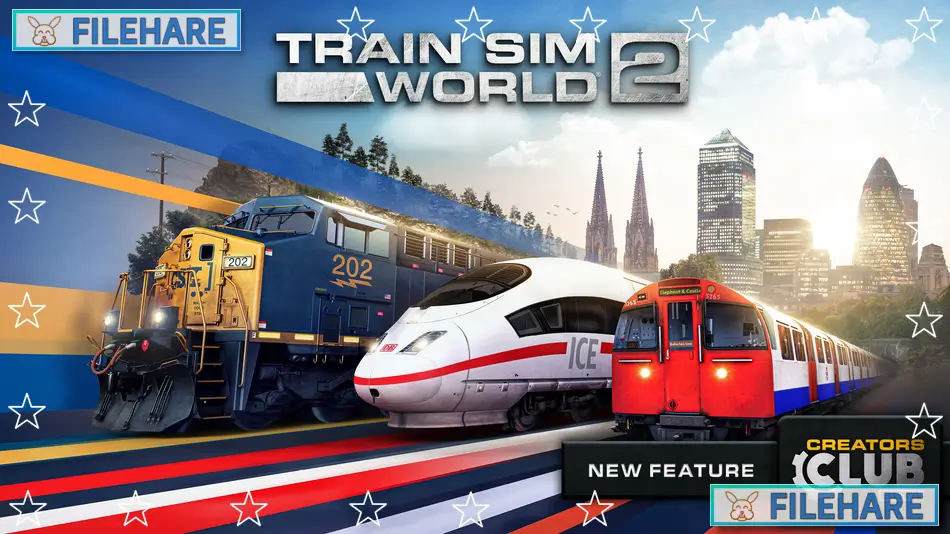
Train Sim World 2 is a train simulation video game developed and published by Dovetail Games. The game was released on August 20, 2020, for PC, PlayStation 4, and Xbox One. This simulator allows you to drive trains on real railway routes from around the globe. You can operate high-speed trains, freight locomotives, and commuter services in realistic environments. The game has official licenses and actual train models and railway lines.
Table of Contents
Train Sim World 2 Gameplay
You sit in the driver’s cab and operate trains just like real train drivers do. The game includes three main routes at launch. You can drive the German DB ICE 3M high-speed train between Cologne and Aachen, haul freight trains across Sand Patch Grade in America using the CSX AC4400CW locomotive, or run the London Underground Bakerloo Line with 1972 Mark 2 Stock trains. Controls are realistic and require you to operate the throttle, brakes, and other train equipment properly.
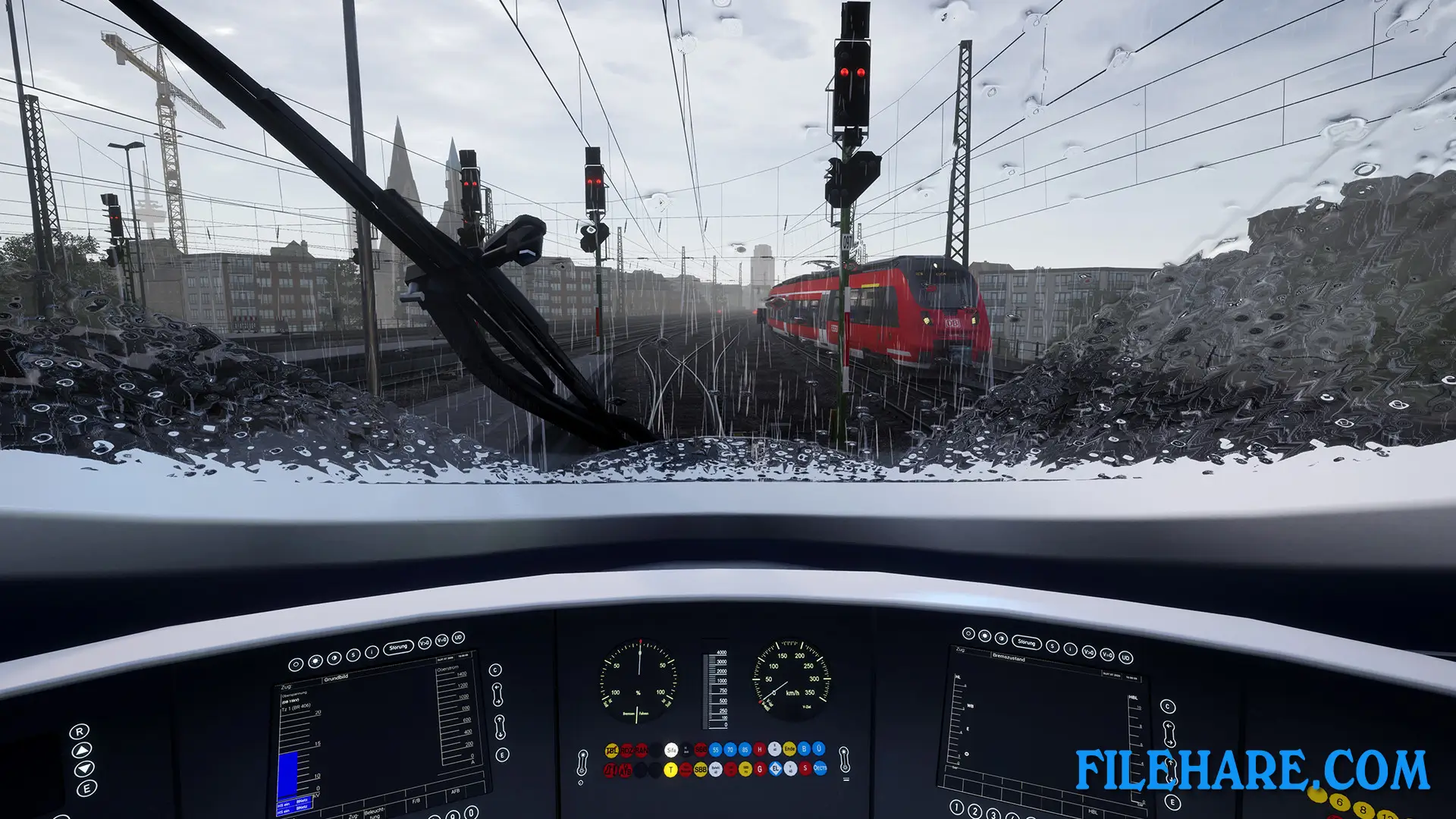
The game uses the SimuGraph vehicle dynamics engine, which simulates how trains actually move. You will experience wheelslip when starting heavy trains and wheelslide when braking in bad weather. Going up steep hills requires careful power management. The controls respond to weather conditions, so driving in rain or on wet tracks feels harder than in good conditions. Timetables must be followed, and you need to stop at the correct position at stations.
Train Sim World 2 Features
The game comes with two creation tools. The Livery Designer lets you create custom paint schemes for locomotives using an in-game tool. The Scenario Planner allows you to create your own scenarios by choosing locomotives, destinations, and other details, then drive them immediately.
Players who owned routes from Train Sim World 2020 can transfer them to this game through the Preserved Collection feature. Additional routes and trains can be purchased as downloadable content. The game supports 4K resolution and has dynamic weather and sky conditions.
Recommended System Requirements
Requires a 64-bit processor and operating system
- OS: 64-bit Windows 7 Service Pack 1, Windows 8 / 8.1 or Windows 10
- Processor: Intel Core i7-4790 @ 3.6 GHz or AMD Ryzen 7 1700 @ 3.8 GHz
- Memory: 8 GB RAM
- Graphics: NVIDIA GeForce GTX 970 or AMD Radeon RX 480 with 4 GB VRAM or more (AMD Max Supported Driver 20.4.2)
- DirectX: Version 10
- Storage: 20 GB available space
- Sound Card: DirectX Compatible
- Additional Notes: Requires mouse and keyboard or Xbox Controller
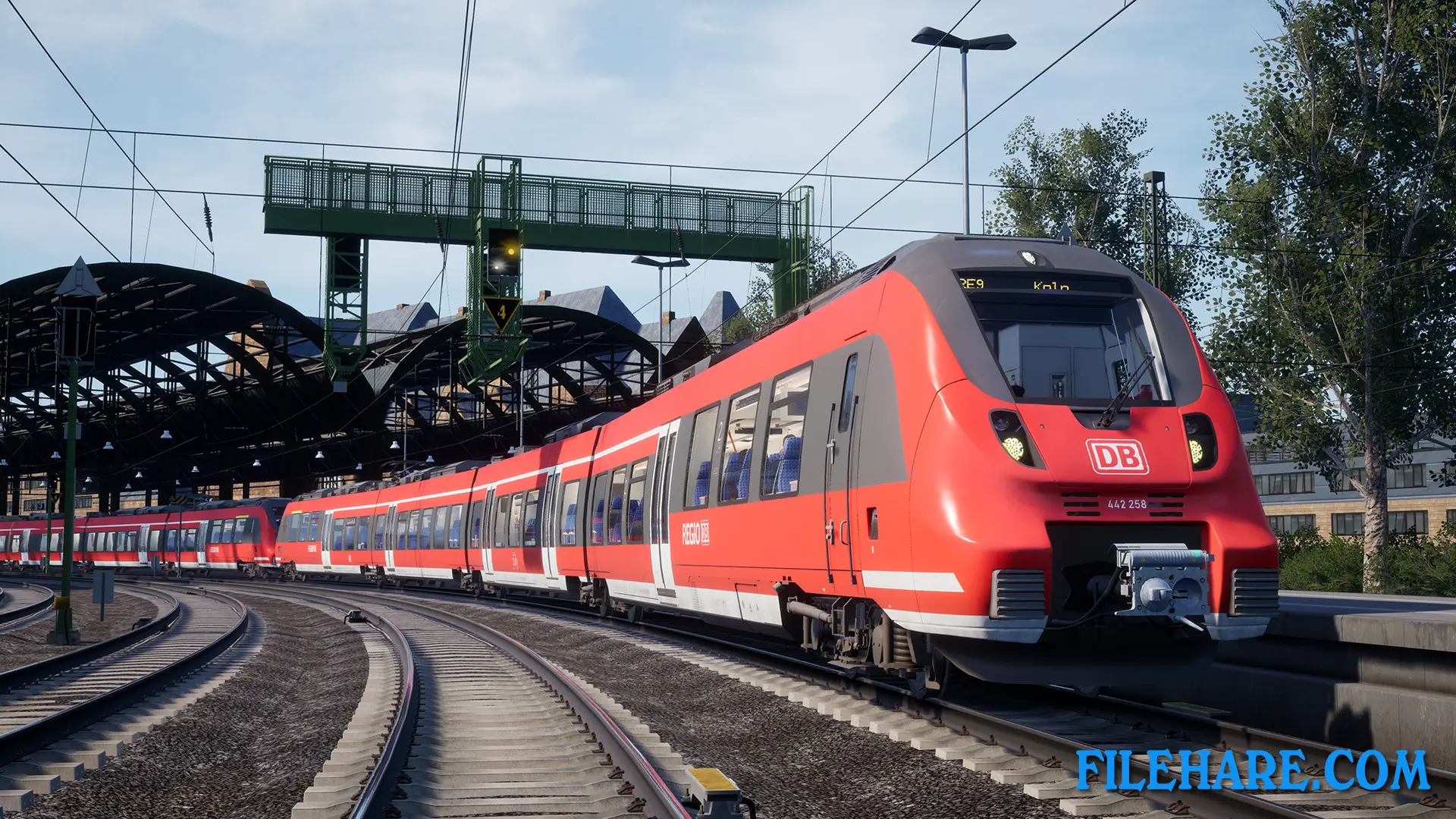
Gameplay Screenshots


| Name | Train Sim World 2 |
|---|---|
| Developer | Dovetail Games |
| File Size | 34.75 GB |
| Category | Simulation |
| Minimum System Requirements | |
| CPU | Intel Core i5-4690 @ 3.5 GHz or AMD Ryzen 5 1500X @ 3.7 GHz |
| RAM | 8 GB |
| Graphics | NVIDIA GeForce GTX 750 Ti or AMD Radeon R9 270 with 2 GB VRAM or more (AMD Max Supported Driver 20.4.2) |
| Free Disk Space | 20 GB |
| Operating System | Windows 10 / 11 / 7 / 8 (64-bit) |
| User Rating | |
To buy this game, visit the Store Page
How to Download and Install Train Sim World 2 PC Game?
We have simple instructions for you to download and install the PC game. Before following the steps, Ensure your PC meets the minimum system requirements for Playing the game on your PC.
- First, click on the DOWNLOAD button and you will be redirected to the final Download page. Then, Download the Game on your PC.
- Once you have downloaded the Train Sim World 2 PC Game, Open the folder where you saved the Game.
- Then Right-click on the Zip file and click on the "Extract files" option from the dropdown menu. If your computer does not have a Zip file extract software installed, you must first install it. (such as WinRAR, 7Zip software)
- After Extracting the Zip file, Open the Train Sim World 2 PC Game folder.
- Then, double-click on the Setup.exe file to Install the Game.
- If asked, provide administrator permissions for the installation to proceed. Click Yes to continue.
- Follow the on-screen installation wizard to install the game on your PC.
- After the installation, if you get any missing ".dll" errors or the Game is not launching, open the Readme.txt file located in the game folder and follow the instructions shown in the document file to play the game.
Done!. Now, you can launch the game from your desktop.