Looney Tunes: Wacky World of Sports – Deluxe Edition PC Game Download

Looney Tunes: Wacky World of Sports – Deluxe Edition is a sports arcade game where you can play as famous cartoon characters. The game was developed by Bamtang Games and published by GameMill Entertainment. It was released on September 27, 2024, for PC and multiple gaming consoles. The Deluxe Edition includes extra content like Yosemite Sam as a playable character, special team uniforms called Golden Outlaws, and western-themed sports equipment.
Table of Contents
Looney Tunes: Wacky World of Sports – Deluxe Edition Gameplay
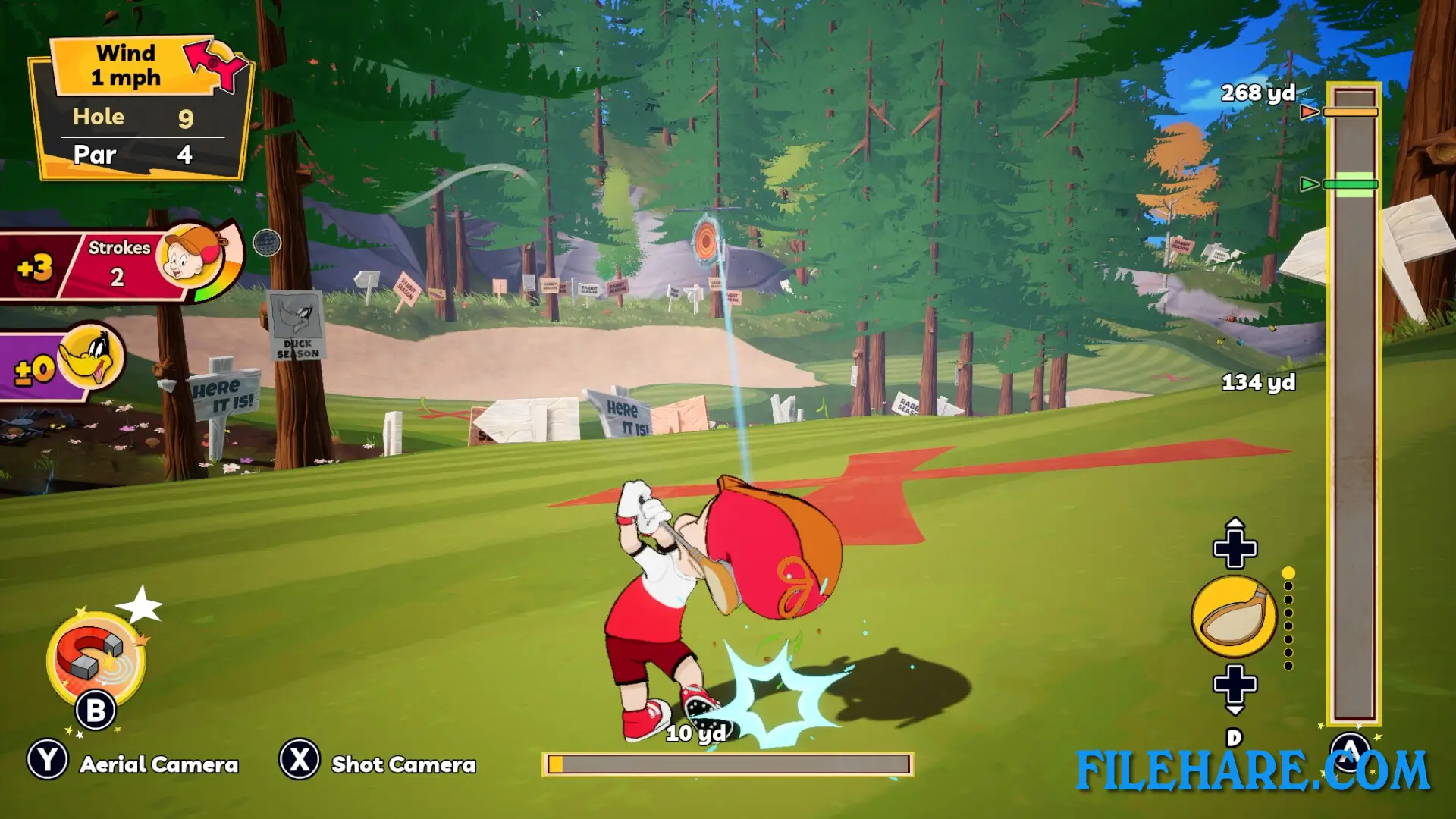
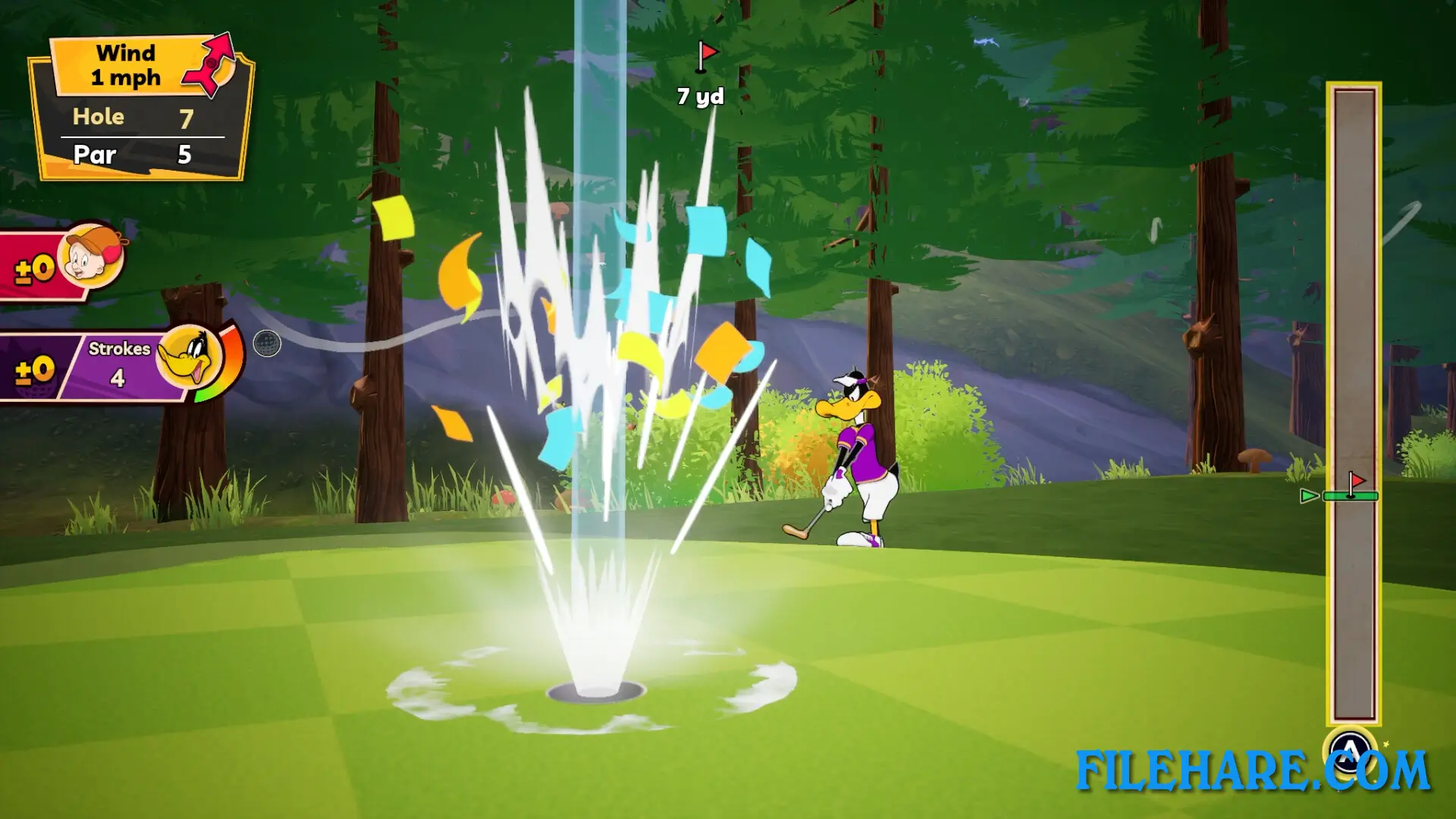
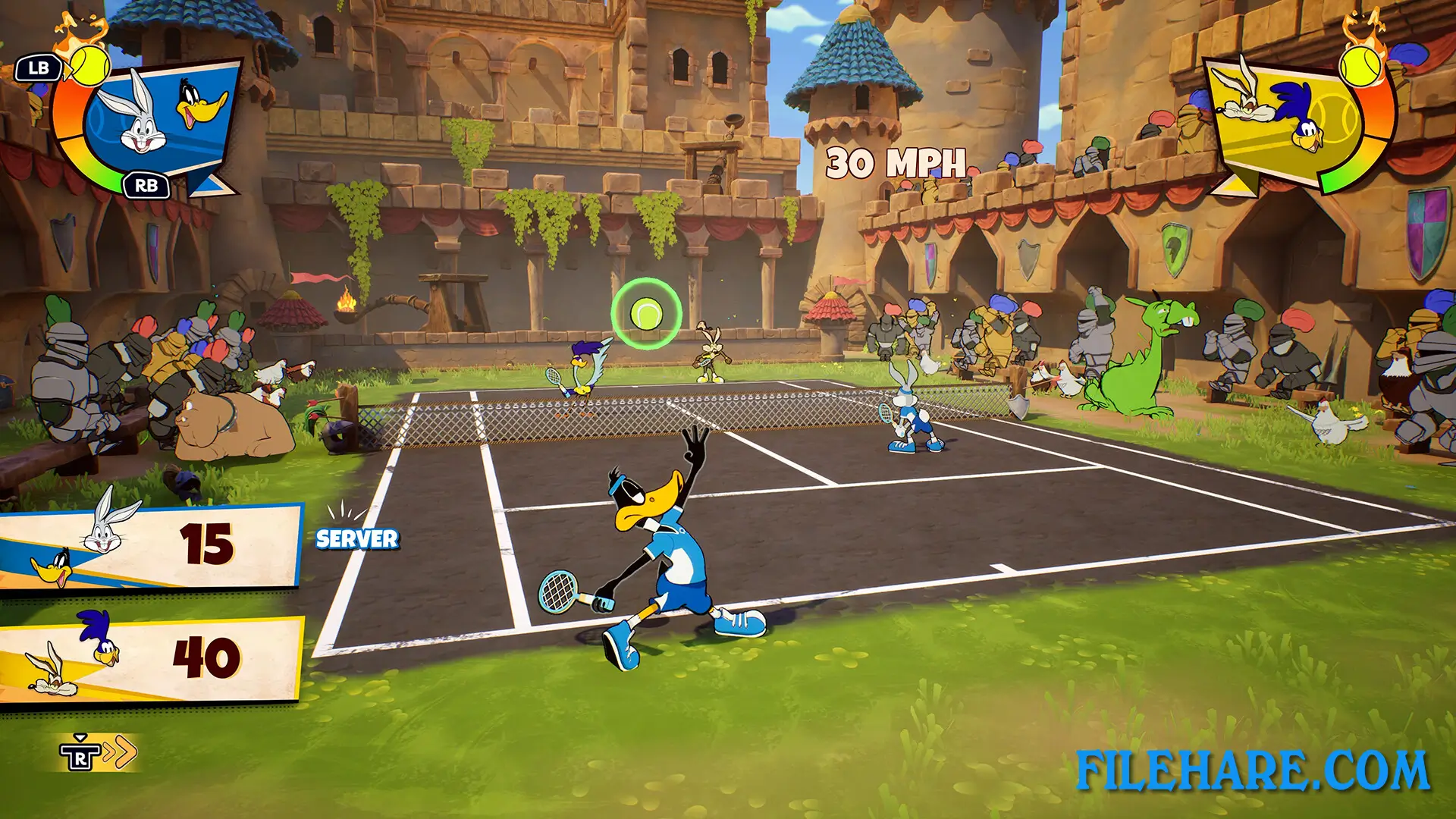
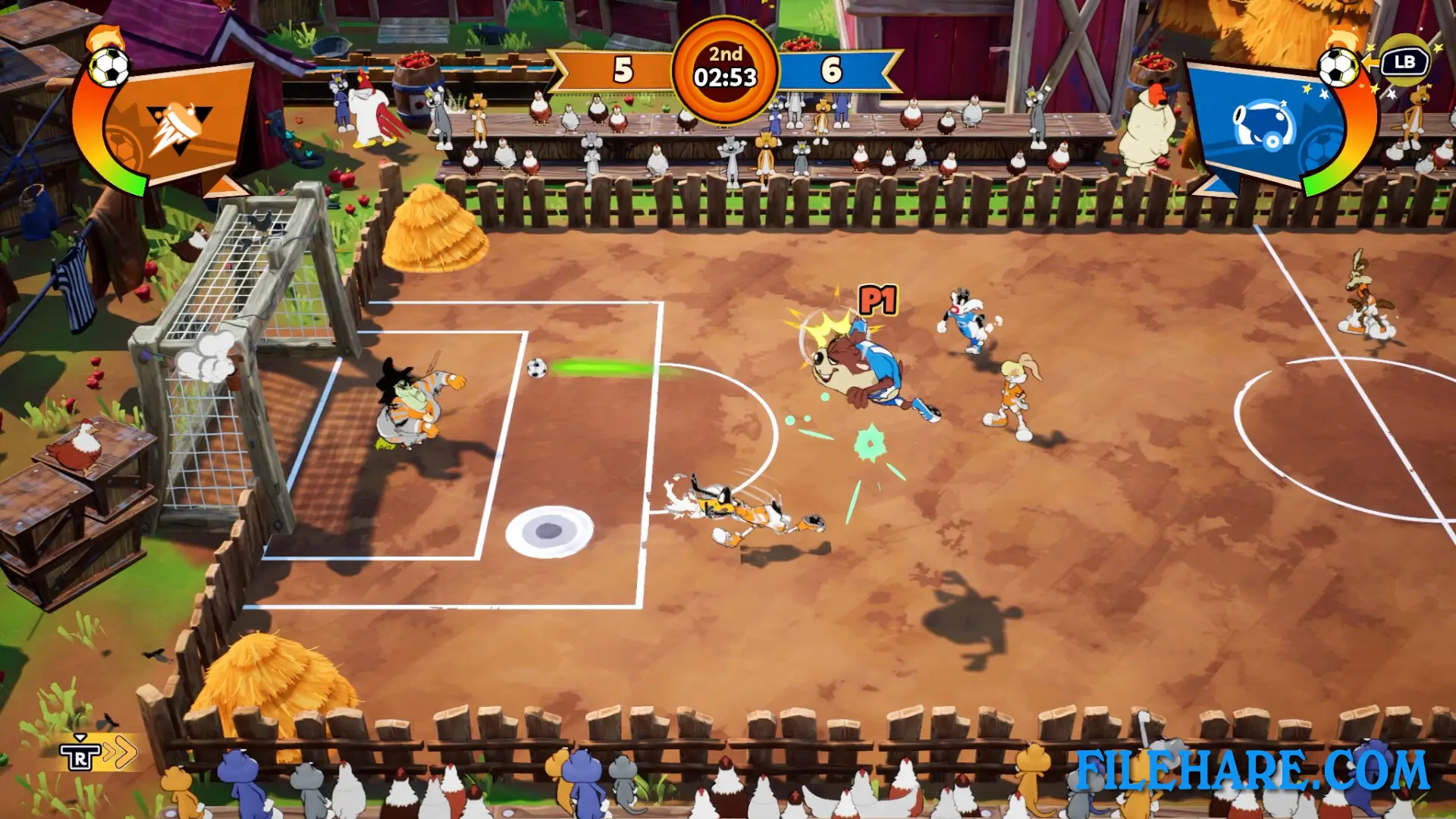
The game allows you to compete in four different sports activities. You can play basketball in 2v2 matches, tennis in 1v1 or 2v2 matches, golf with four players, and soccer in 3v3 or 4v4 matches. The game supports up to four players in local co-op mode so that you can play with friends and family on the same screen. During matches, you can collect power-ups that create funny situations and help you win against your opponents. The sports are presented in an arcade style, which means they are fast and simple to understand. You do not need to be a sports expert to enjoy the game. The controls are easy to learn, and anyone can pick up and start playing quickly. However, some matches can take a long time to finish because basketball and soccer have quarters, and golf requires you to play multiple rounds.
Looney Tunes: Wacky World of Sports – Deluxe Edition Features
You can choose from nine popular Looney Tunes characters. These include Bugs Bunny, Lola Bunny, Daffy Duck, Porky Pig, Elmer Fudd, Sylvester, Taz, Wile E. Coyote, and Road Runner. The Deluxe Edition adds Yosemite Sam as an extra character. The game has many locations from the Looney Tunes cartoons where you can play. These include Galactic Outpost Delta, Porky’s Barn, Foghorn’s Farm, Road Runner’s Canyon, Whispering Woods, Martian Command Center, and Granny’s House. You can use ACME products during matches to disrupt other players, but you also need to watch out for falling anvils. The game has several modes to play, including tournament mode, where you face random sports, individual sport modes, and challenge mode with short events.
Recommended System Requirements
Requires a 64-bit processor and operating system
- OS: Windows 10 64-bit
- Processor: Quad-core Intel or AMD, 3.0 GHz or higher
- Memory: 16 GB RAM
- Graphics: NVIDIA GeForce GTX 1060 6 GB or higher
- DirectX: Version 11
Gameplay Screenshots
| Name | Looney Tunes: Wacky World of Sports – Deluxe Edition |
|---|---|
| Developer | Bamtang Games |
| File Size | 2.10 GB |
| Category | Sports |
| Minimum System Requirements | |
| CPU | Quad-core Intel or AMD, 2.7 GHz or higher |
| RAM | 8 GB |
| Graphics | NVIDIA GeForce GTX1050 or higher |
| Free Disk Space | 5 GB |
| Operating System | Windows 10 / 11 (64-bit) |
| User Rating | |
To buy this game, visit the Store Page
How to Download and Install Looney Tunes: Wacky World of Sports – Deluxe Edition PC Game?
We have simple instructions for you to download and install the PC game. Before following the steps, Ensure your PC meets the minimum system requirements for Playing the game on your PC.
- First, click on the DOWNLOAD button and you will be redirected to the final Download page. Then, Download the Game on your PC.
- Once you have downloaded the Looney Tunes: Wacky World of Sports – Deluxe Edition PC Game, Open the folder where you saved the Game.
- Then Right-click on the Zip file and click on the "Extract files" option from the dropdown menu. If your computer does not have a Zip file extract software installed, you must first install it. (such as WinRAR, 7Zip software)
- After Extracting the Zip file, Open the Looney Tunes: Wacky World of Sports – Deluxe Edition PC Game folder.
- Then, double-click on the Setup.exe file to Install the Game.
- If asked, provide administrator permissions for the installation to proceed. Click Yes to continue.
- Follow the on-screen installation wizard to install the game on your PC.
- After the installation, if you get any missing ".dll" errors or the Game is not launching, open the Readme.txt file located in the game folder and follow the instructions shown in the document file to play the game.
Done!. Now, you can launch the game from your desktop.