Until Dawn PC Game Download for Windows 10/11
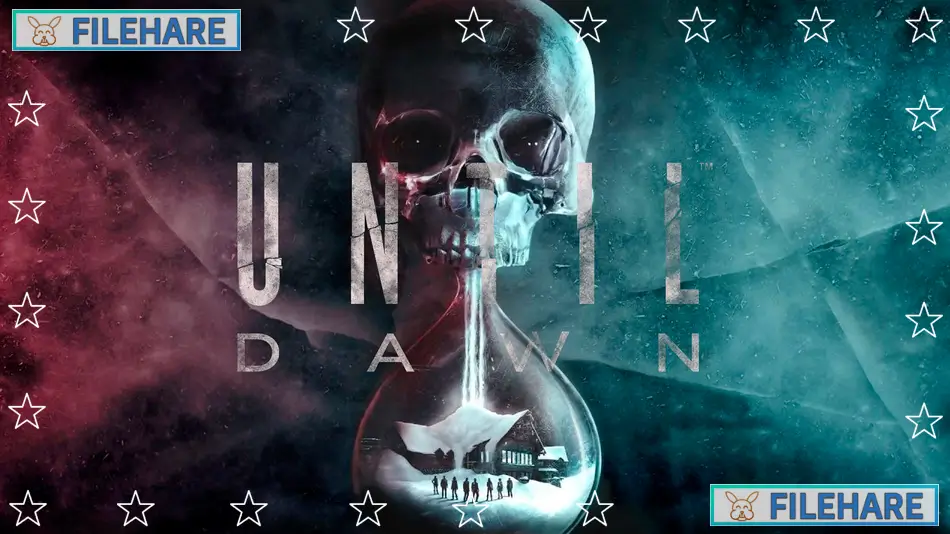
Until Dawn is a horror game that was rebuilt for PC and PlayStation 5. The game was developed by Ballistic Moon and published by PlayStation Publishing LLC. It was released on October 4, 2024. This version is a remake of the original 2015 game that was created by Supermassive Games. The new version uses Unreal Engine 5 to improve the graphics and gameplay. Eight friends return to a mountain lodge one year after two members of their group disappeared. They want to remember their lost friends, but their visit becomes a fight for survival. Strange and terrifying things start happening on Blackwood Mountain, and the friends must try to stay alive until morning comes.
Table of Contents
Until Dawn Story
The game takes place on Blackwood Mountain in Canada. A group of young adults goes back to an isolated lodge where two of their friends went missing exactly one year before. When they arrive, they quickly realize something is very wrong. The mountain hides dark secrets and dangerous threats. As the night goes on, the friends discover they are not alone. They must work together and make smart choices to survive until dawn. The story is like a horror movie where every action matters. What happens to the characters depends completely on the player’s choices.
Until Dawn Gameplay
Until Dawn is an interactive story game where you control eight different characters. You play from a third-person view and can walk around and explore different areas. The game uses a special system where your choices change what happens next. Every time you make a decision, it can lead to different results later in the story. You will need to make quick choices during important moments. Sometimes you must pick between two difficult options. The game also has action sequences where you need to press buttons at the right time. There are moments when you must stay completely still by not moving your controller. If you move, bad things might happen to your character. You can also find clues and objects that help you understand the mystery of what is happening on the mountain.
Until Dawn Graphics and Sound
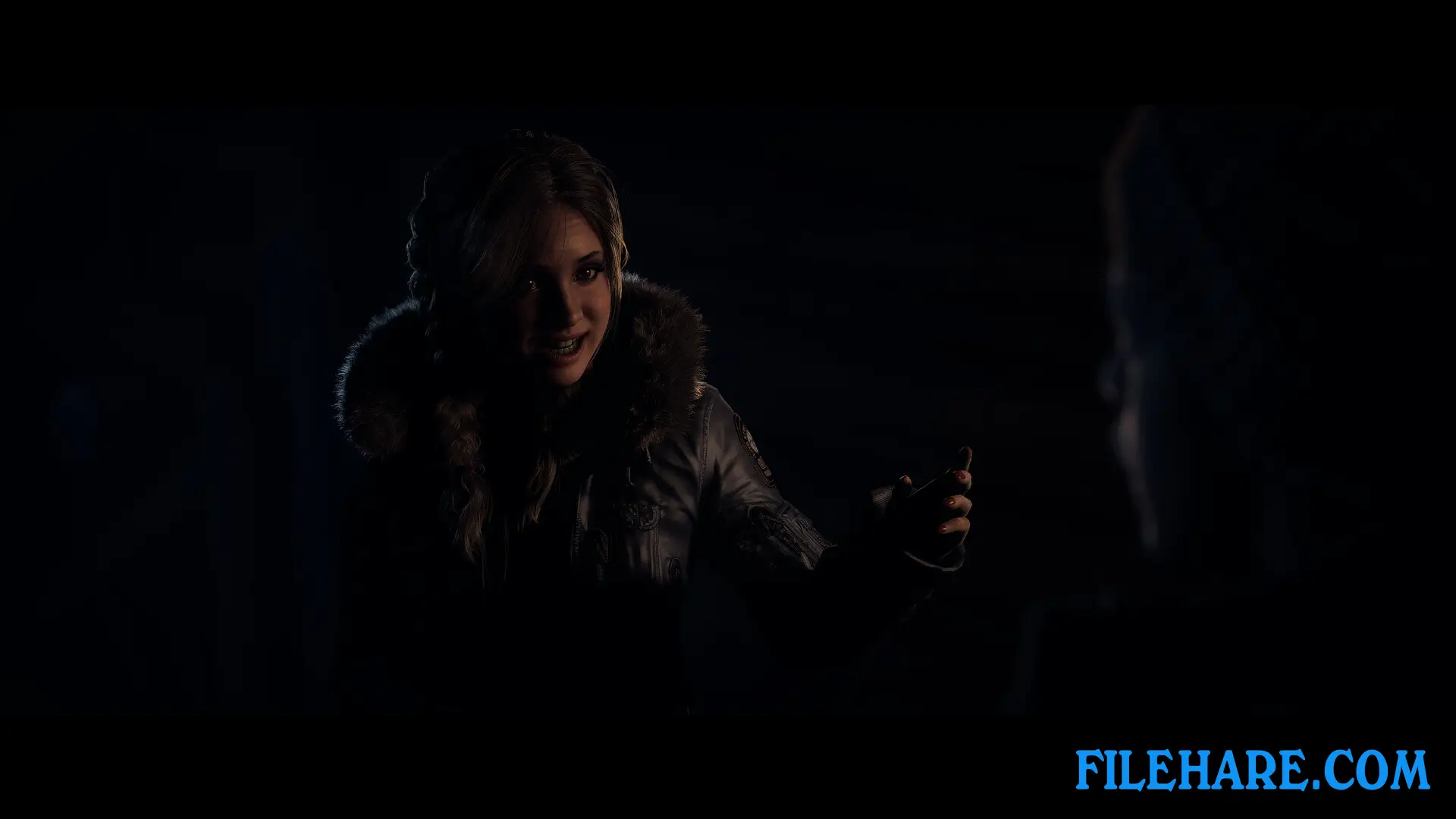
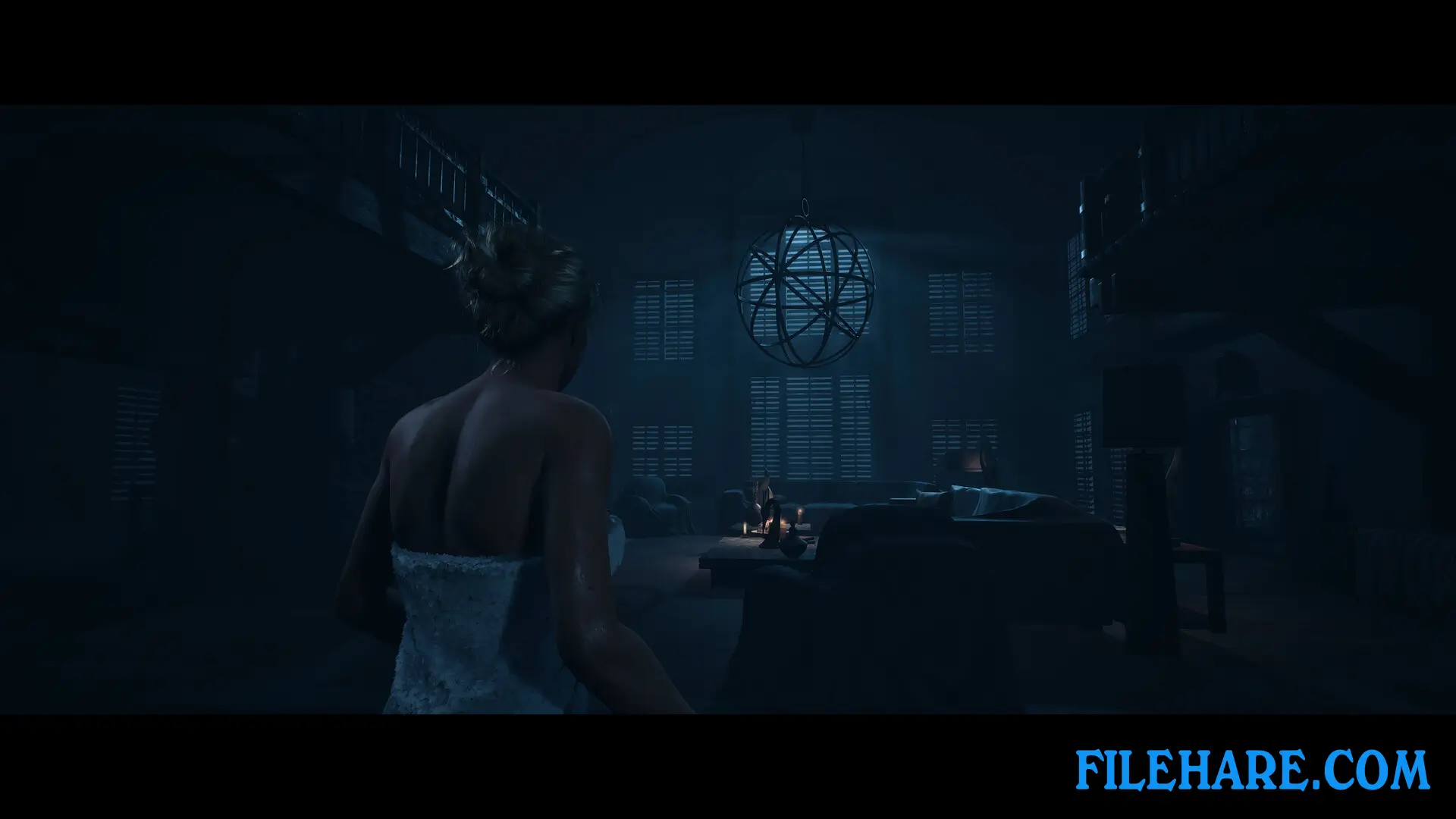
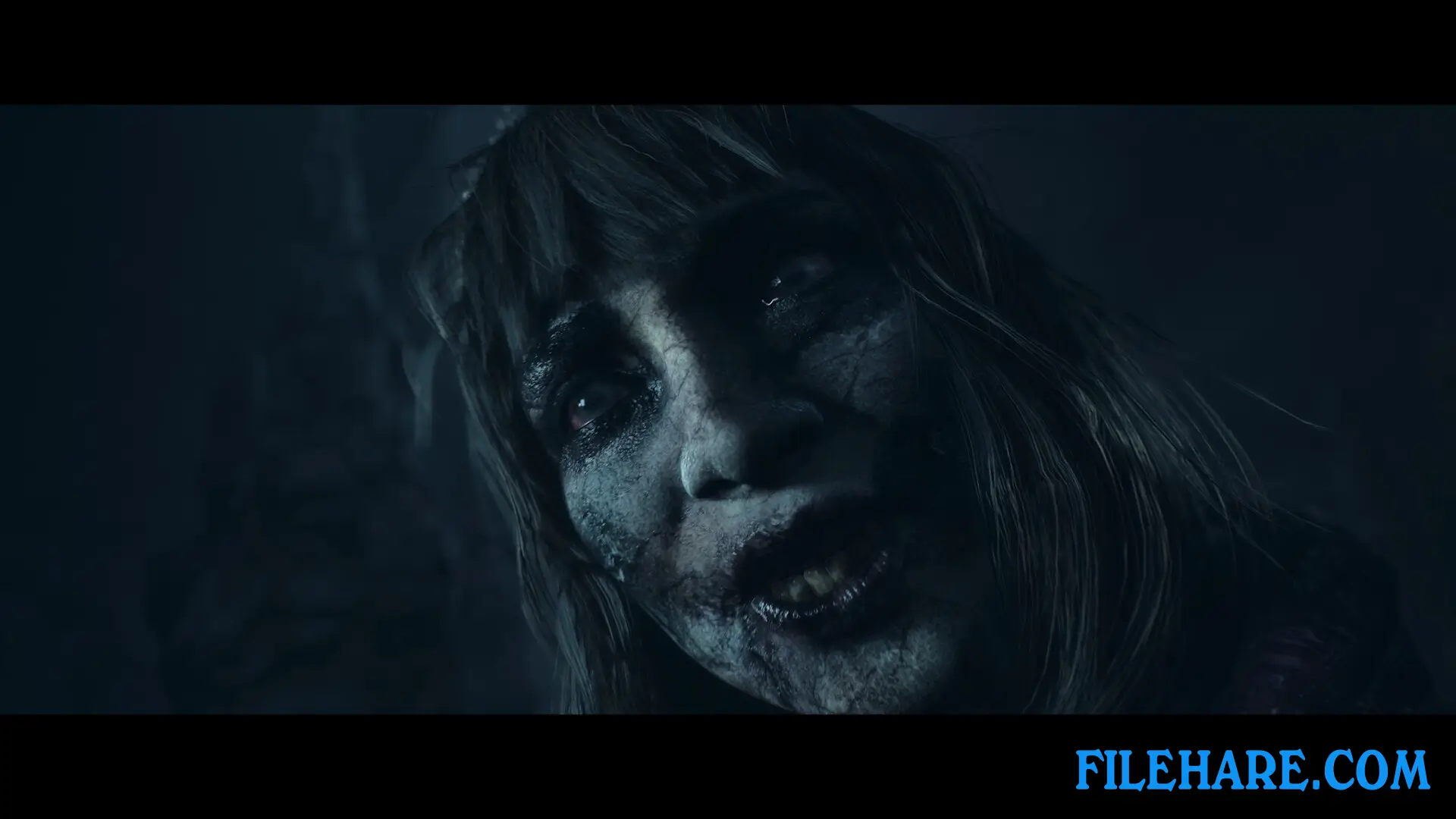
The PC version of Until Dawn looks much better than the original game. The developers rebuilt everything using Unreal Engine 5, which makes the characters and locations look more realistic. Character faces show more detail and emotions. The game has a new music score by Mark Korven, who is known for making music for scary movies. The sound helps build tension during frightening moments. Voice acting is done by professional actors who make the characters feel real. All these improvements make the horror experience more intense for players on PC.
Recommended System Requirements
Requires a 64-bit processor and operating system
- OS: Windows 10, 11
- Processor: Intel Core i5 8600 / AMD Ryzen 7 2700X
- Memory: 16 GB RAM
- Graphics: NVIDIA GeForce RTX 2060 / AMD Radeon RX 6600XT
- DirectX: Version 12
- Storage: 70 GB available space
- Additional Notes: Storage 70 GB on SSD
Gameplay Screenshots

| Name | Until Dawn |
|---|---|
| Developer | Ballistic Moon |
| File Size | 41.78 GB |
| Category | Horror |
| Minimum System Requirements | |
| CPU | Intel Core i7 4790K / AMD Ryzen 5 1500x (or similar processor with AVX support) |
| RAM | 8 GB |
| Graphics | NVIDIA GeForce GTX 1660 / Radeon RX 470 (or equivalent card with minimum 6GB VRAM) |
| Free Disk Space | 70 GB |
| Operating System | Windows 10 / 11 (64-bit) |
| User Rating | |
To buy this game, visit the Store Page
How to Download and Install Until Dawn PC Game?
We have simple instructions for you to download and install the PC game. Before following the steps, Ensure your PC meets the minimum system requirements for Playing the game on your PC.
- First, click on the DOWNLOAD button and you will be redirected to the final Download page. Then, Download the Game on your PC.
- Once you have downloaded the Until Dawn PC Game, Open the folder where you saved the Game.
- Then Right-click on the Zip file and click on the "Extract files" option from the dropdown menu. If your computer does not have a Zip file extract software installed, you must first install it. (such as WinRAR, 7Zip software)
- After Extracting the Zip file, Open the Until Dawn PC Game folder.
- Then, double-click on the Setup.exe file to Install the Game.
- If asked, provide administrator permissions for the installation to proceed. Click Yes to continue.
- Follow the on-screen installation wizard to install the game on your PC.
- After the installation, if you get any missing ".dll" errors or the Game is not launching, open the Readme.txt file located in the game folder and follow the instructions shown in the document file to play the game.
Done!. Now, you can launch the game from your desktop.








![[Chilla’s Art] Parasocial PC Game Download](https://filehare.com/wp-content/uploads/2025/06/Chillas-Art-Parasocial.webp)