KILL KNIGHT PC Game Download for Windows 10/11
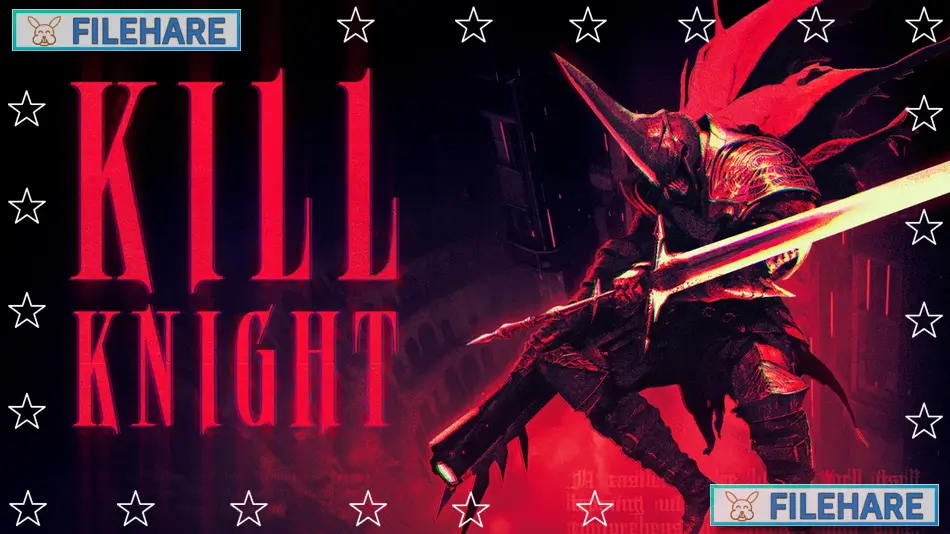
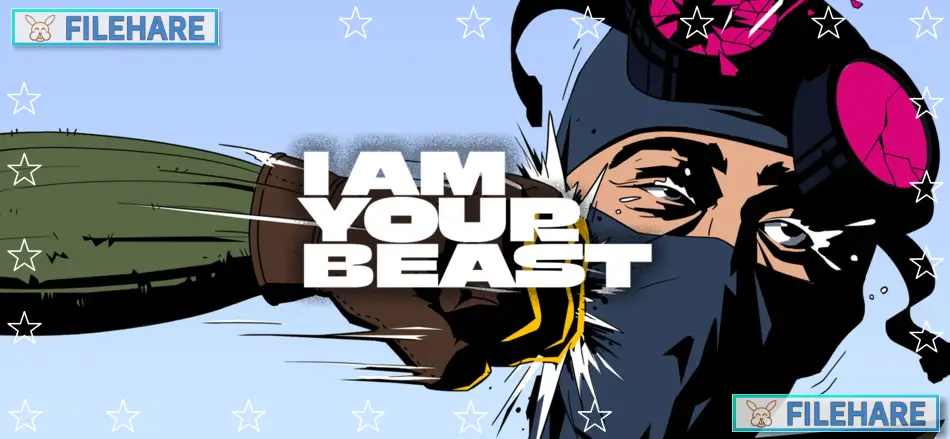
KILL KNIGHT is an isometric action shooter game developed and published by PlaySide Studios. The game was released on October 2, 2024, for multiple platforms. It came out for PC via Steam, PlayStation 4, PlayStation 5, Xbox One, Xbox Series X/S, and Nintendo Switch, all on the same day. PlaySide Studios is an award-winning independent game developer based in Melbourne, Australia. They previously developed Age of Darkness: Final Stand and were named Studio of the Year at the Australian Game Developer Awards 2023.
Table of Contents
KILL KNIGHT Story
You play as a knight who was once loyal but got betrayed and sent to the Abyss. Now you are a dead body inside reanimated armour. You have been given the name KILL KNIGHT, and you have one goal. You must KILL THE LAST ANGEL. The game is about revenge and punishment in a dark, supernatural place. You must descend into five dangerous layers of the Abyss. Every layer has more enemies and dangers than the one before. There is not much story told during gameplay. Instead, the game wants you to focus on fighting endless waves of monsters and demons.
KILL KNIGHT Gameplay
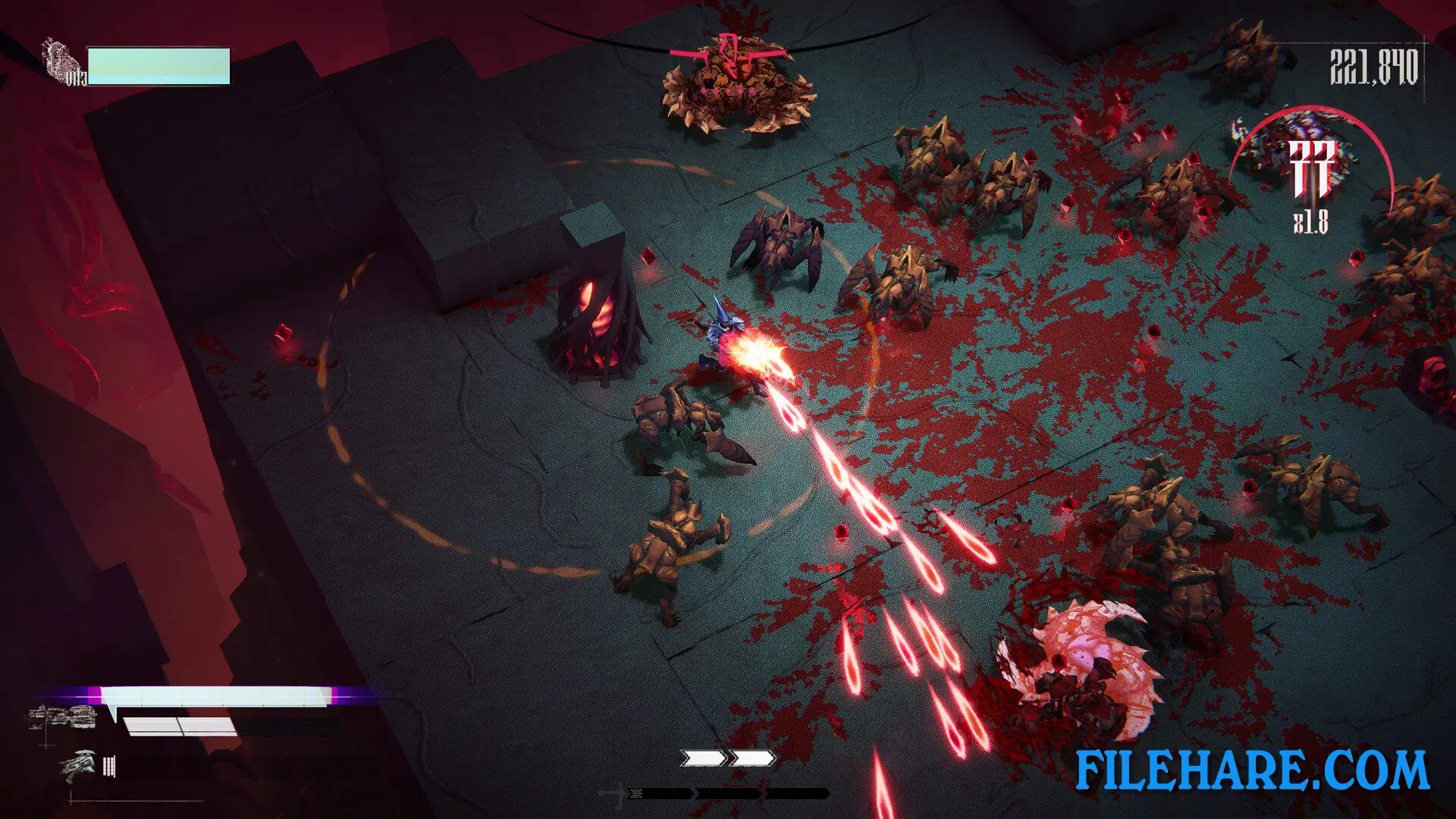
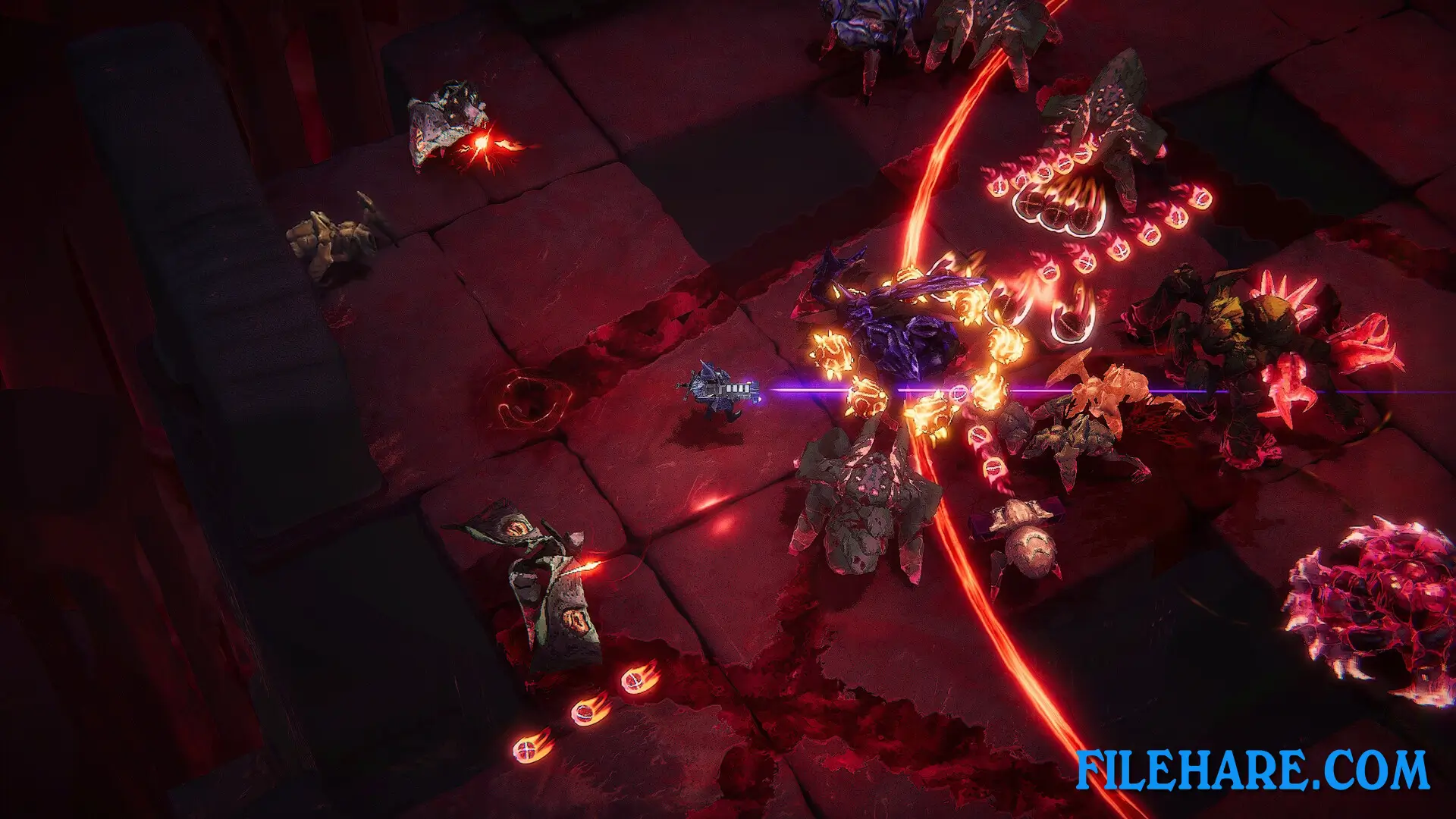
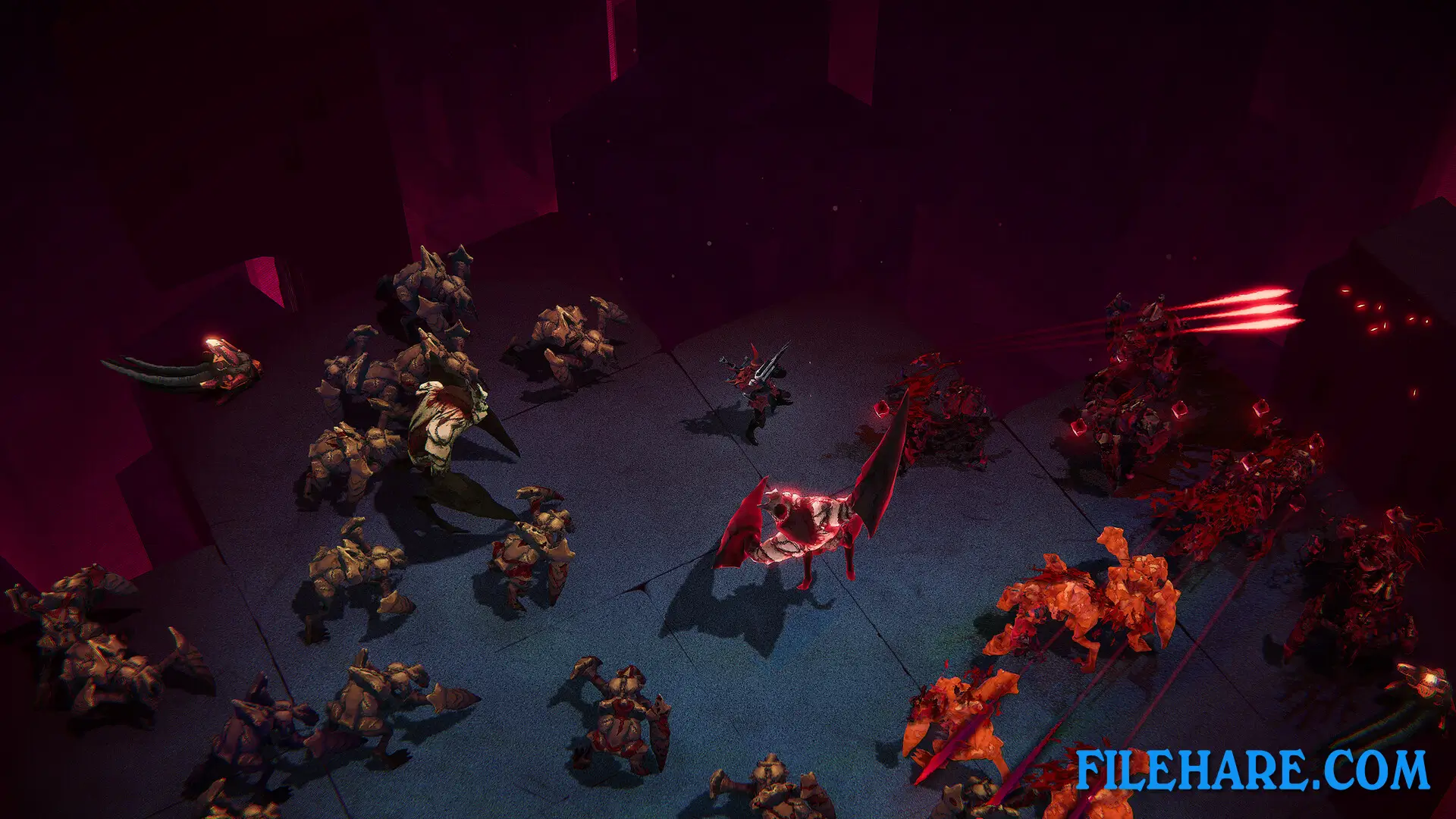
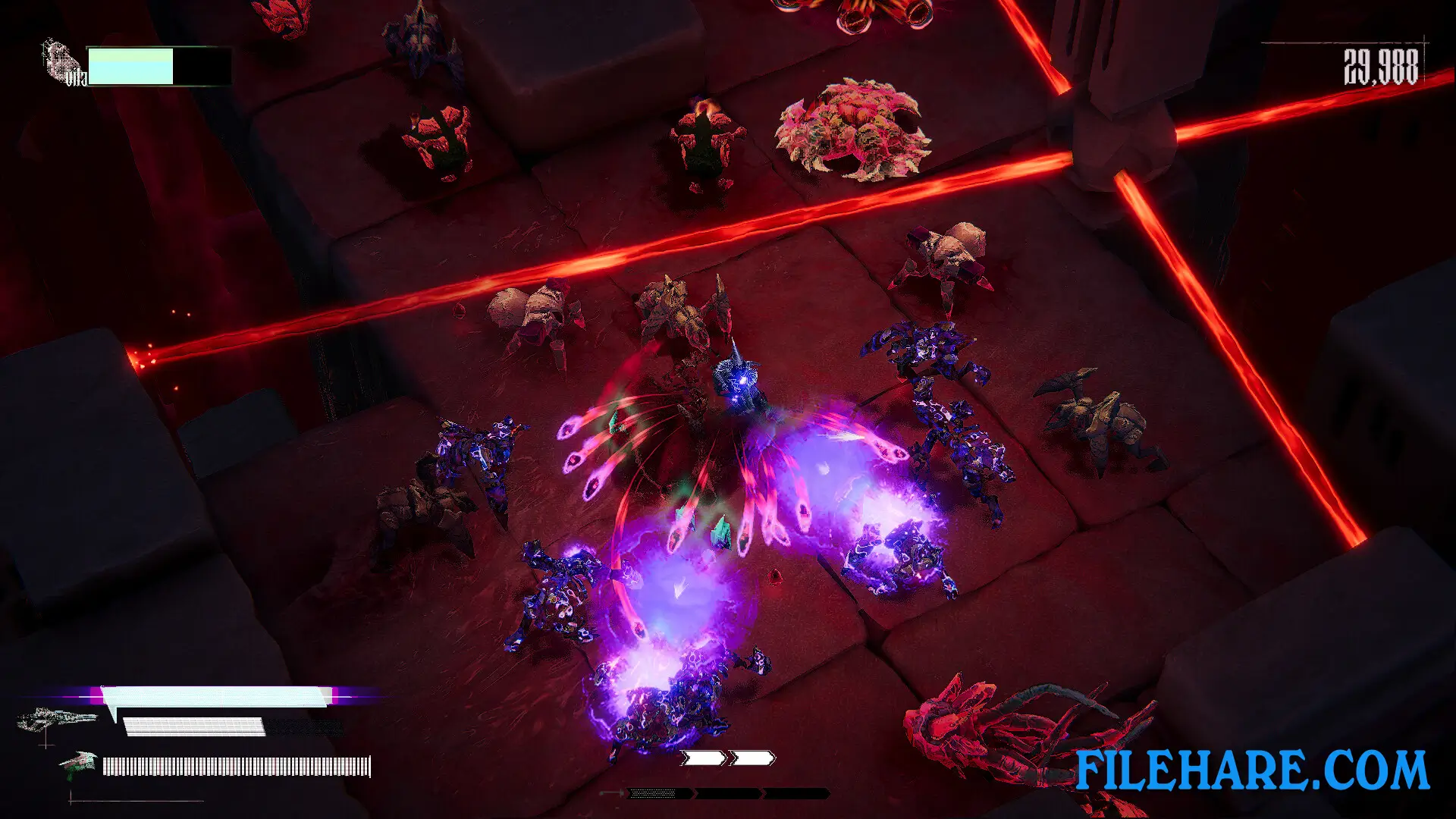
This is a twin-stick shooter game where you view the action from above at an angle. You control the knight and move around arenas while shooting and slashing enemies. You have dual pistols that you can reload. When you reload at the right time using an active reload bar, your pistols become more powerful. You also carry a heavy weapon like a shotgun that uses special ammo. To get heavy ammo, you must use your sword to slice enemies. When you kill enemies, they drop blood gems. You collect these gems to fill up your key ability meter. Once full, you can use a powerful special attack to clear the screen of enemies. The game has Kill Power, which means that if you survive long enough, your speed and pistol damage increase.
KILL KNIGHT Features
The game has five layers for you to complete. You can choose from four difficulty levels. There is a mode called Sever Mode that combines all five layers into one long challenge. You unlock new equipment by completing specific tasks during runs. You can get new pistols, heavy weapons, swords, and armour pieces. These items change how you play the game. The game has online score tracking where you can compete against other players and friends. The graphics use a retro style with neon colours and dark tones. The game has blood and violence with demons and monsters as enemies. A music album is available to buy separately if you want the songs from the game.
Recommended System Requirements
Requires a 64-bit processor and operating system
- OS: Windows 10 64-bit
- Processor: Intel i7 3.3 GHz
- Memory: 8 GB RAM
- Graphics: NVIDIA GTX 1080
- Storage: 5 GB available space
Gameplay Screenshots
| Name | KILL KNIGHT |
|---|---|
| Developer | PlaySide |
| File Size | 1.42 GB |
| Category | Action |
| Minimum System Requirements | |
| CPU | Intel i5 2.3 Ghz |
| RAM | 8 GB |
| Graphics | NVIDIA GTX 970 |
| Free Disk Space | 5 GB |
| Operating System | Windows 10 / 11 (64-bit) |
| User Rating | |
To buy this game, visit the Store Page
How to Download and Install KILL KNIGHT PC Game?
We have simple instructions for you to download and install the PC game. Before following the steps, Ensure your PC meets the minimum system requirements for Playing the game on your PC.
- First, click on the DOWNLOAD button and you will be redirected to the final Download page. Then, Download the Game on your PC.
- Once you have downloaded the KILL KNIGHT PC Game, Open the folder where you saved the Game.
- Then Right-click on the Zip file and click on the "Extract files" option from the dropdown menu. If your computer does not have a Zip file extract software installed, you must first install it. (such as WinRAR, 7Zip software)
- After Extracting the Zip file, Open the KILL KNIGHT PC Game folder.
- Then, double-click on the Setup.exe file to Install the Game.
- If asked, provide administrator permissions for the installation to proceed. Click Yes to continue.
- Follow the on-screen installation wizard to install the game on your PC.
- After the installation, if you get any missing ".dll" errors or the Game is not launching, open the Readme.txt file located in the game folder and follow the instructions shown in the document file to play the game.
Done!. Now, you can launch the game from your desktop.