Placid Plastic Duck Simulator: More Ducks Everywhere Bundle PC Game Download

Placid Plastic Duck Simulator: More Ducks Everywhere Bundle is a relaxing simulation game developed and published by turbolento games. The base game was released on PC via Steam on July 6, 2022, and later came to PlayStation 4, PlayStation 5, Xbox One, Xbox Series X and Series S, and Nintendo Switch on June 27, 2023. The More Ducks Everywhere Bundle is a complete package that includes the base game plus eight DLC packs. The bundle was released to provide players with the full collection of ducks and locations available in the game. This package offers a relaxing experience where players watch rubber ducks float in various pools while listening to calm music.
Table of Contents
Placid Plastic Duck Simulator: More Ducks Everywhere Bundle Gameplay
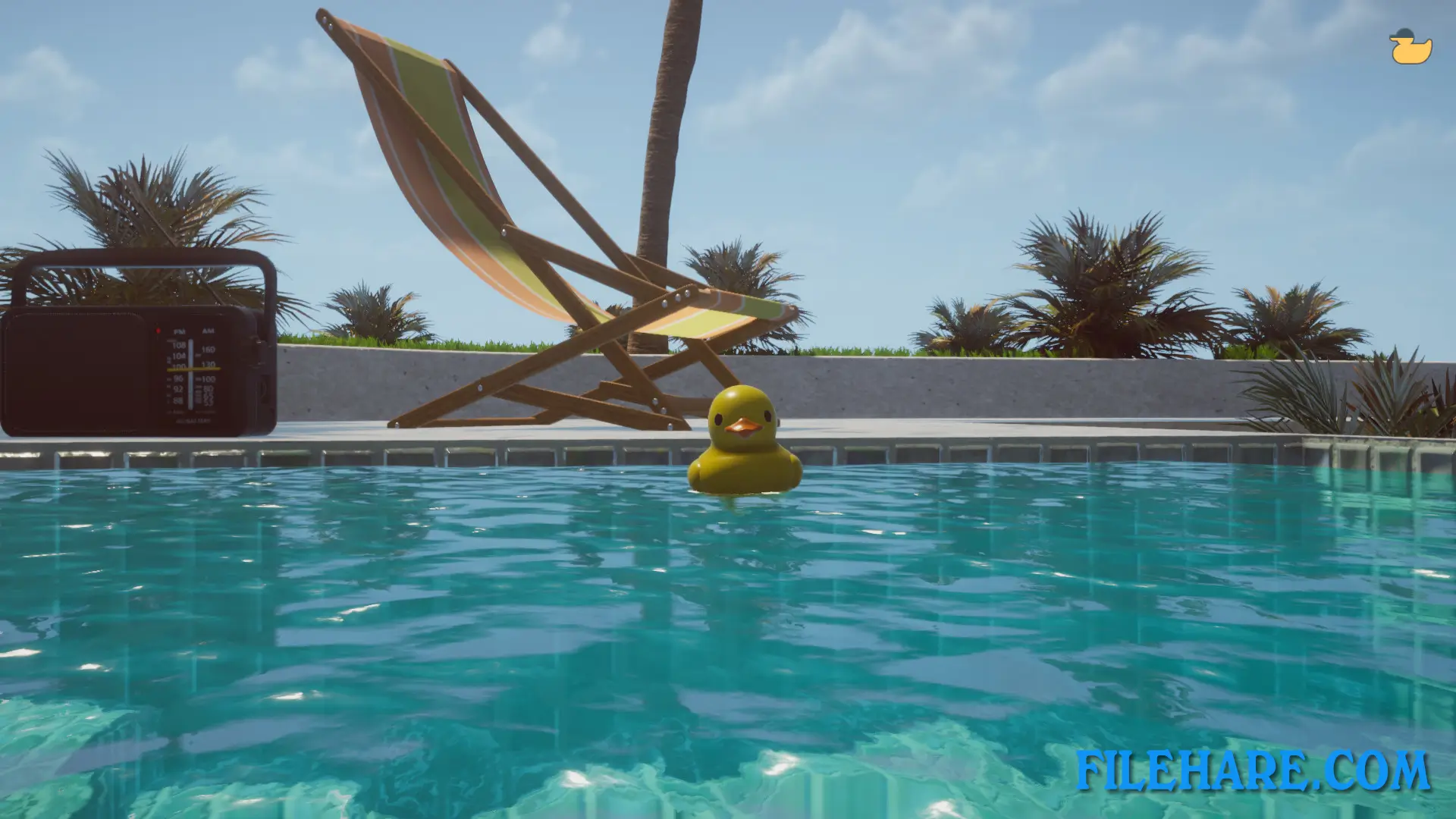
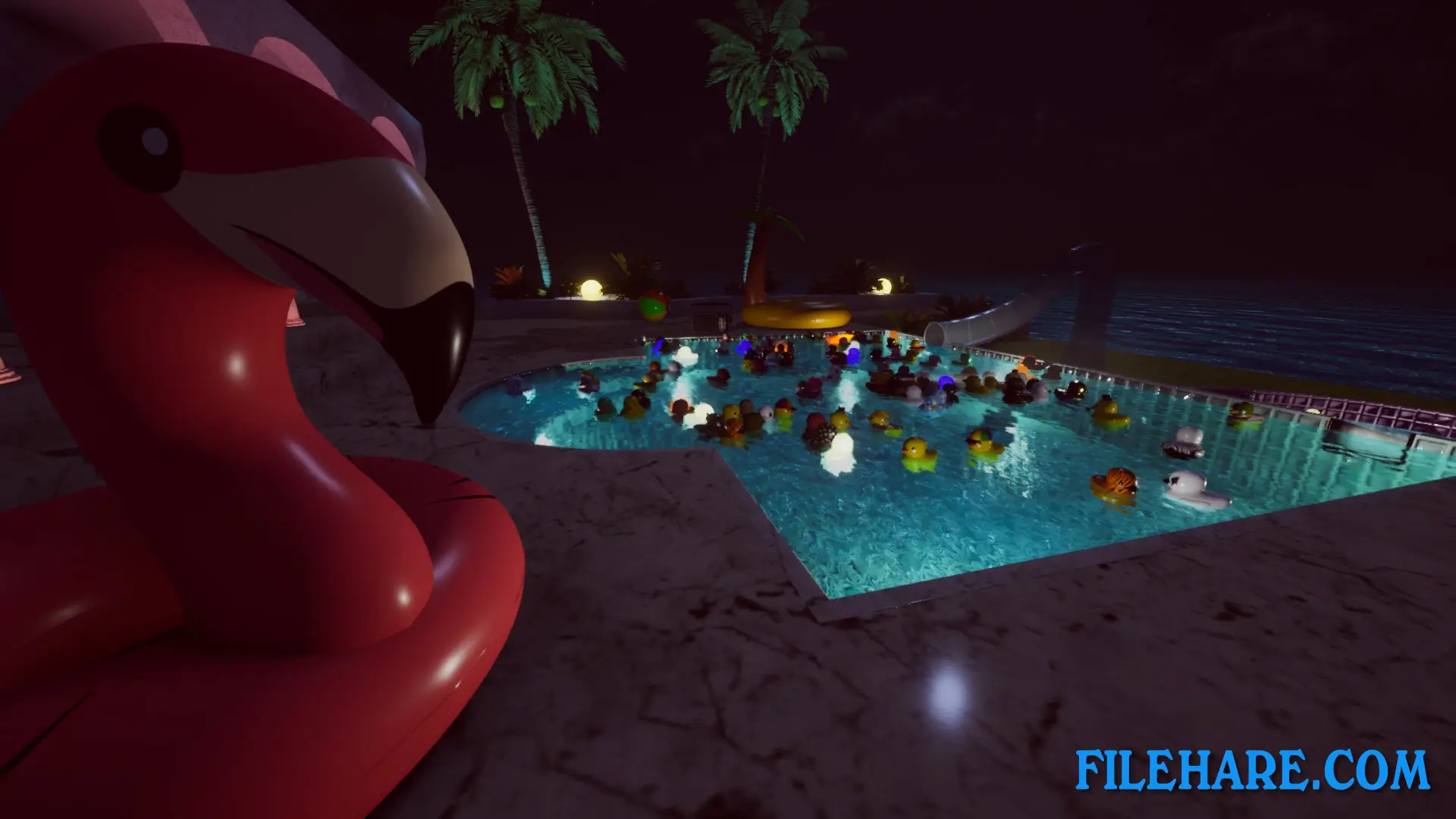
Players experience what it is like to be a rubber duck in a 3D environment. The game has no traditional objectives or tasks to complete. Instead, players simply watch as ducks slowly fall into pools and float around on the water. A duck-shaped timer appears in the upper left corner of the screen that gradually fills up. When the timer is full, a new random duck drops into the pool. Random events can also occur that add more ducks to the level. The ducks move around according to physics, sometimes sliding down water slides or bumping into other ducks. Players cannot directly control the ducks, but can change what the camera focuses on.
The game includes focus points that allow players to view specific areas or follow particular ducks. Some ducks have special behaviours that activate after set time intervals or when they bump into specific other ducks. Players can give nicknames to ducks they have collected, and these names will appear as floating text above the ducks. The game features a day and night cycle where players can watch the sunset, see stars at night, and experience sunrise. A radio plays nostalgic music that players can turn on or off.
Placid Plastic Duck Simulator: More Ducks Everywhere Bundle Features
The More Ducks Everywhere Bundle includes the base game with 47 rubber ducks in a seaside pool location. The Ducks Please DLC adds 27 unique ducks with new actions and combinations. Quacking the Ice DLC provides a brand new mountain location with snowy surroundings. Duck Addiction DLC includes 27 more beautiful ducks. Hippospace Download DLC takes players to a new space location. Rooftop One Percent DLC offers a luxury location on top of a skyscraper. Ducks Galore DLC provides 27 additional ducks to the collection. In total, the bundle contains over 200 ducks across multiple locations for players to discover.
Recommended System Requirements
- OS: Windows 10
- Processor: Core i5
- Memory: 8 GB RAM
- Graphics: NVIDIA GeForce GTX 960
- Storage: 500 MB available space
Gameplay Screenshots


| Name | Placid Plastic Duck Simulator: More Ducks Everywhere Bundle |
|---|---|
| Developer | turbolento games |
| File Size | 864.87 MB |
| Category | Simulation |
| Minimum System Requirements | |
| CPU | Intel core i3 2.0 GHz dual-core |
| RAM | 4 GB |
| Graphics | NVIDIA GeForce GTX 680 |
| Free Disk Space | 1 GB |
| Operating System | Windows 10 / 11 |
| User Rating | |
To buy this game, visit the Store Page
How to Download and Install Placid Plastic Duck Simulator: More Ducks Everywhere Bundle PC Game?
We have simple instructions for you to download and install the PC game. Before following the steps, Ensure your PC meets the minimum system requirements for Playing the game on your PC.
- First, click on the DOWNLOAD button and you will be redirected to the final Download page. Then, Download the Game on your PC.
- Once you have downloaded the Placid Plastic Duck Simulator: More Ducks Everywhere Bundle PC Game, Open the folder where you saved the Game.
- Then Right-click on the Zip file and click on the "Extract files" option from the dropdown menu. If your computer does not have a Zip file extract software installed, you must first install it. (such as WinRAR, 7Zip software)
- After Extracting the Zip file, Open the Placid Plastic Duck Simulator: More Ducks Everywhere Bundle PC Game folder.
- Then, double-click on the Setup.exe file to Install the Game.
- If asked, provide administrator permissions for the installation to proceed. Click Yes to continue.
- Follow the on-screen installation wizard to install the game on your PC.
- After the installation, if you get any missing ".dll" errors or the Game is not launching, open the Readme.txt file located in the game folder and follow the instructions shown in the document file to play the game.
Done!. Now, you can launch the game from your desktop.