PC Building Simulator PC Game Download for Windows 10/11/7/8
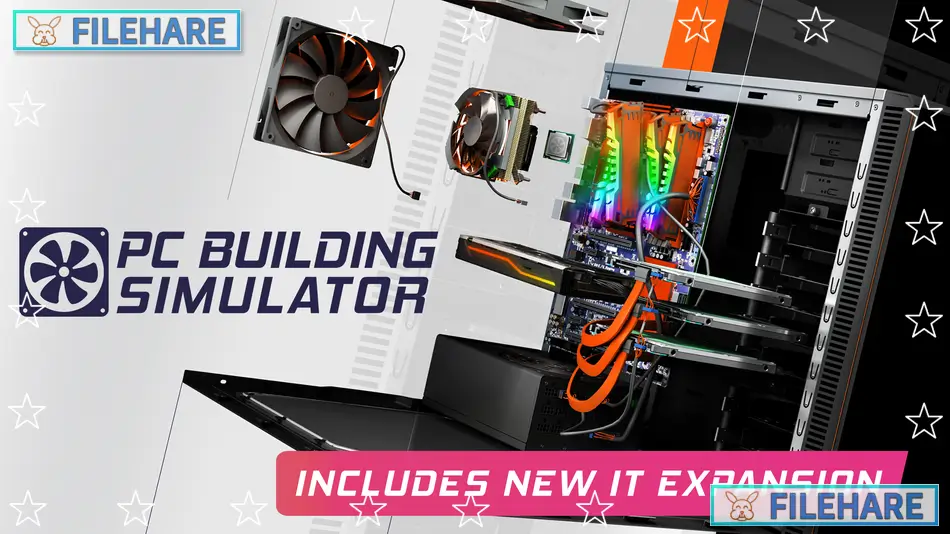
PC Building Simulator is a simulation game developed by Claudiu Kiss and The Irregular Corporation, and published by The Irregular Corporation. The game was released on January 29, 2019, for PC through Steam. In this game, players run a computer repair shop where they fix, upgrade, and build computers for customers. The game teaches real computer hardware knowledge while providing an entertaining business management experience.
Table of Contents
PC Building Simulator Gameplay
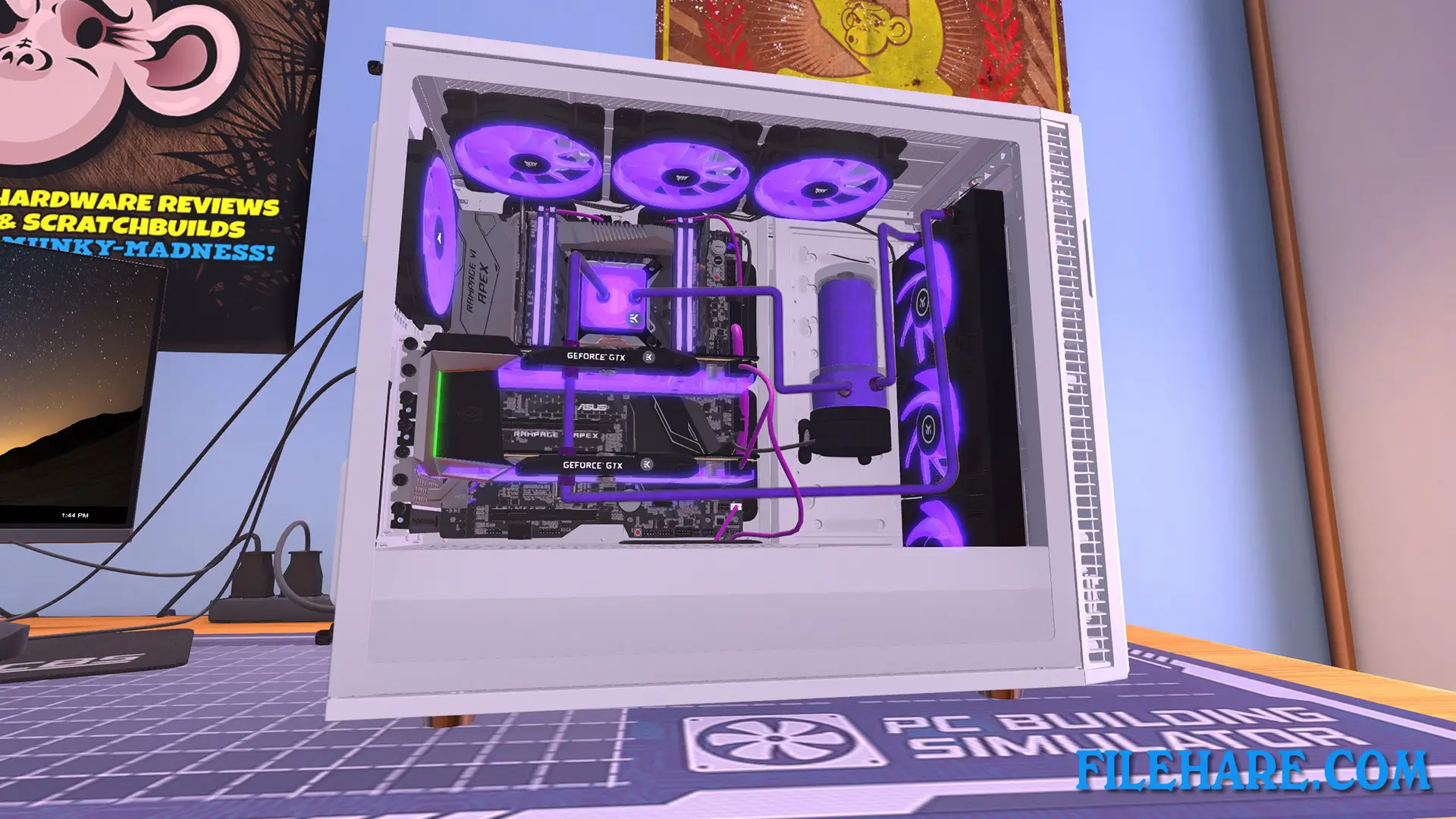
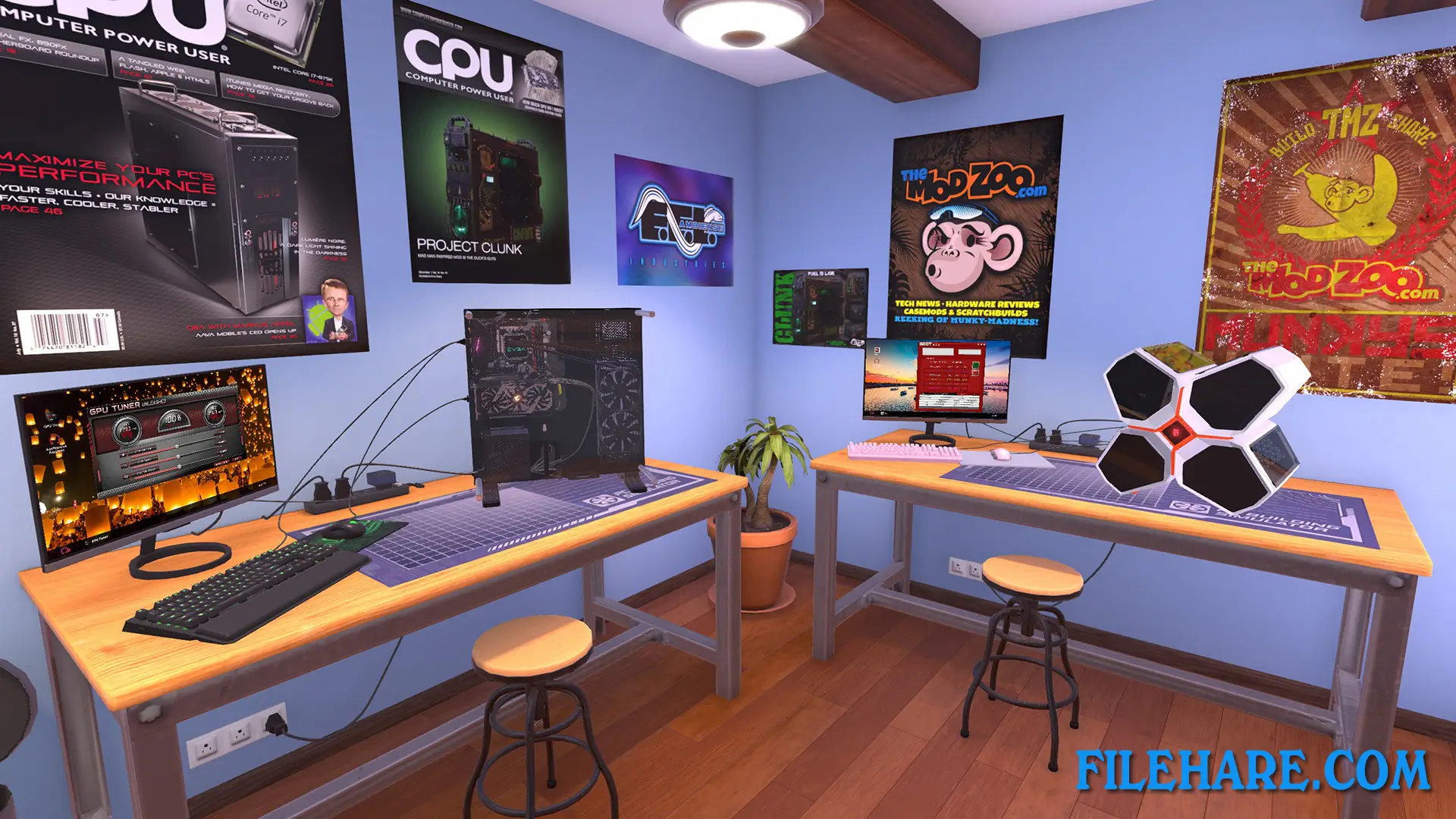
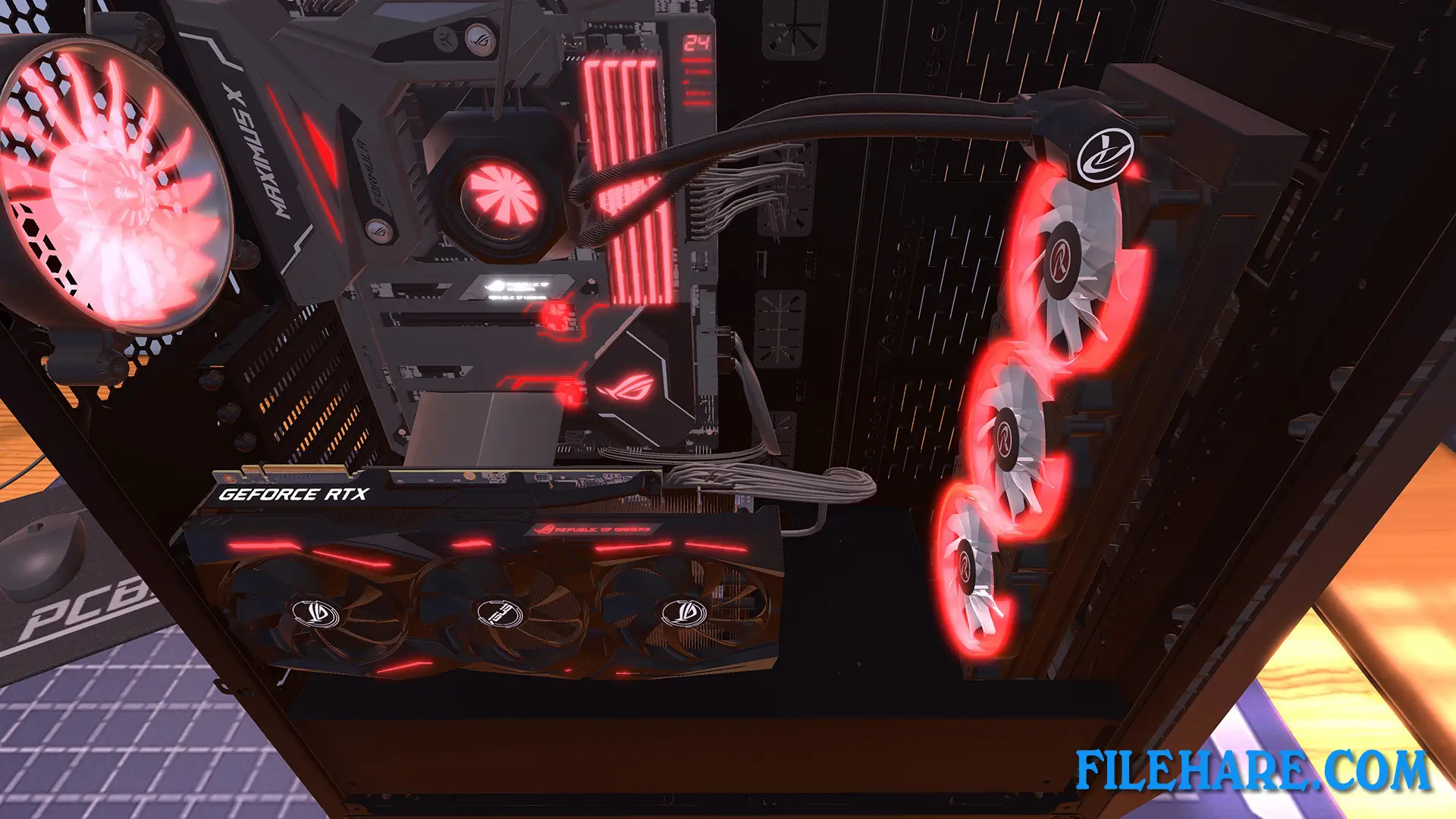
The gameplay revolves around running a computer repair business from your workshop. You receive job requests from customers through email, and you must diagnose and fix their computer problems. The game simulates real computer building and repair work. You open computer cases, remove and install hardware components like graphics cards, RAM, hard drives, and processors. You also need to install operating systems, run diagnostic software, and clean dust from computers.
As you complete jobs, you earn money to pay your bills and expand your business. You can buy new tools and parts to handle more complex repairs. The game includes a career mode where you build your reputation and unlock access to better hardware brands. The game uses real computer parts from actual manufacturers like NVIDIA, AMD, Intel, and Corsair.
PC Building Simulator Features
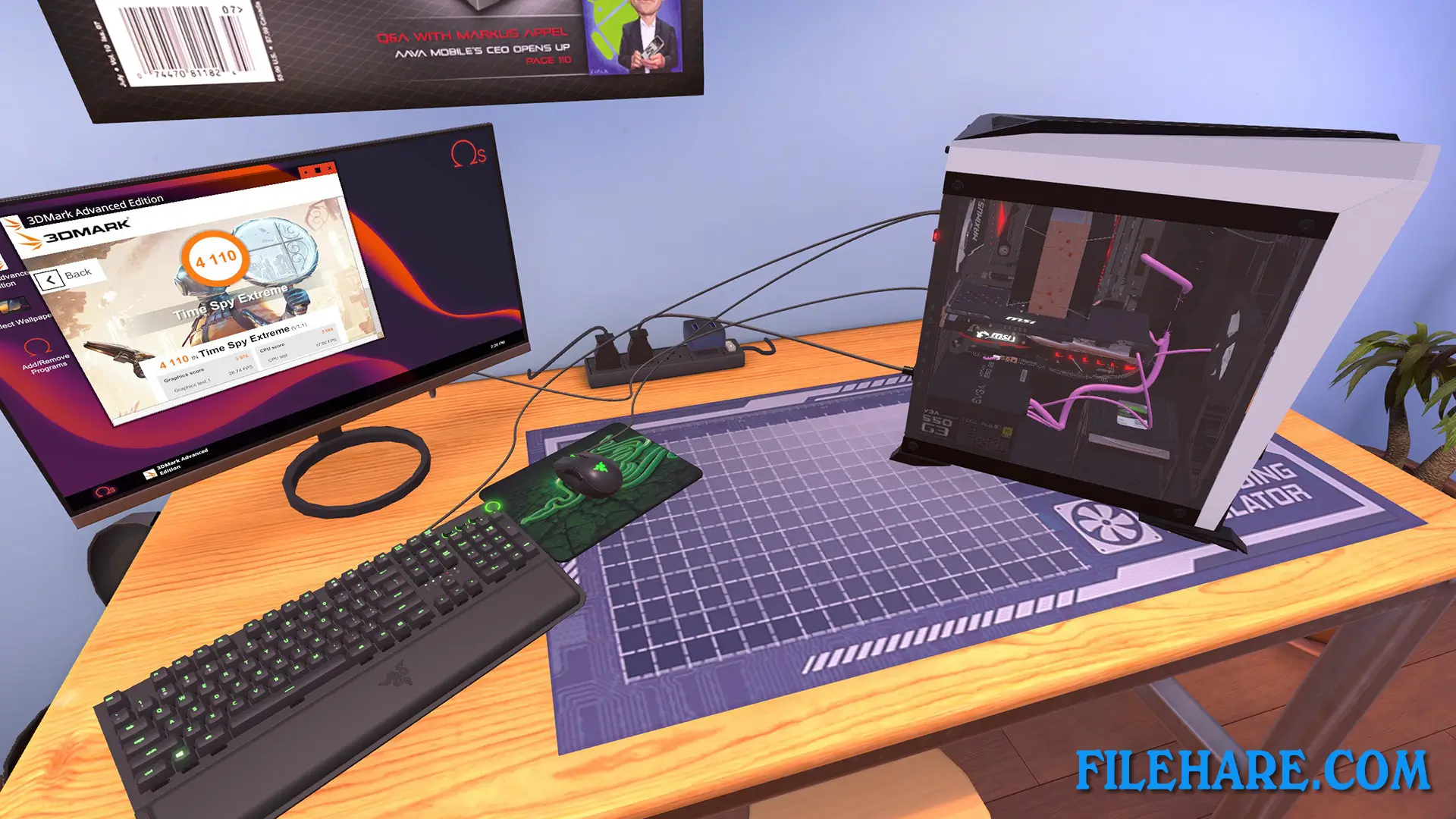
The game includes over 1000 real computer components that you can use. You can install motherboards, power supplies, cooling systems, and cable management just like in real life. The career mode has a progression system where you start with basic repairs and move up to building high-end gaming computers. You can also overclock components to increase performance. The game features a benchmarking tool to test computer performance. There are different job types, including virus removal, hardware upgrades, and building complete systems from scratch. The workshop can be customized and expanded as your business grows. The game receives regular updates that add new hardware components when they are released in real life.
Gameplay Screenshots
| Name | PC Building Simulator |
|---|---|
| Developer | Claudiu Kiss, The Irregular Corporation |
| File Size | 4.22 GB |
| Category | Simulation |
| Minimum System Requirements | |
| CPU | Intel Core i5-2500K or AMD Athlon X4 740 (or equivalent) |
| RAM | 4 GB |
| Graphics | GeForce GTX 660 (2048 MB) or Radeon R9 285 (2048 MB) – Integrated GPUs may work but are not supported. |
| Free Disk Space | 30 GB |
| Operating System | Windows 10 / 11 / 7 / 8 |
| User Rating | |
To buy this game, visit the Store Page
How to Download and Install Building Simulator PC Game?
We have simple instructions for you to download and install the PC game. Before following the steps, Ensure your PC meets the minimum system requirements for Playing the game on your PC.
- First, click on the DOWNLOAD button and you will be redirected to the final Download page. Then, Download the Game on your PC.
- Once you have downloaded the Building Simulator PC Game, Open the folder where you saved the Game.
- Then Right-click on the Zip file and click on the "Extract files" option from the dropdown menu. If your computer does not have a Zip file extract software installed, you must first install it. (such as WinRAR, 7Zip software)
- After Extracting the Zip file, Open the Building Simulator PC Game folder.
- Then, double-click on the Setup.exe file to Install the Game.
- If asked, provide administrator permissions for the installation to proceed. Click Yes to continue.
- Follow the on-screen installation wizard to install the game on your PC.
- After the installation, if you get any missing ".dll" errors or the Game is not launching, open the Readme.txt file located in the game folder and follow the instructions shown in the document file to play the game.
Done!. Now, you can launch the game from your desktop.