Escape Simulator PC Game Download for Windows 10/11/7/8
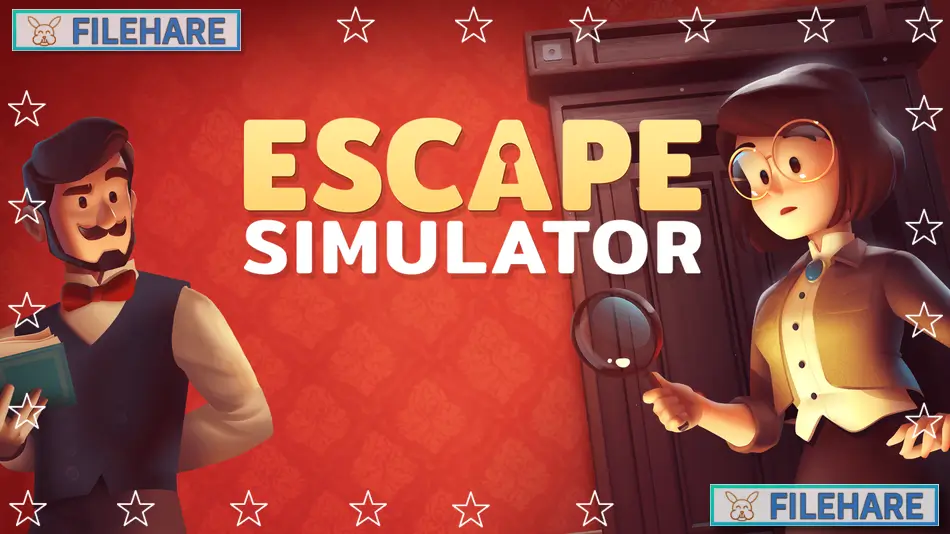
Escape Simulator is a first-person puzzle game that was developed and published by Pine Studio. The game was released on October 19, 2021, on Steam for PC. It is also available on Mac and Linux. The game recreates escape room experiences where you must find clues and unlock doors to get out of locked rooms. You can play by yourself or online with up to 10 friends at the same time. The game has become very popular with players who like puzzles.
Table of Contents
Escape Simulator Gameplay
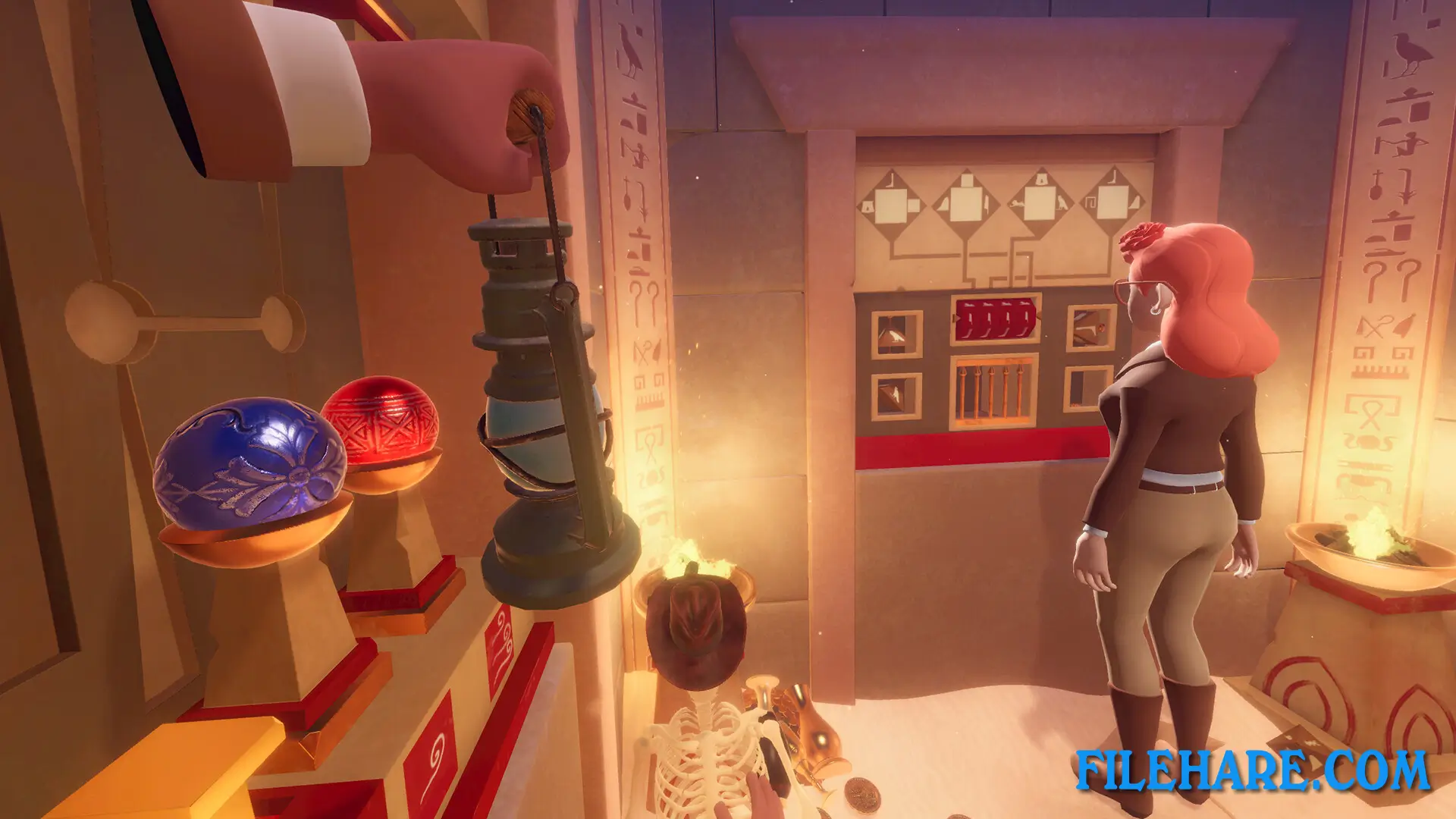
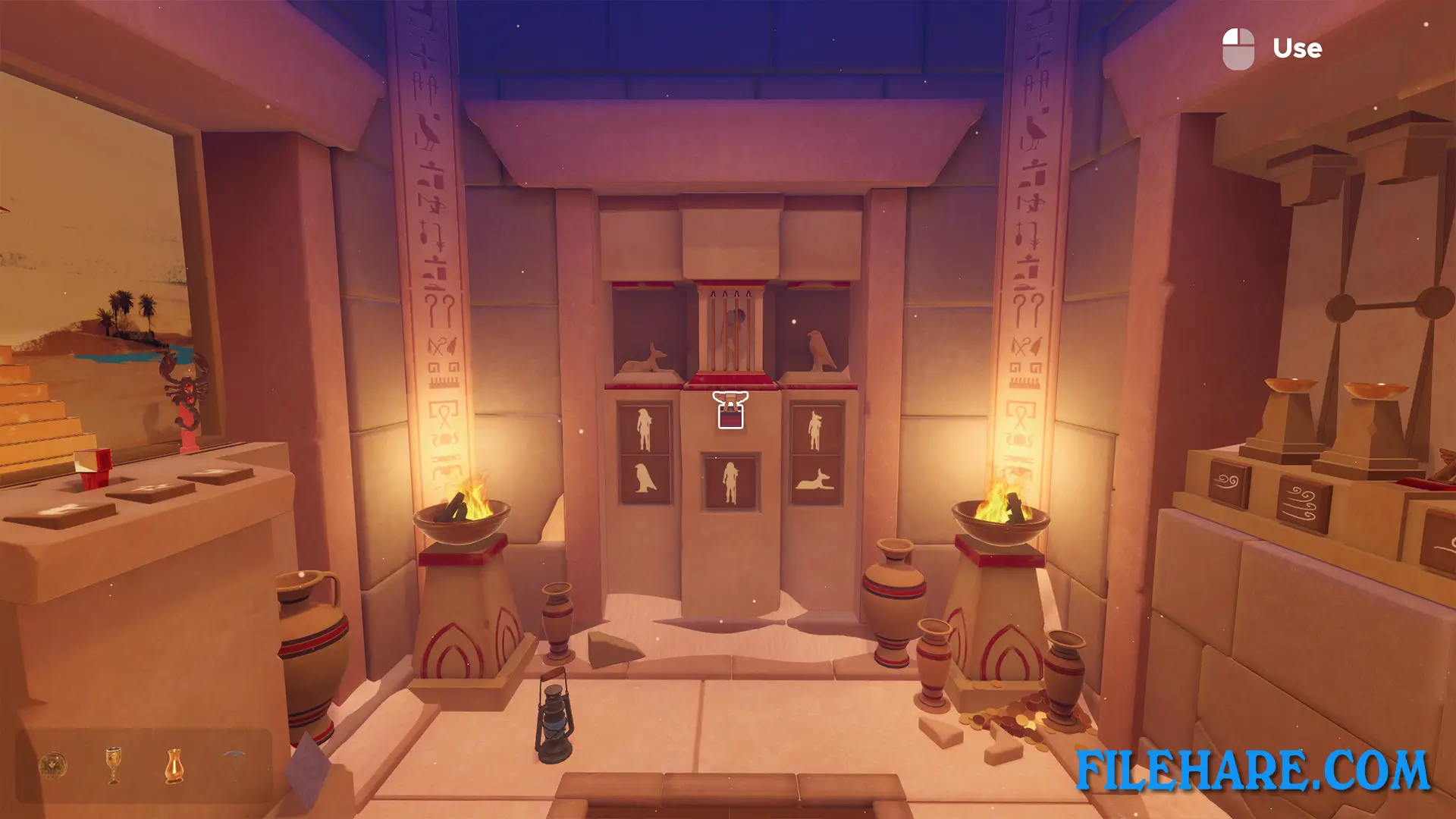
You play from a first-person view inside rooms where you can touch and pick up almost anything. You need to look around carefully to find clues that will help you escape. The controls are easy to use. You can move furniture by pushing or pulling it. You can open drawers and cabinets to search inside. You can pick up objects and turn them around to look at all sides. Some items can be broken, like pots and boxes. You may find keys, notes with codes, or symbols that give you hints. When you find a clue, you must figure out how it connects to locks or doors. Some rooms have safes that need number codes. Others have keypads where you type passwords.
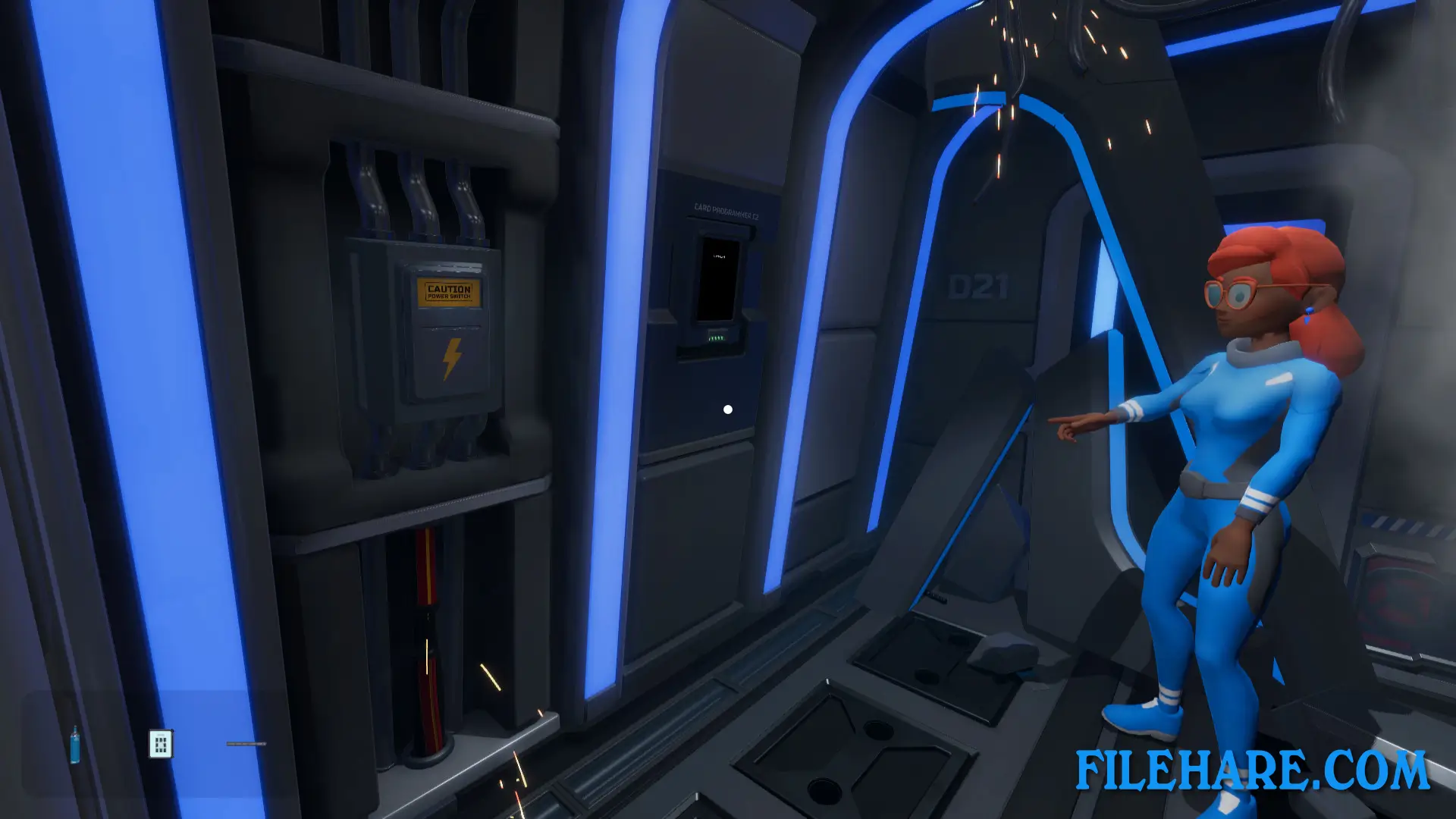
There are also mechanical locks where you turn dials or connect wires. If you get stuck on a problem for too long, you can use the hint button. The game will give you small tips without telling you the full answer. The base game has 15 rooms to escape from. These rooms have various themes like Egyptian tombs, space stations, and old mansions.
Escape Simulator Features
The game includes a Room Editor tool that anyone can use. This tool lets players design their own escape rooms from scratch. You can place objects, create locks, and build complete rooms with your own ideas. Thousands of players have used the editor. More than 3000 community rooms have been designed and shared for others to play. You can download these rooms for free from the Steam Workshop. Some community rooms are as good as the official ones.
The game also has paid DLC packs you can buy. These include Spy rooms, Mayan temple rooms, Magic rooms with wizard themes, Wild West rooms with cowboy themes, and Steampunk rooms. There is also a free Portal DLC that was approved by Valve. This DLC has rooms based on the Portal video game series. When playing online with friends, everyone can work in the same room at the same time. You can talk using voice programs like Discord. Up to 10 players can join one room, but the game works best with 2 to 3 players. The game supports VR headsets if you want to play in virtual reality mode. The game has sold over 2 million copies since its release.
Recommended System Requirements
- OS: Windows 10/11
- Memory: 16 GB RAM
- Graphics: GTX 1060 or better
- Storage: 19 GB available space
- Sound Card: Yes
Gameplay Screenshots

| Name | Escape Simulator |
|---|---|
| Developer | Pine Studio |
| File Size | 3.94 GB |
| Category | Simulation |
| Minimum System Requirements | |
| CPU | Intel Core i3/i5/i7 1.8 GHz CPU dual-core. AMD 2.0 GHz dual-core |
| RAM | 4 GB |
| Graphics | DX10-capable GPU |
| Free Disk Space | 18 GB |
| Operating System | Windows 10 / 11 / 7 / 8 |
| User Rating | |
To buy this game, visit the Store Page
How to Download and Install Escape Simulator PC Game?
We have simple instructions for you to download and install the PC game. Before following the steps, Ensure your PC meets the minimum system requirements for Playing the game on your PC.
- First, click on the DOWNLOAD button and you will be redirected to the final Download page. Then, Download the Game on your PC.
- Once you have downloaded the Escape Simulator PC Game, Open the folder where you saved the Game.
- Then Right-click on the Zip file and click on the "Extract files" option from the dropdown menu. If your computer does not have a Zip file extract software installed, you must first install it. (such as WinRAR, 7Zip software)
- After Extracting the Zip file, Open the Escape Simulator PC Game folder.
- Then, double-click on the Setup.exe file to Install the Game.
- If asked, provide administrator permissions for the installation to proceed. Click Yes to continue.
- Follow the on-screen installation wizard to install the game on your PC.
- After the installation, if you get any missing ".dll" errors or the Game is not launching, open the Readme.txt file located in the game folder and follow the instructions shown in the document file to play the game.
Done!. Now, you can launch the game from your desktop.