Streamer Life Simulator 2 PC Game Download for Windows 10/11
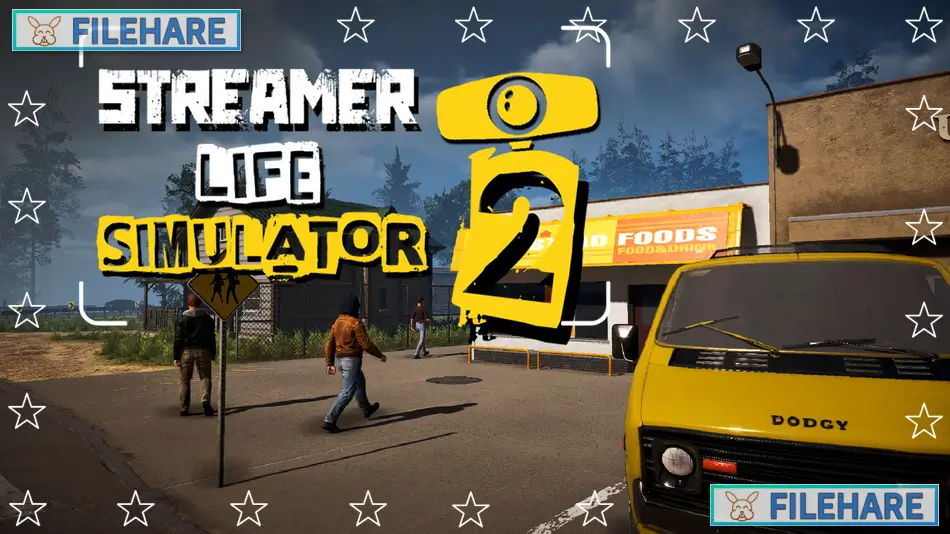
Streamer Life Simulator 2 is a life simulation game developed and published by Cheesecake Dev. The game was released in Early Access on January 23, 2025, for PC through Steam. In this sequel, you quit your regular job to become a full-time internet streamer. You start with basic equipment and work to build a streaming empire. The game improves upon the first version with better graphics and more complicated streaming mechanics.
Table of Contents
Streamer Life Simulator 2 Gameplay
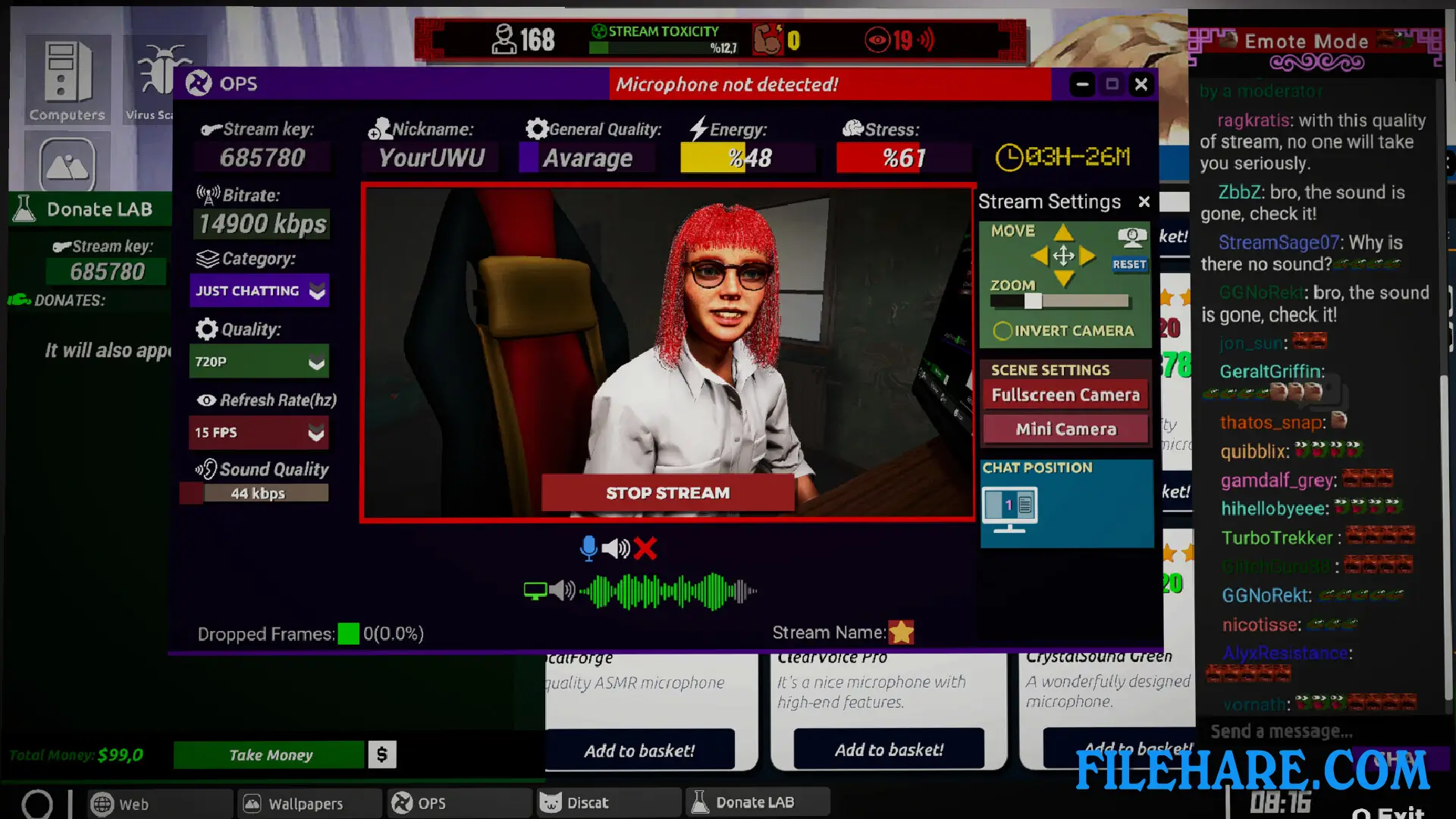
The gameplay centers around building your streaming career from nothing. You begin with an old computer and poor equipment that you must gradually upgrade. During streams, you play various games while interacting with viewers in real time. You can choose how to respond to your audience, either being friendly and innocent or offering harsh criticism. The decisions you make during streams directly impact your viewer count and subscriber growth. You need to upgrade your streaming setup, including cameras, processors, video cards, and internet connection, to improve stream quality. Managing your finances is crucial as you balance income from donations and subscribers against equipment costs.
You can decorate your home and streaming space however you want. As your channel grows, you can even hire other streamers to work for you. The game includes an open world where various events can happen. You must develop your skills and provide entertaining content to keep viewers watching and attract new followers.
Streamer Life Simulator 2 Features
The game offers detailed character customization options to create your unique streamer persona. You can stream content across different categories and game genres. There is a progression path where you move from a poor neighborhood to better areas with stronger internet infrastructure as you become more successful. You interact with your community through chat and respond to donations. The home decoration feature allows you to personalize your living and streaming spaces with various furniture and items. The employee hiring mechanic lets you expand your streaming business beyond just yourself. Multiple streaming platforms and systems are available in the game to choose from.
Recommended System Requirements
- OS: Windows 10
- Processor: Intel Core i5-10600 / AMD Ryzen 5 3600
- Memory: 8 GB RAM
- Graphics: NVIDIA RTX 2060 / AMD Radeon RX 5700
- Storage: 10 GB available space
Gameplay Screenshots
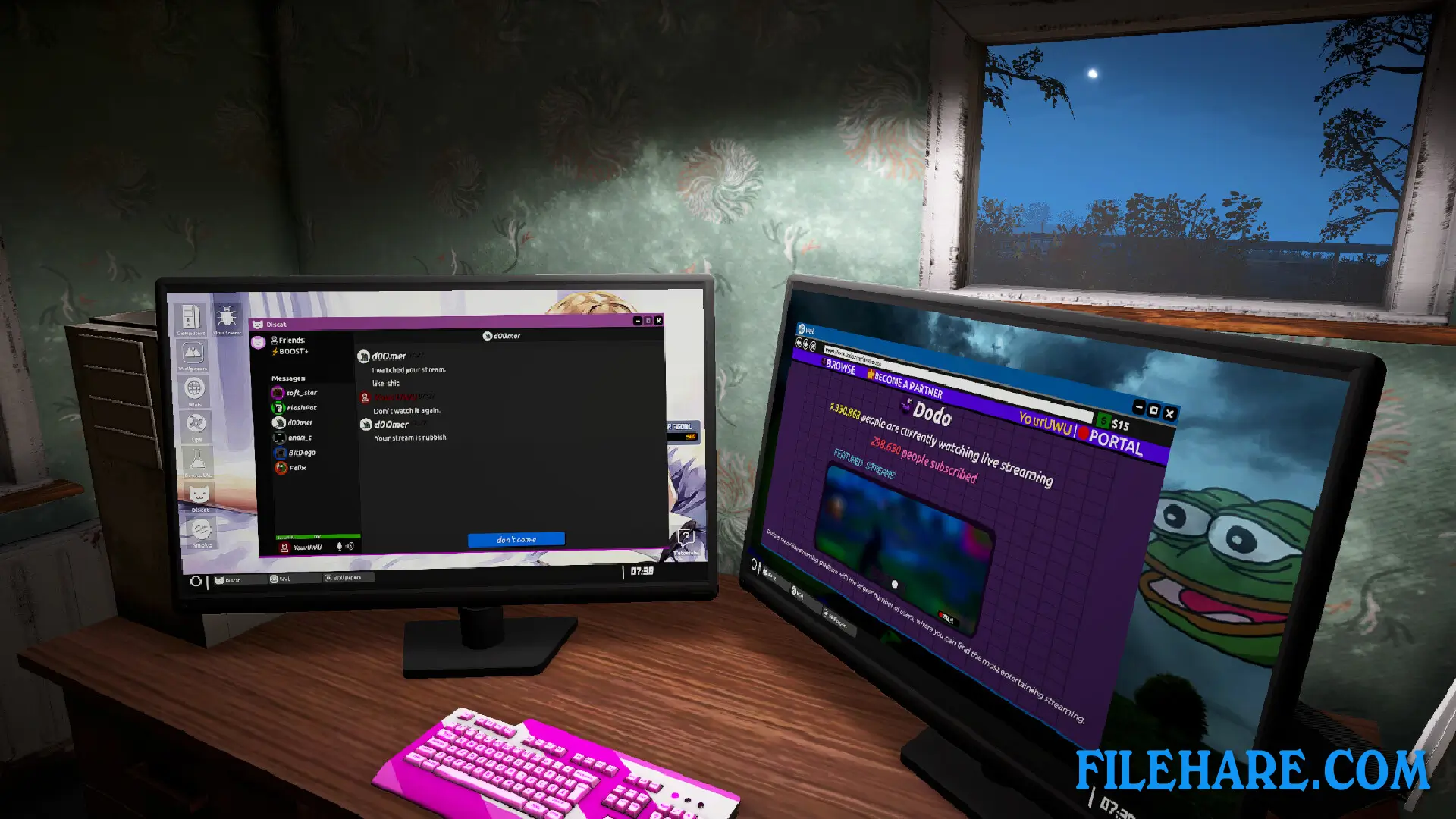

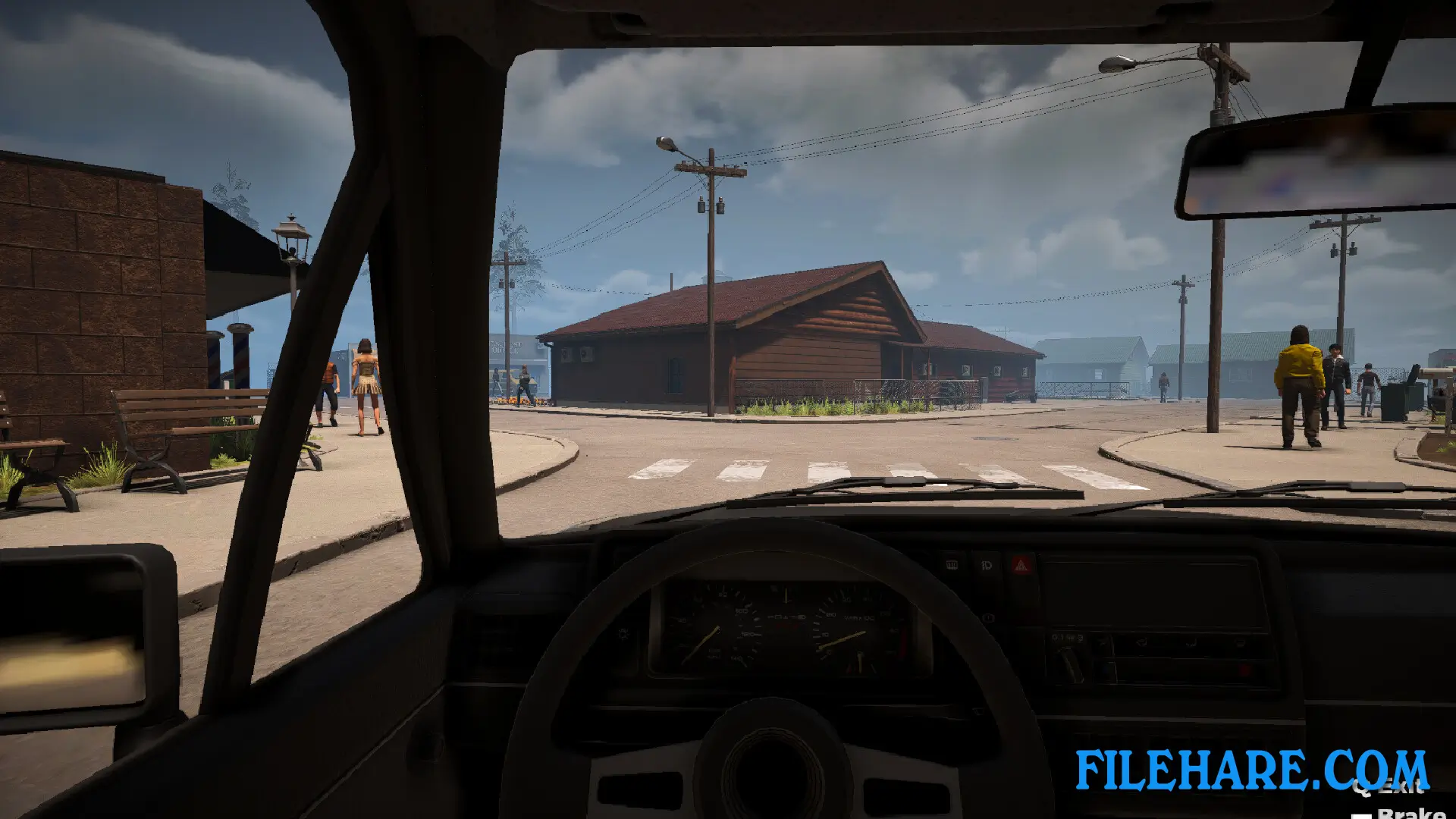
| Name | Streamer Life Simulator 2 |
|---|---|
| Developer | Cheesecake Dev |
| File Size | 3.97 GB |
| Category | Simulation |
| Minimum System Requirements | |
| CPU | Intel Core i5-4430 / AMD FX-6300 |
| RAM | 8 GB |
| Graphics | NVIDIA GTX 1050Ti / AMD Radeon RX 570 |
| Free Disk Space | 10 GB |
| Operating System | Windows 10 / 11 |
| User Rating | |
To buy this game, visit the Store Page
How to Download and Install Streamer Life Simulator 2 PC Game?
We have simple instructions for you to download and install the PC game. Before following the steps, Ensure your PC meets the minimum system requirements for Playing the game on your PC.
- First, click on the DOWNLOAD button and you will be redirected to the final Download page. Then, Download the Game on your PC.
- Once you have downloaded the Streamer Life Simulator 2 PC Game, Open the folder where you saved the Game.
- Then Right-click on the Zip file and click on the "Extract files" option from the dropdown menu. If your computer does not have a Zip file extract software installed, you must first install it. (such as WinRAR, 7Zip software)
- After Extracting the Zip file, Open the Streamer Life Simulator 2 PC Game folder.
- Then, double-click on the Setup.exe file to Install the Game.
- If asked, provide administrator permissions for the installation to proceed. Click Yes to continue.
- Follow the on-screen installation wizard to install the game on your PC.
- After the installation, if you get any missing ".dll" errors or the Game is not launching, open the Readme.txt file located in the game folder and follow the instructions shown in the document file to play the game.
Done!. Now, you can launch the game from your desktop.