Potion Craft: Alchemist Simulator PC Game Download for Windows 10/11
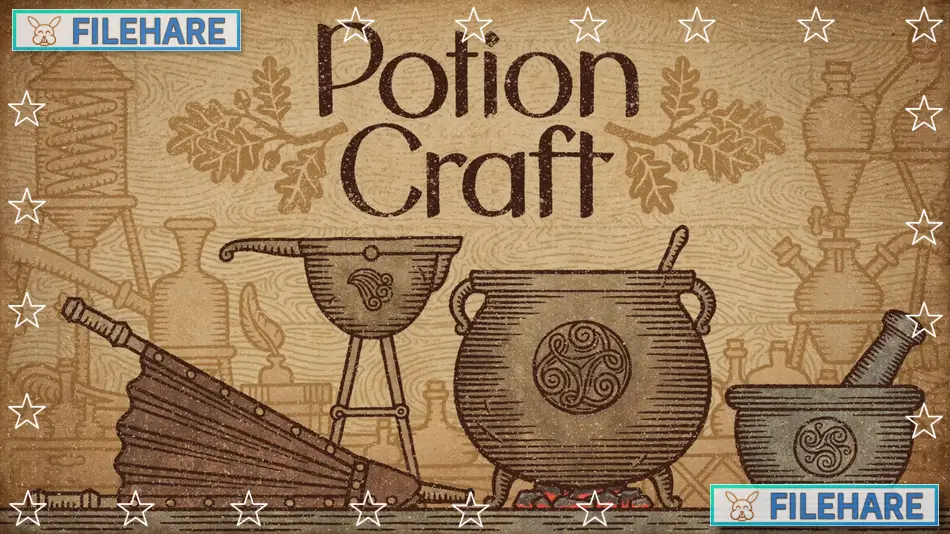
Potion Craft: Alchemist Simulator is an alchemy shop management game where you physically interact with tools and ingredients to brew potions. Developed by niceplay games and published by tinyBuild, the game was released in December 2022 for Windows and Xbox. Later, it became available on Nintendo Switch, PlayStation 4 and PlayStation 5 in Spring 2023. In this game, you run your own potion shop in a medieval fantasy town, serving customers who come with various problems that need potion solutions.
Table of Contents
Potion Craft: Alchemist Simulator Gameplay
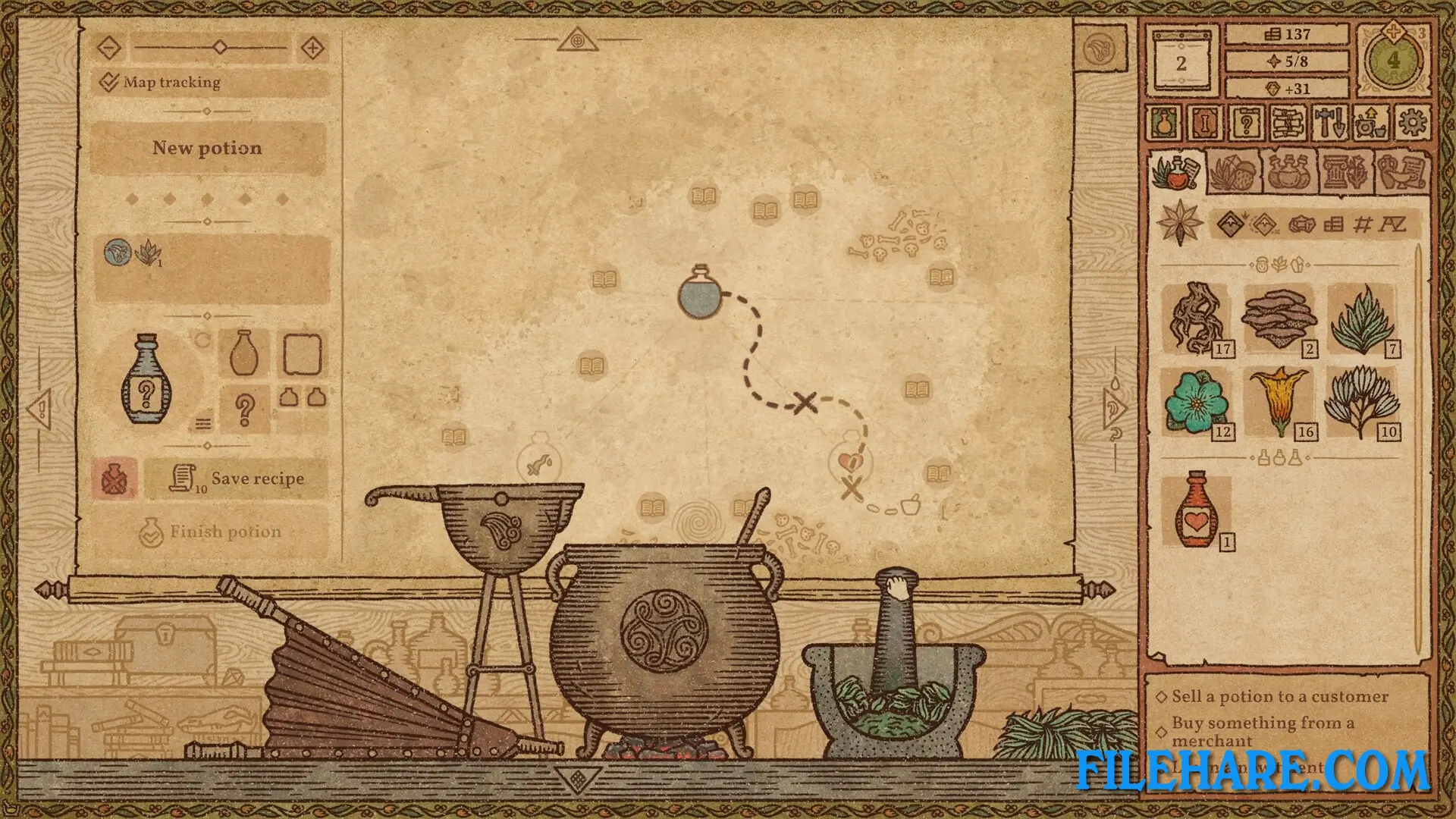
You create potions by grinding ingredients in a mortar and pestle, then stirring them together in a cauldron. These actions plot a course on an alchemy map. Potions gain certain properties when aligned with specific locations on this map. The ingredient you choose and how much you grind and stir affect the direction of your course. The map starts hidden, so you must use ingredients to explore and identify new effects. Better alignment with potion effect locations creates stronger potions. Customers visit your shop daily with different needs, like someone needing a healing potion for a headache.
Potion Craft: Alchemist Simulator Features
You can grow your own enchanted garden to get ingredients for free instead of buying them. The garden can produce herbs, mushrooms, and even magical crystals. You have full control over potion customization, including bottle shape, label type, icon, and colours. You can give potions custom names and descriptions, then arrange them on shop shelves and tables. You can befriend or feud with notable figures in town, gain riches and influence, and potentially decide the fate of the whole town. The game has sandbox-style gameplay where you can complete tasks in many ways. You can roleplay as any character type you want, whether a noble artisan or a greedy merchant.
Gameplay Screenshots
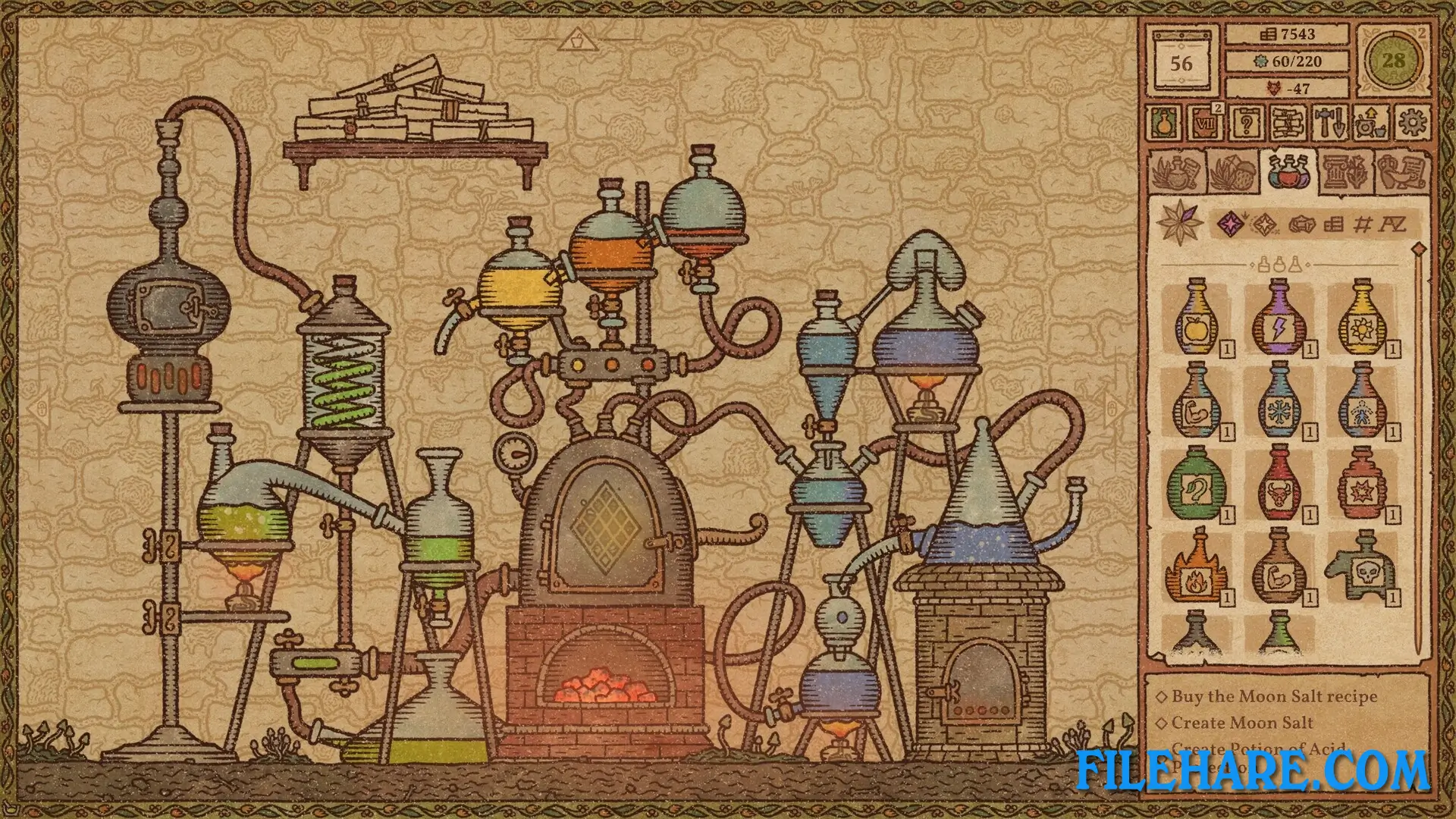
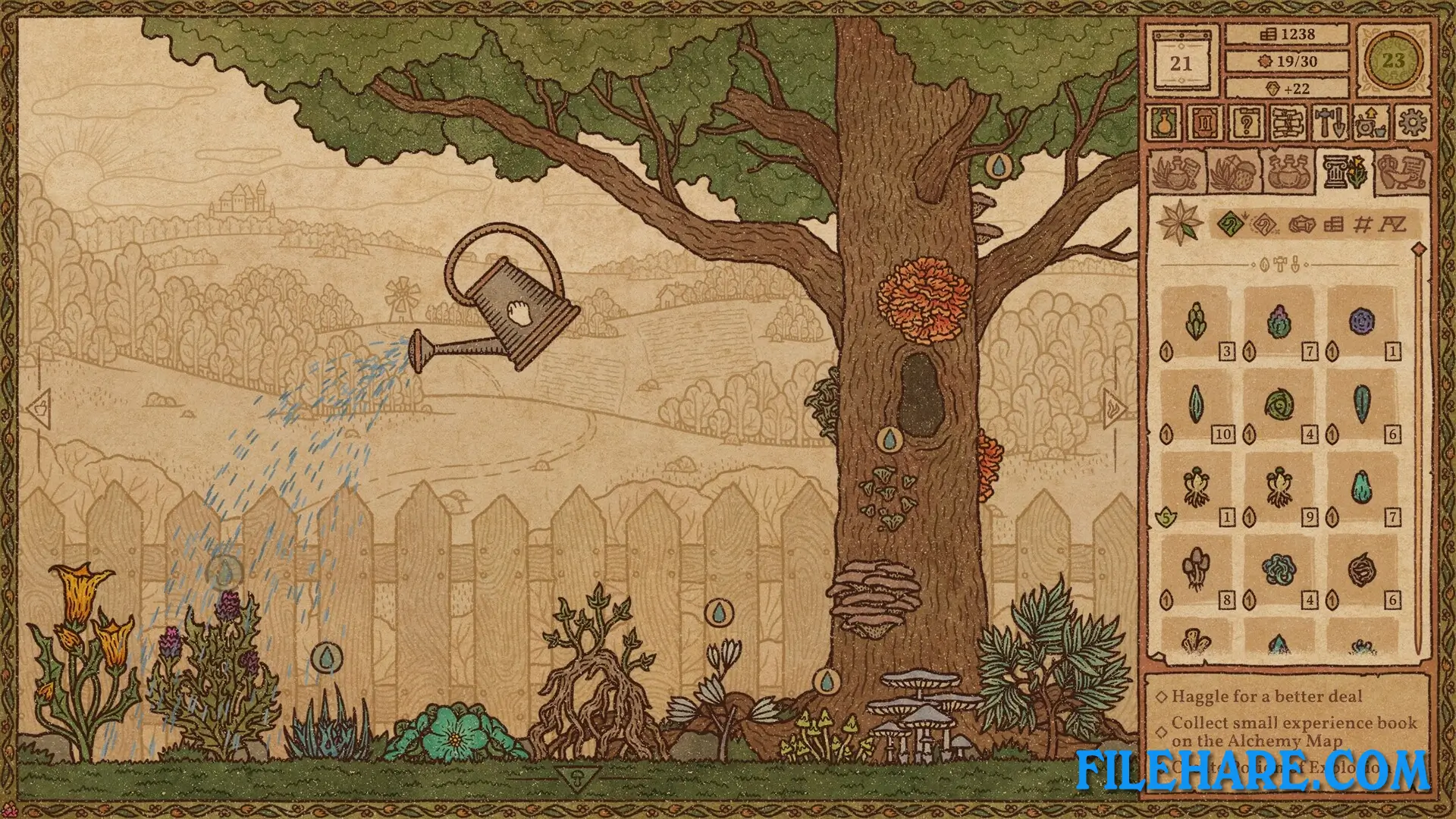
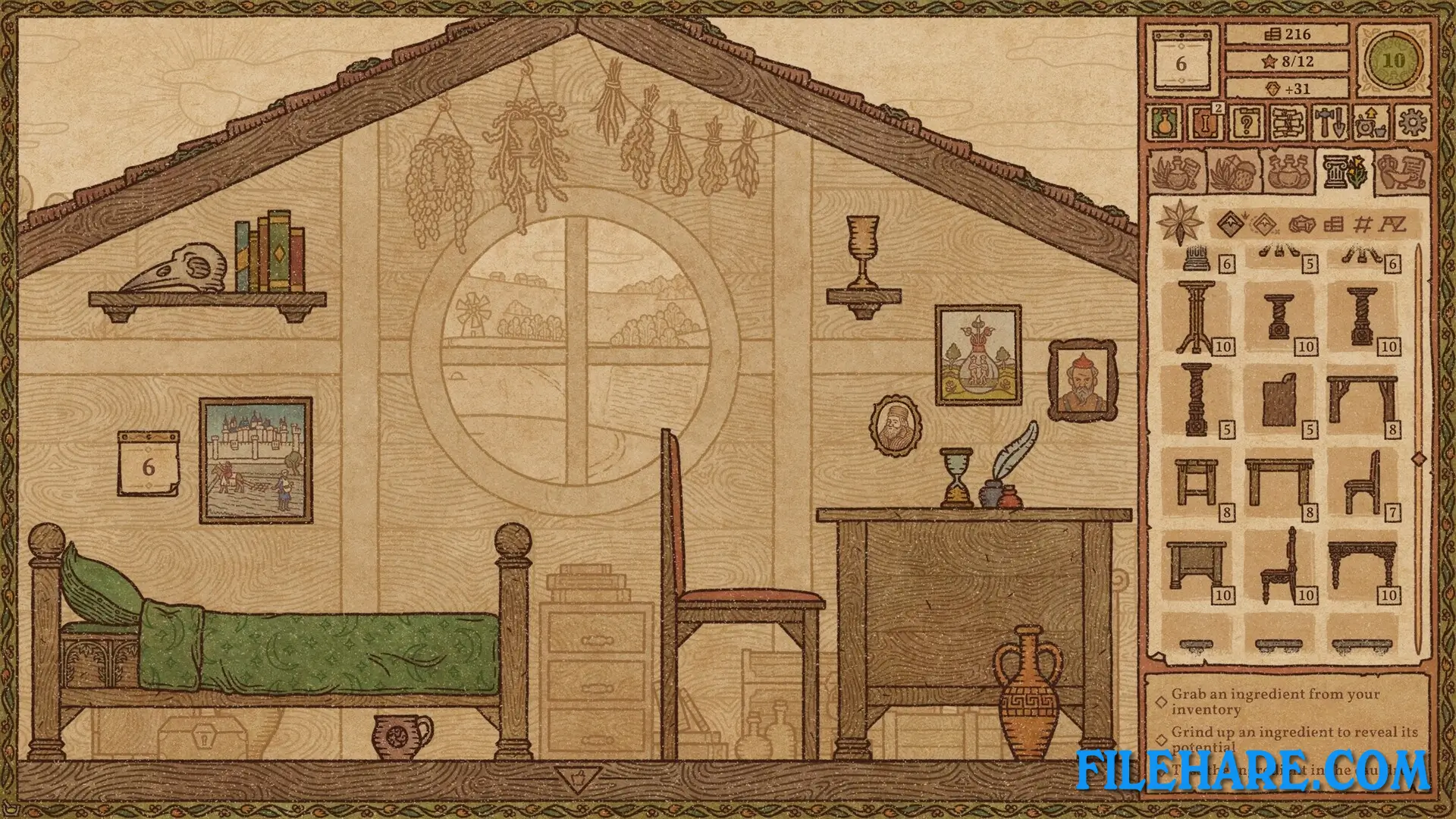
| Name | Potion Craft: Alchemist Simulator |
|---|---|
| Developer | niceplay games |
| File Size | 886 MB |
| Category | Indie, Simulation |
| Minimum System Requirements | |
| CPU | Intel i3-6100 or equivalent |
| RAM | 8 GB |
| Graphics | GeForce GTX 670 / Radeon HD 7970 |
| Free Disk Space | 2 GB |
| Operating System | Windows 10 / 11 (64-bit) |
| User Rating | |
To buy this game, visit the Store Page
How to Download and Install Potion Craft: Alchemist Simulator PC Game?
We have simple instructions for you to download and install the PC game. Before following the steps, Ensure your PC meets the minimum system requirements for Playing the game on your PC.
- First, click on the DOWNLOAD button and you will be redirected to the final Download page. Then, Download the Game on your PC.
- Once you have downloaded the Potion Craft: Alchemist Simulator PC Game, Open the folder where you saved the Game.
- Then Right-click on the Zip file and click on the "Extract files" option from the dropdown menu. If your computer does not have a Zip file extract software installed, you must first install it. (such as WinRAR, 7Zip software)
- After Extracting the Zip file, Open the Potion Craft: Alchemist Simulator PC Game folder.
- Then, double-click on the Setup.exe file to Install the Game.
- If asked, provide administrator permissions for the installation to proceed. Click Yes to continue.
- Follow the on-screen installation wizard to install the game on your PC.
- After the installation, if you get any missing ".dll" errors or the Game is not launching, open the Readme.txt file located in the game folder and follow the instructions shown in the document file to play the game.
Done!. Now, you can launch the game from your desktop.