Workshop Simulator PC Game Download for Windows 10/11/7/8

Workshop Simulator is a restoration and simulation game where you repair and refurbish vintage items. The game was developed and published by INTERMARUM. It was released on Steam for PC on March 10, 2022. In this game, you visit your family farm and work in a workshop to restore old items to their original condition. The game has a story about your grandmother and grandfather that unfolds as you repair objects and discover your family history.
Table of Contents
Workshop Simulator Story
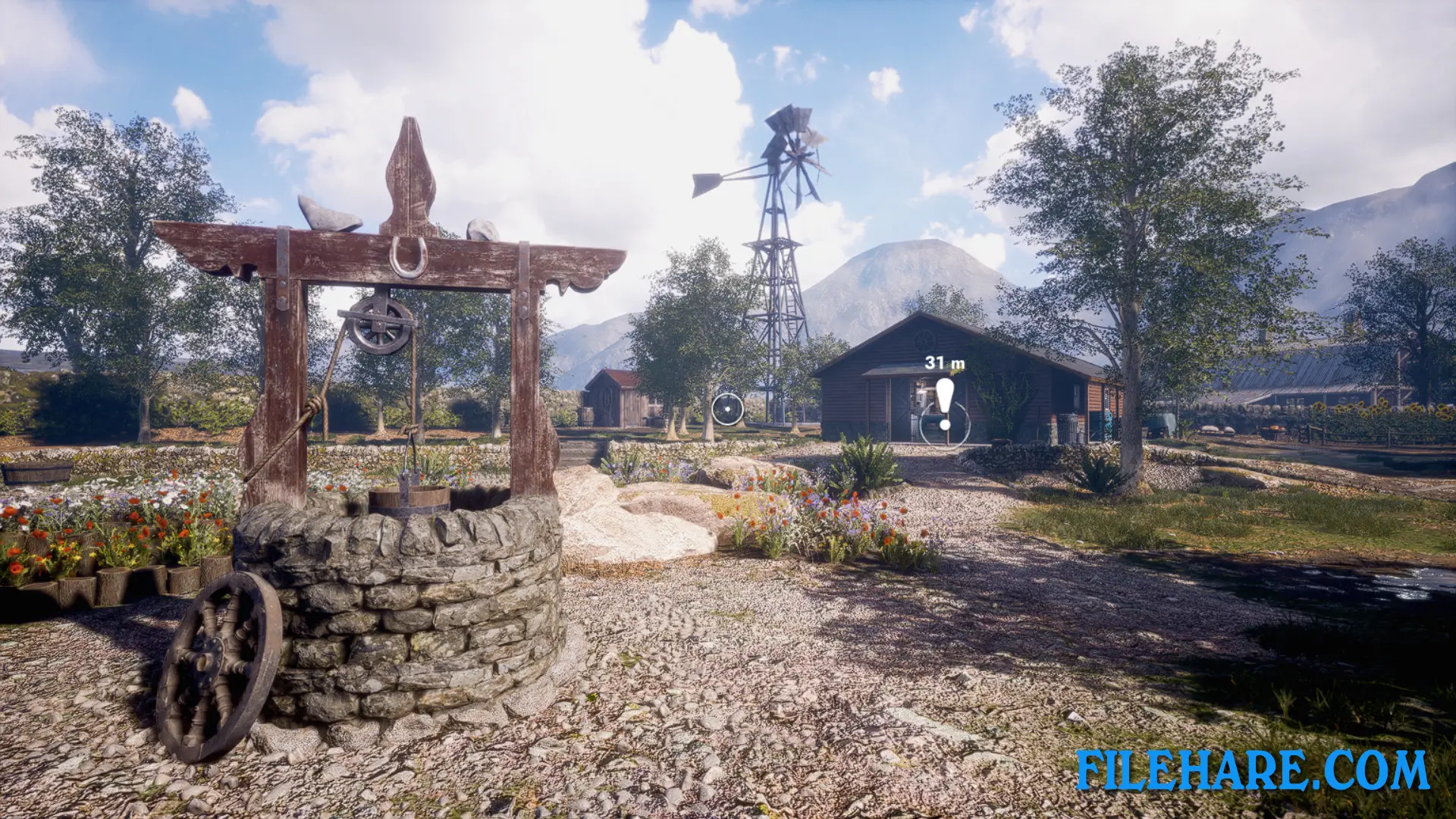
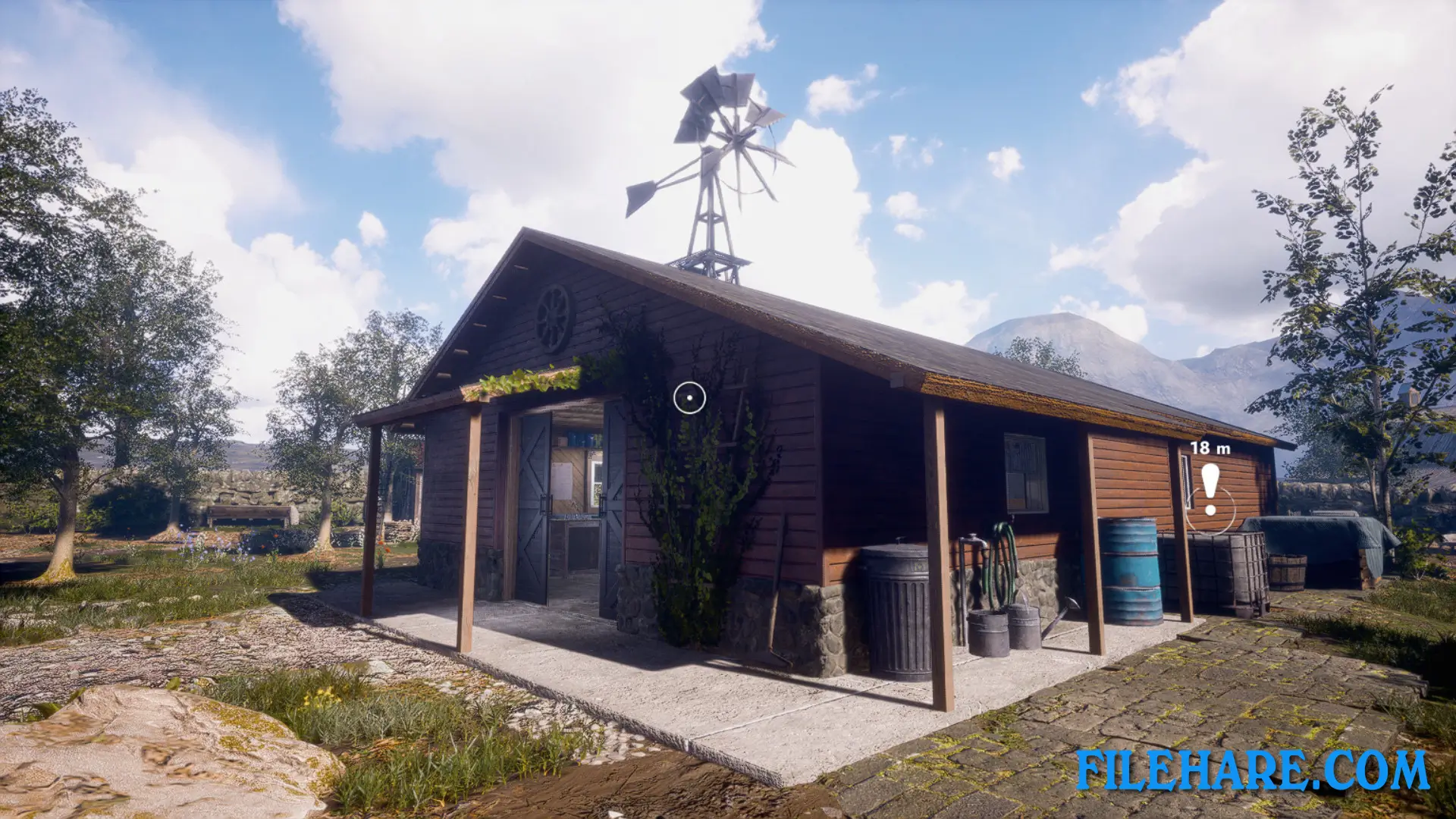
The story begins when your grandmother asks you for help with something simple. This request leads you on a trip down memory lane where you learn about your family’s past. You visit your family’s farm in a rural area and spend time in your grandfather’s old workshop. As you repair and restore vintage items, you discover that these objects have connections to your family’s history. The game has a warm and nostalgic tone as you remember your time with your grandfather, who used to work in the same workshop. You can explore the family farm and interact with items that tell stories about your relatives and their lives.
Workshop Simulator Gameplay
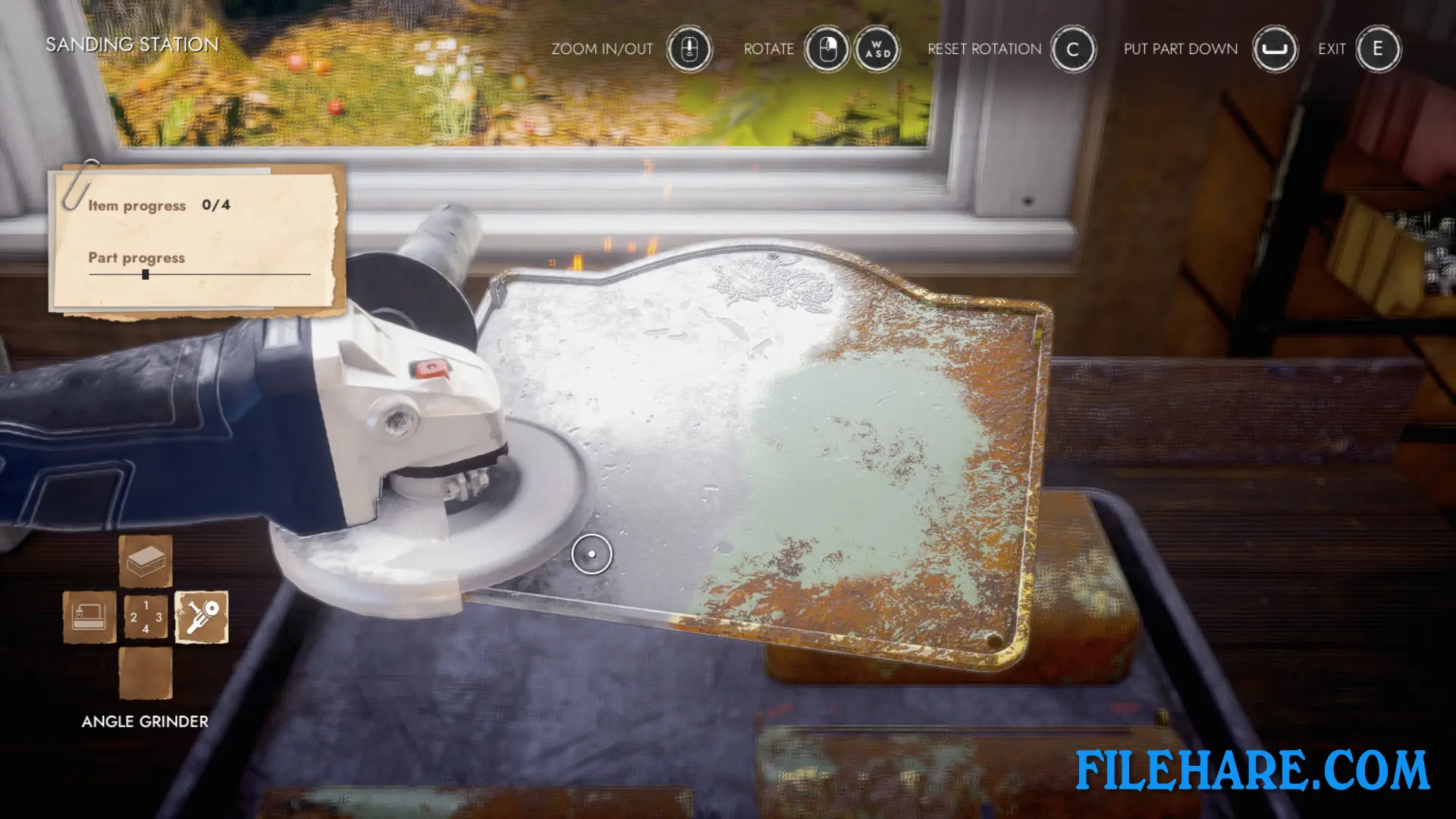
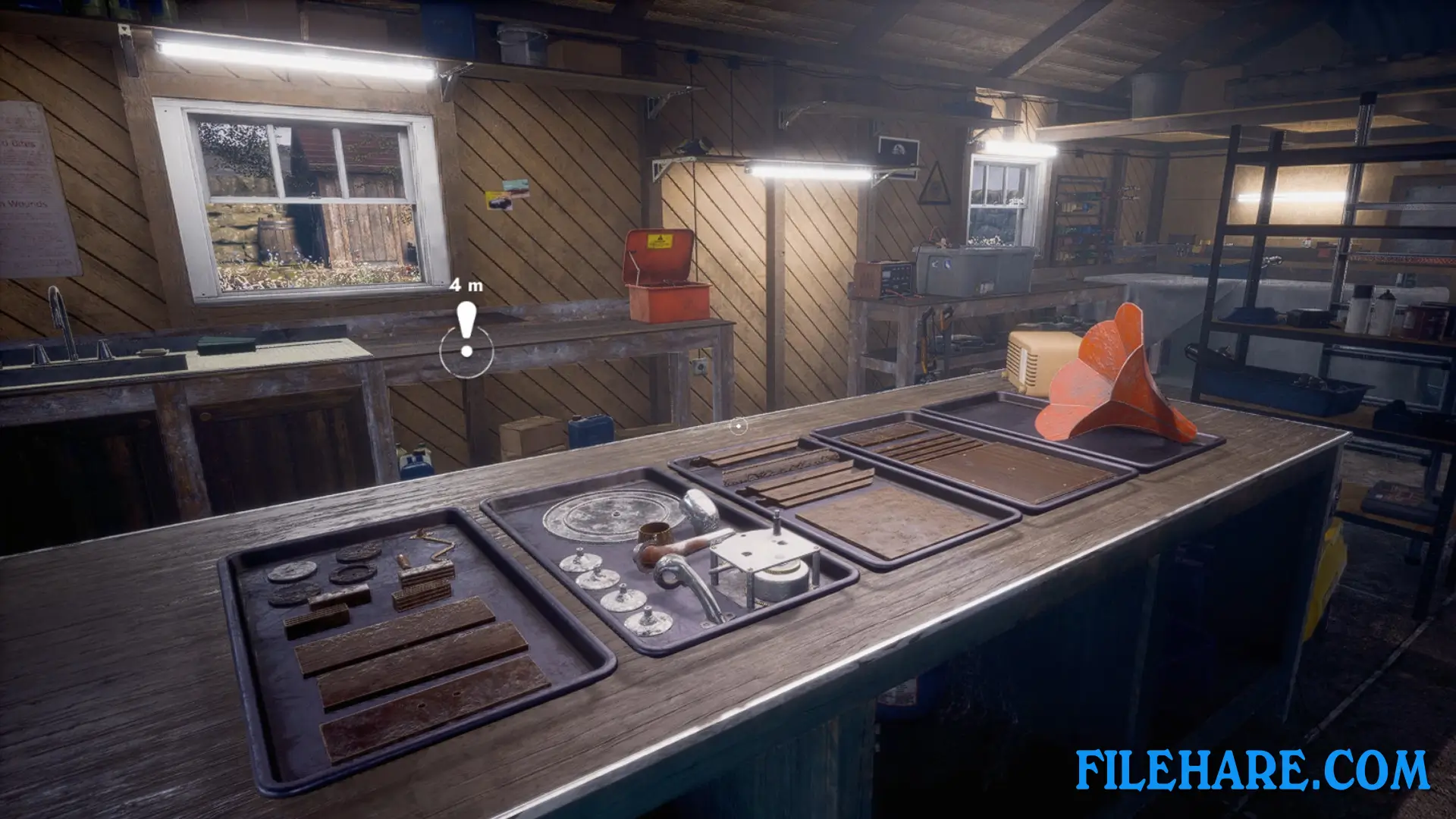
Workshop Simulator is a first-person simulation game focused on restoration work. You take old and damaged items and restore them to look new again. The game has several restoration mechanics that you need to use. You can disassemble items to take them apart, clean dirty surfaces, sand rough areas to make them smooth, and paint objects to give them color. You work at your workbench in the workshop where all your tools are available. You can take your time with repairs and work on items until you are satisfied with the results. The physics in the game are realistic, so you need to handle items carefully. You can explore the family farm between restoration tasks to find new items to repair and learn more about your family’s past.
Workshop Simulator Features
The game includes many restoration mechanics such as taking items apart, cleaning them, sanding surfaces, and applying paint. You have access to various tools and equipment at your workbench to help with repairs. The game takes place on a beautiful family farm with a midwestern rural environment. You can work on many vintage items and family treasures that have connections to your family’s history. The game runs on Unreal Engine 4 and provides detailed graphics that show the condition of items before and after restoration.
Recommended System Requirements
Requires a 64-bit processor and operating system
- OS: Windows 10
- Processor: Any 4-core CPU
- Memory: 8 GB RAM
- Graphics: High 30 FPS @ 1080p – GeForce 1070 GTX or AMD equivalent; Epic 60 FPS @ 1080p – GeForce 1080 GTX or AMD equivalent
- DirectX: Version 12
- Storage: 12 GB available space
- Sound Card: yes
Gameplay Screenshots
| Name | Workshop Simulator |
|---|---|
| Developer | INTERMARUM |
| File Size | 4.25 GB |
| Category | Simulation |
| Minimum System Requirements | |
| CPU | Any 4-thread CPU |
| RAM | 8 GB |
| Graphics | Geforce 750 GTX |
| Free Disk Space | 12 GB |
| Operating System | Windows 10 / 11 / 7 / 8 (64-bit) |
| User Rating | |
To buy this game, visit the Store Page
How to Download and Install Workshop Simulator PC Game?
We have simple instructions for you to download and install the PC game. Before following the steps, Ensure your PC meets the minimum system requirements for Playing the game on your PC.
- First, click on the DOWNLOAD button and you will be redirected to the final Download page. Then, Download the Game on your PC.
- Once you have downloaded the Workshop Simulator PC Game, Open the folder where you saved the Game.
- Then Right-click on the Zip file and click on the "Extract files" option from the dropdown menu. If your computer does not have a Zip file extract software installed, you must first install it. (such as WinRAR, 7Zip software)
- After Extracting the Zip file, Open the Workshop Simulator PC Game folder.
- Then, double-click on the Setup.exe file to Install the Game.
- If asked, provide administrator permissions for the installation to proceed. Click Yes to continue.
- Follow the on-screen installation wizard to install the game on your PC.
- After the installation, if you get any missing ".dll" errors or the Game is not launching, open the Readme.txt file located in the game folder and follow the instructions shown in the document file to play the game.
Done!. Now, you can launch the game from your desktop.