Corruption of Champions II PC Game Download for Windows 10/11/7/8
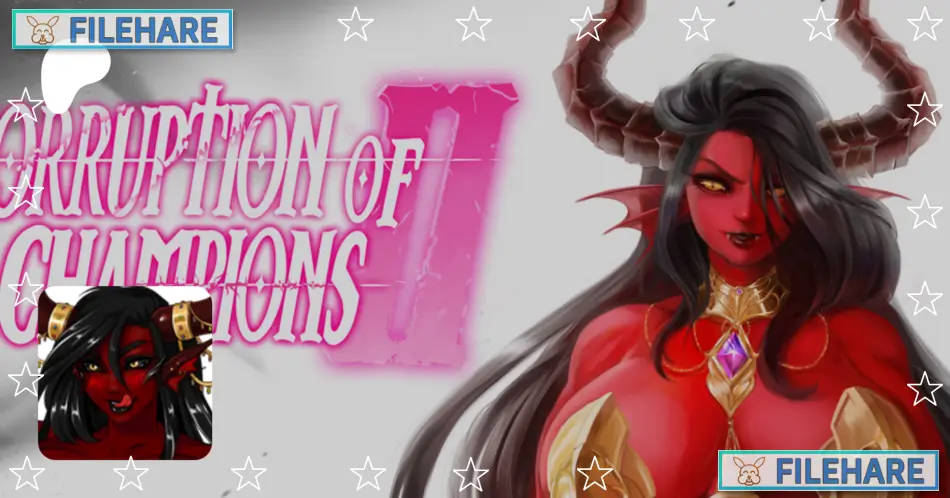
Corruption of Champions II is a text-based adventure role-playing game that was developed and published by Salamander Studios. The game was released on August 14, 2020, for PC. It is an adult-themed fantasy game where players create their character and explore the fantasy land of Savarra. Players can customize their character’s appearance and abilities while meeting various companions during their adventure.
Table of Contents
Corruption of Champions II Story
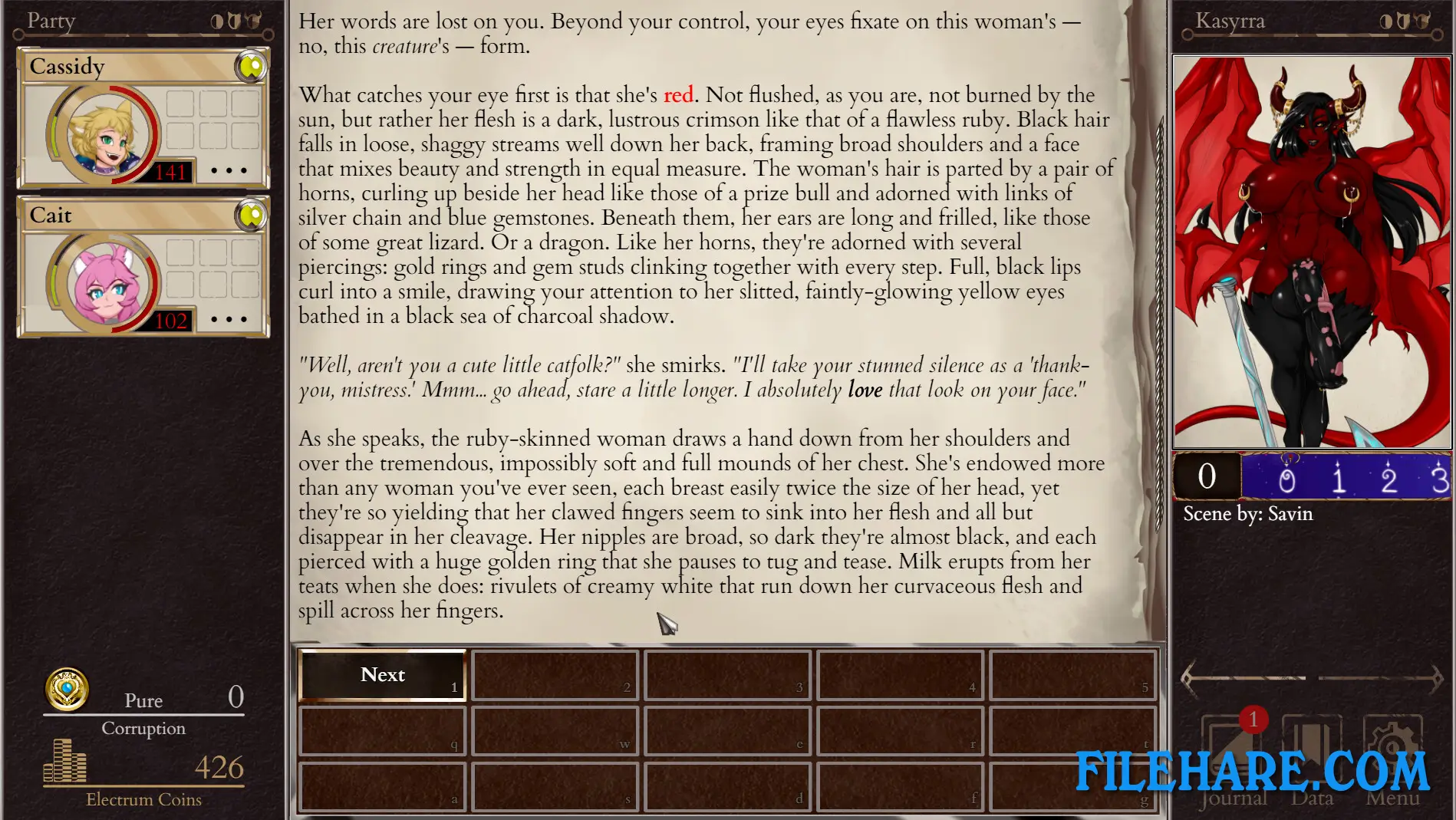
The game takes place in Savarra, a fantasy land threatened by demons. When an injured catgirl arrives at an inn in the village of Hawkethorne, she tells about her sister being taken by a cult that wants to sacrifice her. This demon invasion threatens to spread corruption across the land. Players take the role of a champion who must deal with this demonic threat. The story continues from the original Corruption of Champions game, happening in a different location one year after those events. Players can choose to fight against the corruption or accept it during their adventure.
Corruption of Champions II Gameplay
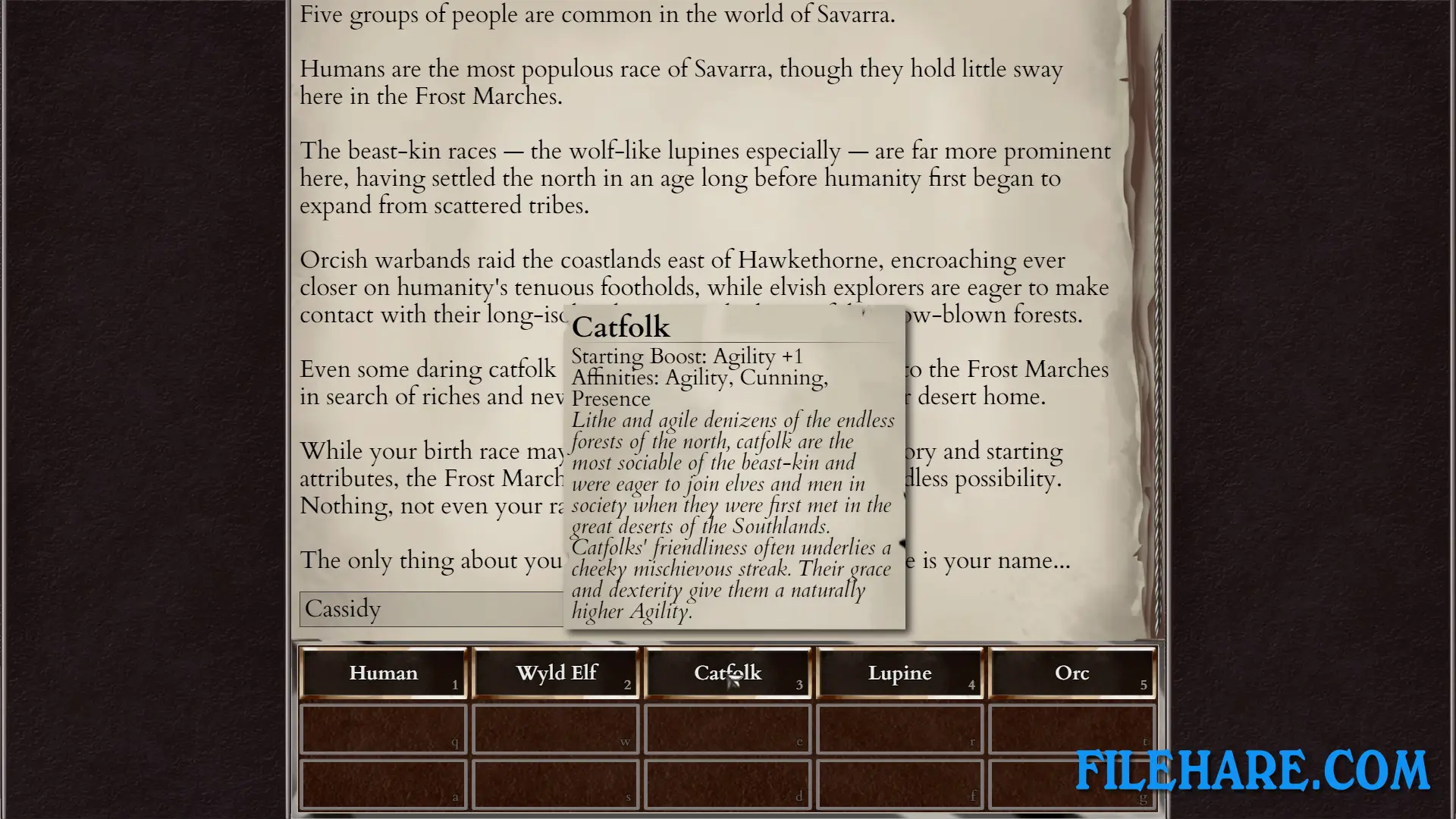
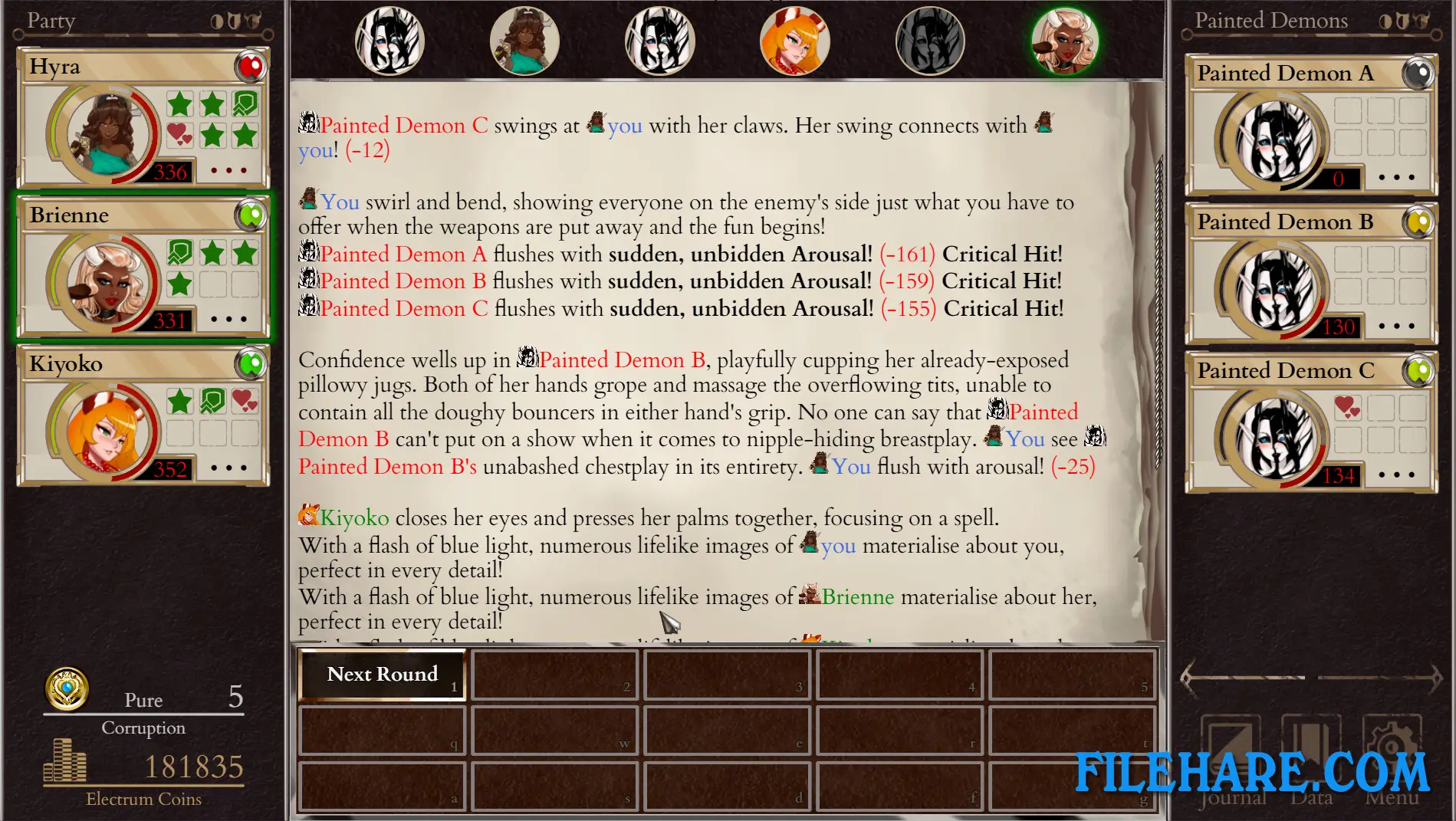
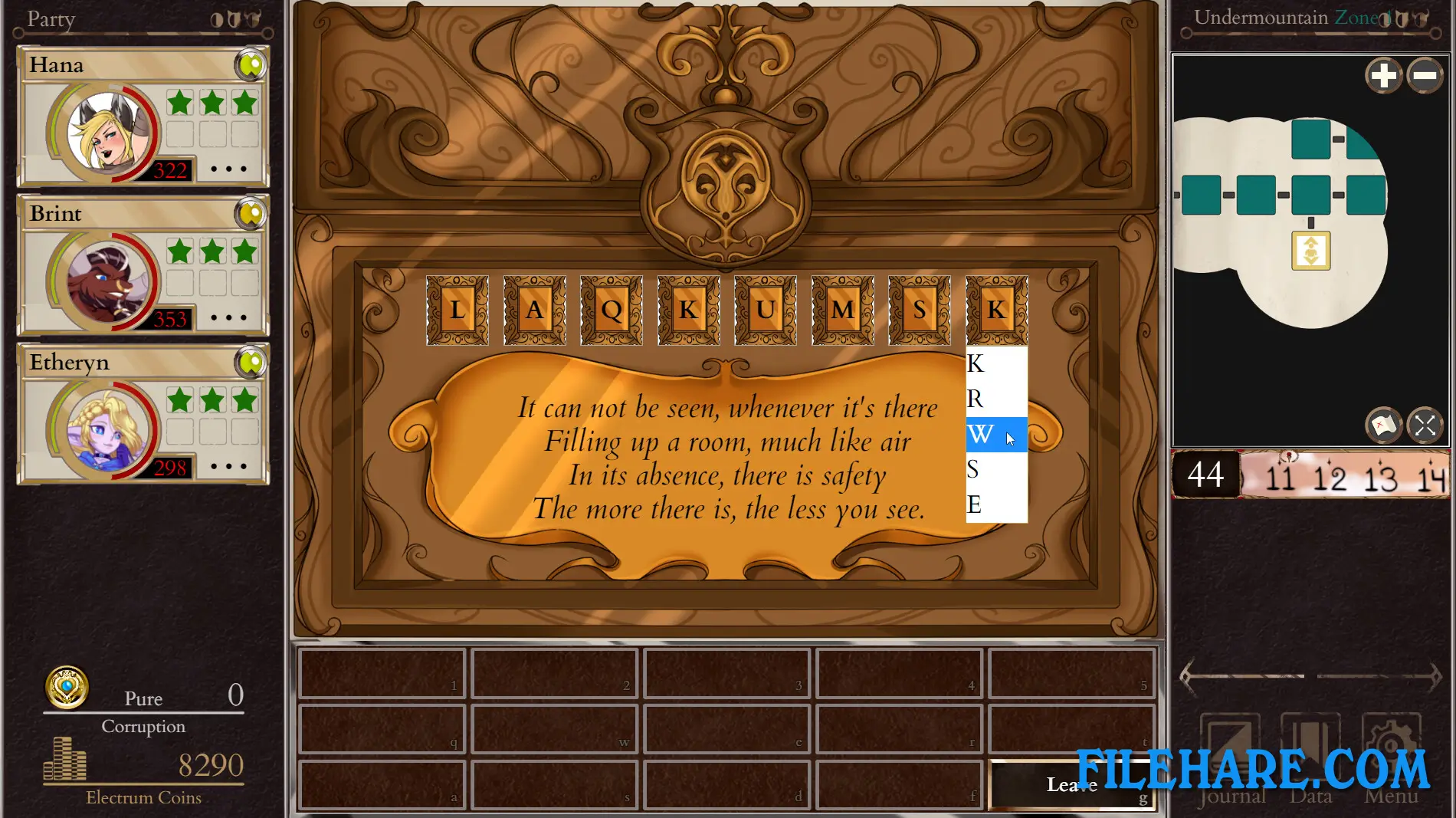
This is a text-based game where players read descriptions and make choices about what to do next. The game uses turn-based combat where players fight against demons and other enemies. You can take two companions with you during battles, and you control what actions they perform in fights. Combat works by attacking enemies or using powers to reduce their health or increase their lust. Players can choose from different classes at the start, like warrior, wizard, or other types, and they can learn new powers as they level up. The game allows movement in four directions to explore different areas, and players can find random encounters or follow specific quests. Character customization is important, as players can change their body, skills, and equipment during the game.
Corruption of Champions II Features
Players can recruit several companions during their adventure, including a catgirl cleric who heals, a minotaur warrior who fights, and other unique characters. You can control your companions directly or let the computer control them. You can craft items and brew potions to transform your body and gain new abilities. The game includes many different classes and powers to choose from, and you can switch between them as you play. Equipment and items can be collected and used to improve your character’s strength in combat.
Gameplay Screenshots
| Name | Corruption of Champions II |
|---|---|
| Developer | Salamander Studios |
| File Size | 729.54 MB |
| Category | Adult |
| Minimum System Requirements | |
| CPU | Intel/AMD 2.0 GHz dual-core |
| RAM | 2 GB |
| Graphics | DirectX: Version 9.0 |
| Free Disk Space | 1 GB |
| Operating System | Windows 10 / 11 / 7 / 8 (64-bit) |
| User Rating | |
To buy this game, visit the Store Page
How to Download and Install Corruption of Champions II PC Game?
We have simple instructions for you to download and install the PC game. Before following the steps, Ensure your PC meets the minimum system requirements for Playing the game on your PC.
- First, click on the DOWNLOAD button and you will be redirected to the final Download page. Then, Download the Game on your PC.
- Once you have downloaded the Corruption of Champions II PC Game, Open the folder where you saved the Game.
- Then Right-click on the Zip file and click on the "Extract files" option from the dropdown menu. If your computer does not have a Zip file extract software installed, you must first install it. (such as WinRAR, 7Zip software)
- After Extracting the Zip file, Open the Corruption of Champions II PC Game folder.
- Then, double-click on the Setup.exe file to Install the Game.
- If asked, provide administrator permissions for the installation to proceed. Click Yes to continue.
- Follow the on-screen installation wizard to install the game on your PC.
- After the installation, if you get any missing ".dll" errors or the Game is not launching, open the Readme.txt file located in the game folder and follow the instructions shown in the document file to play the game.
Done!. Now, you can launch the game from your desktop.