Monster Lover 2: Ambrosilas PC Game Download for Windows 10/11/7/8
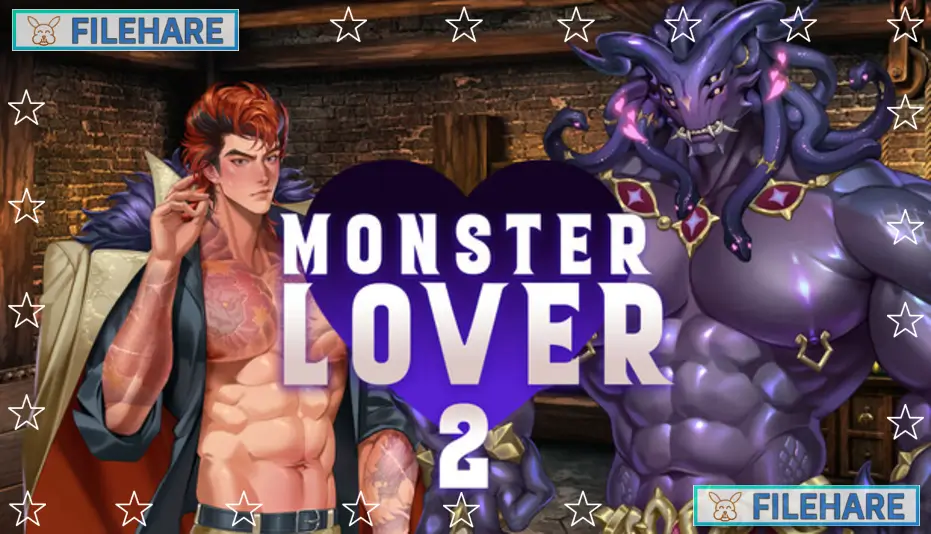
Monster Lover 2: Ambrosilas is an adult visual novel dating simulation game for PC. Y Press Games developed and published the game. It was released on April 1, 2025. This is a romance game with horror and demon themes that contains mature content for adult players only. The game runs on Windows, Mac, Linux, and Android platforms. It supports the English language and is the second game in the Monster Lover series.
Table of Contents
Monster Lover 2: Ambrosilas Story
The main character is a failure who has made mistakes his whole life. These mistakes led him to join the Yakuza and live a life of crime. Now his failures have become more dangerous, and he finds himself in serious trouble that could cost him his life. In desperation, he summons a demon named Ambrosilas to help him escape from this deadly situation. However, Ambrosilas is not an ordinary demon. He is a murder genie whose mission is to kill bad people and make the world a better place. Ambrosilas follows strict rules and refuses to be controlled by criminals.
The demon tells the main character that he must give Ambrosilas a worthy target to kill, or Ambrosilas will kill the person who summoned him instead. The problem is that the main character’s target is not someone who deserves to die. He did not think this plan through carefully. Now he must convince Ambrosilas to help him without breaking the demon’s rules. The main character finds himself attracted to Ambrosilas despite the dangerous situation. With no one else to turn to, a strange romance begins between the criminal and the murder demon.
Monster Lover 2: Ambrosilas Gameplay
This is a visual novel where you read text and make decisions that affect the story. You name the main character yourself at the start. As you play, you make dialogue options that determine how events happen and how the relationship with Ambrosilas develops. The game has adult romantic scenes between the main character and the demon. You can save your progress at any time and load previous saves to try different dialogue options. The game includes voice acting for the demon character Ambrosilas. Background music plays during scenes to set the mood. The story is written by SpicyReyes and follows a linear path with some branching moments based on your responses. The game is a single-player experience where you control only the main character.
Monster Lover 2: Ambrosilas Features
The game uses artwork for character sprites and backgrounds. The game contains multiple intimate scenes, including foreplay and full adult scenes. It has one extra adult scene compared to the first Monster Lover game. The game has no bad endings, so you can enjoy the story without worrying about game over screens. Steam achievements can be unlocked by completing specific tasks. Steam Cloud saves your progress online so you can continue playing on different devices. The game supports controller input for easier playing. A safe-for-work demo version is available that does not contain explicit content but shows the beginning of the story. The full game includes all mature content without censorship.
Gameplay Screenshots
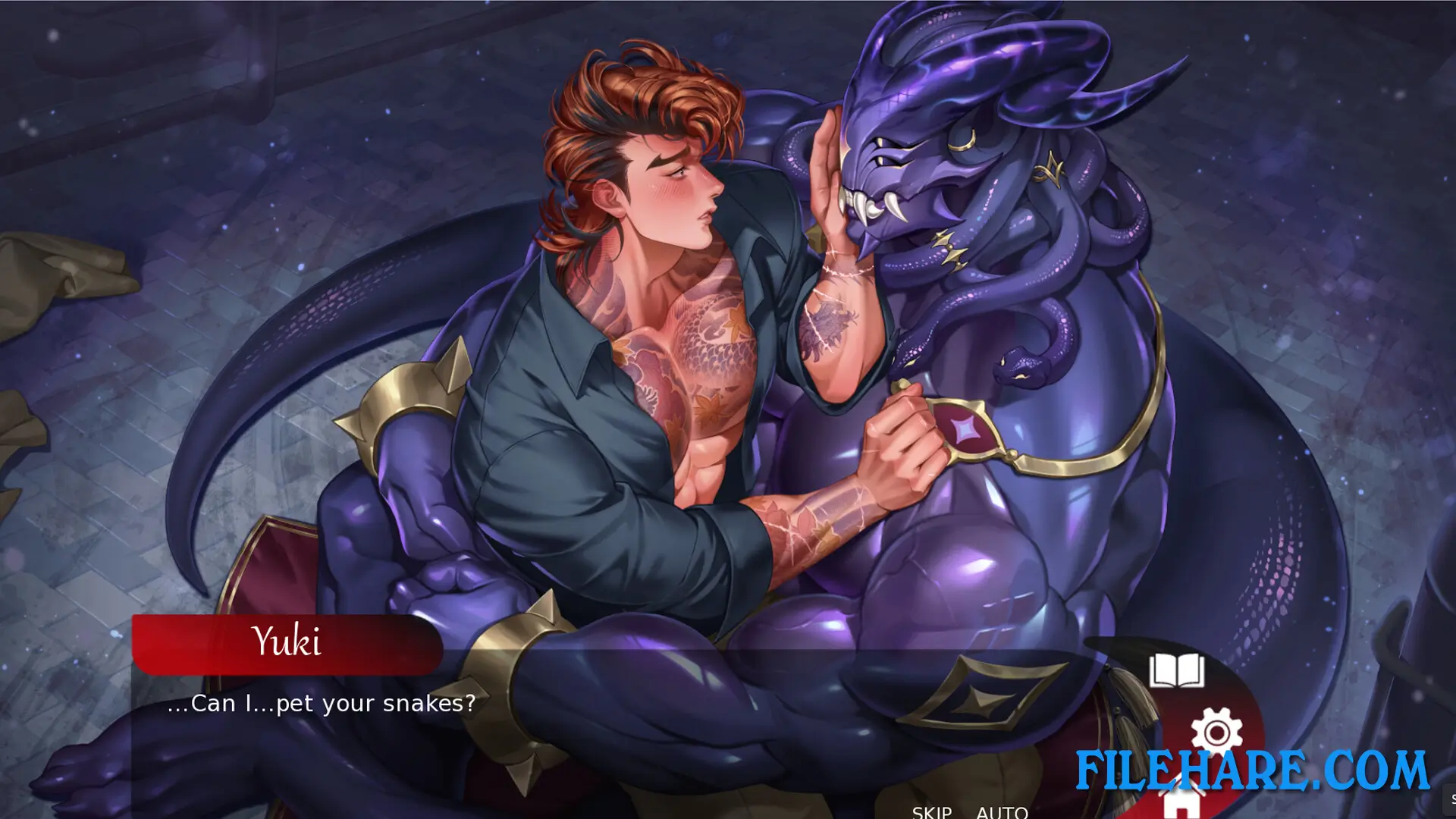
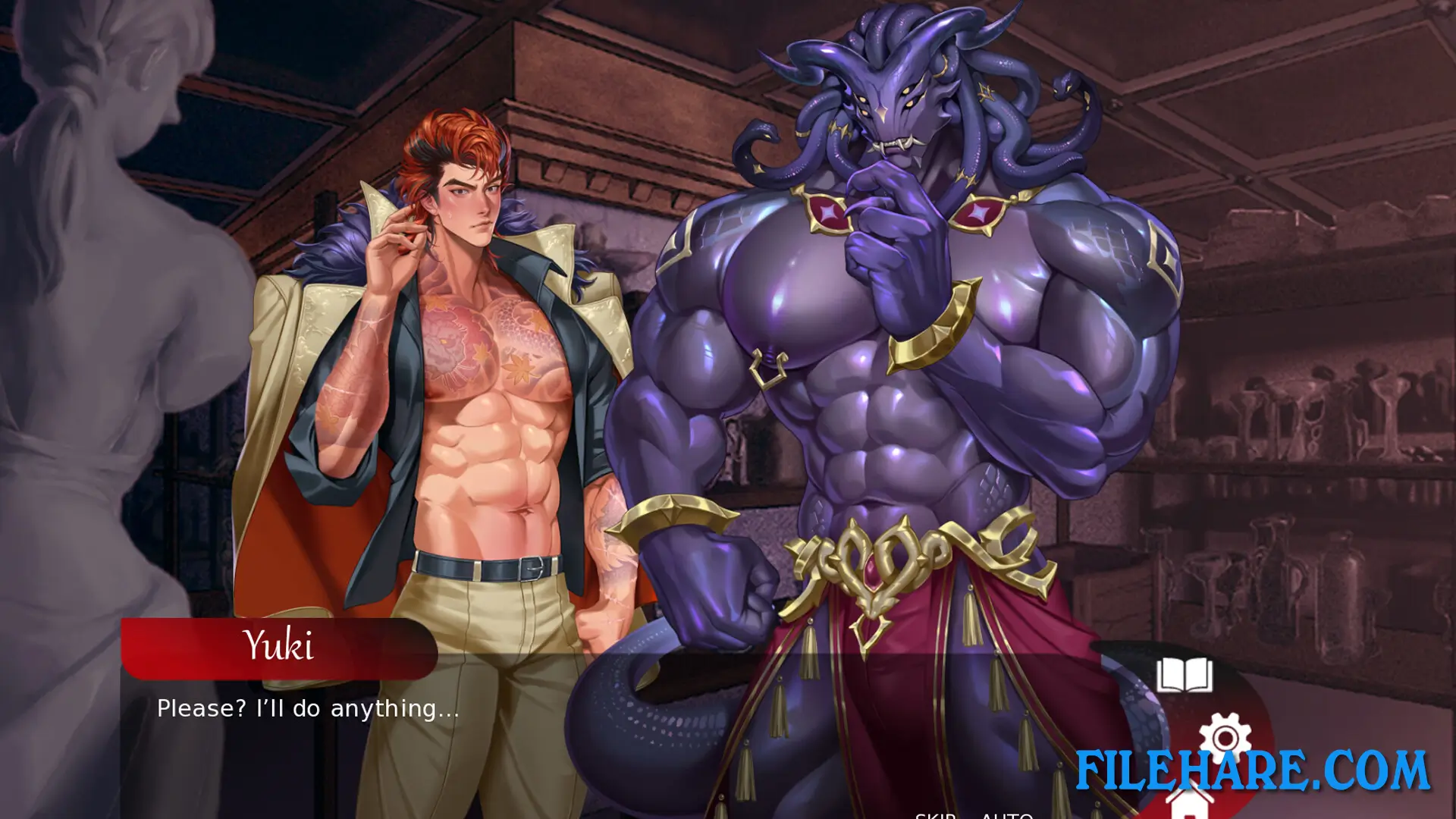
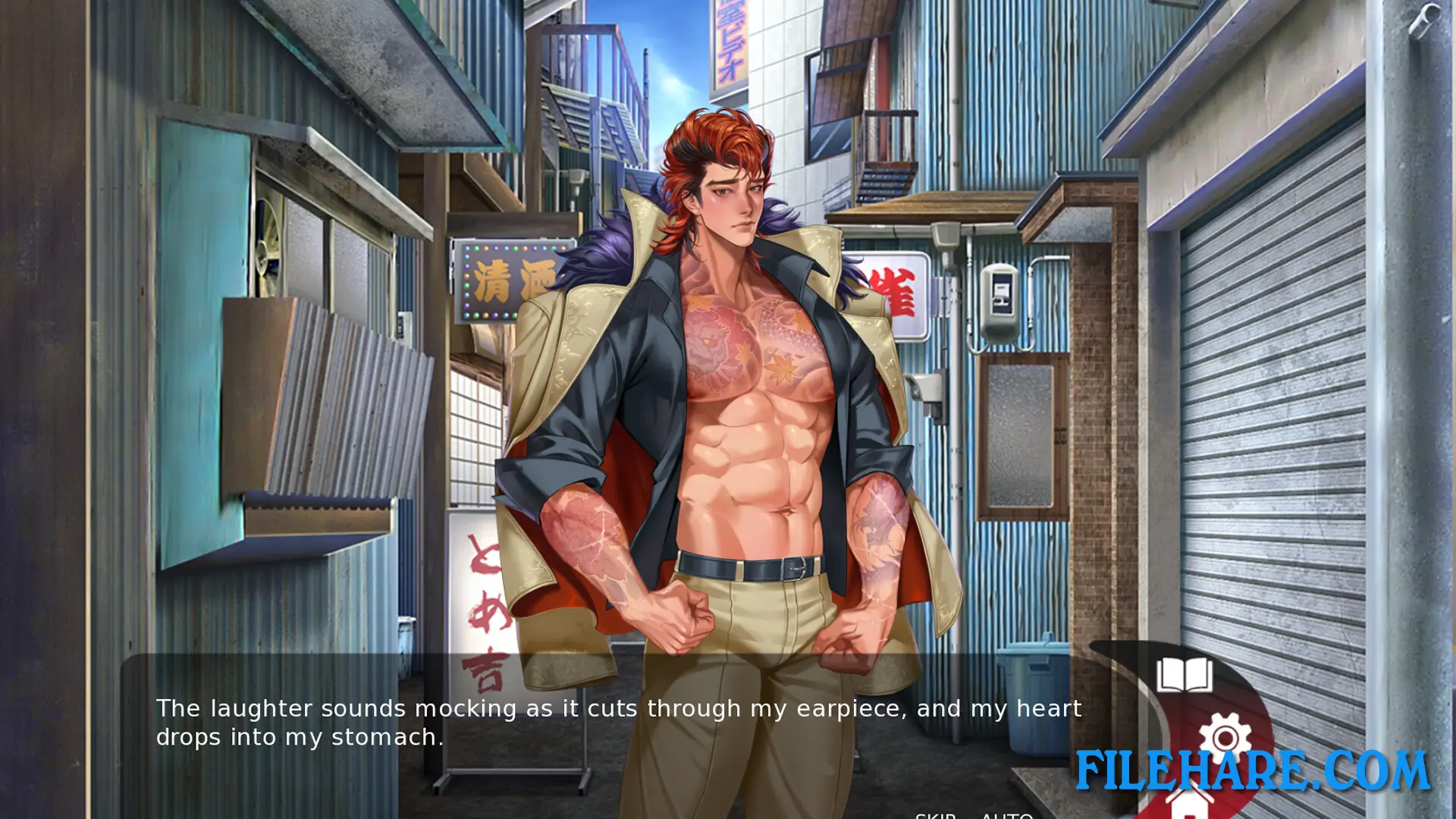
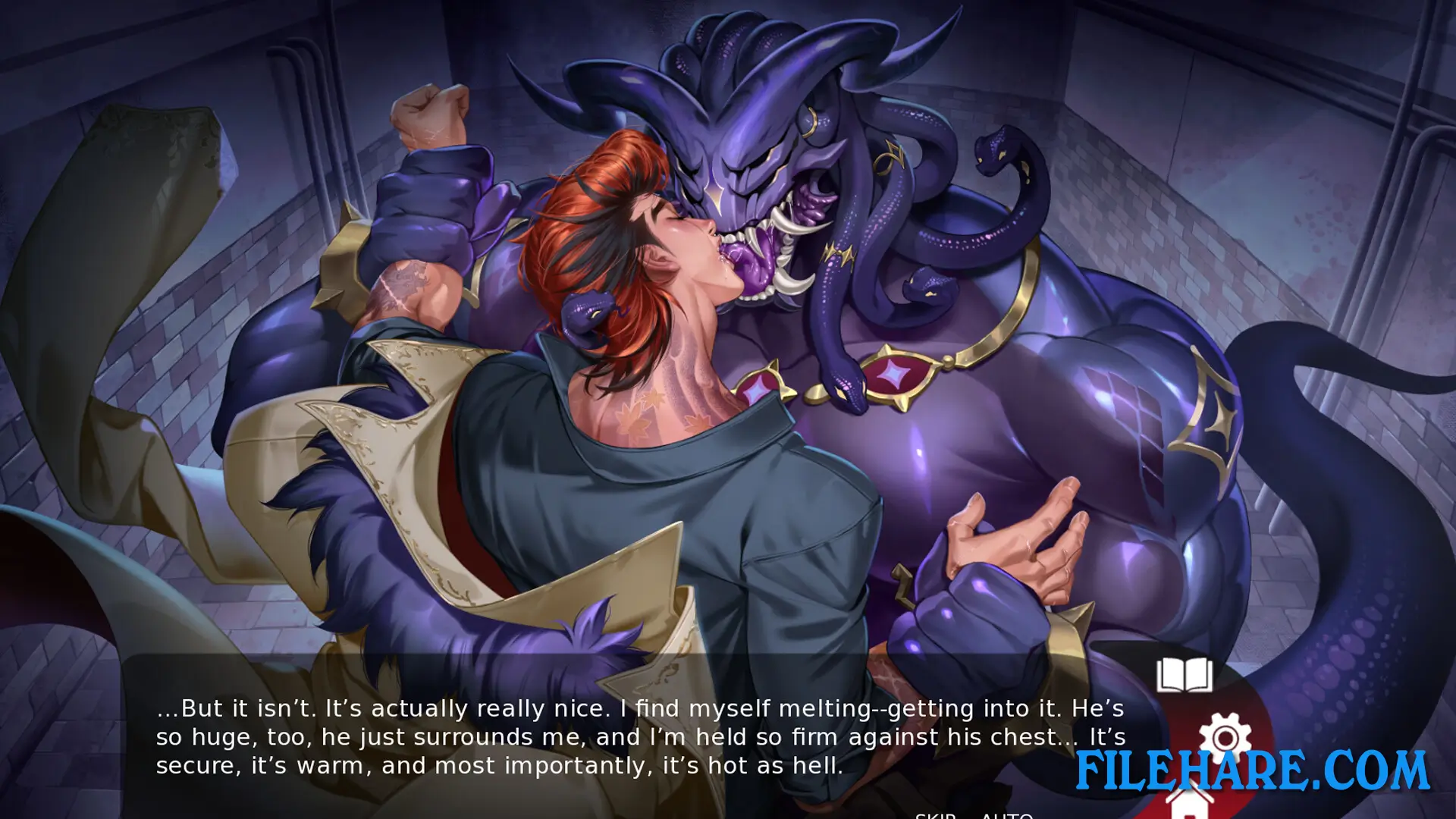
| Name | Monster Lover 2: Ambrosilas |
|---|---|
| Developer | Y Press Games |
| File Size | 278.91 MB |
| Category | Adult |
| Minimum System Requirements | |
| CPU | Intel/AMD 2.0 GHz dual-core |
| RAM | 4 GB |
| Graphics | Integrated Graphics |
| Free Disk Space | 500 MB |
| Operating System | Windows 10 / 11 / 7 / 8 |
| User Rating | |
To buy this game, visit the Store Page
How to Download and Install Monster Lover 2: Ambrosilas PC Game?
We have simple instructions for you to download and install the PC game. Before following the steps, Ensure your PC meets the minimum system requirements for Playing the game on your PC.
- First, click on the DOWNLOAD button and you will be redirected to the final Download page. Then, Download the Game on your PC.
- Once you have downloaded the Monster Lover 2: Ambrosilas PC Game, Open the folder where you saved the Game.
- Then Right-click on the Zip file and click on the "Extract files" option from the dropdown menu. If your computer does not have a Zip file extract software installed, you must first install it. (such as WinRAR, 7Zip software)
- After Extracting the Zip file, Open the Monster Lover 2: Ambrosilas PC Game folder.
- Then, double-click on the Setup.exe file to Install the Game.
- If asked, provide administrator permissions for the installation to proceed. Click Yes to continue.
- Follow the on-screen installation wizard to install the game on your PC.
- After the installation, if you get any missing ".dll" errors or the Game is not launching, open the Readme.txt file located in the game folder and follow the instructions shown in the document file to play the game.
Done!. Now, you can launch the game from your desktop.