Kaiserpunk – Supporter Edition PC Game Download for Windows 10/11
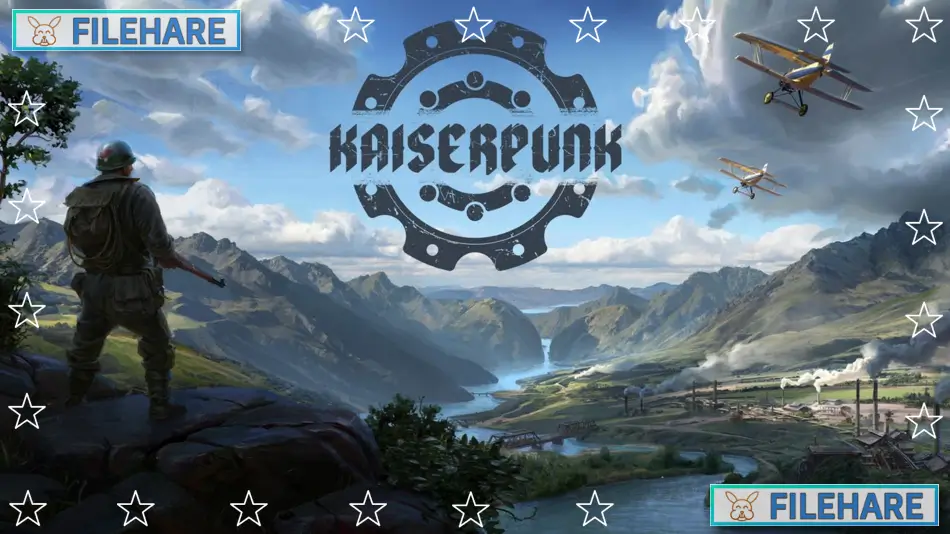
Kaiserpunk – Supporter Edition is a city builder and strategy game developed by Overseer Games and published by Overseer Games and Elda Entertainment. The base game Kaiserpunk was released on March 21, 2025, for PC. The Supporter Edition includes the base game, the original soundtrack, and the Supporter Pack DLC. The game takes place in an alternate history version of the early 20th century between 1918 and 1945, known as the Interbellum Era.
Table of Contents
Kaiserpunk – Supporter Edition Gameplay
Kaiserpunk is a grand city builder that combines city building with strategy gameplay. You start by managing a city-state and must build it up to become a powerful empire. The game focuses on production management and logistics. You need to build residential areas, set up factories and industries, and create transport networks to move resources around your city. Resources must be transported between depots or sent directly from one building to another using the Direct Link feature.
You also manage a global map where you can conquer over a hundred regions to expand your territory. Both your city map and the global map run at the same time. On the global map, you can conduct trade and diplomacy with other factions. You can form alliances or incorporate other nations into your empire. The game includes military units for land, sea, and air combat. You must build armies, naval fleets, and air forces to defend your city and conquer enemy regions.
Kaiserpunk – Supporter Edition Features
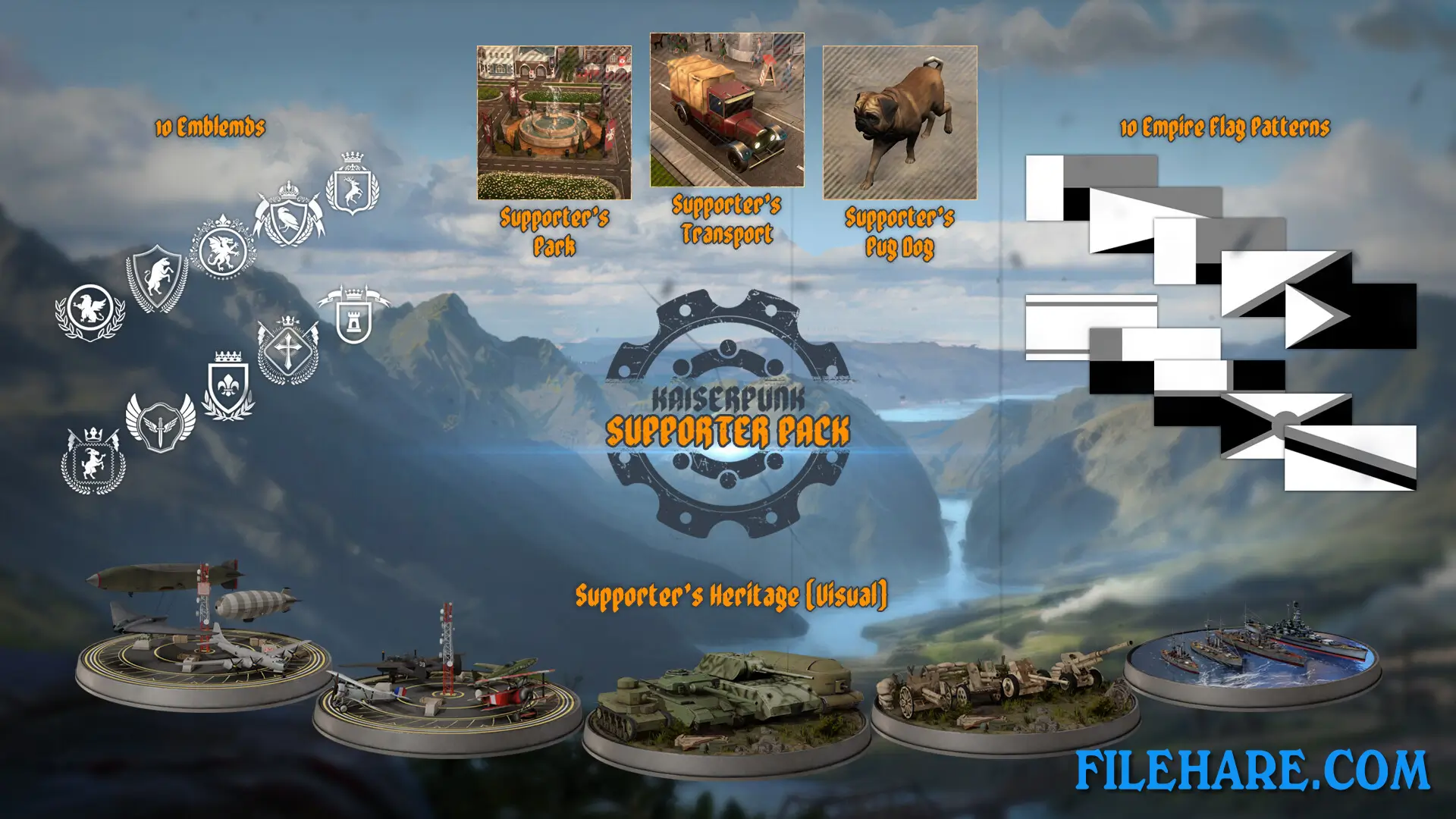
The Supporter Pack adds only cosmetic items to the game. It includes 10 flag patterns and 10 flag emblems for customizing your city-state. There is an exclusive visual heritage option for army units that can be used with any heritage from the base game. You get a unique buildable park as a decorative landmark for your city. The pack includes a custom transport truck model that replaces the standard one. It also changes the default German Shepherd to a Pug companion. The game has a politics option where you choose policies as you level up your Town Center. These policies shape your society and can push it left or right politically. The game offers multiple victory paths, including global conquest.
Recommended System Requirements
Requires a 64-bit processor and operating system
- OS: Windows 10/11 (64-bit)
- Processor: Intel Core i7-9700K / AMD Ryzen 7 3700X
- Memory: 16 GB RAM
- Graphics: NVIDIA GeForce RTX 2060 / AMD Radeon RX 5600 XT
- DirectX: Version 12
- Storage: 20 GB available space
- Additional Notes: SSD is recommended. Steamdeck is not supported.
Gameplay Screenshots
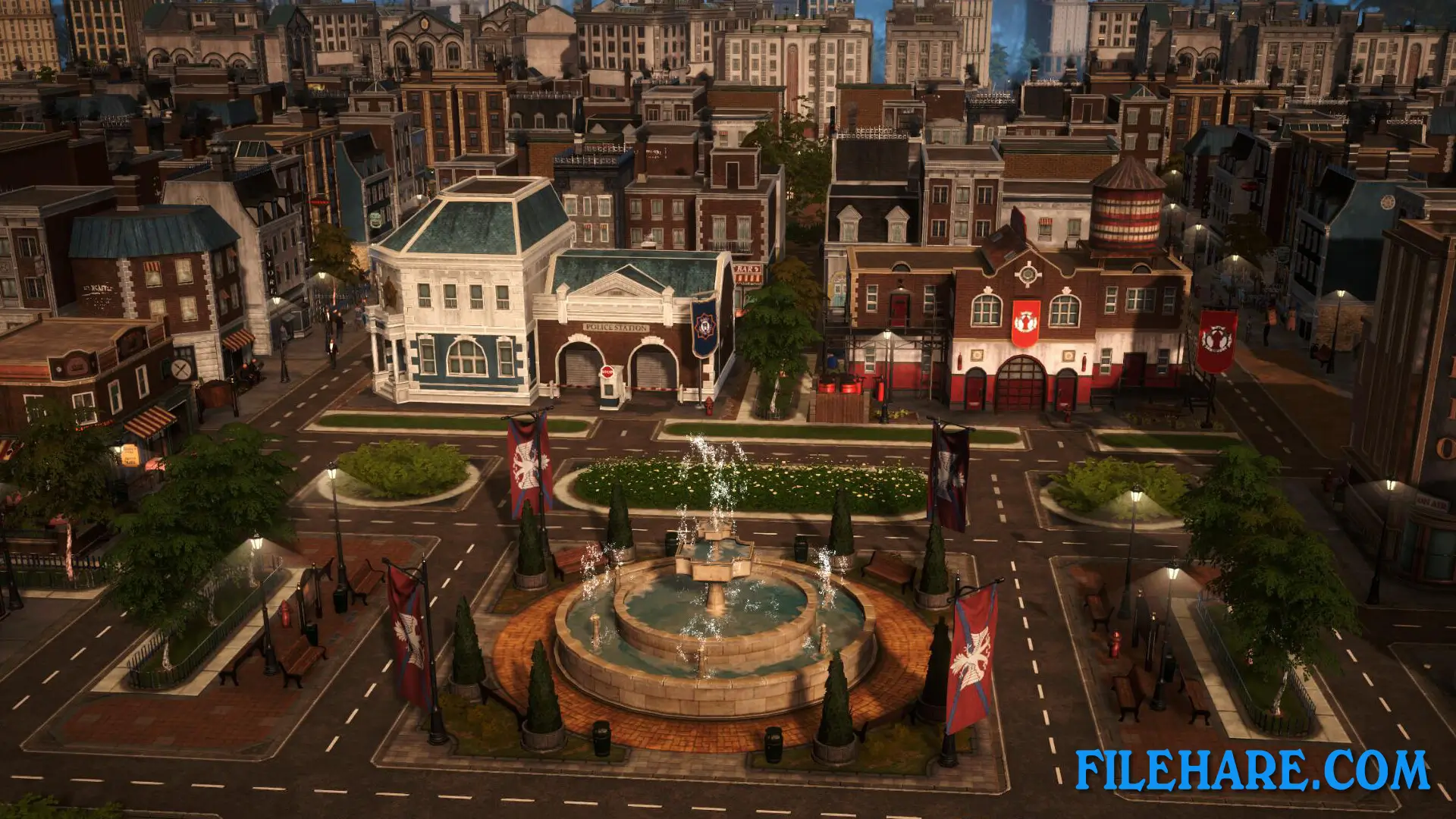
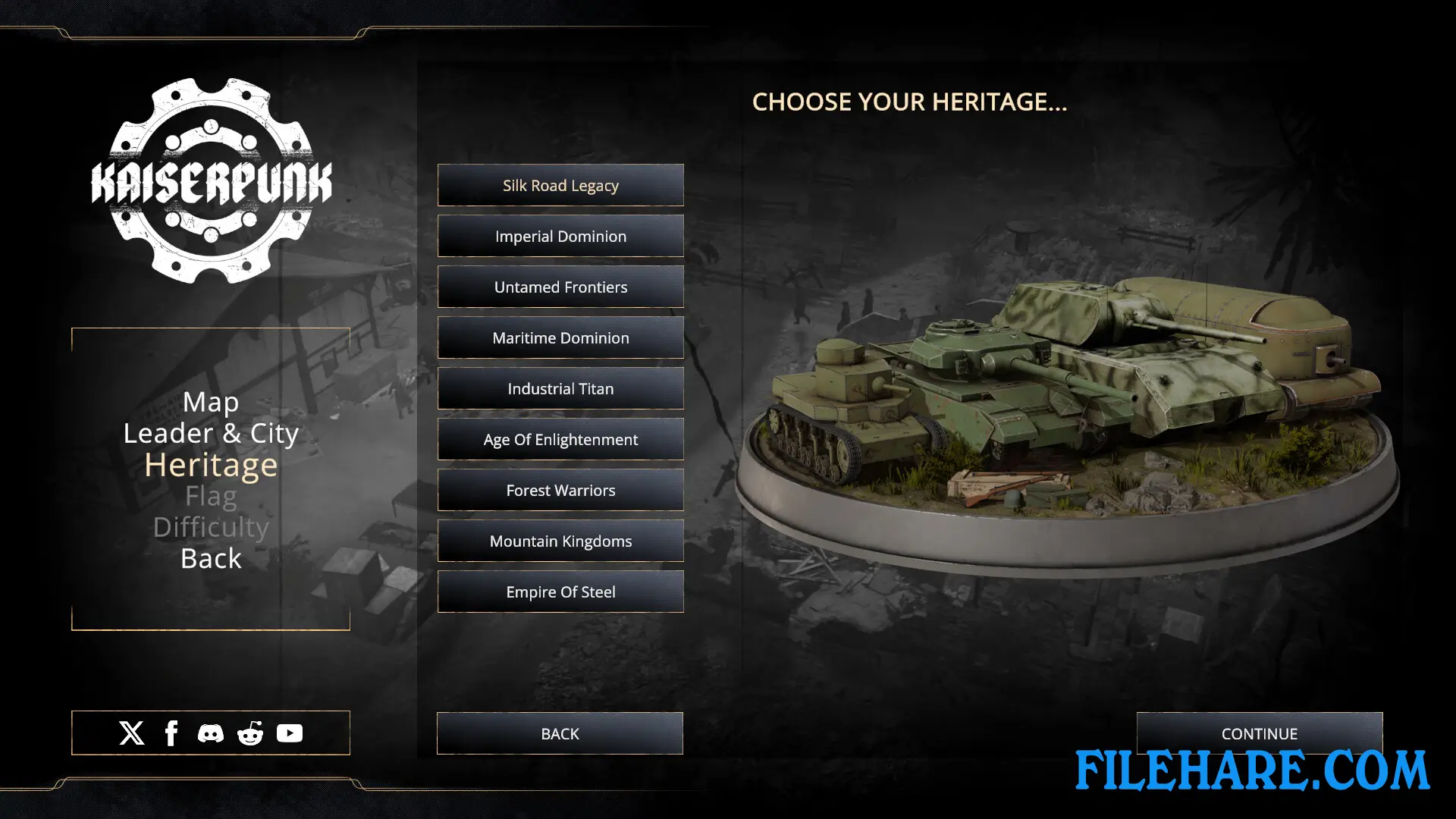
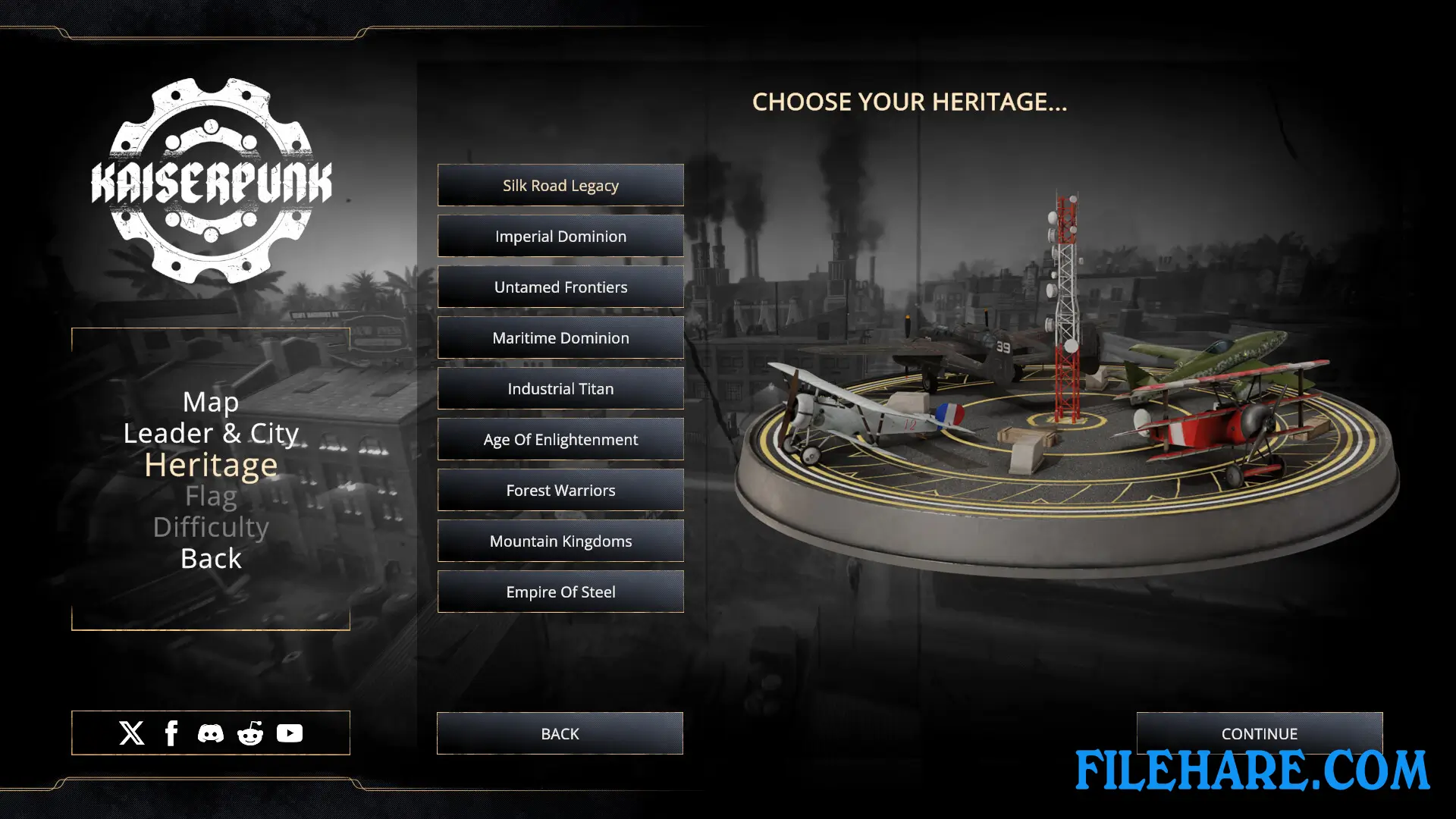
| Name | Kaiserpunk – Supporter Edition |
|---|---|
| Developer | Overseer Games |
| File Size | 1.94 GB |
| Category | Simulation, Strategy |
| Minimum System Requirements | |
| CPU | Intel Core i5-7400 or AMD Ryzen 5 1600 |
| RAM | 12 GB |
| Graphics | NVIDIA GeForce GTX 1050ti / AMD Radeon R7 370 |
| Free Disk Space | 20 GB |
| Operating System | Windows 10 / 11 (64-bit) |
| User Rating | |
To buy this game, visit the Store Page
How to Download and Install Kaiserpunk – Supporter Edition PC Game?
We have simple instructions for you to download and install the PC game. Before following the steps, Ensure your PC meets the minimum system requirements for Playing the game on your PC.
- First, click on the DOWNLOAD button and you will be redirected to the final Download page. Then, Download the Game on your PC.
- Once you have downloaded the Kaiserpunk – Supporter Edition PC Game, Open the folder where you saved the Game.
- Then Right-click on the Zip file and click on the "Extract files" option from the dropdown menu. If your computer does not have a Zip file extract software installed, you must first install it. (such as WinRAR, 7Zip software)
- After Extracting the Zip file, Open the Kaiserpunk – Supporter Edition PC Game folder.
- Then, double-click on the Setup.exe file to Install the Game.
- If asked, provide administrator permissions for the installation to proceed. Click Yes to continue.
- Follow the on-screen installation wizard to install the game on your PC.
- After the installation, if you get any missing ".dll" errors or the Game is not launching, open the Readme.txt file located in the game folder and follow the instructions shown in the document file to play the game.
Done!. Now, you can launch the game from your desktop.