Lifeform Zero PC Game Download for Windows 10/11

Lifeform Zero is an indie RPG and simulation PC game developed by Sins of Succubus and published by Mango Party and Mango Party News. The game was released on February 22, 2024. It is an adult creature-raising simulator with sci-fi horror elements, set around a strange alien egg that arrives on Earth. The game received mostly positive reviews on Steam from players.
Table of Contents
Lifeform Zero Story
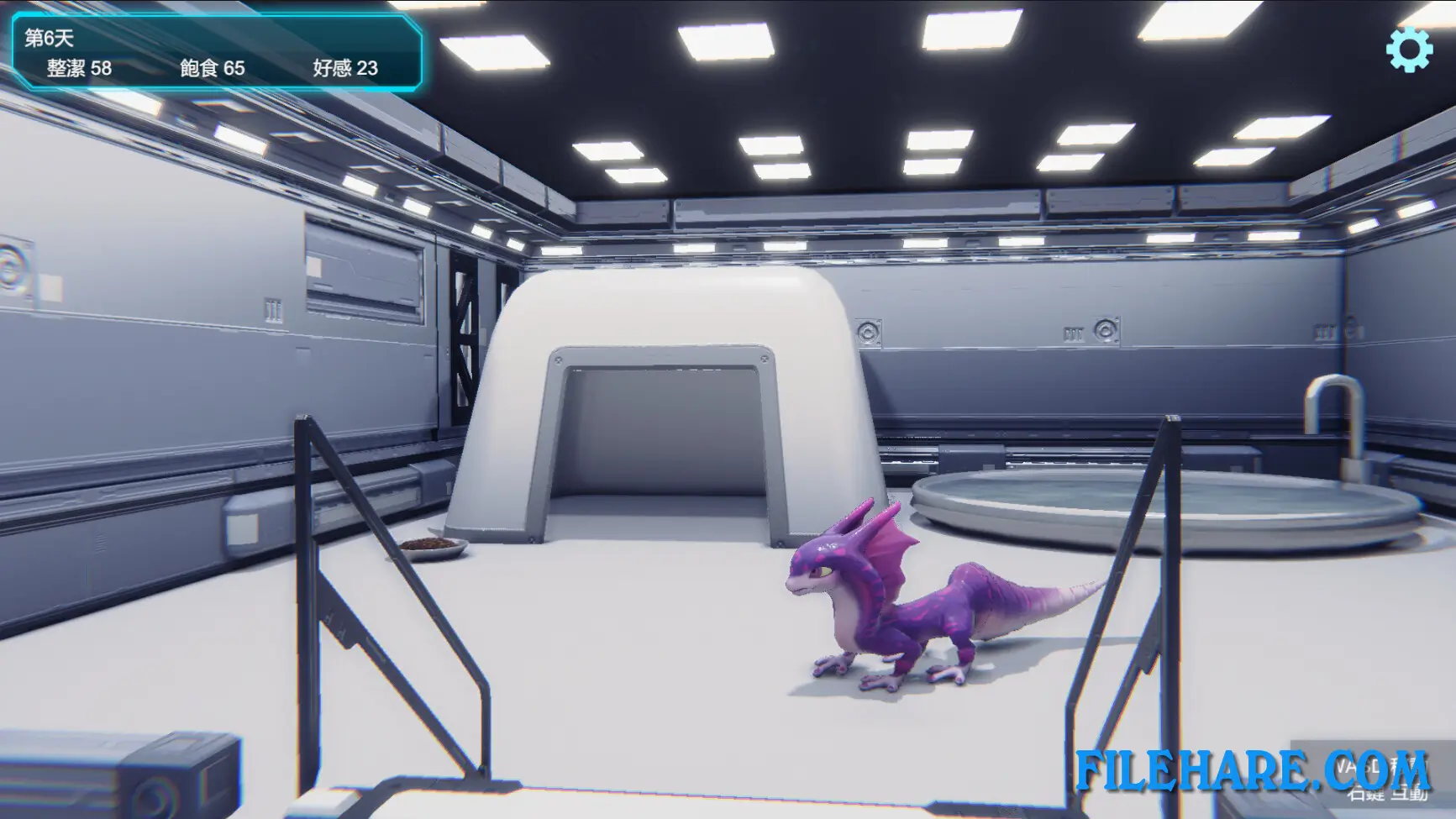
A small meteorite crashes onto Earth from deep space. Inside it, scientists discover a mysterious egg carrying an unknown lifeform from another part of the universe. The egg is taken to a top-secret government facility called the SCR center, where it is studied and monitored. You are placed in charge of watching over this alien egg. As you spend more time with it, the creature inside begins to hatch and grow. Over time, you start to uncover the dark and disturbing truth behind the egg, the SCR center, and the alien creature inside it.
Lifeform Zero Gameplay
Lifeform Zero is played by clicking and managing the needs of your alien creature. You must keep it fed, clean, and happy by selecting the right options at the right time. The game is played in a casual, slow style where you watch over the creature and interact with it regularly. If you take good care of it and build up enough affection, the story will move forward, and new scenes will become available. If you ignore the creature and let its needs drop too low, the game can end badly. The gameplay is simple and easy to pick up, making it suitable for players who enjoy casual simulation games.
Lifeform Zero Features
The alien creature in the game starts as an egg and then grows from infancy into a more developed form as you spend time with it. The game has a 3D visual style with detailed character animations. As the relationship between the player and the creature improves, adult content and intimate scenes become unlocked. The game also includes a dark horror-inspired story that gets stranger as it progresses. It supports five languages, including English, Japanese, Korean, Simplified Chinese, and Traditional Chinese. Lifeform Zero runs on Windows and also includes Steam Cloud support.
Recommended System Requirements
- OS: Windows 10
- Processor: i5 6400
- Memory: 8 GB RAM
- Graphics: gtx 1060
Gameplay Screenshots



| Name | Lifeform Zero |
|---|---|
| Developer | Sins of Succubus |
| File Size | 1 GB |
| Category | Adult |
| Minimum System Requirements | |
| CPU | Intel Core i5 6400 |
| RAM | 8 GB |
| Graphics | GTX 1060 |
| Free Disk Space | 1 GB |
| Operating System | Windows 10 / 11 |
| User Rating | |
To buy this game, visit the Store Page
How to Download and Install Lifeform Zero PC Game?
We have simple instructions for you to download and install the PC game. Before following the steps, Ensure your PC meets the minimum system requirements for Playing the game on your PC.
- First, click on the DOWNLOAD button and you will be redirected to the final Download page. Then, Download the Game on your PC.
- Once you have downloaded the Lifeform Zero PC Game, Open the folder where you saved the Game.
- Then Right-click on the Zip file and click on the "Extract files" option from the dropdown menu. If your computer does not have a Zip file extract software installed, you must first install it. (such as WinRAR, 7Zip software)
- After Extracting the Zip file, Open the Lifeform Zero PC Game folder.
- Then, double-click on the Setup.exe file to Install the Game.
- If asked, provide administrator permissions for the installation to proceed. Click Yes to continue.
- Follow the on-screen installation wizard to install the game on your PC.
- After the installation, if you get any missing ".dll" errors or the Game is not launching, open the Readme.txt file located in the game folder and follow the instructions shown in the document file to play the game.
Done!. Now, you can launch the game from your desktop.