TurretGirls PC Game Download for Windows 10/11
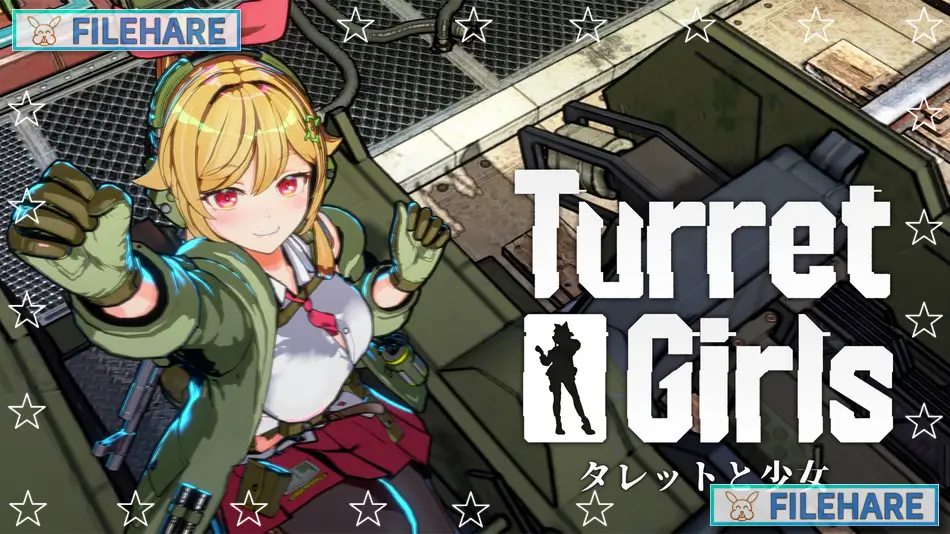
TurretGirls is an on-rails shooter and tower defense game developed by NANAIRO ENTERPRISE, a Tokyo-based indie studio, and published by DANGEN Entertainment and Game Source Entertainment. The game was released on August 25, 2025, for Windows PC. It is a single-player game with a manga-style visual design and contains fan service content for adult audiences. The game is also playable on Steam Deck.
Table of Contents
TurretGirls Story
Alien invaders are coming to Earth through unstable wormholes from deep space. A single girl — known only as “Girl” — is a member of the Planetary Alien Neutralization and Tactical Strike Unit, or P.A.N.T.S.U. She is stationed on a moving rail turret platform and must protect the power generators that charge up a massive superweapon called the Superweapon. This is humanity’s last hope for stopping the alien invasion. Girl has no backup and no help — just her turret, her firepower, and the promise of a plate of omurice waiting for her if she survives. The game has no deep story mode, but Girl speaks short dialogue lines before and during each round.
TurretGirls Gameplay
The game is played from a third-person view on a moving rail. Girl is mounted on a turret platform and cannot move freely — she can only aim and fire at the alien waves coming from all sides. Stages are split into rounds called “days,” with each day lasting about 30 seconds. Alien enemies are color-coded by their target type: red aliens attack the generators, yellow aliens target Girl directly, and blue aliens attack both.
The player must keep at least one generator alive and keep Girl alive to clear a day. After each day, the player uses earned money to buy turret upgrades such as missiles, rocket launchers, shotguns, laser cannons, and a gravity cannon. Up to five generators can be placed on the battlefield. When all five are running, the Superweapon charges and fires automatically to end the stage. Girl’s outfit acts as her health bar — as she takes damage, her clothes tear away. If her outfit is fully destroyed, the run ends. The game has three main stages and an Endless Mode that unlocks for each stage after it is completed.
TurretGirls Features
The game features turret weapon options including heavy machine guns, laser cannons, shotguns, rocket launchers, and more. Girl can be dressed in unlockable outfits and accessories such as underwear, bow ties, cat tails, and other items, which also provide stat bonuses like higher defense or more ammo. TurretGirls supports Steam Achievements, Steam Cloud, full controller support, adjustable difficulty, and Steam Workshop for mods. It supports 8 languages including English, Japanese, Simplified Chinese, Traditional Chinese, Spanish (Latin America), and Korean. French and German were added in a later update.
Recommended System Requirements
Requires a 64-bit processor and operating system
- OS: Windows 10 or 11
- Processor: Intel Core i5-10400 / AMD Ryzen 5 3600
- Memory: 16 GB RAM
- Graphics: NVIDIA GeForce RTX 2060/ AMD Radeon RX 5700
- Storage: 2 GB available space
Gameplay Screenshots
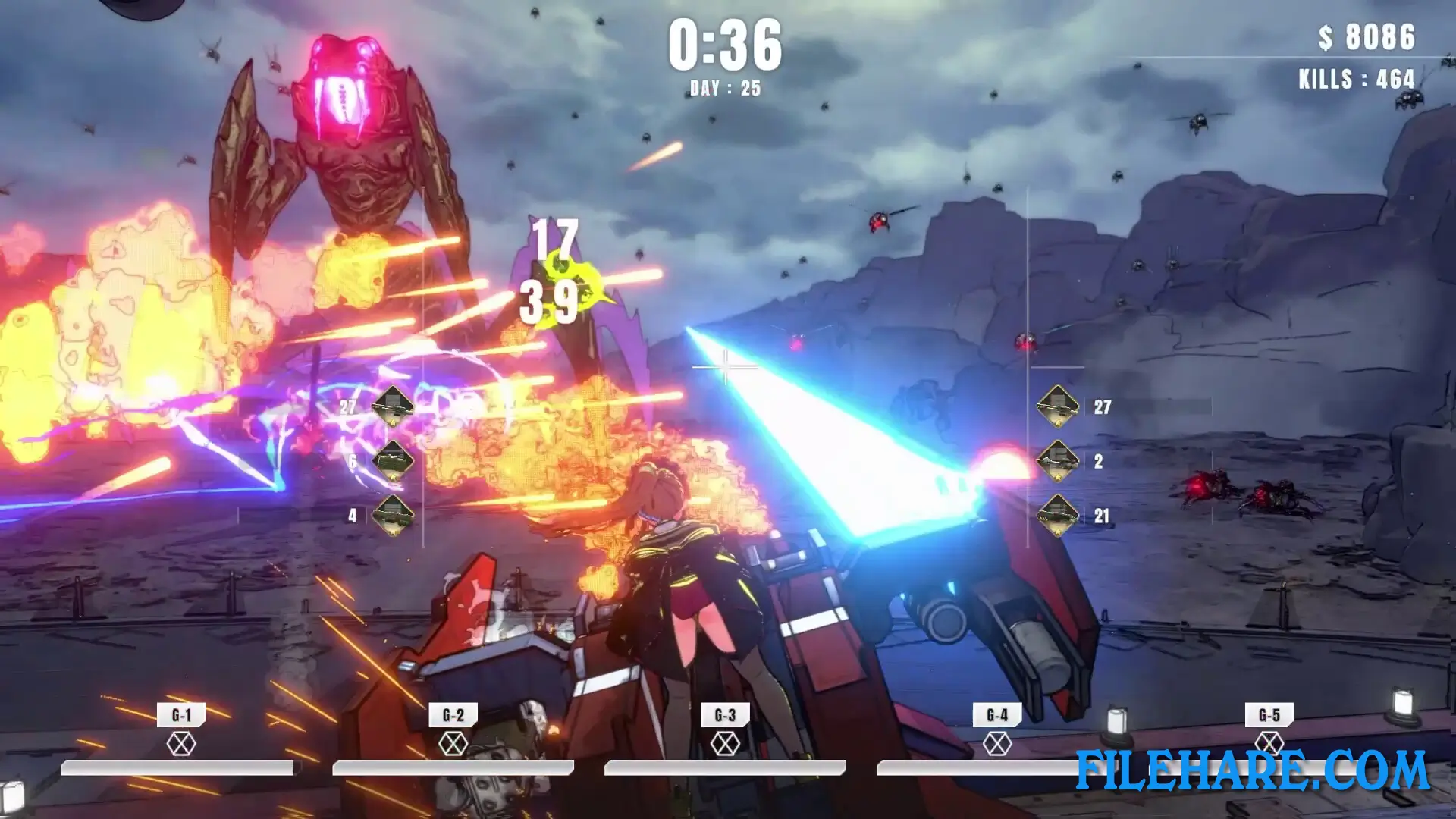
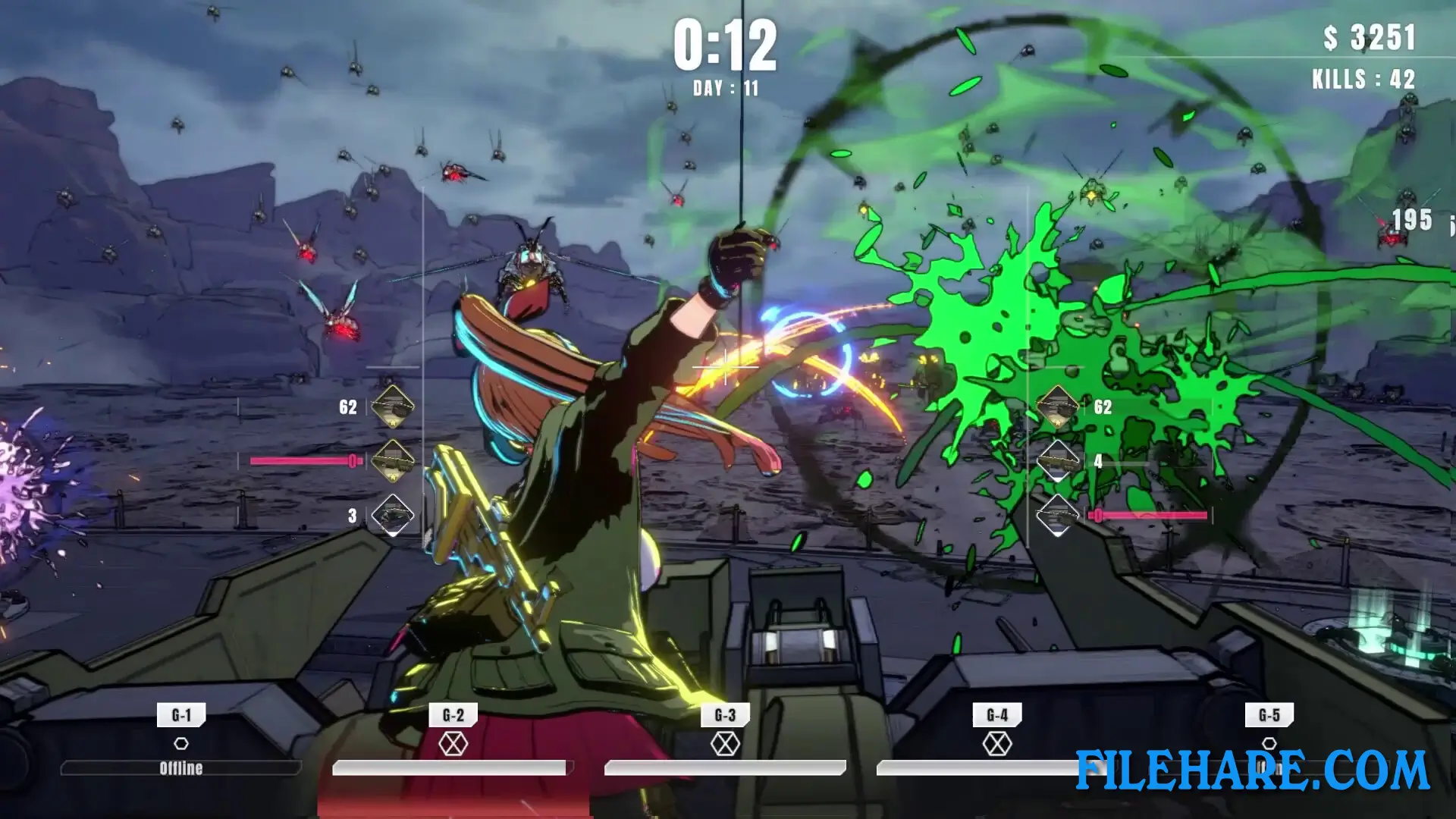
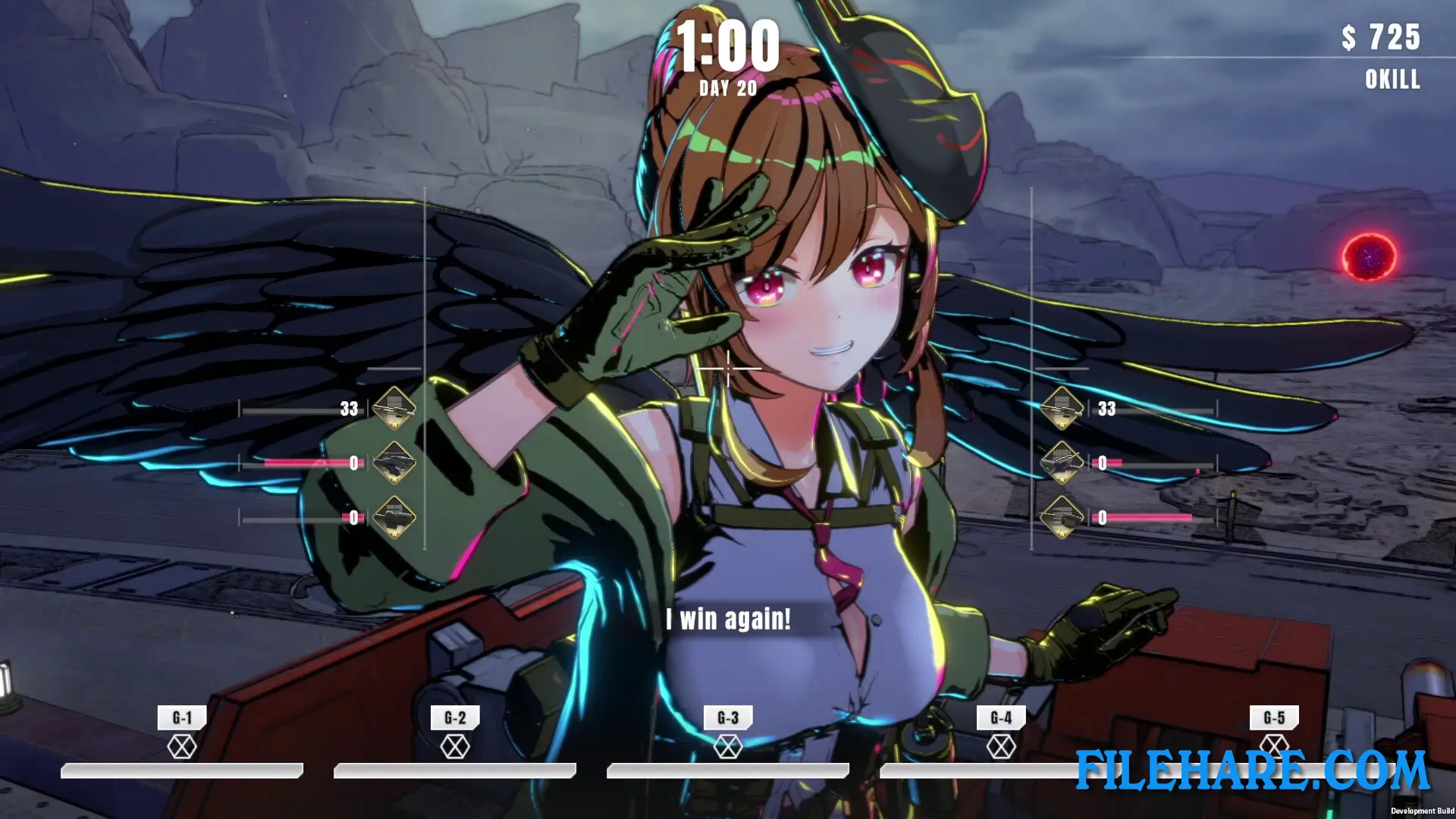
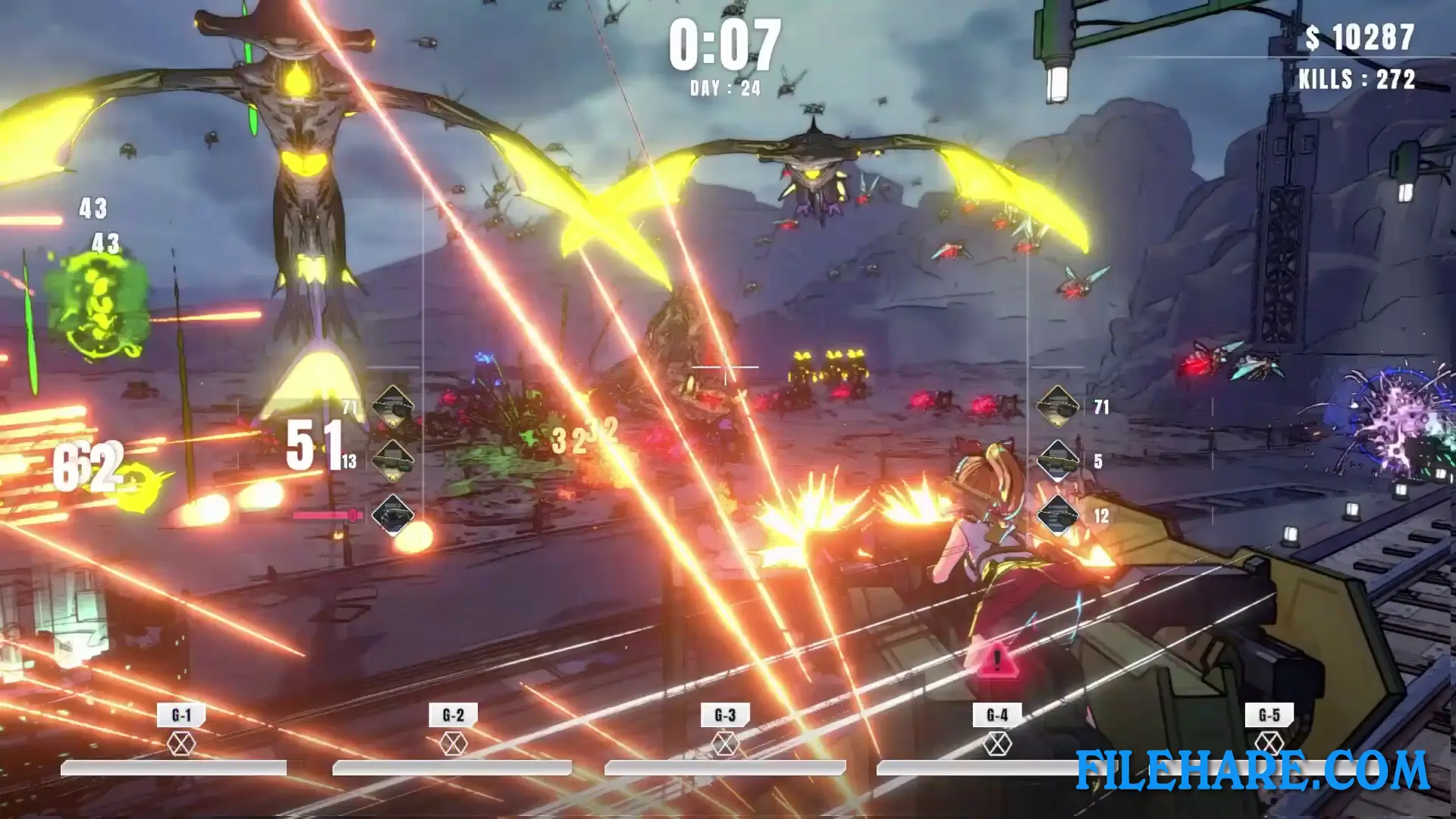
| Name | TurretGirls |
|---|---|
| Developer | NANAIRO ENTERPRISE |
| File Size | 441.75 MB |
| Category | Adult |
| Minimum System Requirements | |
| CPU | Intel Core i7-6700K |
| RAM | 8 GB |
| Graphics | NVIDIA GeForce GTX 1070 |
| Free Disk Space | 2 GB |
| Operating System | Windows 10 / 11 (64-bit) |
| User Rating | |
To buy this game, visit the Store Page
How to Download and Install TurretGirls PC Game?
We have simple instructions for you to download and install the PC game. Before following the steps, Ensure your PC meets the minimum system requirements for Playing the game on your PC.
- First, click on the DOWNLOAD button and you will be redirected to the final Download page. Then, Download the Game on your PC.
- Once you have downloaded the TurretGirls PC Game, Open the folder where you saved the Game.
- Then Right-click on the Zip file and click on the "Extract files" option from the dropdown menu. If your computer does not have a Zip file extract software installed, you must first install it. (such as WinRAR, 7Zip software)
- After Extracting the Zip file, Open the TurretGirls PC Game folder.
- Then, double-click on the Setup.exe file to Install the Game.
- If asked, provide administrator permissions for the installation to proceed. Click Yes to continue.
- Follow the on-screen installation wizard to install the game on your PC.
- After the installation, if you get any missing ".dll" errors or the Game is not launching, open the Readme.txt file located in the game folder and follow the instructions shown in the document file to play the game.
Done!. Now, you can launch the game from your desktop.