KoboldKare PC Game Download for Windows 10/11/7/8
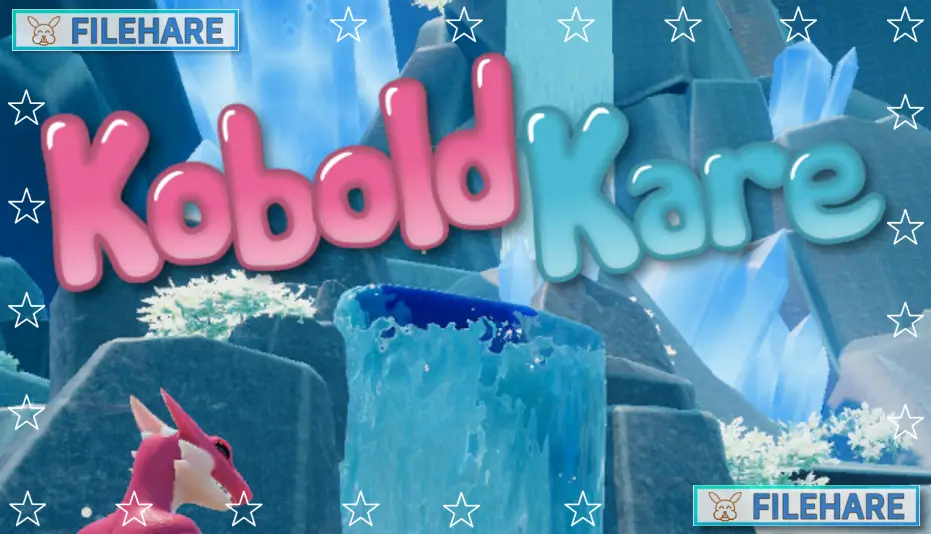
KoboldKare is an adult simulation game developed and published by Naelstrof. It was released on December 15, 2022, on PC for Windows, Mac, and Linux. The game is still in early access and falls under the casual, indie, RPG, and simulation genres. It has received 90% positive reviews from players on Steam, making it well-liked in its niche community.
Table of Contents
KoboldKare Gameplay
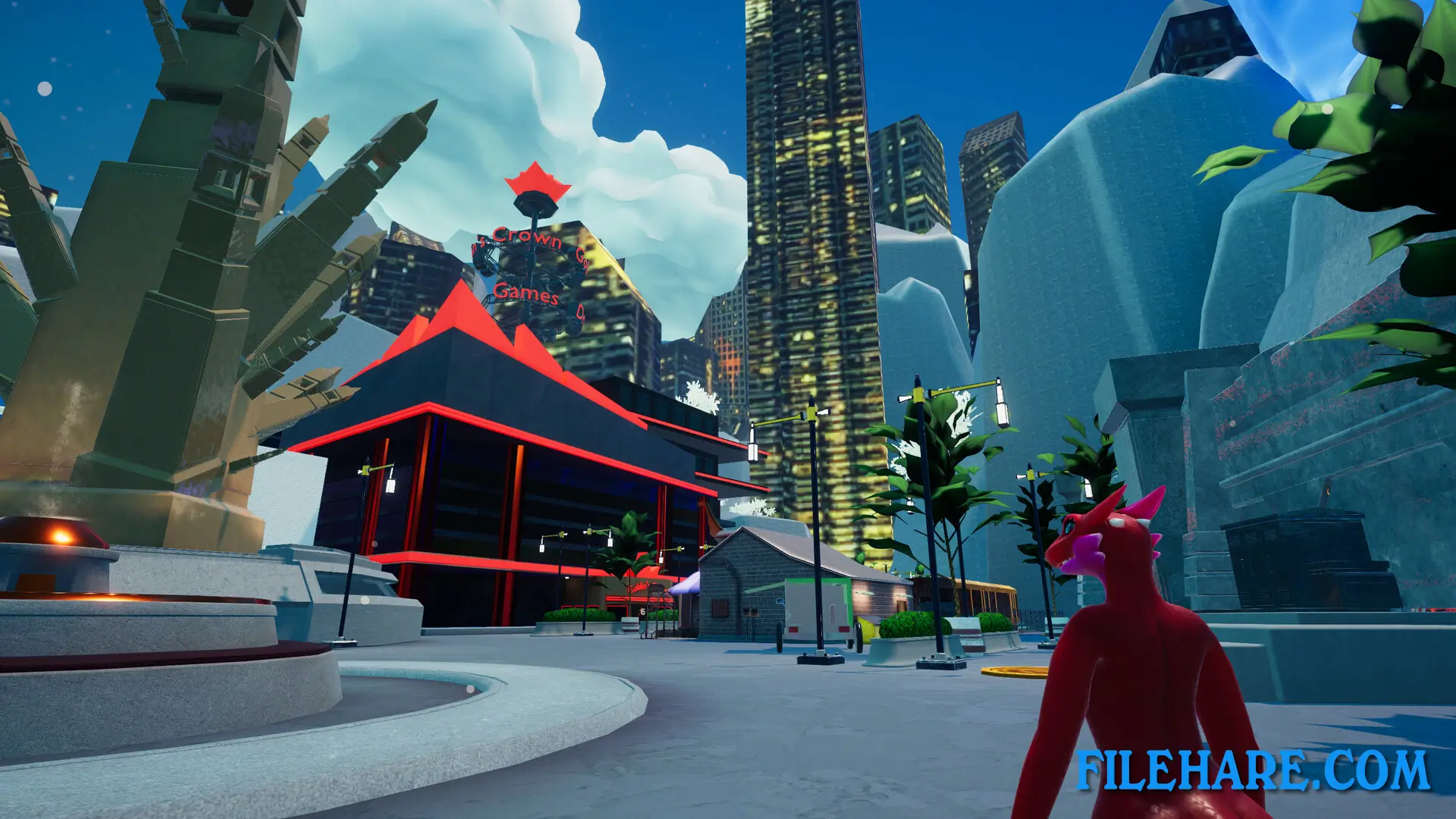
KoboldKare is a multiplayer farming simulator, but instead of growing crops, the player raises Kobolds. It is played in a first-person view with a movement style inspired by classic shooters like Quake and Counter-Strike. Players can bunnyhop and trimp to move fast across the map. The goal is to grow your farm by hunting in the forest, raising Kobolds, doing services for NPCs, and selling Kobolds or produce for money. The forest spawns melons every night, and the player must collect them before dawn. There is also a basic chemical mixing feature where players can prepare and feed items to Kobolds to change how they grow.
KoboldKare Features
KoboldKare has many features that make it stand out. The game supports both single-player and online multiplayer, including co-op and cross-platform play. Players can interact with town NPCs and buy equipment to improve their farm and home. Kobolds in the game can be either male or female, and the player can raise them based on how they are fed and treated. The game includes adult content, which is why it is restricted to adult players only. It supports 23 languages, including English, German, Japanese, Korean, Russian, and Spanish. The game is also DRM-free, meaning it can be played on Windows, Mac, and Linux without extra restrictions.
Recommended System Requirements
Requires a 64-bit processor and operating system
- OS: Windows 10
- Processor: AMD Ryzen 7 2700X / Intel i7-8700K
- Graphics: GeForce GTX 970
- DirectX: Version 12
- Storage: 2 GB available space
Gameplay Screenshots
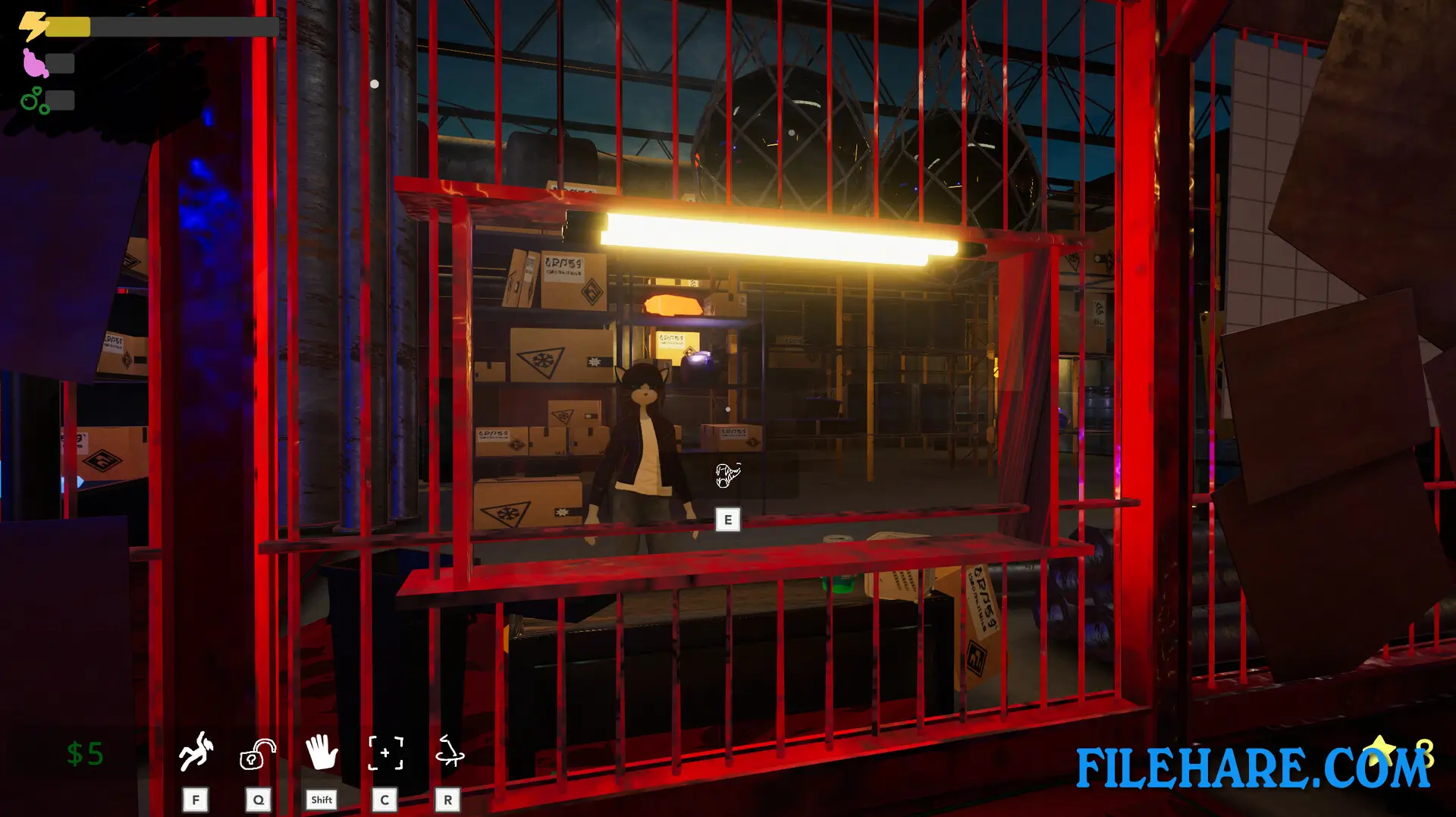
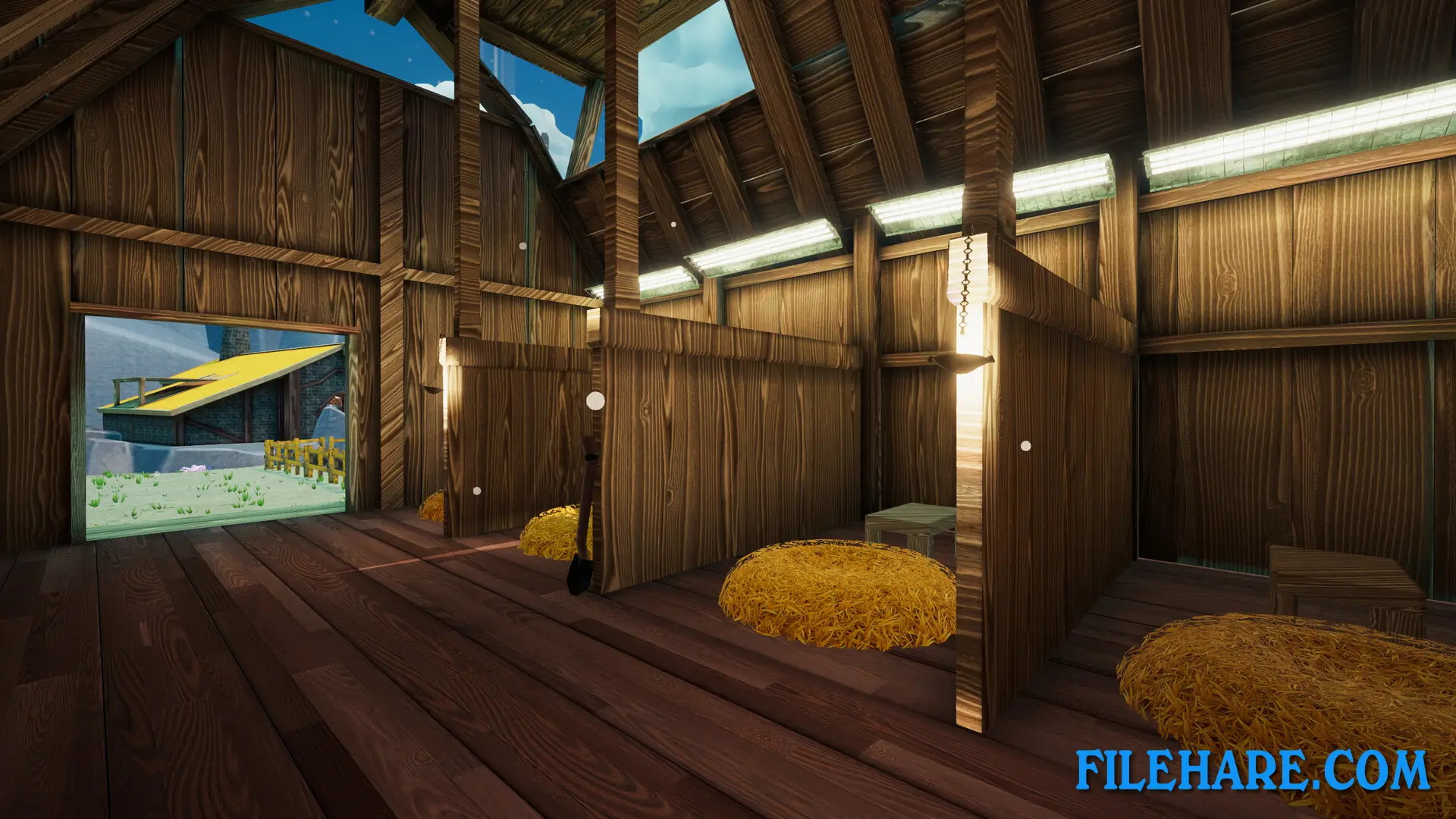
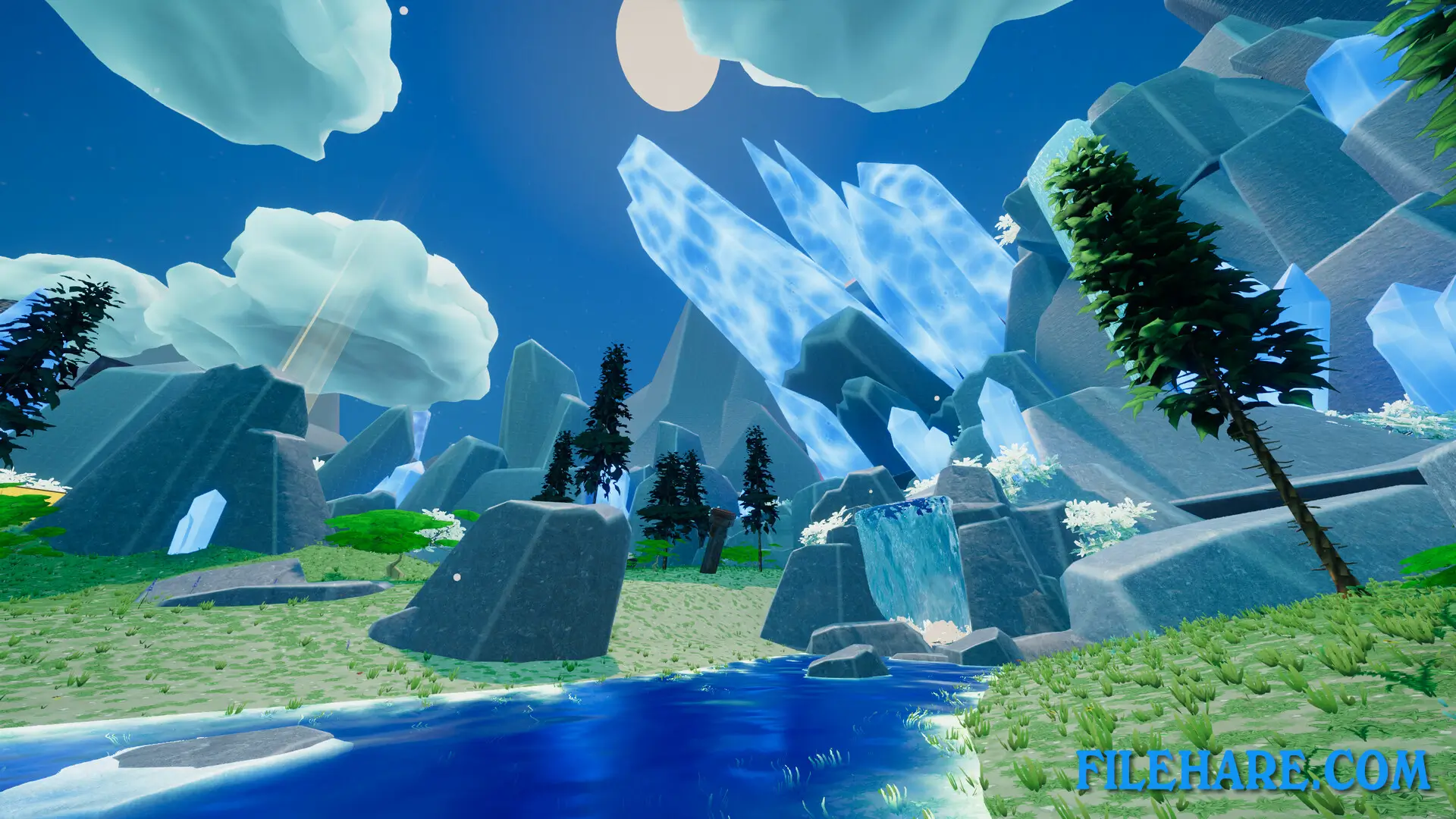
| Name | KoboldKare |
|---|---|
| Developer | Naelstrof |
| File Size | 966.26 MB |
| Category | Adult |
| Minimum System Requirements | |
| CPU | AMD 5 2500 / Intel i5-7200 |
| RAM | 4 GB |
| Graphics | Integrated Graphics |
| Free Disk Space | 2 GB |
| Operating System | Windows 10 / 11 / 7 / 8 (64-bit) |
| User Rating | |
To buy this game, visit the Store Page
How to Download and Install KoboldKare PC Game?
We have simple instructions for you to download and install the PC game. Before following the steps, Ensure your PC meets the minimum system requirements for Playing the game on your PC.
- First, click on the DOWNLOAD button and you will be redirected to the final Download page. Then, Download the Game on your PC.
- Once you have downloaded the KoboldKare PC Game, Open the folder where you saved the Game.
- Then Right-click on the Zip file and click on the "Extract files" option from the dropdown menu. If your computer does not have a Zip file extract software installed, you must first install it. (such as WinRAR, 7Zip software)
- After Extracting the Zip file, Open the KoboldKare PC Game folder.
- Then, double-click on the Setup.exe file to Install the Game.
- If asked, provide administrator permissions for the installation to proceed. Click Yes to continue.
- Follow the on-screen installation wizard to install the game on your PC.
- After the installation, if you get any missing ".dll" errors or the Game is not launching, open the Readme.txt file located in the game folder and follow the instructions shown in the document file to play the game.
Done!. Now, you can launch the game from your desktop.