Clair Obscur: Expedition 33 – Deluxe Edition PC Game Download
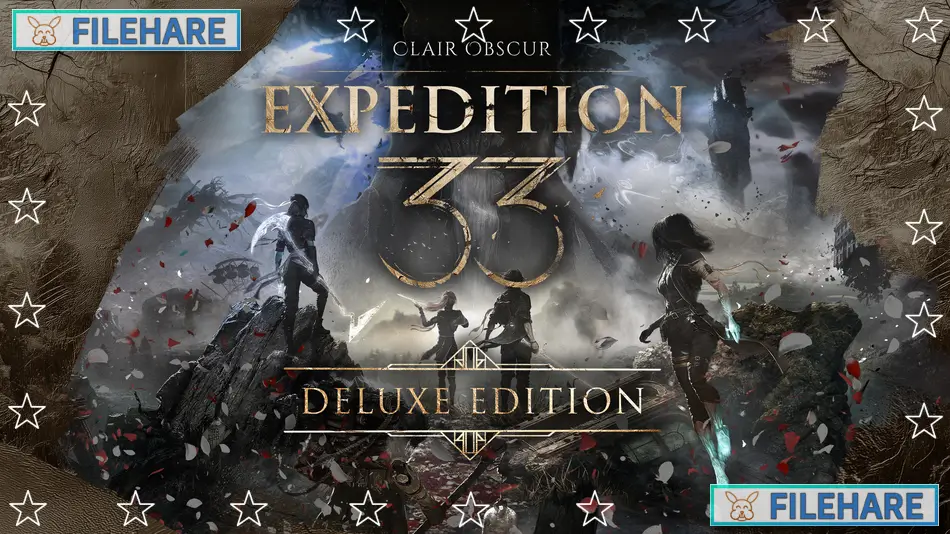
Clair Obscur: Expedition 33 – Deluxe Edition is a role-playing game developed by Sandfall Interactive, a French game studio, and published by Kepler Interactive. The game was released on April 24, 2025, for PC, PlayStation 5, and Xbox Series X/S. It is the debut title from Sandfall Interactive and won Game of the Year at The Game Awards 2025, along with eight other awards — the most wins ever for a single game at that event.
Table of Contents
Clair Obscur: Expedition 33 Story
The game is set in a dark fantasy version of Belle Époque France. The story is centered on a city called Lumière and a mysterious entity known as the Paintress. Once a year, the Paintress wakes up and paints a number on her monolith. Anyone who has reached that age is erased from existence in an event called the Gommage. The number she paints gets lower every year. When she is about to paint the number 33, a group of people called Expedition 33 sets out on a mission to stop her and destroy the Paintress forever. The main characters include Gustave, Maelle, and other Expeditioners who travel together and face great danger to save humanity.
Clair Obscur: Expedition 33 Gameplay
Clair Obscur: Expedition 33 is a role-playing game that uses a mix of traditional turn-based combat and real-time actions. During battles, you and your party take turns to attack, use skills, or cast magic. What makes it stand out is that you can also dodge, parry, and counter enemy attacks in real time while waiting for your turn. You can target enemy weak points using a free aim feature, and chain attacks by pressing buttons at the right time. Outside of combat, you explore a large open map with towns, caves, and special locations, and you can set up camp to rest, upgrade weapons, and talk with your teammates.
Clair Obscur: Expedition 33 Features
The Deluxe Edition of Clair Obscur: Expedition 33 includes the full base game along with the “Flowers” Collection, which gives you six special outfits and hairstyles for the playable characters, inspired by the Flowers of Lumière. It also includes six “Gommage” outfit variations, one for each playable character, as well as two bonus outfits called “Clair” for Maelle and “Obscur” for Gustave. The game supports 18 languages, full controller support, and is verified for Steam Deck. It received universal praise from critics, with a Metacritic score of 91 and a 97% positive rating from over 80,000 user reviews on Steam.
Recommended System Requirements
Requires a 64-bit processor and operating system
- OS: Windows 11
- Processor: AMD Ryzen 5 7600X Six-Core
- Memory: 16 GB RAM
- Graphics: NVIDIA GeForce RTX 3070
- DirectX: Version 12
- Storage: 55 GB available space
- Additional Notes: These are subject to change
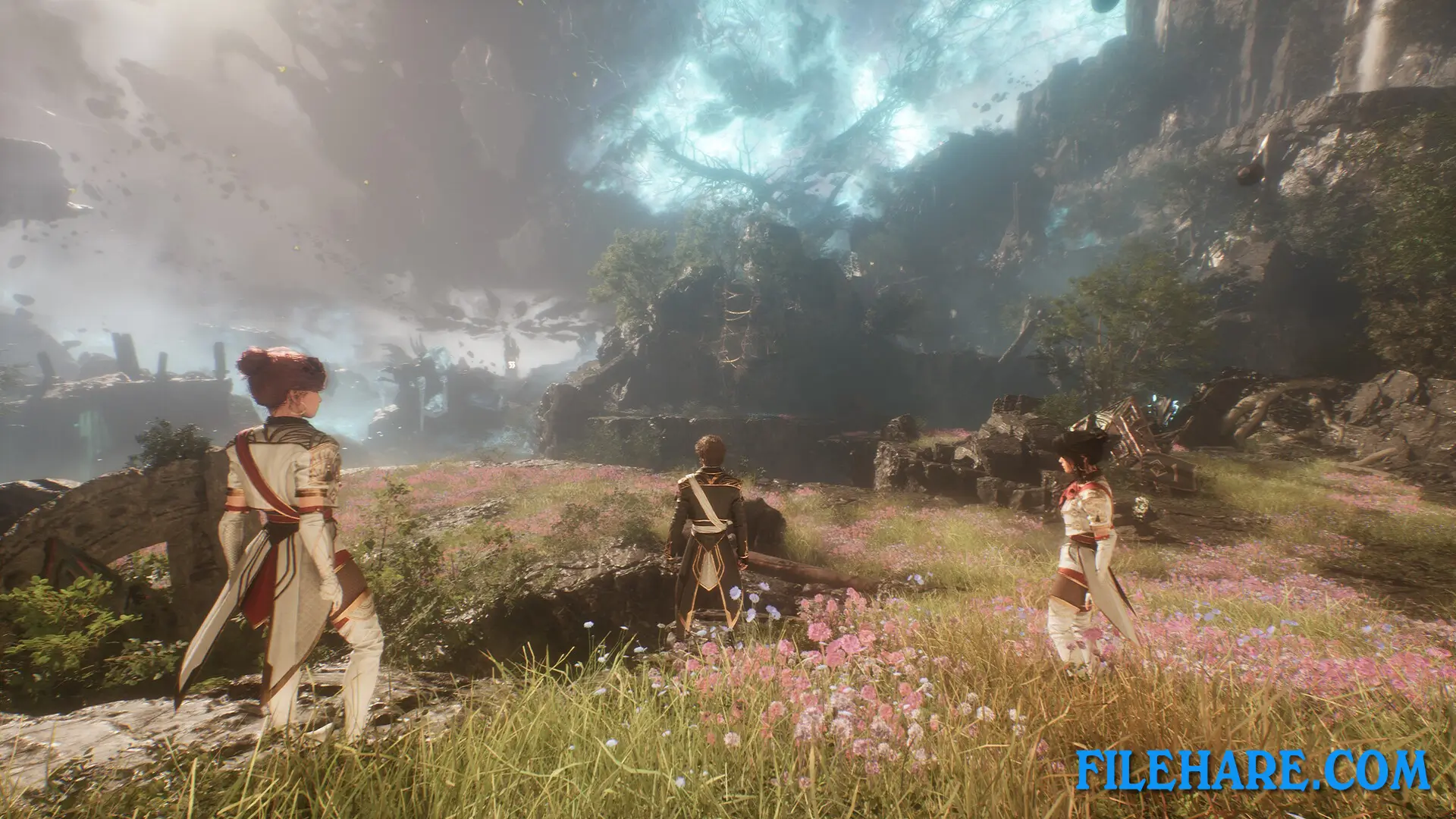
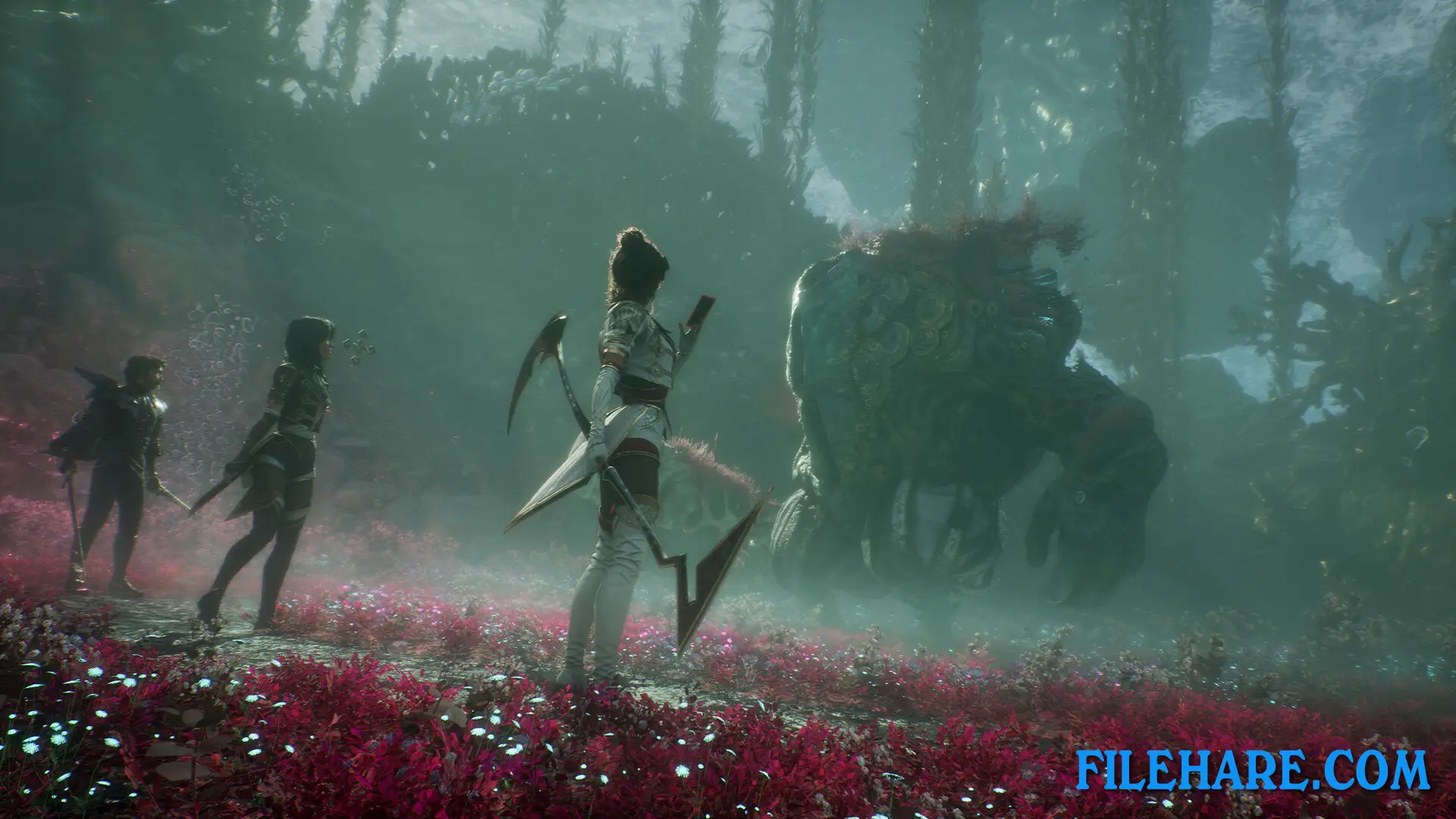
Gameplay Screenshots
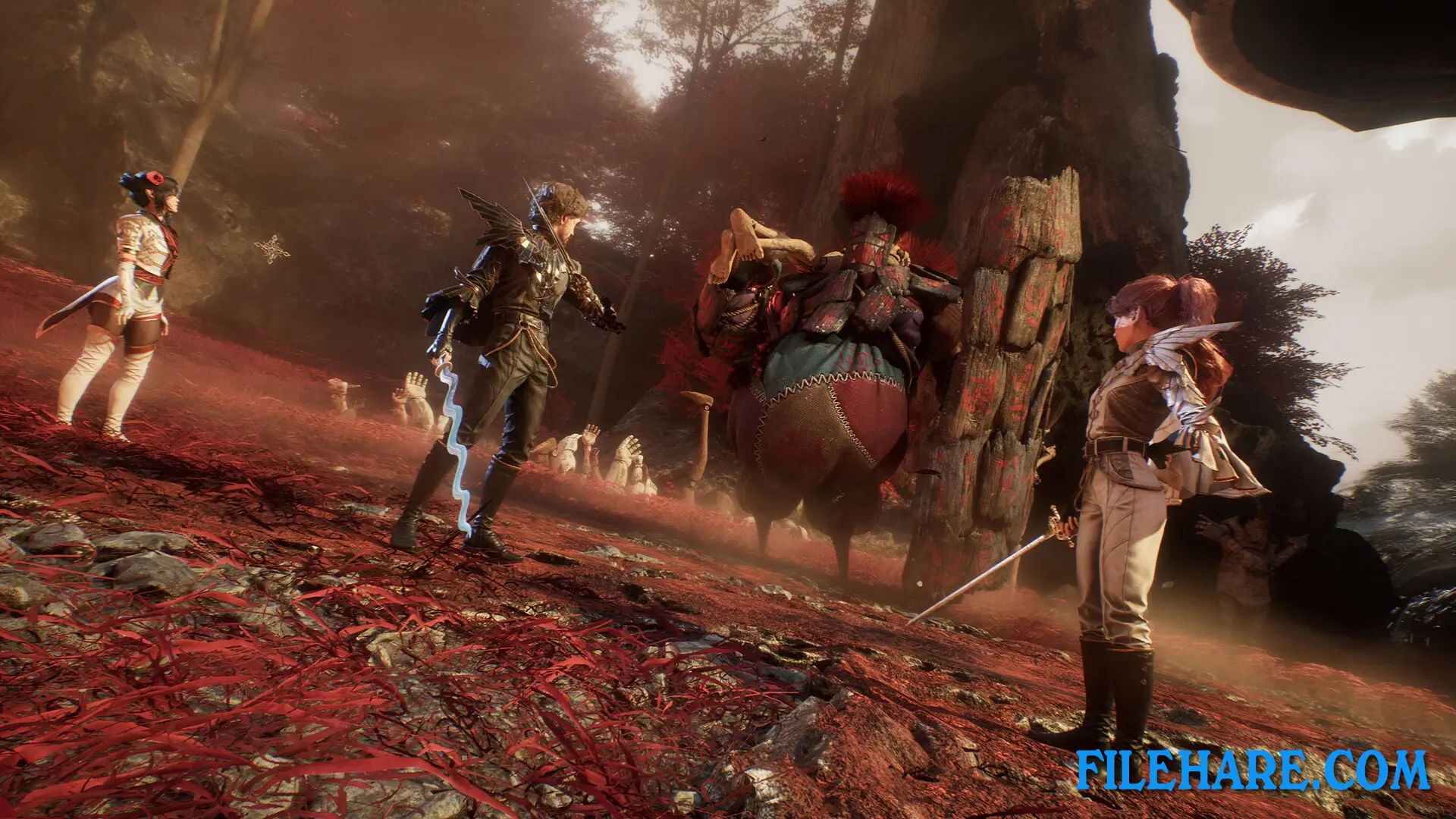
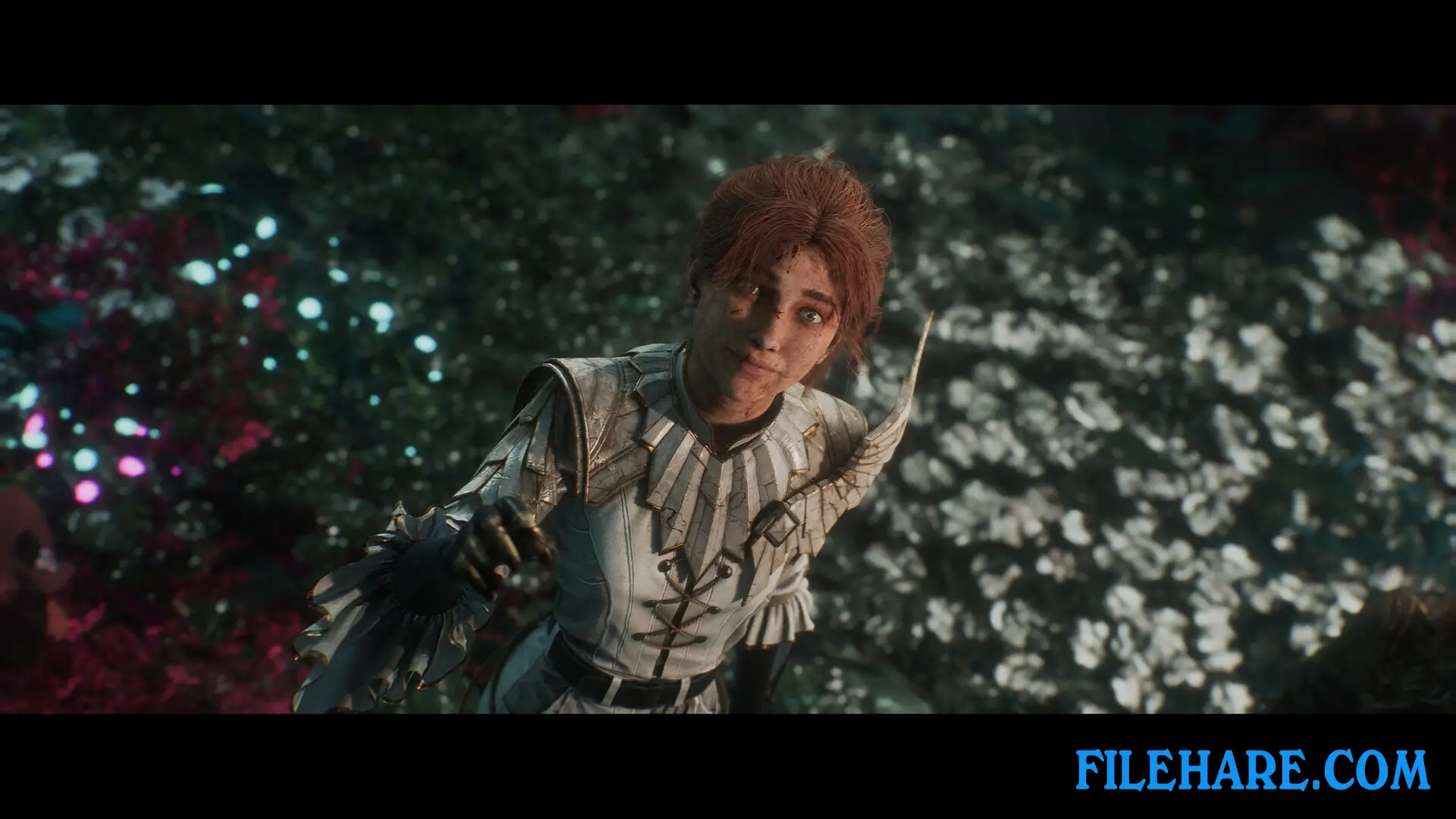
| Name | Clair Obscur: Expedition 33 – Deluxe Edition |
|---|---|
| Developer | Sandfall Interactive |
| File Size | 31.40 GB |
| Category | Action, Adventure |
| Minimum System Requirements | |
| CPU | AMD Ryzen 5 1600X Six-Core |
| RAM | 8 GB |
| Graphics | NVIDIA GeForce GTX 1070 Ti |
| Free Disk Space | 55 GB |
| Operating System | Windows 10 / 11 (64-bit) |
| User Rating | |
To buy this game, visit the Store Page
How to Download and Install Clair Obscur: Expedition 33 – Deluxe Edition PC Game?
We have simple instructions for you to download and install the PC game. Before following the steps, Ensure your PC meets the minimum system requirements for Playing the game on your PC.
- First, click on the DOWNLOAD button and you will be redirected to the final Download page. Then, Download the Game on your PC.
- Once you have downloaded the Clair Obscur: Expedition 33 – Deluxe Edition PC Game, Open the folder where you saved the Game.
- Then Right-click on the Zip file and click on the "Extract files" option from the dropdown menu. If your computer does not have a Zip file extract software installed, you must first install it. (such as WinRAR, 7Zip software)
- After Extracting the Zip file, Open the Clair Obscur: Expedition 33 – Deluxe Edition PC Game folder.
- Then, double-click on the Setup.exe file to Install the Game.
- If asked, provide administrator permissions for the installation to proceed. Click Yes to continue.
- Follow the on-screen installation wizard to install the game on your PC.
- After the installation, if you get any missing ".dll" errors or the Game is not launching, open the Readme.txt file located in the game folder and follow the instructions shown in the document file to play the game.
Done!. Now, you can launch the game from your desktop.