THE HOUSE OF THE DEAD 2: Remake PC Game Download
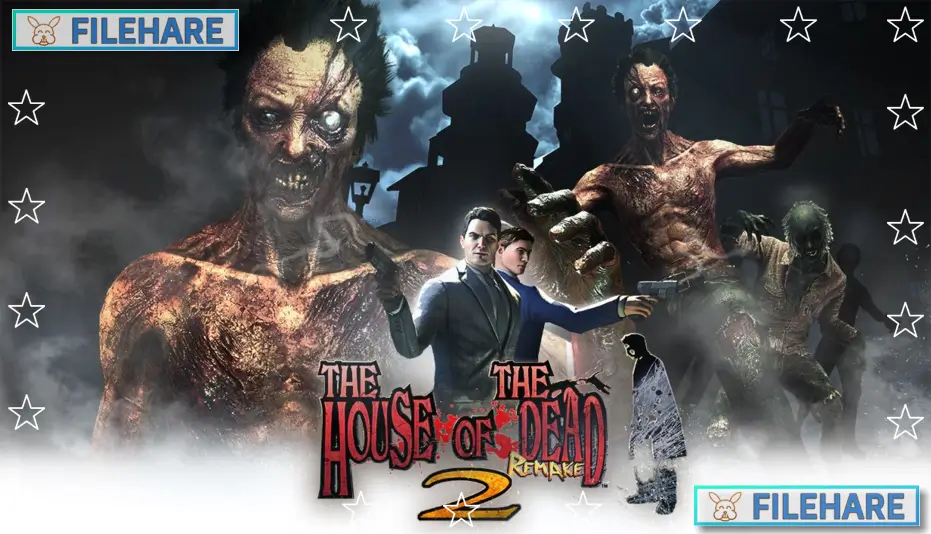
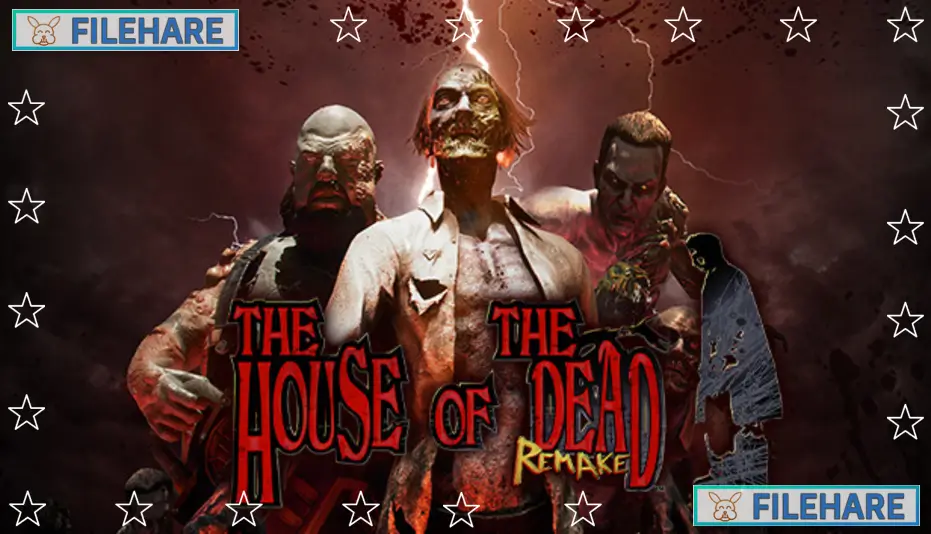
THE HOUSE OF THE DEAD 2: Remake is an action rail-shooter game developed by MegaPixel Studio S. A. and published by Forever Entertainment S. A. It is a remake of the second game in the well-known House of the Dead series. The game was released on PC on August 7, 2025. Players can take on the role of a secret agent alone or team up with another player in co-op mode to fight against waves of dangerous undead creatures.
Table of Contents
THE HOUSE OF THE DEAD 2: Remake Story
The story of this game takes place in February 2000, almost two years after the events of the first game. A small city is suddenly taken over by hostile creatures, and two AMS agents named James Taylor and Gary Stewart are sent in to find out what is happening. When they arrive, they notice that the situation looks very similar to the Curien Mansion incident that took place in 1998. The two agents must fight their way across the city to find the source of the infestation and put a stop to it before more people are harmed.
THE HOUSE OF THE DEAD 2: Remake Gameplay
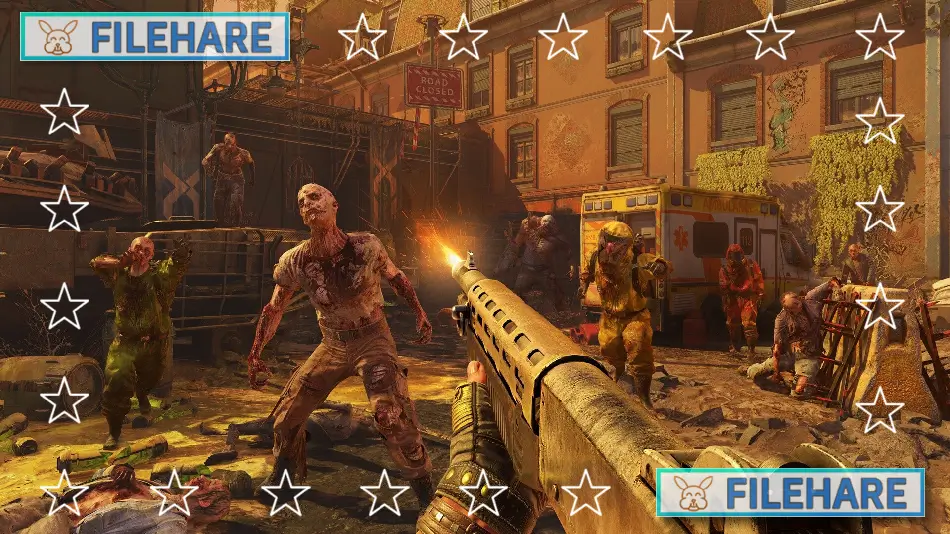
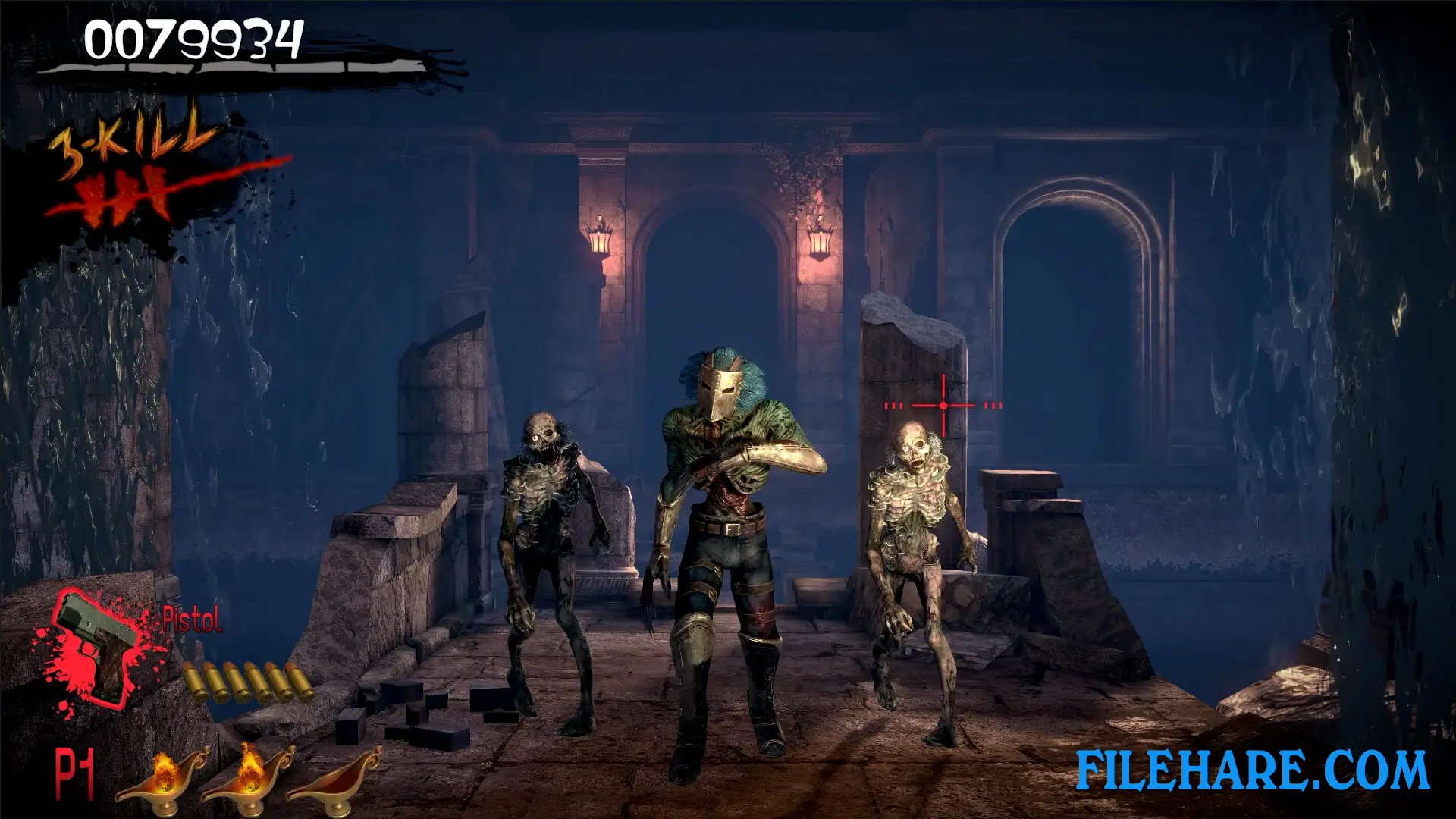
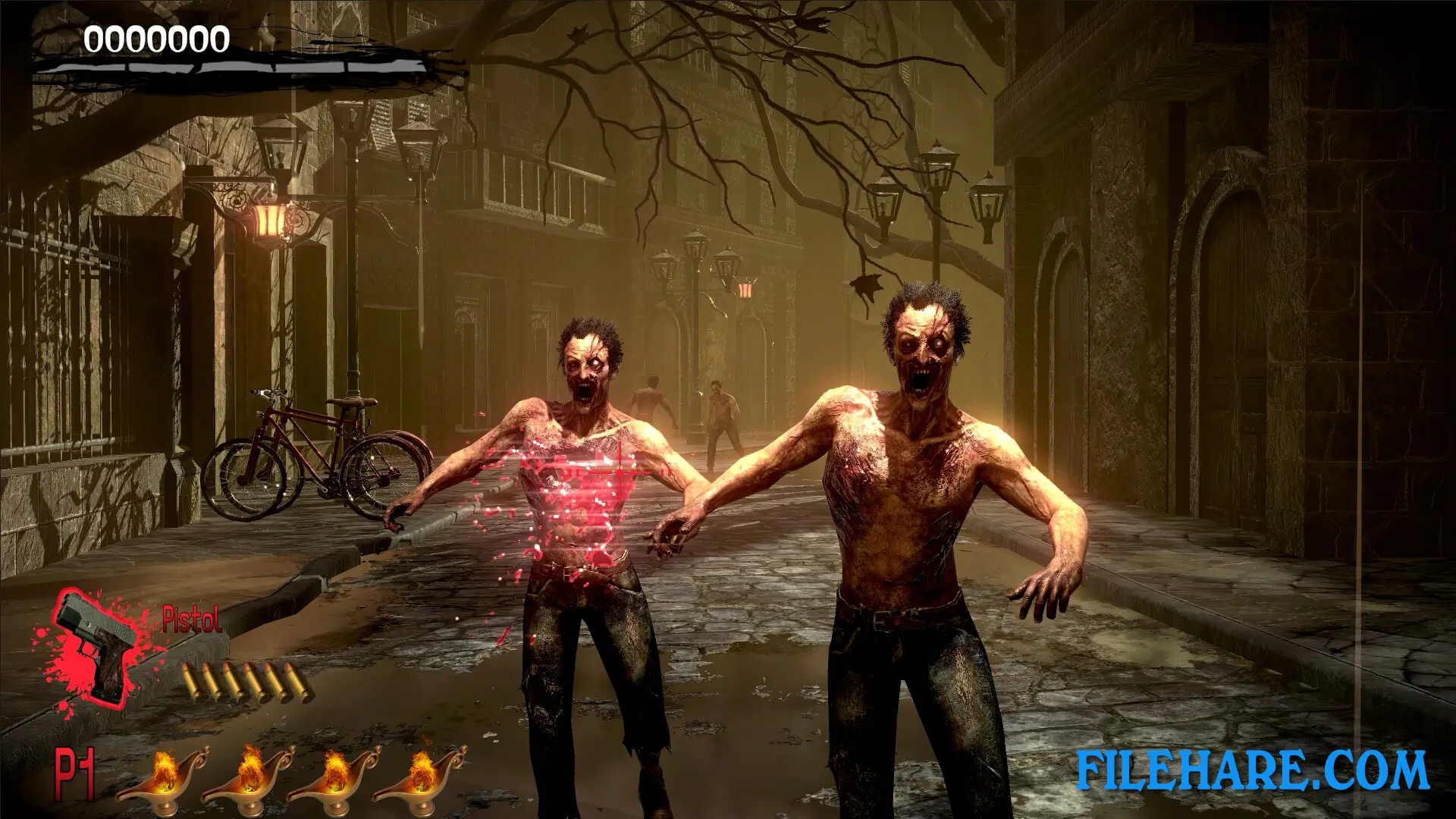
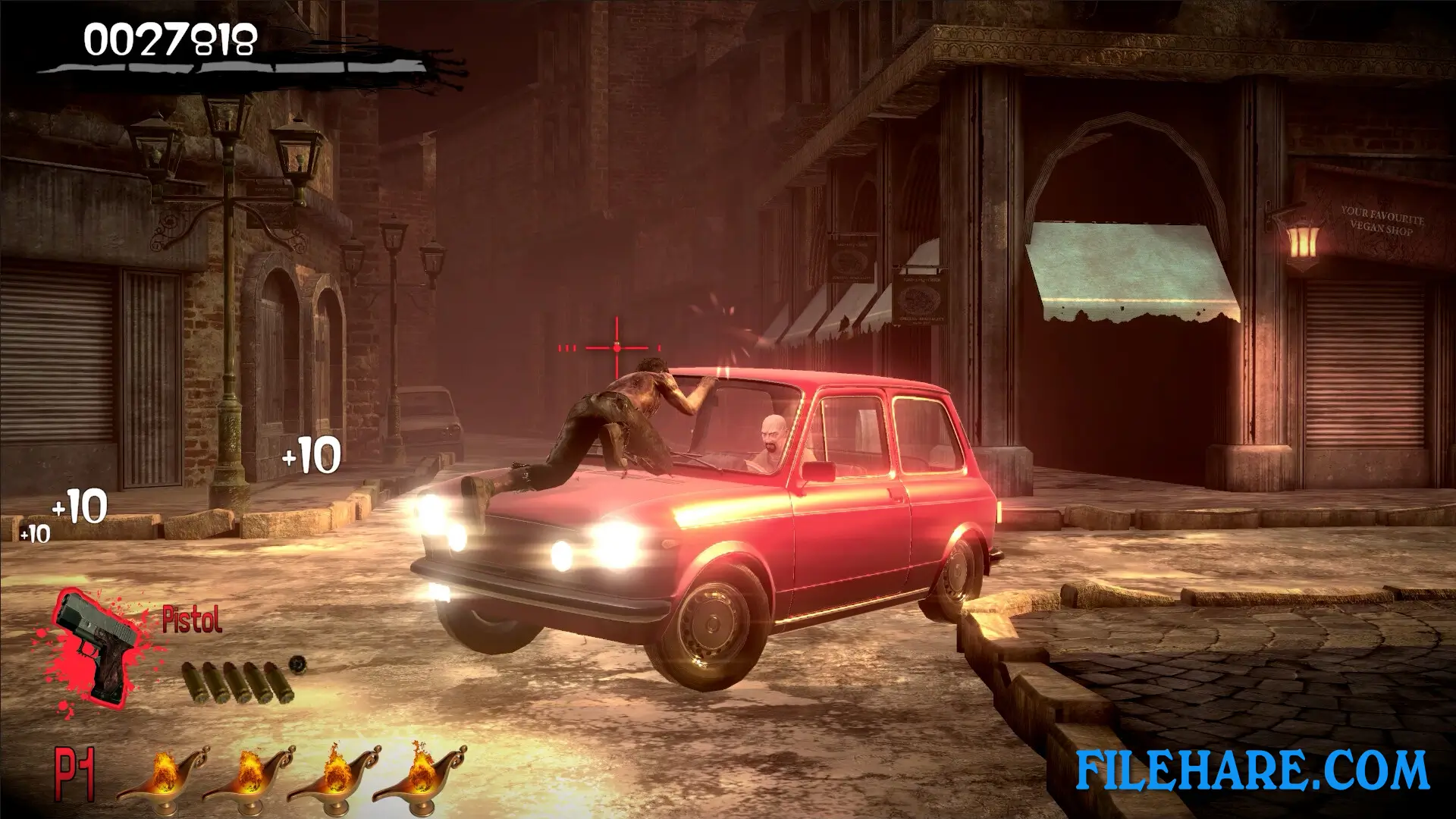
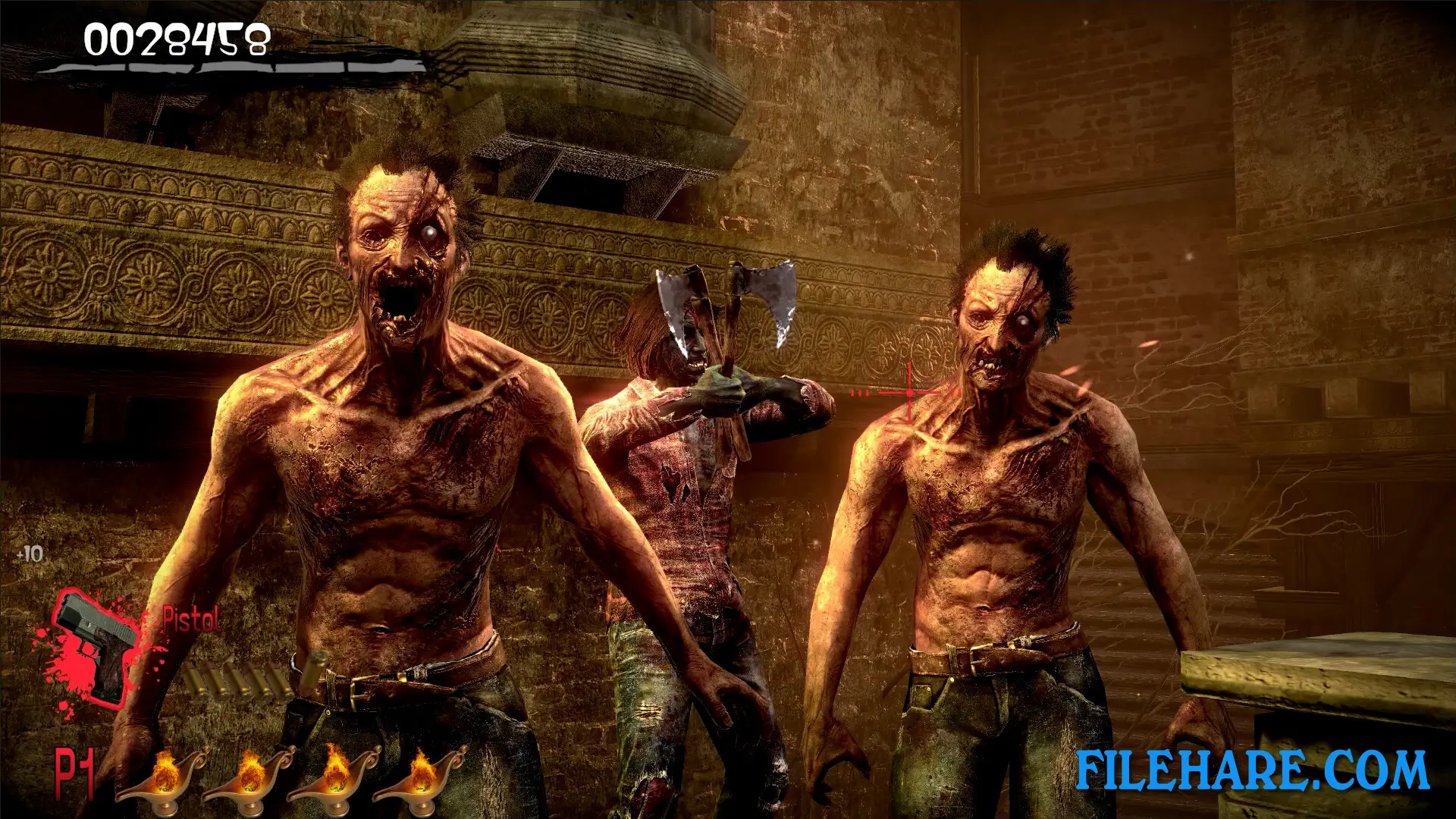
This is an on-rails shooter played from a first-person view pc game. The player moves automatically along a set path and cannot control where they walk. You aim your weapon at the screen and shoot zombies and other creatures as they appear. You need to react fast, as enemies can attack quickly. The game has branching levels, which means the path you take can change depending on how well you play and how many survivors you protect, leading to multiple possible endings.
The game supports both single-player and local co-op for two players on the same screen. Remote Play Together is also supported, so a second player can join online. Controllers, mouse, and keyboard are all supported for aiming and shooting.
THE HOUSE OF THE DEAD 2: Remake Features
THE HOUSE OF THE DEAD 2: Remake includes remastered music, but players who prefer the original sound can switch back to the classic soundtrack in the game settings. The graphics have been updated to a modern look while staying true to the original gameplay style.
Outside the main campaign, the game includes a Boss Mode where you try to defeat all the major creatures as fast as possible, and a Training Mode where you can practice your shooting skills before going into the main game. The game also has 36 Steam achievements to unlock. Multiple endings are available depending on how the player performs during the campaign.
Recommended System Requirements
Requires a 64-bit processor and operating system
- OS: Windows 10
- Processor: intel i7-7700 / AMD RYZEN 5 5600X
- Memory: 16 GB RAM
- Graphics: NVIDIA GTX 1070 / 1660 super / AMD Radeon RX Vega 56
- DirectX: Version 11
- Storage: 7 GB available space
Gameplay Screenshots
| Name | THE HOUSE OF THE DEAD 2: Remake |
|---|---|
| Developer | MegaPixel Studio S. A. |
| File Size | 4.23 GB |
| Category | Horror |
| Minimum System Requirements | |
| CPU | Intel i5 3570K / AMD RYZEN 3 3300X |
| RAM | 8 GB |
| Graphics | DESKTOP GTX 1050ti / 1650 / AMD Radeon RX 570 |
| Free Disk Space | 7 GB |
| Operating System | Windows 10 / 11 (64-bit) |
| User Rating | |
To buy this game, visit the Store Page
How to Download and Install THE HOUSE OF THE DEAD 2: Remake PC Game?
We have simple instructions for you to download and install the PC game. Before following the steps, Ensure your PC meets the minimum system requirements for Playing the game on your PC.
- First, click on the DOWNLOAD button and you will be redirected to the final Download page. Then, Download the Game on your PC.
- Once you have downloaded the THE HOUSE OF THE DEAD 2: Remake PC Game, Open the folder where you saved the Game.
- Then Right-click on the Zip file and click on the "Extract files" option from the dropdown menu. If your computer does not have a Zip file extract software installed, you must first install it. (such as WinRAR, 7Zip software)
- After Extracting the Zip file, Open the THE HOUSE OF THE DEAD 2: Remake PC Game folder.
- Then, double-click on the Setup.exe file to Install the Game.
- If asked, provide administrator permissions for the installation to proceed. Click Yes to continue.
- Follow the on-screen installation wizard to install the game on your PC.
- After the installation, if you get any missing ".dll" errors or the Game is not launching, open the Readme.txt file located in the game folder and follow the instructions shown in the document file to play the game.
Done!. Now, you can launch the game from your desktop.







![[Chilla’s Art] Parasocial PC Game Download](https://filehare.com/wp-content/uploads/2025/06/Chillas-Art-Parasocial.webp)