Motor Town: Behind The Wheel PC Game Download for Windows 10/11
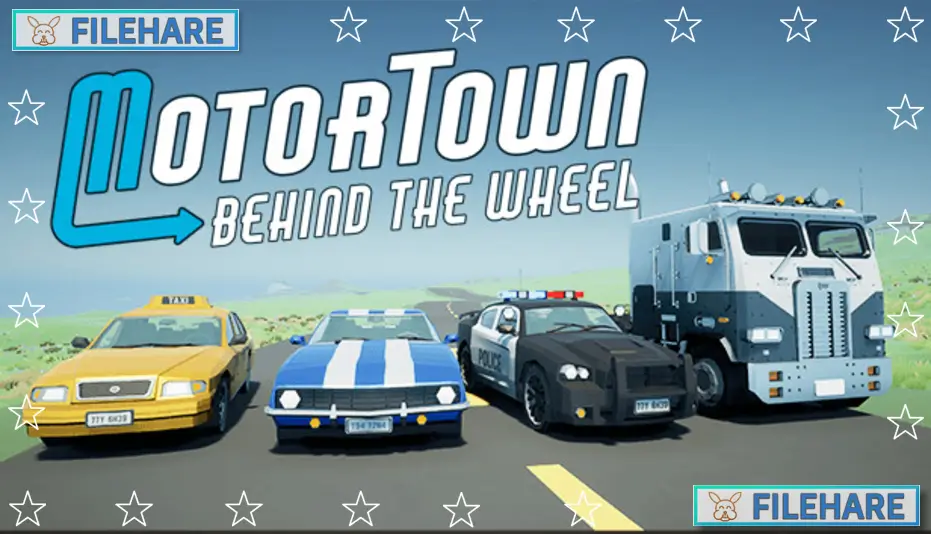
Motor Town: Behind The Wheel is an open-world driving simulation game developed and published by P3 Games. It was released on December 17, 2021, as an Early Access title on PC. The game has no story. It is focused on giving players a relaxing and realistic driving experience on a large open map with various driving jobs, vehicles, and activities to enjoy.
Table of Contents
Motor Town: Behind The Wheel Gameplay
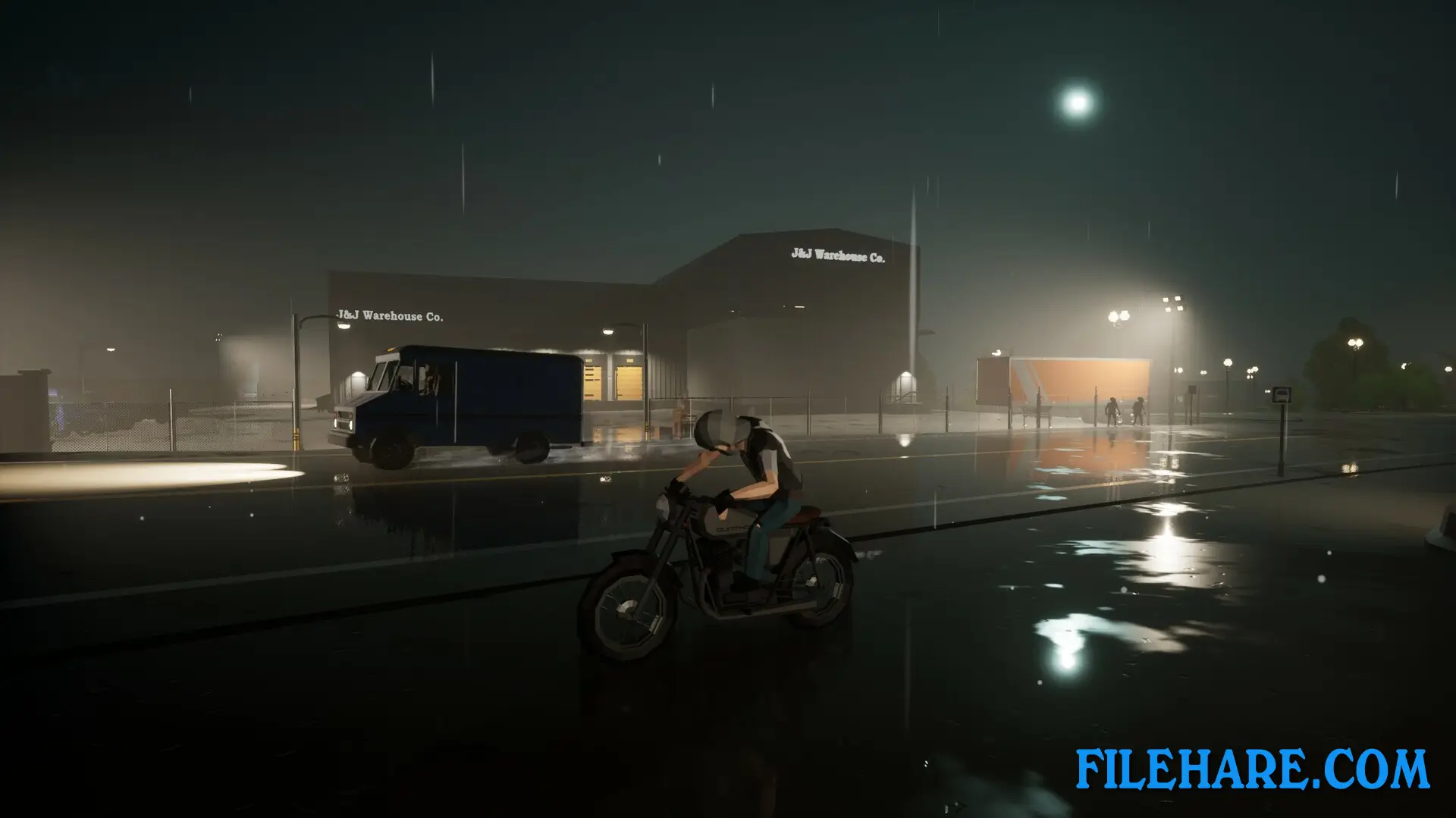
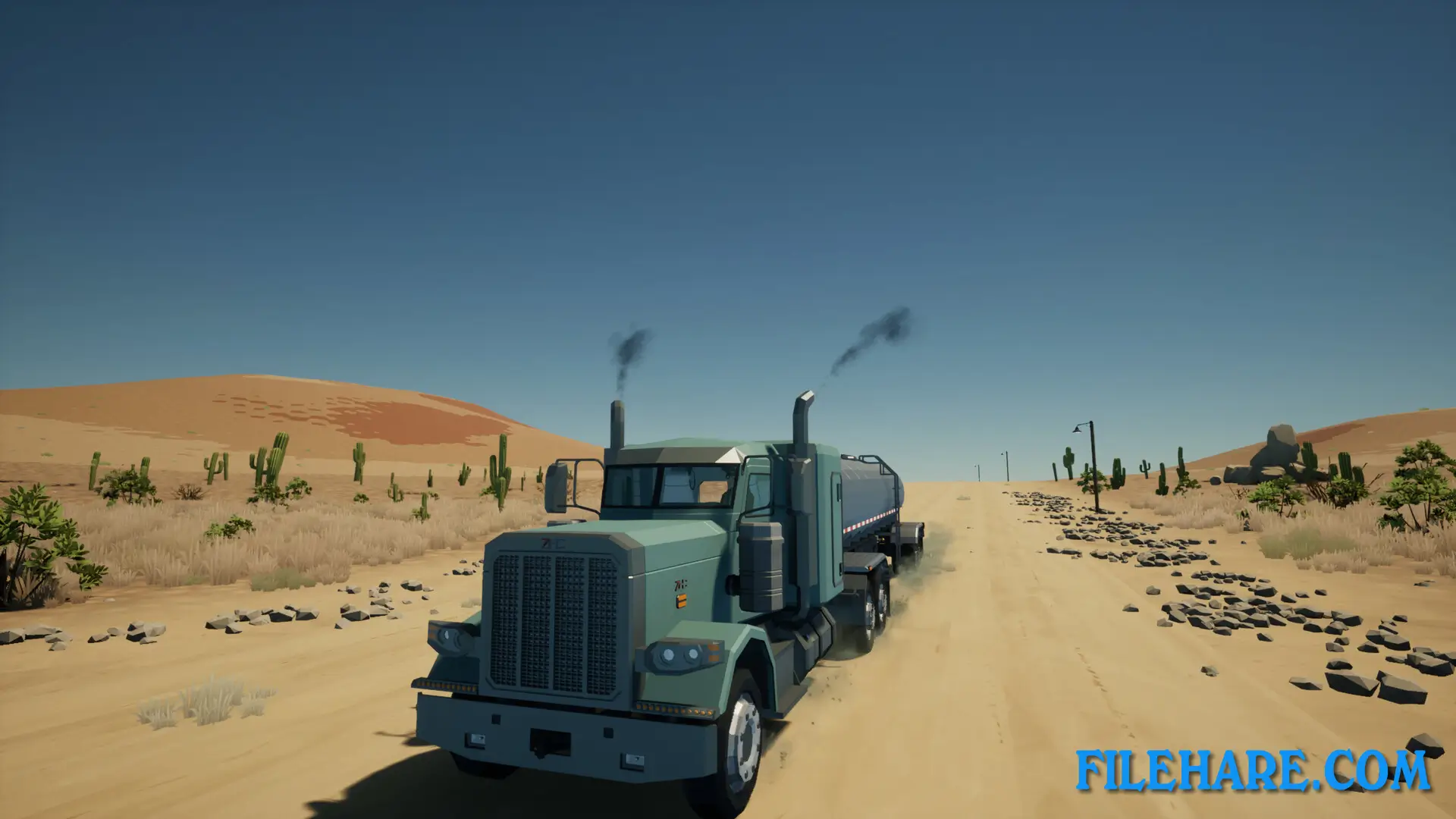
In Motor Town: Behind The Wheel, you drive around a big open map that is 24 x 16 kilometers in size. The map has a full day and night cycle. You can take on many types of driving jobs to earn money. You can drive a taxi to pick up passengers, operate a bus on a set route, or use trucks and trailers to carry cargo from one place to another. There are also special vehicle jobs like driving a police car, a tow truck, or an ambulance.
The driving uses realistic tire physics. You can feel how the tires hold the road, and you can drift if you want. Keyboard players can use a driving assist option to control the car more easily. The game also supports gamepads and steering wheels. You can use turn signals, headlights, and your horn while driving. Police will chase you if you break traffic rules.
Motor Town: Behind The Wheel Features
Motor Town: Behind The Wheel has more than 50 cars, trucks, and trailers to choose from. You can buy or rent vehicles, replace car parts, and refuel at gas stations. There is also a company feature where you can start your own transport business, set up bus or truck routes, and hire AI drivers or other real players to work for you.
The game supports both single-player and online multiplayer modes. In multiplayer, you can race against other players on road and off-road tracks or set up street race events. There is a time attack mode with online rankings where you can compare lap times with others. Autocross is another mode to sharpen your driving skills. The game has 24 Steam achievements to unlock and gets regular updates with new content.
Recommended System Requirements
Requires a 64-bit processor and operating system
- OS: Windows 10 64-bit
- Processor: Intel Core i5-8600K or AMD Ryzen 5 2600X
- Memory: 8 GB RAM
- Graphics: GeForce GTX 1070 8 GB, Radeon RX 580 8GB
- DirectX: Version 11
- Storage: 5 GB available space
Gameplay Screenshots

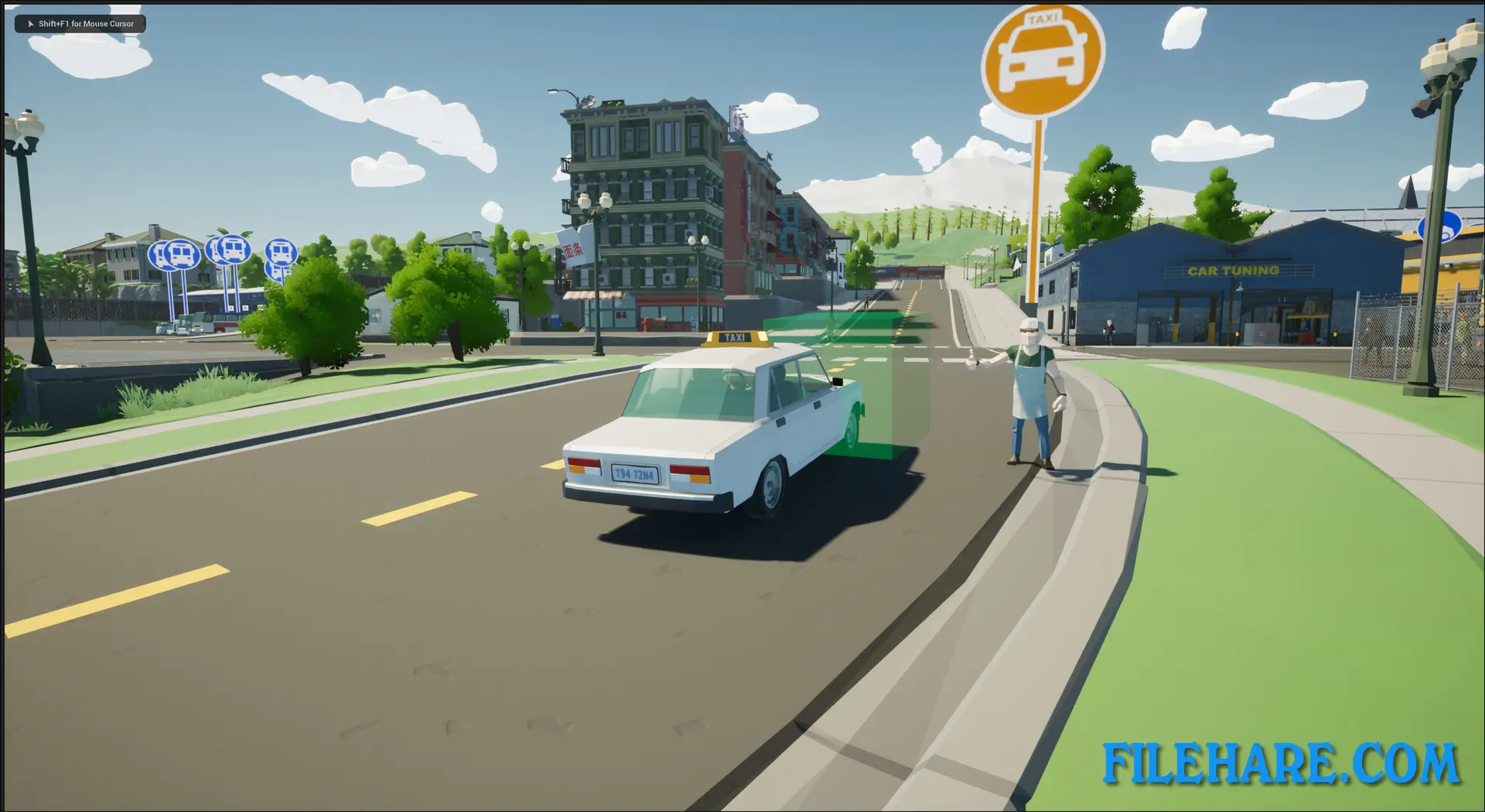
| Name | Motor Town: Behind The Wheel |
|---|---|
| Developer | P3 Games |
| File Size | 2.62 GB |
| Category | Simulation |
| Minimum System Requirements | |
| CPU | Intel Core i5-4460 or AMD FX-8120 |
| RAM | 4 GB |
| Graphics | GeForce GTX 750 4GB, Radeon RX 460 4GB |
| Free Disk Space | 5 GB |
| Operating System | Windows 10 / 11 (64-bit) |
| User Rating | |
To buy this game, visit the Store Page
How to Download and Install Motor Town: Behind The Wheel PC Game?
We have simple instructions for you to download and install the PC game. Before following the steps, Ensure your PC meets the minimum system requirements for Playing the game on your PC.
- First, click on the DOWNLOAD button and you will be redirected to the final Download page. Then, Download the Game on your PC.
- Once you have downloaded the Motor Town: Behind The Wheel PC Game, Open the folder where you saved the Game.
- Then Right-click on the Zip file and click on the "Extract files" option from the dropdown menu. If your computer does not have a Zip file extract software installed, you must first install it. (such as WinRAR, 7Zip software)
- After Extracting the Zip file, Open the Motor Town: Behind The Wheel PC Game folder.
- Then, double-click on the Setup.exe file to Install the Game.
- If asked, provide administrator permissions for the installation to proceed. Click Yes to continue.
- Follow the on-screen installation wizard to install the game on your PC.
- After the installation, if you get any missing ".dll" errors or the Game is not launching, open the Readme.txt file located in the game folder and follow the instructions shown in the document file to play the game.
Done!. Now, you can launch the game from your desktop.