Steep PC Game Download for Windows 10/11

Steep is an open-world winter sports game developed by Ubisoft Annecy, Ubisoft Montpellier, and Ubisoft Kiev, and published by Ubisoft. The game was released on December 2, 2016, for PC, PlayStation 4, and Xbox One. Steep has no story — it is a free-roaming sports game where players ride across snowy mountains, perform tricks, and take on various challenges alone or with other players online.
Table of Contents
Steep Gameplay
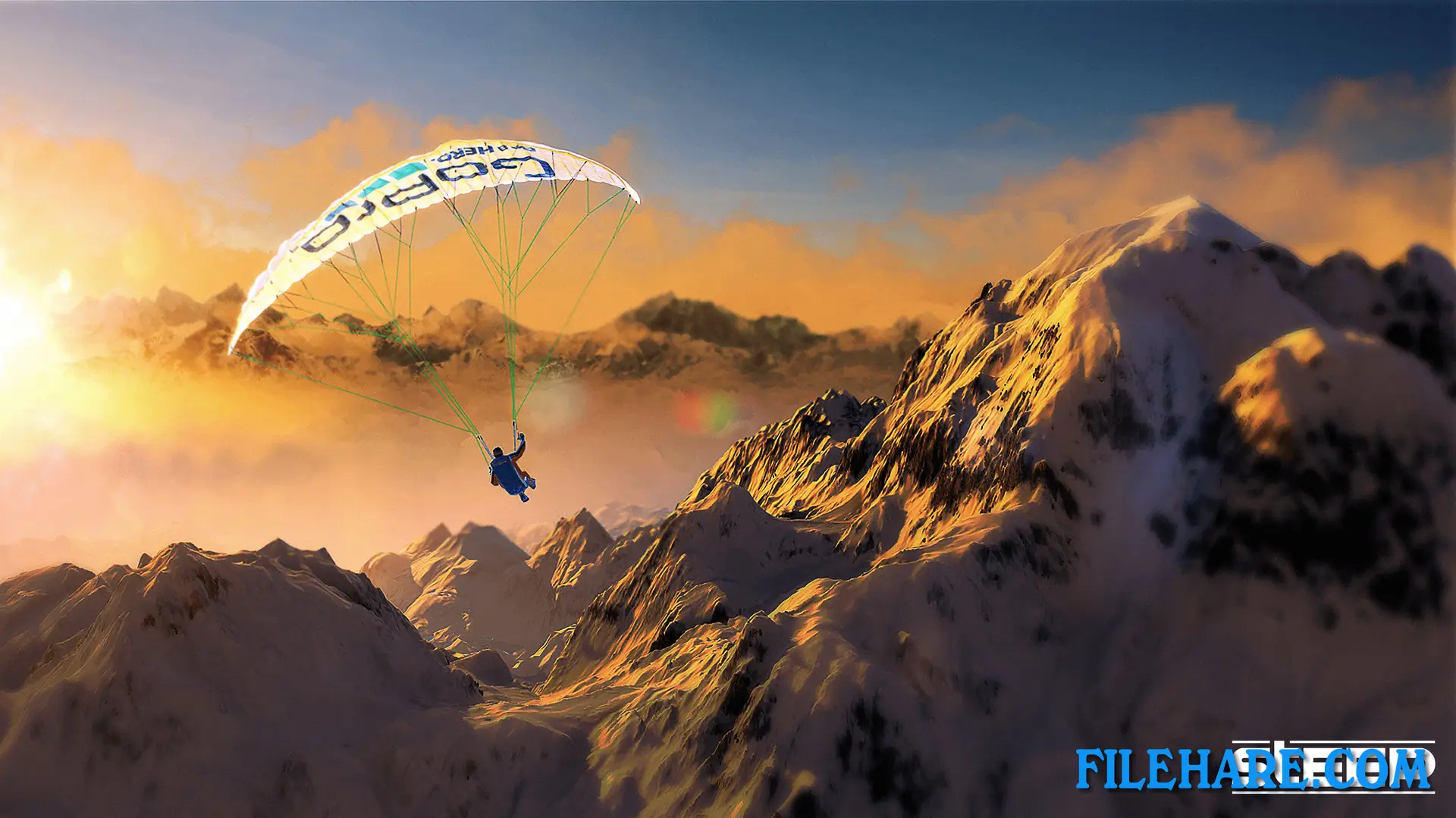
In Steep, players move across a large open mountain area covering the Alps and Alaska. They can switch between four main sports at any time: skiing, snowboarding, wingsuit flying, and paragliding. The mountain is open to explore freely, and players can go down any slope or fly over any part of the map without loading screens. The controls are designed to be responsive, with a real sense of speed and weight depending on the sport. Players can pull off tricks and stunts, take on timed runs, or simply cruise down the mountain. The game can be played solo or alongside other players who appear in the same open area online.
Steep Features
Steep includes a large variety of challenges spread across the mountain, such as races, trick competitions, and exploration goals. Players can customize the look of their character with different outfits and gear. The game also has a replay and video editor tool, so players can record their best runs and stunts, then save or share them. With the X Games Gold Edition, players get access to additional content, including eight extreme sports, X Games competitions, Rocket Wings, and a 90s-themed ski and snowboard mode. The game supports online multiplayer, and other players can be seen riding nearby in the same open mountain area in real time.
Recommended System Requirements
Requires a 64-bit processor and operating system
- OS: Originally released for Windows 7, the game can be played on Windows 10 and Windows 11 OS
- Processor: Intel Core i7 3770K at 3.5 Ghz or AMD FX-8350 at 4.0 Ghz
- Memory: 8 GB RAM
- Graphics: GeForce GTX 970 or Radeon R9 390
- Storage: 25 GB available space
- Sound Card: DirectX-compatible sound card with the latest drivers
- Additional Notes: SUPPORTED VIDEO CARDS (at time of release): NVIDIA GeForce® GTX660 or better, GeForce® GTX700/900/1000 series, AMD Radeon R9 260X or better, AMD Radeon R9 300 series, Fury series. Laptop versions of these cards may work, but are NOT officially supported. For an up-to-date list of supported chipsets, please visit the FAQ for this game on our website. PERIPHERAL SUPPORTED: Windows®-compatible keyboard and mouse required, optional controller
Gameplay Screenshots



| Name | Steep |
|---|---|
| Developer | Ubisoft Annecy, Ubisoft Montpellier, Ubisoft Kiev |
| File Size | 17.78 GB |
| Category | Sports |
| Minimum System Requirements | |
| CPU | Intel Core i5 2400S at 2.5 Ghz / AMD FX-4100 at 3.6 Ghz |
| RAM | 6 GB |
| Graphics | GeForce GTX 560TI / Radeon R7 260X |
| Free Disk Space | 25 GB |
| Operating System | Windows 10 / 11 (64-bit) |
| User Rating | |
To buy this game, visit the Store Page
How to Download and Install Steep PC Game?
We have simple instructions for you to download and install the PC game. Before following the steps, Ensure your PC meets the minimum system requirements for Playing the game on your PC.
- First, click on the DOWNLOAD button and you will be redirected to the final Download page. Then, Download the Game on your PC.
- Once you have downloaded the Steep PC Game, Open the folder where you saved the Game.
- Then Right-click on the Zip file and click on the "Extract files" option from the dropdown menu. If your computer does not have a Zip file extract software installed, you must first install it. (such as WinRAR, 7Zip software)
- After Extracting the Zip file, Open the Steep PC Game folder.
- Then, double-click on the Setup.exe file to Install the Game.
- If asked, provide administrator permissions for the installation to proceed. Click Yes to continue.
- Follow the on-screen installation wizard to install the game on your PC.
- After the installation, if you get any missing ".dll" errors or the Game is not launching, open the Readme.txt file located in the game folder and follow the instructions shown in the document file to play the game.
Done!. Now, you can launch the game from your desktop.