GTA Vice City Nextgen Edition PC Game Full Version Download

GTA Vice City Nextgen Edition is a fan-made project by a team called Revolution Team. It is not an official Rockstar or Take-Two release. This project takes the original 2002 game, Grand Theft Auto: Vice City, and moves it into the RAGE engine, which is the same engine used in GTA 4. The team worked on this project for around two years before it was finally launched on January 25, 2025. It contains all the missions, side missions, cutscenes, and the full map from the original game.
Table of Contents
What The GTA Vice City Nextgen Edition Offers
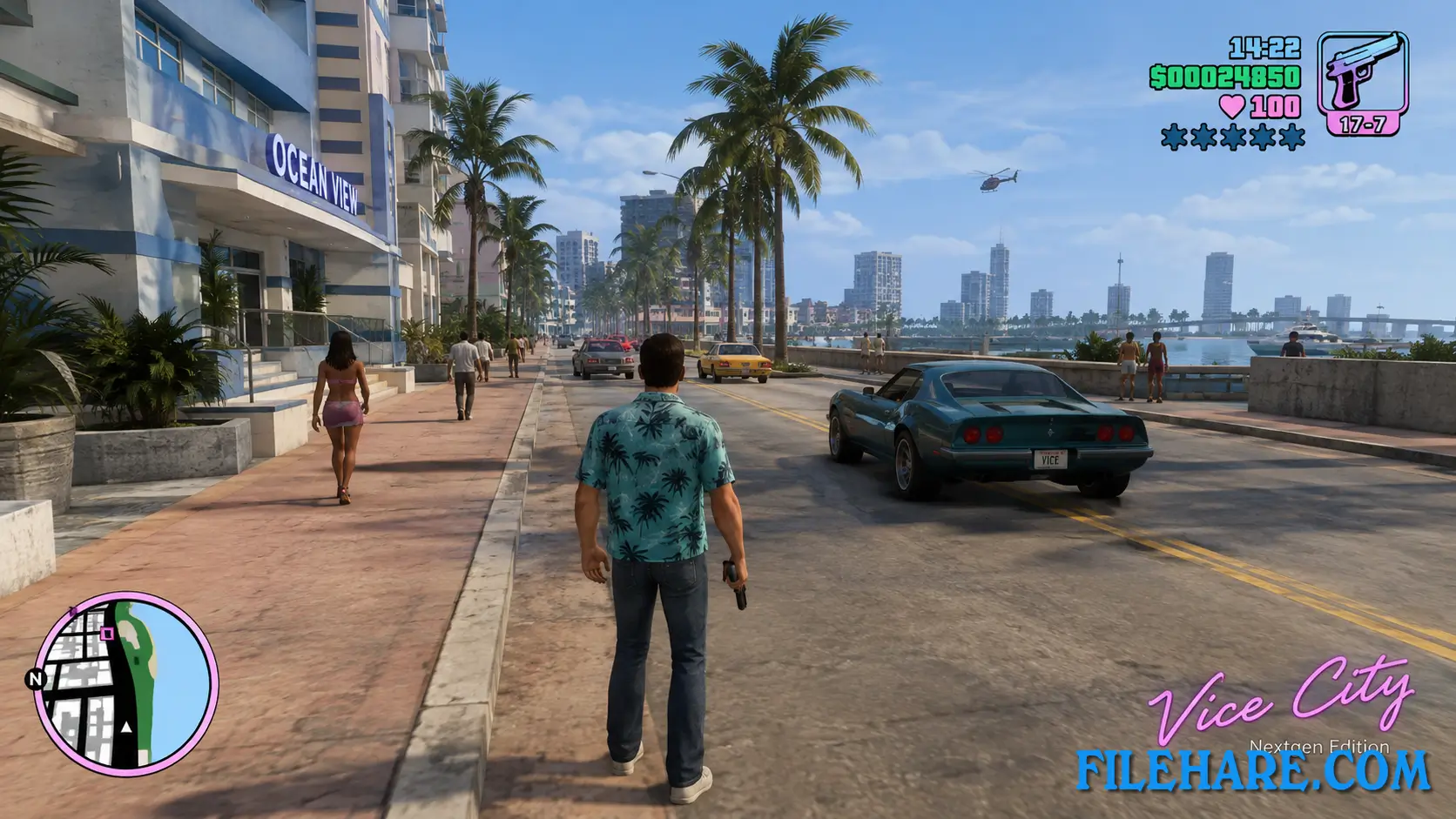
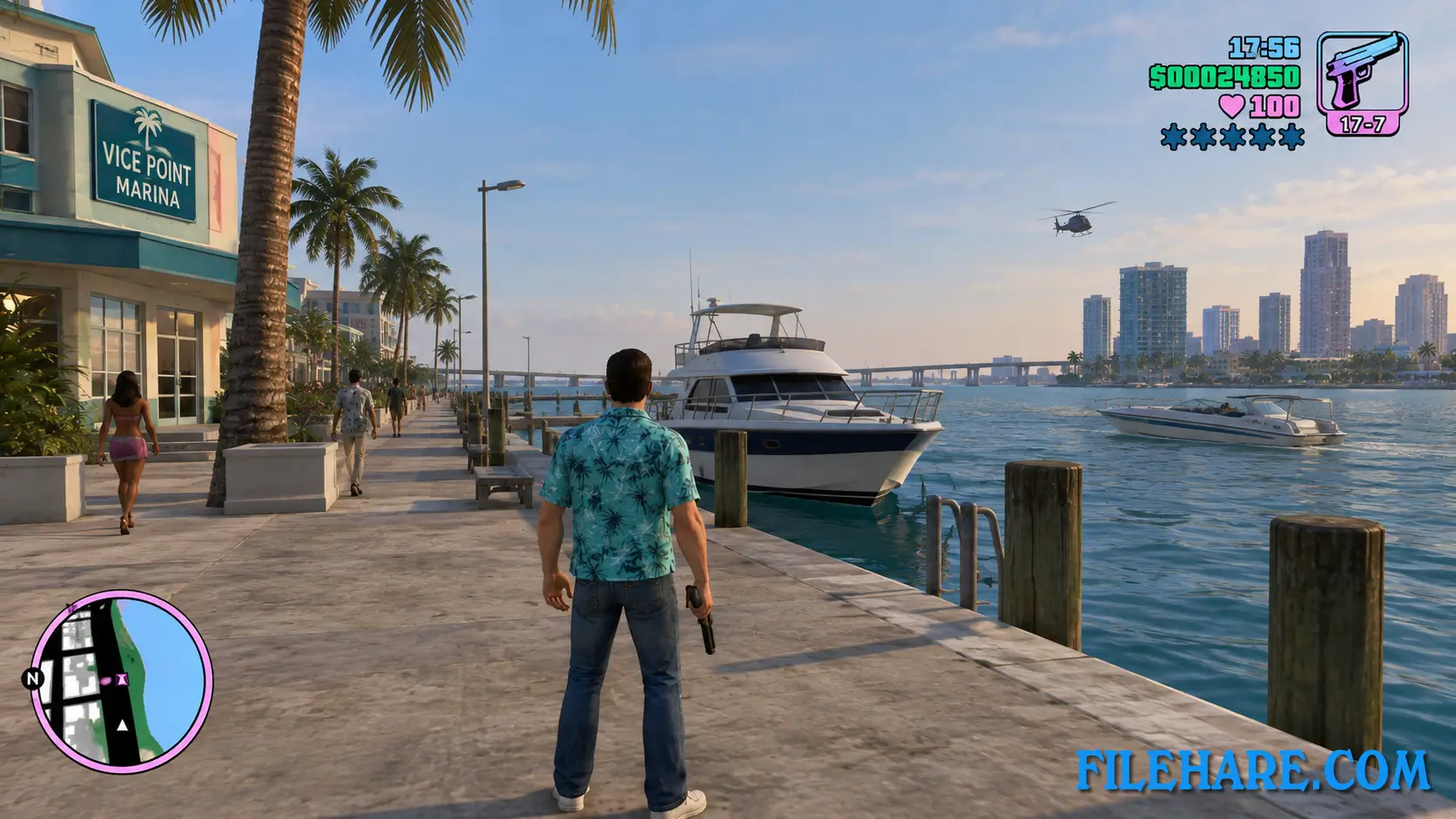
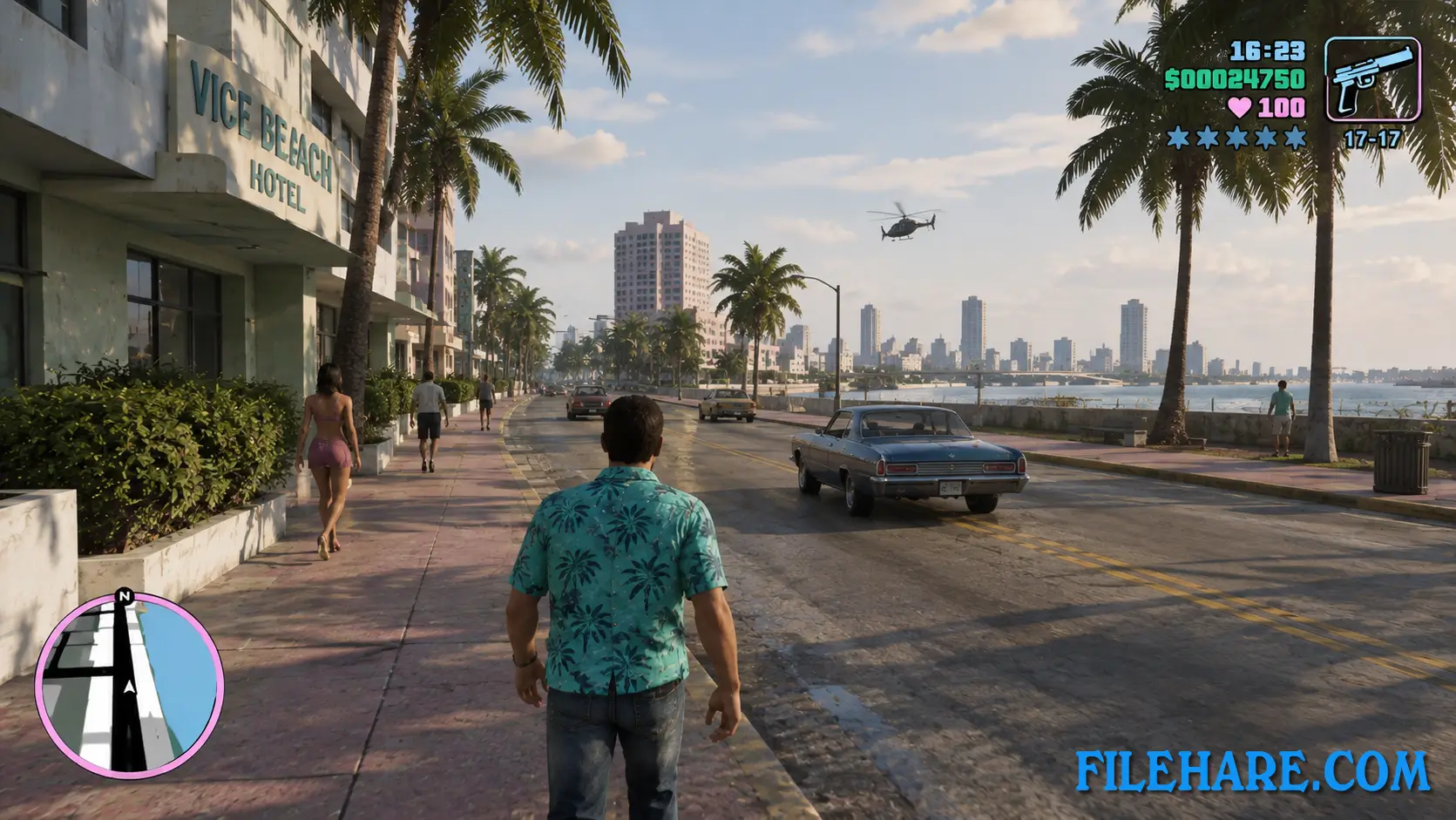
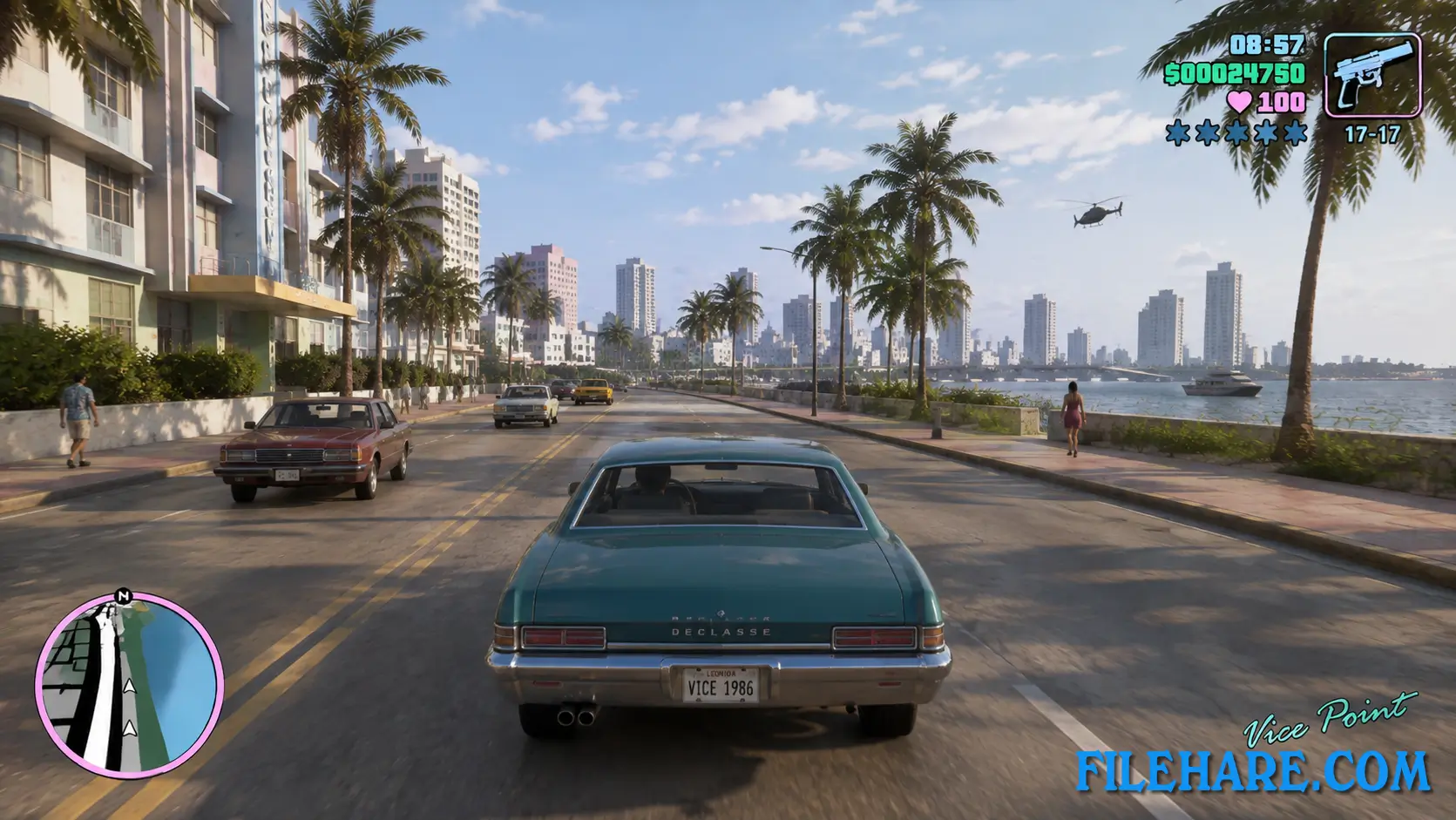
This remaster uses an upgraded version of the city and weapons, based on visuals close to the official Definitive Edition from 2021. Cars are taken from the Xbox version of the original game, and this is also true for character and pedestrian models. The polygon count of these models has not been increased, but the textures have been improved so they look sharper on modern screens. All the original radio stations from Vice City are included as well. The team also added better particle effects and small lighting upgrades, while keeping the original cutscenes and overall look of the classic game.
A Strong Pick For Vice City Fans
This project stands out as a solid free option for players who want to revisit Vice City with sharper visuals and smoother technical performance. The team behind it stayed close to the original story and mission structure, so long-time fans do not lose anything from the classic game they remember.
Since it costs nothing and does not require any other GTA title to install, it is easy for almost anyone with a PC to try it out. Combined with community add-ons like the first-person mod and RTX support, this remains one of the most impressive fan efforts built for a Rockstar game in recent years.
Take-Two Takedown And Standalone Release
Two days before the planned launch, Take-Two Interactive removed the YouTube channel that Revolution Team had used to share updates on the project. The team called this a difficult moment, since a lot of time and streaming hours had gone into building the mod. At first, players needed a copy of GTA 4 to run the project, as a way to respect the original publisher. After the channel removal, the team rebuilt the whole package so it works on its own. Now, it can be downloaded and installed without owning GTA 4 or the original Vice City.
Because of the ongoing dispute with Take-Two, there is no guarantee about how long download links will stay active, so anyone interested should look for it soon. Since its release, players have also built extra add-ons for it, such as a first-person camera option and support for RTX Remix path tracing on capable graphics cards.
Gameplay Screenshots
| Name | GTA Vice City Nextgen Edition |
|---|---|
| Developer | Rockstar Games / Revolution Team |
| File Size | 6.44 GB |
| Category | Action, Adventure |
| Minimum System Requirements | |
| CPU | Intel Core i3-2100 / AMD FX-4300 |
| RAM | 4 GB |
| Graphics | NVIDIA GeForce GTX 650 / AMD Radeon R7 240 |
| Free Disk Space | 9 GB |
| Operating System | Windows 10 / 11 / 8 / 7 (64-bit) |
| User Rating | |
To buy this game, visit the Store Page
How to Download and Install GTA Vice City Nextgen Edition Full Version PC Game?
We have simple instructions for you to download and install the PC game. Before following the steps, Ensure your PC meets the minimum system requirements for Playing the game on your PC.
- First, click on the DOWNLOAD button and you will be redirected to the final Download page. Then, Download the Game on your PC.
- Once you have downloaded the GTA Vice City Nextgen Edition Full Version PC Game, Open the folder where you saved the Game.
- Then Right-click on the Zip file and click on the "Extract files" option from the dropdown menu. If your computer does not have a Zip file extract software installed, you must first install it. (such as WinRAR, 7Zip software)
- After Extracting the Zip file, Open the GTA Vice City Nextgen Edition Full Version PC Game folder.
- Then, double-click on the Setup.exe file to Install the Game.
- If asked, provide administrator permissions for the installation to proceed. Click Yes to continue.
- Follow the on-screen installation wizard to install the game on your PC.
- After the installation, if you get any missing ".dll" errors or the Game is not launching, open the Readme.txt file located in the game folder and follow the instructions shown in the document file to play the game.
Done!. Now, you can launch the game from your desktop.