Diplomacy is Not an Option PC Game Download for Windows 10/11
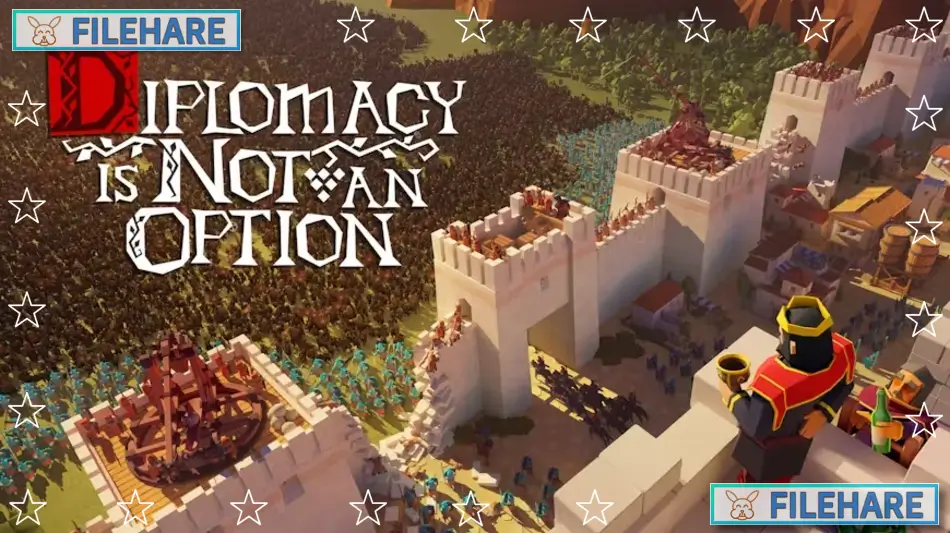
Diplomacy is Not an Option is a real-time strategy game developed and published by Door 407. The game was released in early access on February 9, 2022, for PC. The full version 1.0 was released on October 4, 2024, on Steam, GOG, Epic Games Store, and Humble Store. A free demo version called Diplomacy is Not an Option: Shareware was released on April 30, 2025. The game takes place in a medieval fantasy world where you must survive against large enemy armies.
Table of Contents
Diplomacy is Not an Option: Story
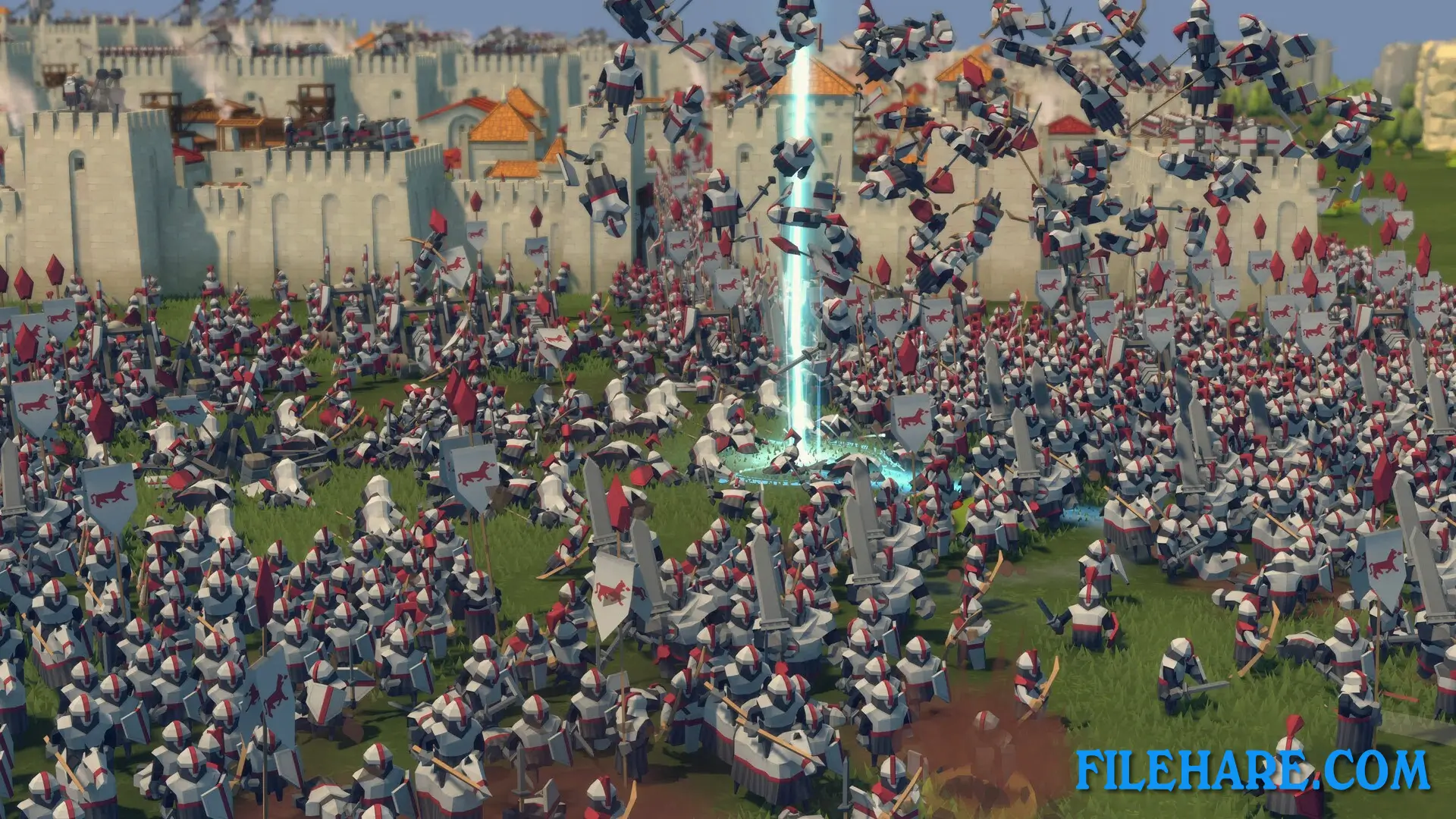
You play as a minor lord in medieval times who has been forced into constant battle. You are always outnumbered by enemy forces. The game has a complete story campaign with three factions, and you can play as them in their story missions. Your decisions during the campaign can change how events happen. There are six possible endings in the game at launch, with more planned for future updates. The missions have many types of objectives. You must defend your castle from attacks, attack enemy cities, build your town under tough conditions, escort important people to safety, and kill large, powerful enemies.
Diplomacy is Not an Option: Gameplay
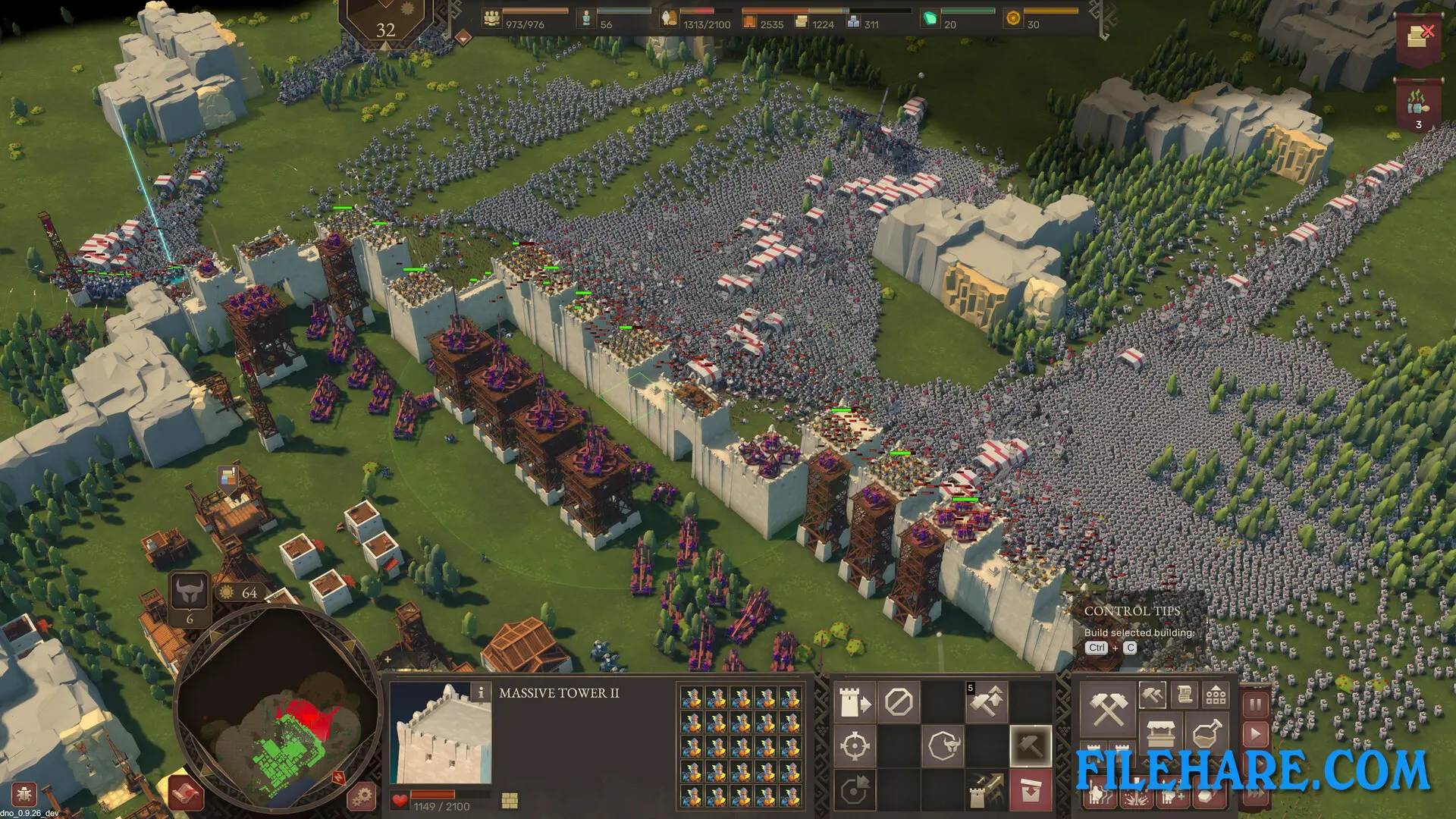
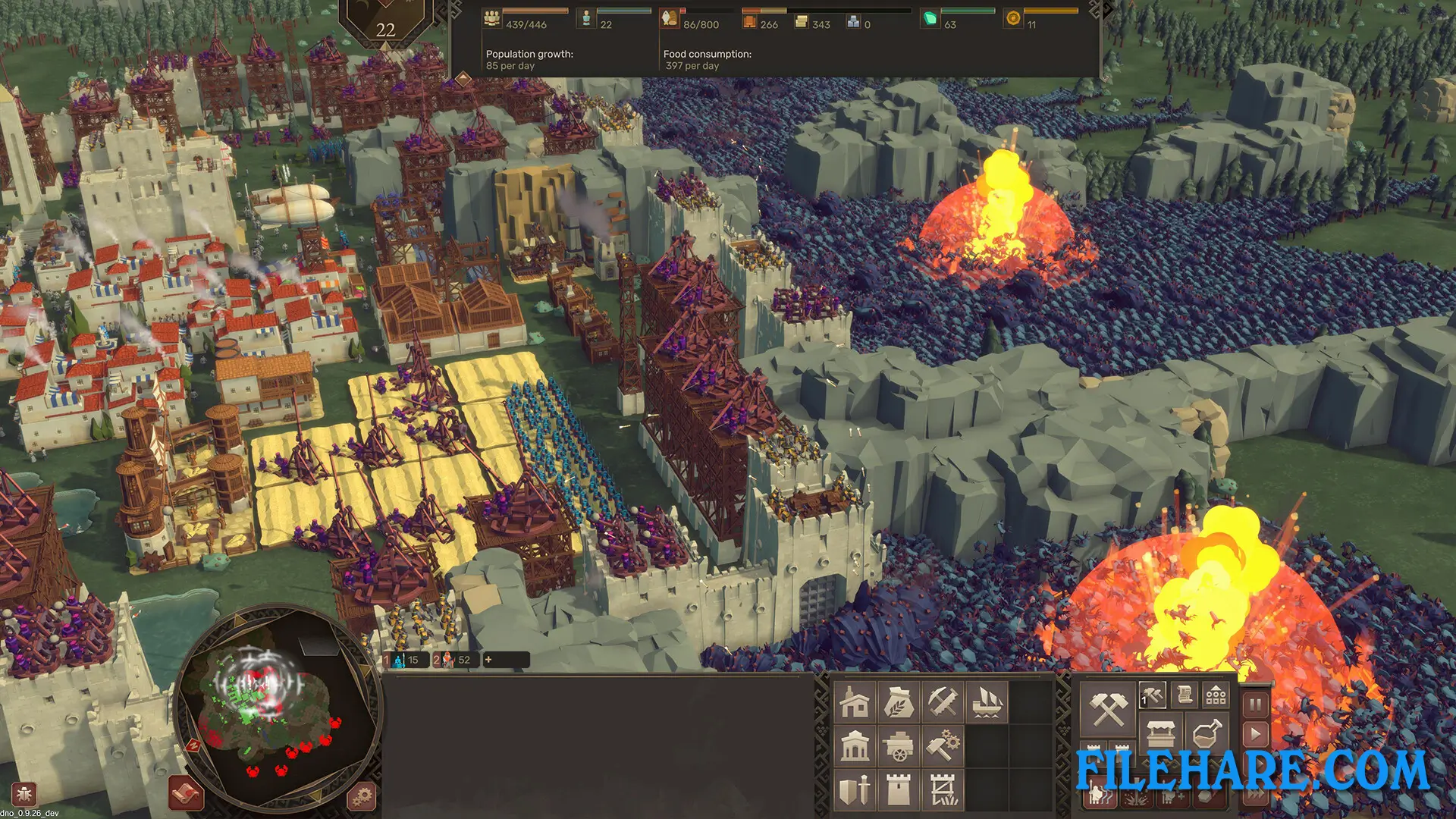
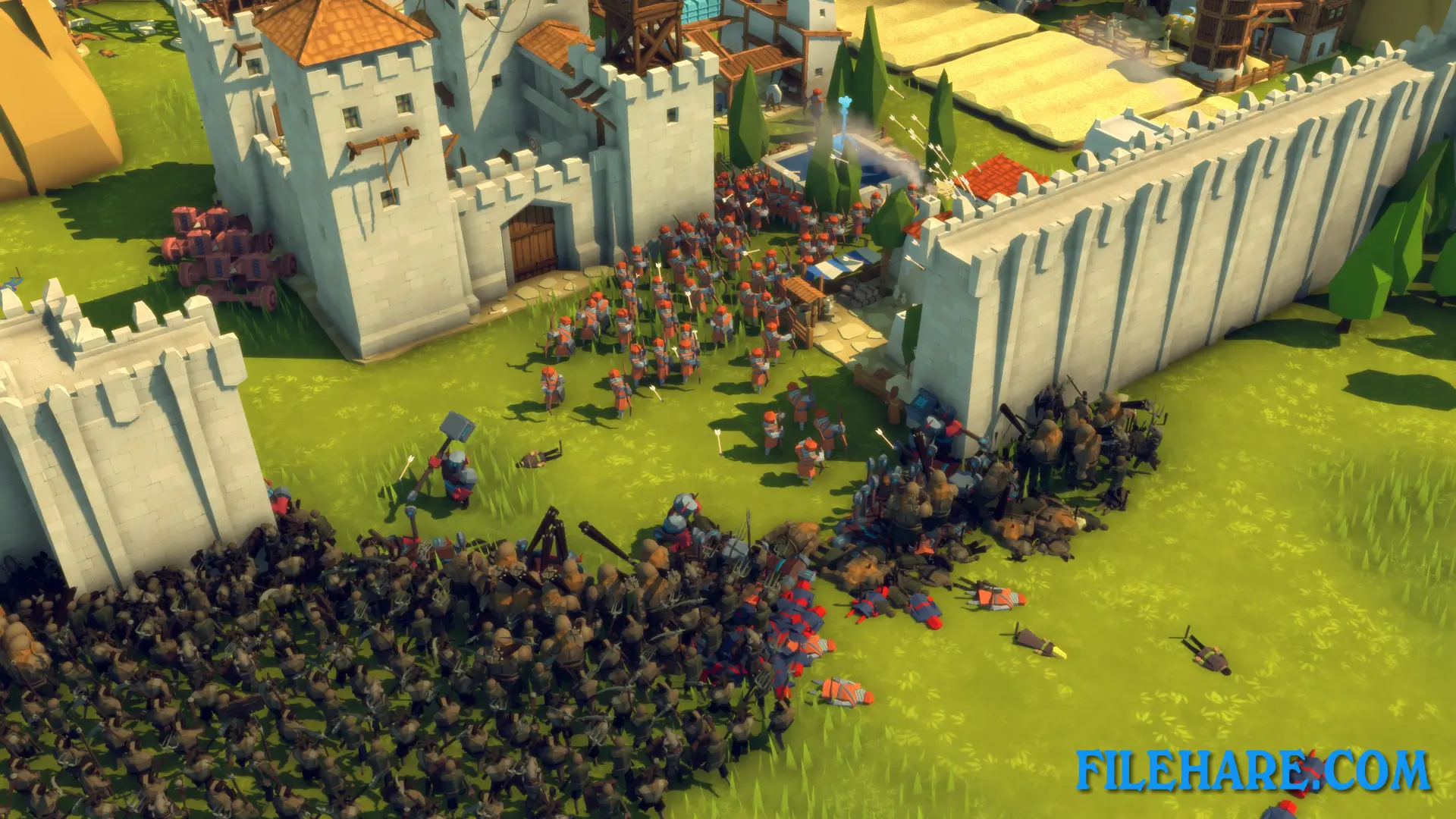
This is a real-time strategy game where you build your base and defend it from waves of enemies. You can pause the game anytime to plan your actions. You need to build walls, towers, and gates to protect your town. You must train soldiers and place them correctly to fight enemies. The game uses real physics for all projectiles. Every arrow and catapult stone follows actual physics rules. You need to think about where your towers are and make sure your soldiers have clear views to shoot.
You can create kill zones and fallback positions for better defence. Your people need food, so you must farm and grow crops. If food runs low, your soldiers can starve during battle. You need to build houses for peasants. When soldiers or peasants die, you must bury them to prevent plague. If the disease spreads, you need to treat infected people quickly.
Diplomacy is Not an Option: Features
The game has multiple game modes. Campaign mode has over 100 hours of content. Endless mode lets you fight continuous waves of enemies. Sandbox mode allows you to build without limits. Challenge mode gives you specific tasks to complete. The maps are procedurally generated, so every game is unique. You can play in real-time or pause frequently to control everything. The game has Twitch integration where streamers and their followers can appear as raiders in the game. Future updates will add a map editor, new sandbox levels, new challenges, and an undead faction that you can play. The game received very positive reviews from players during early access.
Recommended System Requirements
Requires a 64-bit processor and operating system
- OS: Windows 10, 11 64-bit
- Processor: Intel Core i5 7400 / AMD Ryzen 3 2300X
- Memory: 32 GB RAM
- Graphics: GeForce GTX 2060 / AMD Radeon RX 5600
- DirectX: Version 11
- Storage: 15 GB available space
- Sound Card: DirectX 11 compatible
- Additional Notes: mouse wheel
Gameplay Screenshots
| Name | Diplomacy is Not an Option |
|---|---|
| Developer | Door 407 |
| File Size | 3.95 GB |
| Category | Strategy |
| Minimum System Requirements | |
| CPU | Intel Core i5 6400 / AMD X8 FX-8300 |
| RAM | 16 GB |
| Graphics | GeForce GTX 960 / AMD Radeon R9 280 |
| Free Disk Space | 15 GB |
| Operating System | Windows 10 / 11 (64-bit) |
| User Rating | |
Buy this game to support the developer. Store Page
How to Download and Install Diplomacy is Not an Option PC Game?
We have simple instructions for you to download and install the PC game. Before following the steps, Ensure your PC meets the minimum system requirements for Playing the game on your PC.
- First, click on the DOWNLOAD button and you will be redirected to the final Download page. Then, Download the Game on your PC.
- Once you have downloaded the Diplomacy is Not an Option PC Game, Open the folder where you saved the Game.
- Then Right-click on the Zip file and click on the "Extract files" option from the dropdown menu. If your computer does not have a Zip file extract software installed, you must first install it. (such as WinRAR, 7Zip software)
- After Extracting the Zip file, Open the Diplomacy is Not an Option PC Game folder.
- Then, double-click on the Setup.exe file to Install the Game.
- If asked to allow the program to make changes to your device, click Yes to continue.
- After the installation, if you get any missing ".dll" errors or the Game is not launching, open the Readme.txt file located in the game folder and follow the instructions shown in the document file to play the game.
Done!. Now, you can launch the game from your desktop.