DiRT Rally 2.0 Game of the Year Edition PC Game Download

DiRT Rally 2.0 Game of the Year Edition is a rally racing simulation game developed and published by Codemasters. The base game launched on PC on February 26, 2019. The Game of the Year Edition bundles the full game with all additional content released after launch. It is built around real-world rally and rallycross racing, and it is one of the most realistic rally games on PC, designed for players who want a true motorsport experience.
Table of Contents
DiRT Rally 2.0 Gameplay
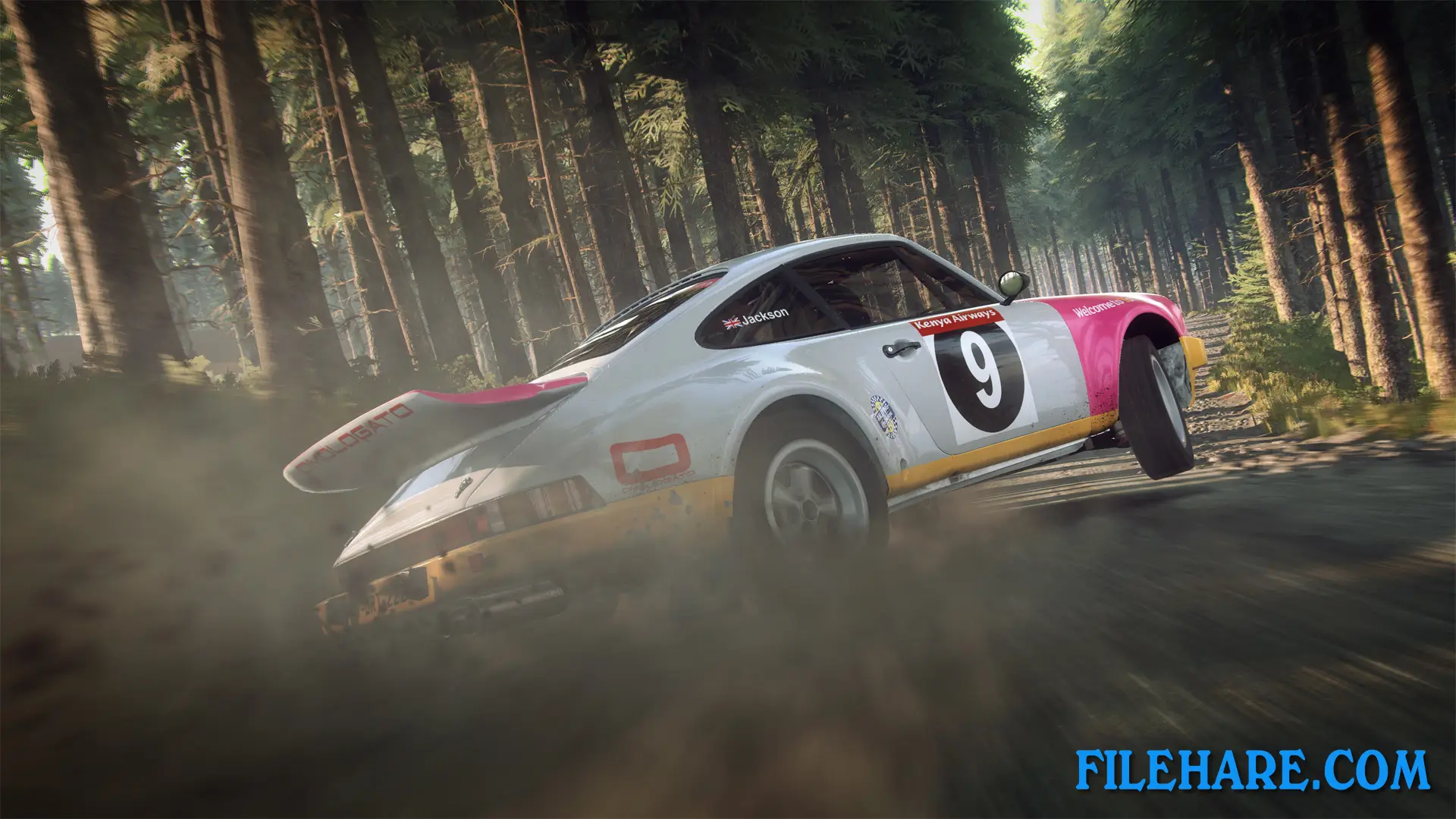
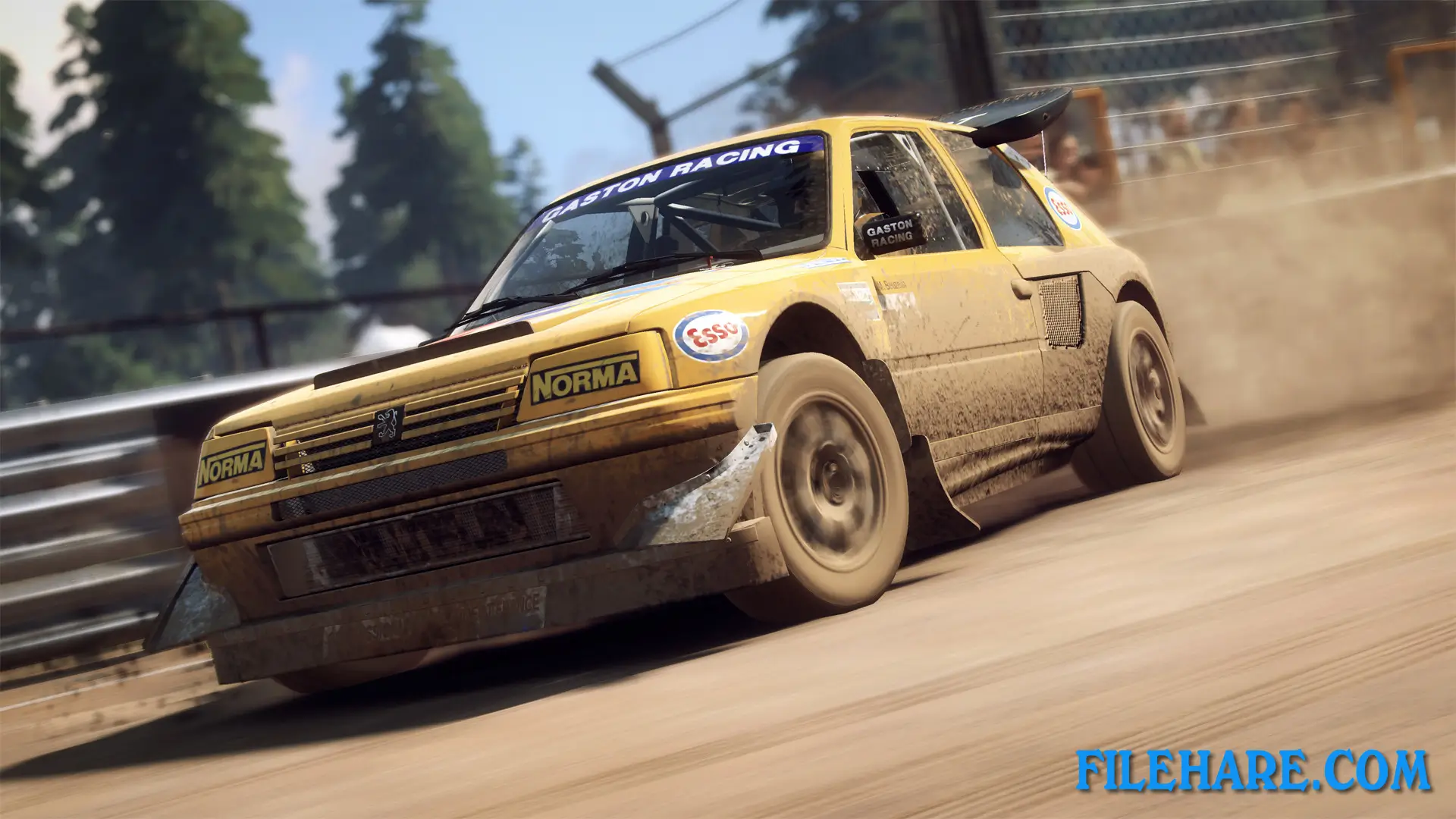
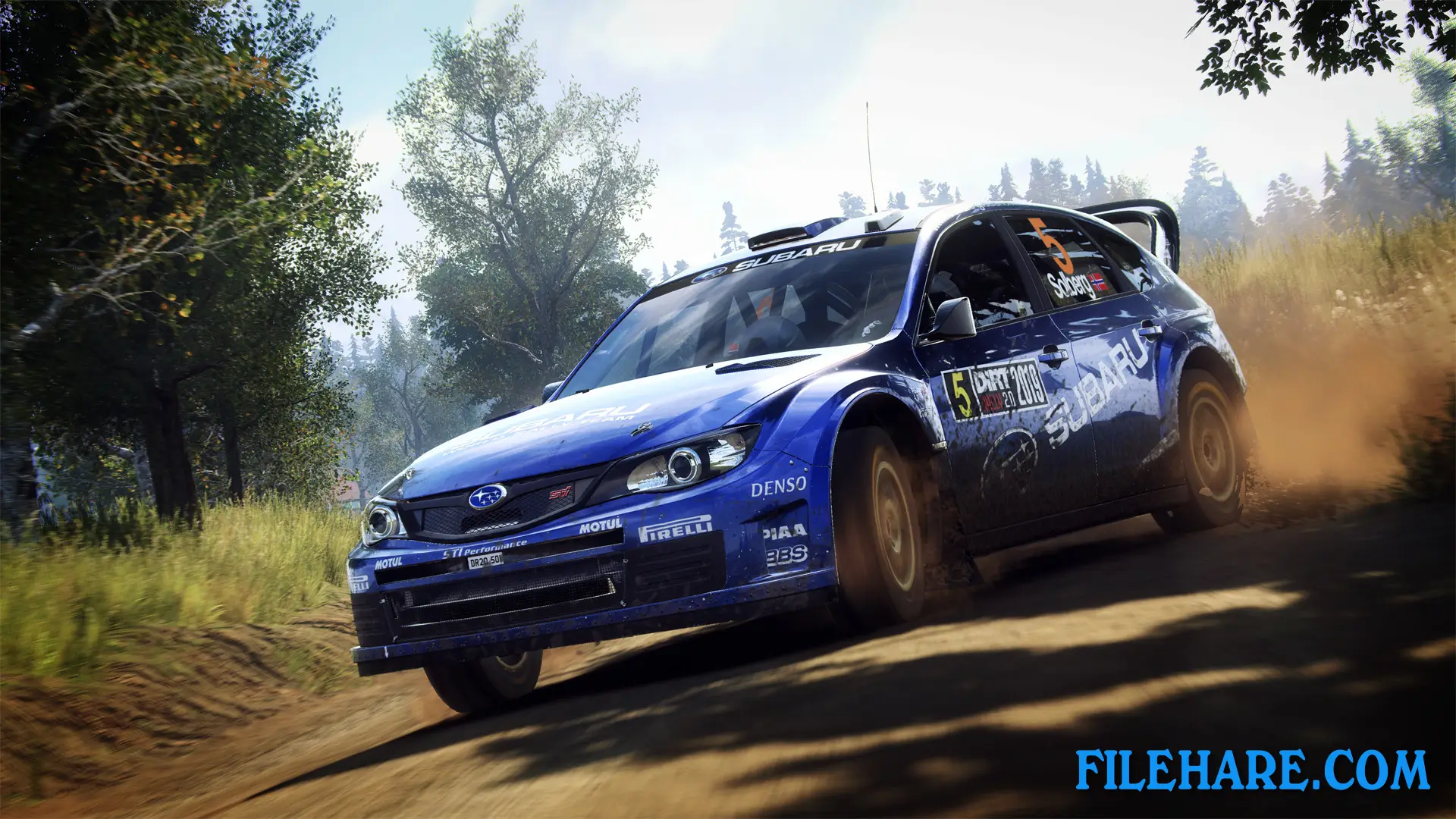
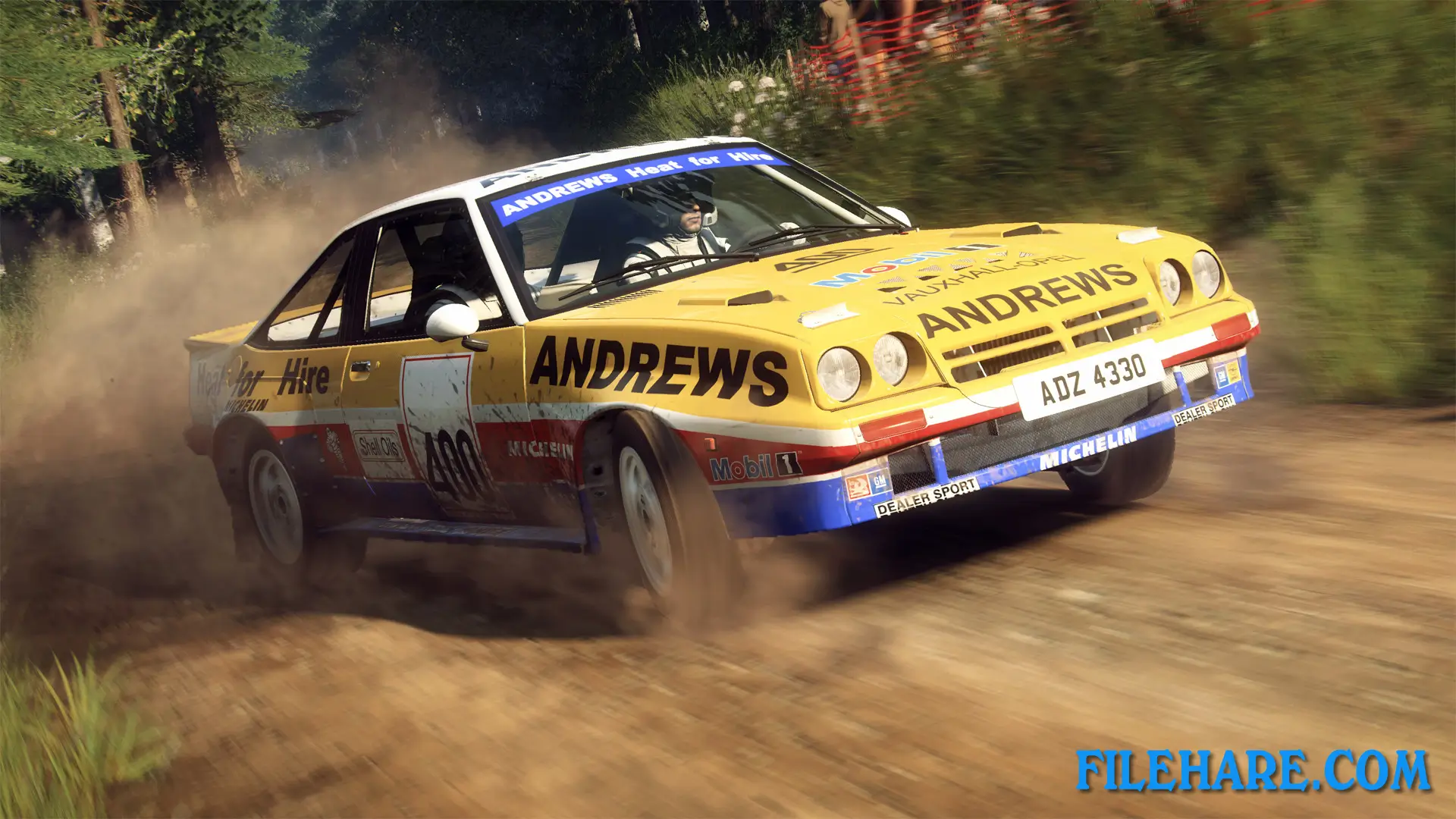
Players drive rally cars across off-road stages on surfaces including gravel, mud, snow, and asphalt. The game is a simulation racer, so car control is very sensitive and requires precise steering, braking, and throttle input. During each stage, a co-driver speaks pace notes aloud to warn the driver about upcoming corners and road features. This voice guidance is important because stages have no visible indicators on the road. Cars can take damage from crashes, and this damage directly affects how the car steers and handles. Between stages, players use a set amount of repair time to fix their car before the next run. Rallycross races are also part of the game, where several cars race on short circuits at the same time.
DiRT Rally 2.0 Features
The Game of the Year Edition includes all DLC content, which covers additional cars from various rally generations and extra stage locations. Real-world rally destinations in the game include New Zealand, Argentina, Australia, Spain, Poland, and the United States. The game also features official FIA World Rallycross Championship circuits. The car list spans several decades of motorsport history, from older classic rally cars to current-generation machines. Players can adjust detailed car setup options such as suspension stiffness, tyre choice, and gear ratios before a stage begins.
A career mode lets players work up from lower-level events to major championships in both rally and rallycross categories. Online events are available where players compete on the same stages and compare times with other players globally. Graphics settings can be adjusted to suit different PC configurations, and the game supports high-resolution displays for a sharp visual experience.
Recommended System Requirements
Requires a 64-bit processor and operating system
- OS: Windows 7, Windows 8, Windows 10
- Processor: AMD Ryzen 5 2600X or Intel Core i5 8600K
- Memory: 8 GB RAM
- Graphics: AMD RX Vega 56 or NVIDIA GTX 1070
- DirectX: Version 11
- Storage: 100 GB available space
- Sound Card: DirectX Compatible soundcard
Gameplay Screenshots
| Name | DiRT Rally 2.0 Game of the Year Edition |
|---|---|
| Developer | Codemasters |
| File Size | 35 GB |
| Category | Racing |
| Minimum System Requirements | |
| CPU | AMD FX4300 or Intel Core i3 2130 |
| RAM | 8 GB |
| Graphics | AMD HD7750 or NVIDIA GTX650Ti |
| Free Disk Space | 100 GB |
| Operating System | Windows 10 / 11 (64-bit) |
| User Rating | |
Buy this game to support the developer. Store Page
How to Download and Install DiRT Rally 2.0 of the Year Edition PC Game?
We have simple instructions for you to download and install the PC game. Before following the steps, Ensure your PC meets the minimum system requirements for Playing the game on your PC.
- First, click on the DOWNLOAD button and you will be redirected to the final Download page. Then, Download the Game on your PC.
- Once you have downloaded the DiRT Rally 2.0 of the Year Edition PC Game, Open the folder where you saved the Game.
- Then Right-click on the Zip file and click on the "Extract files" option from the dropdown menu. If your computer does not have a Zip file extract software installed, you must first install it. (such as WinRAR, 7Zip software)
- After Extracting the Zip file, Open the DiRT Rally 2.0 of the Year Edition PC Game folder.
- Then, double-click on the Setup.exe file to Install the Game.
- If asked to allow the program to make changes to your device, click Yes to continue.
- After the installation, if you get any missing ".dll" errors or the Game is not launching, open the Readme.txt file located in the game folder and follow the instructions shown in the document file to play the game.
Done!. Now, you can launch the game from your desktop.