DOOM + DOOM II PC Game Download for Windows 10/11
DOOM + DOOM II is a first-person shooter game originally developed by id Software and now enhanced in collaboration with Nightdive Studios and MachineGames. The package was published by Bethesda Softworks and released on August 8, 2024, for PC through Steam, GOG, Epic Games Store, Microsoft Store, PlayStation 4, PlayStation 5, Xbox One, Xbox Series X/S, and Nintendo Switch. This combined edition gets both legendary 1993 and 1994 games with improvements, while also providing them as a free upgrade for existing owners of the Enhanced editions.
Table of Contents
DOOM + DOOM II Gameplay
These are classic first-person shooters where you control the Doomguy, a space marine who must fight through hordes of demons from Hell. You move through levels shooting enemies with weapons like pistols, shotguns, chainsaws, rocket launchers, plasma rifles, and the famous BFG 9000. The original DOOM has four episodes with nine levels in most episodes, while DOOM II features 30 continuous levels in a single campaign. You collect ammunition, armour, and health items. Some levels have secret areas that contain extra weapons and power-ups. Combat requires you to constantly move while shooting enemies because standing still gets you killed quickly.
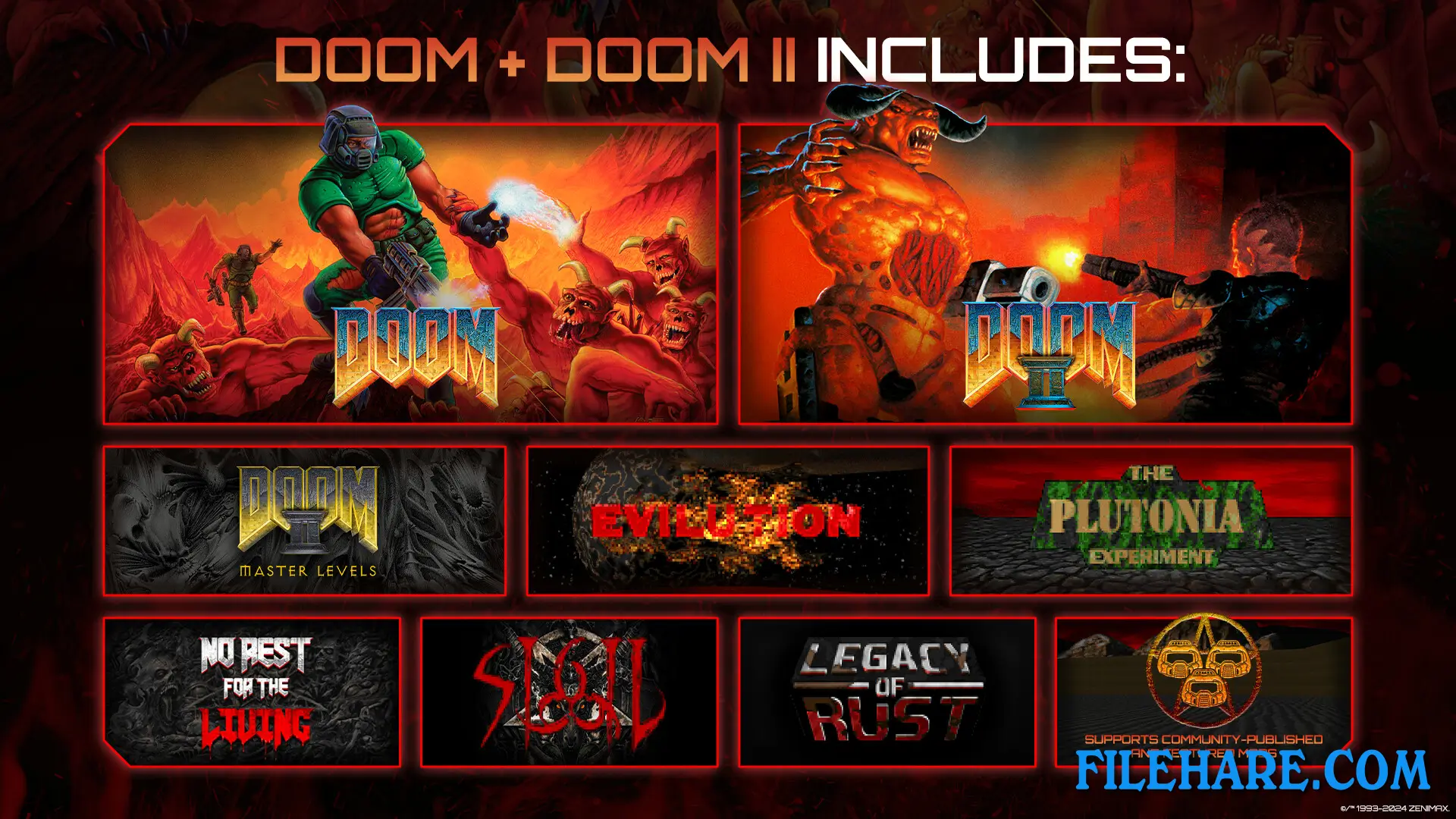
The game runs at 60 FPS at 1080p resolution on all platforms and can reach up to 120 FPS at 4K resolution on Xbox Series X/S, PC, and PlayStation 5. The enhanced edition includes all official expansions and content packs that were released over the years, such as The Ultimate DOOM, Master Levels for DOOM II, No Rest for the Living, DOOM 64, Final DOOM with TNT: Evilution and The Plutonia Experiment, and SIGIL from John Romero.
DOOM + DOOM II Features
The package introduces Legacy of Rust, a completely new episode split into two campaigns called The Vulcan Abyss and Counterfeit Eden, containing 16 total maps. This marks the first official new episode since DOOM II and includes new demon types and weapons never seen before in classic DOOM. The game now supports online multiplayer for up to 16 players with cross-platform play across all platforms. You can join your friends through a simple four-letter room code system. Local split-screen is available for four players on all platforms, with eight-player split-screen possible on Xbox Series X/S and PC.
Recommended System Requirements
Requires a 64-bit processor and operating system
- OS Version: Windows 10 64-bit
- Processor: Intel Core i5-6600k @3.5GHz or AMD Ryzen 5 1600 @3.2GHz
- Memory: 8GB System RAM
- Graphics: NVIDIA GeForce GTX 1070 TI (8GB) or AMD RX Vega 56 (8GB) or Intel Arc A380 in 3840×2160
- Direct X: Version 12
- Disk Space: Minimum 2GB free space on hard drive
Gameplay Screenshots
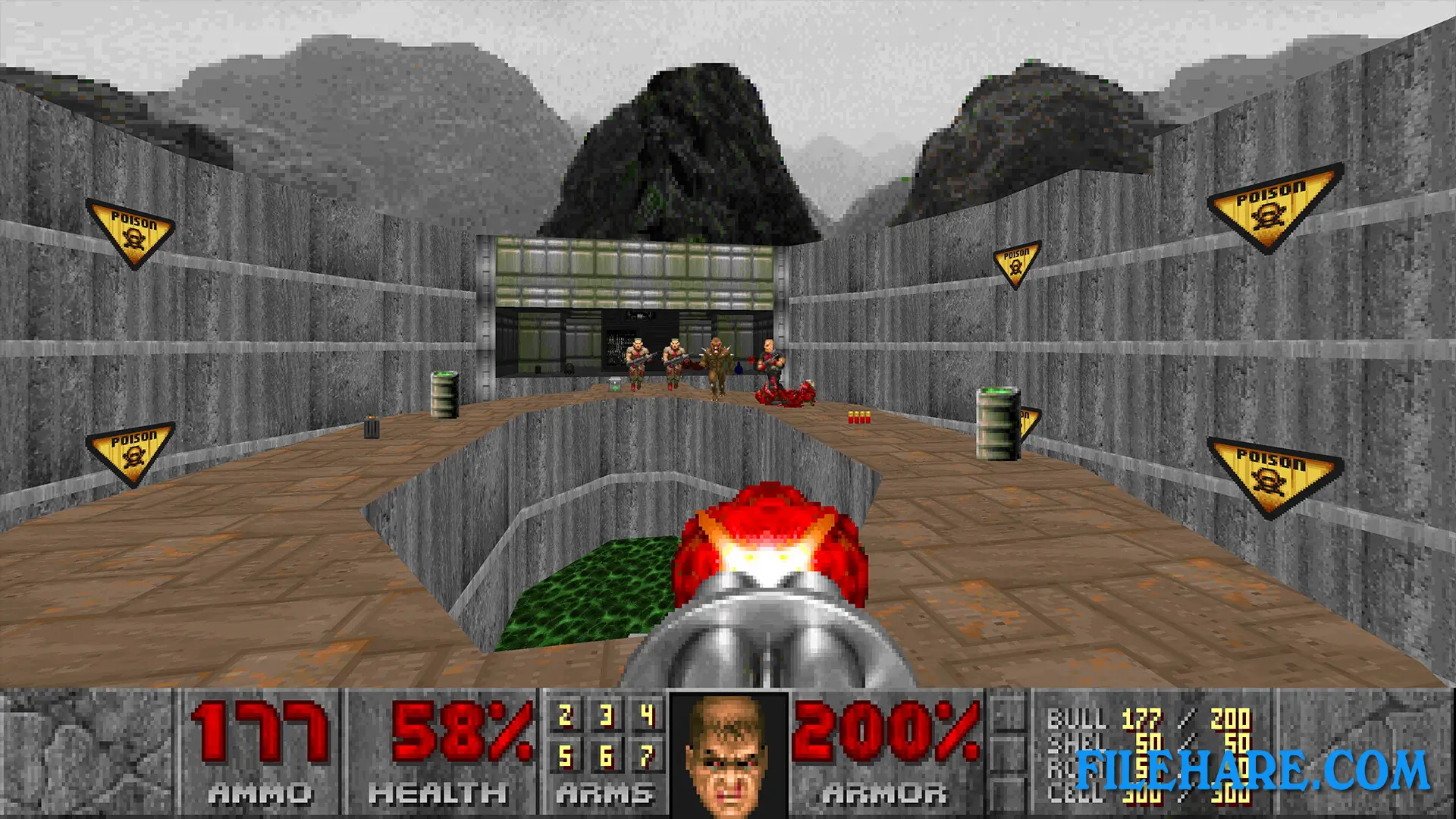
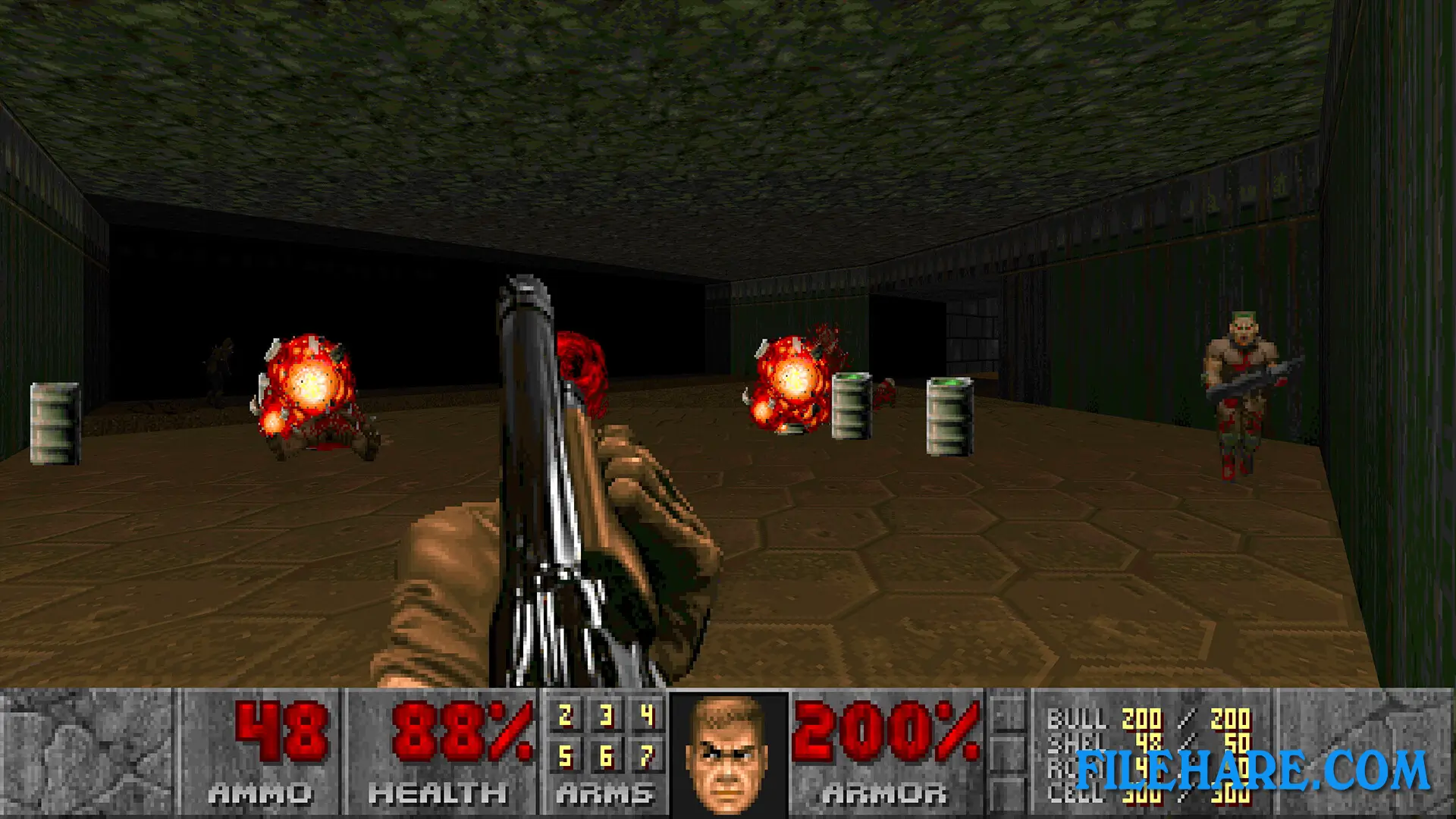
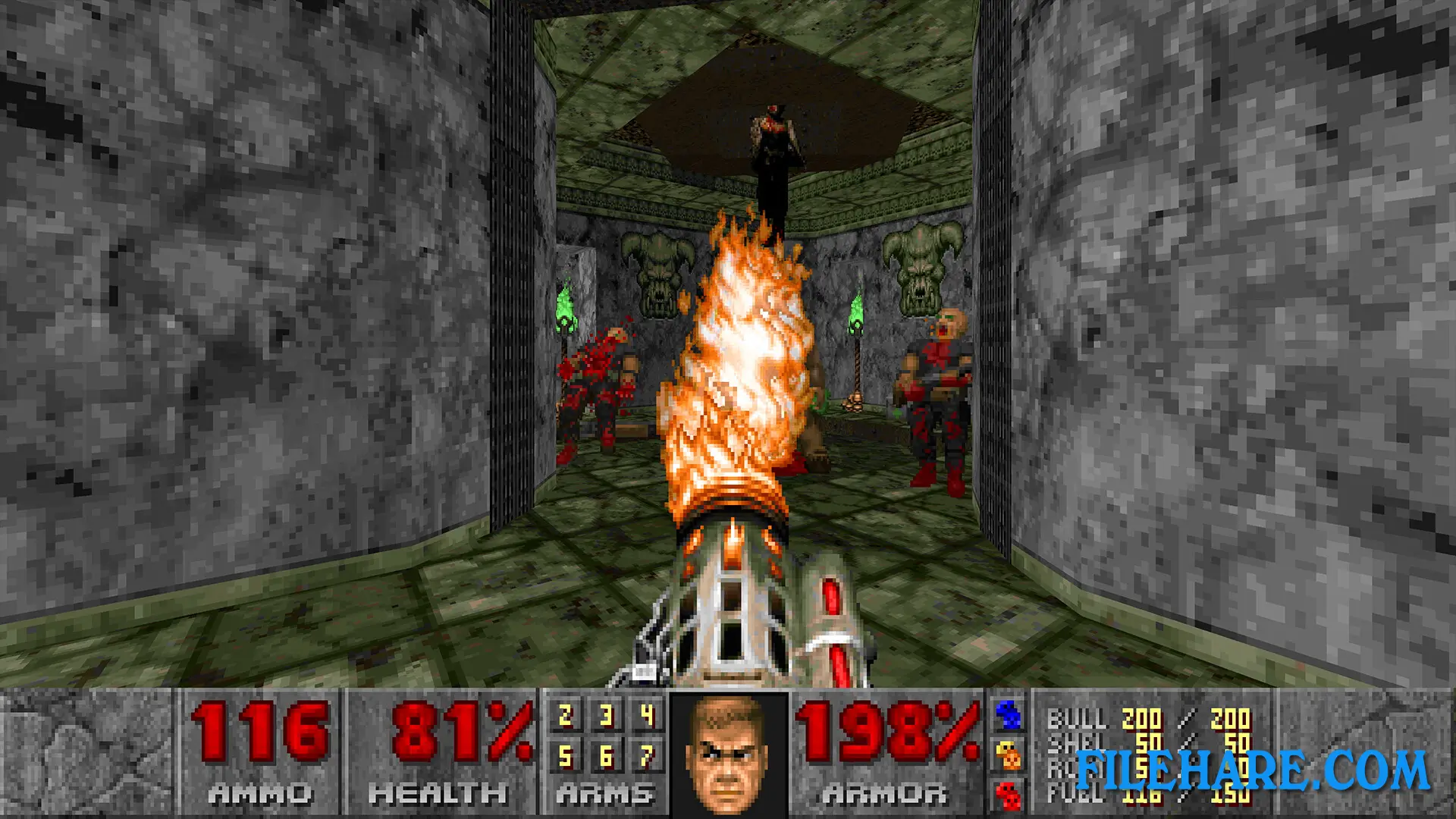
| Name | DOOM + DOOM II |
|---|---|
| Developer | id Software, Nightdive Studios |
| File Size | 837.76 MB |
| Category | Action |
| Minimum System Requirements | |
| CPU | Intel Core i5-3570 @3.4GHz or AMD Ryzen 5 1400 @3.5GHz |
| RAM | 8 GB |
| Graphics | NVIDIA Geforce GTX 650 TI (2GB) or AMD HD 7750 (1GB) |
| Free Disk Space | 2 GB |
| Operating System | Windows 10 / 11 (64-bit) |
| User Rating | |
Buy this game to support the developer. Store Page
How to Download and Install DOOM + DOOM II PC Game?
We have simple instructions for you to download and install the PC game. Before following the steps, Ensure your PC meets the minimum system requirements for Playing the game on your PC.
- First, click on the DOWNLOAD button and you will be redirected to the final Download page. Then, Download the Game on your PC.
- Once you have downloaded the DOOM + DOOM II PC Game, Open the folder where you saved the Game.
- Then Right-click on the Zip file and click on the "Extract files" option from the dropdown menu. If your computer does not have a Zip file extract software installed, you must first install it. (such as WinRAR, 7Zip software)
- After Extracting the Zip file, Open the DOOM + DOOM II PC Game folder.
- Then, double-click on the Setup.exe file to Install the Game.
- If asked to allow the program to make changes to your device, click Yes to continue.
- After the installation, if you get any missing ".dll" errors or the Game is not launching, open the Readme.txt file located in the game folder and follow the instructions shown in the document file to play the game.
Done!. Now, you can launch the game from your desktop.