Heavy Cargo – The Truck Simulator PC Game Download for Windows 10/11
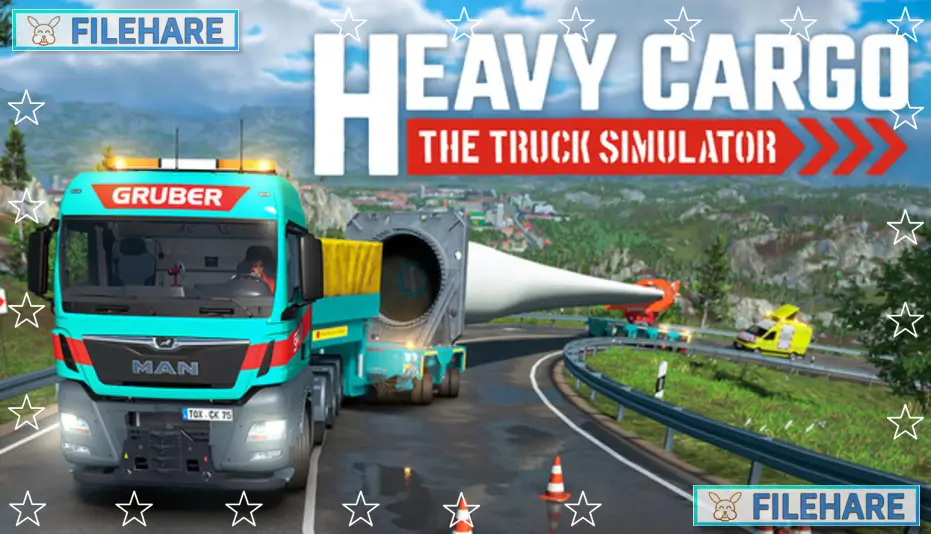
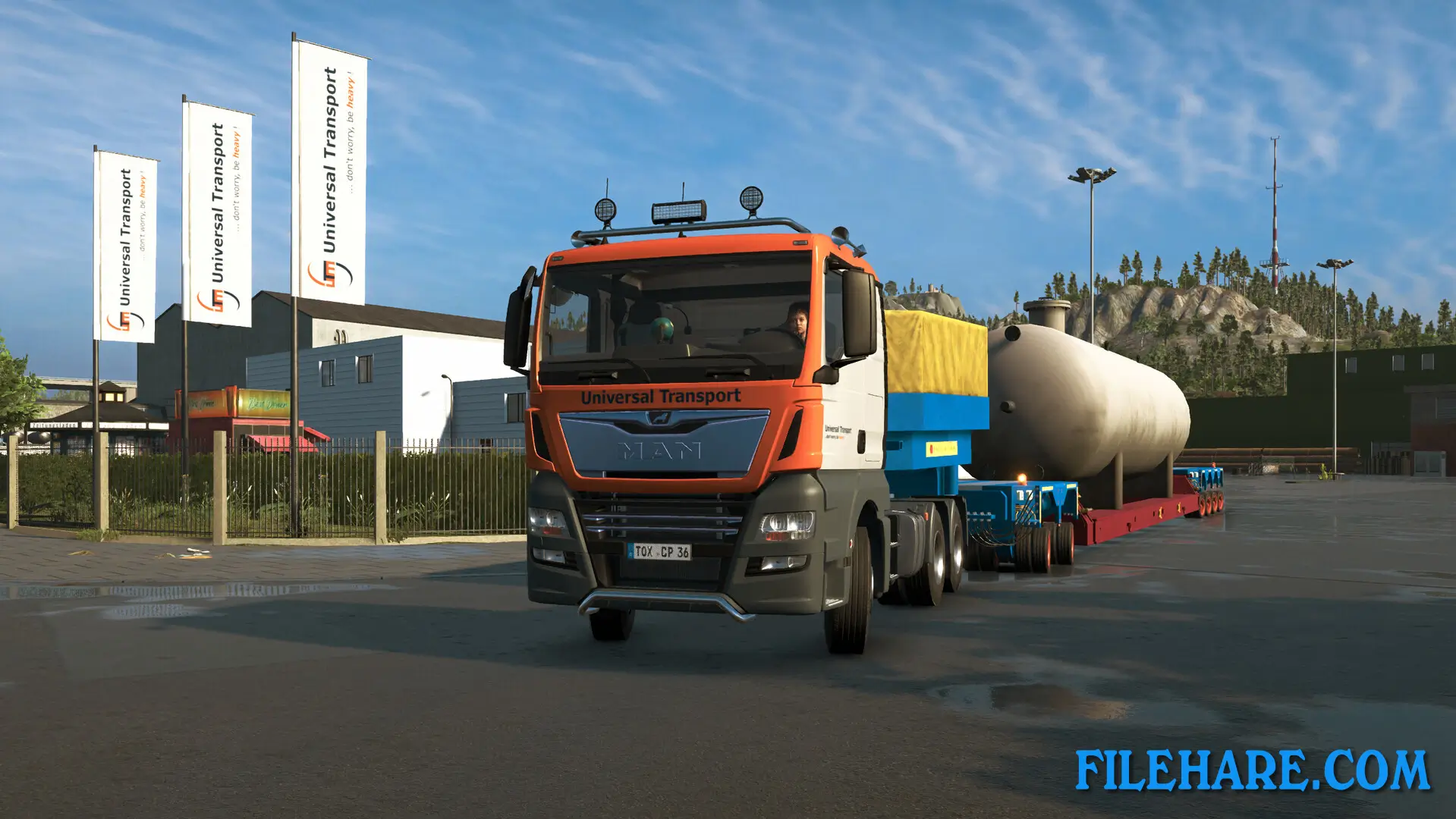
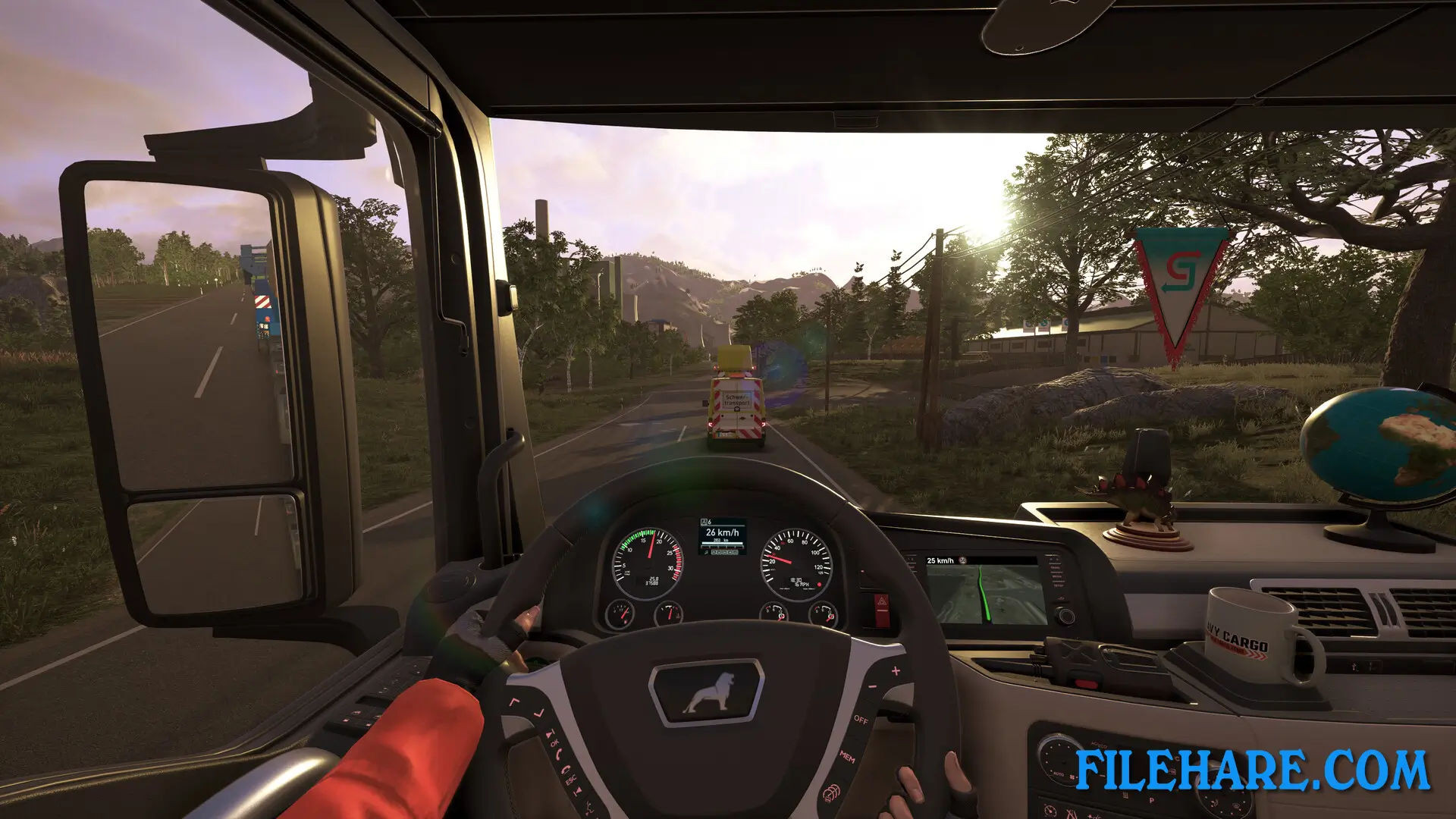
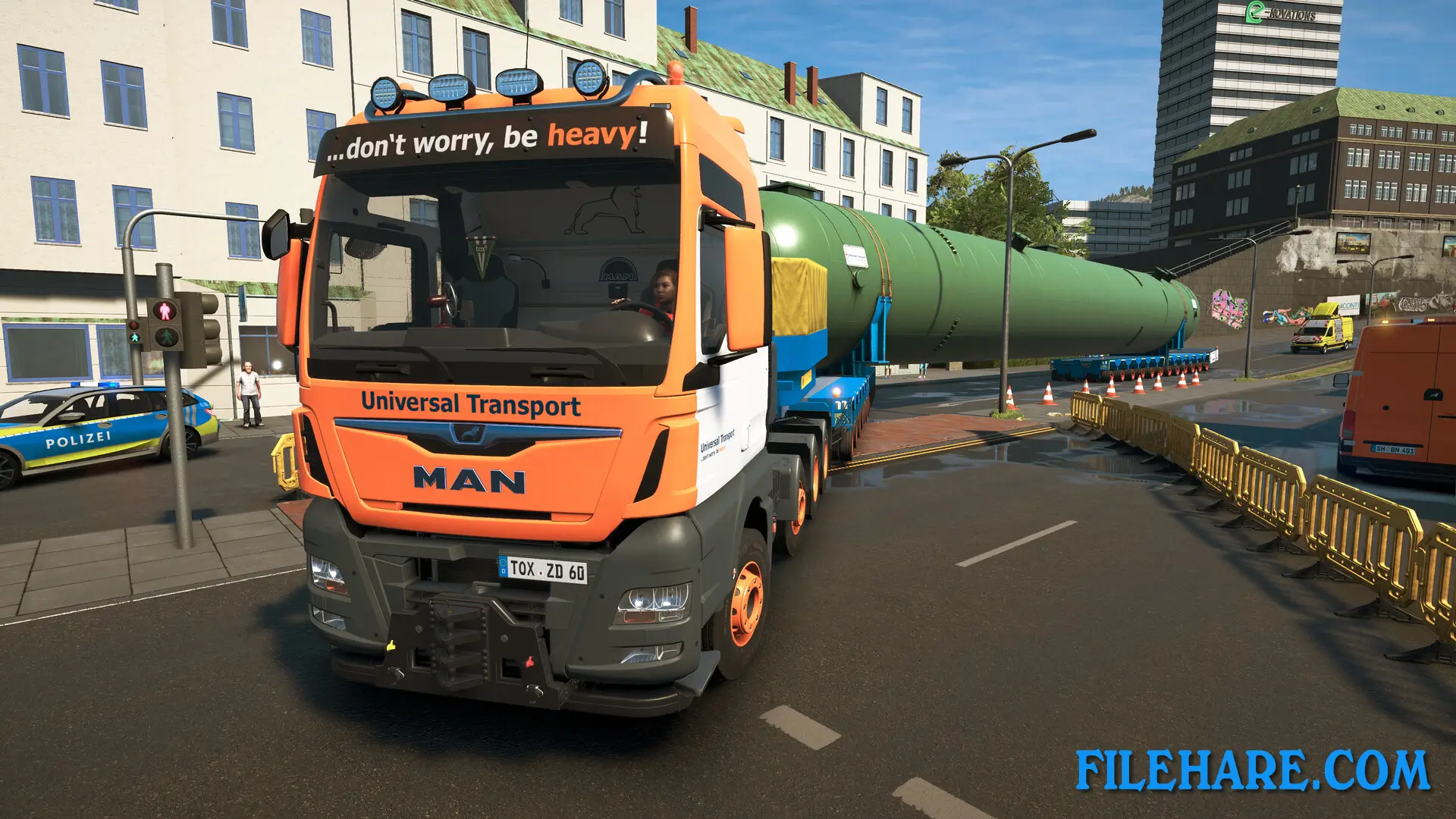
Heavy Cargo – The Truck Simulator is a vehicle simulation game developed by tox² interactive GmbH and published by Aerosoft GmbH. The game was released on October 9, 2024, for PC via Steam, as well as PlayStation 5 and Xbox Series X and Series S. This truck simulator was developed in close cooperation with Gruber Logistics, a company that specializes in heavy cargo transports in real life. Players can experience what it is like to transport oversized cargo through a 175km² open world with dynamic weather and day-night cycles. The game allows players to drive highly detailed MAN trucks and control various support vehicles needed for successful cargo delivery.
Table of Contents
Heavy Cargo – The Truck Simulator Gameplay
Players transport oversized cargo through an extensive and lively open game world that includes country roads, highways, large cities, difficult mountain passages, and remote villages. Before starting any delivery journey, players often must explore the route first using a spotting vehicle. This MAN TGE vehicle in the Sprinter class helps players identify potential problems along the route. When obstacles prevent mission completion, players need to dismantle crash barriers, cut off road signs, determine bridge heights, or lay out plates using a crane to transport heavy cargo from point A to point B without damage.
The game includes almost 30 orders in various weight and size classes. Players are driven by escort vehicles that accompany them as preceding and following vehicles during oversize transport journeys. Unloading large and heavy freight with the help of cranes is an important part of the mission. Players can use mobile cranes and truck loading cranes to handle the cargo properly. When missions are completed, players receive detailed evaluations that help them unlock over 100 add-on parts, more than 20 interior decorations, new truck models, and new missions.
Heavy Cargo – The Truck Simulator Features
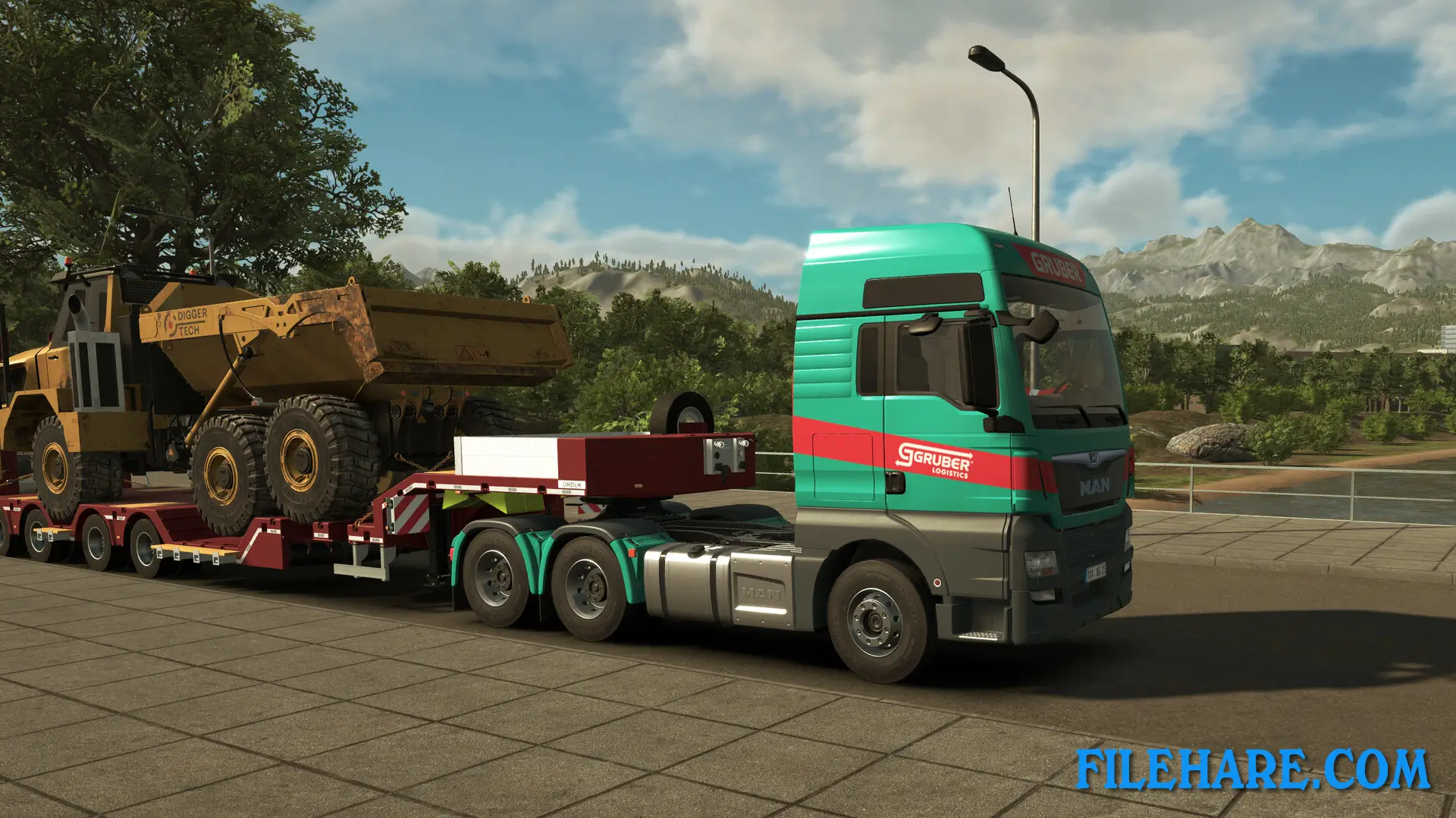
The game features MAN trucks with various trailers and semitrailers based on real-life models, including boiler bridges, rotor trailers, and low-loaders. All the vehicles are highly customizable and detailed to provide an authentic trucking experience. The 175km² game world has a European setting and includes many locations to explore and discover. Players experience dynamic weather conditions and a complete day-night cycle while driving. The weather can change from clear skies to rain or fog, which can make deliveries more challenging. Players must plan challenging missions from start to finish, determining the best routes and preparing for obstacles they may encounter.
Recommended System Requirements
Requires a 64-bit processor and operating system
- OS: Windows 10/11 (64 bit only)
- Processor: AMD Ryzen 5 5600X / Intel Core i7-11700K
- Memory: 16 GB RAM
- Graphics: GeForce RTX 2060 / Radeon RX 6700 XT or similar
- DirectX: Version 12
- Storage: 40 GB available space
- Sound Card: onboard
Gameplay Screenshots
| Name | Heavy Cargo – The Truck Simulator |
|---|---|
| Developer | tox² interactive GmbH |
| File Size | 4.51 GB |
| Category | Simulation |
| Minimum System Requirements | |
| CPU | AMD Ryzen 3 3100 / Intel Core i3-8100 |
| RAM | 8 GB |
| Graphics | GeForce GTX 1050 TI / Radeon RX 570 or similar |
| Free Disk Space | 40 GB |
| Operating System | Windows 10 / 11 (64-bit) |
| User Rating | |
Buy this game to support the developer. Store Page
How to Download and Install Heavy Cargo – The Truck Simulator PC Game?
We have simple instructions for you to download and install the PC game. Before following the steps, Ensure your PC meets the minimum system requirements for Playing the game on your PC.
- First, click on the DOWNLOAD button and you will be redirected to the final Download page. Then, Download the Game on your PC.
- Once you have downloaded the Heavy Cargo – The Truck Simulator PC Game, Open the folder where you saved the Game.
- Then Right-click on the Zip file and click on the "Extract files" option from the dropdown menu. If your computer does not have a Zip file extract software installed, you must first install it. (such as WinRAR, 7Zip software)
- After Extracting the Zip file, Open the Heavy Cargo – The Truck Simulator PC Game folder.
- Then, double-click on the Setup.exe file to Install the Game.
- If asked to allow the program to make changes to your device, click Yes to continue.
- After the installation, if you get any missing ".dll" errors or the Game is not launching, open the Readme.txt file located in the game folder and follow the instructions shown in the document file to play the game.
Done!. Now, you can launch the game from your desktop.