Mystwood Manor PC Game Download for Windows 10/11/7/8
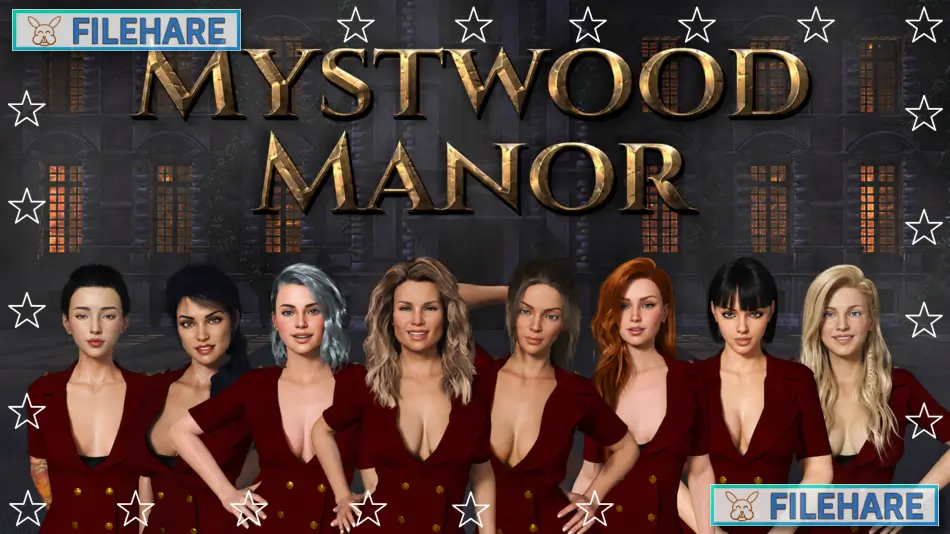
Mystwood Manor is an adult hotel management game from Faerin Games. You play as a young man who becomes responsible for a hotel with many female staff members. The main work is to run the hotel, serve guests, improve rooms, and manage staff. The game also includes adult scenes, conversations, and guest events for the main character.
Table of Contents
Mystwood Manor Hotel Management Gameplay
Hotel management is an important part of the gameplay. You can handle guests at the hotel and improve places used for their stay. Hotel work includes the Lobby, Kitchen, Housekeeping, Maintenance, Sauna, Healthcare, Security, Pool, Yoga Studio, Massage Parlor, Restaurant, and Club. Renovating these areas can improve guest service and allow more staff work.
Staff and Hotel Upgrades
Staff members have roles in hotel work. Julia works with the Lobby, while Amber, Riley, Kay, Laura, Annika, Hana, and Catalina can work in other hotel areas. Staff skills can help guest satisfaction or hotel efficiency. You can also train staff and equip them with useful items and cards. Hotel level can open new rooms, upgrades, staff work, and events.
Guests and Hotel Reputation
Guests are another major part of the game. New guests can stay at the hotel, and successful stays can increase hotel reputation. Guests have levels and may need staff in suitable hotel areas. You can check on guests during the day to see their scenes and conversations. Some guest events need certain staff members or a higher guest level before the next scene.
Locations and Character Events
The game also has places outside the hotel. You can visit the lake, woods, town, and the Royal Stag. These places can provide items, scenes, and staff events. Time periods can matter when looking for some scenes. Character events are linked with hotel work, visits, and staff members. The game has many adult scenes connected with the main character and hotel staff.
Mystwood Manor Final Overview
Mystwood Manor is designed for adult players who like hotel management and character scenes. It combines guest service, staff work, room upgrades, hotel reputation, outside visits, and adult content in one game. You manage the hotel while meeting new guests and staff members. The main focus stays on running the hotel and viewing character events as you build the Manor.
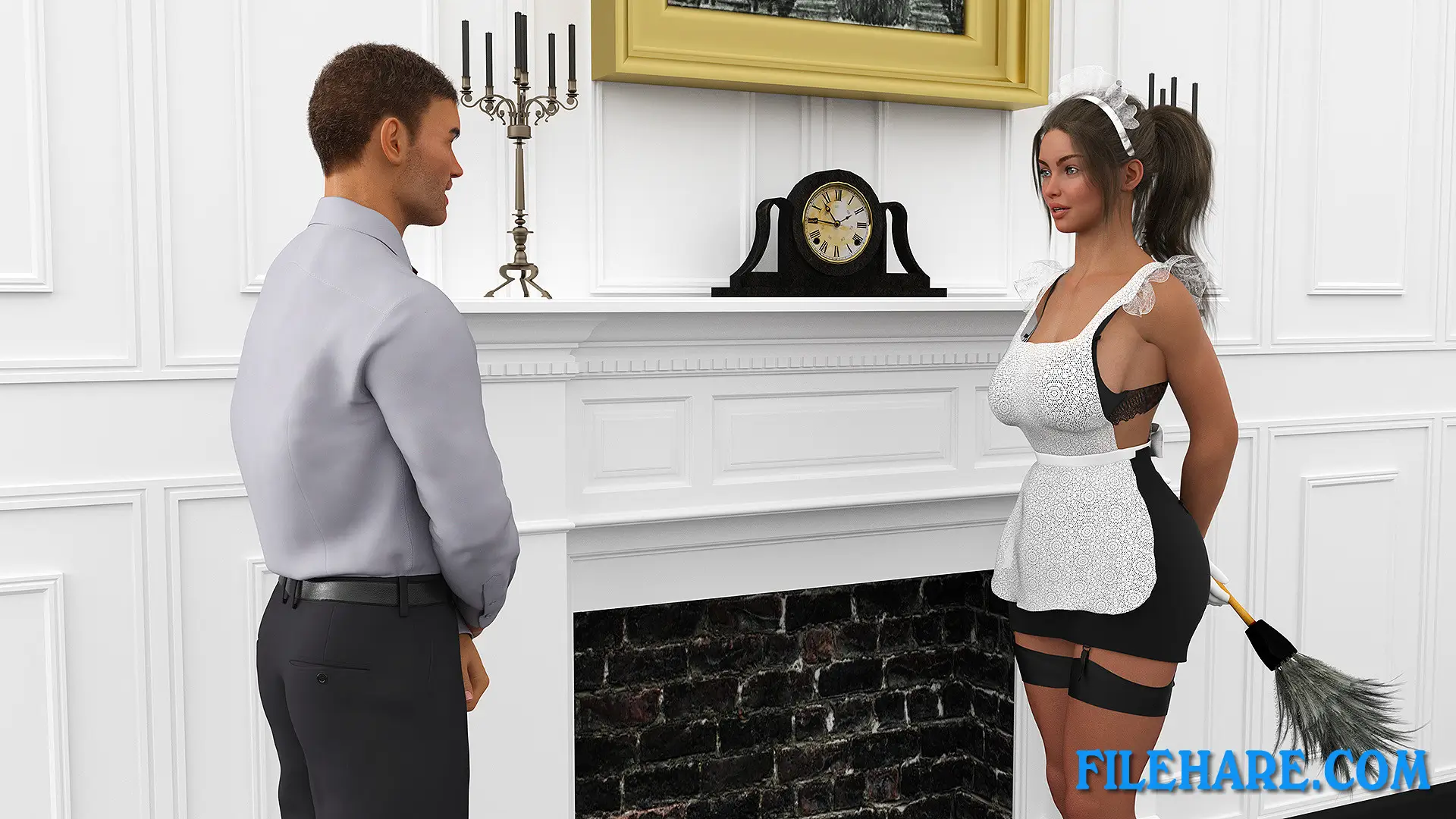
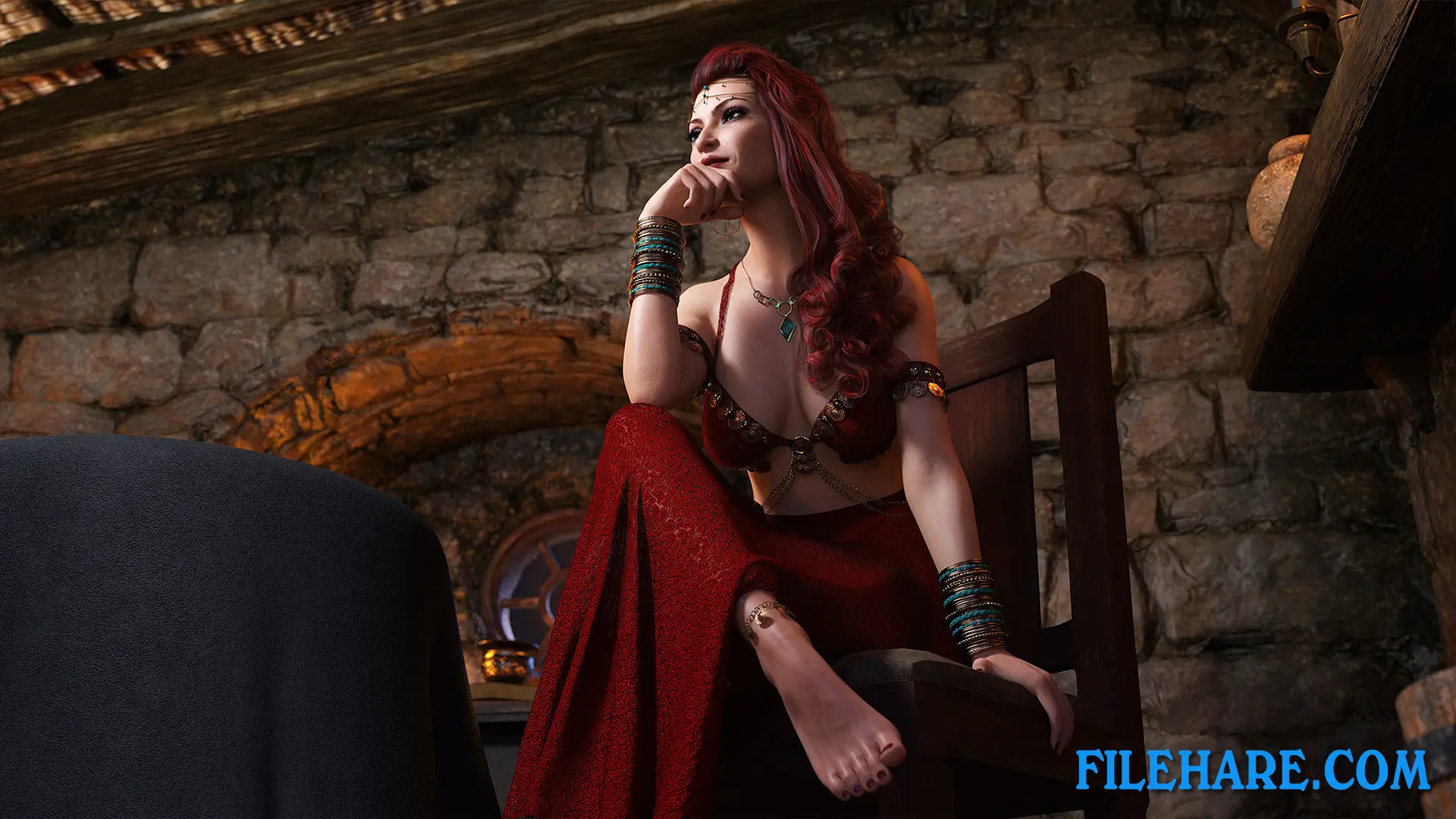
Gameplay Screenshots


| Name | Mystwood Manor |
|---|---|
| Developer | Faerin Games |
| File Size | 1.68 GB |
| Category | Adult |
| Minimum System Requirements | |
| CPU | Intel/AMD 2.0 GHz Core 2 Duo |
| RAM | 4 GB |
| Graphics | Graphics card with DX10 (shader model 4.0) capabilities |
| Free Disk Space | 2 GB |
| Operating System | Windows 10 / 11 / 7 / 8 (64-bit) |
| User Rating | |
To buy this game, visit the Store Page
How to Download and Install Mystwood Manor PC Game?
We have simple instructions for you to download and install the PC game. Before following the steps, Ensure your PC meets the minimum system requirements for Playing the game on your PC.
- First, click on the DOWNLOAD button and you will be redirected to the final Download page. Then, Download the Game on your PC.
- Once you have downloaded the Mystwood Manor PC Game, Open the folder where you saved the Game.
- Then Right-click on the Zip file and click on the "Extract files" option from the dropdown menu. If your computer does not have a Zip file extract software installed, you must first install it. (such as WinRAR, 7Zip software)
- After Extracting the Zip file, Open the Mystwood Manor PC Game folder.
- Then, double-click on the Setup.exe file to Install the Game.
- If asked, provide administrator permissions for the installation to proceed. Click Yes to continue.
- Follow the on-screen installation wizard to install the game on your PC.
- After the installation, if you get any missing ".dll" errors or the Game is not launching, open the Readme.txt file located in the game folder and follow the instructions shown in the document file to play the game.
Done!. Now, you can launch the game from your desktop.