NTR Tavern PC Game Download for Windows 10/11/7/8
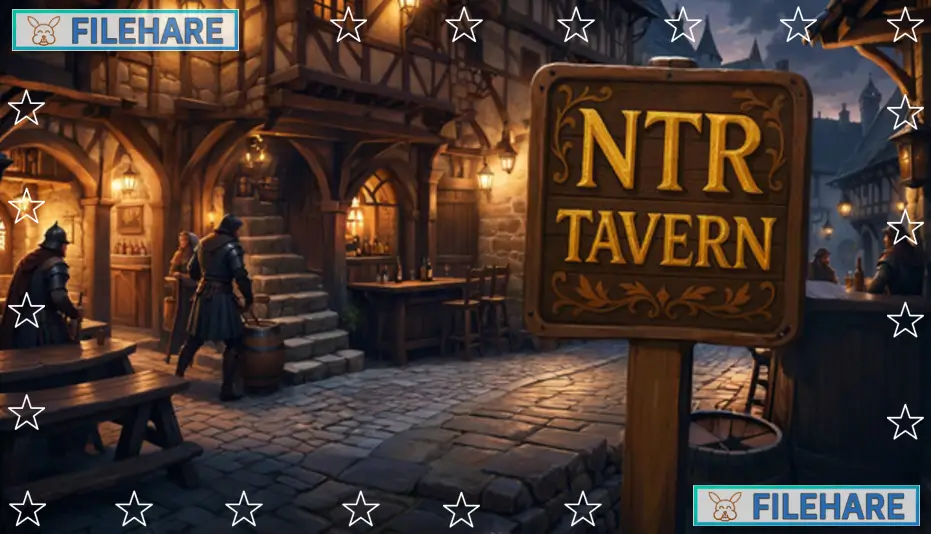
NTR Tavern is a PC game that was released on August 30, 2025. The game was both developed and published by Mr.Vinegar and is available on Steam. NTR Tavern is an adult game that focuses on serving customers and managing life in a tavern. The title is designed for players 18 and older because of its mature themes and content. The game can be played on both Windows and macOS computers and has support for the English language.
Table of Contents
NTR Tavern Story / Plot
In NTR Tavern, you play as a woman who arrives in a new town with her husband. Soon after arriving, you find yourself in serious debt and needing a way to pay it off. To deal with this problem, you take a job at a local tavern as a barmaid. The tavern is known for its rough patrons who come for drinks and company. While you serve drinks and talk to customers, tension builds between your need to earn money and your wish to stay true to your life outside the tavern. The story centers on how you cope with your situation while trying to manage work and personal life.
NTR Tavern Gameplay
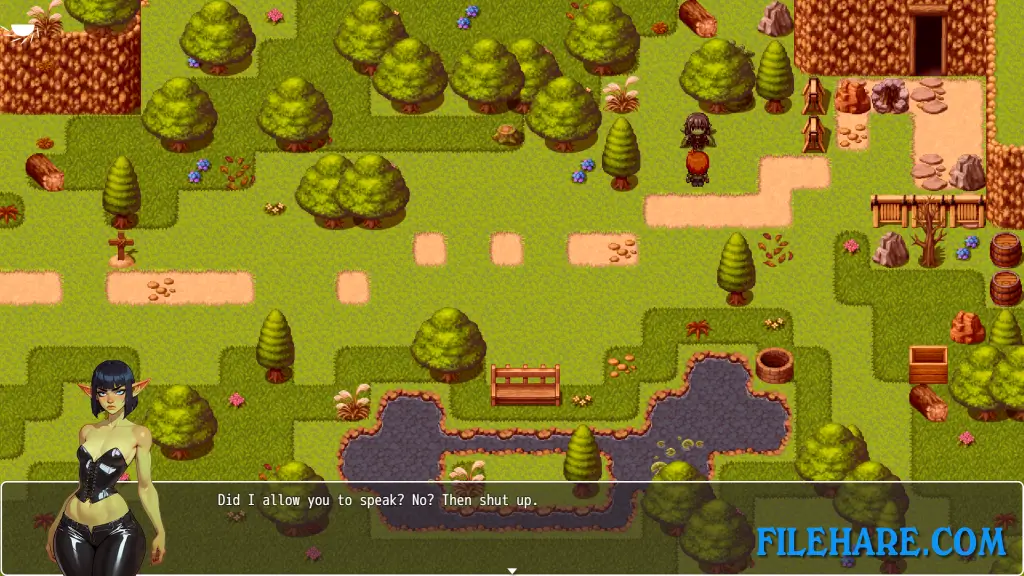
The gameplay in NTR Tavern is centered on barmaid simulation and light point-and-click interaction. The player serves drinks to patrons, takes orders, and earns tips as shifts progress. Much of the play involves interacting with customers who visit the tavern and making choices about how to serve them. The mechanics are simple and controlled mainly with the mouse. There is no combat or action gameplay. Instead, the focus stays on social interaction and earning money each day at the tavern. As time passes, the situation in the tavern and outside life puts pressure on the player to balance work and personal freedom.
NTR Tavern Features
The game includes scenes and dialogue that reflect the adult nature of its story and characters. The tavern itself has a gritty atmosphere where patrons arrive for drinks and company. You meet a range of tavern customers with varied behaviour and must manage orders while watching how they act in your space. The game supports saving progress so you can return to play later, and it runs on both major desktop platforms. The game is designed to be simple to play while focusing on its narrative moments and character interactions.
Recommended System Requirements
Requires a 64-bit processor and operating system
- OS: Windows 7/8/8.1/10
- Processor: 2+ GHz Processor
- Memory: 4 GB RAM
- Graphics: OpenGL ES 2.0 hardware driver support required for WebGL acceleration. (AMD Catalyst 10.9, nVidia 358.50)
- DirectX: Version 9.0
- Storage: 1 GB available space
Gameplay Screenshots
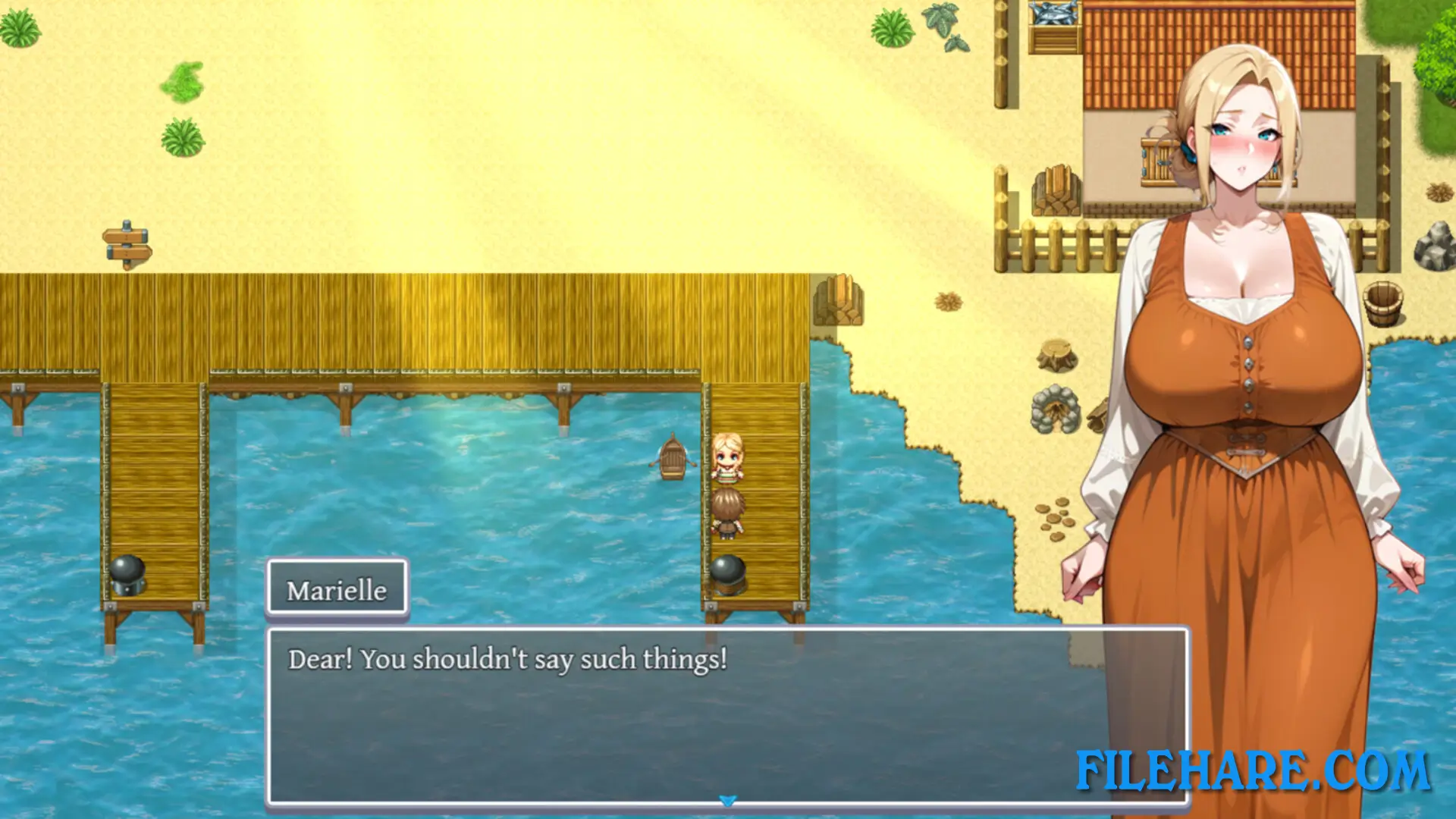
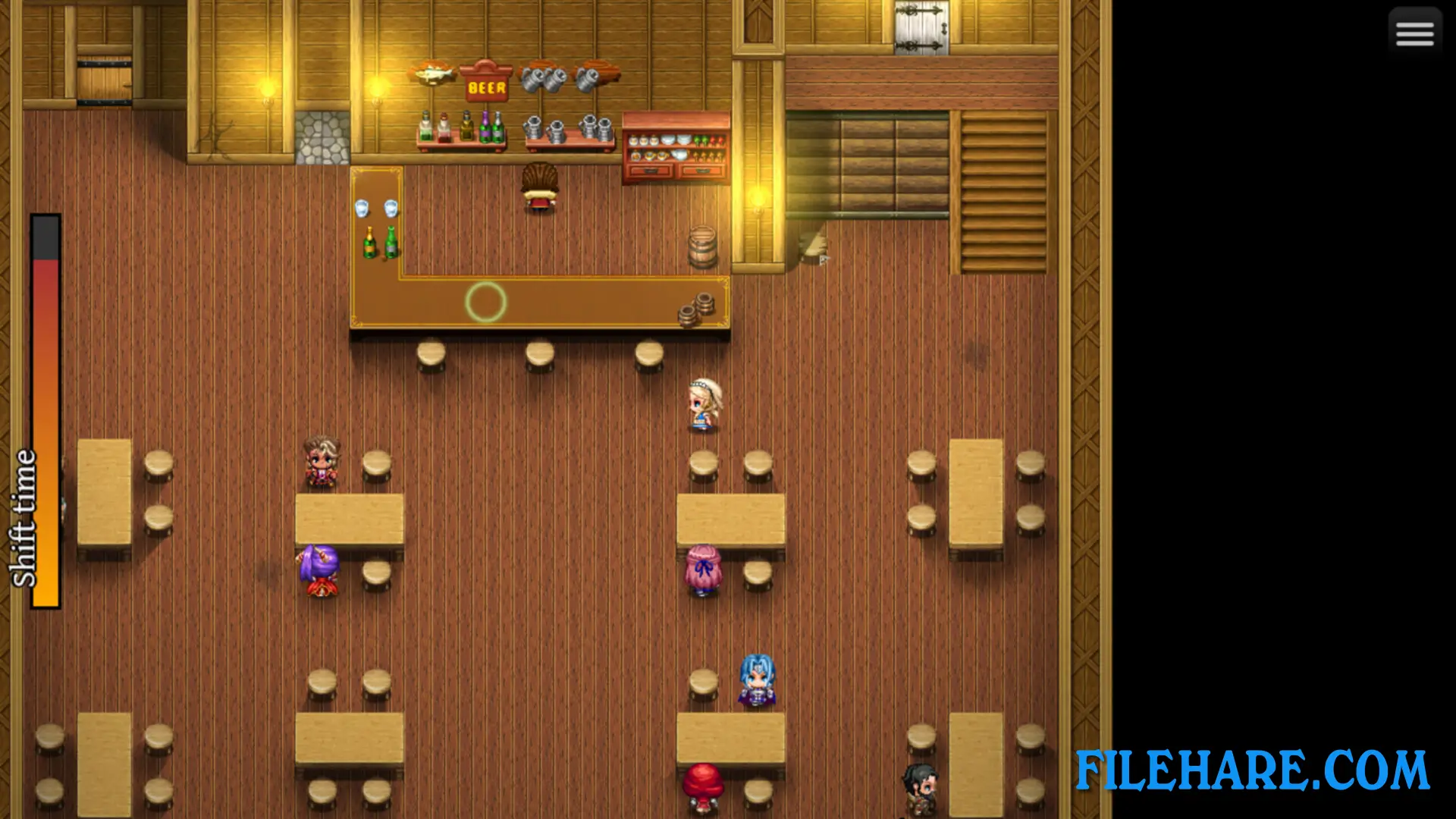
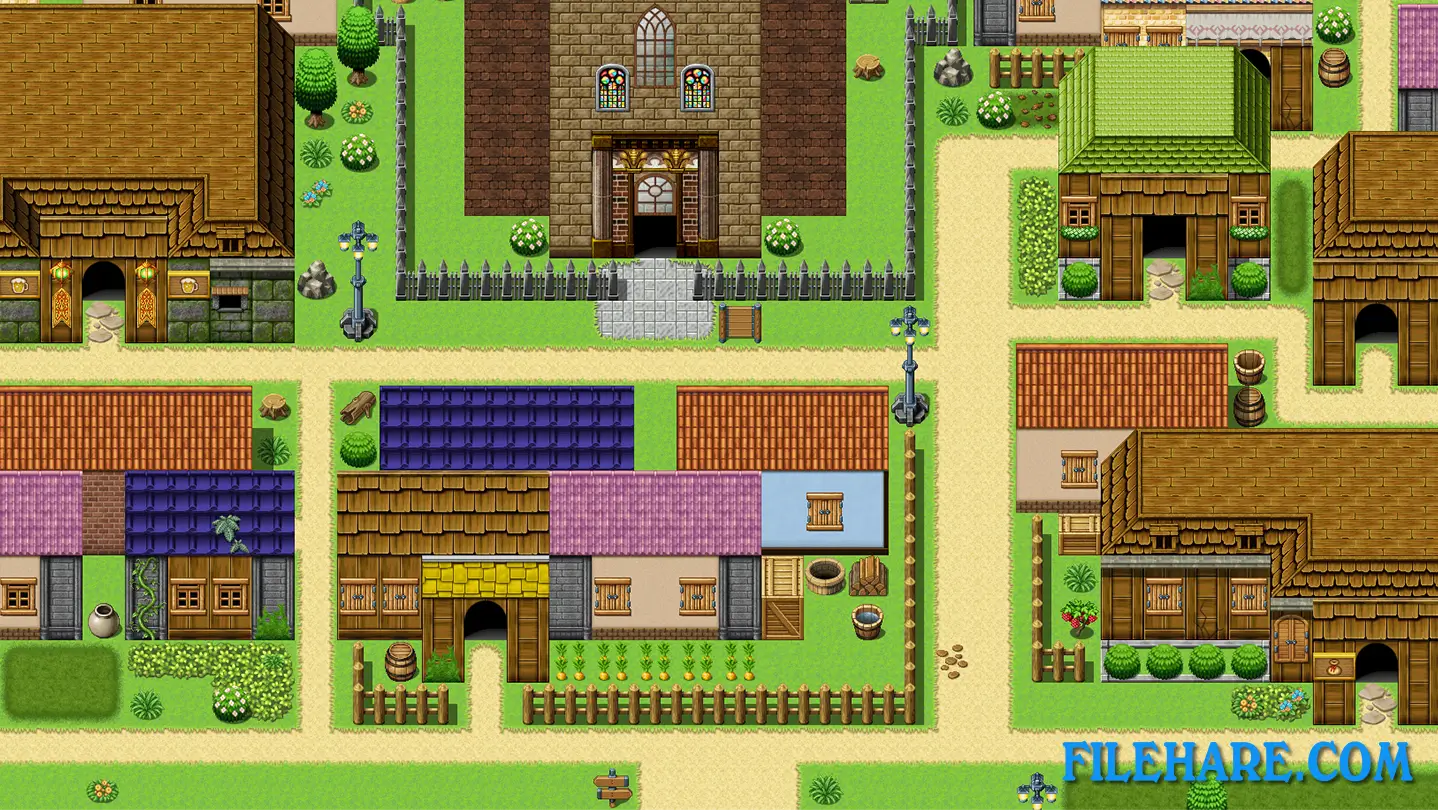
| Name | NTR Tavern |
|---|---|
| Developer | Mr.Vinegar |
| File Size | 348.48 MB |
| Category | Adult |
| Minimum System Requirements | |
| CPU | Intel Core2 Duo or better |
| RAM | 4 GB |
| Graphics | DirectX 9/OpenGL 4.1 capable GPU |
| Free Disk Space | 1 GB |
| Operating System | Windows 10 / 11 / 7 / 8 (64-bit) |
| User Rating | |
Buy this game to support the developer. Store Page
How to Download and Install NTR Tavern PC Game?
We have simple instructions for you to download and install the PC game. Before following the steps, Ensure your PC meets the minimum system requirements for Playing the game on your PC.
- First, click on the DOWNLOAD button and you will be redirected to the final Download page. Then, Download the Game on your PC.
- Once you have downloaded the NTR Tavern PC Game, Open the folder where you saved the Game.
- Then Right-click on the Zip file and click on the "Extract files" option from the dropdown menu. If your computer does not have a Zip file extract software installed, you must first install it. (such as WinRAR, 7Zip software)
- After Extracting the Zip file, Open the NTR Tavern PC Game folder.
- Then, double-click on the Setup.exe file to Install the Game.
- If asked to allow the program to make changes to your device, click Yes to continue.
- After the installation, if you get any missing ".dll" errors or the Game is not launching, open the Readme.txt file located in the game folder and follow the instructions shown in the document file to play the game.
Done!. Now, you can launch the game from your desktop.